You shot 3,000 frames on Saturday, and the couple wants an album by the end of the month. Laying out 40 spreads by hand can eat a full weekend. Automatic album design software cuts that to an hour or two by sorting your photos, balancing the pages and leaving you with edits instead of busywork. This ranking compares the leading options for 2027, from free online editors to paid desktop suites, and shows where a digital edition built with Flipbooks AI fits next to a printed album.
💡 Quick answer: If you want the fastest auto-layout for print albums, a dedicated desktop tool such as SmartAlbums or Fundy Designer wins. If budget is tight, start with a free online editor. If clients want to flip through the album on a phone, add a digital flipbook on top.
What "Automatic" Really Means in 2027
Marketing pages use the word loosely, so it helps to separate what the software actually does.
The three levels of automation
Most tools fall into one of three buckets:
- Template fill: you pick a layout and drop photos into frames yourself.
- Assisted auto-layout: the software proposes full spreads from your photo selection, and you tweak them.
- Rule-based auto-design: you set preferences (images per spread, story order, vertical and horizontal mix), then the tool builds the whole album in seconds.
The third level is what most photographers mean when they search for automatic wedding album design software. It reads timestamps, ratings and orientation, then groups the getting-ready shots, ceremony, portraits and reception into a sensible story.
What it still cannot do
No tool knows that the grandmother's hug belongs on the opening spread. Expect to spend 20 to 40 minutes after the auto-build on swaps, crops and cover-free layout polish like gutter safety for faces. Treat the automation as a first draft that happens to be 80 percent right.
A ranking is only useful if the criteria are clear. Each option below was weighed on six points.
| Criterion | Why it matters |
|---|
| Auto-layout quality | Fewer manual edits means more edits per hour |
| Print lab integration | Correct bleed, sizes and one-click ordering |
| Pricing model | Subscription, one-time license or free |
| Client proofing | Can couples comment or approve online? |
| Platform | Desktop, browser or both |
| Learning curve | Hours before you build a real album |
Pricing figures in this article are rough ranges based on what vendors have published recently. Plans change often, so confirm on each vendor's site before you commit.
The Best Options Ranked
1. SmartAlbums: fastest auto-design
SmartAlbums is built around speed. You import a folder, set a few rules, and it produces a full album draft with sensible grouping. Many studios use it because the layouts feel designed rather than randomly packed. It runs as a desktop app and ties into proofing so couples can review online.
- Best for: high-volume studios that deliver many albums per month
- Watch out for: a recurring subscription, so cost scales with how long you stay
2. Fundy Designer: best all-round studio tool
Fundy Designer combines album design with other studio tasks such as cards and slideshows, and its auto-design engine lets you save your own style as a reusable preset. That personalization is the real advantage: after a few albums, the draft already looks like your work.
- Best for: photographers who want one tool for albums, cards and marketing pieces
- Watch out for: a wider feature set means more menus to learn
3. Pic-Time: best for gallery plus sales
Pic-Time is primarily a client gallery and print store platform, and its album designer is included in the workflow. Clients browse photos, and you can propose an album inside the same system. It has a free tier funded by print sales, which makes it appealing when you are starting out.
- Best for: photographers who already deliver galleries online
- Watch out for: the album tools are lighter than dedicated desktop software
4. ProSelect: best one-time purchase
ProSelect has long served studios that prefer owning software outright. It handles album layout, in-person sales sessions and order management. The interface looks dated beside newer tools, but the workflow is reliable.
- Best for: studios that do in-person ordering sessions
- Watch out for: auto-layout is less polished than the specialists
5. Canva: best free starting point
Canva has a generous free plan and thousands of photo book style layouts. It is not an auto-layout engine, so you place photos yourself, and it does not know print lab bleed specs. It still works for small projects, digital-only albums and mock-ups.
- Best for: couples making a DIY album, or beginners testing a concept
- Watch out for: exports need manual checks before sending to a lab
6. Adobe InDesign: best for total control
InDesign has no real auto-design for albums, but templates and scripts let you build near-anything. Designers who want custom typography and complex spreads still pick it.
- Best for: designers building bespoke albums
- Watch out for: the steepest ramp-up time of the group
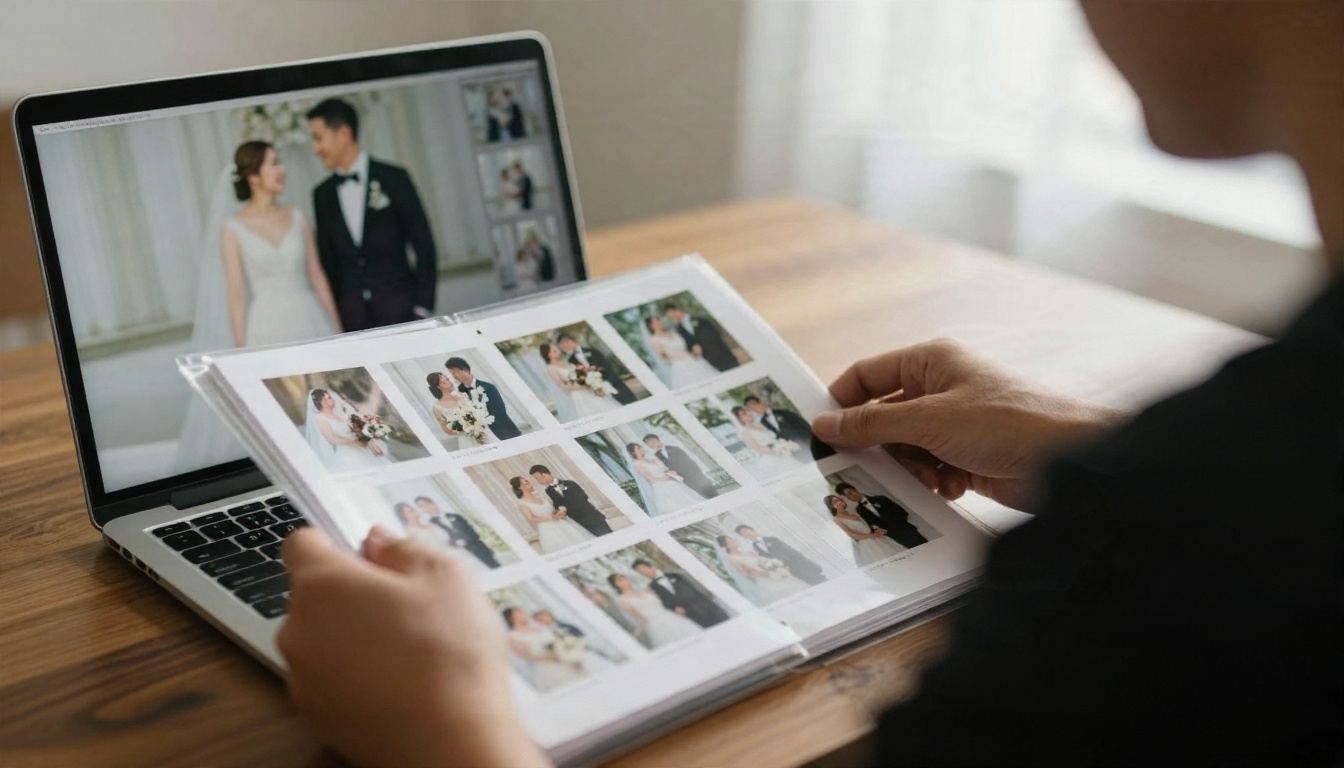
Side-by-Side Comparison
| Software | Platform | Auto-layout | Free option | Typical cost range | Best use |
|---|
| SmartAlbums | Desktop | Excellent | Trial only | Monthly or yearly plan | High-volume studios |
| Fundy Designer | Desktop | Very good | Trial only | Subscription tiers | Studio all-in-one |
| Pic-Time | Browser | Good | Yes (print-sales funded) | Free to paid tiers | Gallery plus sales |
| ProSelect | Desktop | Moderate | Trial only | One-time license | In-person sales |
| Canva | Browser | None | Yes | Free to low monthly | DIY and mock-ups |
| InDesign | Desktop | Manual | Trial only | Monthly subscription | Custom design |
| Flipbooks AI | Browser | Digital edition | Yes | See pricing | Shareable online album |
⚠️ Heads up: "Free" often means a trial, a watermark or a commission on print orders. Read the terms before you promise a client a free tool.
Free Options Worth Using
You do not need to spend money to produce a good album, but each free route has a catch.
Free plans that work
- Pic-Time free tier: no monthly fee, income comes from print sales.
- Canva free plan: enough for layouts, with limited premium assets.
- Lab-provided designers: many print labs offer their own web-based album builder at no charge when you order.
- Free trials: most desktop suites give 14 to 30 days, which is plenty to build one real album.
The hidden cost of free
Time is the real invoice. A manual layout in a free editor can take four to six hours per album, while auto-design with a paid tool may take one to two. If you deliver ten albums a year, a subscription pays for itself by saving a weekend each time. If you deliver two, free tools are perfectly rational.
Real Pricing Compared
Here is a simple way to think about cost per album, using hypothetical numbers for illustration.
| Scenario | Albums per year | Tool type | Hours per album | Total hours |
|---|
| Hobbyist | 2 | Free editor | 5 | 10 |
| Part-time pro | 10 | Paid auto-design | 1.5 | 15 |
| Same pro | 10 | Free editor | 5 | 50 |
| Busy studio | 40 | Paid auto-design | 1.5 | 60 |
The part-time pro saves 35 hours a year by paying for software. At even a modest hourly rate, the subscription is the cheaper option.
💡 Pro tip: Charge for album design as a separate line item. Clients accept it easily, and it makes your tool cost irrelevant.
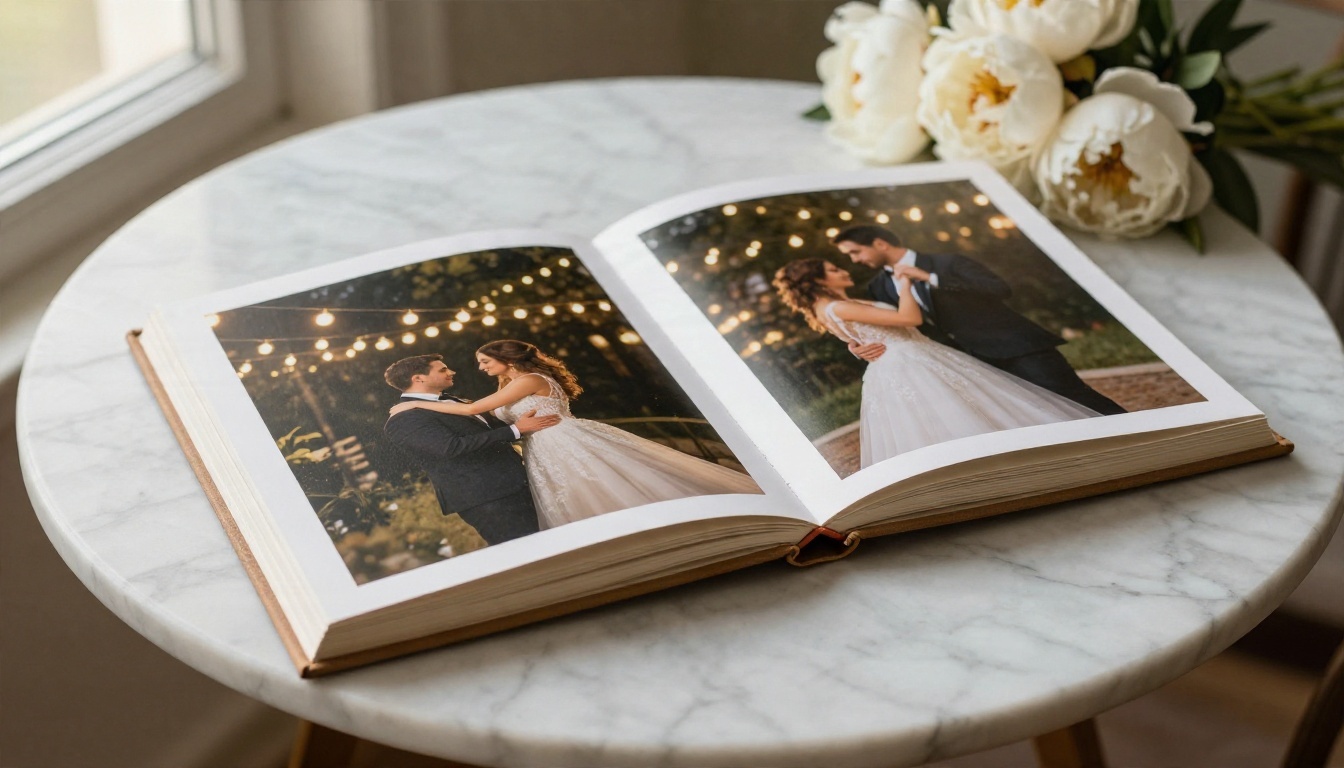
When online wins
Browser-based tools need no installation, work on any laptop and make client sharing simple. They suit photographers who travel, share a machine with an assistant, or want approvals without sending large files.
When desktop wins
Desktop software handles huge image libraries smoothly and works offline. For a 600-image selection, a local app usually feels faster than a browser tab.
| Factor | Online tools | Desktop software |
|---|
| Installation | None | Required |
| Large libraries | Can slow down | Handles well |
| Offline work | Limited | Full |
| Client sharing | Built in | Often add-on |
| Updates | Automatic | Manual or scheduled |
Add a Digital Edition for Clients
A printed album takes weeks to arrive. Couples usually want to see something right away, and relatives overseas will never hold the printed copy. A digital flipbook closes that gap, and it can also serve as your proofing preview.
Why couples love it
- Page-turning animation feels like the real album.
- It opens on phones, tablets and laptops.
- A private link can be sent to parents and friends.
- It works as a portfolio piece you can show future clients.
Photographers can build one with the Wedding Album Flipbook tool, which turns exported album pages into an interactive book.

How to Create a Wedding Album with Flipbooks AI
This workflow assumes you already finished the layout in your album software and exported it as a PDF.
- Sign up. Create an account on Flipbooks AI. You can try it before choosing a plan.
- Export your spreads. From your album tool, export a high-quality PDF with one page per side, or one spread per page.
- Upload the PDF. Open the PDF to Flipbook Converter and drop in your file. Conversion takes a short moment, even for large albums.
- Customize the look. Add your studio branding, pick background colors, choose a page-turn effect and set the sound of a flip if you like. You can also embed music from the ceremony or a short clip of the first dance.
- Preview on mobile. The design is mobile-responsive, so check the album on a phone before sending it.
- Share it. Copy the direct link, or use the embed option to place the album on your portfolio site.
- Protect it. Turn on password protection so only the couple and guests with the code can open it.
✅ Best practice: Include your studio logo and contact details on the last page. Every guest who views the album becomes a possible referral.
Pro features for studios
On the Professional plan, you get analytics showing who opened the album and how long they stayed, lead generation forms for guests who want your contact, and offline downloads. These features turn a gift for the couple into a quiet marketing channel. See the pricing page for plan details. No watermarks appear on your flipbooks, and unlimited flipbooks come with the Standard plan and above.
A Realistic Workflow, Start to Finish
Here is how a photographer might combine these tools without overspending.
| Step | Task | Suggested tool | Time |
|---|
| 1 | Cull and rate photos | Your editing app | 60 min |
| 2 | Auto-build the draft | SmartAlbums or Fundy | 10 min |
| 3 | Manual polish | Same tool | 30 min |
| 4 | Client proof | Gallery or flipbook link | 5 min |
| 5 | Revisions | Same tool | 20 min |
| 6 | Print order | Lab integration | 10 min |
| 7 | Digital edition | Flipbooks AI | 10 min |
The whole process takes around two and a half hours of active work. Compare that to a manual workflow, where step 2 and 3 alone can run into a full day.
Three mistakes to avoid
- Sending too many images to auto-design. Select around 60 to 80 percent of what you plan to use. The algorithm needs a curated set.
- Ignoring faces in the gutter. The center fold swallows part of the image, so check every spread with people near the middle.
- Skipping the proof. Always show a digital version before printing. A typo on a name page costs more than any software.
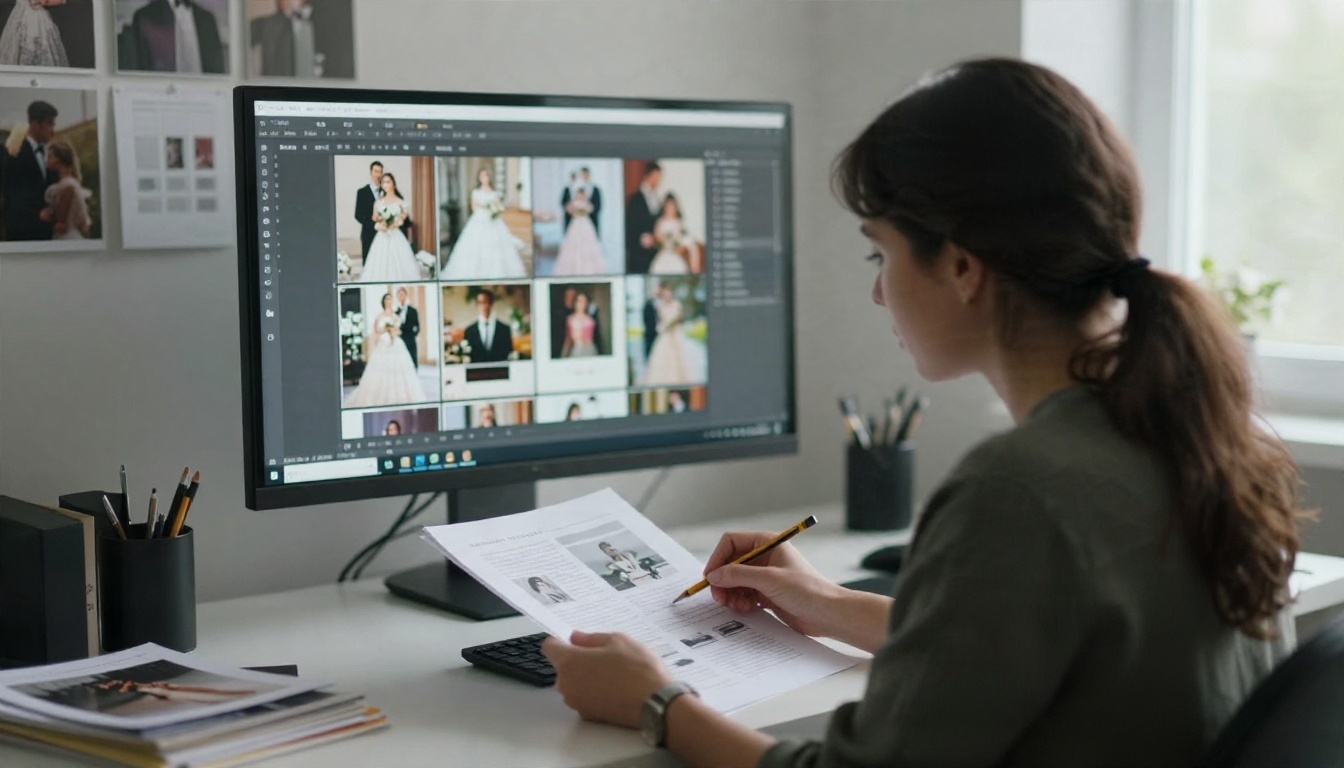
Use this short decision list:
- Shooting more than 15 weddings a year? Choose a dedicated auto-design tool like SmartAlbums or Fundy Designer.
- Already running galleries online? Try Pic-Time first, since the album tool lives in the same account.
- Prefer owning your software? ProSelect's one-time license may fit.
- Brand new and watching every dollar? Use Canva or a lab's free designer, then add a flipbook for sharing.
- Designing something unusual? InDesign gives you the most freedom.
Photographers who also sell portfolios can pair their albums with a Photography Portfolio flipbook, which keeps sample work looking as polished as client deliveries.
Ready to Share Your Next Album?
Picking the right software comes down to volume, budget and how clients want to view their photos. Pair a fast auto-layout tool for printing with a digital edition for instant sharing, and every wedding gets a beautiful result with less late-night work.
Get started for free on Flipbooks AI, browse all flipbook tools, or compare pricing plans to find the right fit for your studio.



