Every new parent hits the same wall around week six: 1,400 photos of one very small person, scattered across a camera roll, three chat threads and a cloud folder nobody can find. A good baby book app fixes that by turning the chaos into a story you can actually flip through. If you want the short version, build a private page-turning book from your own PDF with Flipbooks AI, or keep reading to compare every realistic option first.
This article looks at what a baby book app should do, which free options are worth your time, how online memory books compare with printed albums, and how to share everything with grandparents without handing your child's photos to the whole internet.
What Makes a Baby Book App Good
Search for baby book apps and you will find hundreds of them. Most look alike in the app store screenshots. The real differences show up three months later, when you are tired, the baby has a fever, and you still want to log the first laugh.
The Core Checklist
A baby book app earns its place on your home screen if it handles these things well:
- Fast capture. You should be able to add a photo and a one-line note in under 20 seconds, one-handed.
- Date handling. Milestones should sort by the baby's age, not only by the upload date.
- Export. You must be able to get your photos and text out as a PDF or a folder, not just view them inside the app.
- Sharing controls. You choose who sees what, and you can revoke access.
- No watermarks. A stamp across your baby's first smile is a dealbreaker for most families.
- Longevity. The book should still open in ten years, even if the company changes.
💡 Pro tip: Before you commit to any app, test the export. Add five photos, export them, and check the quality. If the export is blurry or locked behind a paywall, you now know where the app really stands.
Privacy Comes First
Baby photos are personal. Check whether the app lets you keep the book private by default, whether links can be password protected, and whether the company says it trains models or sells data on your uploads. A free app that is vague about this is not free.
⚠️ Warning: Avoid posting full birth dates, hospital names or location tags in public albums. Keep those details inside a private, password protected book.
Free Options Worth Trying
Free is tempting, and for a baby book it can work well. The trick is knowing what each free tier is built to do, because every free plan hides a trade-off somewhere.

Types of Baby Book Apps Compared
Instead of ranking brand names that change their plans every few months, it is more useful to rank the types of apps you will run into. Check the current limits on each product before you pay or upload anything.
| App type | Best for | Typical free limit | Main weakness |
|---|
| Private family photo feed | Daily updates to relatives | Limited storage or fewer invited viewers | Feels like a feed, not a book |
| Guided milestone journal | New parents who want prompts | Basic prompts, few pages | Printing and export often paid |
| Print-first photo book app | Gift albums for grandparents | Free design tool, paid printing | Nothing to view online afterwards |
| Cloud photo albums | Storing everything cheaply | Fixed storage allowance | No story, no layout |
| Online flipbook maker | A polished shareable book | Free account to start | You supply or design the pages |
What Free Plans Usually Limit
Here are the limits you will meet most often, so nothing surprises you in month five:
- Storage caps. Video is the first thing to fill a free quota.
- Page or entry caps. Some apps let you write 20 entries, then ask for a subscription.
- Export fees. You can add memories for free but pay to take them out.
- Ads or watermarks. Fine on a throwaway project, not on a keepsake.
- Viewer limits. Only a few relatives can be invited.
A Free Route That Costs Nothing but an Hour
If you are comfortable with a little setup, you can build your own system for free. Write entries in any document editor, place photos next to the text, export a PDF, and convert it into a page-turning book with the PDF to Flipbook Converter. You own the files, you choose the layout, and nothing depends on one app staying in business.
Online Memory Books vs Printed Albums
This is the question behind most baby book searches. Do you want something on a shelf, something on a screen, or both?
Where Print Wins
A printed book has a smell, a weight and a shelf life that a screen cannot copy. It never needs a password. Your child will flip through it at eight years old, and it will not need a software update. For a first birthday gift to grandparents, print is hard to beat.
Where Online Wins
An online memory book updates the moment you add a page. It reaches the grandparent who lives in another country the same day. It costs nothing to duplicate, so you can keep a private family edition and a trimmed version for friends. It can also hold video and audio, like a recording of the first babble, which paper cannot.
| Feature | Printed album | Online memory book |
|---|
| Upfront cost | Printing and shipping | Free to low |
| Updating | Reprint needed | Instant |
| Reach | One copy, one place | Anyone with the link |
| Video and audio | No | Yes |
| Lasts without power | Yes | No (keep a PDF backup) |
| Privacy control | Physical | Password and link settings |
✅ Best practice: Use both. Keep the online book as the living draft, then print the best version each year. Your PDF is the master copy for both.
Sharing With Family Without Stress
Sharing is where most baby apps either shine or fail. The goal is simple: grandma opens a link on her old tablet, and it works.
Use Private Links, Not Public Pages
A link you send by message is more private than a public profile, but anyone holding that link can forward it. Adding a password solves this. Send the link in one message and the password in another, and you have a private book that behaves like a shared family photo album.
Make It Easy for Grandparents
Think about the least technical person in your family. They will not install an app, create an account or remember a login. A browser link that opens a book with large, flippable pages is the best format for them. Mobile-responsive pages matter here, because many grandparents read on a phone or small tablet.
Give Each Branch of the Family a Version
You may want one version for parents and grandparents with everything in it, and a shorter one for friends and coworkers with just the cute highlights. With a flipbook you can publish two books from the same PDF in a few minutes.
Build a Baby Memory Book Step by Step
If you want a book that looks polished and opens anywhere, a flipbook is the simplest route. Here is how to create a baby memory book with Flipbooks AI, using nothing but a PDF.
Step 1: Prepare Your Pages
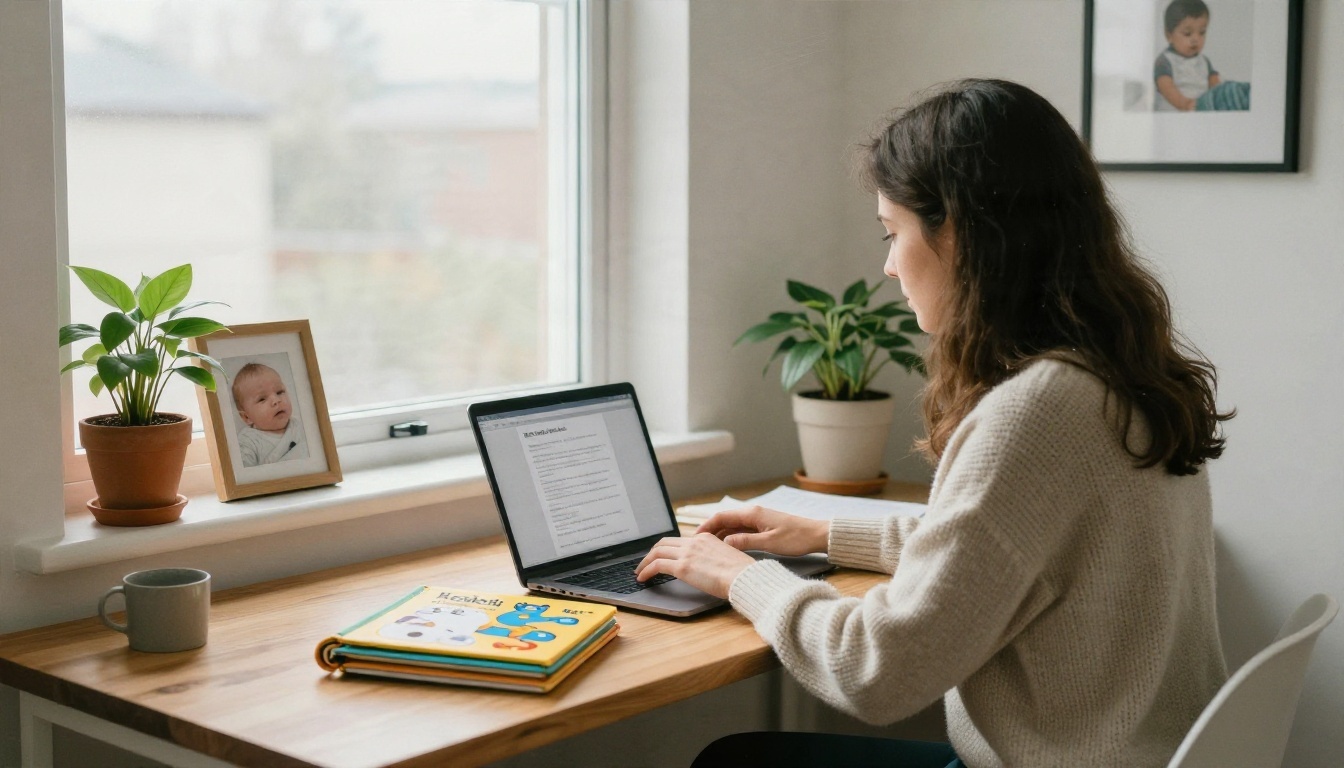
Lay out the book in any tool you already use, such as a slide deck, a document editor or a free design app. Aim for one milestone per page, a large photo, and two or three lines of text. Export the result as a PDF. A good first-year book lands between 20 and 40 pages.
Step 2: Upload and Convert
Create a free account, choose the upload option and drop in your PDF. The platform converts each page into a smooth page-turning flipbook in moments. If you want a starting point built for photo-heavy projects, try the Wedding Album Flipbook tool, which suits any photo-led book, or the Photography Portfolio tool for a cleaner gallery look.
Step 3: Customize the Look
Next, make it yours:
- Pick a background color that matches the nursery, such as sage green or warm cream.
- Add your own branding or title such as the baby's name, instead of generic text.
- Choose the page turn effect and sound.
- Embed video and audio clips, such as a first giggle or a lullaby.
Step 4: Share and Protect
Turn on password protection so only invited relatives can read it. Then pick how to share:
- Direct link for messages and email.
- Embed code to place the book on a private family blog with the Embed Flipbook on Website tool.
- Offline download for relatives with weak internet.
Step 5: Pro Features Worth a Look
The Professional plan adds viewer analytics and lead capture. For a family book, analytics can tell you whether the grandparents actually opened the latest version. Lead capture is more useful for photographers who build baby albums for clients.
| Feature | Why it matters for a baby book |
|---|
| No watermarks | Your photos stay clean |
| Unlimited flipbooks (Standard and above) | One book per year, or per branch of the family |
| Password protection | Only chosen relatives can view |
| Embedded video and audio | First sounds and moves in one place |
| Mobile-responsive design | Works on any grandparent's phone |
| Offline downloads | Share with relatives who travel |
💡 Pro tip: Name each file with the year and the baby's age, like "Baby Book Year 1". A tidy naming system saves you from hunting through drafts at midnight.
Milestone Ideas for the First Year
Many parents stall because they are not sure what to include. Use this table as a ready-made page plan and fill it in as the months go by.
A Month by Month Page Plan
| Age | Page idea | Detail to write down |
|---|
| Birth | Hospital photo and bracelet | Time, weight, who was in the room |
| 1 month | Hands and feet close-up | A short letter to the baby |
| 3 months | First real smile | What made it happen |
| 6 months | First solid food | The face, naturally |
| 9 months | Crawling or sitting | Favorite toy |
| 12 months | First birthday | Letter from each parent |
Small Details That Make Pages Memorable
- A monthly photo in the same spot, with the same blanket, shows growth better than any chart.
- Write what the baby sounds like: nicknames, babble, the first word.
- Add a voice note from the grandparents and embed it in the page.
- Include a hand or foot outline photo with a ruler for scale.
Real Examples From Everyday Families
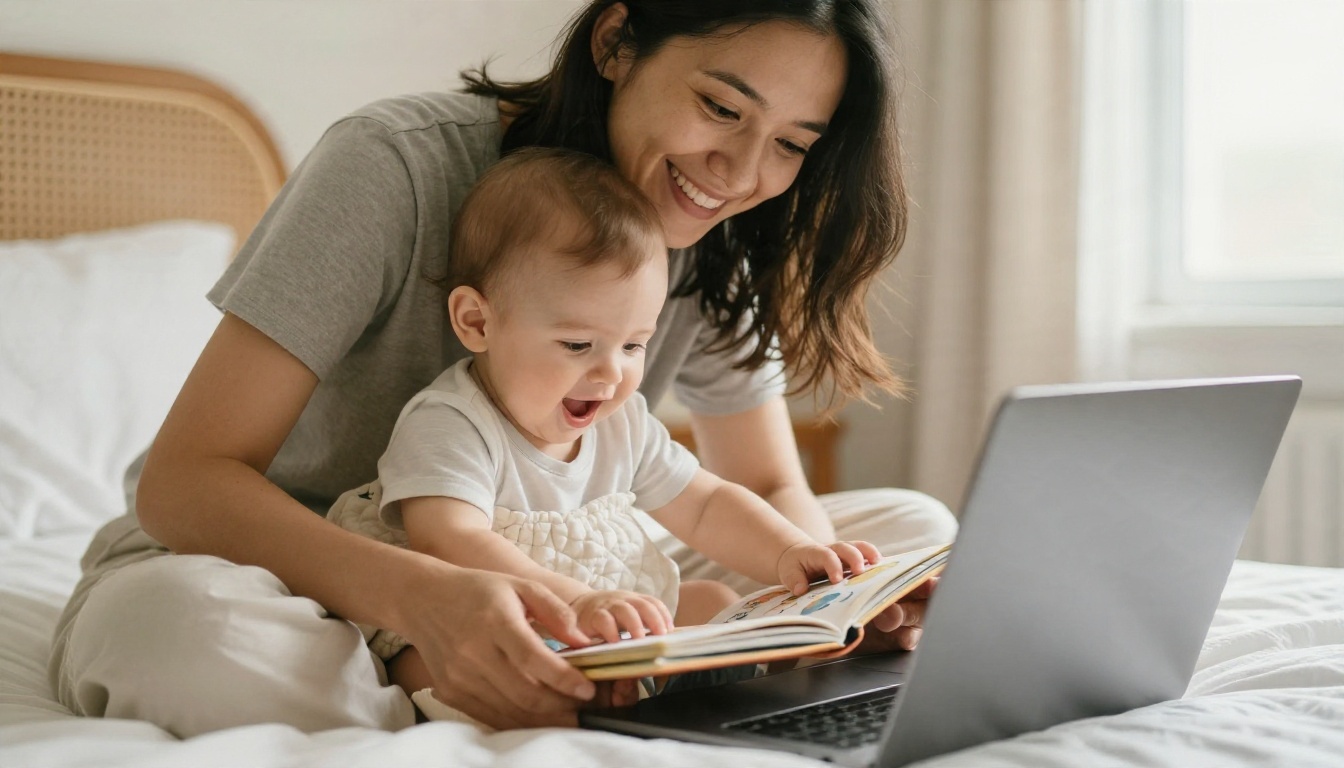
A first-time mom keeps one phone album titled "Book" and drops her five favorite shots in it every Sunday. At month three she exports them into a document, adds captions and publishes a flipbook for her parents. A dad on a work trip uses a shared link to read the latest pages on his phone before bed. A grandmother abroad opens the same book on a tablet, with large text and no login.
Common Mistakes to Avoid
Parents tend to trip over the same few things. Skip these and your book will survive the first year.
Waiting Until Everything Is Perfect
The best baby book is the one that exists. Start with ten pages. Add more when you can. A rough draft of the first six months beats a perfect plan you never begin.
Trusting One App With Everything
Apps close, change plans and drop features. Keep an original folder of full-resolution photos and a PDF of the book. Treat the app as the viewing layer, not the only copy.
Oversharing Publicly
Public links get shared further than you expect. For anything beyond a few close relatives, use a password or an invite-only setting.
Skipping the Words
Photos fade in meaning without context. A single line about why a moment mattered will be worth more to your child than another twenty pictures.
Choosing Based on Looks Alone
Pretty templates are nice, but check export, privacy and sharing before you fall in love with a design.
Pick Your Setup Today
Here is a simple way to decide, based on how much time you have.
| Your situation | Best route |
|---|
| Almost no time | Private photo feed for daily sharing, plus a yearly flipbook |
| A bit of time each week | Guided journal for prompts, exported to PDF |
| Want a polished keepsake | Design a PDF, convert it to a flipbook, print the best copy |
| Sharing mainly with grandparents | Password protected flipbook link |
The strongest setup is boring and reliable: capture on your phone, write short notes, export to PDF once a month, and publish the book online. Everything else is a bonus.
Ready to start? Create your first flipbook for free on Flipbooks AI, browse the full list of flipbook tools for photo-led projects, or compare pricing plans when you want unlimited books and viewer analytics. Your future self, and your child, will thank you for the pages you made now.



