Your phone holds thousands of photos, and almost none of them will ever be looked at again. That is the real problem digital album design software solves: it turns a chaotic camera roll into something with a beginning, a middle and an end. In this ranking you will find the best apps for 2027, the free options that actually deliver, honest pricing ranges, and layout examples you can copy today. We also show how to turn any album into a shareable page-turning flipbook with Flipbooks AI, which is the fastest route from a folder of images to a link your family can open on any device.
💡 Quick answer: For free, casual albums, start with Canva or Google Photos. For professional client albums, look at dedicated photographer tools. For a polished, shareable, page-flip experience without watermarks, use a flipbook builder.
What Digital Album Software Actually Does
Before comparing brands, it helps to know what you are shopping for. "Album software" is a loose label, and the wrong category wastes weekends.

Three Kinds of Tools
Most products fall into one of three groups:
- Layout designers: Drag and drop editors with templates, frames and text. Canva and Adobe Express live here.
- Print-first photo book makers: You design in the app, then order a physical book. Shutterfly, Mixbook and Snapfish are the usual names.
- Digital-first publishers: You design once and publish a flipbook, PDF or web gallery. This is where Flipbooks AI and proofing platforms for photographers sit.
Many people need two of these. A wedding couple might order a printed book and also share a digital version with relatives overseas.
Who Needs What
| Your goal | Best category | Why |
|---|
| Family memory book | Print-first or flipbook | Heirloom quality plus easy sharing |
| Client wedding album | Photographer proofing tools | Approvals, revisions, print orders |
| Travel journal | Layout designer plus flipbook | Flexible layouts, link to share |
| School or club project | Free layout designer | Zero cost, quick turnaround |
| Gift for relatives | Flipbook with password | Private, works on every phone |
Best Digital Album Apps Ranked
Here is how the main contenders stack up. Scores reflect ease of use, design flexibility, sharing options and value, based on typical 2026 feature sets that we expect to carry into 2027.
Top Picks at a Glance
| Rank | Tool | Best for | Free plan | Sharing format |
|---|
| 1 | Flipbooks AI | Shareable page-turn albums | Yes, see pricing | Link, embed, offline file |
| 2 | Canva | Fast, template-led design | Yes | PDF, link, print |
| 3 | Adobe Express | Brand-consistent layouts | Yes, limited | PDF, link |
| 4 | Mixbook | Printed photo books | Free to design | Physical book, link |
| 5 | Shutterfly | Gifts and print bundles | Free to design | Physical book |
| 6 | Google Photos | Zero-effort memory albums | Yes, storage limited | Shared link |
| 7 | Adobe InDesign | Total layout control | No (trial only) | PDF, print |
⚠️ Features and prices change often. Always confirm current plans on each vendor's site before paying, especially around seasonal sales.
Best for Families
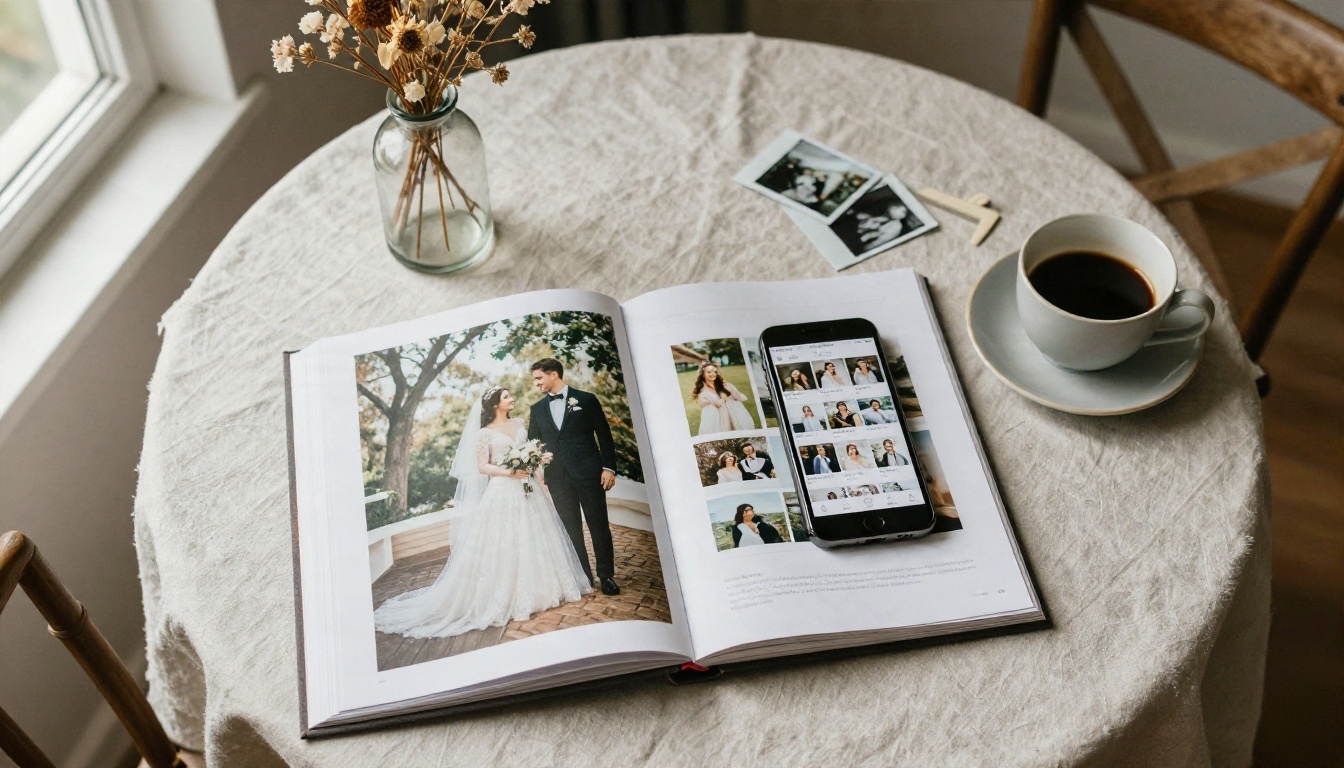
Families need speed more than pixel perfection. Canva wins on templates: you pick a scrapbook style, drop in photos and finish in an evening. Google Photos is the lowest-effort option because it builds suggested albums automatically, though the design control is thin.
If relatives live in different countries, convert the finished PDF into a flipbook so everyone gets the same page-turning experience. The PDF to Flipbook Converter does this in a couple of minutes.
Best for Photographers
Professional album designers care about spreads, bleed lines and client approvals. Dedicated tools built around album proofing let a client comment page by page, then export print-ready files for the lab. Adobe InDesign remains the choice for people who want absolute control and accept the longer ramp-up time.
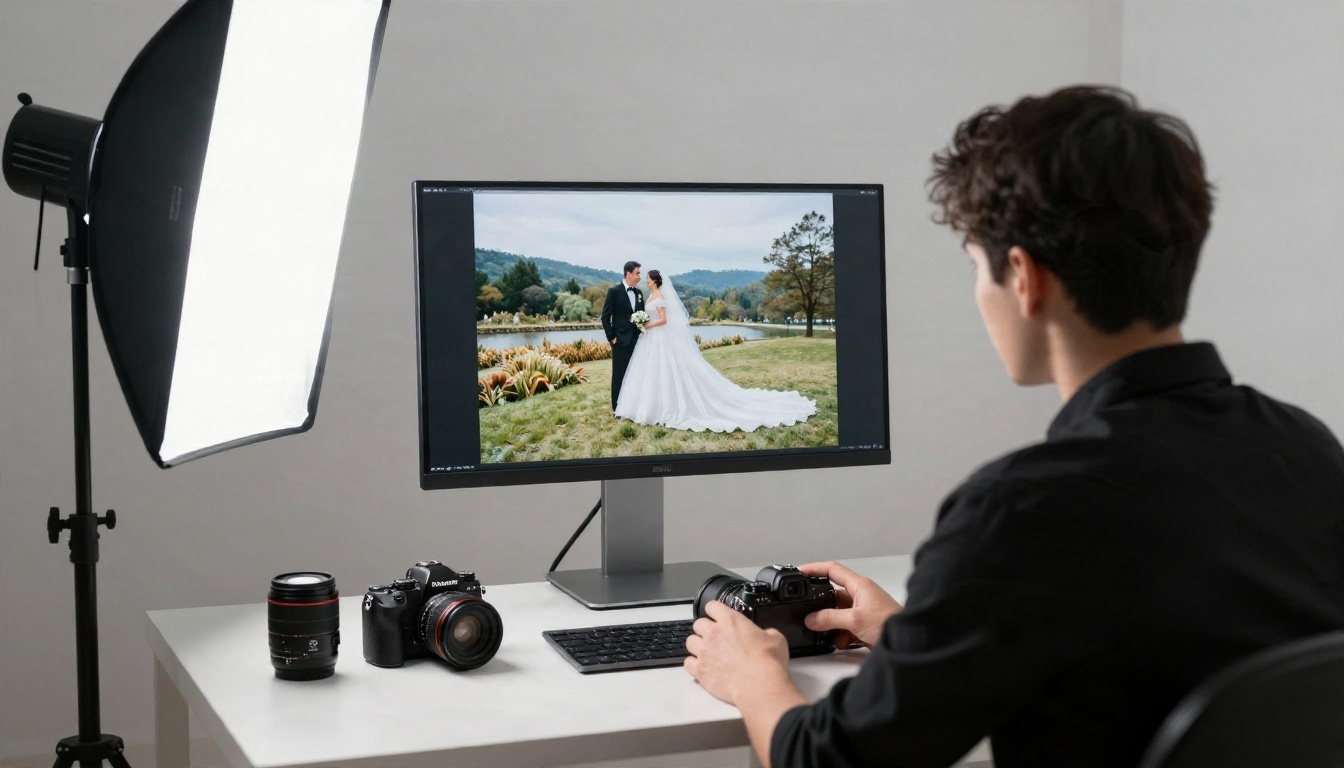
For presenting finished work, a Photography Portfolio flipbook or a Wedding Album Flipbook gives couples a link they can open in seconds, with no software to install.
Best for Sharing Online
Print-first sites are built to sell you a book, so their digital sharing is often basic. A flipbook platform flips that priority. You get realistic page turns, mobile responsive pages, embedded video and audio, and no watermarks. That matters if you are sending an album to a client or hanging it on your own website with the Embed Flipbook on Website tool.
Free Options Worth Using
You can build a very good album without paying anything. You just need to know where the limits sit.
What Free Plans Include
| Tool | What you get for free | Typical limit |
|---|
| Canva Free | Thousands of templates, drag and drop editing | Premium assets and resizing locked |
| Google Photos | Auto albums, shared links, simple collages | No page layout control |
| Adobe Express Free | Templates, basic brand kit | Fewer premium fonts and assets |
| Mixbook | Full design editor | You pay when you print |
| Flipbooks AI | Start building flipbooks from PDFs | Upgrade for more flipbooks and pro features |
Where Free Falls Short
Three limits show up again and again:
- Watermarks or badges on exported files or shared pages.
- Resolution caps that look soft when printed at larger sizes.
- Sharing restrictions such as no password protection, no embedding and no offline copy.
✅ Best practice: Design in a free editor like Canva, export a high quality PDF, then publish it as a flipbook. You keep the free design workflow and gain a clean, watermark-free sharing layer.
The Real Cost of Album Software
Pricing in this category is confusing because there are three separate costs: the software, the printing, and the shipping. Here are typical ranges we see heading into 2027.
Pricing Table
| Option | Software cost | Output cost | Best value when |
|---|
| Free layout editor | $0 | $0 digital, varies for print | You only need a PDF or a link |
| Paid layout editor | Roughly $10 to $20 per month | Same as above | You design often and want premium assets |
| Print-first photo book site | $0 to design | Often $20 to $100+ per printed book | You want a physical gift |
| Photographer album suite | Roughly $15 to $60+ per month | Lab fees on top | You deliver albums to paying clients |
| Flipbook publisher | See Flipbooks AI pricing | None for digital sharing | You want unlimited digital sharing |
The numbers above are broad ranges, not quotes. Treat them as a way to compare categories, then confirm exact figures before you commit.
Hidden Fees
- Shipping: A $35 book can become $50 once postage lands.
- Page counts: Extra pages usually cost extra. Plan your story before you start.
- Premium upgrades: Lay-flat binding, thick paper and foil text each add to the total.
- Subscription traps: Annual plans are cheaper per month but renew automatically.
If you only need to share digitally, skipping print removes two of those costs entirely. With Flipbooks AI, the Standard plan and above includes unlimited flipbooks, so a family with a dozen albums does not hit a paywall.
Digital Album Examples to Copy
Software is only half the work. These three layouts show how real people structure albums that get opened more than once.
Wedding Album
A strong wedding album follows the day, not the camera roll order. A simple structure that works:
- Opening spread: One wide establishing shot of the venue.
- Getting ready: Detail photos, such as rings, shoes and dress texture.
- Ceremony: Fewer images, larger size, more white space.
- Portraits: One full-bleed image per spread.
- Reception: A busier collage grid to match the energy.
- Closing spread: A quiet last shot, ideally with a short caption.
Travel Album
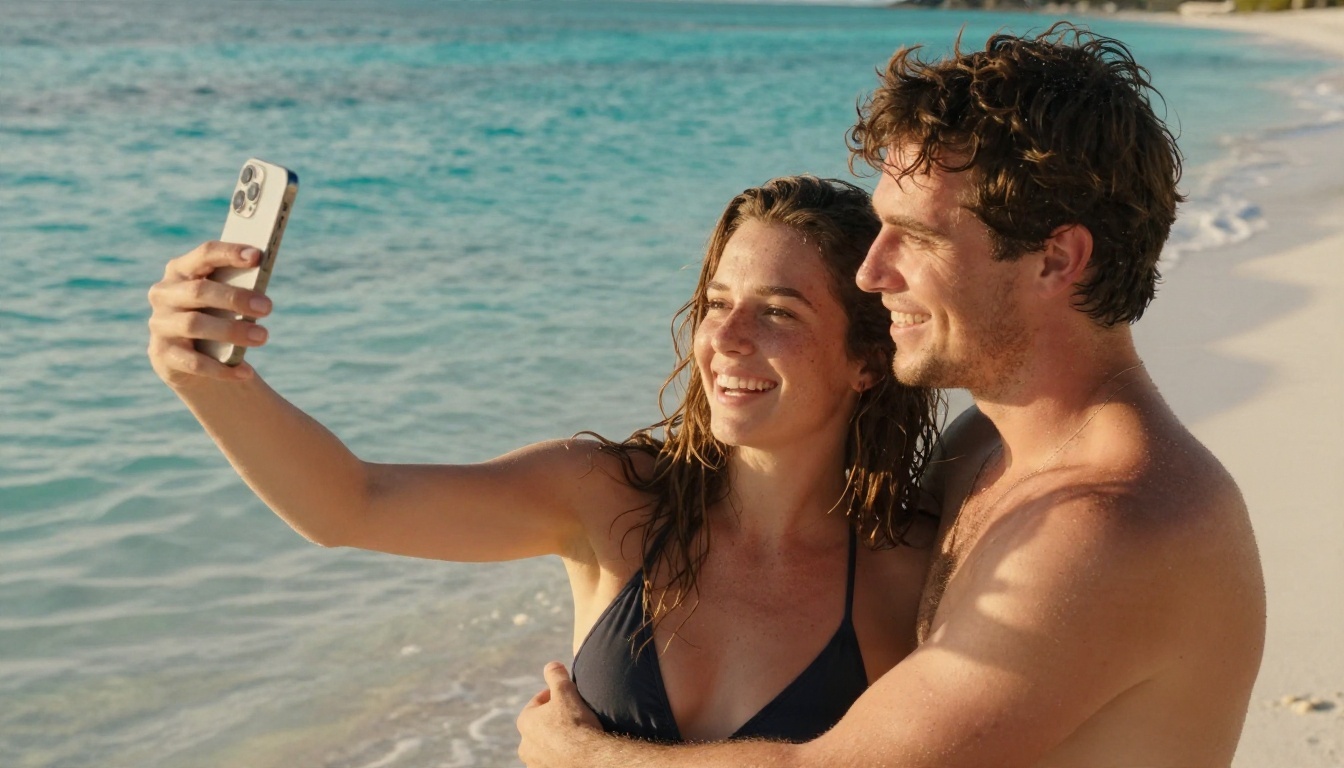
Travel albums work best when organized by place. Give each destination a two-page opening with one hero photo and a small map or location line, then follow with a grid of smaller moments. Hitting "sunset on the last night" as the final spread is a reliable emotional close. For longer trips, the Travel Guide Flipbook tool gives you a layout structure built for this.
Family Heirloom
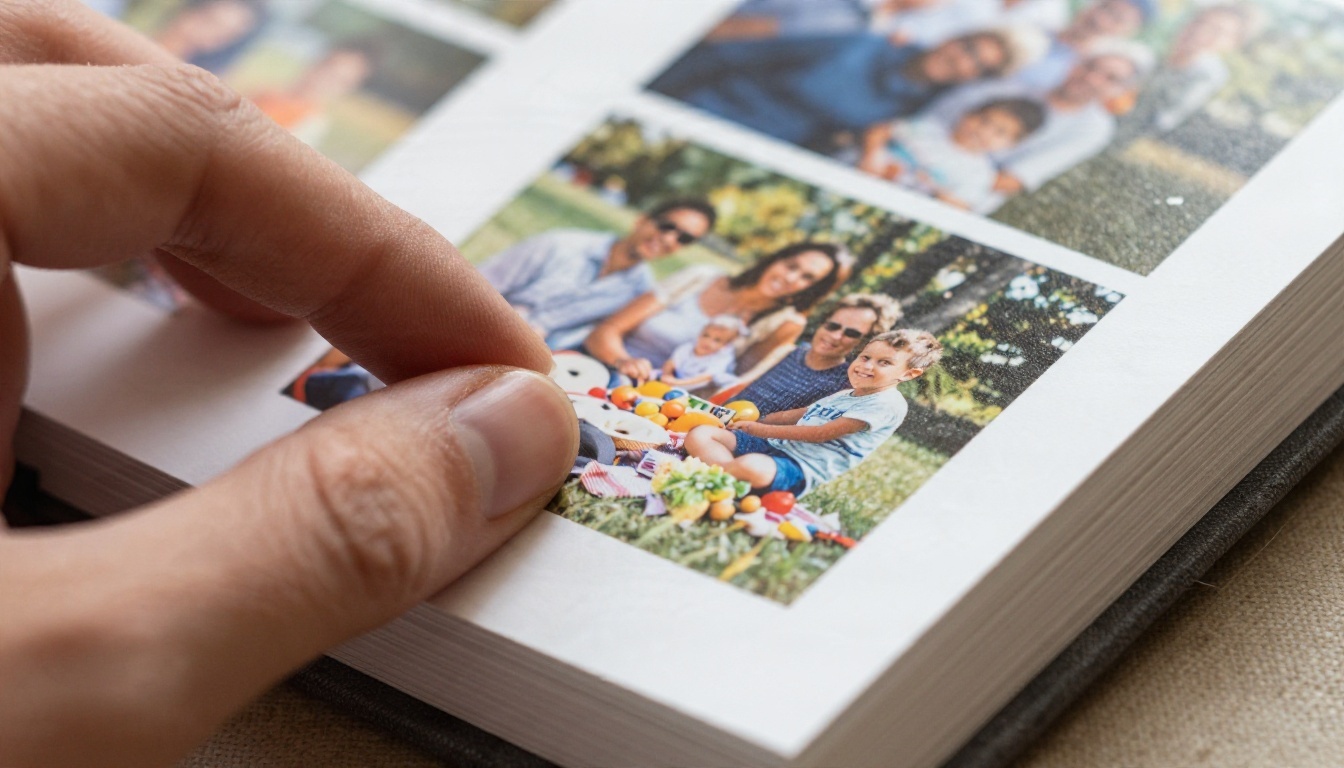
Heirloom albums depend on context. Add names, dates and one-line stories next to the photos, because in thirty years nobody will remember who is in the background. Mixing scanned vintage prints with recent digital photos creates a nice contrast.

💡 Pro tip: Record a short audio note from a grandparent explaining a photo. Flipbooks AI lets you embed audio and video directly on a page, so the story stays attached to the picture.
How to Create a Digital Album with Flipbooks AI
This tutorial assumes you already have your pages in a PDF, whether you built them in Canva, InDesign, Pages or any other editor. If you do not have a PDF yet, export your layout as one first.
Step by Step
- Open the platform. Go to Flipbooks AI and create an account. The screen shows a clean dashboard with an upload button in the center.
- Upload your PDF. Drag your album file onto the upload area or pick it from your device. The platform converts each page into a flip-ready page automatically. Large photo albums can take a minute or two, so keep the tab open.
- Check the preview. Flip through the pages. Confirm photos are sharp and that text is readable on a phone-sized screen.
- Customize the look. Set your background color, add a logo or title, and choose the page-turn effect. Warm neutrals suit family albums, while dark backgrounds make wide landscape photos stand out. Add video clips or audio where they strengthen a page.
- Set privacy. Turn on password protection if the album is personal. This is ideal for wedding galleries and baby books.
- Publish and share. Copy the direct link, or grab the embed code to place the album on a website or blog.
- Offer a download. Enable the offline download option so relatives with weak connections can still enjoy the album.
✅ Best practice: Use the same page size for every spread. Mixed sizes produce odd margins in the flipbook view.
Sharing and Pro Features
| Feature | What it does for albums | Plan |
|---|
| Unlimited flipbooks | One flipbook per event or year | Standard and above |
| Password protection | Keeps private memories private | Available per plan, check pricing |
| Embed video and audio | Adds voices and clips to pages | Available per plan |
| Analytics | See how many people opened your album | Professional |
| Lead generation | Capture contact details from viewers | Professional |
| Offline download | Share a file with no internet needed | Available per plan |
For photographers, analytics and lead capture turn a gallery into a small marketing asset. You can see which prospective clients actually opened a sample album. Browse all flipbook tools for related templates such as the Digital Portfolio Creator and Lookbook Flipbook Builder.

Mistakes That Ruin Albums
Even the best software cannot rescue a few predictable errors.
- Too many photos per page. Six images per spread is a ceiling for most stories, not a target.
- Low resolution uploads. A photo that looks fine on a phone can turn muddy on a TV or in print. Upload originals, not messaging app copies.
- No story arc. Sorting by date alone makes a flat album. Group by event, place or theme.
- Inconsistent fonts and colors. Pick one or two fonts and a small palette, then stick with them.
- Forgetting captions. Names and dates are what make an album valuable years later.
- Ignoring mobile. Most relatives will open your link on a phone. Preview on a small screen before sharing.
⚠️ Backup warning: A digital album is not a backup. Keep original photos in at least two places, such as a cloud service and an external drive.
Here is the shortest decision path:
- Just want something quick and free? Use Canva or Google Photos, then export a PDF.
- Want a physical heirloom? Design in a print-first site such as Mixbook or Shutterfly and budget for shipping.
- Delivering albums to clients? Choose a photographer-focused proofing suite and publish finals as flipbooks.
- Want a link that looks great everywhere, with no watermark? Convert your PDF to a flipbook.
Ready to build yours? Get started for free on Flipbooks AI, compare pricing plans to see which tier fits, or browse the full list of tools and templates to find a layout for weddings, travel or family history. If you are ready to go beyond the basics, create an account and pick a plan in one step.



