A shoebox of stained recipe cards is charming until someone needs the lasagna recipe at 6 p.m. and the only copy sits in your aunt's kitchen drawer. A digital cookbook fixes that problem for good. It lives on a phone, opens in a browser, turns pages like paper, and can be shared with one link. Platforms like Flipbooks AI make it possible to turn a plain PDF into a page-turning book in a few minutes, with no watermark and no design degree.
This ranking looks at the best digital cookbook examples for 2027, the free creator apps worth your time, and the online sharing options that actually get recipes read. You will find comparison tables, a step-by-step tutorial, and a list of mistakes that quietly ruin otherwise good cookbooks.
💡 Quick answer: For the best mix of looks, sharing control, and zero watermarks, build your layout in a free design app, export a PDF, and publish it as a flipbook. Free apps handle the writing and layout. A flipbook platform handles the reading experience.
What Makes a Great Digital Cookbook
Before ranking anything, it helps to know what separates a cookbook people open every week from one that gets forgotten after the first download. Three things matter more than the rest.
Layout That Reads Well on Phones
Most people cook with a phone propped against the flour jar. If the text is tiny or the page needs pinching and zooming, the book fails at the exact moment it should help. Look for mobile-responsive viewing, large ingredient lists, and one recipe per spread.
Photos That Make People Hungry
Food is a visual subject. A cookbook with sharp, warm, honest photographs gets opened more often and shared more often. Natural window light beats a flash every time, and a plate with a few crumbs looks more trustworthy than a spotless one.
Easy Recipe Lookup
A great digital cookbook has a clickable table of contents, an index by ingredient, and clear section breaks. Readers should reach "weeknight chicken" in two taps, not twenty page flips.
| Feature | Why It Matters | Priority |
|---|
| Mobile-friendly pages | People cook with phones and tablets | Must have |
| Clickable contents page | Fast jumps to any recipe | Must have |
| High quality photos | Drives shares and saves | Must have |
| Embedded video or audio | Shows technique in motion | Nice to have |
| Password protection | Keeps family recipes private | Depends on use |
| Download option | Lets readers cook offline | Nice to have |
Digital Cookbook Examples That Work
Seeing real formats makes the choice easier. These are the five most common digital cookbook types, and each one suits a different goal.
Family Heirloom Collections
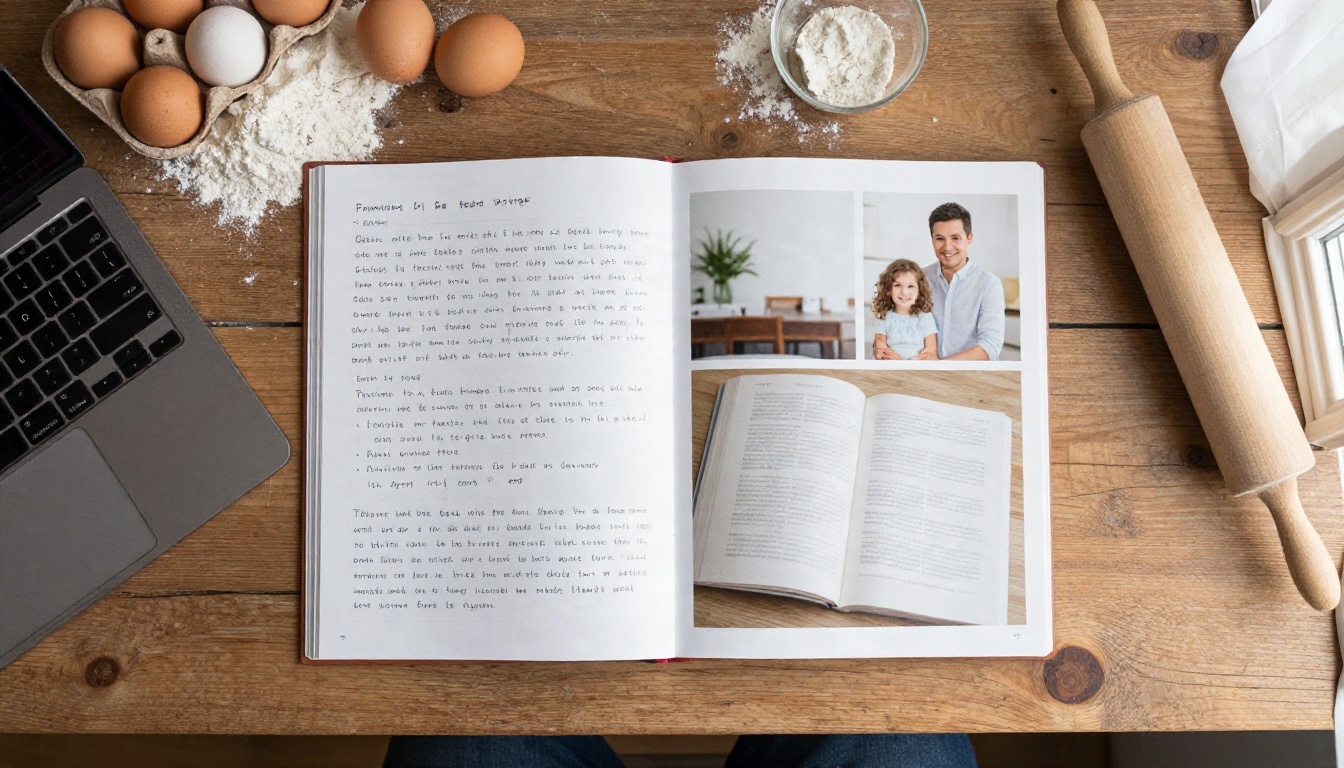
This is the most emotional format. A grandchild scans grandma's handwritten cards, types the recipes underneath, and adds a short story for each dish. The book gets shared with cousins on three continents. Password protection is the right move here, since these books are meant for family only.
Restaurant and Chef Books
A small restaurant can publish a seasonal recipe book as a thank-you for loyal customers. It doubles as marketing, because every page carries the restaurant's name and style. Chefs can pair it with a Restaurant Menu Creator flipbook so guests can browse the menu and take home a few recipes.
Food Blogger Ebooks
Bloggers often bundle their most popular recipes into a themed ebook, such as "30 Freezer Meals" or "Sourdough for Beginners." A flipbook version is easy to embed on a blog post and works as a lead magnet when readers leave an email address first. The Interactive E-Book Publisher suits this style well.
Meal Plan and Diet Books
Fitness coaches and dietitians hand clients a four-week plan with shopping lists and macros. A digital format lets them update a single page without reprinting anything, and the client always sees the latest version.
Fundraiser and Community Cookbooks
Schools, churches, and clubs have collected recipes for generations. The digital version costs nothing to print and reaches far more people. A community can even publish a new edition every year with the same link.
| Example Type | Best For | Typical Length | Sharing Style |
|---|
| Family heirloom | Relatives and friends | 20 to 60 pages | Private link with password |
| Restaurant book | Customers and guests | 15 to 40 pages | Website embed and QR code |
| Blogger ebook | Subscribers and followers | 30 to 80 pages | Public link or lead form |
| Meal plan | Coaching clients | 20 to 50 pages | Private link |
| Community fundraiser | Local supporters | 40 to 120 pages | Public link and email |
Free Creator Apps Compared
You do not need to pay to write a good cookbook. The writing and layout stage can be done for free. Free plans change often, so check each tool's current terms before you commit.
Free Options Worth Trying
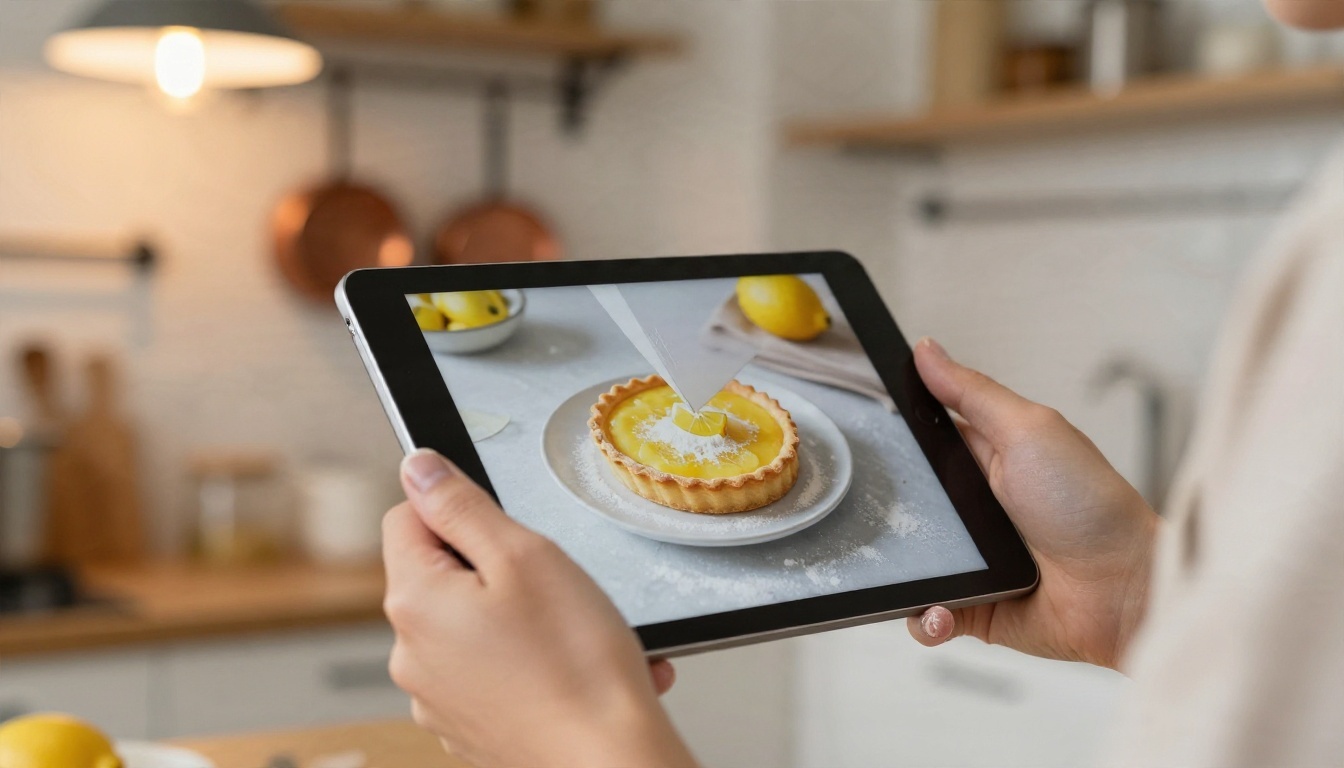
- Canva (free plan): Hundreds of editable page layouts, easy photo placement, and PDF export. A good pick for people who want a styled look fast.
- Google Docs or Slides: Familiar, collaborative, and free. Family members can add their own recipes to a shared file, which makes it perfect for heirloom projects.
- Adobe Express (free plan): Clean templates and quick resizing. Handy for a short recipe booklet.
- Microsoft Word or LibreOffice Writer: Fine for text-heavy books with a table of contents and consistent headings.
- Flipbooks AI: Turns the finished PDF into an interactive book. Try the PDF to Flipbook Converter once your pages are ready.
Where Free Plans Fall Short
Free design apps are great at creating pages and weak at publishing them. The usual limits are a plain PDF with no page-turn effect, no analytics, no password control, and a clumsy mobile reading experience. A PDF also lands in a downloads folder and gets lost. A hosted flipbook stays one tap away.
| Tool | Best At | Output | Page-Turn Effect | Sharing Control |
|---|
| Canva | Styled layouts | PDF, images | No | Basic link or file |
| Google Docs | Group writing | PDF, doc link | No | Google permissions |
| Adobe Express | Quick booklets | PDF | No | Basic |
| Word or Writer | Text-heavy books | PDF | No | File only |
| Flipbooks AI | Publishing and sharing | Hosted flipbook | Yes | Password, embed, analytics |
✅ Best practice: Treat design apps and flipbook platforms as a two-step workflow. Design in the first, publish in the second. You get free creativity and a polished reading experience.
How to Build a Flipbook Cookbook
Here is the full workflow with Flipbooks AI. It takes under an hour for a 30-page book once your recipes are written.
Prepare Your PDF
- Write or paste every recipe into your design app of choice.
- Use one recipe per page or spread, with the title, time, servings, ingredients, and method in the same order each time.
- Add one strong photo per recipe, at least 1500 pixels wide.
- Create a contents page with recipe names and page numbers.
- Export the whole thing as a single PDF.
Upload and Convert
- Go to Flipbooks AI and create an account.
- Click to start a new flipbook and drag your PDF into the uploader.
- Wait a few moments while each page is converted into a flippable spread. Text stays sharp and links stay clickable.
- Preview the result on both a desktop and a phone.
Customize the Look
- Branding: Add your logo, pick a background color that matches your cookbook theme, and choose a toolbar style.
- Page effects: Choose the page-turn animation and sound that suit the mood. A soft turn fits a family book. A crisp one fits a restaurant.
- Multimedia: Embed a short video of a knife skill or a dough fold right on the recipe page. Audio notes work well for a grandmother's spoken story.
- Links: Connect ingredients to a shop page or a recipe to a related video.
Share and Track
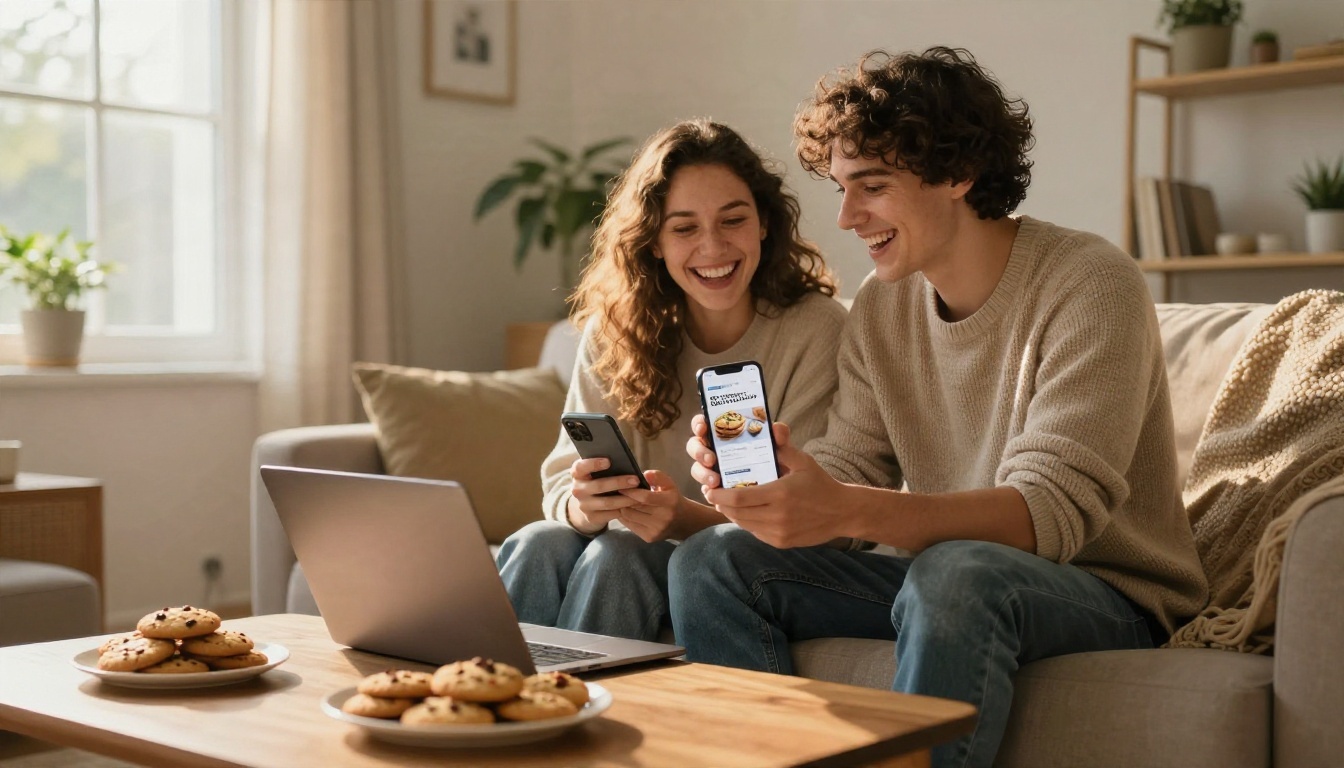
- Copy the direct link and send it by message or email.
- Grab the embed code to place the cookbook inside a blog post or website. The Embed Flipbook on Website tool shows how.
- Turn on password protection if the book should stay private.
- Allow offline downloads for readers who cook where signal is weak.
- On the Professional plan, switch on analytics and lead generation to see which recipes get read most and to collect emails before readers open the book. See the pricing plans for details.
💡 Pro tip: Generate a QR code from your flipbook link and print it on a menu card, a farmers market sign, or the back of a wedding favor. People scan, and the whole cookbook opens in their hand.
For related ideas, the Recipe Book Flipbook tool offers a ready starting layout, and the Digital Portfolio Creator is handy if you want a photo-led chef profile alongside the book.
Online Sharing Options Ranked
A cookbook nobody can find helps nobody. These are the main ways to share it, ranked by how well they work for most cooks.
Direct Link vs Embed
A direct link is the fastest option. It works in text messages, newsletters, social bios, and email signatures. An embed keeps readers on your own site, which is better for bloggers and restaurants that want traffic and brand recognition. Most creators use both at once.
Password Protection for Private Books
Some recipes are meant to stay in the family. A password gives you control without forcing anyone to create an account. Share the link in one message and the password in another, and revoke access any time by changing it.
| Sharing Option | Ease | Reach | Privacy | Best For |
|---|
| Direct link | Very easy | High | Medium | Friends, newsletters |
| Website embed | Easy | High | Low | Blogs, restaurants |
| QR code | Easy | Local | Medium | Menus, events, print |
| Password link | Easy | Small group | High | Family, clients |
| PDF attachment | Very easy | Medium | Low | Quick one-time sends |
| Social media post | Easy | Very high | Low | Launches and promotion |
⚠️ Warning: A plain PDF attachment can be forwarded forever and you will never know who has it. If you want control, analytics, or the ability to update the book later, a hosted flipbook is the safer choice.
Common Mistakes to Avoid
Even good cooks publish weak cookbooks. These are the errors that show up again and again.
- Tiny type. Use at least 12 point text for the method and larger for ingredients.
- Dark, grainy photos. Shoot near a window. Wipe the plate rim. Skip the flash.
- Inconsistent recipe format. If one recipe lists ingredients first and another buries them, readers get lost.
- No measurement notes. Say whether cups are US or metric, and give grams when possible.
- Huge file size. A 200 MB PDF loads slowly on a phone. Compress your photos before export.
- No contents page. Readers should never scroll through 60 pages to find dessert.
- Forgetting allergens. A short note on nuts, dairy, and gluten helps readers and protects you.
⚠️ Heads up: If you copy recipes from other authors, rewrite the method in your own words and credit the source. Ingredient lists are generally not protected, but published text and photos are.
Our 2027 Picks
Here is how the options stack up for the most common goals.
| Goal | Best Setup | Why |
|---|
| Family keepsake | Google Docs plus a password-protected flipbook | Everyone can contribute, and only family can read |
| Food blog ebook | Canva design plus embedded flipbook with lead form | Polished look and email growth |
| Restaurant promotion | Canva design plus flipbook with QR code | Scan from table cards and receipts |
| Coaching meal plan | Word or Docs plus private flipbook | Easy updates, private access |
| Community fundraiser | Docs plus public flipbook link | Low cost, wide reach |
If you only pick one thing from this ranking, pick the two-step workflow: write and design for free, then publish as a flipbook. It costs almost nothing, looks professional, and keeps you in control of who reads your recipes.
Ready to Publish Yours?
Your recipes deserve better than a forgotten folder on a laptop. Ready to create your first digital cookbook? Get started for free on Flipbooks AI, upload your PDF, and share a live link before your next meal is ready.
Browse all flipbook tools to find the right layout for a menu, a lookbook, or a magazine-style food issue. Compare pricing plans when you need unlimited flipbooks, analytics, or lead generation, or go straight to the plan comparison and pick what fits your kitchen.



