You opened a free Flipsnack account, uploaded a PDF, and then ran into a watermark, a page cap or a paywall right when the publication was ready to share. It is a common story, and it is the main reason people go looking for a Flipsnack alternative. This comparison lays out free options, pricing logic, hard limits and features side by side, so you can pick a platform without burning a weekend on trial accounts. We include Flipbooks AI, which is built around clean output, no watermarks and straightforward plans.
💡 Quick answer: If your priority is a watermark-free flipbook from a PDF with simple pricing, start with Flipbooks AI. If you need a social publishing audience, look at Issuu. If you need per-seat team workflows, compare FlippingBook.
Why People Leave Flipsnack
Flipsnack is a capable product. It pairs a design editor with flipbook publishing, and plenty of marketing teams like that combination. But a tool that suits one workflow can feel wrong for another. Here are the complaints that come up most often.

The Free Plan Ceiling
Free plans exist to get you started, and they usually stop you right before the finish line. Expect a cap on the number of flipbooks, restricted features and platform branding on your finished publication. For a personal project that is fine. For a client deliverable or a public catalog, a visible third-party badge undermines the point of publishing something polished.
Pricing That Scales Fast
Many flipbook platforms price by feature tier, then add limits on top: number of publications, storage, team members, and access to analytics or lead capture. The jump from a hobby plan to a business plan can be steep, especially when the feature you need most sits in the highest tier. Always read the plan table row by row, not just the headline price.
Branding and Watermarks
If you publish for clients, custom branding is not optional. Removing platform logos, using your own domain and controlling the viewer colors are often locked behind paid plans. That is why "no watermarks, ever" has become a real selling point for newer tools.
⚠️ Watch out: Plans, limits and prices change often. Treat any comparison, including this one, as a starting point and confirm the current numbers on each vendor's pricing page before you commit.
What to Check Before You Switch
Switching platforms costs time: re-uploading files, re-checking links, updating embeds. Make it worth it by checking the things that actually decide whether a tool will last.
Limits That Matter
Before you pick, write down your real numbers:
- How many publications will you maintain at once?
- How large are your PDFs, in pages and megabytes?
- Who needs access to edit, and who only needs to read?
- Where will it live: a direct link, an embed on your website, an email campaign?
- Do you need privacy, such as a password or a private link?
Your Evaluation Checklist
| Criteria | Why it matters | Red flag |
|---|
| Watermark on free plan | Affects client-ready output | Badge cannot be removed on any low tier |
| Publication limit | Decides if you can keep an archive | Old flipbooks get hidden when you hit the cap |
| Analytics | Shows who reads and where they stop | Only available on the top plan with no preview |
| Password protection | Needed for private or paid content | Missing on mid-tier plans |
| Embed support | Lets readers stay on your website | Embeds carry heavy third-party branding |
| Mobile behavior | Most readers open links on phones | Pages shrink to unreadable size |
| Export and downloads | Offline access for sales teams | No way to let readers save a copy |
Flipsnack Alternatives Compared
Here is how the main options line up. The table describes general positioning, not exact plan numbers, because vendors revise those regularly.

| Platform | Best for | Free option | Watermark position | Standout feature |
|---|
| Flipbooks AI | Clean PDF to flipbook conversion, catalogs, brochures | Start free, then upgrade as needed | No watermarks, ever | Unlimited flipbooks on Standard and above |
| Flipsnack | Design plus publishing in one tool | Limited free tier | Branding on free output | Built-in design editor and templates |
| Issuu | Public publishing and discovery | Limited free tier | Platform branding on free | Large reader community |
| Heyzine | Fast, simple conversions | Free tier with limits | Branding on free output | Quick setup |
| FlippingBook | Teams and sales enablement | Trial rather than free plan | Removed on paid plans | Lead capture and team features |
| Publuu | Simple flipbook hosting | Free tier with limits | Branding on free output | Easy sharing |
Where Flipbooks AI Fits
Flipbooks AI targets people who already have a finished PDF and want it to look professional online, immediately. You upload, customize, and share. There is no watermark on any plan, and the Standard plan and above include unlimited flipbooks, so your archive never gets throttled. Password protection, mobile-responsive viewing and custom branding are part of the offer, and the Professional plan adds analytics and lead generation.
Where Others Fit Better
Be honest about your needs. If you want your work to be found by strangers on a public reading platform, Issuu's audience is the draw. If your sales team needs seat management and CRM-style lead tracking, FlippingBook is built for that. If you design inside the same tool where you publish, Flipsnack's editor is a legitimate advantage. The right alternative depends on what you were missing.
Free Options and Their Limits
"Free" means different things on different platforms. Some give you a permanent free tier. Others give a short trial. Almost all of them trade something: a watermark, a page count, a number of flipbooks or access to analytics.

What Free Plans Usually Restrict
| Feature | Typical free tier | Typical paid tier |
|---|
| Number of flipbooks | A handful | Many or unlimited |
| Watermark or badge | Present | Removed |
| Custom branding | Not available | Colors, logo, domain |
| Analytics | None or basic | Reader tracking, lead capture |
| Password protection | Not available | Available |
| Downloads | Often disabled | Offline access |
| Video and audio embeds | Limited | Supported |
Is Free Enough for You?
A free plan works if you are testing a layout, sharing a one-off document with friends, or comparing platforms. It stops working the moment you send something to a customer. A visible badge makes a catalog look like a trial, and a publication cap forces you to delete old work. If a flipbook represents your business, budget for a paid plan.
✅ Best practice: Test every platform with the same PDF. Compare page turn speed, text sharpness on a phone, and how the sharing link looks in a message preview. The differences show up in minutes.
Pricing Compared by Use Case
Rather than comparing sticker prices, match the plan to the job. Here is how common use cases map to what you should look for.
| Use case | Must-have features | Best fit |
|---|
| Product catalog | No watermark, embed, mobile view | Flipbooks AI |
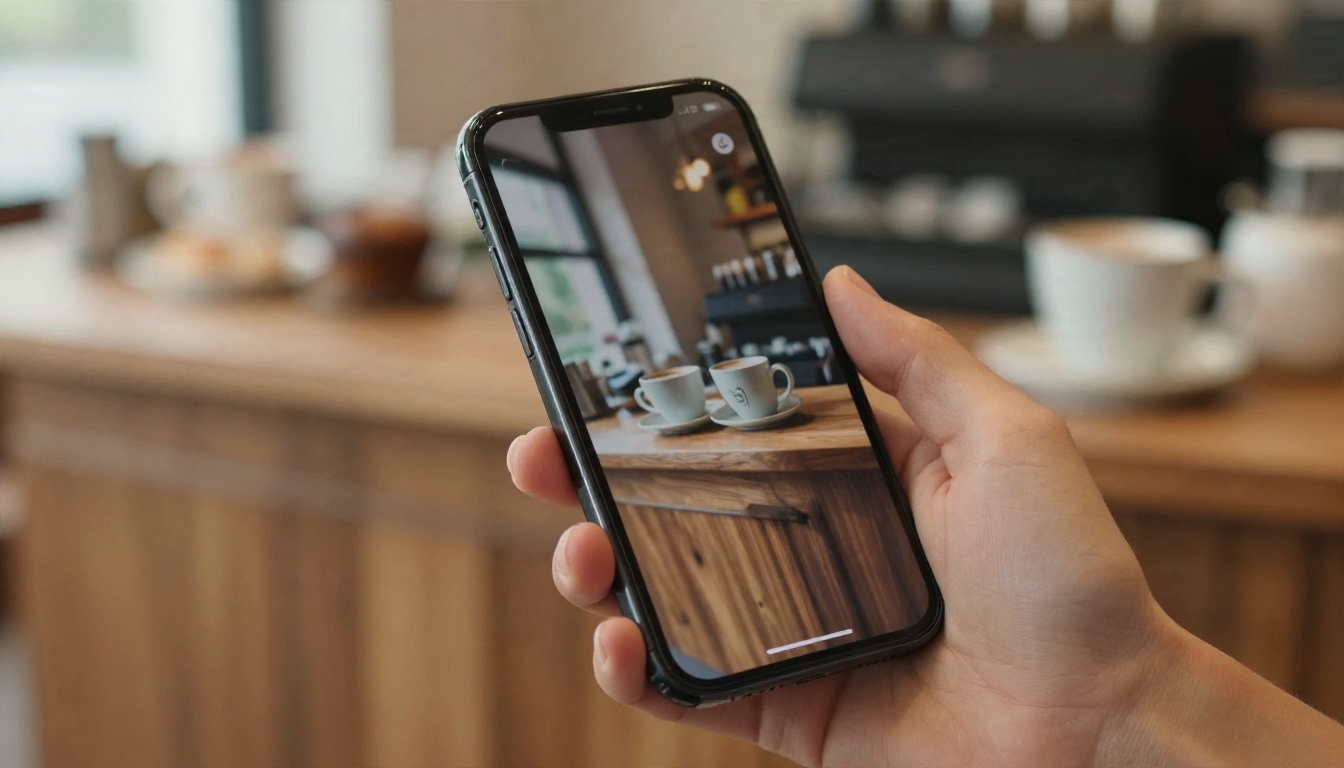
| Restaurant menu | Fast loading, QR sharing, easy updates | Flipbooks AI |
| Public magazine | Audience reach, discovery | Issuu |
| Sales enablement | Lead capture, team seats | FlippingBook or Flipbooks AI Professional |
| Design heavy brochures | In-app editor | Flipsnack |
| Private client reports | Password protection, branding | Flipbooks AI |
The Hidden Cost Factor
Three things inflate the real cost of a flipbook platform: per-user pricing when your team grows, watermark removal sold as an add-on, and analytics gated to the top tier. Add those up before comparing monthly numbers. A cheaper plan that lacks the feature you need is not cheaper.
Monthly or Yearly Billing
Annual billing usually lowers the monthly rate, but it locks you in. If you are still testing, pay monthly for the first cycle. Once your workflow is stable, switch to yearly. Check the Flipbooks AI pricing page to see current plan details.
How to Create a Flipbook with Flipbooks AI
If you are switching from Flipsnack, the move is quick, because you only need your original PDF. Here is the full process.

Step by Step
- Open your account. Go to Flipbooks AI and create a free account. No credit card is needed to look around.
- Upload your PDF. Use the PDF to Flipbook Converter. Drag your file in, and the platform converts each page into a flipbook spread with a realistic page-turn effect.
- Customize the look. Add your logo, pick brand colors, adjust the background, and choose page effects. Embed videos or audio where they add value.
- Set privacy. Add a password if the content is private, or keep it public for open sharing.
- Publish and share. Copy the direct link, or use the embed code to place the flipbook on your site.
- Track results. On the Professional plan, use analytics and lead generation to see readership and capture contacts. See pricing for plan details.
💡 Pro tip: Export your PDF at the final trim size, with fonts embedded and images at a sensible resolution. A clean source file gives a sharper flipbook on every screen.
Migrating Existing Flipsnack Content
Download or export your original source PDF for each publication, then upload them to the new platform one by one. Keep your old links live until the new ones are tested. Then update embeds on your website, replace links in email signatures and redirect anything printed, such as QR codes, if you can.
Features Worth Using Right Away
- Offline downloads so field sales teams can read without a connection
- Mobile-responsive layout so phone readers see readable text
- Custom branding to match your visual identity
- Video and audio embeds for demos and product walkthroughs
Real-World Scenarios
Abstract features are easy to list. Here is what they look like in practice.

Restaurants and Cafes
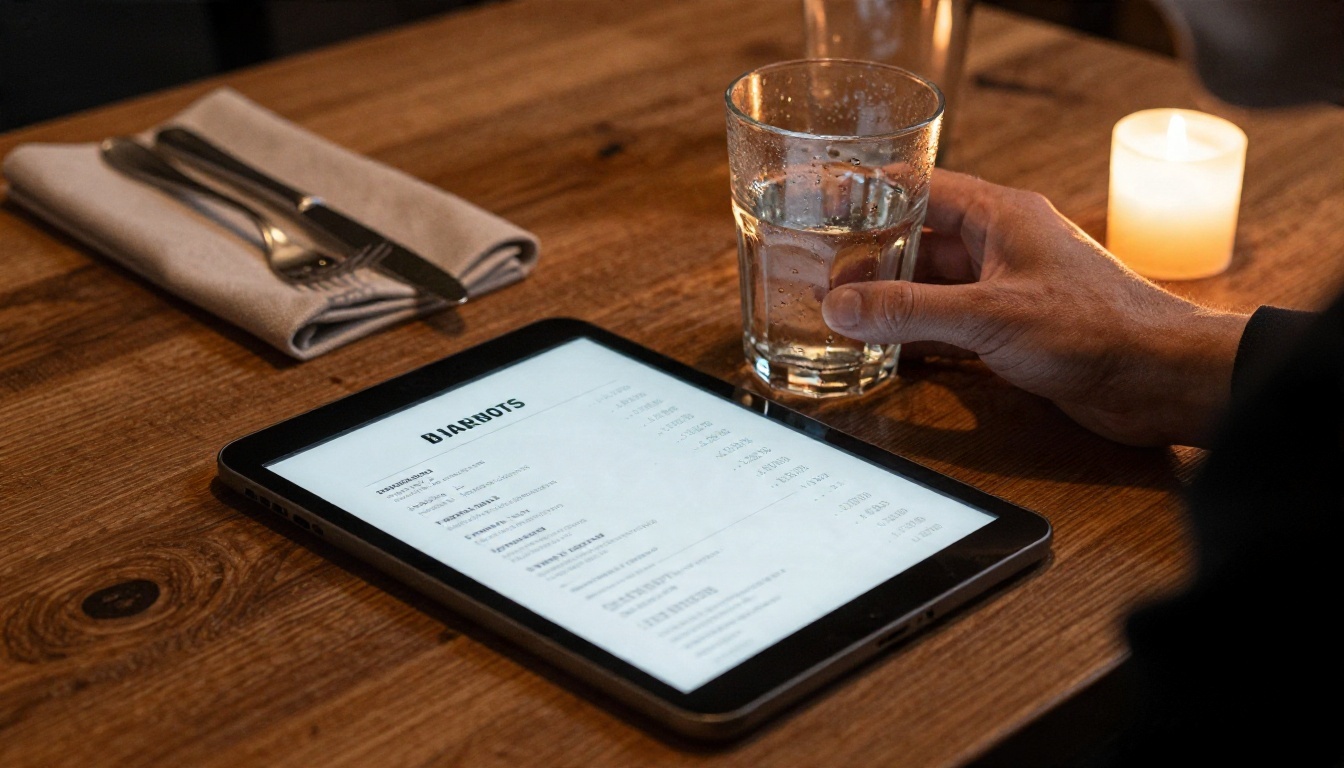
A restaurant updates its seasonal menu four times a year. With a menu flipbook, the owner swaps the PDF, keeps the same link and QR code, and customers always see the current version. No watermark means the menu reflects the restaurant's brand, not the software vendor's.
Real Estate Agents
An agent sends a property brochure to a young couple before a viewing. A password-protected flipbook keeps pricing details private, while the mobile layout lets the couple read it on the train. The Real Estate Brochure tool is made for this workflow.

Agencies and Marketing Teams
An agency delivers quarterly reports to ten clients. Unlimited flipbooks matter here, because each client gets a branded report, and old ones stay accessible. Analytics on the Professional plan show which clients actually opened the report, which makes follow-up calls easier.

Which Platform Wins Each Scenario
| Scenario | Priority | Recommended |
|---|
| Restaurant menu | Fast updates, clean branding | Flipbooks AI |
| Real estate brochure | Privacy, mobile reading | Flipbooks AI |
| Agency client reports | Unlimited publications, analytics | Flipbooks AI Professional |
| Public magazine | Discovery by new readers | Issuu |
| Design-first marketing | Built-in editor | Flipsnack |
Choosing the best Flipsnack alternative comes down to three questions. Do you need to remove branding without paying a premium? Do you need an archive that does not cap at a small number? Do you need analytics for the people reading your work? If the answer to any of those is yes, test a tool built around those needs.
Run a 30 minute test: upload the same PDF to two or three platforms, open each link on your phone, check the watermark situation, and compare the plan that includes everything you need. The right choice will be obvious.
Ready to see it with your own file? Create a free account on Flipbooks AI, browse the full list of flipbook tools, and compare pricing plans once you know what you need. If you already know you want a paid plan, go straight to account and pricing.



