A booker opens your email, gives you roughly thirty seconds, and decides whether you get the Friday slot. That is the real job of an electronic press kit. The good news: you do not need a designer or a monthly bill to build one. With the right free EPK maker, a solid template and a few honest examples to copy from, you can have a professional page live this week. This article compares the best free EPK makers, shows what they cost once you outgrow the free tier, and walks through building a polished, trackable press kit with Flipbooks AI.
What an EPK Really Is
The Short Version
An EPK (electronic press kit) is a single, shareable package that tells bookers, journalists, playlist curators and festival programmers who you are and why they should care. Think of it as a résumé, a portfolio and a pitch deck in one link.
It can live as a web page, a PDF, or an interactive flipbook. The format matters less than three things: it loads fast, it plays your music immediately, and it answers every obvious question before anyone has to email you back.
What Bookers Actually Open First
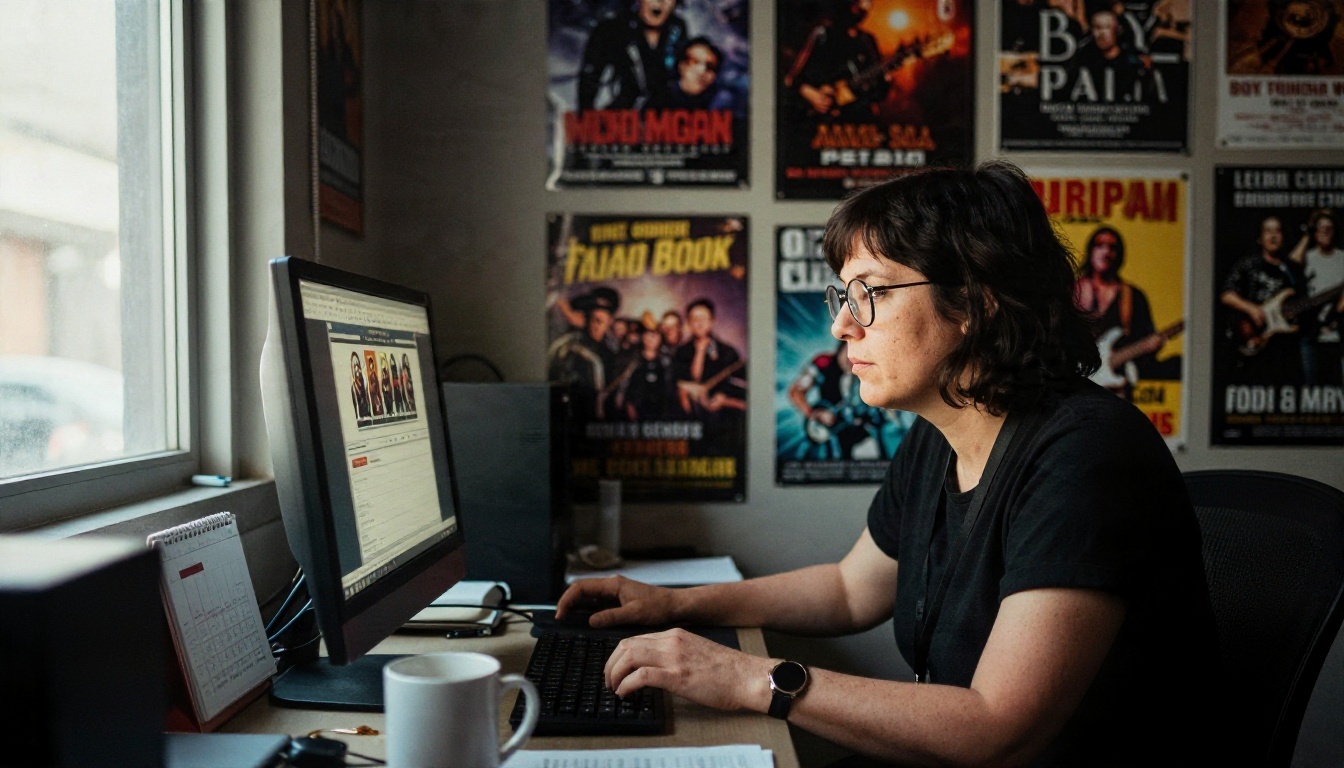
Talk to anyone who books rooms and you hear the same order of operations. They listen, they look, then they read. A track or live clip comes first, a strong photo second, and the bio last. Contact details and links to socials sit at the bottom, ready for the moment they say yes.
💡 Pro tip: Put your best three minutes of audio or video above everything else. If a booker has to scroll to hear you, you have already lost half of them.
The Core Checklist
| EPK Section | What to Include | Priority |
|---|
| Hero area | Band name, genre tags, one-line pitch, play button | Must have |
| Music | 3 to 5 tracks, streaming links | Must have |
| Live video | 1 to 2 clips, ideally 60 to 90 seconds | Must have |
| Bio | Short (50 words), medium (150 words), long (300 words) | Must have |
| Photos | 3 to 6 high-resolution press shots, credited | Must have |
| Press and quotes | Reviews, playlist features, radio spins | Strong plus |
| Past shows | Venues, festivals, notable support slots | Strong plus |
| Tech rider | Stage plot, input list, backline needs | For touring acts |
| Contact | Email, phone, management or booking agent | Must have |
Best Free EPK Makers Compared
You have more options than most artists realise. Some are general website builders, some are design tools, and a few are built for musicians. Here is how the free tiers stack up.
| Tool | Best For | Free Tier | Audio and Video | Custom Domain |
|---|
| Canva | Designed PDF kits and one-pagers | Yes, large template library | Links and embeds in shared designs | Paid only |
| Google Sites | Simple multi-section web page | Yes, fully free | YouTube, Drive, SoundCloud embeds | Supported with your own domain |
| Carrd | One-page artist sites | Yes, limited sites | Embeds via widgets | Pro plan |
| ReverbNation | Profile with built-in music player | Yes, basic profile | Native player | Limited |
| Bandcamp | Selling music with a public artist page | Free to set up, revenue share on sales | Native player | Paid option |
| Notion | Quick text-first kit | Yes | Embeds | Needs workaround |
| Flipbooks AI | Interactive, page-turning, trackable kits | See pricing | Embedded video and audio | Embed on your own site |
⚠️ Heads up: Free tiers change often. Check each provider's current pricing page before you commit, especially around watermarks, storage limits and custom domains.
Canva: Fast Visual Templates

Canva is the easiest place to start if you think visually. Search for "press kit" or "band one-sheet" and you get dozens of templates you can recolour in minutes. Export as PDF, and you have something to attach to an email.
The catch: a static PDF cannot play your music. You can add clickable links, but the booker leaves the document to listen. That friction costs you attention.
Google Sites and Carrd: Simple Web Pages
Both let you publish a clean web page without touching code. Google Sites is fully free and plays nicely with YouTube, Google Drive and SoundCloud embeds. Carrd shines for tight, single-scroll pages that look great on phones, though the free plan limits how many sites you can run.
These work well when you want a live URL that never needs attaching. They are less ideal when you want a downloadable, offline copy for a promoter who forwards documents internally.
ReverbNation and Bandcamp Profiles
Neither is a pure EPK maker, but both give you a musician-friendly home with a built-in player. ReverbNation has long offered press-kit style profile features, and Bandcamp is excellent for hosting full releases with artwork and liner notes.
Use them as supporting links inside a primary kit, not as the kit itself. Bookers want one tidy page, not a scavenger hunt across five platforms.
Notion and Google Docs: Quick Text-First Kits
If you are sending a pitch tonight, a Notion page or shared Google Doc is better than nothing. Add a headline, embed a track, paste your bio, and share the link. It looks plain, but it works.
Paid Options Worth a Look
When your touring calendar fills up, a custom domain and a mailing list start to matter. Here is what paid tools typically offer.
| Platform | Typical Pricing Model | Standout Feature | Watch Out For |
|---|
| Bandzoogle | Monthly subscription tiers | Built for musicians, EPK feature, store and mailing list | Costs more than a generic builder |
| Wix | Free with ads, paid to remove | Huge template library | Free plan shows platform branding |
| Squarespace | Subscription, trial period | Polished, design-led templates | No permanent free tier |
| Sonicbids | Paid, tied to submissions | Opportunities marketplace for gigs and festivals | Fees can add up if you submit often |
| Flipbooks AI | Plan-based, no watermarks | Interactive flipbook, analytics, password protection | Best with a finished PDF as the starting point |
Platforms Built for Bands
Bandzoogle is the usual pick for artists who want a full site with a store, a mailing list and an EPK page in one place. Sonicbids is more of a marketplace, useful when you apply to festivals that request submissions through it.
Is Paying Worth It?
Pay when a tool saves you more hours than it costs dollars, or when it gets you in front of real gig opportunities. If you are still building your first catalogue of songs, stay free and put the money into a photographer.
Templates and Examples That Work
Templates remove blank-page panic. Examples show you what good looks like. Here are three layouts that consistently work, based on how different artists present themselves.
The Singer-Songwriter Layout
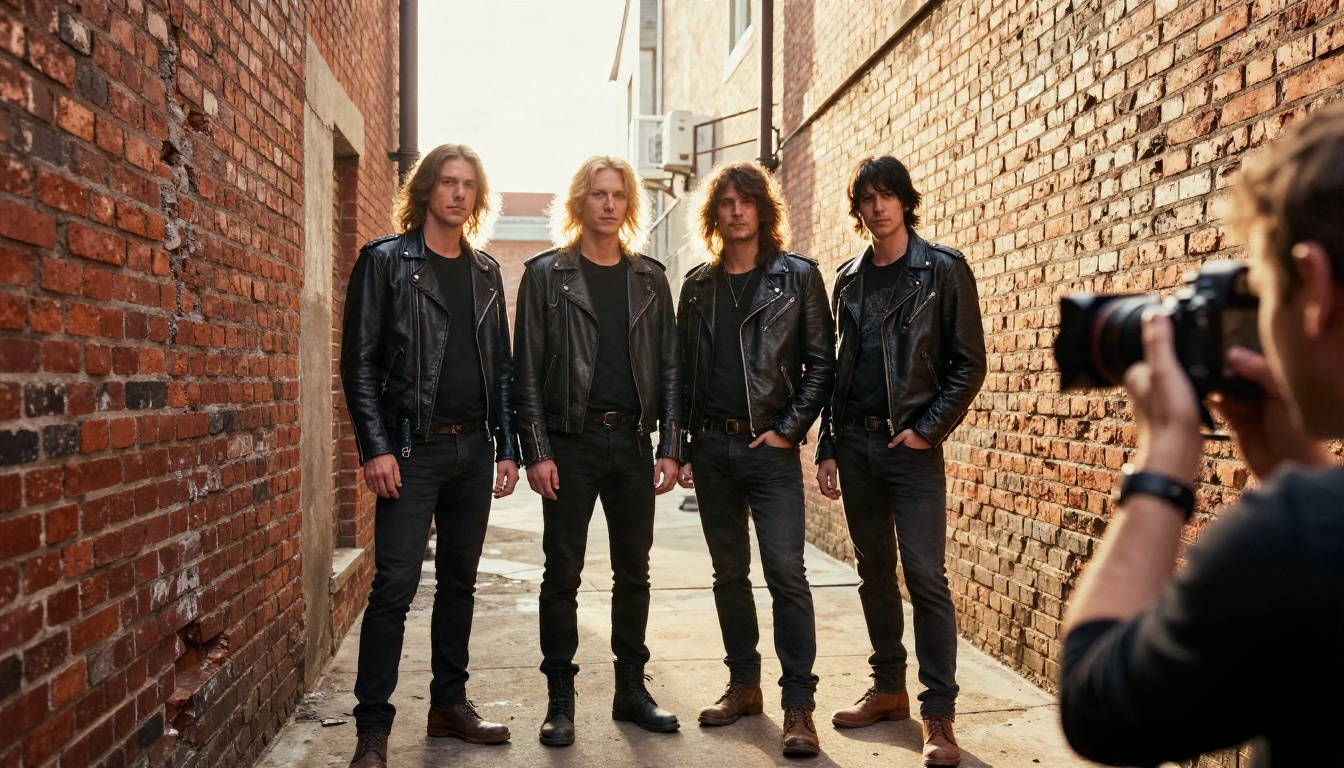
Keep it personal and quiet. A large portrait, a two-sentence story, one live session video, and a short list of venues. Singer-songwriters win on authenticity, so let the photo and the first song do the talking.
Page order that works:
- Portrait and one-line pitch
- Live session video
- Three streaming links
- Short bio
- Quotes and past venues
- Contact
The Band Layout
Bands benefit from showing the lineup. Use a group photo at the top, then individual names with instruments. Add a stage plot in the tech section so sound engineers can prepare in advance.
A realistic scenario: a four-piece rock band pitching a regional festival sends a single link. The programmer sees a 20-second highlight reel, hears a track, checks the stage plot, and replies the same afternoon because every question was already answered.
The Producer and DJ Layout
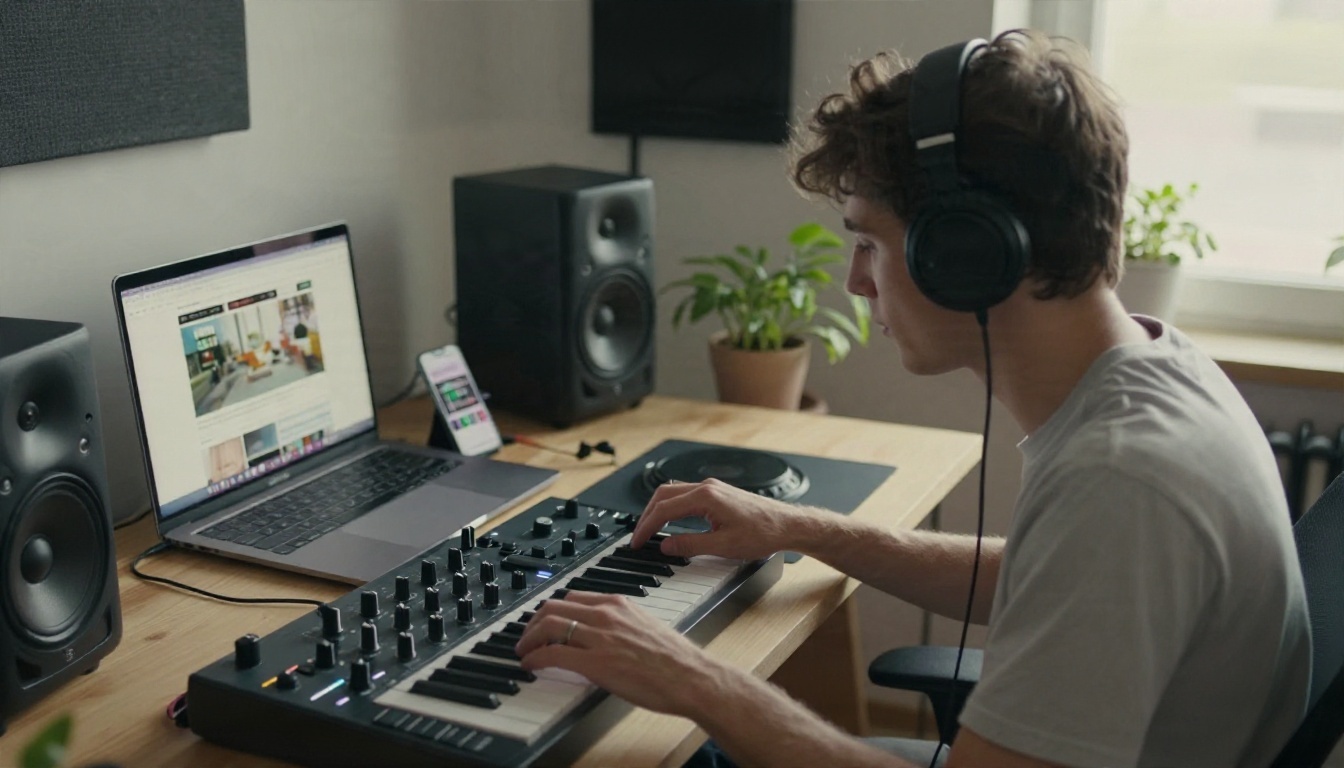
Producers and DJs live on mixes, residencies and collaborations. Lead with a mix or reel, list labels and residencies, and show technical needs such as booth setup or decks. Mobile matters here: many promoters will open your link on a phone between sets.
✅ Best practice: Test your EPK on your own phone before you send it. If anything is slow, tiny or cut off, fix it first.
Template Comparison by Goal
| Goal | Best Format | Why It Works |
|---|
| Pitch a local venue | One-page web link | Fast to open, easy to forward |
| Apply to a festival | PDF or flipbook plus links | Some applications want an attachment |
| Send to press | Flipbook or PDF with photos and quotes | Journalists want downloadable assets |
| Land playlist spots | Short web page with streaming links | Curators scan quickly |
| Submit to booking agents | Interactive kit with tech rider | Shows professionalism and detail |
How to Build an EPK with Flipbooks AI
A static PDF is easy to send but dull to read. A web page is easy to share but hard to download. An interactive flipbook sits between the two: it turns pages like a magazine, plays embedded audio and video, and still ships as a single link. Flipbooks AI makes that practical for musicians, and the Press Kit Designer is a good place to begin.
Step 1: Start With Your PDF
Design your kit in Canva, Google Slides, InDesign or any tool that exports PDF. Aim for 6 to 10 pages: cover page (your logo and tagline), bio, music, live shots, press quotes, tech rider and contact.
Then create an account and upload your file. The PDF to Flipbook Converter turns every page into a realistic page-turning layout, with no watermarks on the result.
Step 2: Customise the Look
Set your brand colours, add your logo, choose the page-turn effect and pick a background that matches your artwork. Keep the style consistent with your album art and socials so the kit feels like part of the same world.
Step 3: Add Audio and Video
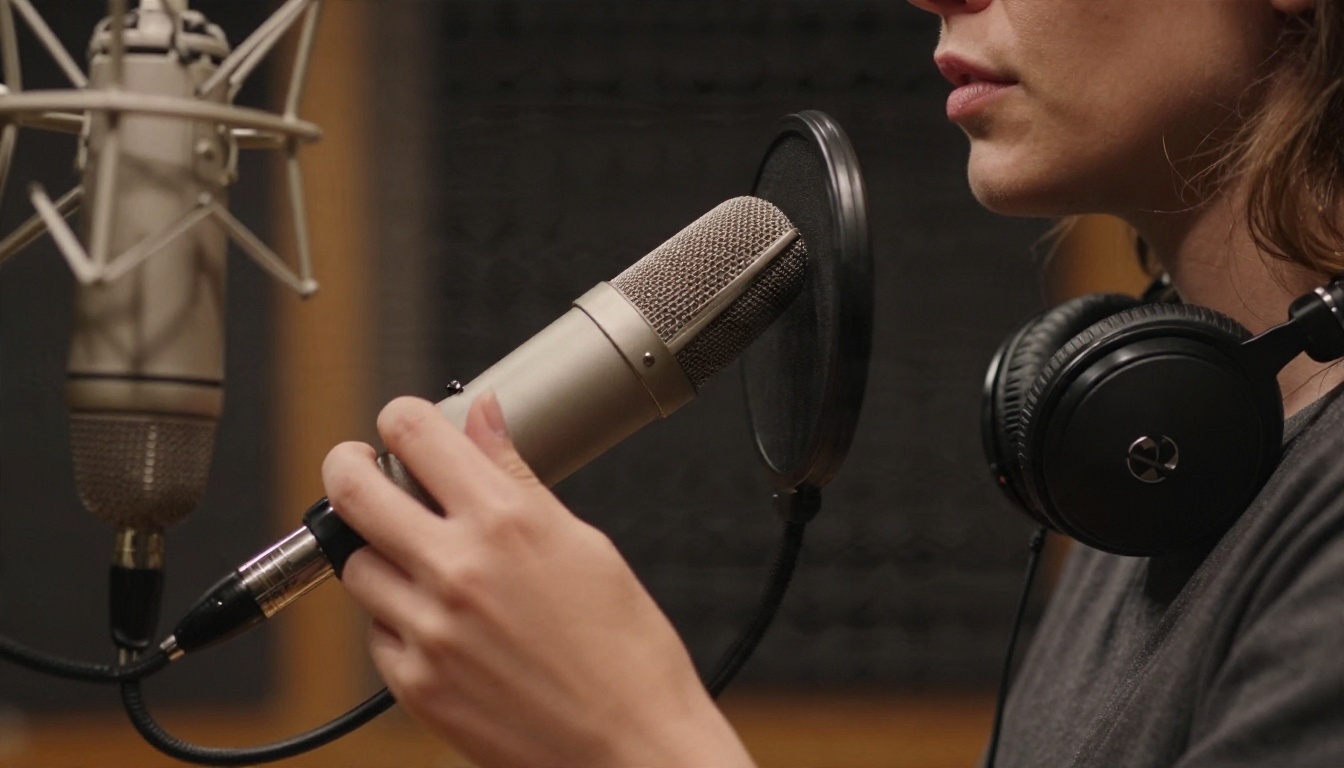
This is where a flipbook beats a plain PDF. Embed a track on your music page and a live clip on your performance page, so bookers can press play without leaving the document. Keep clips short and make sure your best song sits on the first interior page.
Step 4: Share and Protect
You have several options for delivery:
- Direct link: paste it in an email or DM
- Embed code: place it on your own site using the Embed Flipbook on Website tool
- Password protection: ideal for unreleased tracks or a private pitch to a label
- Offline download: let promoters save a copy for internal approval
💡 Pro tip: Use password protection for pre-release material. Share the link publicly and send the password only to the people you trust with the unreleased songs.
Step 5: Track Who Opens It
On the Professional plan, analytics show how many times your kit was opened and which pages held attention. Lead generation tools can also capture the contact details of people who view it. See the plans and pricing for what each tier includes. If three bookers open your tech rider page twice, that tells you precisely where to follow up.
Real-World Scenarios
A Festival Application
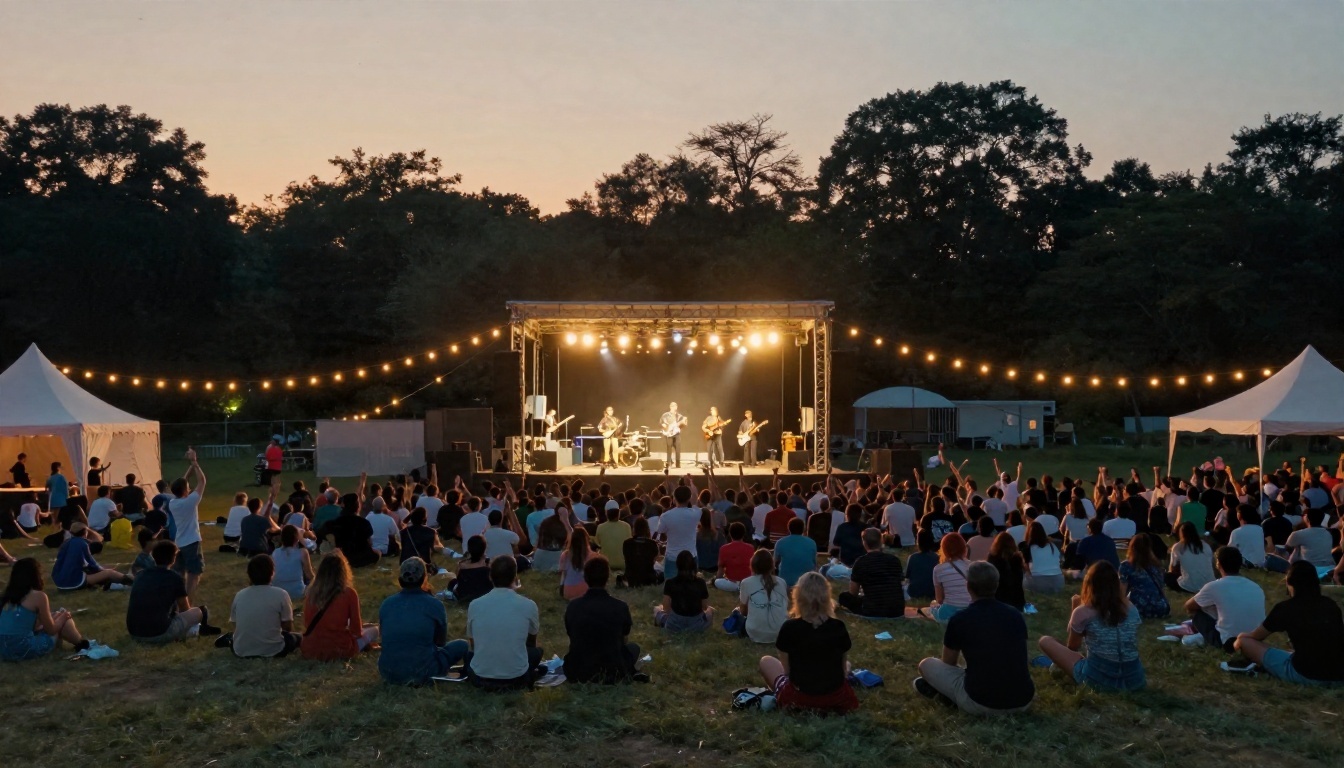
A folk duo applies to a summer festival. Instead of attaching five files, they send one flipbook link. It opens on a bio page, plays a live recording, shows a crowd photo from a previous show, and ends on a stage plot. The organiser can forward the same link to the stage manager, so nobody hunts through inboxes for attachments.
A Jazz Trio Pitching Clubs
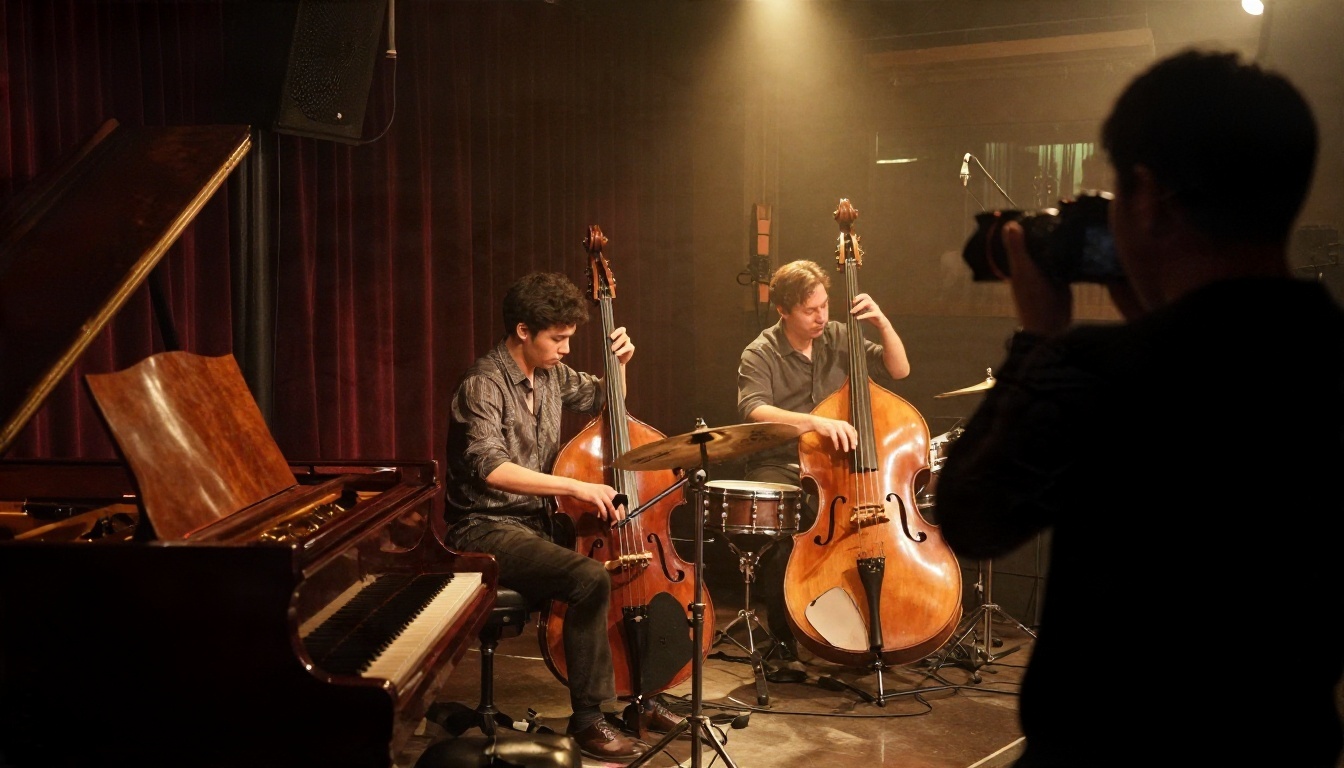
Jazz clubs care about atmosphere. A trio can build a kit around three strong live photos, one embedded set recording, and a calendar of recent residencies. Because the flipbook stays on brand with the artwork, the club sees a polished act before they hear a note.
Related Flipbooks AI Tools for Musicians
Your EPK is rarely the only document you need. Other tools on the tools directory help round out your promotion:
Mistakes That Cost You Gigs
Too Much Text, Too Little Music
A three-page biography will not be read. Write a short version, a medium version and a long version, then use the right one for the right audience. Let the music and video fill the rest of the space.
Dead Links and Old Dates
Nothing signals "inactive" faster than a tour page listing last year's shows. Review your kit every quarter. Update streaming links, swap in recent photos and delete anything stale.
Heavy Files
A 90 MB PDF stalls on a phone. Compress images, host video on a streaming platform and embed it instead of attaching it. Fast loading is a form of respect for your reader's time.
Hiding Contact Details
Put your email on the first and last page. A booker who is ready to say yes should never have to search for how to reach you.
⚠️ Warning: Always get written permission for any photo or quote you did not create yourself. Credit photographers by name.
Which Option Fits Your Budget
Choose by stage of career, not by hype.
| Your Stage | Recommended Setup | Estimated Spend |
|---|
| Just starting out | Canva PDF plus Google Sites page | Free |
| Gigging locally | Carrd or Bandzoogle page plus a flipbook for press | Low monthly cost |
| Pitching festivals | Interactive flipbook with video, tech rider and analytics | Plan-based |
| Touring with a team | Custom domain site plus password-protected flipbook for labels | Moderate |
The strongest strategy for most artists is a combination: a simple web page for quick links, plus a flipbook for the moments when you need to impress. Keep both consistent, and update them together.
Your Next Step
Pick one tool from the table, gather your three best songs, your best photo and a short bio, and build a first version in an afternoon. Then make it better each month as your catalogue grows.
When you are ready for a kit that looks like a magazine and plays like a music player, create your account on Flipbooks AI, try the Press Kit Designer, and compare the pricing plans to find what fits your stage. You can also browse every flipbook tool to see what else can support your next release, tour or festival run. Your music is ready. Make sure the page that introduces it is, too.



