Free flipbook software has come a long way. What used to require expensive desktop software and hours of manual work can now happen in a browser in under two minutes. Whether you are a small business owner, a teacher, a photographer, or a marketer, there is a free tool in 2026 that fits your workflow. This article breaks down the best free flipbook software options available right now, what each one actually offers on its free tier, and how to pick the right one for your needs. Flipbooks AI sits at the top of that list for most users, and you will see exactly why below.

What Makes Flipbook Software Worth Using
Not every PDF viewer needs to become a flipbook, but when it should, the software you choose makes a significant difference. The best tools do more than add a page-curl animation. They give your content a life it simply cannot have as a static file sitting in an email attachment or on a download page.
Page-Flip Animation Quality
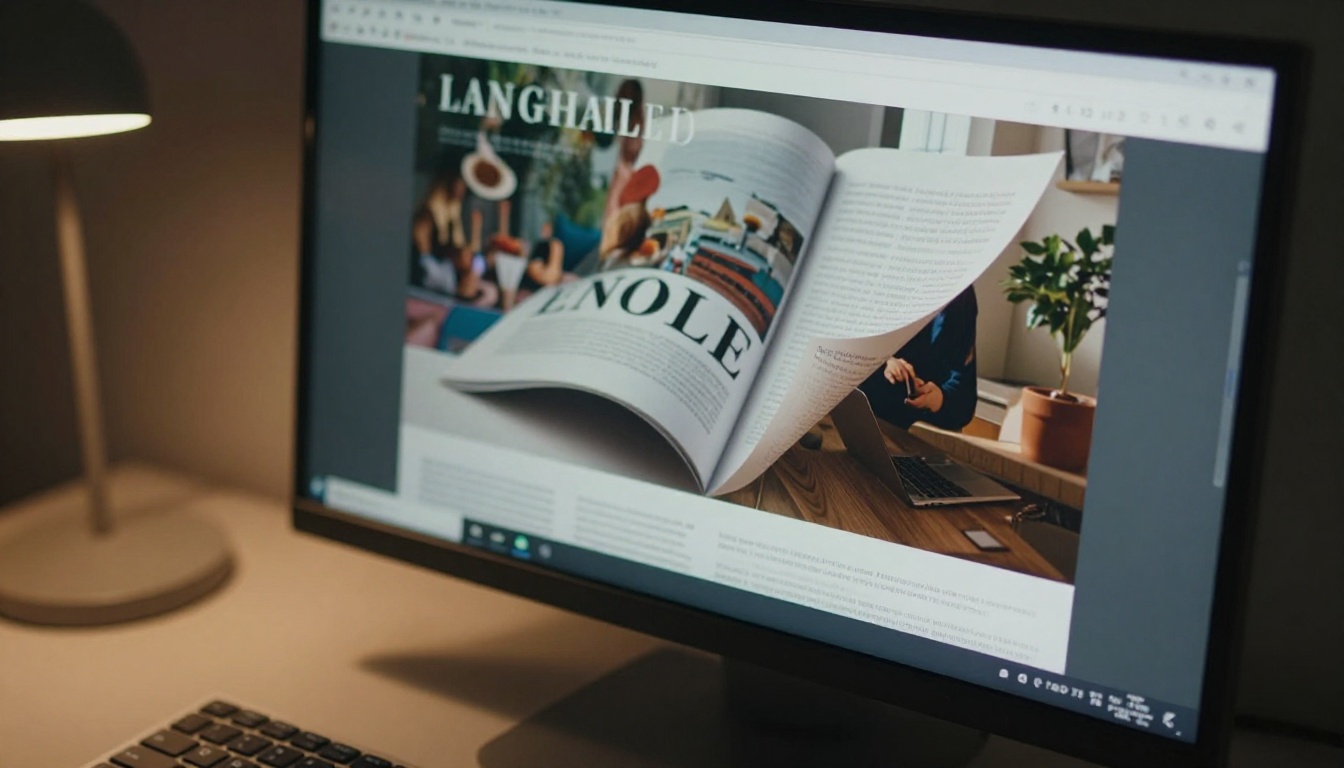
The animation itself is where many free tools fall short. A good page-flip effect mimics the physics of real paper: the curl speed, the slight translucency at the fold, the way a page bends before it lands. Poor tools produce stiff, mechanical transitions that break the illusion. The best tools in 2026 render this in HTML5, meaning no plugins and smooth performance across all devices including mobile.
PDF Import and Conversion
The core function of any flipbook tool is converting your existing PDF into an interactive format. Look for platforms that preserve your original formatting, fonts, and image quality. Some free tiers compress images aggressively, which destroys the appearance of professionally designed documents. Always test a real file before committing to any platform.
Embedding and Sharing
A flipbook that you cannot easily share is not much use. The best tools offer a direct shareable link, an embed code for websites, and ideally a way to password-protect content for private documents.
💡 Always test the embed code on your actual website before publishing. Some tools produce embed codes that break on certain CMS platforms or require specific iframe permissions.
Top Free Flipbook Software Options in 2026
These are the platforms worth your time right now. Each has a genuine free tier, not just a trial.
Flipbooks AI
Flipbooks AI offers one of the most polished free-to-start experiences in this space. The platform converts PDFs into high-quality HTML5 flipbooks with smooth page-curl animation, and the free plan gets you started without a credit card. What separates it from most competitors is the range of specialized tools built for specific use cases: dedicated creators for product catalogs, restaurant menus, real estate brochures, e-books, and dozens more.
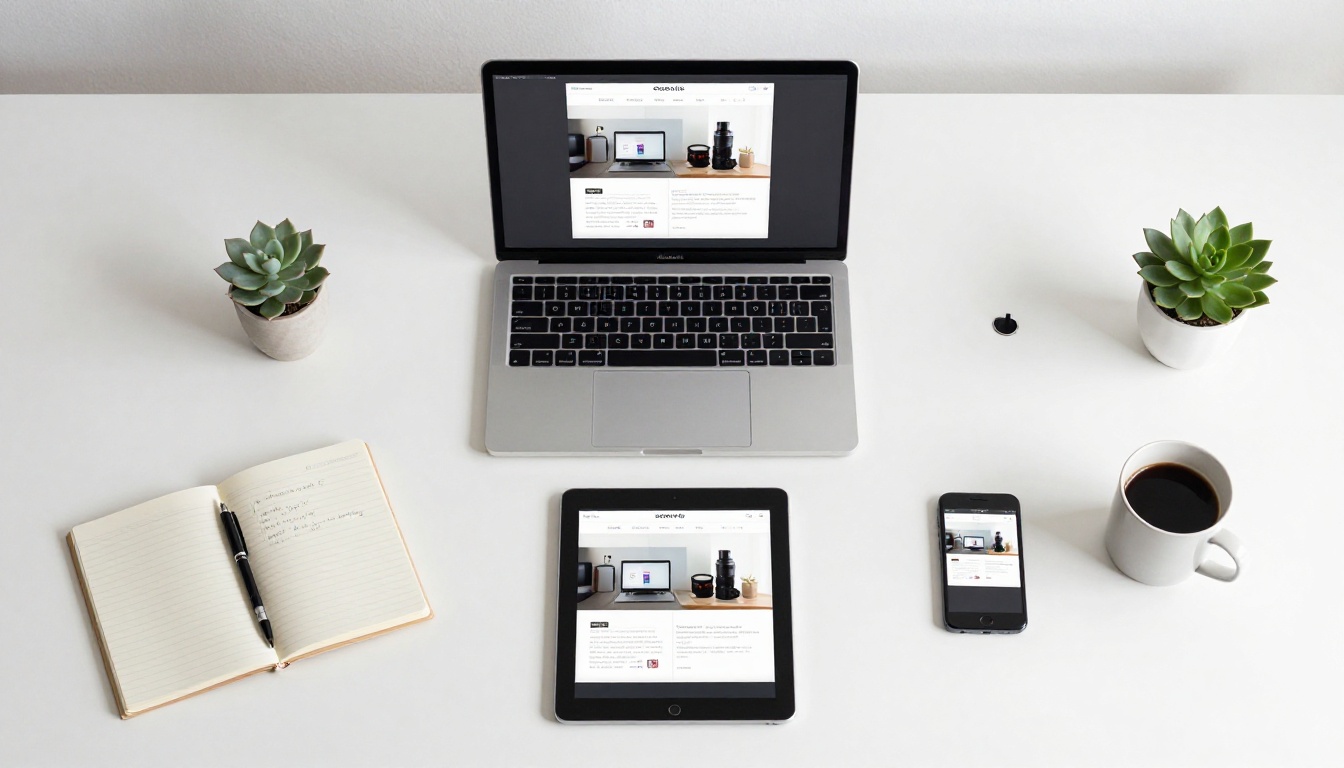
The platform is mobile-responsive by default, and the Standard plan and above gives you unlimited flipbooks with no watermarks, ever. The PDF to Flipbook Converter is the fastest way to get started. You can create a free account and have your first flipbook live in under five minutes.
Flipsnack
Flipsnack is one of the older names in this space and has a solid free tier. It allows up to five publications on the free plan with basic sharing options. The editor is drag-and-drop and works well for simple projects. The main limitation is that free publications display Flipsnack branding prominently, which is a dealbreaker for professional use.
Issuu
Issuu is widely known for digital magazine publishing. The free plan lets you publish unlimited documents but locks most sharing and embed features behind paid tiers. It is a good option for reaching Issuu's built-in reader community, but less useful if you want to embed content on your own site.
FlipHTML5
FlipHTML5 is a desktop application with a web-based viewer. The free version supports basic conversion and online hosting but adds a watermark and limits the number of pages in certain modes. The interface is more complex than browser-native tools, which can slow down simple workflows.
Yumpu
Yumpu focuses on digital magazines and catalogs. The free plan allows publishing with Yumpu branding and basic sharing. It has a built-in reader base that can help with content visibility, but customization options on the free tier are minimal.

Free vs Paid Plans Compared
Here is a direct feature comparison across the main platforms on their free tiers, followed by what you get when you upgrade.
| Feature | Flipbooks AI | Flipsnack | Issuu | FlipHTML5 | Yumpu |
|---|
| Watermark-free | No watermark ever | Paid only | Paid only | Paid only | Paid only |
| Flipbook limit | Limited free / Unlimited paid | 5 publications | Unlimited | Limited | Unlimited |
| Custom branding | Available on paid | Paid only | Paid only | Paid only | Paid only |
| Embed on website | Yes | Limited | Paid only | Yes | Yes |
| Password protection | Paid | Paid only | Paid only | Paid only | Paid only |
| Analytics | Professional plan | Paid only | Paid only | Paid only | Paid only |
| Mobile responsive | Yes | Yes | Yes | Yes | Yes |
| Offline download | Paid | No | No | No | No |
| Specialized tools | Yes (50+ tools) | No | No | No | No |
⚠️ Several platforms advertise "free forever" plans but silently add watermarks or compress your images heavily. Always test with a real document on any platform before committing.
Flipbooks AI Pricing at a Glance
| Plan | Price | Flipbooks | Features Included |
|---|
| Free | $0 | Limited | Basic conversion, shareable link |
| Standard | Paid | Unlimited | No watermarks, custom branding, embed codes, multimedia |
| Professional | Paid | Unlimited | Analytics, lead generation, offline downloads, password protection |
Check the full pricing breakdown to see which tier fits your use case.
How to Create a Flipbook with Flipbooks AI
Since Flipbooks AI is the most full-featured option for most use cases, here is exactly how to create your first flipbook from start to finish.
Step 1: Sign Up and Pick Your Tool
Go to flipbooksai.com and create a free account. No credit card is required. Once logged in, access the full tools directory to find the specific creator that matches your content type, whether that is a catalog, brochure, menu, portfolio, or a general PDF conversion.
Step 2: Upload Your PDF
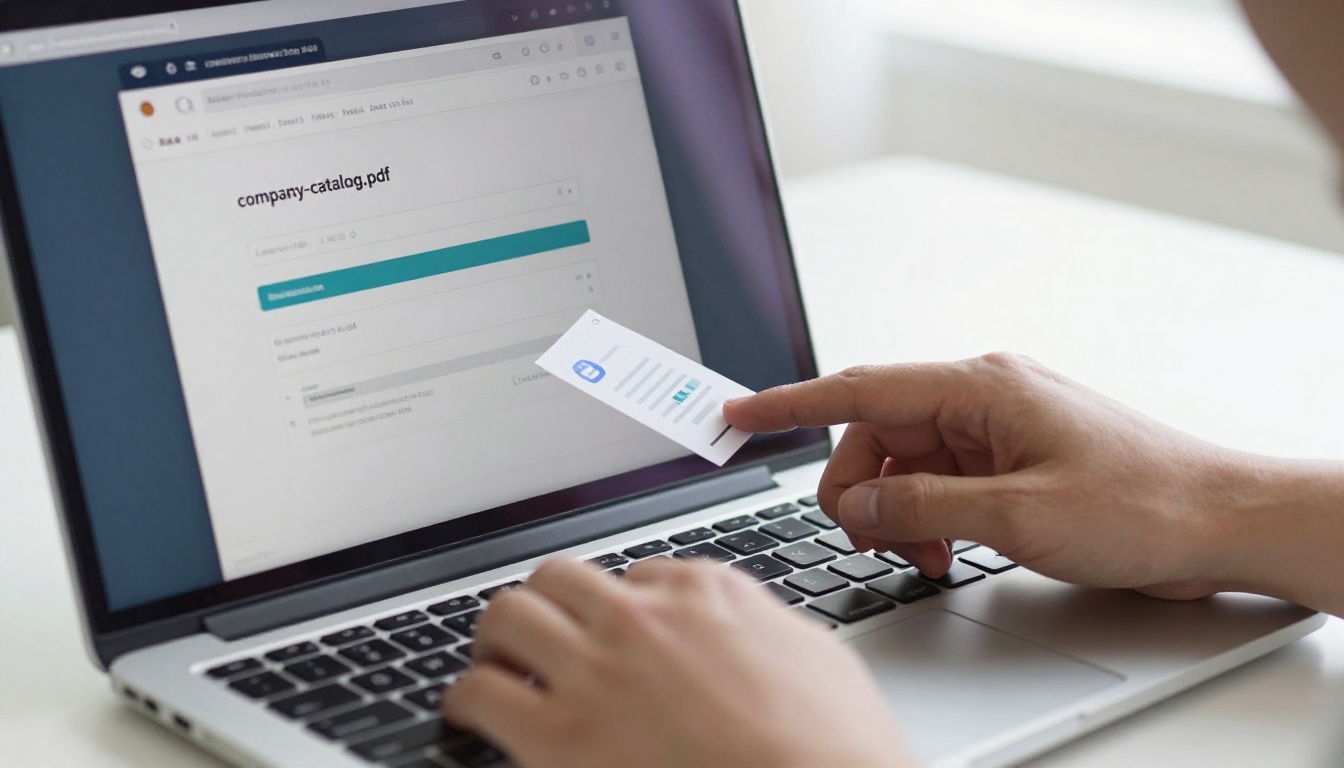
Click the upload button and drag your PDF directly into the interface. The platform accepts files of any size and preserves your original formatting, fonts, and image resolution. The conversion happens in the cloud, so your machine does not need any processing power. Within seconds, your PDF becomes an interactive flipbook with smooth page-curl animation.
✅ Best practice: Export your PDF at full resolution before uploading (300 DPI or higher for print-ready files). The platform preserves whatever quality you start with, so do not let the source file be your weakest link.
Step 3: Customize and Brand
Once converted, apply your brand colors, add a custom logo, and choose from different page transition styles. On paid plans, you can also embed video and audio files directly into specific pages, which is especially powerful for product catalogs, training manuals, and interactive lookbooks.
Customization options include:
- Background color and texture for the reader environment
- Logo placement on the reader interface
- Table of contents for longer documents
- Page-specific hotspots and clickable links within pages
- Multimedia embeds including video and audio on individual pages
Step 4: Share, Embed, and Protect
Once ready, you get a direct shareable link to send via email or post on social media. The embed code places the flipbook on any webpage with a single paste. On the Professional plan, add password protection for internal documents and enable lead generation forms that capture visitor information before they access the content.
Step 5: Track How People Read It
On the Professional plan, the analytics dashboard shows exactly how readers interact with your flipbook: which pages they spend the most time on, where they drop off, and how many unique views each publication receives. This data is genuinely useful for refining future content and proving ROI to clients or stakeholders.

Flipbook software is not just for publishing companies. The range of applications in 2026 spans almost every industry.
Small Business Marketing
A small retail brand can take their seasonal lookbook, convert it with the Interactive Lookbook Designer, and share it as a link on Instagram Stories or embed it on their website homepage. Instead of sending a static PDF that gets downloaded and forgotten, the flipbook stays in the browser, keeps readers turning pages, and looks polished on any screen size.
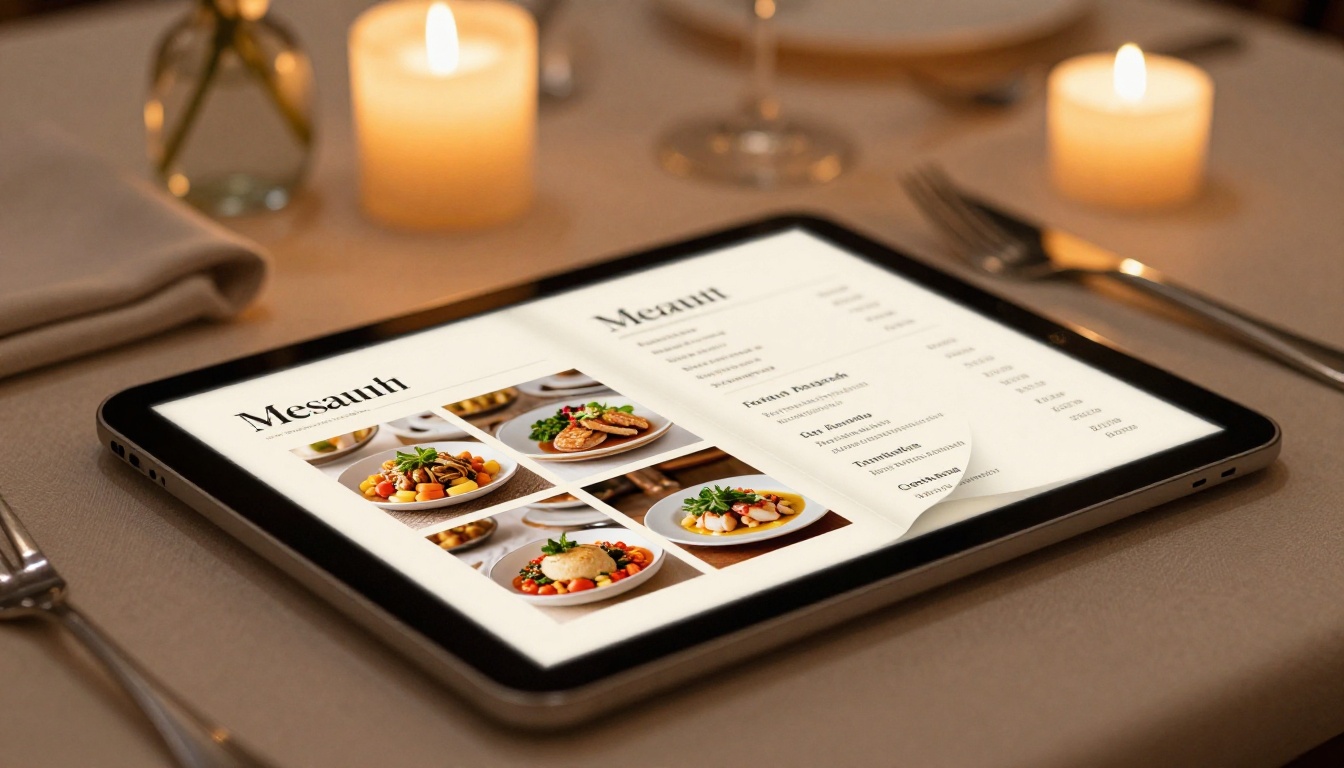
A restaurant can replace their printed menu entirely with a digital version created using the Restaurant Menu Creator, complete with food photography and a QR code that links directly to the flipbook at the table.
Educators and Schools
Teachers and curriculum designers can convert course materials, worksheets, and lesson guides into interactive flipbooks that students access on any device. The Course Material Publisher and Training Manual Flipbook tools are built specifically for this workflow.
Schools can also use the School Newsletter Creator to publish parent newsletters that feel modern and professional rather than a plain PDF attachment.

Photographers and Creatives
For photographers, a digital portfolio as a flipbook is far more impressive than a simple image gallery. The Photography Portfolio Flipbook tool formats images with a cinematic full-bleed layout, and the page-flip effect adds a physical book feel to what would otherwise be a static slideshow. Real estate professionals get similar benefits from the Digital Portfolio Creator when presenting properties to clients.

The right choice depends on what you need right now and what you expect your use to look like in six months.
For Business Use
If you are creating content for a brand, client-facing presentations, or any situation where your own name needs to appear instead of someone else's watermark, start with Flipbooks AI. The no-watermark policy even on the entry-level paid plan, combined with specialized tools for specific industries, makes it the strongest business-oriented option in 2026.
For Personal Projects
For one-off personal projects where branding does not matter, Issuu or Yumpu can work well for basic publishing. Their built-in reader communities can give your content some organic visibility without any setup effort.
💡 Even for personal projects, the free tier of Flipbooks AI is worth testing first. The conversion quality is noticeably better than most alternatives, and you can embed the result on a personal portfolio site without third-party watermarks blocking your content.
When Free Stops Being Enough
Free tiers are excellent for getting started, but they come with real limits. The most common triggers that push users toward paid plans include:
- Volume: You need more than a handful of flipbooks and cannot stay within the free limit
- Branding: A watermark from a third-party platform looks unprofessional on client-facing content
- Analytics: You need to know whether people are actually reading your flipbooks and for how long
- Privacy: Internal company documents should not be publicly accessible without password protection
- Lead generation: You want to capture contact information from readers before granting access to a download
When you hit any of these situations, the Standard or Professional plan on Flipbooks AI resolves all of them without a complex enterprise contract. The pricing is straightforward and the feature jump from free to Standard is substantial.
✅ Best practice: Start on the free tier to validate that flipbook format works for your audience. Once you see readers spending time on your content, upgrading for analytics and branding becomes an obvious decision.
The best free flipbook software in 2026 is not the one with the longest feature list. It is the one that fits your workflow, publishes without friction, and produces something you are genuinely proud to share. For most users, Flipbooks AI hits that mark from day one, with specialized tools for every content type, a clean conversion process, and a pricing structure that scales without surprises.
Ready to create your first flipbook? Get started for free and have it live in minutes. Want to see what is possible before committing? Browse the full tools directory and find the specific creator for your content type. When you are ready to remove watermarks, add analytics, or protect content with a password, the pricing page makes it simple to choose the right plan.



