You want to send a newsletter, and you want to pay nothing for it. Fair enough. The best free newsletter creator tools in 2027 are far better than they were a few years ago, but every free plan hides a limit somewhere, and most people hit it right when their list starts to grow. This ranking compares the free tools people actually use, shows which templates are worth your time, spells out the real caps, and adds a different route: publishing each issue as an interactive online flipbook with Flipbooks AI, so your newsletter looks like a magazine instead of a plain email.
What a Free Newsletter Creator Does
A newsletter creator is software that lets you design an issue, store a list of readers, and deliver the result to their inboxes or to a web page. Some tools do all three. Others only handle design or only handle delivery. Before you compare brands, it helps to know which job you need done.
Email Tools vs Online Publishers
There are three broad families, and mixing them up is the most common reason people pick the wrong tool.
- Email service platforms (Mailchimp, Brevo, MailerLite) focus on list management, automation and deliverability. You design the issue in a drag and drop editor and the platform sends it.
- Creator publishing platforms (Substack, beehiiv) combine writing, a public archive page and email delivery. They are built for writers who want an audience and perhaps paid subscriptions.
- Design and format tools (Canva, Flipbooks AI) produce the visual issue itself. You then share it as a link, an embed, a PDF or an attachment to any of the platforms above.
Who Needs Which Type
💡 Pro tip: Ask one question first: "Do I need to send email to a list, or do I need people to read something beautiful?" The first points to an email platform. The second points to a format tool.
A local gym sending weekly class updates needs reliable delivery. A photographer sending a seasonal portfolio issue needs presentation. A school sending a monthly bulletin to parents needs both, and that is where combining tools pays off.
Best Free Options Compared
Here is how the main contenders stack up. Free allowances change often, so treat the numbers as approximate and confirm them on each pricing page before you commit.
| Tool | Type | Approximate free allowance | Templates | Best for |
|---|
| Mailchimp | Email platform | About 500 contacts, roughly 1,000 sends per month | Large library, some locked | Beginners who want familiarity |
| Brevo | Email platform | Unlimited contacts, about 300 emails per day | Good, clean layouts | Larger lists with low send volume |
| MailerLite | Email platform | Up to about 500 subscribers, roughly 12,000 emails per month | Modern and simple | Small businesses and creators |
| Substack | Publishing platform | Free to publish, fee on paid subscriptions | Minimal by design | Writers building an audience |
| beehiiv | Publishing platform | Free up to a few thousand subscribers | Customizable themes | Growth minded newsletter writers |
| Canva | Design tool | Free plan with many templates | Thousands | Visual issues and PDFs |
| Flipbooks AI | Online flipbook format | See pricing | Upload your own design | Magazine style issues, no watermark |
Mailchimp, Brevo and MailerLite
Mailchimp is the name everyone recognizes. Its editor is polished, its template library is huge, and its free plan has shrunk over the years, so it suits very small lists. Brevo is the pick when you have many contacts but send rarely, because the cap is on daily sends rather than on list size. MailerLite sits in the middle with a clean editor, a generous monthly send allowance and a landing page builder that works well for sign up forms.
All three limit automation, A/B testing or support on the free tier, and all three add their own footer badge to free emails. That detail matters if you care about a professional look.
Substack and beehiiv
Substack wins on simplicity. You write, you hit publish, and the post goes out by email and appears on a public page. The trade off is limited design control. beehiiv offers more layout flexibility, a referral program and a higher free subscriber ceiling, which makes it attractive if growth is the main goal.
Neither is ideal if you need a branded, template driven layout with tight control over columns, fonts and imagery. They are writer tools first.
Canva and Design First Tools
Canva does not send newsletters, but it produces beautiful ones. Many people design in Canva, export a PDF, then share that file or convert it into something more readable. This is the quiet workflow behind a lot of polished small business newsletters.
Free Templates Worth Using
Templates save hours, but a bad template can cost you readers. Look for layouts that load fast, read well on a phone and leave room for your own voice.

What a Good Template Includes
A strong newsletter template, free or paid, usually gives you these building blocks:
- A clear header with logo space and an issue date.
- A single lead story block that gets the most visual weight.
- Two or three secondary blocks for shorter items.
- A call to action button that stands out without shouting.
- A footer with unsubscribe link, address and social icons.
- Mobile friendly stacking so columns collapse into one on small screens.
| Template style | Strength | Weakness | Good fit |
|---|
| Single column text | Fast, readable, high deliverability | Little visual flair | Writers, consultants |
| Two column magazine | Room for multiple stories | Can feel crowded on mobile | Community groups, schools |
| Image led announcement | Strong first impression | Heavy files, may clip in some inboxes | Retail, events, travel |
| Digest and roundup | Easy to assemble weekly | Needs disciplined curation | Media, associations |
5 Template Mistakes to Avoid
- Packing five calls to action into one issue.
- Using a hero image so large that the first screen contains no text.
- Choosing a template with tiny body text, which fails on phones.
- Skipping alt text on images, which hurts accessibility and shows blank boxes when images are blocked.
- Changing the layout every week, so readers never learn what to expect.
⚠️ Warning: Many free templates are locked behind a paid tier after you pick them. Open the editor and check for a lock icon before you spend an hour customizing a layout.
The Real Limits of Free Plans
Free is rarely unlimited. Knowing the typical caps before you build a list will save you a painful migration later.
Subscriber and Send Caps
Two numbers decide most things: how many contacts you can store and how many emails you can send. Some tools cap one, some cap both, and some cap daily sends, which can delay a big announcement by days.
| Limit | What to expect | Practical workaround |
|---|
| Contact cap | A few hundred to a few thousand | Clean inactive subscribers every quarter |
| Monthly send cap | Roughly 1,000 to 12,000 emails | Send fewer, better issues |
| Daily send cap | Around 300 on some plans | Schedule large sends across several days |
| Automation | Single step or none | Use a welcome email only |
| Reporting | Basic opens and clicks | Track clicks with simple links |
| Support | Community or email, slow | Read the help center first |
| Branding | Platform badge in footer | Accept it, or move to a paid plan |
Branding and Hidden Costs
The most visible cost of a free plan is the badge at the bottom of your email. The less visible ones include removed templates, locked integrations and limited exports. Always check whether you can export your subscriber list in one click. If you can, you are never really trapped.
✅ Best practice: Keep a copy of your list in a spreadsheet once a month. Your audience is the asset, not the platform that stores it.
Online Newsletters as Flipbooks
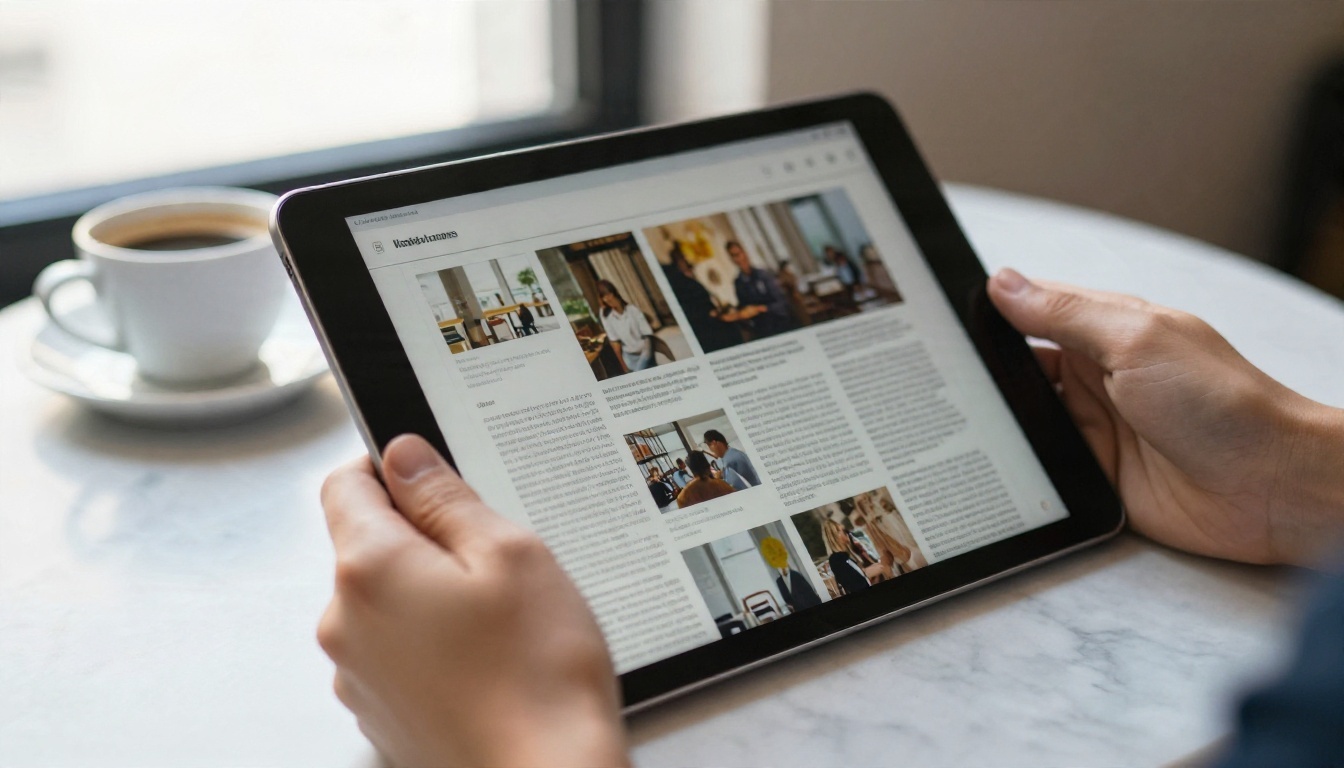
Email is only one place a newsletter can live. An online newsletter published as a page turning flipbook has a different set of strengths, and it avoids several of the free plan limits above because it is not an email at all.
Why Flipbooks Beat Plain PDFs
A PDF attachment is clumsy: it downloads slowly, opens in a viewer that is hard to read on a phone, and tells you nothing about who looked at it. A flipbook solves these points.
| Feature | Email only | PDF attachment | Flipbook issue |
|---|
| Layout control | Limited by email clients | Full | Full |
| Mobile reading | Good | Poor | Responsive |
| Page turn feel | None | None | Yes |
| Video and audio | Rarely works | No | Embedded |
| Password protection | No | Sometimes | Yes |
| Reader analytics | Opens and clicks | None | Available on Professional |
| Subscriber caps | Yes | No | No list required |
With the Newsletter Flipbook Publisher, you design the issue anywhere you like, export a PDF and turn it into a shareable online edition. There are no watermarks, ever, which keeps your brand front and center. You can then paste the link into any email platform from the table above, so the flipbook and the free email tool work as a team.
How to Create a Newsletter with Flipbooks AI
Here is the full workflow, from blank page to published issue.

- Design your issue. Build it in Canva, Word, Google Docs or any layout app. Keep pages in a consistent size and export as PDF.
- Create your account. Go to Flipbooks AI and create an account. You can try it free before choosing a plan.
- Upload the PDF. Drag the file into the uploader. The PDF to Flipbook Converter turns every page into a flipping page in seconds.
- Customize the look. Set your brand colors, add your logo, pick a background and choose the page turning effect. Add clickable links, and embed video and audio if you want a welcome message or a podcast clip inside the issue.
- Choose how to share. Copy a direct link, grab the embed code or use the Embed Flipbook on Website tool to place it on your site. For private issues such as member bulletins, switch on password protection.
- Send the link. Paste it into Mailchimp, Brevo, MailerLite, Substack or beehiiv. Your free email plan only needs to carry one short message and a button.
Pro Features Worth Knowing
On the Professional plan you also get analytics and lead generation, so you can see how many people opened an issue and capture contact details before they read. Offline downloads let readers save an issue for later, and the Standard plan and above include unlimited flipbooks, so every monthly edition can stay online. Check the pricing plans to compare tiers.
💡 Pro tip: Name each issue with a date and a topic, such as "March Recipes", so your archive page reads like a library rather than a pile of files.
Real World Examples
- A bakery sends a monthly flipbook of seasonal menus and links to it from a free MailerLite email, keeping photos large and crisp.
- A school office uses the School Newsletter Creator to publish a term bulletin parents can read on a phone without downloading anything.
- A real estate agent shares a neighborhood update flipbook, then uses lead capture to see who is actually interested.
- A non profit publishes a quarterly impact edition with embedded video from volunteers.
Picking Your Setup
No single tool wins every situation, so match the setup to your goal. The table below is a quick decision shortcut.

| Your situation | Recommended setup | Why |
|---|
| Brand new, under 500 readers | MailerLite or Mailchimp free | Easy editors, enough room |
| Big list, rare sends | Brevo free | Cap is on daily sends |
| Writer building an audience | Substack or beehiiv | Built in archive and growth tools |
| Visual brand, photo heavy issues | Canva plus a flipbook | Full design control |
| Private member updates | Flipbook with password | Access control |
| Need reader data | Flipbook on Professional plus email tool | Page level analytics |
A Simple Weekly Routine
Keep the process light so you actually publish. Draft on Monday, design on Tuesday, review on Wednesday and send on Thursday morning. Check your numbers on Friday: which link got clicked, which story got skipped, where readers stopped. Small changes from those answers will beat any template swap.
When to Move to a Paid Plan
Upgrade when one of three things happens: your list passes the free cap, you need automation that triggers on reader behavior, or the platform badge starts hurting your brand. Until then, free tools will carry you further than most people expect.
Start Your Newsletter Today
The best free newsletter creator is the one you will use every month. Pick an email platform for delivery, choose a template that reads well on a phone, and keep a backup of your list. Then give your best issues a home that looks like a real publication.
Ready to publish your first online issue? Get started for free on Flipbooks AI, browse all flipbook tools and templates to find the right fit, and compare pricing plans when you want analytics, unlimited flipbooks and lead capture.



