When someone you love dies, you suddenly have a dozen jobs: call relatives, talk to the funeral home, write the obituary, choose photos, print a program. Nobody feels ready for the paperwork of grief. The good news is that you don't have to pay a newspaper's per-line rate or hire a designer to do it well. Free obituary sites handle the announcement, and a simple digital booklet built with a tool like Flipbooks AI handles the keepsake that people actually hold on to.
This article compares the best free online obituary sites, shows memorial booklet examples you can copy, lists the sections a good template needs, and explains how to share everything online without losing control of your family's privacy.

What Obituary Sites Actually Do
Before you pick a platform, it helps to know that "obituary site" covers three different jobs. Mixing them up is the most common reason families end up paying for something they didn't need.
Obituary, Memorial Page, or Booklet?
- Obituary: a short public announcement of the death, with service details. Usually 150 to 400 words.
- Memorial page: a longer, living tribute with photos, stories and a guest book. Often free to create.
- Memorial booklet: a designed, page by page keepsake with the order of service, a life story, photos and favorite readings. Traditionally printed, now often shared as a digital flipbook.
Most families need all three, and they don't have to come from the same place.
Who Pays and Who Publishes
Newspaper obituaries are usually priced by length or by photo, and the price is set by the paper or funeral home. Dedicated memorial sites are often free for the basic page and earn money from optional extras such as printed cards, fundraising tools or premium hosting. Always read the current terms before you enter payment details. Pricing and features change often.
💡 Pro tip: Ask your funeral director whether they already publish obituaries to a partner site at no charge. Many do, and it saves you a duplicate listing.
Best Free Online Obituary Sites Compared
Here are the platforms families use most often. Check each site's current terms, since free tiers shift over time.
Legacy.com
Legacy.com is the large network tied to many local newspapers. Reading obituaries and signing the guest book is free. Publishing the newspaper version typically carries a fee set by the paper, but the guest book and shared memories are a good free layer on top.
Tribute Archive
Tribute Archive offers free memorial pages where you can post a life story, photos and service details, and invite others to leave condolences. It suits families who want a permanent page without a newspaper listing.
Ever Loved
Ever Loved lets you build a free memorial website with a timeline, photo gallery and tributes. It also offers optional fundraising for funeral costs, which some families find useful and others skip.
Find a Grave
Find a Grave is a free, volunteer-driven database of burial records. It isn't a place to write a full obituary, but adding a memorial with a photo and a short biography helps future relatives and genealogists find the grave.
Echovita
Echovita collects obituaries from funeral homes and lets visitors send condolences, light a virtual candle or share memories. It works well as a discovery layer, so distant friends can find the notice.
Quick Comparison Table
| Platform | Best for | Free features | Possible costs |
|---|
| Legacy.com | Newspaper style notice and guest book | Guest book, reading, sharing | Newspaper publishing fees |
| Tribute Archive | Standalone memorial page | Page, photos, condolences | Optional upgrades |
| Ever Loved | Memorial website with timeline | Site, gallery, tributes | Optional extras |
| Find a Grave | Burial records and genealogy | Memorial entry, photo | None for basic use |
| Echovita | Wider visibility through funeral homes | Condolences, virtual candles | Varies by funeral home |
⚠️ Warning: Be careful with sites that pop up in search results promising "free obituary" but ask for card details to "verify" you. A legitimate free tier never needs payment to publish a basic notice.
Memorial Booklet Examples Worth Copying
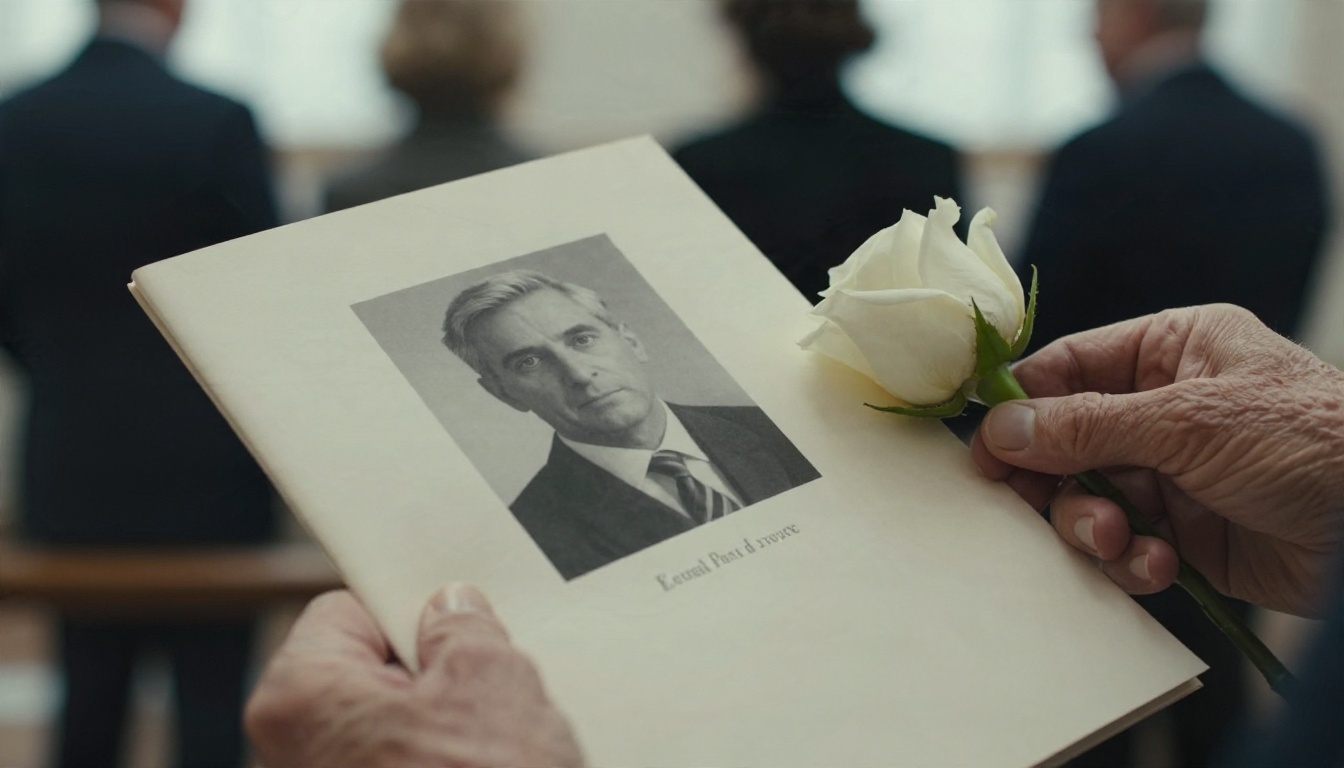
An obituary site tells people that someone died. A booklet tells them who that person was. These are three formats that work in real services.
The Folded Order of Service
The simplest format: four pages. The front shows a portrait, name and dates. The inside holds the order of service, readings and music. The back lists the burial location and reception details. It is cheap, fast to build and enough for a small gathering.
The Photo Tribute Booklet
Eight to sixteen pages built around images. Each spread pairs one photograph with a short caption: a wedding day, a fishing trip, a kitchen full of grandchildren. A photo tribute works best when the captions are specific. "Saturday pancakes, 1994" says more than "Always smiling."
The Celebration of Life Booklet
Longer and warmer, this format includes a life story, favorite recipes, a poem the person loved, handwritten notes from family and a page of memories that guests can add to later. It is the most personal and often becomes a family heirloom.

Which Format Fits Your Situation?
| Format | Pages | Time needed | Best for |
|---|
| Folded order of service | 4 | 1 hour | Small services, tight deadlines |
| Photo tribute booklet | 8 to 16 | 3 to 5 hours | Families with lots of photographs |
| Celebration of life booklet | 16 to 32 | 1 to 2 days | Larger gatherings, lasting keepsakes |
Free Memorial Booklet Templates
You don't need a design degree. You need a clear order of pages and a calm layout. Most good templates share the same bones.
Sections Every Template Needs
- Front page: a portrait, full name, birth and death dates, and perhaps a short line like "In loving memory."
- Order of service: who speaks, which songs play, in what order.
- Life story: 300 to 600 words, written in warm, plain language.
- Photo pages: childhood, family, work, hobbies, recent years.
- Favorite things: a poem, a recipe, a prayer or a quote.
- Thank you note: from the family, to everyone who helped.
- Back page: burial or reception details and a place for contact information.
Where to Find Free Starting Points
- Word processors: Google Docs and Microsoft Word both offer free brochure and program templates you can adapt.
- Design apps: free tiers on popular design tools include funeral program layouts.
- Funeral homes: many provide a basic program template when you arrange the service.
- A PDF you export: build the pages anywhere, then convert the PDF into a flipbook, which is the route I recommend below.
Layout Choices That Feel Respectful
- Use one or two typefaces at most. A serif for headings and a clean sans serif for body text is enough.
- Keep colors soft and muted: cream, sage, slate blue, dusty rose.
- Leave white space around photos. Crowded pages feel loud.
- Use portraits that show the person's real expression, not only formal shots.
✅ Best practice: Print one proof page before you print fifty. Faces in photos often look darker on paper than on a screen.

How to Create a Memorial Booklet with Flipbooks AI
A printed booklet is lovely, but only the people in the room get one. A digital flipbook reaches the cousin overseas, the old coworker who heard late, and the grandchild who isn't born yet. You can build one in an afternoon with the PDF to Flipbook Converter or the Interactive E-Book Publisher.
Step by Step: From PDF to Flipbook
- Create an account. Head to Flipbooks AI and sign up. Review the pricing plans to see what the free option includes.
- Prepare your PDF. Export your booklet from Google Docs, Word or any design app. Use a PDF at standard page size, with photos at a reasonable resolution.
- Upload and convert. Drag the PDF into the converter. In a few moments each page becomes a turnable flipbook page with a soft page-flip effect.
- Customize the look. Choose a background color that matches the booklet, such as soft gray or warm cream. Add the family's chosen cover image as the thumbnail. No watermarks are placed on your pages.
- Add media. Embed a short video of the person laughing, or an audio clip of their favorite song or a reading. Flipbooks can hold both.
- Set privacy. Use password protection if the booklet is only for family. Leave it open if you want friends and neighbors to read it freely.
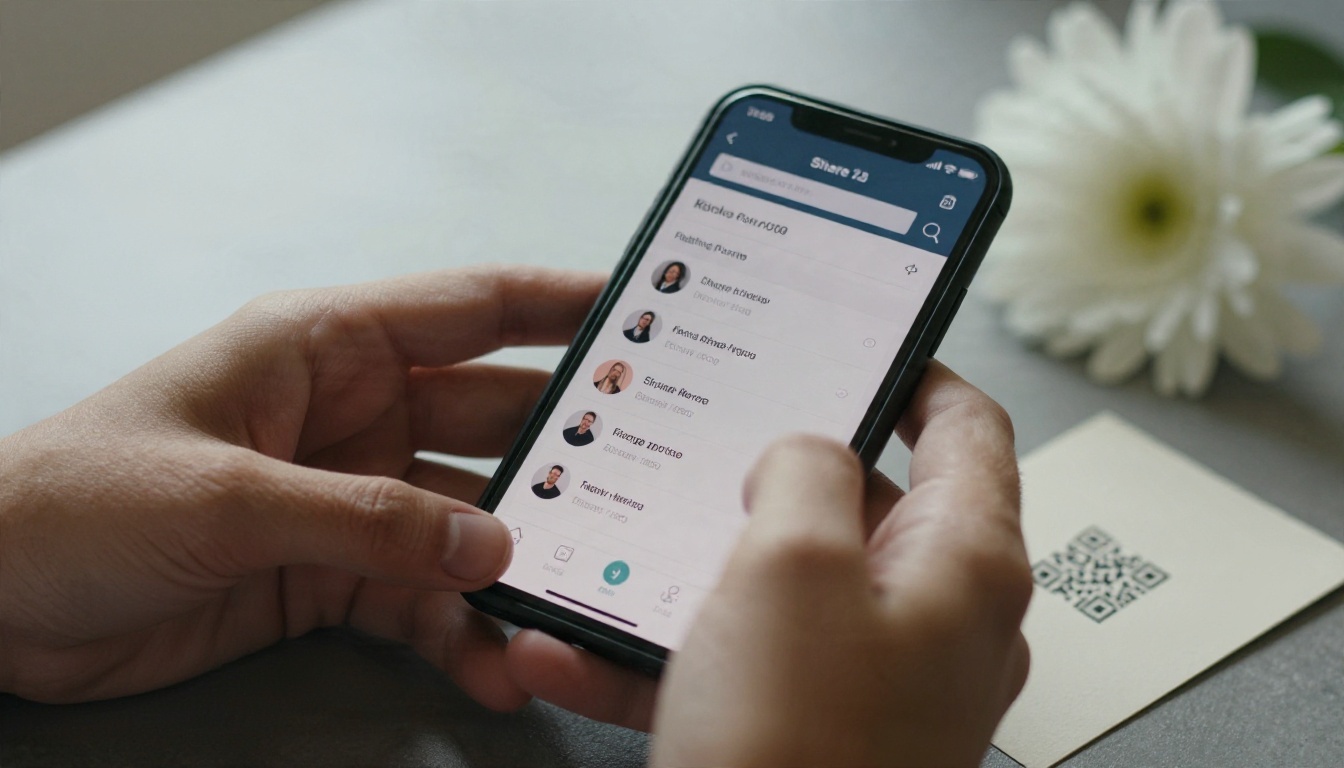
- Share. Copy the direct link, create a QR code for the printed program, or embed it on a memorial page.
💡 Pro tip: Put the QR code on the back page of the printed program. Guests can scan it at the service and keep the digital version on their phone.
Features Worth Using
| Feature | Why it helps a memorial |
|---|
| Password protection | Keeps a private tribute within the family |
| Embedded video and audio | Lets people hear a voice or a favorite song |
| Mobile responsive reading | Works on a phone at the service or at home |
| Offline downloads | Lets relatives keep a copy without a connection |
| Custom branding and colors | Matches the booklet to the mood of the day |
| Analytics (Professional plan) | Shows how many people opened the booklet |
If you want to know how many people read the tribute, or you are helping a funeral home or community group produce several booklets, the analytics and lead tools on the Professional plan can be useful. See the full plan comparison.

Related Tools for Memorial Projects
Writing the Tribute Text
The words matter more than the layout. Many people freeze at the blank page, so use a simple structure.
A Simple Obituary Formula
- Announcement: name, age, date and place of death, if you wish to share it.
- Life summary: where they were born, what they did, who they loved.
- Family: who survives them, and who went before.
- Service details: date, time, place and dress code if any.
- Closing line: donations in lieu of flowers, or a short thank you.
Adding Details That Sound Like Them
Facts fill an obituary. Small details make it feel alive. Ask relatives:
- What was their laugh like?
- What did they always say at the dinner table?
- What did they never leave the house without?
- What would they have hated about this service?
One family wrote that their father "never met a dog he didn't try to feed bacon." Everyone at the service smiled, and that line was quoted for years.
⚠️ Warning: Leave out full birth dates, home addresses and the names of every grandchild if the notice will be public. Identity thieves read obituaries. A year of birth and a general city are enough.
Sharing Online Without Oversharing
Once the booklet exists, decide who should see it and how it travels.
Link, QR Code, or Embed
| Method | Best for | Effort |
|---|
| Direct link | Texts, email and group chats | Very low |
| QR code | Printed programs, cards, flowers | Low |
| Embed on a memorial page | Permanent tribute with guest book | Medium, see Embed Flipbook on Website |
| Private password link | Close family only | Low |
Who Should Get It First
- Immediate family: send a draft for corrections before it goes anywhere.
- Funeral director: they can add the link to the obituary and to the livestream page.
- Extended family and friends: share by message, email or social media.
- The public: post it on a memorial site, so old classmates and coworkers can find it.

Privacy and Scam Awareness
Some people use obituary notices to target grieving families. A few simple habits help:
- Never list the dates a house will be empty during the service.
- Be suspicious of anyone who messages you offering to "publish for you" after you post.
- Use password protection for photo-rich booklets that contain family details.
- Turn off public comments if you don't have time to moderate them.
Keeping the Booklet Alive
A memorial doesn't end on the day of the service. Many families return to the same flipbook on birthdays and anniversaries, and add new pages: photos from a memorial bench, a letter from a grandchild, a recipe discovered in a drawer. Because a digital flipbook is easy to update, the tribute can grow with the family.

Ready to Build the Tribute?
You don't have to choose between a free obituary site and a lovingly made booklet. Use both: a free site to announce, and a flipbook to remember. Here is a simple plan you can follow this week:
- Post a short notice on a free platform such as Tribute Archive or Ever Loved.
- Draft the booklet in a word processor using the seven sections above.
- Export it as a PDF and convert it with Flipbooks AI.
- Share the link and a QR code with family and friends.
- Revisit the booklet on anniversaries and add new memories.
Ready to start? Create your account and build the first page today, browse all flipbook tools for more layouts, or compare pricing plans to pick the option that fits your family. Take your time, ask for help, and let the pages say what the person would have wanted said.



