When a family searches for a funeral home, they are usually tired, grieving and short on time. They do not want a clever website. They want a calm page that shows your phone number, your location, what you offer and roughly what it costs. The good news is that you can build that page for free. The catch is that "free" has edges, and this article shows you exactly where they are. We also show how to add service programs and price lists to your site using Flipbooks AI, which solves one of the biggest gaps in free site builders.
💡 Quick answer: For most small funeral homes, Google Sites or Wix on a free plan is enough to launch a simple, respectful site. Pair it with flipbooks for price lists and memorial programs, then upgrade only when you need a custom domain, email or online obituaries.
What Funeral Websites Must Do
A funeral business website has a different job than a restaurant or a shop. Nobody browses for fun. Visitors arrive with a specific need, and the page has to answer it within seconds.
Families Visit at Hard Moments
Most visitors fall into three groups: people who need to arrange a service right now, people planning ahead (pre-need), and mourners looking for service times. The first group is often on a phone, late at night. Your site has to load fast, show a tap-to-call button and use plain language.
Pages Every Site Needs
Whatever builder you pick, make sure it can handle these pages:
- Home: Your name, town, phone number and a short, warm statement of what you do.
- Services: Burial, cremation, memorial services, transport and pre-planning, described in plain words.
- Pricing: A price list or a clear range. In the US, the FTC Funeral Rule requires providers to give a General Price List to people who ask in person. Posting it online is optional, but it builds trust. Check local rules where you operate.
- Obituaries and service notices: Even a simple list of upcoming services helps.
- About and staff: Real photos and short bios. Families want to know who will answer the phone.
- Contact and directions: Address, map, hours, an after-hours number.
- Resources: Checklists, grief support links and FAQs.
Free Builders Compared
Several mainstream builders offer a free tier. None is built for funeral homes specifically, but each can produce a clean, quiet site. The table below summarizes what to expect at the time of writing. Plans change often, so confirm on each vendor's pricing page before committing.
| Builder | Free plan includes | Main limits | Best for |
|---|
| Google Sites | Unlimited simple pages, no ads, easy editing | Basic design control, custom domain needs a domain purchase, no built-in forms beyond Google Forms | Very small homes that want zero cost |
| Wix | Drag and drop editor, many templates | Wix ads, Wix subdomain, no custom domain on the free plan | Owners who want design freedom |
| WordPress.com | Blog style pages, themes, basic SEO tools | WordPress subdomain, ads, small storage, limited plugins | Sites with regular announcements |
| Square Online | Free site with simple layouts | Square branding, limited customization, built for selling | Homes that sell memorial products |
| Canva Websites | One page designs, very fast setup | Canva subdomain and branding, minimal navigation | A single page "digital business card" |
| Carrd | Small one page sites | Carrd branding, limited number of sites and features | Pre-need landing pages |
How to Read This Table
Look at the "Main limits" column first. For a funeral business, three limits matter most: ads on your site (distracting and disrespectful), a subdomain instead of your own domain (less credible and harder to remember), and branding badges (they signal a hobby project, not a trusted service).
Which One Fits Your Size
- Solo director or small family home: Google Sites. It is quiet, ad free and enough for five to eight pages.
- Growing local brand with several services: Wix, then upgrade to remove ads and connect a domain.
- Content heavy sites with regular updates: WordPress.com, then upgrade for plugins and your domain.

Templates That Fit Funeral Homes
A template sets the emotional tone before anyone reads a word. For this industry, quieter is almost always better.
Layouts to Look For
Search template libraries for categories like "memorial," "nonprofit," "wellness," "church," "law firm" or "consulting." These tend to use calm colors and generous white space. Avoid templates with sliders, autoplay video, bold animations or loud color blocks.
Good template traits:
- Muted palette: Soft greys, deep blues, sage green, warm cream.
- Large, readable type: At least 16px body text, with strong contrast.
- A sticky phone button: Visible on mobile at all times.
- Short navigation: Five to seven menu items at most.
- Room for a gentle hero photo: A landscape, flowers or the building itself.
Page Examples You Can Copy
Here are page structures that work well on any builder. They are not tied to a specific template, so you can recreate them anywhere.
| Page type | What goes on it | Suggested layout |
|---|
| Home | Name, phone, one sentence of care, three service buttons | Hero photo, three cards, contact strip |
| Pre-need planning | Why plan ahead, steps, a contact form | Short intro, numbered steps, form |
| Services and prices | Plain descriptions, price list link | Accordion list plus a downloadable or flipbook price list |
| Obituaries | Name, dates, service details, a short message | Simple list, newest first |
| Our team | Photos, titles, a line about each person | Grid of portraits |
| Resources | Checklists, FAQs, support contacts | Headings with short paragraphs |
✅ Best practice: Write the home page as if you were speaking to someone across your desk. One short paragraph, one phone number, three clear buttons.
What Free Really Costs
A free plan costs nothing in dollars, but it can cost you credibility, time or visibility. Plan for these trade-offs.
Hidden Limits to Check
- Ads and badges: Free tiers often insert builder branding. Some placements are unavoidable.
- Subdomain addresses: An address like
yourname.wixsite.com/home is harder to say over the phone than yourhome.com.
- Business email: Free plans rarely include an email on your own domain.
- Storage and bandwidth: Photo heavy pages and PDFs can hit caps quickly.
- Search visibility: Subdomain sites can still rank locally, but a custom domain gives you more control over your Google Business Profile and local search.
- Forms and integrations: Free tiers limit submissions and block third party tools.
- Support: Usually help articles only, no live chat.
When to Upgrade
The table shows typical entry level paid costs. These are ballpark figures, and vendors change them often, so check current pricing.
| Upgrade | Typical cost range | When it is worth it |
|---|
| Custom domain | About 10 to 20 USD per year | Always. This is the first upgrade to make |
| Entry paid plan on a builder | Roughly 10 to 30 USD per month | When you want ads removed and a connected domain |
| Business email | Around 6 to 12 USD per user per month | Once staff start answering messages online |
| Funeral specific website platform | Often quote based, subscription | When you want built in obituaries, tributes and flower ordering |
| Flipbook hosting | See Flipbooks AI pricing | When you want branded programs, price lists and brochures |

Free Versus Funeral Specific Platforms
Dedicated funeral website companies bundle obituaries, online tributes, guest books and flower or gift ordering. They are convenient but typically cost a monthly subscription and are often quote based. A free builder plus a few smart add-ons gives a small home about 80 percent of the result at a fraction of the cost. Larger or multi-location firms may find the dedicated platforms worth it.
Build Your Site in 7 Steps
Here is a practical plan you can finish in an afternoon.
- Pick a builder. Choose from the comparison table above. If unsure, start with Google Sites.
- Choose a quiet template. Look for soft colors and plenty of white space.
- Write your core pages. Home, services, pricing, about and contact come first.
- Add real photos. Use your building, your team and gentle landscapes. Avoid generic stock photos of people crying.
- Add a phone button and map. Make both visible on mobile.
- Publish your price list and service programs. Use PDFs or flipbooks, as described below.
- Test on a phone. Ask a friend to find your number in under five seconds.
⚠️ Warning: Do not auto play music or video. Visitors may be at work, in a hospital waiting room or with family.
Add Flipbooks to Your Site
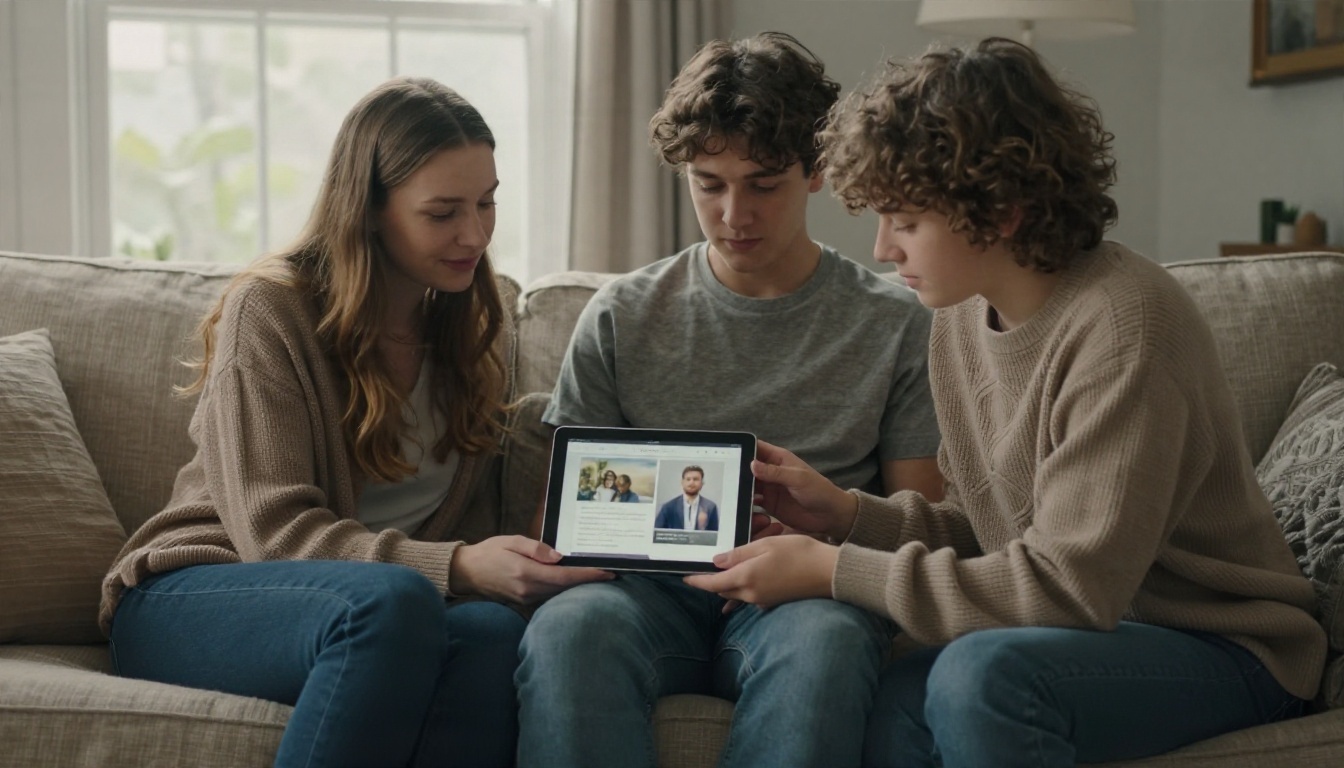
Free builders are good at text and photos. They are weak at documents. A price list uploaded as a plain PDF is awkward to read on a phone, and memorial service programs are usually shared as clumsy attachments. This is where a flipbook helps. A flipbook turns your PDF into a page-turning, mobile friendly publication you can embed on any website.
What You Can Publish
How to Create a Service Program with Flipbooks AI
Follow these steps to publish a memorial program that guests can open from any device.
- Open the platform. Go to Flipbooks AI and create an account. You can start on a free plan to test it.
- Prepare your PDF. Design the program in Canva, Word or Google Docs, then export it as a PDF. Include the order of service, readings, music and a photo.
- Upload and convert. Use the PDF to Flipbook Converter. Drag your file into the upload area. In a few moments it becomes a page-turning flipbook with realistic page effects.
- Customize the look. Add your funeral home's logo and match your site's colors. Choose a soft background and a gentle page-flip style. You can also embed audio, such as a favorite piece of music, or a short video tribute.
- Check the preview on your phone. Most guests will read it on mobile. The design is mobile responsive, so text stays readable.
- Choose your sharing option. Copy a direct link for text messages and emails, or use the Embed Flipbook on Website option to paste the embed code into your Google Sites, Wix or WordPress page.
- Protect private content if needed. Use password protection when a family wants a program shared only with invited guests.
💡 Tip: Keep one flipbook for your general price list and update it whenever prices change. The link on your site never changes, so you do not need to edit your page.
Features Worth Knowing About
Flipbooks AI publishes without watermarks, which keeps the result respectful and professional. Higher plans add unlimited flipbooks (Standard plan and above), and the Professional plan adds analytics and lead generation. Analytics can show how many people opened your price list, and a lead form can collect pre-need inquiries. Visitors can also download flipbooks for offline reading, which helps when relatives travel and have a weak signal. Compare the options on the pricing page.
A Real-World Scenario
Imagine a three-person family funeral home in a small town. The owner builds a six-page Google Sites site in one evening. The price list and the pre-need booklet live as embedded flipbooks. When a service is booked, the staff produce a program in Canva, convert it with Flipbooks AI and send the link to the family. Within minutes, relatives across the country can read it. The home spends nothing on the site itself beyond a domain name, and the documents look polished.
Mistakes to Avoid
Too Much Design
Bright colors, animated banners and stock photos of smiling models feel out of place. Keep it simple, quiet and real.
Hiding the Phone Number
If someone has to scroll to find it, you have lost them. Put it in the header, in a sticky mobile button and in the footer.
Outdated Information
Old service times, wrong hours or expired prices damage trust quickly. Use a flipbook for documents that change, and review your site every quarter.
Ignoring Accessibility
Low contrast, tiny text and unlabeled images make the site hard to use for older visitors. Use strong contrast and write short alt text for every photo.
Skipping a Custom Domain
A free subdomain works to start, but plan to buy a domain within the first few months. It is the cheapest credibility upgrade you can make.
| Mistake | Quick fix |
|---|
| Autoplay music or video | Remove it, offer an optional play button inside a flipbook |
| Long, dense paragraphs | Short sentences, bullet lists, clear headings |
| Hidden pricing | Link a flipbook price list from the home page |
| No mobile test | Check every page on a real phone before publishing |
| Builder ads visible | Upgrade the plan or switch to an ad free option like Google Sites |
Start Building Today
You do not need a large budget to look professional online. Pick a quiet template, publish the essentials, buy a domain when you can and let flipbooks handle the documents that free builders handle poorly.
Ready to publish your first price list or service program? Create a free account on Flipbooks AI, browse all flipbook tools to find the right format, and compare pricing plans when you want unlimited flipbooks, analytics and lead capture. A calm, clear website is one of the kindest things you can offer families who are having the hardest week of their year.



