When someone you love dies, one of the first practical questions is oddly modern: where do we put the photos, the stories and the service details so every relative can find them? Dozens of memorial sites promise an answer, and their pricing runs from genuinely free to a few hundred dollars a year. This article compares the best memorial sites, shows which free options deserve your time, and gives you photo tribute ideas with real examples. It also covers a calmer alternative: turning your pictures into a page-turning memorial book with Flipbooks AI, with no watermarks and no pressure to upgrade during a week when you already carry enough.
💡 Quick answer: For a simple public page, a free memorial site is usually enough. For a private, beautiful keepsake that you control, a memorial flipbook is often the better fit.
What Memorial Sites Actually Do
A memorial site is a web page, or a small group of pages, dedicated to one person. It collects photos, a biography, service details, and messages from friends and relatives. Some sites also let you raise money for funeral costs or a charity. The best ones feel like a quiet room where people can sit for a while, not like a noisy social feed.
Three Types You Will Meet
Most platforms fall into one of three groups:
- Obituary and guest book platforms: these are tied to newspapers and funeral homes. Visitors sign a guest book and leave a short message.
- Dedicated memorial website builders: you get a personal page with a photo gallery, a timeline, and sometimes fundraising tools.
- Cemetery and genealogy registries: these record grave locations, dates, and family links, and they work like a public archive.
A fourth option sits outside these groups: a digital memorial book that you design yourself and share by link. That is where a flipbook comes in.
Who Needs Which Type
| Your situation | Most useful type |
|---|
| You want a public notice for friends and colleagues | Obituary and guest book platform |
| You want a lasting page with photos and stories | Memorial website builder |
| You research family history or need grave records | Cemetery registry |
| You want a private keepsake for close family | Memorial flipbook |
Best Memorial Sites Compared
Pricing changes often, and many platforms adjust plans without much notice. Treat the table below as a map of how each type usually works, then confirm the current price on the site before you pay anything.
| Platform type | Typical cost | Best for | Watch out for |
|---|
| Find a Grave style registries | Free | Grave locations, family links | Limited design, public by default |
| Legacy.com style obituary sites | Free guest book, paid newspaper placement | Public notices | Placement fees set by the newspaper |
| Ever Loved style builders | Free basic page, optional paid upgrades | Photos, timelines, fundraising | Upgrade prompts, fundraising fees |
| Forever Missed style pages | Free basic, paid premium features | Online candles and tributes | Feature limits on the free level |
| MuchLoved style pages | Free basic, paid extras | Long-term online tributes | Extras may renew yearly |
| Funeral home memorial pages | Often included with services | Service details and live stream links | Pages can disappear after a set time |
| Social media memorialized profile | Free | Friends who already use the platform | Privacy controls and ads |
| Memorial flipbook | See the pricing page | Private photo tributes, printed look | You design it, so plan an evening |
Free Options Worth Using
Free does not mean weak. A free memorial page can do three things well: share a biography, hold a modest photo gallery, and collect messages. Registries are free because their goal is record keeping. Builders offer a free tier because some families will upgrade later.
Use a free option when:
- You need a page live within a day.
- Fewer than 30 photos matter.
- You are comfortable with a public or semi-public page.
- You do not need custom branding or a private link.
Paid Options and Real Pricing
Paid memorial plans usually land in one of three pricing models. Knowing which one you are looking at prevents unpleasant surprises.
| Pricing model | What you pay | Common range | Good to know |
|---|
| One-time fee | A single payment | Low double digits to a few hundred dollars | Check how many years the page stays online |
| Annual subscription | Yearly renewal | Roughly the price of a nice dinner | Ask what happens to the page if you stop paying |
| Optional upgrades | Pay per extra | Small amounts that add up | Compare the total with a flat plan |
Hidden Costs to Watch
⚠️ Warning: A memorial page should never vanish because a card expired. Before paying, look for a written policy on what happens to the page if a subscription lapses.
Watch for these quiet expenses:
- Fundraising fees: many platforms take a small percentage of every donation, plus payment processing costs.
- Page removal rules: some funeral home pages are removed after one year.
- Advertising: free pages sometimes show ads next to your tribute.
- Export limits: if you cannot download your photos and messages, you are locked in.
Photo Tribute Ideas That Feel Personal
Software matters less than the choices you make about the photos. A tribute works when it shows the person the way their family actually knew them, not as a polished stranger.
Timeline of a Life
Arrange 20 to 40 photos in order: childhood, school, first job, wedding, children, hobbies, last good summer. Add one sentence under each. Short captions beat long essays, because people scroll on phones and read in small bites.
Voice and Music Notes
A recorded voicemail, a laugh from an old family video, or a favorite song can carry more emotion than ten extra pictures. Many platforms limit audio, while a flipbook can embed both audio and video directly on a page.
Themed Albums
Instead of one long gallery, create small themed chapters:
- Kitchen table: cooking, recipes, holiday meals.
- On the road: trips, fishing, hiking, road trips with the dog.
- Hands at work: the trade, the garden, the workshop.
- Together: friends, siblings, grandchildren.
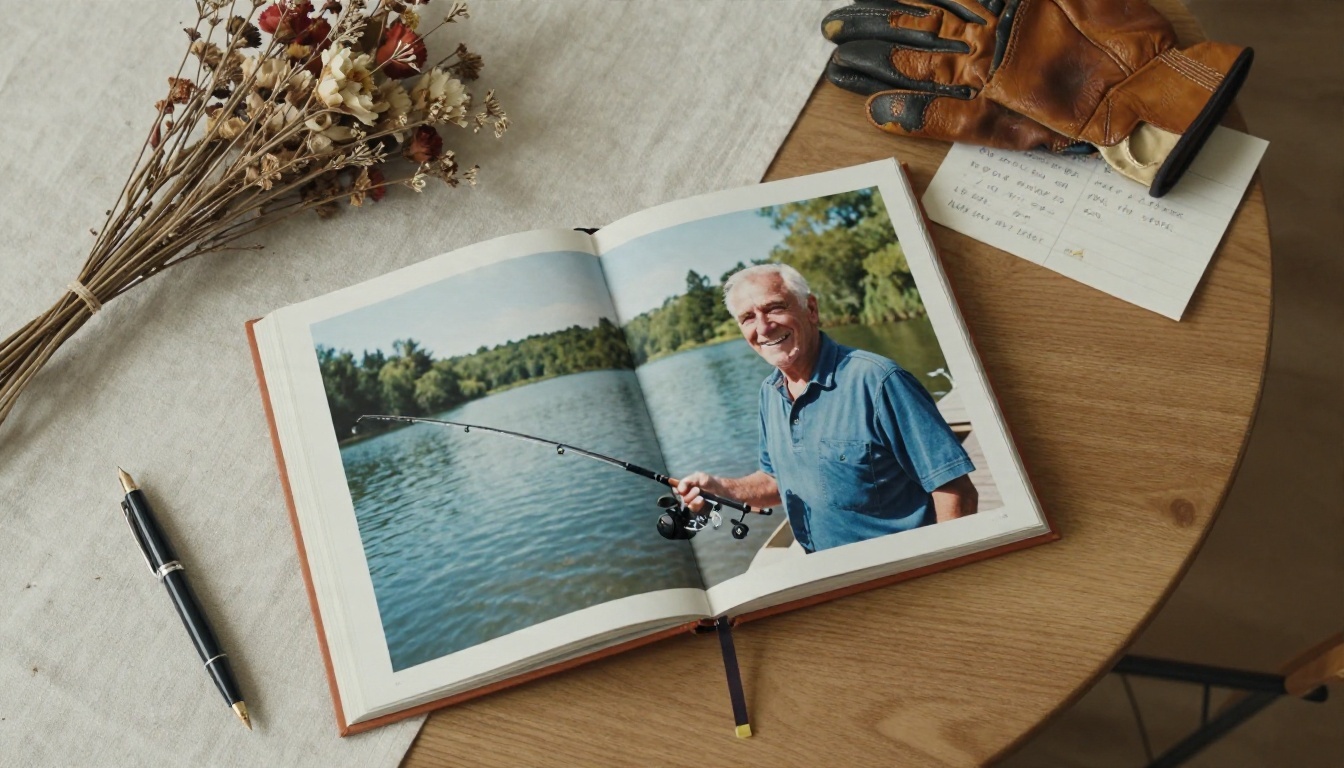
Photo Tribute Ideas at a Glance
| Idea | Photos needed | Time to build | Best format |
|---|
| Life timeline | 20 to 40 | 2 to 3 hours | Memorial site or flipbook |
| Recipe tribute | 10 to 15 plus recipes | 3 hours | Flipbook with recipe pages |
| Letters from friends | 5 to 10 plus text | 1 week of collecting | Guest book or flipbook |
| Garden or bench tribute | 8 to 12 | 1 to 2 hours | Memorial site |
| Slideshow with music | 30 to 60 | 3 to 4 hours | Flipbook with embedded audio |
✅ Best practice: Ask relatives for photos by message, not by email thread. A short group chat gets faster replies, and you can ask for the story behind each picture at the same time.
Real Examples You Can Copy
Here are three realistic scenarios, each built around a different goal.
Example 1: The fishing weekend book. A daughter gathers 35 photos of her father at the lake. She adds a caption to each one, a favorite saying from him, and a short voice message from his grandson. She shares one private link with the family, and cousins in three countries open it the same evening.
Example 2: The classroom tribute. A school wants to honor a longtime teacher. Former students send a photo and two sentences. A staff member arranges them into a single book, and the school shares it with alumni through the newsletter. For this, the School Newsletter Creator is a natural starting point.
Example 3: The service program. A family prints a service program and also wants a digital version for guests who cannot attend. The Event Program Maker turns the same document into a page-turning version with a shareable link.

How to Create a Memorial Flipbook with Flipbooks AI
A memorial flipbook gives you something a standard website rarely does: a quiet, book-like experience where each page turns with a gentle motion. You decide who sees it, and nobody sees a watermark or an advertisement. Here is the process from the first photo to the final share.
Step by Step
- Open your account. Go to Flipbooks AI and create a free account. It takes a minute, and you can start building right away.
- Prepare your pages. Place your photos and captions into a document in any editor you like. Export it as a PDF. A landscape layout suits wide family photographs, while portrait suits recipes and letters.
- Upload and convert. Use the PDF to Flipbook Converter. Drop in the PDF, and the pages become a flipbook with a realistic page-turn effect within moments.
- Customize the look. Choose a soft background color, such as cream or sage, and add a dedication on the first page. Custom branding lets you replace logos with a simple family name. If your photos are the focus, browse the Photography Portfolio tool for layout inspiration.
- Add audio and video. Embed a favorite song, a voice recording, or a short family clip on the page where it belongs.
- Protect it. Turn on password protection if the book is only for close family. Send the password in a separate message.
- Share it. Copy the direct link, or use the Embed Flipbook on Website option to place the book on an existing family page.
Sharing and Privacy
| Sharing option | Best for | Privacy level |
|---|
| Direct link | Family group chats | Anyone with the link |
| Password protection | Close relatives only | High |
| Embed code | A memorial page or family blog | Depends on host page |
| Offline download | Keeping a permanent copy or printing | Under your control |
💡 Pro tip: Download an offline copy and store it with your other important family documents. A backup on an external drive means the tribute never depends on any single website.
Seeing Who Opened It
On the Professional plan, analytics show how many people viewed the book and which pages they spent time on. For a family spread across time zones, that is a gentle way to confirm that the tribute reached everyone. Compare the available plans on the pricing page.
Privacy and Etiquette Basics
A tribute is public speech about a private loss, so a few habits help everyone.
- Ask before posting. Check with immediate family before you share photos of the person, especially in hospital or in the last months.
- Choose faces carefully. Photos with children or friends should be shared only with their guardians' or their own consent.
- Moderate messages. If you open a guest book, set it so you approve each entry before it appears.
- Keep dates and addresses private. Service details are fine, but a home address in a public post invites trouble.
- Plan for the long term. Pick a platform and a backup so the tribute outlasts any single account.
⚠️ Warning: Scammers sometimes follow obituaries and public memorial pages. Avoid posting a home address, the dates when the house will be empty, or details that could be used for security questions.
Which Option Fits You
Use this table as a final check before you commit.
| If you need | Pick | Why |
|---|
| A free public notice today | Free memorial site or guest book | Fast and costs nothing |
| Donations for funeral costs | Builder with fundraising | Built-in payment tools, mind the fees |
| A private, beautiful keepsake | Memorial flipbook | Password protection, no watermark, audio and video |
| A grave location for family history | Cemetery registry | Records stay searchable |
| Something to print and also share online | Flipbook plus offline download | Same file works both ways |
Many families combine two options: a free memorial page for the public and a private flipbook for the people who knew the person best. That mix costs little and gives each audience what it needs.
Start Your Tribute Today
You do not need design skills or a big budget to honor someone well. You need a handful of good photos, a few honest sentences, and a place to put them. Pick a free memorial page if you want something quick and public. Pick a flipbook if you want something private and lasting.
- Create your first tribute on Flipbooks AI and turn your photos into a page-turning book.
- Browse all flipbook tools to find a layout for recipes, letters, or albums.
- Compare pricing plans to choose what works for you, including analytics and offline downloads.
- Ready to share? Sign up and choose a plan when you are ready for more features.
Take your time. The right tribute is not the one that is finished fastest, but the one your family will open again years from now.



