A guest sits down, pulls out a phone, and decides whether your restaurant feels modern or stuck in 2012 within about ten seconds. The menu is the first thing they touch. If it loads slowly, zooms badly or shows last season's prices, you lose trust before the first drink arrives. The good news: the best online menu for restaurants does not need a developer, a big budget or a new point of sale system. With a tool like Flipbooks AI, you can turn a simple PDF into a page-turning menu in minutes, and plenty of free options exist if you are just testing the waters.
This article compares every realistic option, from free PDF links to paid ordering platforms. You will see what each one costs, where it shines, what real restaurants do with it, and how to share it through a QR code that guests actually scan.
Before comparing tools, it helps to know what you are judging. A menu is not a brochure. People use it in a noisy room, often with one hand, sometimes with a weak signal.
Speed on a Phone
Most diners open your menu on mobile data. A 40 MB PDF full of uncompressed photos can take 15 seconds to load, and many guests simply give up and ask the server. Aim for a menu that opens in under three seconds on an average connection. That means compressed images, a responsive layout, and no forced app download.
Easy Updates
Prices change. Dishes sell out. A seasonal special arrives on Friday afternoon. If updating your menu means emailing a designer, your online version will be wrong most of the week. The best setup lets you replace a file or edit a page in under five minutes, while the QR code and link stay exactly the same.
Readable Design
Guests should read dish names without pinching and zooming. Look for large type, clear sections, and a layout that adapts to a small screen. A flipbook format keeps the feel of a printed menu while scaling to fit any display.
💡 Pro tip: Test your menu on the oldest phone in your staff room. If it works there, it works for nearly everyone.
Free Options That Actually Work
If your budget is zero, you still have choices. Free tools are fine for a pop-up, a new café, or a trial period. Just know what you give up: branding, analytics and sometimes polish.
PDF on Cloud Storage
The simplest method is exporting your menu as a PDF and uploading it to Google Drive or Dropbox, then sharing a public link. It takes ten minutes and costs nothing. The downside is that the viewer is generic, pages can be clunky on small screens, and your brand is hidden behind someone else's interface.
Canva or Website Page
Canva lets you design a menu on a free plan and publish it as a simple web page or download it as a PDF. Another free route is a plain page on your own website with text and a few photos. This is excellent for search visibility, because Google can read the text, but design flexibility is limited and image-heavy menus can feel slow.
Free QR Code Generators
Plenty of free generators produce a static QR code that points to any link. Static codes work fine, but they cannot be edited after printing, and some free tools add redirects or ads that you do not control. If you go free, always test the code on three different phones before printing a hundred table cards.
| Free Option | Setup Time | Looks Professional | Easy to Update | Main Limit |
|---|
| PDF on cloud storage | 10 minutes | Low | Medium | Generic viewer, no branding |
| Canva menu page | 30 minutes | Medium | Medium | Limited layout control |
| Website text page | 1 hour | Medium | High | Needs a site and basic skills |
| Social media post or link | 5 minutes | Low | High | Hard to browse, buried in feeds |
| Free QR generator only | 5 minutes | Not applicable | Low | Static codes cannot be changed |
⚠️ Watch out: Some free QR tools expire after a trial period and the code stops working. A dead code on a printed table card is an expensive mistake.
Once you outgrow free tools, you will find three broad categories: flipbook menus, QR menu platforms and full ordering systems. Pricing varies by region and changes often, so treat the ranges below as typical and check each provider's current page.
Flipbook Menus
A flipbook menu keeps your existing design. You upload the PDF you already made, and it becomes an interactive, page-turning version with clean sharing links. This suits restaurants that care about brand and photography, from tasting menus to wine lists. Flipbooks AI offers dedicated tools like the Restaurant Menu Creator and the Menu Flipbook Designer, with no watermarks on your menu, ever.
QR Menu Platforms
These are built around one job: generate a code, host a simple menu, and let you edit items from a dashboard. Many include categories, allergen icons and multiple languages. They are quick to set up but the design is template-based, so many restaurants end up looking alike.
Ordering Systems
Platforms tied to a point of sale let guests order and pay from the table. They reduce staff steps but usually charge a monthly subscription plus payment processing fees, and some take a commission. They make sense for high-volume venues, counter-service shops and food halls.
| Option | Typical Monthly Cost | Best For | Custom Branding | Analytics |
|---|
| Flipbook menu | Low, see pricing | Brand-focused restaurants, bars, hotels | High | Higher plans |
| QR menu platform | Low to medium | Cafés, small restaurants | Medium | Basic |
| Ordering system | Medium to high plus fees | Busy venues, counter service | Medium | Detailed sales data |
| Free PDF link | None | Pop-ups, testing | None | None |
✅ Best practice: Many restaurants combine two tools: a flipbook for the full menu experience and an ordering system only for the items that sell fast, like drinks or takeaway.
Theory is useful, but seeing how actual venues set up their menus makes the choice easier. These are common patterns that work across different restaurant types.
The Neighborhood Café
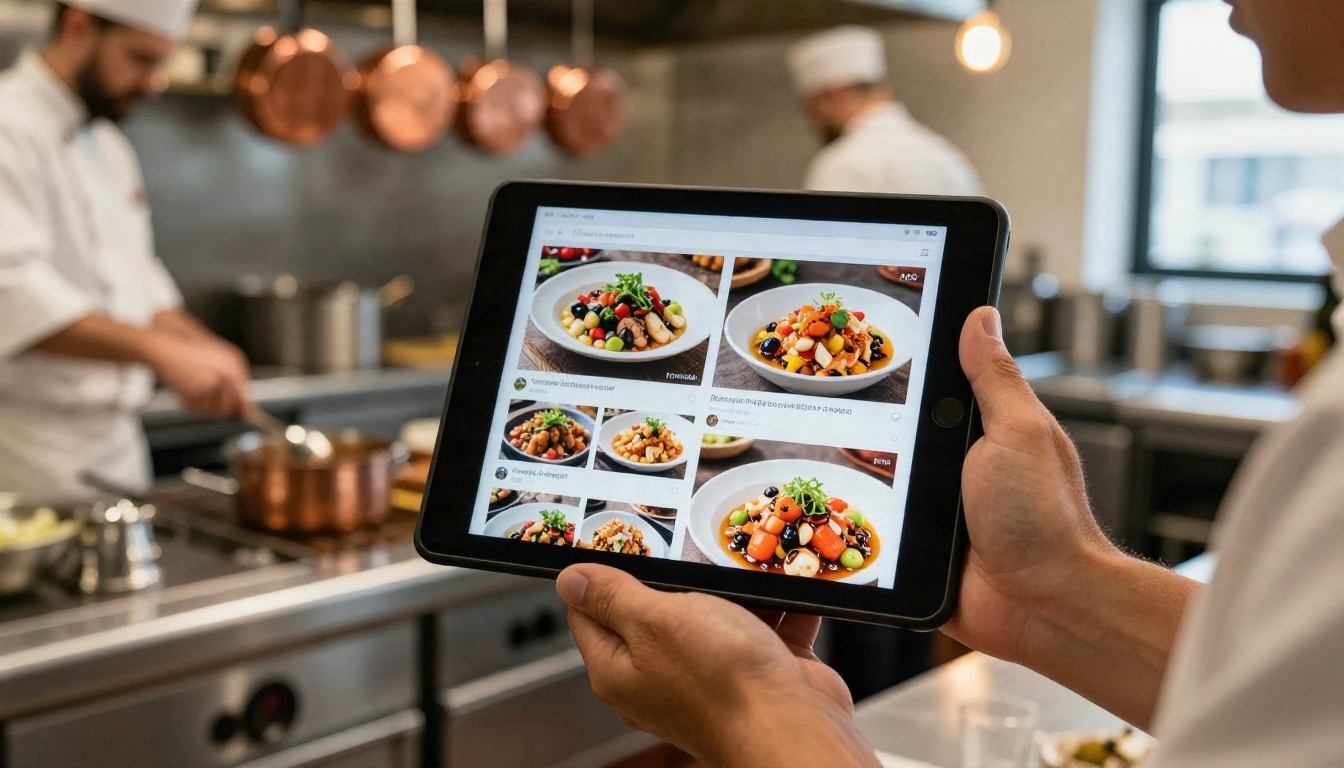
A café with 25 items needs speed above all. The owner puts a small QR code on each table, uses a single-page flipbook with large photos of the top sellers, and updates the pastry section each morning. Guests order at the counter, so there is no need for a payment system. Total setup time: one afternoon.
The Fine Dining Room
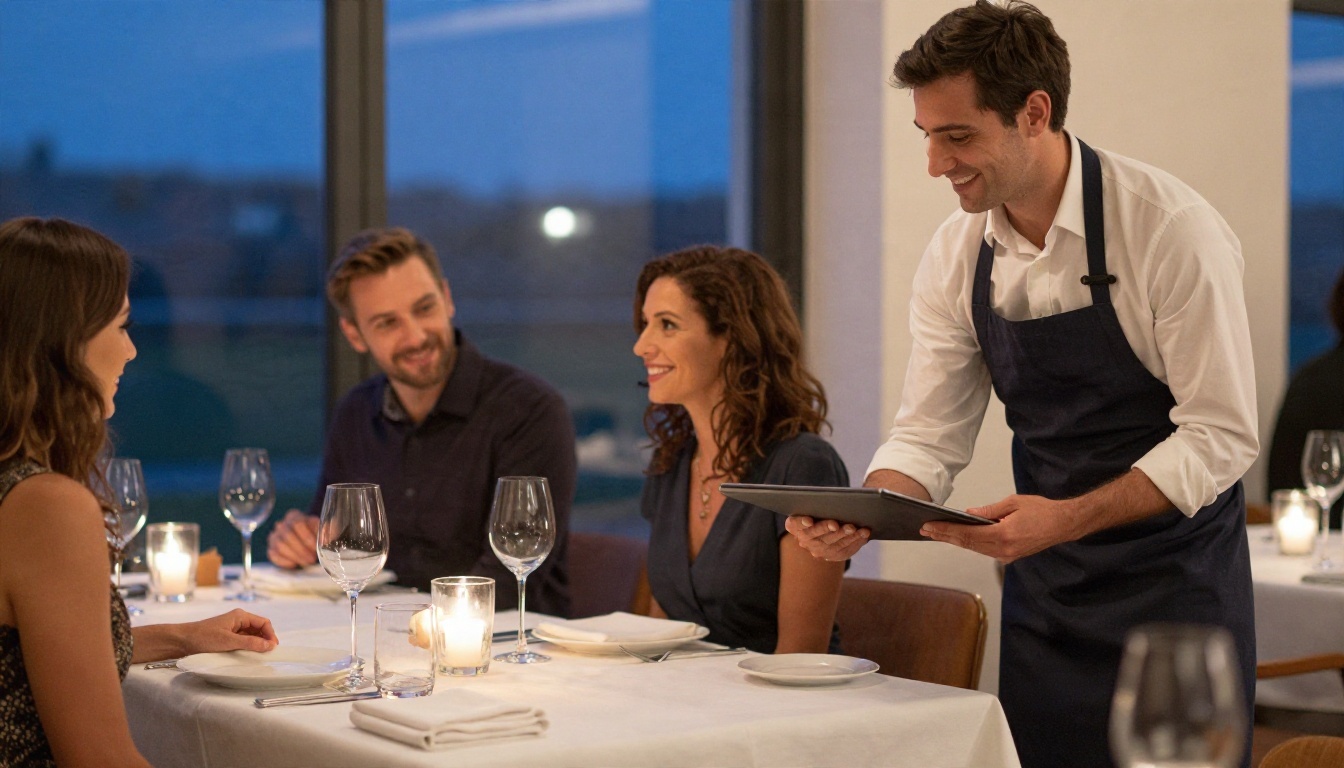
A restaurant with a tasting menu and a long wine list wants the menu to feel like an event. A flipbook menu preserves the elegant layout, serif typography and photography of the printed version. The sommelier updates the wine pages weekly, and the staff can hand a tablet to guests who want to browse while waiting for a table. Password protection works well for a private event menu that only invited guests should see.
The Food Truck
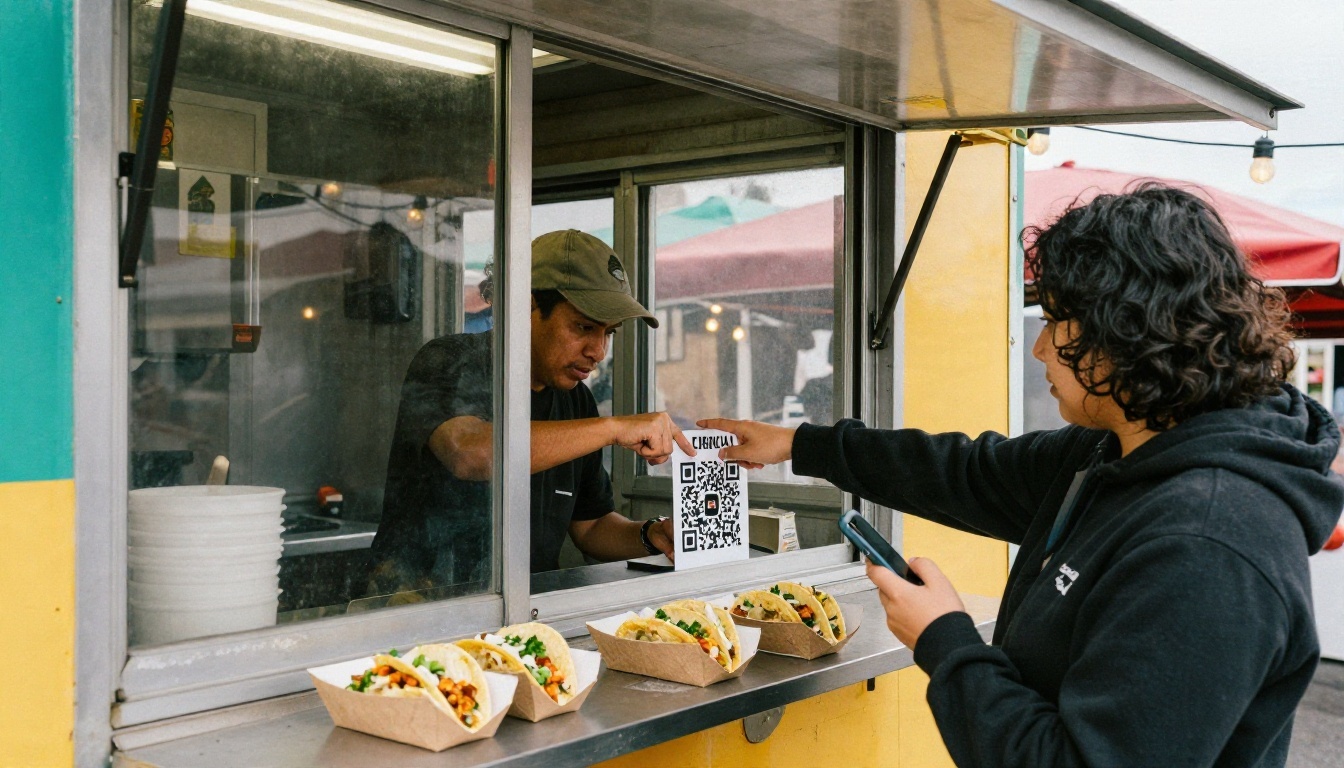
Food trucks change location and menu constantly. A sticker with a QR code on the serving window points to a link that never changes, while the menu behind it is swapped each day. Customers scan while they wait in line, which shortens the queue because they arrive at the window ready to order.
| Venue Type | Menu Size | Best Format | QR Placement |
|---|
| Café | 15 to 30 items | Single-page flipbook | Table tent cards |
| Fine dining | 30 to 80 items plus wine | Multi-page flipbook | Table card or handheld tablet |
| Food truck | 8 to 15 items | One-page menu | Window sticker and signboard |
| Hotel restaurant | Multiple menus | Flipbook per menu | Room card and lobby |
| Bar | Cocktails and snacks | Short flipbook | Coaster or bar top sticker |
If you already have a menu in Canva, Word, InDesign or any design tool, the fastest route is converting it. Here is the full process, from file to scannable code.
- Open the platform. Go to Flipbooks AI and create an account. You will land on a dashboard with an upload button at the top.
- Upload your PDF. Drag your menu file into the upload area. The PDF to Flipbook Converter processes each page and turns it into a flipbook within moments. Export your PDF at standard screen quality, not print quality, to keep loading fast.
- Customize the look. Add your logo, choose a background color that matches your restaurant, and select page effects such as a soft turn or a slide. Mobile-responsive design is built in, so the menu adapts to phones and tablets automatically.
- Add extras. You can embed a short video of a signature dish, add background audio like soft jazz, or link menu items to a reservation page.
- Set your sharing options. Copy the direct link, grab the embed code for your website, or turn on password protection for private menus such as wedding dinners and corporate events. See how to embed a flipbook on your website.
- Generate your QR code. Use the share link to create a QR code, download it as a high-resolution file, and send it to your printer.
- Update when needed. When prices or dishes change, replace the file. The link and QR code stay the same, so printed table cards never go out of date.
💡 Pro tip: Name your menu versions clearly, such as "Lunch Spring" and "Dinner Spring", and keep a separate flipbook for each. Guests find the right menu faster and you avoid mixing prices.
Analytics and Offline Downloads
On the Professional plan, you get analytics that show how many guests opened the menu, which pages they spent time on, and when traffic peaks. Lead generation lets you collect an email address before showing a private events menu. Offline downloads help hotels and venues with weak signal, since guests can save the menu to their phone. Unlimited flipbooks are available from the Standard plan, so you can keep separate menus for brunch, dinner, drinks, kids and catering.
Other Tools Worth a Look
If your venue is part of a hotel or spa, the Spa and Wellness Menu tool fits treatment lists, while the Digital Price List Generator works for simple price-driven menus like bakeries and juice bars. A restaurant with a cookbook can also publish it using the Recipe Book Flipbook.
QR Code Sharing That Gets Scanned
A beautiful menu is useless if nobody scans the code. Placement, size and contrast decide whether guests use it or ask for a paper copy.
Where to Put the Code
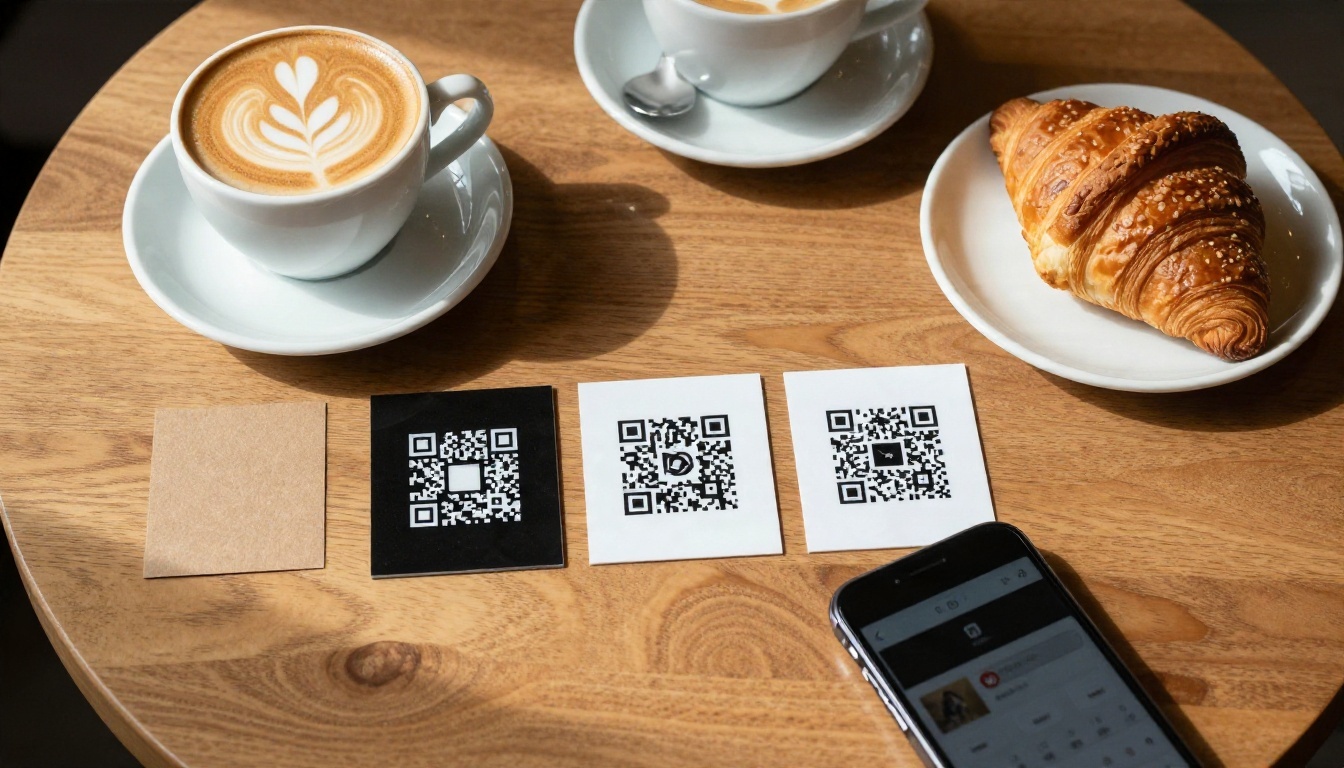
Put it where hands and eyes already are. Table tents, the edge of the table, the back of the check holder and the entrance window all work. Avoid placing codes under glass with glare or on shiny surfaces that reflect overhead lights.
Size and Contrast
A QR code should be at least 2 by 2 cm (about 0.8 inches) for table scanning, and larger for window or poster use. Use dark code on a light background, leave a quiet margin around it, and never stretch or recolor it into low contrast. Add a short instruction like "Scan for menu" so older guests know what to do.
Static or Dynamic Codes
A static code holds the link inside the pattern itself. A dynamic code points to a redirect that you can change. If you use a flipbook link that stays the same when you replace the file, a static code is perfectly safe. If your menu platform changes the link whenever you edit, choose dynamic.
| QR Type | Editable After Print | Tracking | Risk |
|---|
| Static code | No | No | Link must never change |
| Dynamic code | Yes | Often yes | Depends on provider staying active |
| Stable flipbook link | Yes, by replacing the file | Yes, with analytics | Low |
Give Guests a Backup
Print the short link below the code in small type. Some guests have older cameras, and a few prefer typing. A backup link also helps when staff need to text the menu to someone who is booking by phone.
Mistakes That Cost You Orders
Even good tools fail when they are used carelessly. These are the most common slips restaurant owners make.
- Uploading a print-quality PDF. Giant files load slowly and drive guests to ask for a paper menu.
- Hiding prices. Guests dislike having to hunt. Show prices clearly beside each dish.
- Forgetting allergens. List common allergens or mark them with simple icons, and keep that information current.
- No offline plan. If your Wi-Fi is weak and mobile signal is poor, keep a few printed menus behind the bar.
- Printing codes before testing. Test on iPhone, Android and an older model first.
- Leaving old menus live. Archive last season's menu so Google does not show outdated prices.
⚠️ Warning: If you keep a single link for every season, search engines and old social posts keep sending guests to it. Make sure the link always shows the current version.
Choosing the best online menu comes down to your size and goals. A pop-up or new café can begin with a free PDF link and a basic QR code. A restaurant that cares about its look, wants analytics and plans to keep updating the menu will get more from a flipbook that preserves its design. High-volume venues might add ordering software on top.
Ready to try it? Create your free account on Flipbooks AI, upload your current menu, and share it with a QR code before your next service. Browse all flipbook tools to find the format that suits your venue, or compare pricing plans to see what fits your budget. When you are ready to grow, upgrade through your account to turn on analytics, lead capture and offline downloads.



