Your phone holds thousands of photos you will probably never scroll back through. A photobook fixes that by turning a messy camera roll into something you can hold, gift, and keep on a shelf. The problem is choosing where to make it. Dozens of services promise "lay-flat pages" and "museum-quality paper," prices swing wildly, and the final bill is rarely the number you saw on the first page. This article compares the main online photo book options, breaks down what they really cost, and shows where a digital alternative built with Flipbooks AI makes more sense than ink on paper.
What Makes a Photobook Service Good
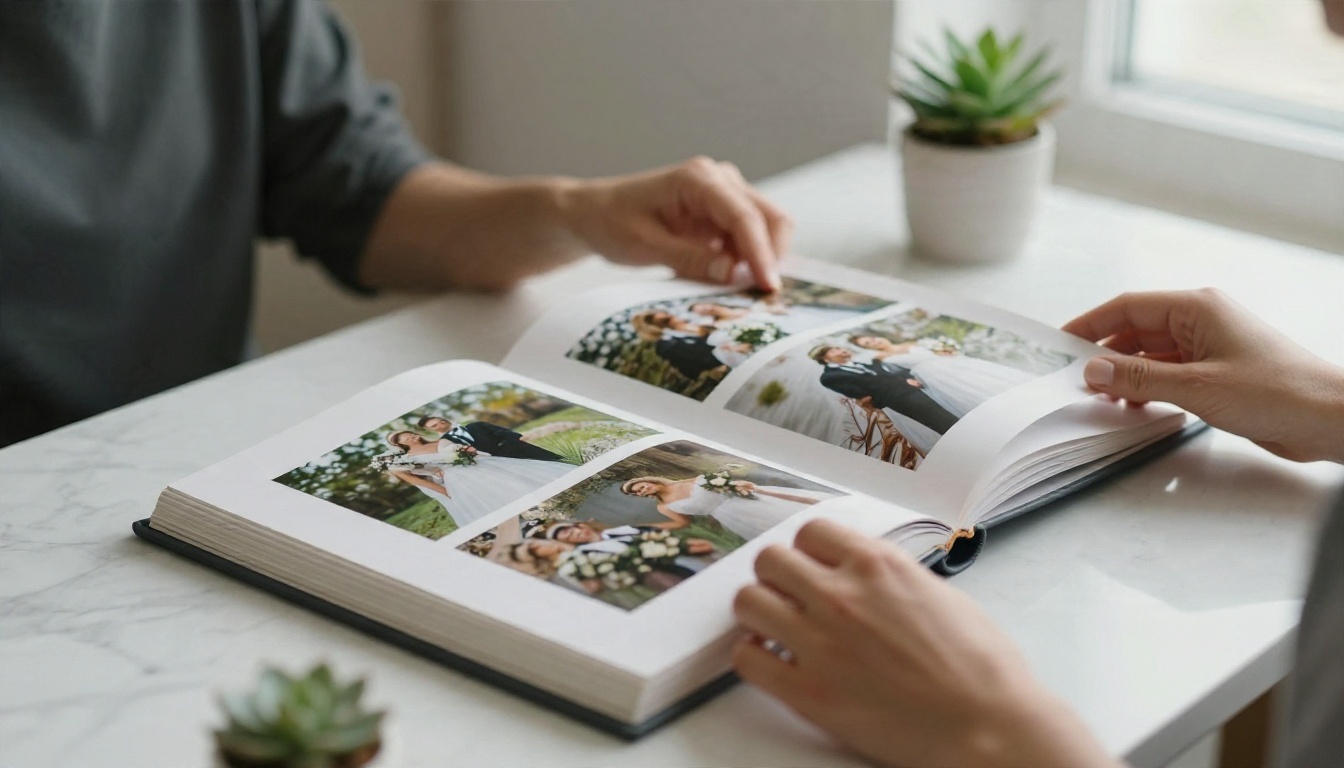
Before comparing names, decide what you are actually buying. A photobook service is two products glued together: software that lets you arrange pictures, and a print shop that turns the layout into a bound object. A great editor with weak printing gives you a disappointing book, and the reverse wastes good paper on a clumsy layout.
Print quality and paper
Paper and binding decide how a book feels in your hands. Look for these details before you order:
- Paper weight: Thin, glossy pages can show fingerprints and curl. Thicker matte or silk stock feels more like a real book.
- Binding type: Lay-flat binding lets a photo spread across two pages without a fold swallowing the middle. Standard binding is cheaper but hides part of any image that crosses the gutter.
- Print method: Digital offset and silver halide (true photographic paper) produce the richest color. Cheaper inkjet or toner printing can look flat on dark images.
- Resolution warnings: A good editor flags low-resolution photos before you pay. If it does not, expect soft prints.
💡 Pro tip: Order a small, inexpensive sample or the smallest size first. Paper texture and color accuracy are impossible to judge from a screenshot.
Editor and software experience
Most people give up on photobooks because the editor is tedious, not because printing is expensive. The best tools offer auto-layout, drag-and-drop pages, and the ability to save a draft and return later. Desktop editors handle huge projects better, while browser and app-based editors are faster for a quick 20-page book. Check whether the tool lets you import straight from cloud storage or social albums, because uploading 300 photos one at a time gets old quickly.
Types of Photobook Services Compared
Rather than ranking brands that change prices every season, it is more useful to rank categories. Each type serves a different buyer.
Mass-market online printers
Large retailers such as Shutterfly, Snapfish, and Walgreens-style photo sites dominate search results for a reason. They offer templates for every occasion, constant coupon codes, and fast turnaround. The tradeoff is that list prices are inflated so that discounts feel generous, and quality can vary between product lines. They are ideal for casual gifts, school events, and anyone who values speed over perfection.
Premium and boutique makers
Services focused on design, like Artifact Uprising or Blurb, charge more per page and deliver better paper, thicker covers, and cleaner color. Blurb also supports bookstore-style publishing, which suits photographers and self-publishers. If the book is a wedding keepsake or a portfolio piece, the extra cost usually pays off.
App-based and subscription services
Apps like Chatbooks automate the process by pulling photos from your phone and creating small books on a schedule. They are convenient for parents who want a quarterly record of the kids without ever opening an editor. The books tend to be smaller and lighter, and the editing control is limited.
| Service type | Best for | Typical strength | Typical weakness |
|---|
| Mass-market online printer | Fast gifts, events | Templates, coupons, speed | Quality varies, inflated list prices |
| Premium or boutique maker | Weddings, portfolios | Paper, color, binding | Higher cost per page |
| App-based subscription | Busy parents | Automation | Limited design control |
| Digital flipbook | Sharing, updating, remote family | Instant delivery, no shipping | No physical object |
What Photobooks Really Cost
Price is where most buyers get surprised. The number on the product page usually covers a base book with a minimum page count. Everything else is added at checkout.
Typical price ranges
The ranges below are approximate and shift with promotions, so treat them as a planning tool rather than a quote.
| Format | Typical starting price | Typical price for a 40-page book | Notes |
|---|
| Small softback (5x7 in) | $10 to $20 | $20 to $30 | Good for stocking-stuffer gifts |
| Medium hardback (8x8 in) | $25 to $40 | $45 to $70 | The most popular format |
| Large lay-flat (11x14 in) | $50 to $90 | $90 to $160 | Best for weddings and portfolios |
| Premium linen or leather | $80 to $150 | $150 to $250 | Heirloom quality |
| Digital flipbook | Free to a small monthly fee | Same price at any page count | Unlimited copies to share |
Hidden fees to watch
⚠️ Warning: A "$19.99 photobook" can easily become $55 by the time you add pages, upgrade the paper, and pay for shipping.
- Extra pages: Most base prices include 20 to 26 pages, and each additional page costs more.
- Paper and finish upgrades: Lay-flat binding, premium paper, and linen finishes are charged separately.
- Shipping and handling: Fees scale with book weight, and a thick hardback ships at a premium.
- Reorders: Making three copies for the grandparents triples the cost. Some services discount bulk orders, many do not.
- Expiring projects: Some sites delete drafts after a set period, so a book you abandon in spring may be gone by autumn.
Digital Flipbooks as an Alternative
Printing is not always the best answer. A digital flipbook is a web-based book with realistic page-turning, and it can be shared with a single link. You skip printing, shipping, and the anxiety of waiting for a box to arrive.

When digital wins
- Relatives in other countries: One link reaches everyone at once, with no international shipping.
- Living documents: A baby's first year or a renovation diary can be updated as it grows.
- Rich media: Embed video clips, music, and audio notes next to the photos, which paper cannot do.
- Tight deadlines: You can finish a book at midnight and share it at breakfast.
- Portfolios: Photographers can send a polished viewing experience to clients, such as with a photography portfolio flipbook.
When print still wins
Printed books survive power cuts, last for decades, and feel like a real gift. A wedding album, a memorial book, or a milestone anniversary deserves paper. The smartest approach is often both: print one premium copy and share a digital version for everyone else.
| Factor | Printed photobook | Digital flipbook |
|---|
| Cost per extra copy | Full price again | Free |
| Delivery time | 3 to 14 days | Instant |
| Video and audio | Not possible | Supported |
| Editing after publishing | Not possible | Easy to update |
| Sentimental value | Very high | Moderate |
| Privacy control | Physical only | Password protection and link control |
| Lifespan | Decades | As long as the link is hosted |
How to Create a Photo Flipbook with Flipbooks AI
If a digital version fits your plan, the process takes about ten minutes. Here is how it works on Flipbooks AI, which creates flipbooks without watermarks.
- Prepare your layout as a PDF. Arrange photos in any design tool, a slideshow app, or even your photobook service's editor if it lets you export. Many photobook editors offer a PDF proof, which is perfect for this.
- Create your account. Sign up for free and open the dashboard.
- Upload the PDF. Use the PDF to Flipbook Converter. The platform converts each page into a flippable spread within moments.
- Customize the look. Pick a background color, add your logo or a family crest, choose the page-turning effect, and set the sound of the page flip if you want one. You can also embed videos and audio clips beside specific photos.
- Choose sharing options. Copy the direct link, or use the embed tool to place the book on a personal site or blog. Turn on password protection for private family albums.
- Check it on mobile. The design is mobile-responsive, so test it on a phone before sending it out.
- Review analytics and downloads. Professional-plan users can see who opened the book, how long they stayed, and capture leads, which is handy for photographers. Offline downloads let you keep a copy for places without Wi-Fi.
✅ Best practice: Use an even number of pages and keep important faces away from the center fold so the digital spread reads as cleanly as a printed one.
Making a wedding album? The Wedding Album Flipbook tool is built for exactly that, and the Digital Portfolio Creator works well for photographers who want a client-ready presentation. You can browse all flipbook tools to find a template that suits your project.
Flipbooks AI plan snapshot
| Feature | Free | Standard | Professional |
|---|
| No watermarks | Yes | Yes | Yes |
| Unlimited flipbooks | No | Yes | Yes |
| Password protection | Limited | Yes | Yes |
| Offline downloads | Limited | Yes | Yes |
| Analytics and lead generation | No | No | Yes |
Plan details change, so check the current pricing page before you commit.
Best Picks by Situation
No single service wins every time. Match the tool to the occasion.
For weddings and anniversaries
Go premium. A boutique lay-flat book with thick pages is worth the premium, because you will open it for decades. Add a digital flipbook so guests who could not attend can browse the photos the day the album is finished. A printed copy and a shareable link cover both emotional and practical needs.
For everyday family memories
Use an app-based service or a mass-market printer with a coupon code. Make small yearly books rather than one giant album, because a 30-page book is easier to finish than a 150-page project. For the relatives who live far away, send a flipbook link rather than paying to ship multiple copies.
For photographers and creators
You need to show work to clients quickly and professionally. A printed sample book is a strong closing tool in person, while a digital flipbook is better for email pitches and websites. With analytics, you can even see which clients opened your portfolio, which makes follow-ups more informed.
Mistakes That Ruin Photobooks
Even the best service cannot rescue a poorly planned book. Avoid these common errors:
- Using too many photos per page. Four to six images on a spread look cluttered. Let your best shots breathe.
- Ignoring resolution warnings. A tiny yellow warning triangle in the editor means that image will print blurry.
- Skipping the proofread. Typos in captions are permanent in print. Read every page twice.
- Placing faces in the gutter. The center fold swallows part of any photo, and nobody wants a split smile.
- Ordering at the last minute. Holiday deadlines are real, and rush shipping can double the cost.
- Forgetting a backup. Keep the original layout file and a PDF version safe, so you can reorder or convert it into a flipbook later.
💡 Quick rule: If you cannot finish the layout in one evening, shrink the project. Fewer pages and tighter editing nearly always produce a better book.
The best photobook service is the one that matches your budget, deadline, and audience. Choose a mass-market printer for quick gifts, a boutique maker for heirloom albums, an app for automatic family records, and a digital flipbook when you want instant sharing, video, and zero shipping costs.
Ready to try the digital route? Create your free account on Flipbooks AI, upload a PDF, and share your first photo flipbook in minutes. Browse all available tools and templates to match your project, and compare pricing plans to see which tier fits the number of books you plan to make.



