Your phone holds thousands of photos, and almost none of them will ever be seen again. A photobook fixes that, and picking the best photobook website comes down to three questions: what do you want to hold, what do you want to share, and how much do you want to pay? This article compares print services, phone apps and free digital tools, shows real examples, and breaks down what a photobook actually costs. If you only want a shareable, page-turning version of your photos, you can build one in minutes with Flipbooks AI and skip printing entirely.
What Makes a Photobook Website Good
Every site promises "beautiful memories." Very few deliver on both the screen and the paper. Before comparing brands, decide what actually matters to you.
Print Quality and Paper
The paper and binding decide whether a photobook lasts twenty years or falls apart after five. Look for these details:
- Lay-flat binding, so panoramic photos are not swallowed by the spine.
- Silk or matte paper at 170 gsm or heavier. Thin pages show ghosting from the photo on the opposite side.
- Color profile support, ideally with a preview that warns you about low-resolution images.
- Hardback, softback and linen options, because a gift calls for different materials than a quick keepsake.
Layout Tools That Save Time
The editor is where you will spend most of your hours. A good one offers autofill from an album, drag and drop swapping, and sensible templates that do not crop faces. A bad one forces you to place every photo by hand, and crashes at page 40.
💡 Pro tip: Open the editor and build three sample pages before you pay for anything. If it feels clumsy now, it will feel worse at page 60.
Sharing and Backup
Most print-only sites trap your finished layout inside their own editor. You get a book on your shelf and nothing to send to relatives abroad. A digital copy solves this, and it also works as a backup if the printed book gets lost or damaged.
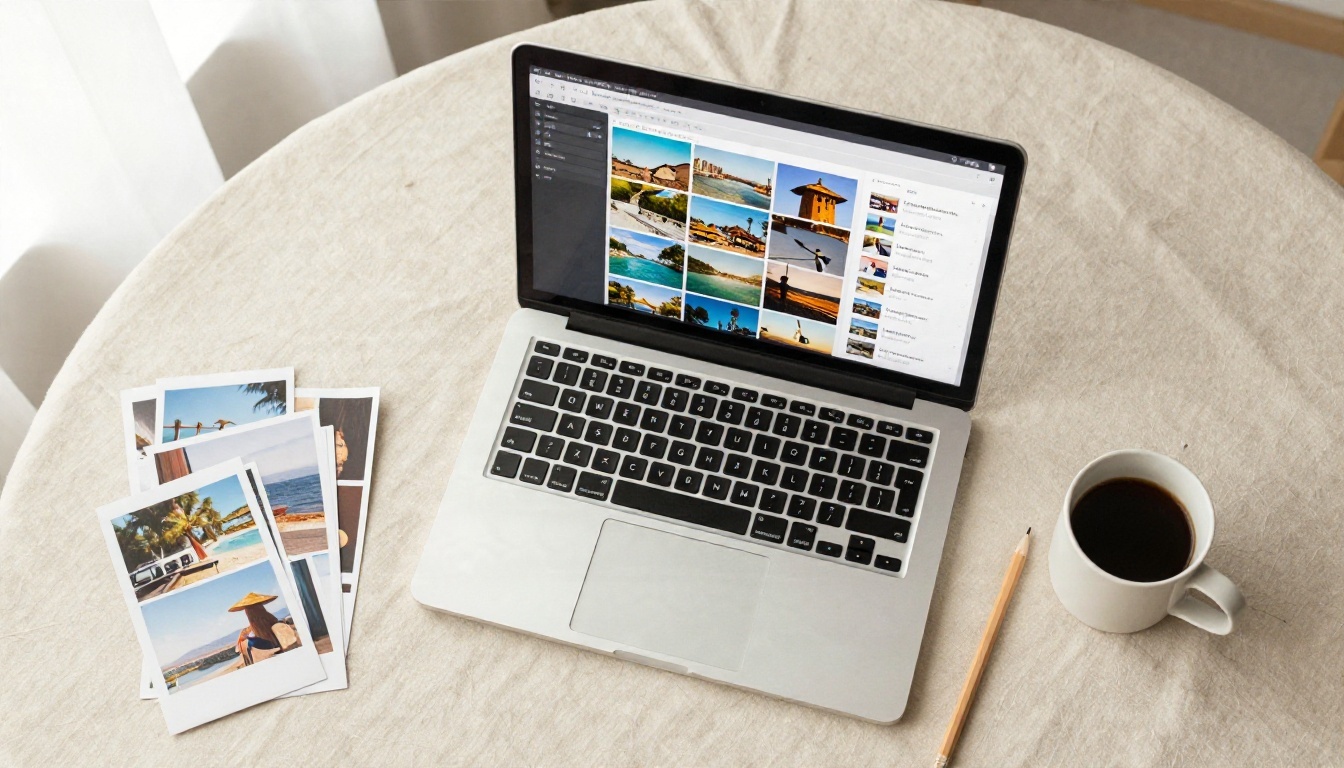
Best Photobook Website Options Compared
Photobook services fall into three camps. Each one wins in a different situation.
| Option type | Best for | Typical starting price | Free tool available? | Digital sharing |
|---|
| Print-first sites (Shutterfly, Mixbook, Blurb style) | Weddings, gifts, premium albums | About $15 to $30 for a small book | Editor is free, printing is paid | Limited or paid add-on |
| Phone app services (Chatbooks, Google Photos style) | Quick monthly books from your camera roll | About $10 to $20 per book | App is free | Rarely |
| Digital flipbook tools (Flipbooks AI) | Online sharing, embedding, no print cost | Free plan to start, paid plans for more | Yes | Built in, with a link or embed |
| Design software (Canva, Adobe Express) | Custom layouts exported as PDF | Free tier, paid for extras | Yes | Export only |
Prices are typical ranges and change often, so check each site before ordering.
Print-First Services
Sites like Shutterfly, Mixbook and Blurb are built around the physical product. They shine when you want a thick, glossy album for a wedding or a milestone birthday. Expect frequent discount codes, which means the sticker price is rarely what you pay. The downside: shipping costs, long production times around the holidays, and layouts that are hard to export.
Phone App Services
Chatbooks and similar apps pull photos from your camera roll and build small books automatically. They are great for busy parents who want a book every few months with almost no effort. Customization is limited, and larger sizes get expensive fast.
The Digital Flipbook Route
A digital photobook is a PDF turned into a page-turning web experience. Nothing ships, nothing is printed, and anyone with a link can view it on a phone, tablet or laptop. This route suits:
- Grandparents who live in another country
- Photographers sending proofs to clients
- Couples sharing a wedding album the day after the event
- Anyone who wants a preview before spending money on print
You can even do both: design the book once, publish it as a flipbook, and print only when you are sure of the layout.
You do not need to pay to design a good photobook. Here is what free actually gets you.
Free Design Software
Canva and Adobe Express let you lay out pages at a custom size and export a print-ready PDF. Google Photos and Apple Photos also include simple book builders, though they push you toward their own printing. The trade-off is that you handle bleed, margins and resolution yourself.
Free Digital Flipbook Creation
Upload your finished PDF to the PDF to Flipbook Converter and you get a clean page-turn viewer with no watermark. For photo-focused work, these tools are a good match:
What Free Plans Usually Limit
| Feature | Typical free plan | Typical paid plan |
|---|
| Number of books | A few | Unlimited on higher tiers |
| Watermark | Often present on many tools | None |
| Password protection | Rare | Common |
| Analytics | No | Yes, on professional tiers |
| Offline download | Rare | Yes |
With Flipbooks AI, there are no watermarks, ever. See the pricing page for the exact limits on each plan.
Photobook Examples That Work
Seeing finished books makes planning easier. These three formats cover most needs.
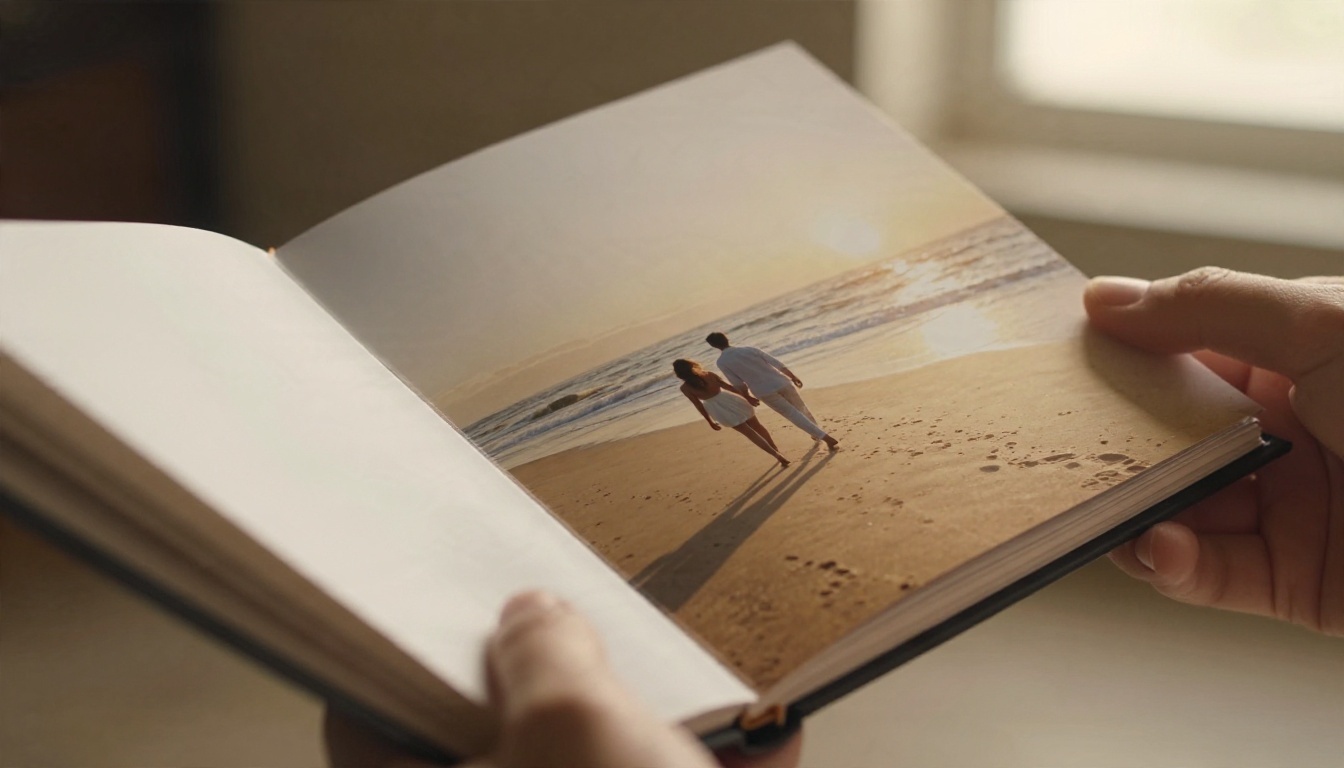
The Wedding Album
A wedding album usually runs 40 to 80 pages, with full-bleed panoramas for the ceremony and smaller grids for candid moments. Photographers often send a digital flipbook within days and order the printed album once the couple approves the layout. That workflow avoids expensive reprints.
The Family Travel Book
Aim for 20 to 30 pages. Open with a map or a skyline, add short captions with dates, and end with a favorite portrait. A square 8 by 8 inch format is cheap and easy to handle. This is the format phone app services handle best.
The Yearly Photo Journal
One book per year, 12 sections, with the best 10 to 15 photos from each month. Parents often build this slowly in a shared album and finish it in December. It also makes an ideal grandparent gift.
| Occasion | Typical pages | Best format | Print or digital? |
|---|
| Wedding | 40 to 80 | Lay-flat, 10 by 10 or larger | Both |
| Vacation | 20 to 30 | Square, 8 by 8 | Either |
| Baby's first year | 30 to 50 | Hardback, 8 by 10 | Both |
| Portfolio for clients | 10 to 25 | Digital flipbook | Digital |
| Graduation or reunion | 20 to 40 | Softback | Digital first |
The Real Cost of a Photobook
The advertised price is the starting point, not the total. Here is what really adds up.
Where the Money Goes
- Base book price, which depends on size and paper
- Extra pages, usually $0.50 to $1.50 each beyond the base count
- Upgrades such as lay-flat binding, premium paper or a linen front page
- Shipping and tax, which can add 20 to 40 percent on a small order
- Reprints, if a photo prints dark or a typo slips through
| Cost item | Print-first site | Phone app | Digital flipbook |
|---|
| Design | Free | Free | Free |
| 30-page book | About $30 to $60 | About $15 to $35 | $0 to publish |
| Shipping | $5 to $15 | $4 to $8 | None |
| Reprint risk | Medium | Medium | None |
| Sharing with 20 people | 20 books | 20 books | One link |
Ways to Pay Less
- Wait for sales. Photobook sites run 40 to 60 percent off promotions several times a year.
- Choose a smaller size. An 8 by 8 inch book often costs half of a 12 by 12.
- Design once, share digitally. Send a flipbook to the whole family and print a single copy.
- Check resolution first. A blurry print is a wasted purchase.
⚠️ Warning: Always order a single proof copy before printing ten copies of a wedding or event book. Screen colors and printed colors rarely match perfectly.

How to Create a Digital Photobook with Flipbooks AI
If you want a page-turning photobook you can share today, this is the fastest path. The process takes about ten minutes for a 30-page book.
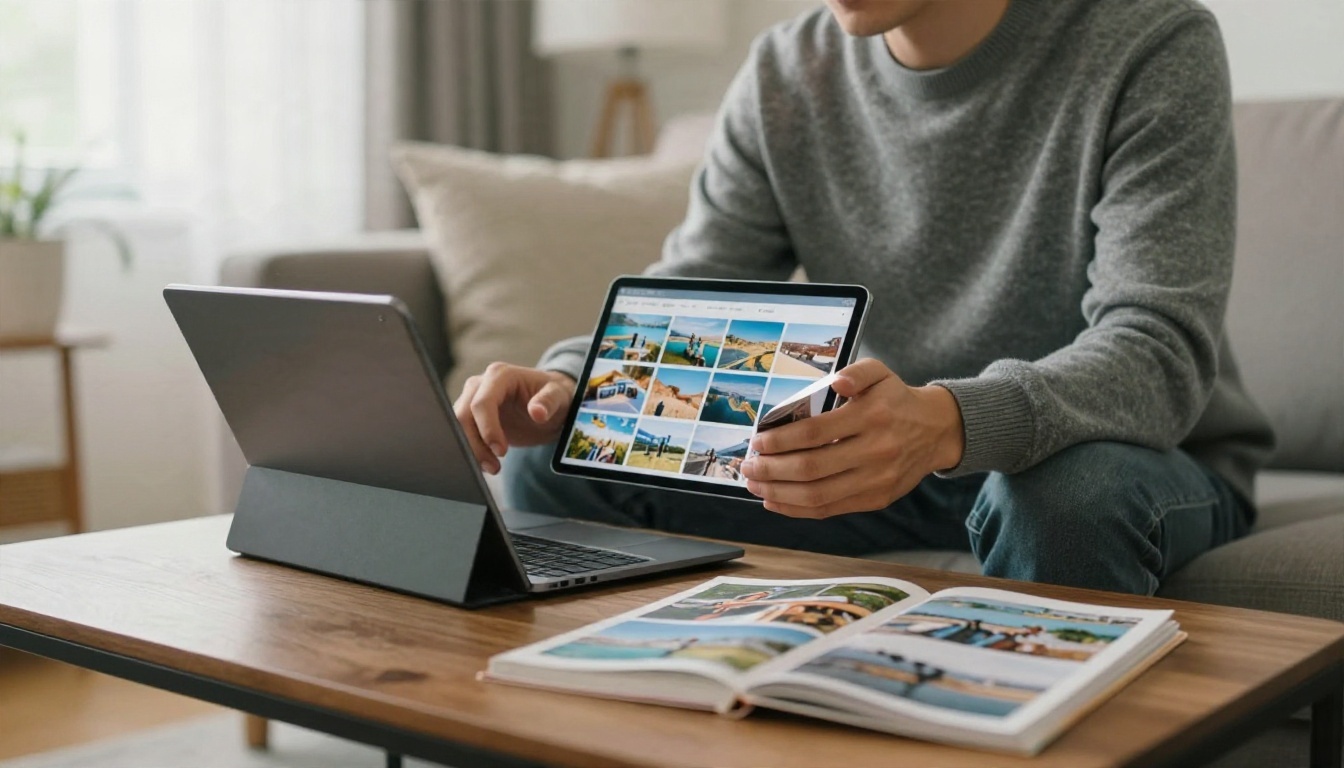
Step by Step Setup
- Design your pages. Build the layout in Canva, Adobe Express or any editor, and export it as a PDF. Use high-resolution images, and keep one photo or one grid per page.
- Open Flipbooks AI. Go to Flipbooks AI and create an account.
- Upload the PDF. Drop the file in, and the platform converts every page into a realistic page-turn flipbook, with no watermark.
- Customize the look. Choose a background color, add your logo or name, pick page-flip effects, and set the sound if you like. You can also embed videos and audio, such as a clip from the wedding dance or a voice note from a grandparent.
- Share it. Copy the direct link, or use the Embed Flipbook on Website option to place it on your own site or blog. The viewer is mobile-responsive, so it works on any screen.
- Protect private books. Add a password so only family and friends can open it. This matters for baby photos and events.
Extra Features for Photographers and Studios
On the Professional plan you get extras that matter if photos are your business:
- Analytics, to see who opened the book and which pages they lingered on
- Lead generation, to collect an email address before a client views a gallery
- Offline downloads, so clients can keep a copy without internet access
- Custom branding, so the book looks like it came from your studio
Compare the tiers on the pricing page to see which one fits.
✅ Best practice: Keep your original PDF. If you later decide to print, you can send the same file to any print-first site that accepts PDF uploads.
Three Common Mistakes to Avoid
Using Low-Resolution Photos
Screenshots, messaging app images and social media downloads look sharp on a phone and soft on paper. Use originals from your camera or cloud storage. As a rule of thumb, aim for at least 200 pixels per inch at the printed size.
Cramming Too Many Photos on a Page
Six photos per page feels efficient until nobody can see any of them. White space is what makes a photobook feel designed. Two or three images per spread is plenty for most pages.
Skipping the Proof
Typos in captions, misspelled names on the title page and photos that print too dark are all common. Read every page out loud, then check the spine text, then order a proof. A digital flipbook is a free way to catch these errors before spending money.
Pick Your Photobook Route
Still unsure? Use this table to decide.
| If you want to... | Best choice |
|---|
| Hold a premium album | Print-first site, with a proof copy first |
| Make a quick book from your phone | Phone app service |
| Share photos instantly with many people | Digital flipbook |
| Send client proofs or a portfolio | Digital Portfolio Creator |
| Spend as little as possible | Free design tool plus a free flipbook |
The best photobook website depends on your goal. For a physical heirloom, choose a print-first service and pay for lay-flat binding. For speed, cost and sharing, a digital flipbook wins every time, and it gives you a safe preview before you print anything.
Ready to try it? Get started for free on Flipbooks AI, browse all flipbook tools for albums, portfolios and travel books, or compare pricing plans when you are ready for analytics, password protection and unlimited books.



