Your phone probably holds thousands of photos, and most of them will never be looked at again. A photobook fixes that, but in Canada the choice is no longer just "which print shop." You can order a linen-bound album, publish a page-turning digital version, or do both from the same set of photos. This article compares the best photobooks in Canada across printed and digital formats, with realistic CAD pricing, shipping and tax notes, and the easiest ways to share. If you want to skip ahead and build a digital version right now, Flipbooks AI turns a PDF into a shareable flipbook in a few minutes.
💡 Quick answer: Choose print for gifts, weddings and shelf-worthy keepsakes. Choose a digital flipbook for fast sharing, zero shipping and frequent updates. Choose both when the photos matter to more than one household.
Printed or Digital: The Real Difference

A printed photobook is an object. It has weight, paper grain and a smell, and it survives a power cut. A digital flipbook is a link. It opens on any phone, can be sent to forty relatives at once, and costs nothing to reproduce. Neither is better in every situation, so the useful question is what the book is for.
| Factor | Printed photobook | Digital flipbook |
|---|
| Typical cost | $20 to $180+ CAD per copy | Often free to low monthly cost |
| Time to receive | Roughly 5 to 14 days including shipping | Seconds after publishing |
| Copies for relatives | Each copy is a new purchase | Unlimited viewers, one file |
| Editing after finishing | Not possible once printed | Replace the file any time |
| Feel and keepsake value | Excellent | Moderate |
| Shipping and customs | Canada Post or courier, taxes apply | None |
| Video and audio | Not possible | Supported |
When Print Wins
Print is the right call for wedding albums, baby's first year, milestone anniversaries and anything that will be handed down. Paper also makes a better gift. Nobody unwraps a URL on Christmas morning.
When Digital Wins
Digital is the right call when speed, reach or updates matter. A family reunion in Winnipeg, a school trip or a travel diary shared with parents in another province all fit. If you add photos every few weeks, a flipbook you can swap out beats reordering a printed copy each time.
Best Photobook Services in Canada

The Canadian market splits into big-box photo counters, online specialists and subscription-style apps. Here is a practical ranking by what each is best at. Prices vary by promotion and size, so treat the tiers below as a starting point and confirm at checkout.
| Service type | Best for | Typical price tier | Notes |
|---|
| Mixbook | Design flexibility and themes | $$ to $$$ | Strong templates, frequent sales, ships to Canada |
| Blurb | Premium paper and trade-quality books | $$$ | Good for portfolios and lay-flat art books |
| Costco Photo Centre | Budget family albums | $ to $$ | Pickup in store avoids shipping fees |
| Walmart and London Drugs photo counters | Quick, local, same-week orders | $ to $$ | Fewer paper and cloth choices |
| Chatbooks-style subscription apps | Automatic monthly mini books | $ per book | Convenient, less control over layout |
| Flipbooks AI (digital) | Instant sharing and unlimited viewers | Free to low plan cost | No printing, no waiting, see plans |
Best for Quality
If paper and binding matter most, look for lay-flat pages and linen or leatherette bindings. Specialists such as Blurb and Mixbook offer these, and lay-flat is worth the premium for panoramic landscape photos where the image would otherwise disappear into the gutter.
Best for Budget
Costco and similar photo counters usually undercut online specialists on a basic softbound or standard hardbound album. If you can pick up in store, you also skip shipping. The tradeoff is fewer layout tools and less choice in paper.
Best for Speed
Local counters can sometimes turn an order around within days. A digital flipbook is faster still, because there is nothing to print. For a last-minute event, publishing online today and ordering print later is often the smartest sequence.
⚠️ Heads up: Promotions in this category change constantly. A "50% off" banner on a premium book may simply bring it back to a normal price. Compare the final total with shipping and tax before you commit.
What Photobooks Really Cost in Canada
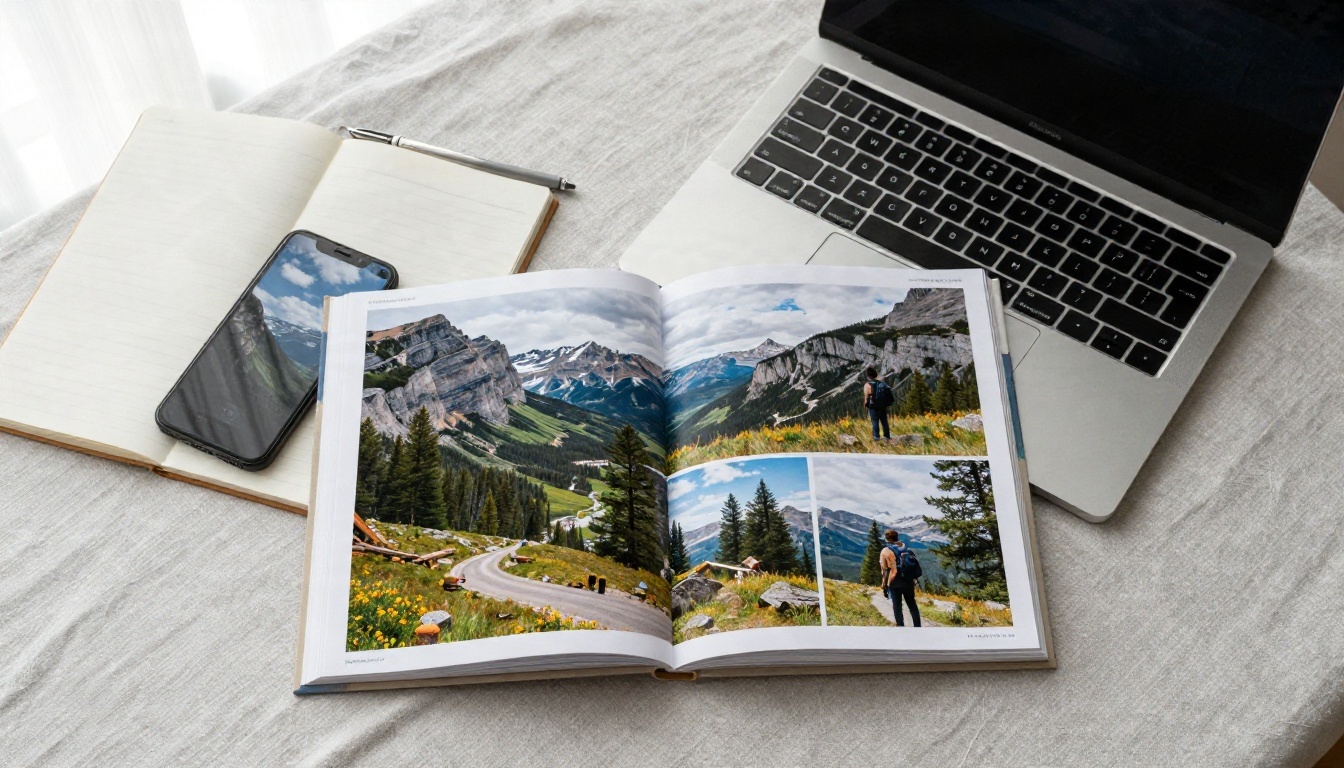
The sticker price is only part of the story. Pages, binding, paper, shipping and provincial tax all stack up.
Typical Price Ranges
These are rough CAD ranges for a single copy, before tax and shipping. They shift with sales and size, so use them for planning, not budgeting to the dollar.
| Format | Typical size and pages | Approximate range (CAD) |
|---|
| Softbound mini | 5x5 to 7x7 in, 20 pages | $10 to $25 |
| Standard hardbound | 8x8 in, 20 to 30 pages | $30 to $65 |
| Large hardbound | 11x8.5 in, 30 pages | $50 to $100 |
| Premium lay-flat linen | 11x14 in, 30 to 50 pages | $90 to $200+ |
| Digital flipbook | Unlimited pages from your PDF | Free to a low monthly plan |
Hidden Costs
Watch for these before you hit order:
- Extra pages: Most services include a base page count, then charge per additional spread.
- Shipping: Standard Canada Post delivery to remote regions can cost more than the book itself on cheap orders.
- Taxes: GST is 5% federally, while HST in Ontario and Atlantic Canada runs from 13% to 15%. Quebec and several western provinces add their own provincial taxes.
- Duplicates: A second copy for grandparents may cost almost as much as the first.
- Cross-border fees: If a service prints in the United States, customs or brokerage fees can appear at the door.
💡 Pro tip: Order one printed copy for yourself and publish the same layout as a digital flipbook for everyone else. You save a lot compared with printing five copies.
How to Build a Digital Photobook Flipbook

A flipbook gives you the page-turning feel of a printed album without the printing. If you already designed your book in a layout tool, you probably have the PDF ready. The PDF to Flipbook Converter handles the rest. For wedding photos specifically, the Wedding Album Flipbook tool is built for the job, and photographers can use the Photography Portfolio option.
Step by Step
- Prepare your photos. Export a PDF from your layout software at a sensible size. Around 150 to 200 DPI keeps files light without visible softness on screens.
- Open Flipbooks AI. Go to Flipbooks AI and create an account.
- Upload the PDF. Drag the file into the uploader. Conversion takes moments, and each PDF page becomes a flipbook page.
- Customize the look. Set a background colour, add your own branding or a family name, and choose page-turn effects and sound.
- Add multimedia. Drop in video clips from the trip or an audio message to play alongside a page.
- Publish and share. Copy the direct link, or use the embed code on a personal site. See the Embed Flipbook on Website page for options.
- Set privacy. Add a password for private family albums.
✅ Best practice: Use a spread-friendly layout (two pages as one image) for landscape shots. A flipbook displays spreads exactly as a printed lay-flat book would.
Pro Features Worth Knowing
On the Professional plan, you can see analytics on who opened the book, enable offline downloads for people with poor connections, and capture leads if you sell prints or sessions. Photographers and small studios will get the most value here. Compare tiers on the pricing page. Every plan stays watermark-free, and the Standard plan and above allow unlimited flipbooks.
Sharing Your Photobook Online

Printing is the part people think about, but sharing is where a photobook actually reaches people. A printed album lives in one house. A digital one can sit in every phone in the family.
Link, Embed or Download
| Sharing method | Best for | Effort |
|---|
| Direct link | Family group chats and email | Copy and paste |
| Embed code | Personal blogs, wedding sites, studio pages | Paste into a page |
| Password-protected link | Private baby or family albums | Add a password once |
| Offline download | Cottage trips and weak signal | One click for viewers |
| QR code on printed card | Mixing print and digital at events | Print and place |
Keep It Private
Family albums often include children, so privacy matters. Use a password, share the link only in trusted chats, and avoid posting the public URL on social media. If you embed a book on a website, consider whether the page itself should be public or hidden.

A real-world example: a grandmother in Saskatoon may never wait for a parcel from her daughter in Vancouver again. She opens a link on her tablet, taps through the pages, and the photos are as large as she wants them. No shipping, no customs, no missed delivery notice.
Which Option Fits Your Situation

Here is a straightforward matching table based on common scenarios.
| Situation | Recommended format | Why |
|---|
| Wedding album | Premium printed lay-flat plus digital flipbook | Heirloom for the couple, easy access for guests |
| Baby's first year | Printed hardbound plus password-protected flipbook | Gift for grandparents, private sharing |
| Travel across Canada | Digital flipbook, optional softbound mini | Fast to share, cheap to update |
| Photographer portfolio | Digital flipbook, print for key clients | Instant links, lead tracking |
| Family reunion | Digital flipbook | Many viewers, no per-copy cost |
| Holiday gift | Printed hardbound | Tangible and wrapped |
The Wedding Case
Couples often print a premium album and also publish a flipbook for guests who want to relive the day. The printed book stays at home, and the link goes in a thank-you email.
The Travel Case
A summer road trip from Calgary to Tofino produces hundreds of images. A flipbook with short captions and a few video clips lets you share the trip in a single link, and you can create a small softbound later if you want one for the coffee table.

The Gift Case
For holidays and birthdays, print wins on presentation. Add a small card with a QR code that opens the digital version, so relatives in other cities can enjoy it too.
Mistakes to Avoid
Most photobook regrets come from a short list of avoidable errors.
- Ordering without a proof. Check every page for cropped faces and text too close to the edge. Print trims are not forgiving.
- Using low-resolution images. Photos pulled from messaging apps look soft on paper. Use original files.
- Ignoring the gutter. A face on the fold of a standard hardbound book disappears. Lay-flat binding or careful placement solves this.
- Forgetting delivery time. Holiday weeks slow Canada Post and couriers. Order early.
- Skipping the digital backup. A PDF and a flipbook version protect you if the printed copy is lost, damaged or needs to be shared again.
- Overfilling pages. Four large images read better than twelve tiny ones.
⚠️ Warning: Never publish a flipbook of children publicly without a password. Treat shared links like keys to your home.
Order or Publish Today
The best photobook setup in Canada is rarely one format. Print the one or two copies that deserve a place on a shelf, then publish the same pages as a digital flipbook for everyone else. You get the keepsake and the reach, and you avoid paying for ten copies.
Ready to try the digital side? Get started for free on Flipbooks AI, browse all flipbook tools, or compare pricing plans to pick what fits your photos. If you want to upgrade later, you can create an account and head straight to pricing.



