You found the perfect photos, picked a theme, and then the checkout page showed a total twice as high as you expected. That is the most common story with photobook software. The editor looks free, the printed book does not, and shipping appears at the very end. This breakdown separates every cost so you can spot the best price for a photobooks editor before you commit, and it shows where a digital option such as Flipbooks AI can replace print entirely when a screen is all you need.
A quick note on honesty: online editor prices change often, and promotions swing them by 30 to 50 percent. So instead of quoting numbers that will be stale next month, this article gives you the structure of each pricing model, illustrative budgets, and a checklist to verify the live price yourself.
What Photobook Editors Really Cost
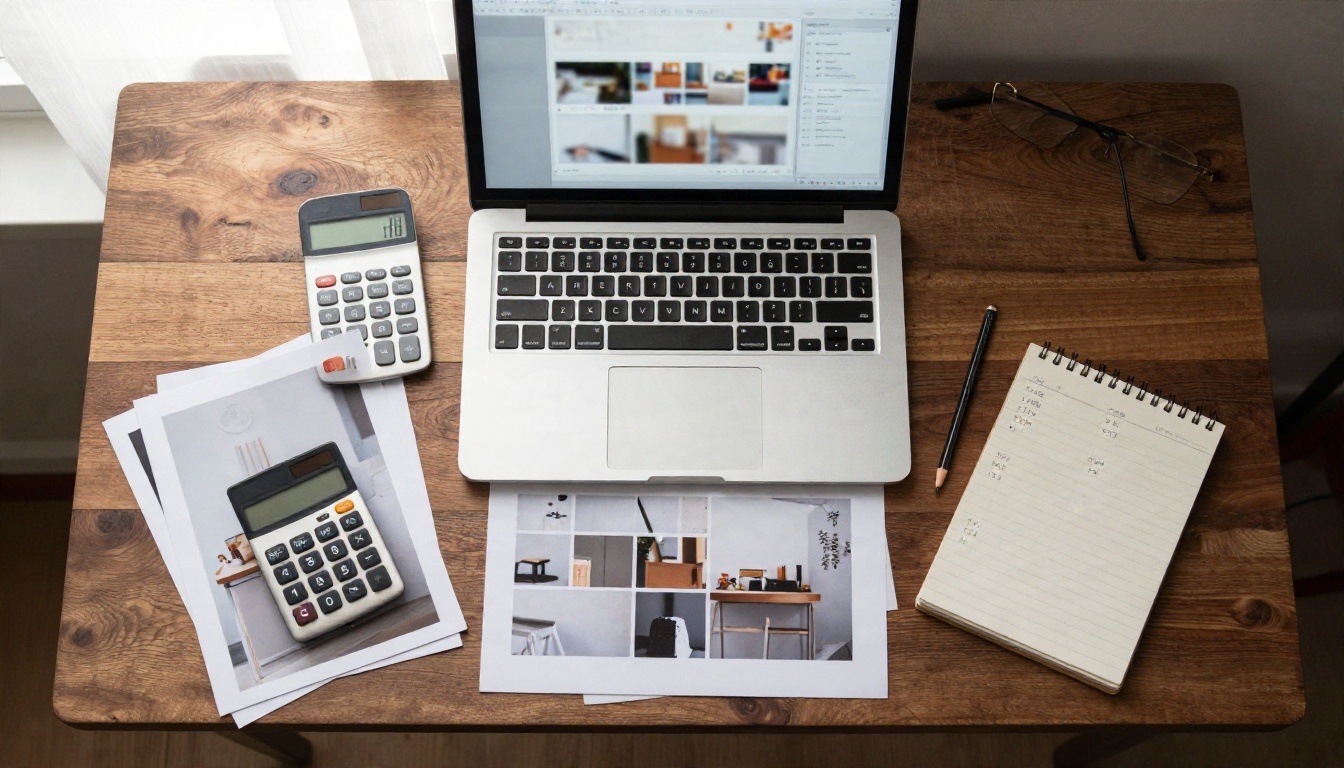
Most people compare the wrong number. They compare the price of the editor, when the real bill is the sum of four separate parts.
Editor Fee vs Print Fee
An editor is the software where you drag photos onto pages. A print fee is what the company charges to produce the physical book. Many services give you the editor for free and earn money on printing. Others charge a monthly or yearly fee for the editor and let you export a PDF to print wherever you like.
💡 Pro tip: Ask one question before you start: "Can I export my finished layout as a PDF?" If the answer is no, you are locked into that service's print prices.
Where Hidden Costs Hide
Even a cheap-looking book picks up extras. Watch for these:
- Extra pages: base prices usually include a fixed page count (often 20 to 26), and each added page costs more.
- Cover upgrades: hardcover, linen and layflat bindings all add to the total.
- Paper type: matte, glossy or premium lustre paper changes the price per sheet.
- Shipping and taxes: frequently shown only at the last checkout step.
- Reprints: fixing one typo means paying for the entire book again.
The Four Cost Layers
| Cost layer | Who charges it | Can you avoid it? |
|---|
| Editor access | Subscription tools | Yes, with free editors |
| Printing | Almost every print service | Yes, with a digital album |
| Upgrades (paper, binding) | Print services | Partly, by choosing standard options |
| Shipping and tax | Print services | Partly, by ordering during free-shipping offers |
Free Options Worth Trying
Free is possible, but "free" can mean three very different things. Know which one you are getting.
Free Editors With Paid Printing
This is the most common model. The software costs nothing, you design the book, and you pay only when you order a print. It suits people who want one physical book and do not want a subscription. The catch is that templates, fonts and layouts usually live inside that service, so moving your design elsewhere is difficult.
Free Layout Tools With PDF Export
General design tools and word processors let you build pages at any size and export a PDF. You then upload that PDF to a print shop of your choice. You get full price control, but you handle the page size, margins and bleed yourself. It takes longer, and it rewards patience.
Free Digital Flipbooks
If you only need to show the album, you can skip printing. Upload a PDF to a flipbook platform and share a link. Relatives open it on a phone or tablet and turn pages with a swipe. Check the Flipbooks AI pricing page for the current free tier and its limits, then compare it with what you actually need.
Free vs Paid at a Glance
| Option | Editor cost | Typical catch | Best for |
|---|
| Free editor, paid print | None | Locked to one print service | A single printed gift |
| Free layout tool plus PDF | None | More manual work | Budget-focused creators |
| Free digital flipbook | None or low | Screen only, no paper | Sharing with family online |
| Paid subscription editor | Monthly or yearly | Ongoing fee | Frequent, multi-album makers |
Once you decide where you sit on the free-to-paid spectrum, the next question is the billing model. There are only three you will meet in practice.
Subscription Editors
You pay monthly or yearly for the software. In return you usually get premium templates, bigger photo limits and PDF export. This model only makes sense if you build several albums a year. For a once-a-year holiday book, a subscription is rarely the cheapest route.
Pay-Per-Book Services
You pay nothing to design, and a per-book price covers printing. Prices scale with page count and binding. This is the friendliest model for a one-off project, but the total can jump when you add pages or order several copies for relatives.
Digital-First Platforms
You pay for hosting, sharing and branding features rather than paper. Because there is no print run, the cost per viewer is close to zero, and fixing a mistake means re-uploading a file instead of reprinting a book.
Billing Models Side by Side
| Model | Upfront cost | Cost per extra copy | Mistake fix cost | Ideal frequency |
|---|
| Subscription editor | Recurring fee | Print price applies | Free to edit | Several albums yearly |
| Pay-per-book | Zero | Full book price | Reprint cost | One or two books |
| Digital-first flipbook | Free or low plan | Zero | Re-upload | Sharing with many people |
Printed or Digital: Which Costs Less?
The honest answer depends on how many people need to see the album and whether they need to hold it.
The Cost of Sharing
Imagine an album for a 40th birthday party with 30 guests. Printing 30 copies means 30 times the per-book price plus shipping. A digital flipbook sends the same album to every guest with one link. For wide sharing, digital wins by a large margin.
When Print Is Worth It
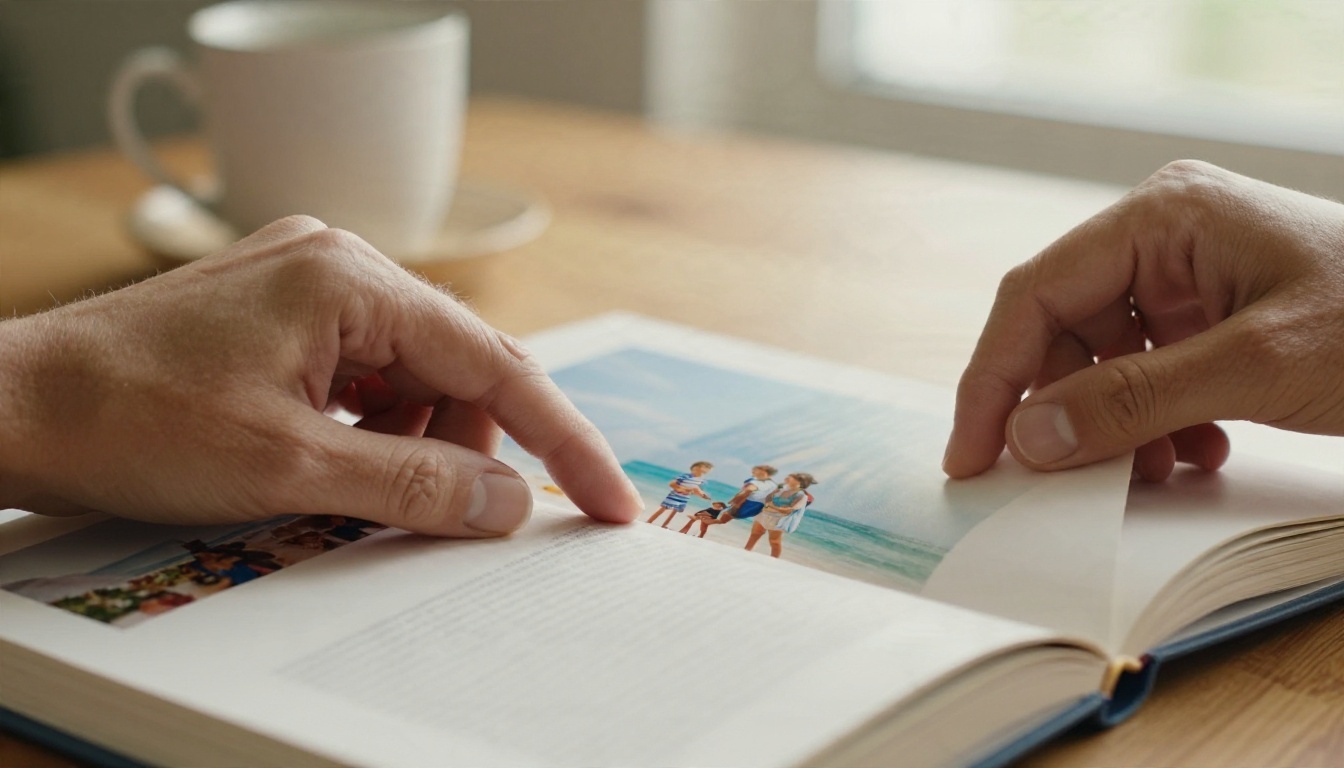
A grandparent who does not use a tablet will treasure a physical book. Wedding albums and newborn books also carry sentimental weight that a screen cannot match. In those cases, print one or two copies and share the digital version with everyone else.
An Illustrative Budget
These figures are examples to show the logic, not live quotes:
| Scenario | Print-only approach | Hybrid approach |
|---|
| Family trip, 8 relatives | 8 printed books | 1 printed book plus 1 shared link |
| Wedding, 40 guests | 40 printed books (rarely done) | 2 printed books plus 1 shared link |
| Yearbook for a club, 25 members | 25 printed books | 1 printed master plus digital copies |
⚠️ Warning: Always calculate the price for the number of copies you really need. A low single-book price can hide a high total once you multiply it.
Make a Digital Photobook With Flipbooks AI
If a digital album fits your plan, here is the shortest path. A flipbook is built from a PDF, so you can design the layout in any editor you like, including free ones, and then convert it. Flipbooks AI even offers purpose-built tools such as the Wedding Album Flipbook and the Photography Portfolio maker, and the PDF to Flipbook Converter handles the general case.

Step 1: Create Your Account
Go to Flipbooks AI and create an account. Signing up takes a minute, and you can check what each tier includes on the pricing page before paying anything.
Step 2: Upload and Convert
- Export your finished album from your layout tool as a PDF.
- In your dashboard, choose to create a new flipbook and upload the PDF.
- Wait a moment while the file converts into a page-turning flipbook.
- Preview it on desktop and on your phone to check each spread.
💡 Pro tip: Export at a high image quality but keep the file reasonably small. Large PDFs load slowly on mobile data, and relatives will notice.
Step 3: Customize the Look
Open the editor panel and adjust the details that make it feel personal:
- Branding: add a logo or a family name for a polished look.
- Colors: match the background to your photo palette.
- Page effects: choose how pages curl and turn.
- Multimedia: embed videos and audio, such as a wedding vow clip or a favorite song.
The platform produces no watermarks, which matters when you share personal photos. Mobile-responsive design means the album resizes cleanly on any screen.
Step 4: Share It Safely
You have several sharing choices:
- Direct link for texting or email.
- Embed code to place the album on a personal website, using the Embed Flipbook on Website tool.
- Password protection for private family photos.
- Offline download so relatives without internet can still view it.
Step 5: Use Pro Features When Needed
Creators who share albums professionally, such as photographers delivering client galleries, can benefit from analytics and lead generation on the Professional plan. These show who opened the album and help you follow up. Standard plans and above also include unlimited flipbooks, which suits anyone building one album per event. Compare tiers on the pricing page.
Tool Comparison for Photo Projects
| Flipbooks AI tool | Best for | Link |
|---|
| Wedding Album Flipbook | Ceremony and reception albums | Open tool |
| Photography Portfolio | Photographers showing client work | Open tool |
| Travel Guide Flipbook | Trip albums with notes and maps | Open tool |
| Digital Portfolio Creator | Creative portfolios | Open tool |
| PDF to Flipbook Converter | Any existing PDF album | Open tool |
Real Examples With Real Budgets
Numbers make decisions easier. These scenarios show how different people reach the lowest price.
The Holiday Album
Maria photographed a week in Portugal and wants a keepsake. She designs the pages in a free layout tool, exports a PDF, prints one copy at a local shop, and uploads the same PDF to a flipbook for her sisters. Total spend: one print job and no subscription.
The Wedding Gallery
A photographer delivers 120 edited images in an album. Instead of printing sample books for each couple, they convert a PDF into a password-protected flipbook with their logo and send the link. Couples decide which images deserve a printed album, and the photographer only prints what is ordered.
The Grandparent Gift
Tom wants his parents to have a book they can hold. He uses a pay-per-book service, keeps the page count at the base level, and orders during a free-shipping promotion. Digital sharing is skipped, because his parents prefer paper.
✅ Best practice: Match the format to the audience. Paper for people who like paper, a link for everyone else.
Smart Ways to Cut the Bill
You do not need a coupon hunter's patience to save money. A few habits do most of the work.
Check Page Count Early
Plan the story before opening the editor. Choose your 60 best photos instead of 200, and the book shrinks to the base page count. Fewer pages means a lower price in almost every pricing model.
Choose Standard Options
Premium paper and layflat binding look lovely, but a softcover with matte pages still makes a good keepsake. Upgrade only when the occasion justifies it.
Time Your Order
Print services run frequent promotions around holidays and seasonal sales. If the album is not urgent, wait for a discount, and confirm the final total, including shipping, before paying.
Keep Your Files Portable
Always save the PDF and your original photos in two places. A portable PDF lets you move between print shops and flipbook platforms without redoing your work.
Cost-Cutting Checklist
| Action | Typical effect |
|---|
| Stay at the base page count | Avoids per-page extras |
| Pick standard paper | Lowers price per book |
| Print only the copies you need | Cuts the biggest cost multiplier |
| Share a digital link to everyone else | Removes extra print runs |
| Export a PDF before ordering | Lets you compare print shops |
Pick Your Plan Today
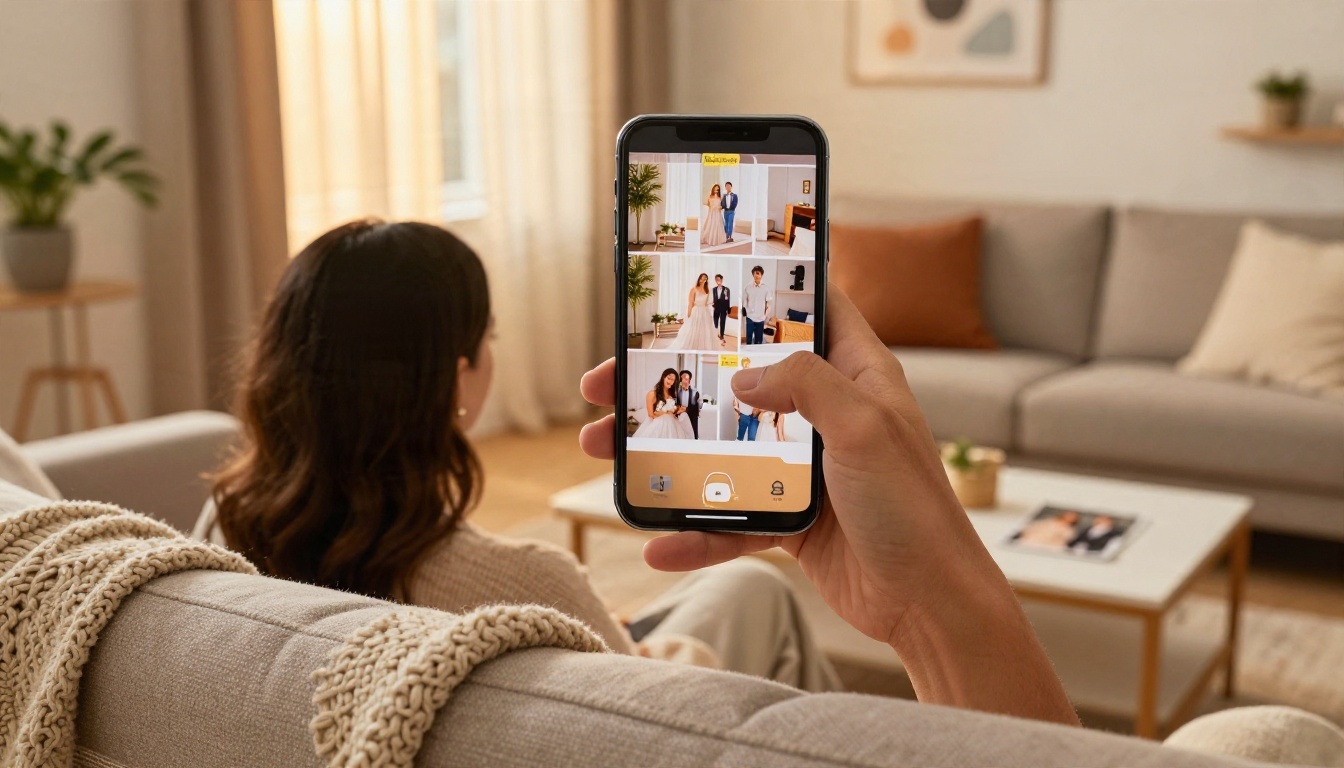
Here is the short version. If you want one printed book, use a free editor and pay only for printing. If you build albums often, a subscription editor with PDF export may pay for itself. If you want to share with many people, a digital flipbook gives the lowest cost per viewer, and you can still print one copy for the person who wants paper.
Ready to try it? Create a free account on Flipbooks AI and upload your first PDF album. Browse all the flipbook tools to find the one that matches your project, and compare pricing plans when you are ready to move beyond the basics. If you already know you want more features, go straight to the plan comparison and choose what fits your budget.



