A photo book is only as good as its weakest detail. Gorgeous photos on thin paper look flat, sharp paper with a low-resolution file looks soft, and a perfect print with a stiff binding swallows the middle of every spread. If you want the best quality photo books online, you need to judge four things together: paper, resolution, binding and price. Then there is a fifth option most people skip: a digital copy you can share instantly, which you can build with Flipbooks AI from the same PDF you send to the printer.
This article walks through each factor with real numbers, comparison tables and a few opinionated rankings, so you can order once and be happy with the result.
💡 Quick answer: For most people, a lay-flat hardback on luster paper, printed from files at 250 to 300 DPI, is the best balance of quality and price. Add a digital flipbook so relatives far away can see it the same day.
What Makes a Photo Book Great
Quality is not one setting. It is a chain, and the weakest link sets the ceiling.
Paper, Resolution, Binding
Each of these three controls a different part of the experience:
- Paper decides how colors feel: glossy punches, matte calms, cotton rag looks like a gallery print.
- Resolution decides how sharp fine detail looks, such as eyelashes, leaves and fabric weave.
- Binding decides whether a photo can run across two pages without a visible gap.
Who Should Care Most
If you are printing a wedding, a newborn's first year or a travel series, you will open this book for decades. Spend more on paper and binding. If you are printing a quick holiday recap, a mid-range softback is fine, and the digital version will probably get more views anyway.
Paper Types Compared
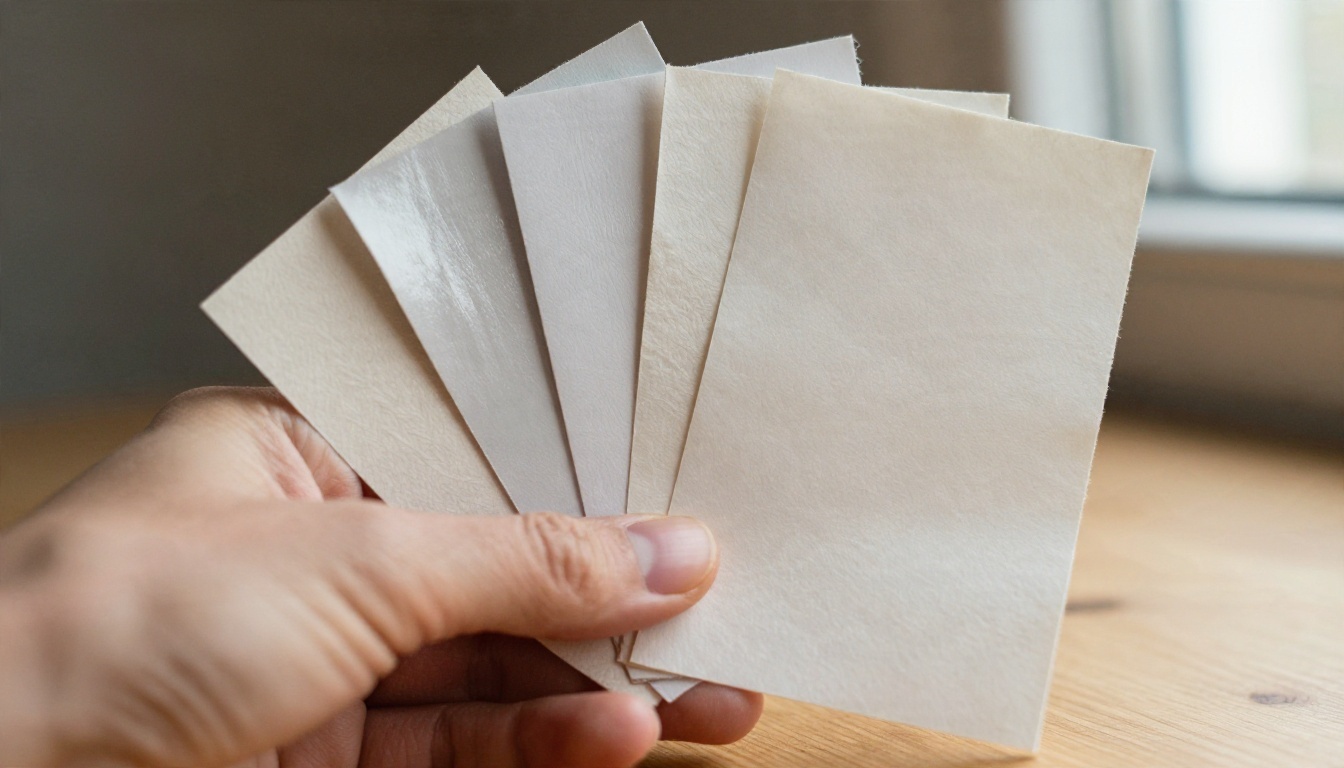
Paper is the first thing your fingers notice and the biggest driver of how photos look. Most online printers offer the same five families under slightly different names.
Matte and Uncoated
Matte paper has no shine, so fingerprints and reflections are almost invisible. Blacks are a little softer, and colors look gentle. It is the best pick for portraits, black and white work and books with a lot of text, such as recipe or travel journals.
Luster and Glossy
Luster (sometimes called satin or semi-gloss) sits in the middle. It keeps strong color and deep blacks without the mirror-like glare of full gloss. Glossy gives the highest saturation, which suits sunsets, food and landscapes, but it shows fingerprints and reflects window light.
Silk and Cotton Rag
Silk has a smooth, velvety coating that feels premium to the touch. Cotton rag (often sold as fine art or archival paper) has a visible texture and a warm tone, and it is the closest thing to a gallery print. It costs more, and extremely saturated images can look slightly muted on it.
| Paper type | Look and feel | Best for | Weak spot | Typical extra cost |
|---|
| Matte | Flat, soft, no glare | Portraits, text, monochrome | Slightly lower contrast | Baseline |
| Luster | Subtle sheen, rich color | Weddings, family, general use | Mild fingerprints | Baseline to +10% |
| Glossy | High shine, vivid | Travel, food, landscapes | Glare and smudges | Baseline |
| Silk | Smooth, velvety | Fashion, lifestyle | Cost | +10% to +20% |
| Cotton rag | Textured, warm, archival | Fine art, heirloom books | Muted saturation, cost | +25% to +50% |
⚠️ Watch the weight. Paper thickness is measured in GSM. Anything under 150 GSM can show through from the opposite side. Look for 170 to 200 GSM for standard pages, and 250 GSM or more for thick layflat pages.
Print Resolution Without the Jargon
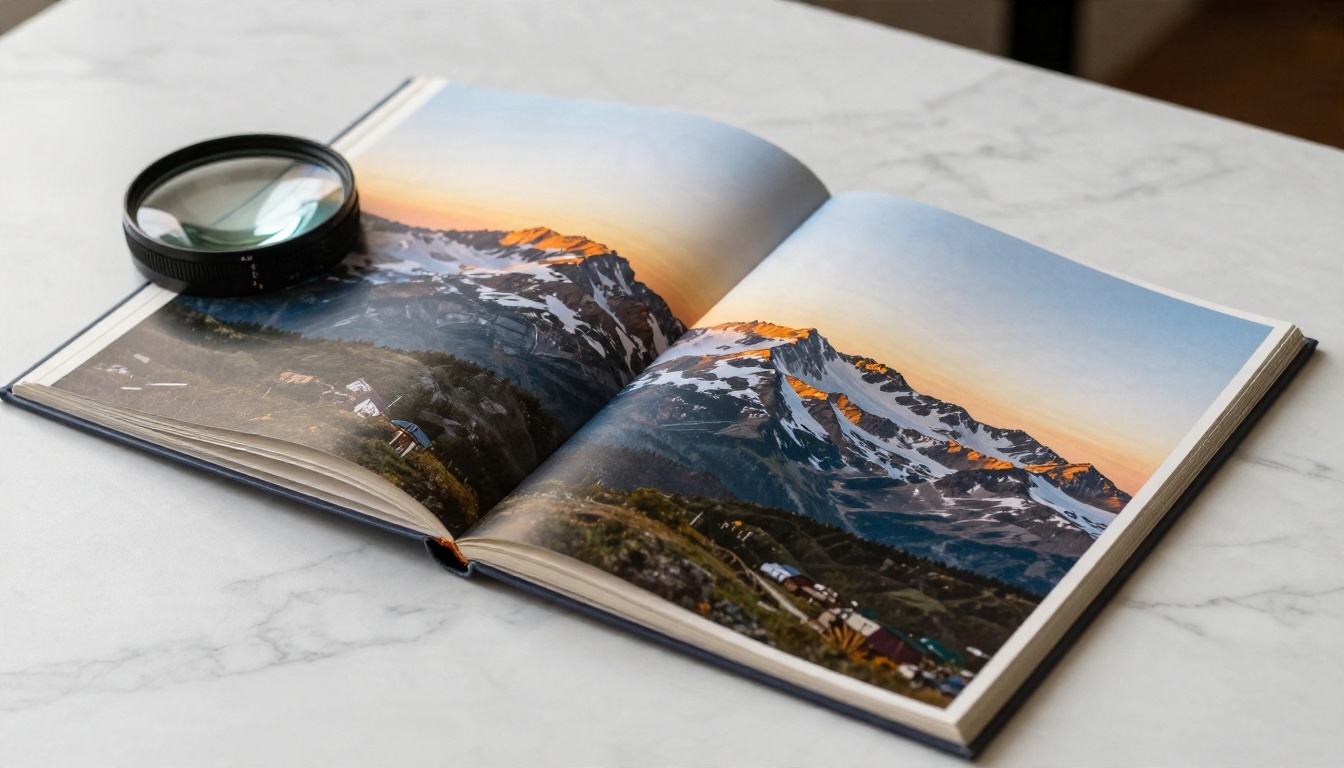
Resolution is where good photo books quietly fail. The printer will rarely warn you loudly, and a soft picture only shows up once the box arrives.
The 300 DPI Rule
The industry standard for sharp photographic print is 300 DPI, meaning 300 pixels for every printed inch. In practice, 250 DPI already looks excellent at normal reading distance, and 200 DPI is the floor before softness becomes obvious. Below 150 DPI, you will see blur and blocky edges.
To check a photo, divide its pixel width by the printed width in inches. A 3000 pixel wide photo printed 10 inches wide is 300 DPI. Stretch that same photo across a 20 inch spread and it drops to 150 DPI.
| Printed size | Pixels for 300 DPI | Minimum pixels (200 DPI) | Typical phone photo (4000 x 3000) |
|---|
| 8 x 8 in | 2400 x 2400 | 1600 x 1600 | Excellent |
| 8 x 10 in | 2400 x 3000 | 1600 x 2000 | Excellent |
| 12 x 12 in | 3600 x 3600 | 2400 x 2400 | Very good |
| Full spread 12 x 12 (24 x 12 in) | 7200 x 3600 | 4800 x 2400 | Marginal, crop carefully |
| 14 x 11 in | 4200 x 3300 | 2800 x 2200 | Very good |
Checking Your Photos Before Upload
A quick routine saves a lot of regret:
- Sort photos by file size and look at the smallest ones first.
- Avoid screenshots, messaging app downloads and social media saves. These are compressed to 1080 pixels or less.
- Use the original camera files, not edited exports at reduced quality.
- Keep full-bleed spreads for your best, highest-resolution shots.
- Accept the printer's low-resolution warning icon. It is almost always right.
💡 Pro tip: Never upscale a small image with a basic resize. If you must use a low-resolution photo, print it smaller, such as a quarter page, where it will still look clean.
The binding is the difference between a book you admire and one you actually open.
Lay-Flat vs Standard Binding
Lay-flat books use thick, hinged pages that open completely flat, so a panorama runs across the spread with no lost center. Standard binding is cheaper but curves toward the spine, hiding about a quarter inch of every image. If you plan full-spread landscapes or wedding panoramas, pay the extra for lay-flat.
Softback, Hardback, Leather
- Softback: lightweight, cheap and ideal for gifts and casual albums.
- Hardback with an image wrap: the default for most photo books, durable and the photo goes right on the outside.
- Linen or leatherette wrap: a classic look with debossed or foil titles, and it feels like an heirloom.
- Padded or genuine leather: the premium tier for weddings and anniversaries.
| Format | Durability | Lay-flat option | Feels like | Best occasion |
|---|
| Softback | Medium | Rare | A magazine | Casual trips, quick gifts |
| Hardback, image wrap | High | Yes | A coffee table book | Family albums, travel |
| Linen wrap | High | Yes | A classic album | Anniversaries, portfolios |
| Padded leather | Very high | Yes | An heirloom | Weddings, milestones |
The Real Cost of Photo Books
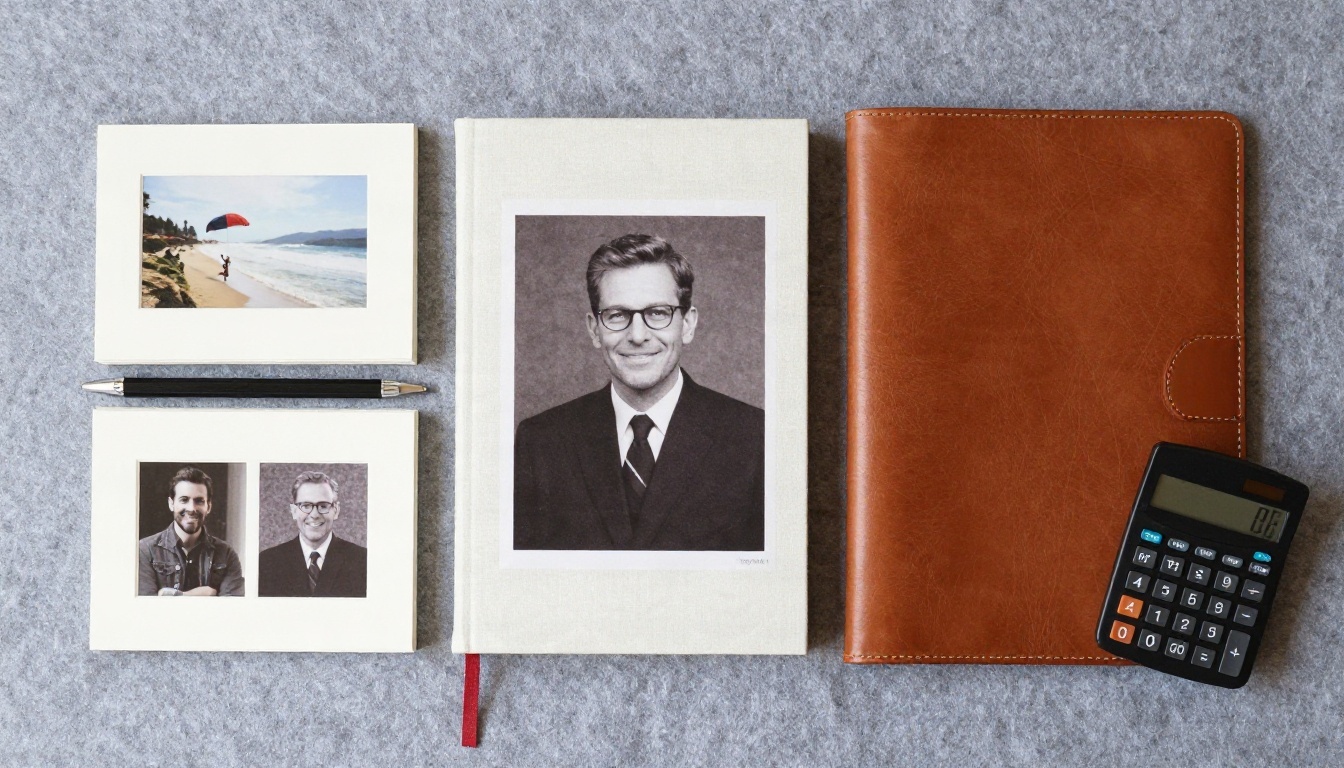
Sticker prices look cheap until you add pages, upgrades and shipping.
What Drives the Price
Five variables move the total more than anything else:
- Size: a 12 x 12 inch book can cost twice what an 8 x 8 inch book does.
- Page count: most printers include 20 to 40 pages, then charge per extra page or spread.
- Paper upgrade: premium or cotton rag paper adds a flat percentage.
- Binding: lay-flat is typically 30% to 60% more than standard.
- Shipping and tax: often $6 to $15, which can erase a promotional price.
Sample Price Ranges
The figures below are typical ranges seen across major online printers in 2026. Exact prices change with promotions, so treat them as a planning budget.
| Book spec | Budget tier | Mid tier | Premium tier |
|---|
| 7 x 7 in softback, 20 pages | $10 to $20 | $20 to $30 | n/a |
| 8 x 8 in hardback, 30 pages | $30 to $45 | $45 to $65 | $65 to $90 |
| 11 x 14 in lay-flat, 30 pages | $70 to $100 | $100 to $150 | $150 to $230 |
| 12 x 12 in leather lay-flat, 40 pages | n/a | $150 to $200 | $200 to $350 |
✅ Best practice: Order a small, cheap sample with your actual photos before ordering a large premium run. Ten dollars of proof can save a hundred dollars of regret.
A practical example: a couple printing a wedding album with 60 pages of mostly full-bleed photos might choose an 11 x 14 inch lay-flat on luster paper. Expect roughly $130 to $190 before shipping. Printing a second copy for parents is usually cheaper per book, which is why many people order two at once.
Digital Options Worth Having
Printing is not either or. A digital edition costs almost nothing and solves problems paper cannot.
Print Plus Flipbook
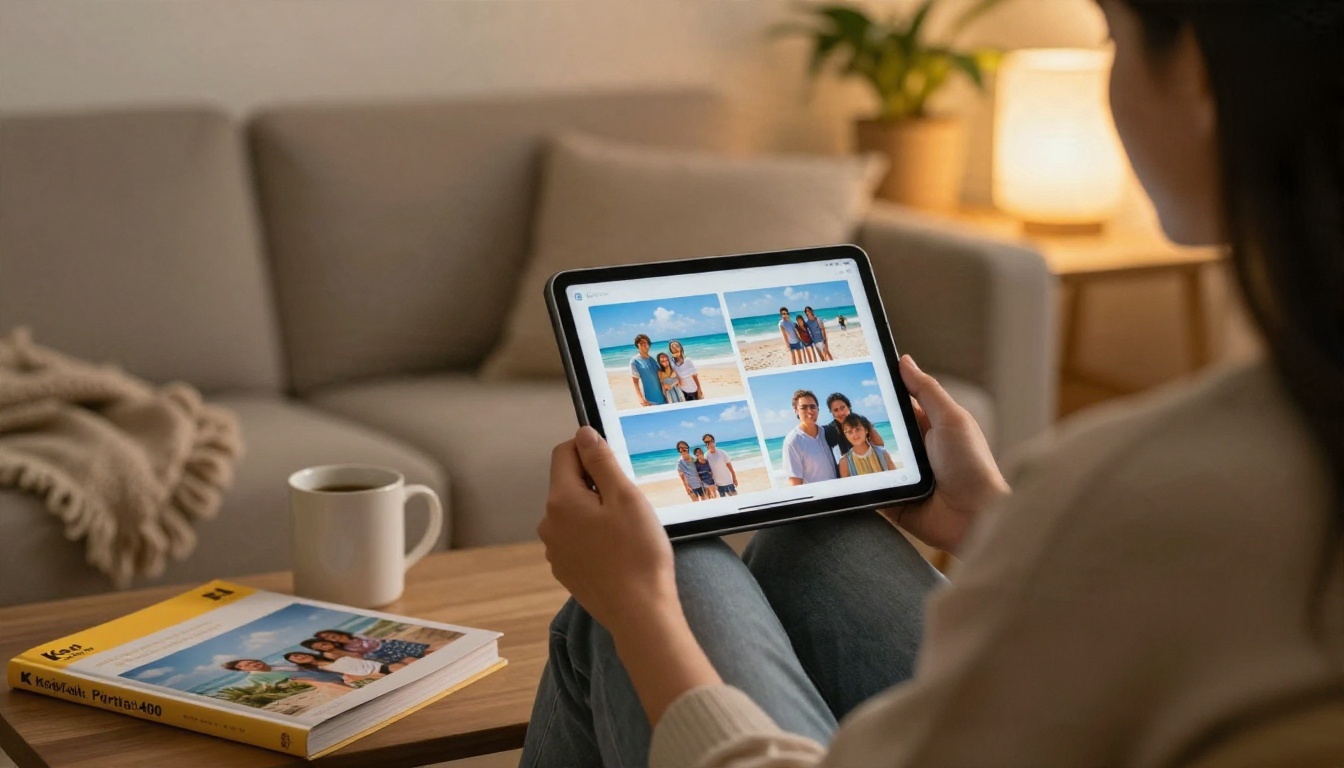
A flipbook is a page-turning web version of your book. It keeps the layout, the spreads and the order, and runs on phones, tablets and desktops. You can send one link to all your relatives, rather than shipping eight copies to three countries.
Sharing Without Shipping
Digital copies are also ideal when:
- A grandparent lives abroad and a parcel would take weeks.
- You want to preview the layout and get feedback before you print.
- Photographers need a portfolio they can send to a client in seconds. The Photography Portfolio tool is built for this.
- You are preserving a backup that will never fade, tear or get lost in a move.
| Feature | Printed photo book | Digital flipbook |
|---|
| Cost per copy | $30 to $350 | Near zero after creation |
| Delivery time | 5 to 14 days | Instant |
| Sharing | One copy at a time | Unlimited, one link |
| Print quality feel | Tactile, paper and ink | Screen based |
| Longevity | Decades if stored well | As long as the link or file exists |
| Updates after creation | Not possible | Easy to replace |
How to Create a Photo Flipbook
You already have the hard part: a finished layout. Export it as a PDF and turn it into a shareable flipbook in minutes. Browse the Wedding Album Flipbook tool or the general PDF to Flipbook Converter to see what is possible.
Step by Step
- Sign up. Create a free account on Flipbooks AI. No watermarks are added to your pages, ever.
- Export your PDF. From your photo book software, export at high quality. A 150 to 200 DPI PDF keeps the file small for screens while staying sharp.
- Upload and convert. Drag the PDF into the dashboard. Conversion turns each page or spread into a flipping page, usually in under a minute.
- Customize the look. Choose a background color that complements your photos, add your logo or a title, adjust page-turn effects and pick a cover image for the thumbnail.
- Add multimedia. Embed a video clip from the event or a soundtrack, so the album plays music as pages turn.
- Share it. Copy the direct link, or use the embed code to place the album on a personal site. Read more on how to embed a flipbook on a website.
- Protect it. Turn on password protection for private family albums, so only people you invite can open it.
Extra Controls on Paid Plans
Standard plans give you unlimited flipbooks and offline downloads. The Professional plan adds analytics and lead generation, which matters if you are a photographer sharing galleries with clients and want to see who opened them and when. Check the pricing plans for the current breakdown.
💡 Tip: Export two PDFs: a print-ready version at 300 DPI for the printer and a lighter screen version for the flipbook. Your viewers get fast loading, and your printed pages keep their sharpness.
Which Option Ranks Best
Here is an honest ranking for the most common situations, based on quality, cost and how often the book will really be opened.
| Rank | Best for | Recommended setup | Approx. budget |
|---|
| 1 | Weddings and milestones | 11 x 14 in lay-flat, cotton rag or luster, linen wrap, plus flipbook | $130 to $250 |
| 2 | Family and travel | 8 x 10 in hardback, luster, standard or lay-flat, plus flipbook | $45 to $90 |
| 3 | Portfolios and clients | 10 x 10 in matte or silk, plus password protected flipbook | $50 to $120 |
| 4 | Quick gifts and recaps | 7 x 7 in softback, matte, plus shared flipbook link | $10 to $30 |
Three Mistakes to Avoid
- Chasing the lowest price. A cheap book on thin paper often costs more once you reorder it.
- Using compressed photos. If it came from a chat app, it will look soft in print.
- Forgetting the digital backup. Printers close, accounts expire and files vanish. A flipbook and a stored PDF protect your work.
Ready to Build Yours?
Pick your paper, check your resolution, choose a binding that fits the occasion and budget, and order a small proof first. Then give the same layout a second life online.
Your best photos deserve good paper, and they deserve an audience too. Get started on Flipbooks AI and share your album with everyone who matters.



