Most restaurant owners do not lose money on food. They lose it on the tools wrapped around the food: a point of sale that charges per terminal, a delivery marketplace that keeps a quarter of every ticket, a website that nobody can order from. This ranking of the best restaurant digital ordering apps for 2027 sorts the free options from the expensive ones, shows what each platform really costs, and explains where a simple shareable menu link, built with a tool like Flipbooks AI, fits next to your ordering stack.
Prices and fees in this article are typical published ranges at the time of writing. Vendors change them often, so confirm the current number on each pricing page before you sign anything.
What Counts as an Ordering App
The phrase "ordering app" covers three very different products, and mixing them up is the most common reason owners overpay.
Three Types of Tools
- Full restaurant platforms. A point of sale plus online ordering, kitchen screens, payments and reporting in one system. Toast, Square for Restaurants, Clover and Lightspeed live here.
- Direct ordering and website tools. Products that give you your own branded ordering page with little or no commission. GloriaFood, ChowNow, Owner.com and Flipdish are typical examples.
- Delivery marketplaces. Uber Eats, DoorDash and Grubhub bring customers to you but charge a commission on each order.
A small cafe may need only one of these. A busy multi-location group usually combines all three.
Where a Menu Link Fits
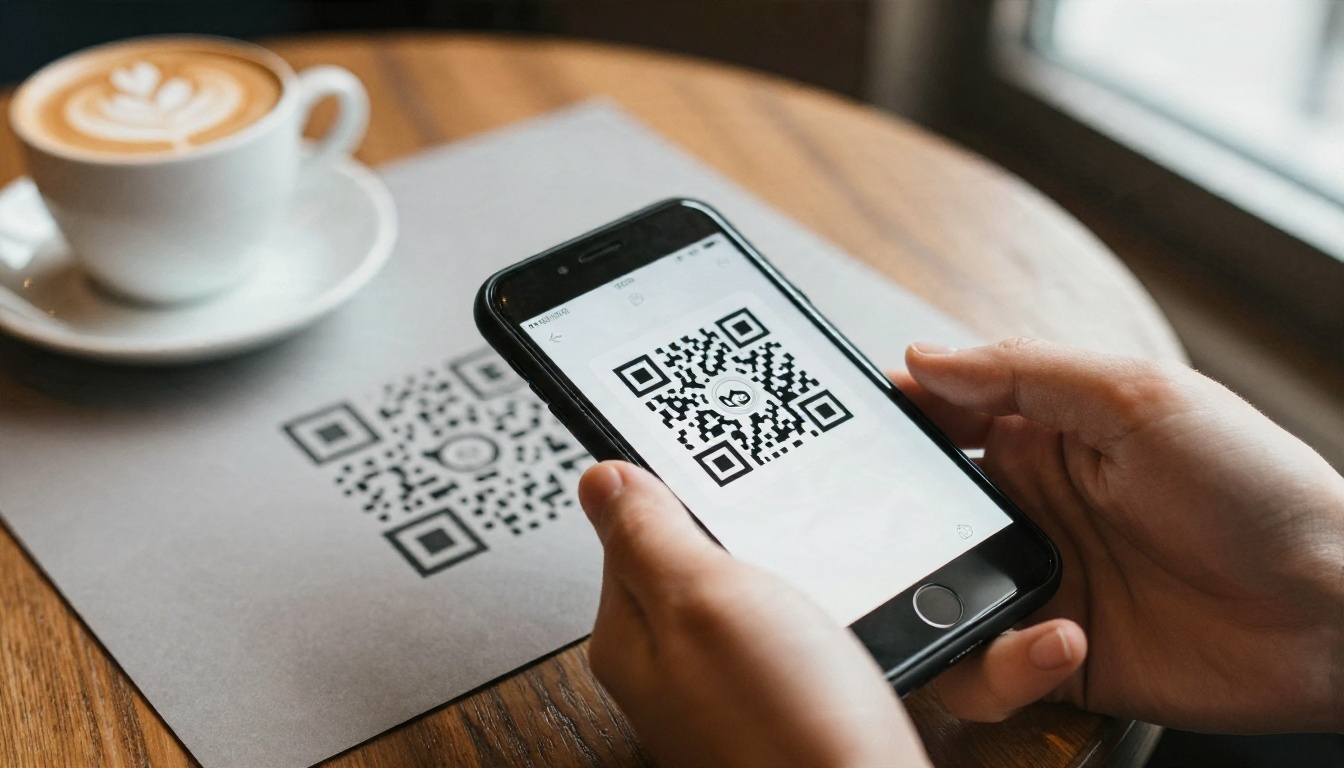
Even if you never take an online order, you still need a menu link: one URL that you can put on a QR code, an Instagram bio, a Google Business profile and a receipt. A link to a clean, mobile-friendly menu is the cheapest way to look professional online, and it works alongside any ordering app on this list.
💡 Pro tip: Your menu link and your ordering link do not have to be the same page. Many restaurants keep a beautiful browsable menu for discovery and send ready-to-order guests to a separate checkout button.
Best Apps at a Glance
The table below ranks the platforms by how well they serve a typical independent restaurant, based on starting cost, commission model and setup effort.
| Rank | App | Best for | Starting cost (typical) | Commission on direct orders |
|---|
| 1 | Square for Restaurants | Cafes, food trucks, small dine-in | Free plan available | None, only card processing |
| 2 | Toast | Full-service restaurants | Starter plan with low monthly fee | None, only card processing |
| 3 | GloriaFood | Pizzerias and takeaways on a budget | Free ordering widget | None, payment gateway fees only |
| 4 | ChowNow | Restaurants wanting a branded app | Monthly subscription | None on direct orders |
| 5 | Owner.com | Owners who want website and marketing handled | Higher monthly subscription | None on direct orders |
| 6 | Clover | Counter service and retail hybrids | Hardware plus monthly plan | None, only card processing |
| 7 | Uber Eats and DoorDash | Customer discovery | Free to list | Often 15% to 30% |
⚠️ Warning: "Free" nearly always means free software with paid payment processing. Check the card rate, because that is where the platform earns its money.
Free Options Worth Using
If your budget is tight, three routes genuinely cost little or nothing up front.
Square for Restaurants Free Plan
Square offers a free tier with basic menu management, table and counter ordering, and an online ordering page. You pay a per-transaction processing fee instead of a monthly bill. For a cafe with steady card volume, this is the lowest-risk way to start, and you can upgrade to paid plans later for kitchen routing and multi-location control.
Good for: coffee shops, bakeries, food trucks, pop-ups.
Watch for: hardware you may want to buy, and fees on keyed or online payments that run higher than in-person taps.
GloriaFood and Similar Widgets
GloriaFood is a long-running free ordering system that adds a checkout button to your site or Facebook page. You connect a payment gateway such as Stripe or PayPal and pay those gateway fees, but the ordering tool itself has no commission. It is not the prettiest option, yet for a takeaway that wants direct orders this week, it is hard to beat on price.
Toast Starter Plans
Toast has offered entry plans with a low or zero monthly software fee and a higher processing rate, aimed at small operators. It is a strong system if you plan to grow into table service, but make sure you understand the contract length and hardware costs before you commit.
✅ Best practice: Ask every vendor for the all-in effective rate on a typical $30 order, including processing, monthly fees and any online ordering surcharge. Compare that single number, not the headline price.

Free plans stop being enough when you need kitchen display screens, loyalty rewards, inventory or several locations. Here is how the paid tier tends to look.
| Platform | What you pay for | Typical monthly range | Strength | Weakness |
|---|
| Toast | POS, online ordering, kitchen display | Low to high hundreds, depending on modules | Deep restaurant features | Contracts and hardware lock-in |
| Square | Plus and Premium restaurant plans | Moderate, scales per location | Easy setup, transparent rates | Fewer enterprise controls |
| Clover | Hardware plus software plan | Moderate | Flexible apps marketplace | Fee structure varies by reseller |
| Lightspeed | POS and analytics | Moderate to high | Strong reporting | More setup time |
| ChowNow | Branded ordering and app | Mid-range subscription | Commission-free direct orders | Fewer in-store tools |
| Owner.com | Website, ordering, marketing | Higher subscription | Done-for-you growth tools | Cost is steep for tiny shops |
Toast and Clover for Dine-In
Both shine when you have servers, tables and a kitchen that needs tickets routed by station. They are overkill for a two-person takeaway, but they pay off once you run a busy floor.
ChowNow and Owner for Direct Orders
These tools exist to pull customers away from marketplaces and onto your own page. If you currently pay 25% commission on a large share of orders, a flat monthly subscription can save real money. We run the numbers in the next section.
Marketplace Fees Eat Your Margin
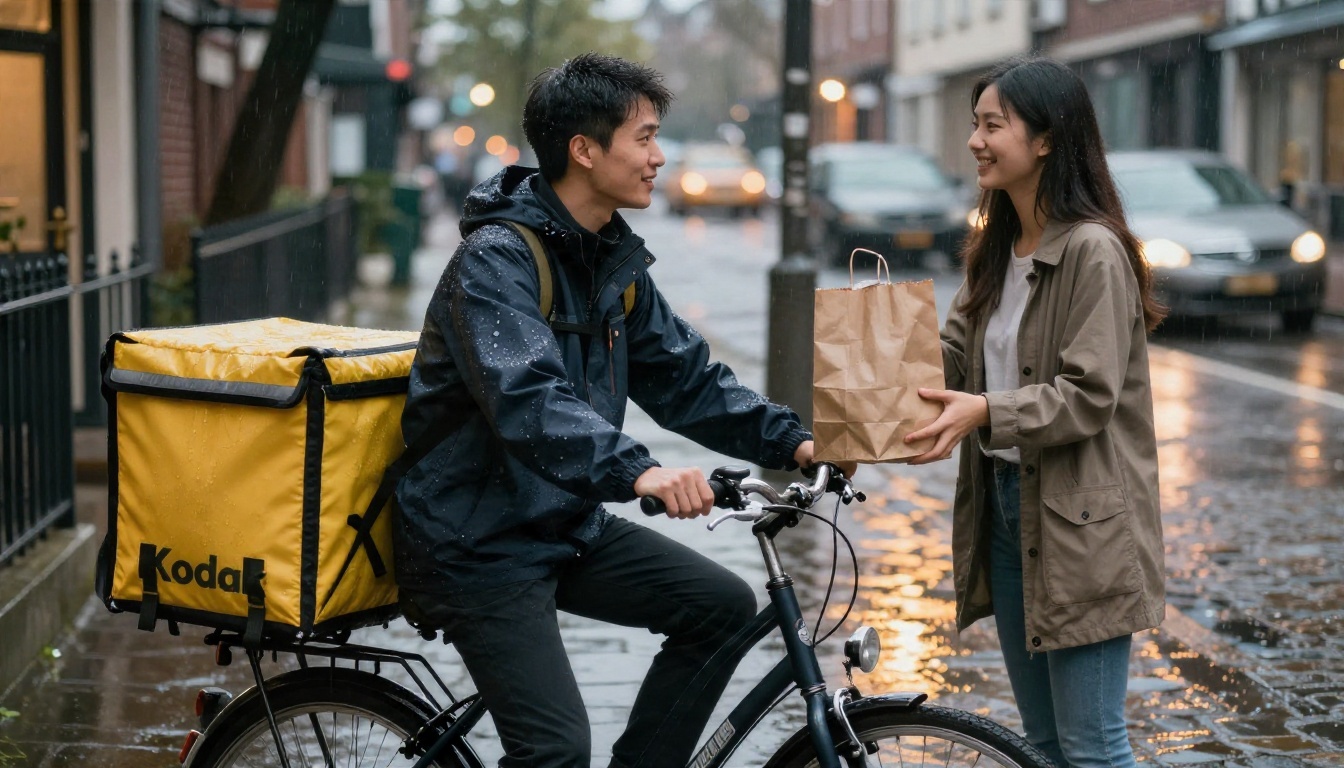
Delivery marketplaces are useful for finding new guests. They are painful as your only sales channel.
The Commission Math
Take a $30 order that comes through a marketplace charging 25%, and another through your own direct page charging roughly 2.9% plus 30 cents in card processing.
| Channel | Fee on a $30 order | Fee on 200 orders per month | You keep on 200 orders |
|---|
| Marketplace at 25% | $7.50 | $1,500 | $4,500 |
| Direct order at 2.9% + $0.30 | $1.17 | $234 | $5,766 |
| Difference | $6.33 | $1,266 | $1,266 more |
Even after paying a $150 to $500 monthly subscription for a direct ordering tool, you can come out ahead if enough orders move off the marketplace.
How to Move Guests to Direct Orders
- Put a QR code on every delivery bag that links to your own menu and ordering page.
- Offer a small perk, such as a free drink on the first direct order.
- Keep your marketplace menu slightly more expensive than your direct menu where the platform allows it.
- Mention your direct link in every Google Business post.
💡 Pro tip: Marketplace customers are still your customers. A QR sticker inside the bag turns a 25% order into a 3% order the next time.
Whatever ordering app you pick, you need a good-looking, fast-loading menu that people can open from a QR code. Here is how to build one with Flipbooks AI in a few minutes. It works with any PDF menu you already have.
Step 1: Sign Up and Upload
- Go to Flipbooks AI and create an account.
- Choose the Restaurant Menu Creator or the Menu Flipbook Designer.
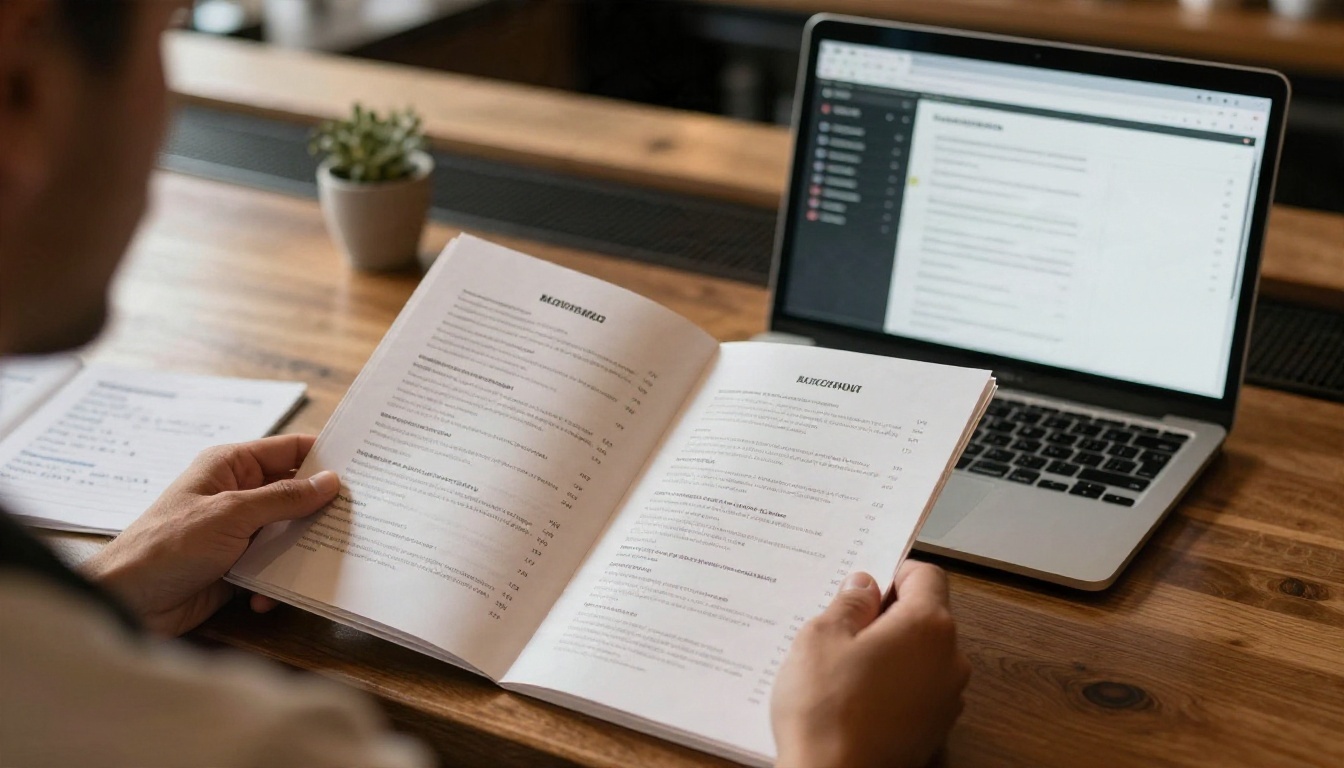
- Upload your menu as a PDF. The PDF to Flipbook Converter turns each page into a turning page with realistic motion.
Screenshot description: the upload screen shows a drag-and-drop area, and a preview of your menu appears on the right once conversion finishes.
Step 2: Customize the Look
- Add your logo and brand colors so the menu matches your signage.
- Pick a page-turn effect and a background that suits the mood: warm wood for a bistro, clean white for a cafe.
- Embed a short video of your signature dish or an audio welcome. Flipbooks AI supports embedded video and audio.
- Add clickable links on dish names or buttons that point to your ordering page, so the flipbook becomes the front door to your chosen ordering app.
Step 3: Share the Link
- Copy the direct link and paste it into your Instagram bio and Google Business profile.
- Generate a QR code for table tents, receipts and delivery bags.
- Use the Embed Flipbook on Website option to place the menu on your homepage with a snippet of code.
- Turn on password protection if you want a private menu for an event or a tasting night.
Step 4: Use Pro Features
On the Professional plan, you get analytics showing which pages guests open most, lead capture forms for newsletter signups, and offline downloads for guests with weak signal. Every flipbook is mobile-responsive and has no watermarks, ever. Standard plans and above include unlimited flipbooks, so you can keep a lunch menu, a dinner menu, a drinks list and a seasonal special in separate links.
✅ Best practice: Update your PDF and re-upload it when prices change. The link stays the same, so every printed QR code keeps working without reprinting.
If you also publish a wine list or a price sheet, the Digital Price List Generator is a quick companion.
Picking the Right App
No single app wins for every kitchen. Use the scenarios below as a shortcut.
Match the App to Your Restaurant
| Your situation | Best starting setup | Why it works |
|---|
| Food truck or pop-up | Square free plan plus a flipbook menu link on a QR sticker | Low cost, fast to launch |
| Neighborhood pizzeria | GloriaFood or ChowNow plus a marketplace for discovery | Direct orders with minimal fees |
| Bakery or cafe | Square or Clover at the counter plus a menu link | Quick card taps, easy updates |
| Full-service bistro | Toast or Lightspeed plus a branded menu flipbook | Tables, courses and kitchen routing |
| Multi-location group | Toast or Olo with central reporting | Control across sites |
| Hotel restaurant | Flipbook menu with room QR codes, hotel brochure for upsells | Guests browse before ordering |
Five Mistakes to Avoid
- Signing a long contract on the first quote. Ask for month-to-month terms or a trial.
- Ignoring the payment rate. A "free" plan with a high processing rate can cost more than a modest subscription.
- Relying on one marketplace. If they change fees, your margin disappears overnight.
- Uploading a heavy PDF as your only menu. Slow downloads on mobile lose guests. A fast flipbook link fixes that.
- Skipping staff training. The best system fails if servers do not know how to use it during a rush.
Questions to Ask Every Vendor
- What is my effective rate on a $30 order, all in?
- Can I export my menu and customer data if I leave?
- Is there a contract, and what is the early termination fee?
- Which integrations are included, and which cost extra?
- How fast is support during a Friday dinner service?
Real Examples That Worked
A coffee cart moved from a single marketplace to a free Square plan plus a QR menu link on the cart itself. Within a season, most of the regulars were ordering direct, and the owner stopped paying commissions on those orders.
A family pizzeria installed a free ordering widget, kept one marketplace for discovery and slipped a QR sticker into every delivery box. The sticker linked to a flipbook menu with a "order direct" button. Over a few months, the share of direct orders climbed steadily.
A boutique hotel restaurant printed small QR cards for every room, each linking to a password-protected flipbook with the room-service menu and seasonal specials. Guests browsed in bed, and the kitchen handled orders by phone with no extra software at all.
Your Next Step
Pick one ordering platform based on your volume and payment mix, keep a marketplace only for discovery, and put a clean menu link on everything a guest touches. That combination is cheaper and easier than a single expensive system, and it gives you control over the customer relationship.
Ready to publish your menu link? Get started for free on Flipbooks AI, browse all flipbook tools, or compare pricing plans to find the one that fits your restaurant. If you want to go straight to a paid plan, use this shortcut to pricing.



