Your menu is the most visited page your restaurant will ever have, and most owners still treat it like an afterthought. Guests check it on their phones before they book, again at the table, and again when they argue about dessert. The right restaurant web app makes that page fast, accurate, and easy to update. The wrong one buries you in transaction fees or leaves you with a blurry PDF nobody can pinch and zoom. This ranking compares the main kinds of tools, including a flipbook approach with Flipbooks AI, so you can match features and pricing to the way your restaurant actually runs.
What a Restaurant Web App Really Does
A restaurant web app is a browser-based tool that publishes your menu, and sometimes your ordering, booking, and payments, without making guests install anything. Some focus only on the menu. Others bundle a point of sale, delivery, and loyalty on top.
The Core Jobs
Every option on this list should handle at least these five jobs:
- Show an always current menu on phones, tablets, and desktops.
- Open from a QR code placed on tables, windows, and flyers.
- Update in minutes, so a sold out dish disappears before a guest orders it.
- Load fast on weak restaurant Wi-Fi and mobile data.
- Look like your brand, with your colors, photos, and tone.
Ordering, payments, and table service are extras. Great for some restaurants, wasted money for others.
Why Menus Matter So Much
Diners judge a place by its menu long before they taste anything. A menu that loads slowly or shows last season's prices costs you tables. One that looks polished and reads easily sets expectations before the first plate arrives.
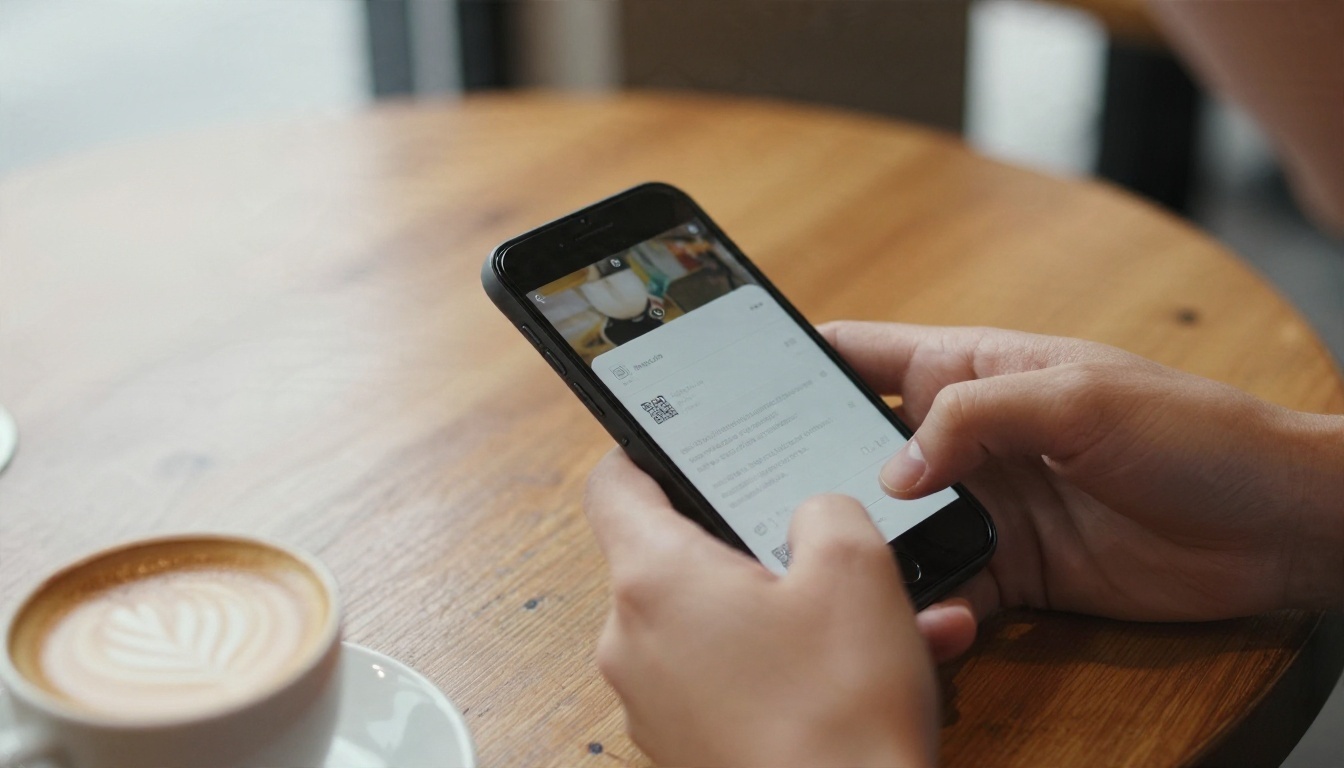
💡 Pro tip: Open your own menu on a three year old phone over mobile data. If it takes more than three seconds, your guests are already frustrated.
Four Types of Restaurant Web Apps
Before comparing names, sort the market into four groups. Most buying mistakes happen when an owner shops for a menu tool and ends up paying for a full ordering system.
Menu Only Tools
These publish a digital menu and a QR code, nothing more. They are cheap, simple, and quick to set up. Ideal for cafes, bars, and restaurants that take orders at the table.
Flipbook Menus
A flipbook turns a designed PDF menu into a page-turning web experience. You keep full control of the layout, so your menu looks exactly as the designer intended. With Flipbooks AI you upload the PDF and get a shareable link, QR code, and embed code. No watermarks, ever.
POS Platforms with Online Menus
Square, Toast, and similar platforms include menu pages as part of a larger system with payments, inventory, and staff tools. Powerful, but you pay for the whole system even if you only need a menu.
Website Builders
Wix, Squarespace, and WordPress plugins let you build a full restaurant site with a menu section. Flexible, but menu updates can be fiddly and page speed varies a lot.
Side by Side Comparison
| Type | Best For | Setup Time | Ordering Built In | Typical Cost Pattern |
|---|
| Menu only tools | Cafes, bars | Under 1 hour | Rarely | Free to low monthly fee |
| Flipbook menus | Design driven restaurants | 10 to 30 minutes | No (link to ordering) | Free tier to low monthly fee |
| POS platforms | Busy, order heavy venues | Days to weeks | Yes | Monthly fee plus processing fees |
| Website builders | Restaurants needing a full site | A few hours | Via add ons | Monthly fee plus add ons |
Free Options Worth Your Time
Free plans are tempting, and several are genuinely useful. Just know what the "free" part pays for.
What Free Usually Means
Free plans almost always trade something for the price. Typical limits include:
- A watermark or vendor badge on your menu.
- A cap on pages, items, or menus.
- Transaction fees on every online order, even when the software costs nothing.
- No analytics, so you cannot see what guests actually view.
- No custom domain or limited branding.
Free Options That Hold Up
Three free approaches work well for small restaurants:
- A free tier on a POS platform. Good if you want online ordering and accept a fee on each sale.
- A free menu hosting tool with a QR code. Best for tiny cafes with one simple menu.
- A designed PDF turned into a flipbook. Build the menu once in a design tool, then publish it through Flipbooks AI and review the pricing plans when you need unlimited flipbooks or analytics.
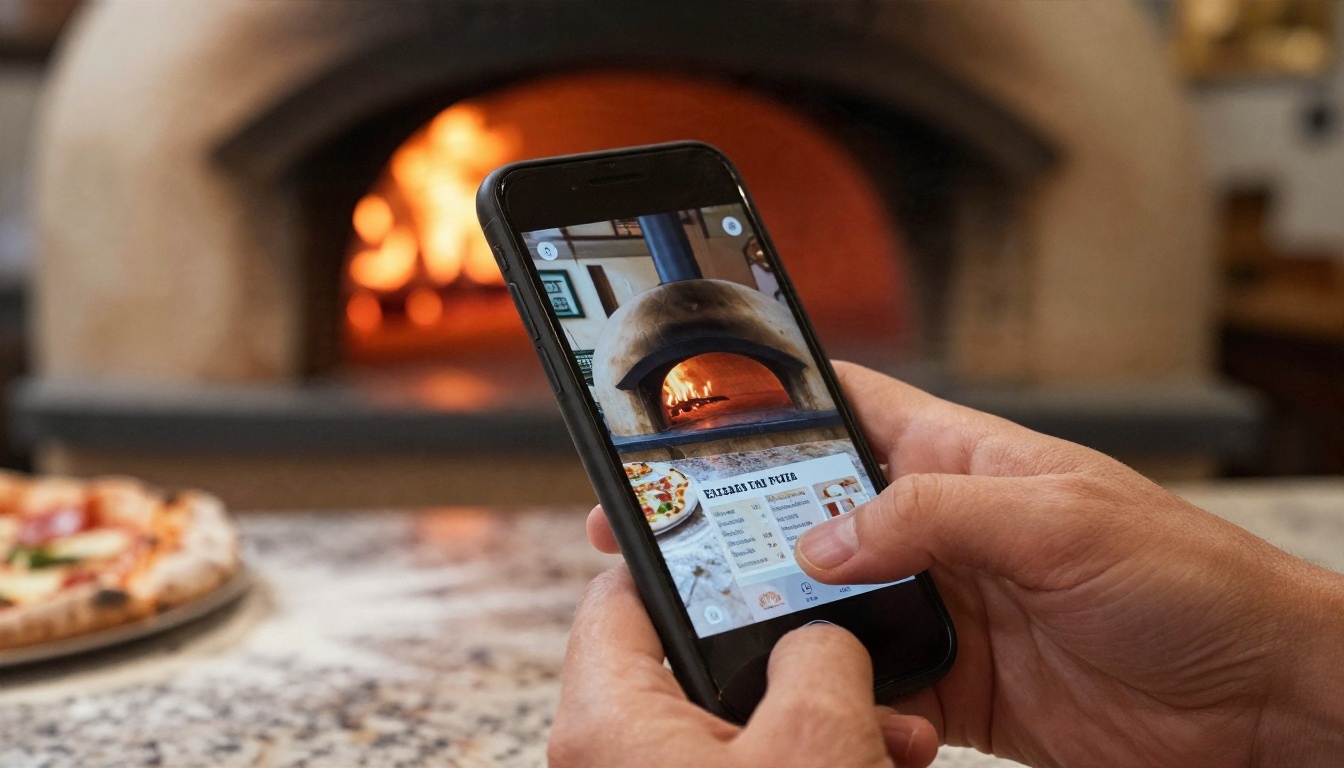
⚠️ Warning: A free plan that charges 2.9 percent plus a fixed fee per online order is not free once you sell volume. Run the numbers on a typical Friday night before you commit.
When Free Stops Making Sense
Move to a paid plan when you manage more than one location, change prices weekly, run seasonal menus, or want to know which pages guests read. A few dollars a month is cheap compared with one misprinted price.
Pricing Compared
Prices change often, and vendors adjust tiers without much notice. The table below shows the common pricing patterns as of late 2026 rather than exact quotes. Always confirm current numbers on the vendor's own pricing page before you sign up.
Typical Cost Patterns
| Option | Free Plan | Paid Plans | Extra Costs to Watch |
|---|
| Square Online / Square for Restaurants | Yes, with limits | Monthly tiers for more features | Card processing and online order fees |
| Toast | No true free menu plan | Custom or tiered monthly pricing, hardware often required | Processing fees, hardware, add on modules |
| Wix or Squarespace | Limited trial or free tier | Monthly site plans | Ordering add ons, domain, apps |
| QR menu tools | Often yes, limited | Low monthly fee | Watermark removal, extra menus |
| Flipbooks AI | Free to try | Standard and Professional plans | None for watermarks; analytics and lead tools need Professional |
The Hidden Costs Nobody Mentions
Sticker price is only part of the story. Add these up before choosing:
- Processing fees on every card payment.
- Hardware such as terminals, tablets, and printers.
- Setup or onboarding fees on bigger platforms.
- Contract length, since some vendors lock you in for a year.
- Your own time, because a tool that takes two hours per menu change costs real money.
💡 Pro tip: Ask every vendor one question: "What will I pay in month three if I sell 2,000 dollars a week online?" The answer tells you more than the pricing page.
Our Ranking by Restaurant Type
There is no single winner for every kitchen. Here is how the options stack up for the situations owners ask about most.
Best for Design Driven Restaurants
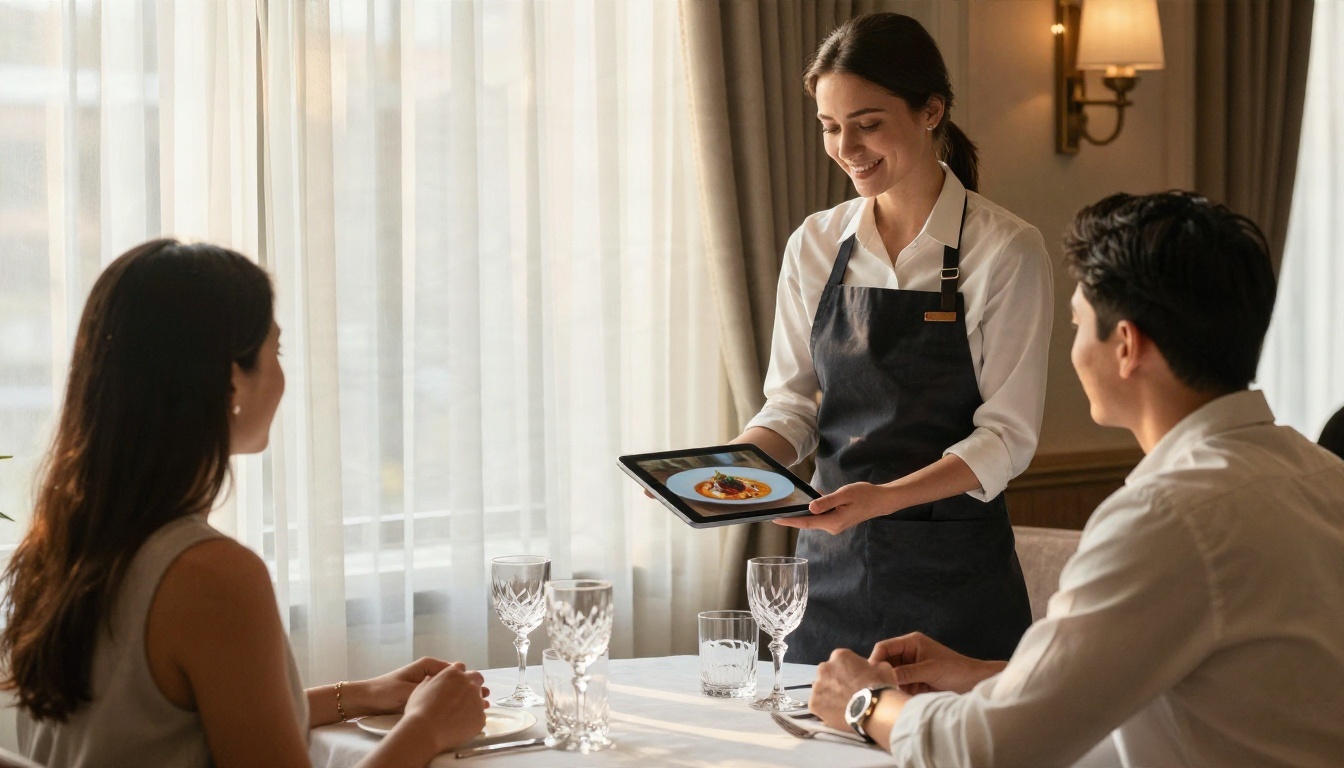
Flipbook menus win here. If you paid a designer for a beautiful menu, a flipbook keeps every font, photo, and margin intact. Guests turn pages like they would with a printed menu. Use the Menu Flipbook Designer to publish it in minutes and add a QR code for each table.
Best for Heavy Online Ordering
POS platforms win. If delivery and pickup are more than a third of your revenue, an integrated system saves time by sending orders straight to the kitchen. Expect higher monthly costs and fees.
Best for Tiny Budgets
Free QR menu tools or a free flipbook tier. A food truck or a new cafe rarely needs more than one clean menu and a scannable code.
Best for Multiple Locations
Paid plans with unlimited menus. Every branch has slightly different prices, and updating them all from one dashboard saves hours each month.
Best for Hotels and Spas
Venues with several outlets benefit from separate, branded menus. A Spa and Wellness Menu or a dining brochure can sit beside the restaurant menu under one account.
Ranking Summary
| Rank | Restaurant Situation | Best Fit | Why |
|---|
| 1 | Menu is a brand asset | Flipbook menu | Keeps your design exactly as made |
| 2 | Online ordering is core revenue | POS platform | Orders flow to the kitchen |
| 3 | Very small budget | Free QR menu tool | Low cost, quick launch |
| 4 | Full website needed | Website builder | One place for menu, story, booking |
| 5 | Multiple locations | Paid flipbook or POS plan | Central updates |

Here is the full process for a restaurant that already has a PDF menu. It takes about fifteen minutes.
Step by Step
- Open the platform. Go to Flipbooks AI and create an account. The free option lets you test before you pay.
- Upload your PDF. Drag the file into the PDF to Flipbook Converter. Each page becomes a crisp, zoomable flipbook page within seconds. Screenshot description: a dashboard with a large upload box and a preview of your menu pages on the right.
- Customize the look. Add your logo, pick brand colors, choose a page turning effect, and set a background that matches your dining room. You can also embed a short video of your chef at work or ambient audio.
- Add links and media. Link a dish to a reservation page or to your ordering partner. Mobile-responsive design means the menu reads well on any phone.
- Publish and share. Copy the direct link, generate a QR code, or use the embed code on your site. See the Embed Flipbook on Website tool for the exact snippet.
- Protect private menus. Use password protection for tasting menus, private events, or staff only price lists.
Analytics and Lead Capture
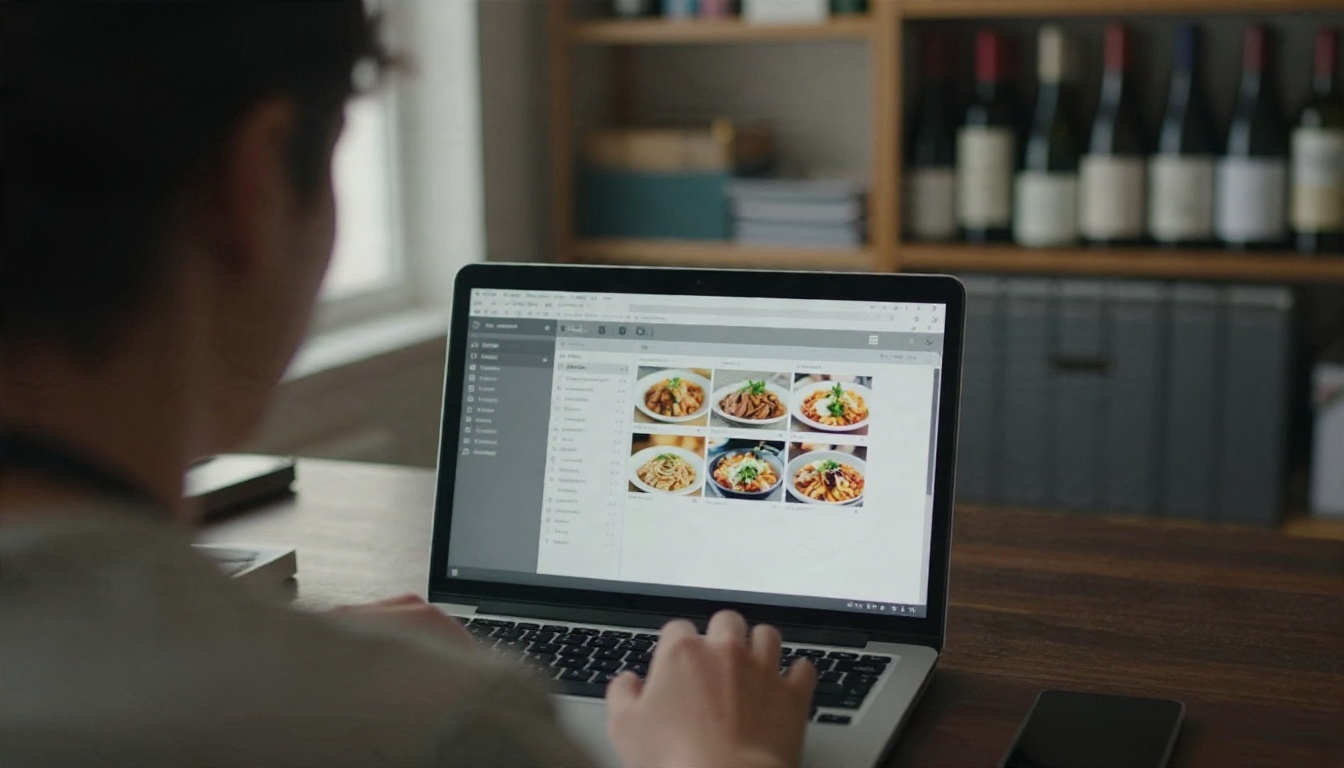
On the Professional plan, you can see which pages guests spend time on and capture contact details through lead forms. A restaurant can use this to spot which dessert page gets ignored, then redesign it. Offline downloads also let guests save your menu for later, which helps in venues with patchy signal. Compare options on the pricing page.
Real World Example
A thirty seat bistro replaced its laminated menus with a flipbook and a table QR code. The owner updated the daily specials page each morning from a phone. Printing costs stopped, menus never went stale, and the analytics showed that the wine page was the most viewed, so the staff began recommending pairings earlier in the meal.
✅ Best practice: Keep the first page short. Guests decide in seconds, so lead with your best sellers and move the long wine list further back.
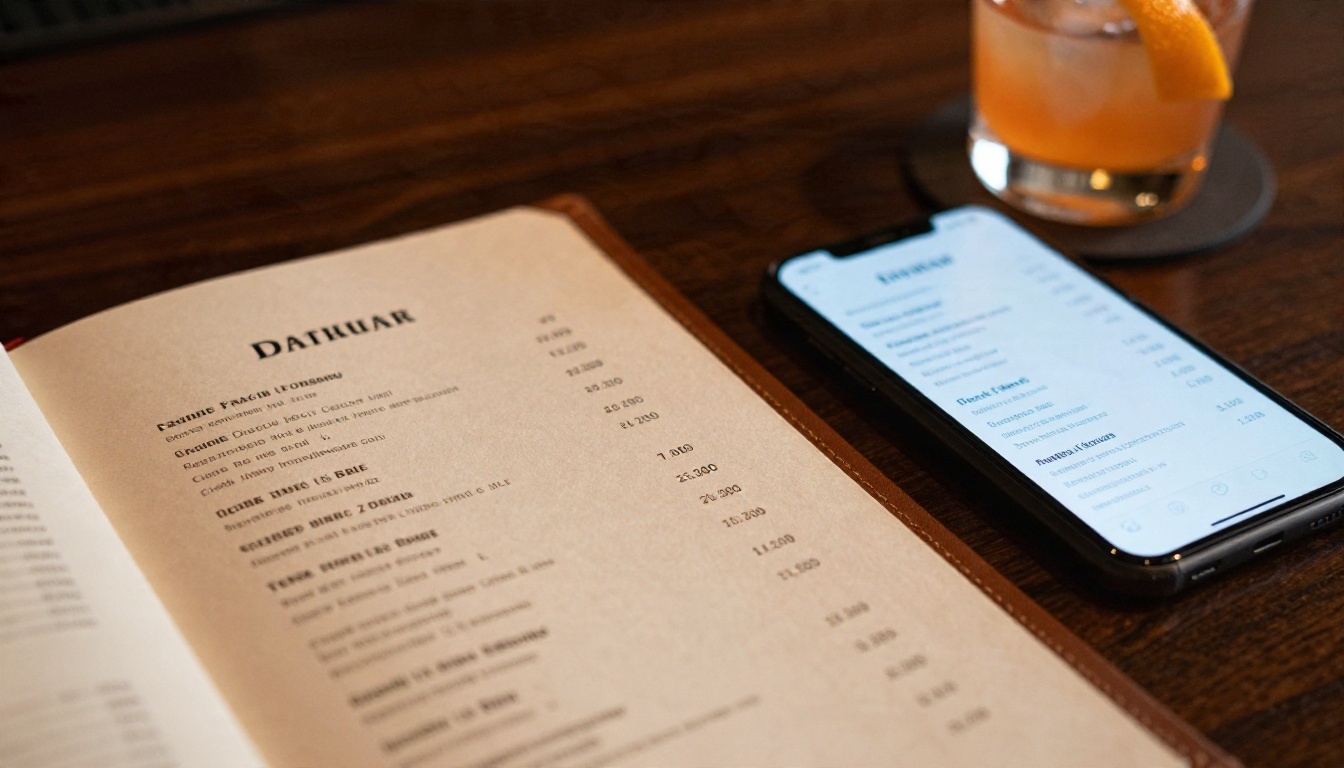
Most restaurants end up using both. A printed menu feels special at a dinner table, while a digital version handles planning, takeaway, and last minute changes.
Pros and Cons
| Factor | Printed Menu | Digital Menu |
|---|
| Update speed | Slow, needs reprinting | Instant |
| Ongoing cost | Printing and replacement | Low monthly fee or free |
| Guest experience | Tactile and classic | Fast, searchable, zoomable |
| Hygiene | Needs wiping | Touch free via phone |
| Reach | Only in the venue | Search, social, and website |
A Smart Hybrid
Keep a small, elegant printed menu for the table and put the full, current version behind a QR code. When prices change, only the digital copy needs an edit. Guests who prefer paper are still happy.
Mistakes That Cost Orders
Owners lose money in the same few ways. Avoid these:
- Choosing a tool by price alone. The cheapest plan can have the most expensive fees.
- Uploading a tiny, low resolution PDF. Text blurs on phones and guests give up.
- Forgetting allergens. Label them clearly, or you risk a serious problem.
- Skipping a mobile test. Always check the menu on both iPhone and Android.
- Printing the QR code too small. Make it at least three centimeters wide and test it in dim light.
- Never reviewing analytics. Data is free once you have it.
⚠️ Warning: Pricing, fees, and free plan limits change often. Check each vendor's current terms, and test any tool with a real menu before you print a single QR sticker.
Start with the job, not the brand. If you need online ordering and payments, shortlist POS platforms and run the fee math. If you need a beautiful, fast menu that you can change in minutes, a flipbook is the quickest route and the easiest to keep on brand.
Ready to publish your first menu? Get started for free on Flipbooks AI, try the Restaurant Menu Creator, and browse all flipbook tools for brochures, price lists, and event programs. When you are ready to compare plans, review the pricing options and choose the tier that fits your restaurant.



