You open a photo book editor, drop in 200 pictures, and the total at checkout is higher than you expected before shipping even appears. That moment sends a lot of people searching for a Shutterfly alternative. This article compares free online digital options, honest pricing, and sharing methods so you can pick the right replacement. Some alternatives still print books. Others, like Flipbooks AI, skip paper and turn your photos into a page-turning online album that you share with a single link.
💡 Quick answer: If you want a printed keepsake, compare print-first services on cost per page. If you want something you can finish tonight and send to everyone tomorrow, a digital flipbook is the cheaper and faster route.
Why People Leave Shutterfly
Shutterfly is a household name for a reason. The editor is friendly, the templates are plentiful, and the books arrive looking polished. Still, a few friction points come up again and again in reviews and forum threads.
The Real Cost of Printing
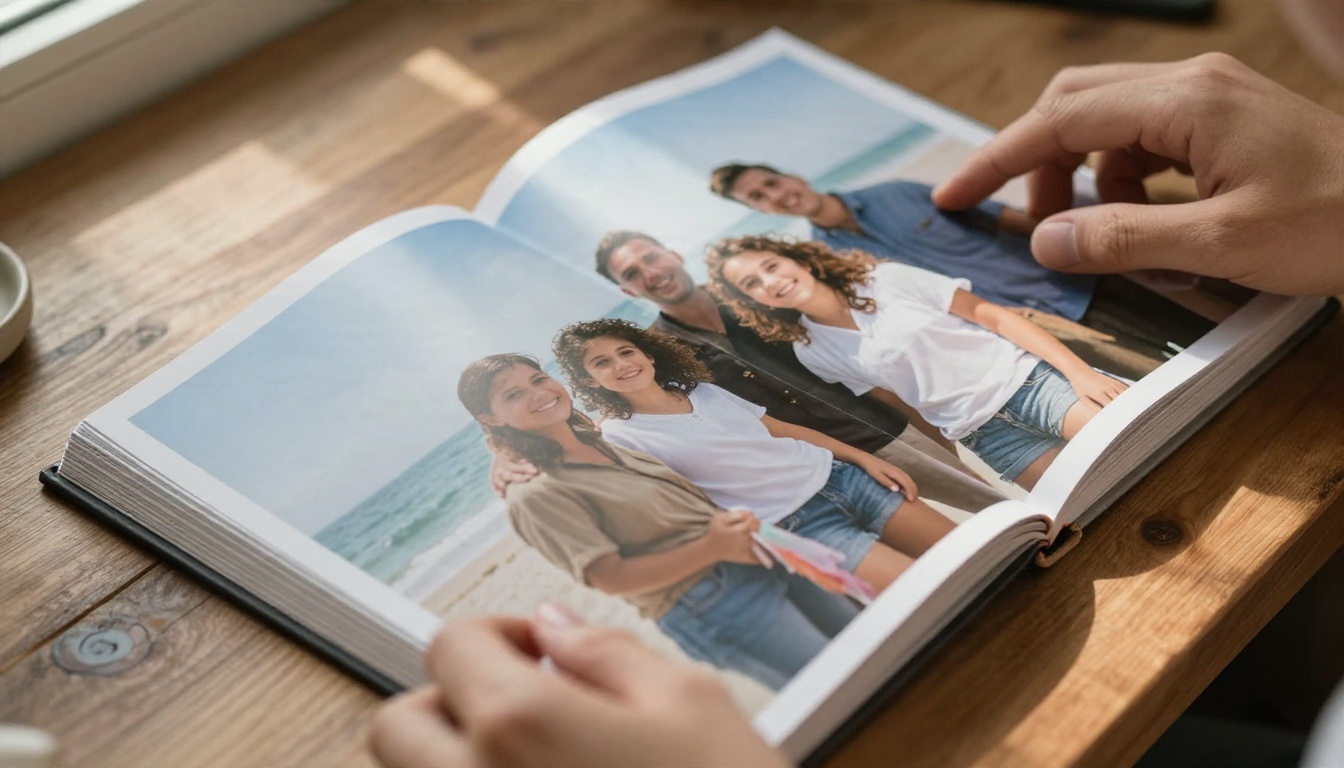
A printed photo book has a base price, and then the extras stack up. Extra pages, upgraded paper, a lay-flat binding, a custom cover, and shipping all push the total up. Promo codes help, but they also make it hard to know what a book really costs on an ordinary day.
Prices change often, so always check the live checkout total. The pattern is what matters: the more you want from a printed book, the more each copy costs, and every copy for a relative costs the same again.
Sharing Limits That Frustrate
Printed books travel by post. If your sister lives abroad, she waits for shipping and pays for it. A digital album avoids that completely, because the "delivery" is a link that opens in a browser in a second.
Other common complaints:
- Needing a paid order before a book is truly finished and shareable
- Fixing a typo after printing means reordering the whole book
- Account and storage rules that change over time
- Pressure from constant sales emails and countdown timers
None of this makes Shutterfly bad. It just means the tool fits some jobs better than others, and it is worth knowing which job you have.
Print or Digital: Pick One First
Before comparing brands, decide what format you want. This single choice removes half of the options.
| Factor | Printed Photo Book | Digital Flipbook Album |
|---|
| Cost per copy | Paid every time | Usually one build, unlimited viewers |
| Time to finish | Days to weeks including shipping | Minutes after the upload |
| Fixing mistakes | Reorder the book | Replace the file and republish |
| Sharing with relatives | Ship each copy | Send one link |
| Feel | Paper, weight, gloss | Page-turn animation on screen |
| Video and audio | Not possible | Can be embedded |
| Works as a gift | Excellent | Good, best paired with a print |
When Paper Wins
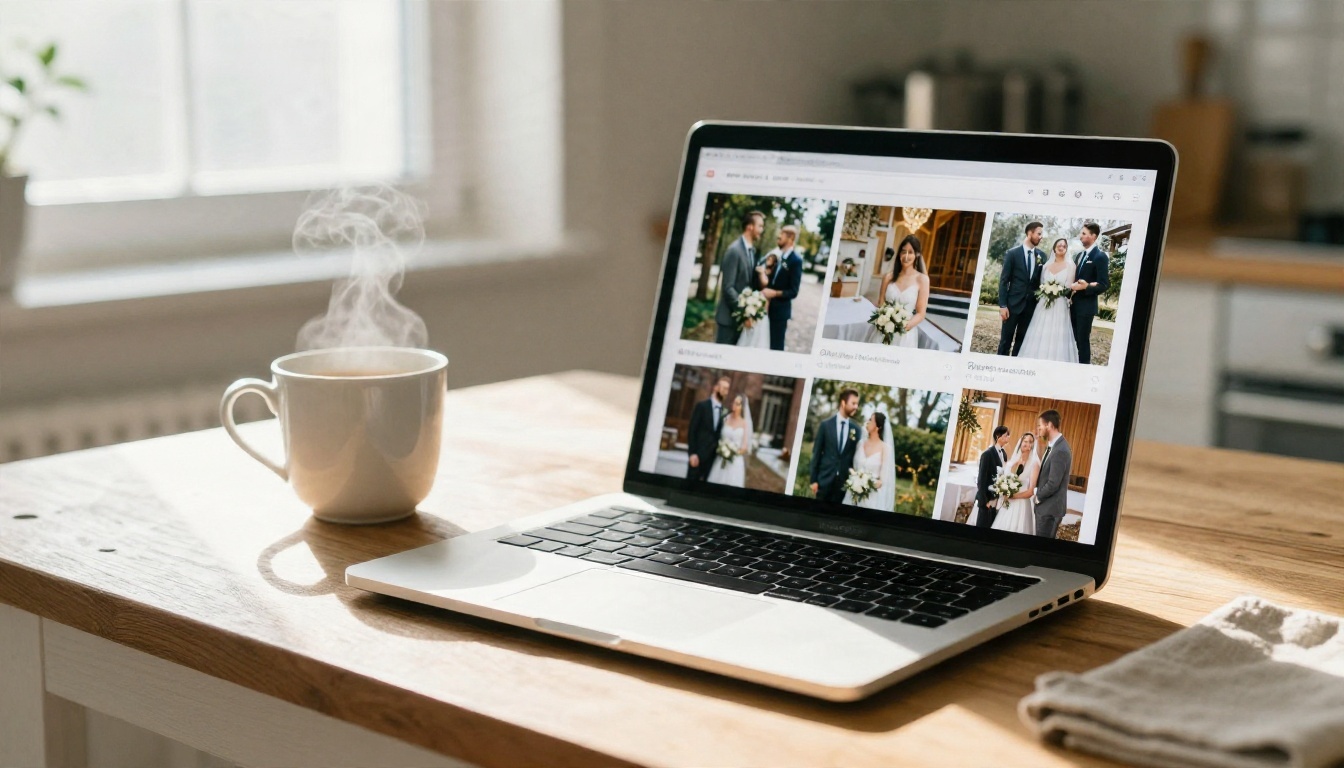
Choose print when the object itself is the gift. A grandparent's birthday, a wedding anniversary, or a coffee-table book for the living room all benefit from weight and texture. In those cases, a print-first service is the right call, and the comparison below will help you choose one.
When Digital Wins
Choose digital when the goal is sharing quickly or sharing widely. Event photos, school trips, a travel diary, a newborn's first year for faraway relatives: these are best served by an album that opens instantly on any phone. Digital is also kind to people who take thousands of photos and want to publish several smaller albums instead of one expensive volume.
✅ Best practice: Many families do both. They build one digital flipbook for everyone, then print a single copy of the favorite pages for the shelf.
Best Alternatives Compared
Here is a practical comparison of the main options. Prices and promotions shift, so the table describes how each one charges, not a fixed number.
| Option | Best For | Format | How You Pay | Sharing Style |
|---|
| Shutterfly | Familiar templates, frequent sales | Printed books | Per book plus shipping | Shared albums and ordering |
| Mixbook | Design flexibility and themes | Printed books | Per book plus shipping | Online sharing, print orders |
| Blurb | Layout control, bookstore quality | Print and ebook | Per book, print on demand | Ebook and print links |
| Chatbooks | Automatic books from your phone | Small printed books | Subscription style | Mostly print delivery |
| Google Photos | Casual free albums | Albums, optional prints | Free storage tier, optional paid prints | Shared album links |
| Flipbooks AI | Page-turn digital albums | Online flipbook from PDF | Plans | Link, embed, password |
Free Digital Options
"Free" can mean three different things, so read the details:
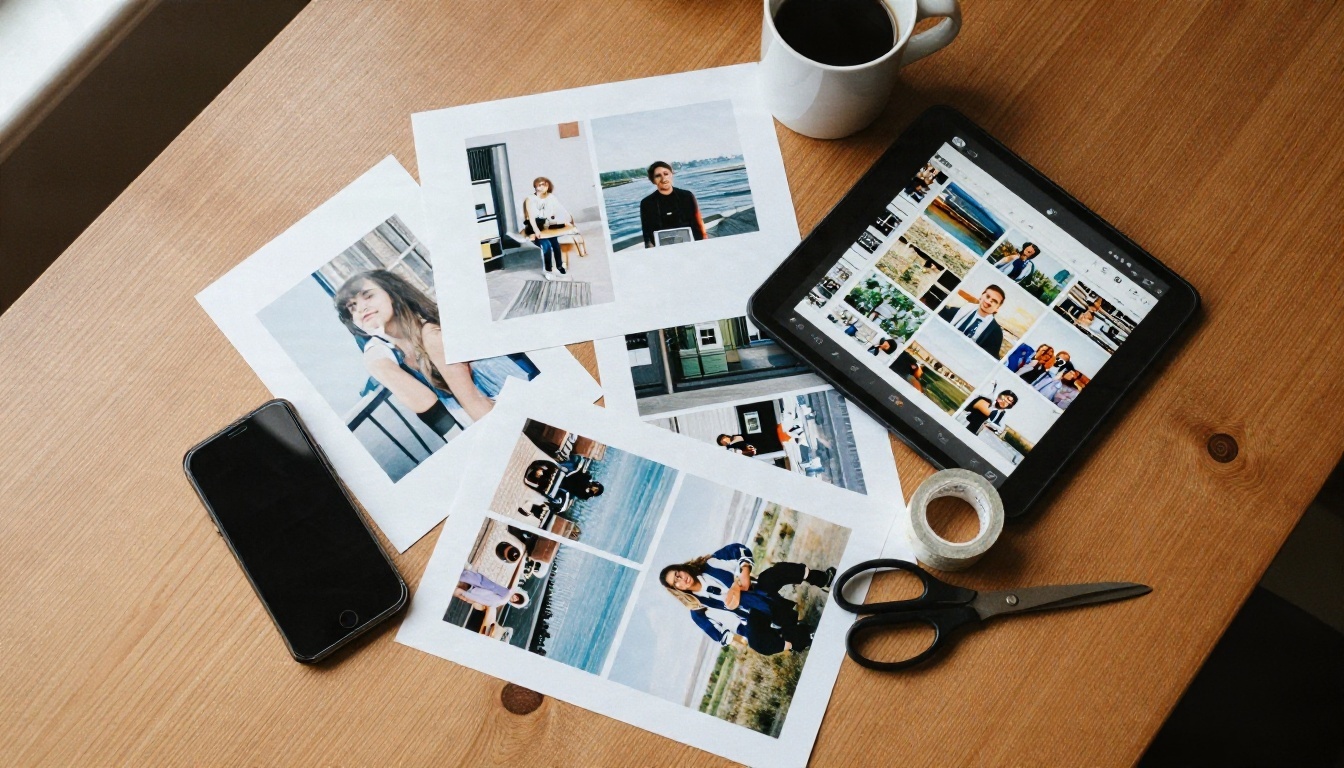
- Free to browse and share. Google Photos and similar apps let you create albums and send a link at no cost. They are simple but look like a gallery, not a book.
- Free to design, pay to print. Several editors let you build the layout for nothing and charge only when you order.
- Free to start, paid to unlock extras. Some flipbook tools let you try the page-turn effect before you pick a plan.
The page-turn experience is what makes a digital album feel like a book. Flipbooks AI converts a PDF into that format, without watermarks, so what you send looks clean. Check the pricing page for the current plan limits before you commit.
Print-First Options
If you are staying with paper, compare services by cost per page, binding choices, and shipping speed. Mixbook and Blurb tend to appeal to people who want more design freedom, while Chatbooks suits people who would rather have photos arranged for them automatically. Ask yourself how much time you want to spend on layout, because that usually decides the winner.
⚠️ Watch out: A low "starting at" price often applies to the smallest, thinnest book. Add your real page count before you compare.
Pricing Without the Surprises
A fair comparison means counting everything, not just the sticker price. Use this checklist when you price any option.
| Cost Item | Printed Photo Book | Digital Flipbook |
|---|
| Design tools | Usually free to use | Free in your own editor, or any PDF tool |
| Per copy | Charged each time | One file, unlimited viewers |
| Shipping | Added at checkout | None |
| Extra copies for relatives | Full price again | Same link |
| Edits after publishing | New order | Replace the file |
| Watermarks | Rare | None on Flipbooks AI |
| Storage over time | Shelf space | Hosted online |

Hidden Costs to Watch
Whichever route you choose, check these before you pay:
- Shipping and taxes that appear on the last screen
- Page count upgrades past the base number of pages
- Paper and binding upgrades that are priced per book
- Rush delivery when you realize the deadline is close
- Reprint costs if you spot a mistake after ordering
For a family of six that wants one book each, those items multiply fast. A digital album replaces the multiplication with a link.
Free Versus Paid Digital
A free gallery link is fine for a quick share. A paid flipbook plan makes sense when you want the album to look like a book, carry your own branding, or stay private behind a password. On Flipbooks AI, unlimited flipbooks arrive with the Standard plan and above, and analytics plus lead generation sit in the Professional plan. Most families only need the basics, so start small and upgrade only if you need more.
💡 Pro tip: Build your album once as a PDF. That one file works for a digital flipbook, a print service that accepts PDFs, and your own backups.
How to Make a Digital Photo Book
This is the step-by-step route for building a photo flipbook with Flipbooks AI. No design background is needed, and the whole process can take under half an hour.
Prepare Your Photos
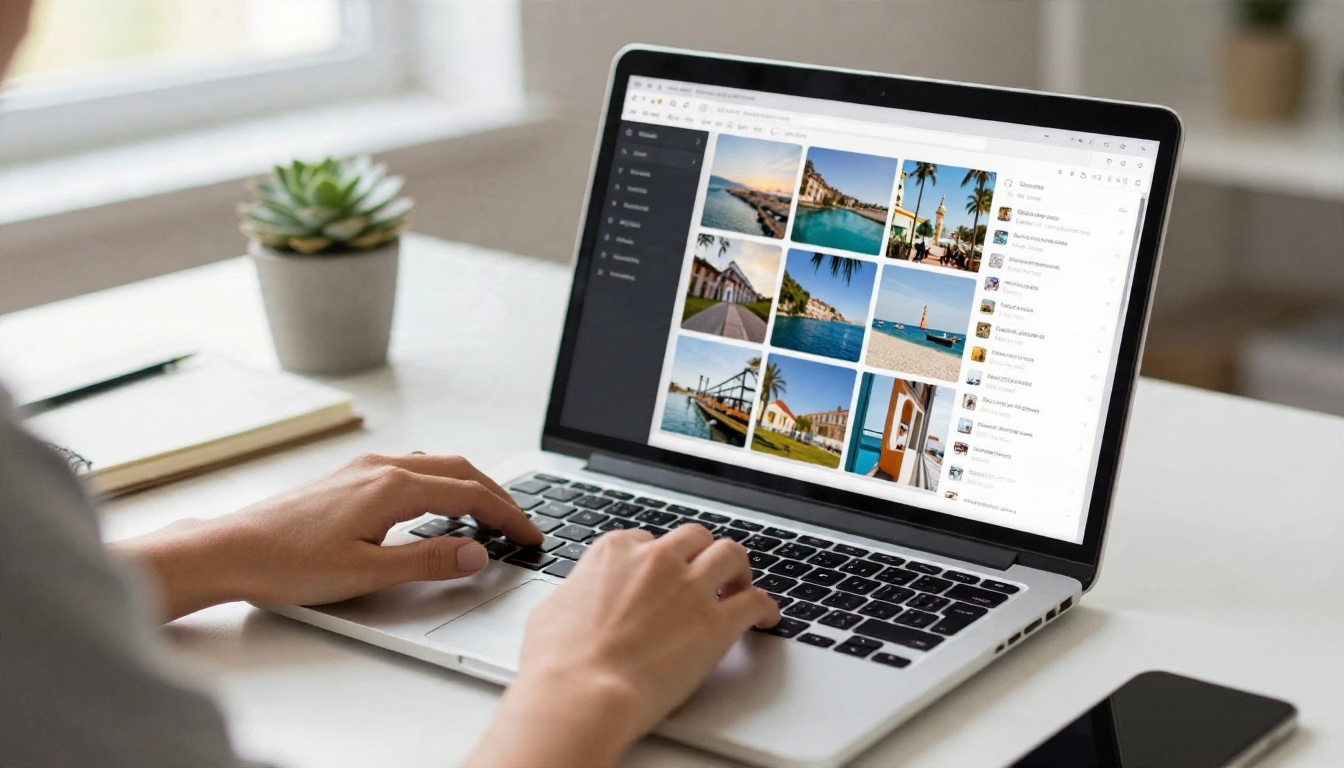
- Pick your best 40 to 80 photos. Fewer, better photos make a stronger album.
- Sort them in the order of the story: arrival, highlights, small moments, goodbye.
- Lay them out in any tool you like (Canva, Google Slides, Apple Pages, or a photo editor) and add short captions.
- Export the finished layout as a PDF.
✅ Best practice: Use landscape pages for spreads and keep important faces away from the center fold, just like in a printed book.
Upload and Convert
- Go to Flipbooks AI and create an account.
- Choose to create a new flipbook and drop in your PDF.
- Wait a moment while the page-turn conversion runs. The PDF to Flipbook Converter handles the heavy lifting.
- Preview it on desktop and phone. The design is mobile-responsive, so pages resize to fit the screen.
Customize the Look
Once the album is converted, adjust the details:
- Background and colors to match the mood of your photos
- Page effects such as the flip animation and sound
- Custom branding if you are sharing a portfolio or a business album
- Multimedia, because you can embed videos and audio, such as a toast from a wedding or a baby's first laugh
For wedding collections, the Wedding Album Flipbook tool is a handy starting point. Photographers can look at the Photography Portfolio option.
Share It Safely
Sharing is where digital beats print. Pick the method that fits your audience.
| Sharing Option | Best For | Privacy Level |
|---|
| Direct link | Family group chats | Anyone with the link |
| Password protection | Children's photos, private events | High |
| Embed code | A family blog or wedding website | Matches your page |
| Offline download | Relatives with poor internet | Controlled by you |
To place an album on your own site, the Embed Flipbook on Website tool gives you the code to paste.
⚠️ Privacy note: Photos of children deserve a password. Send the password in a separate message from the link.
Extra Features Worth Using
If you are building albums for a business, studio or event company, the Professional plan adds analytics (who opened the album and how far they read) and lead generation (collect an email before viewing). See the plans and pricing for the full breakdown. Offline downloads are handy when guests will be on a plane or in a place with weak signal.
Browse all flipbook tools to see templates for catalogs, portfolios, yearbooks and more.
Real Scenarios That Fit
Numbers and tables help, but real situations make the choice easier.
Family Albums and Gifts
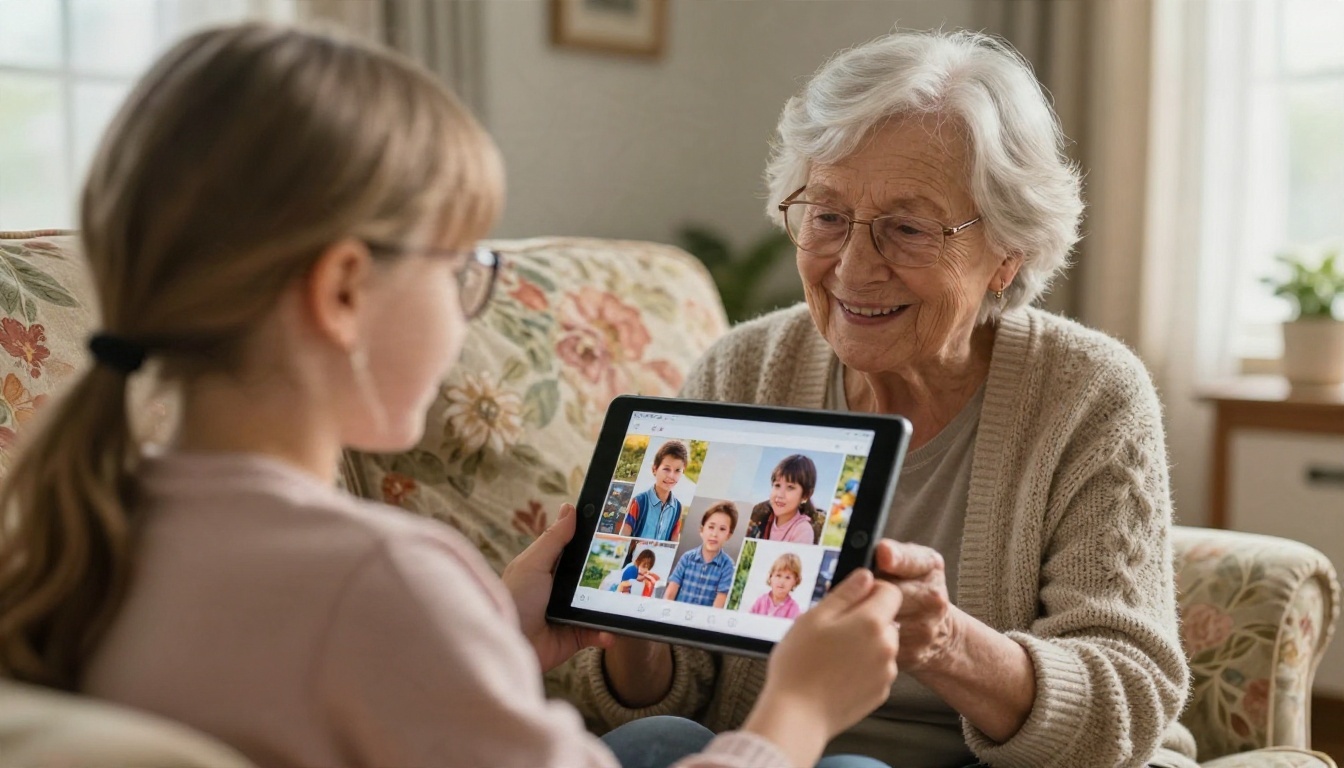
A grandmother who is not comfortable with apps can still open a link on a tablet and swipe through pages. Meanwhile, you can print one copy of the best pages for her bookshelf. The digital version handles distance, the printed version handles sentiment.
Travel, Events and Portfolios
Here are a few use cases where a flipbook beats a printed book:
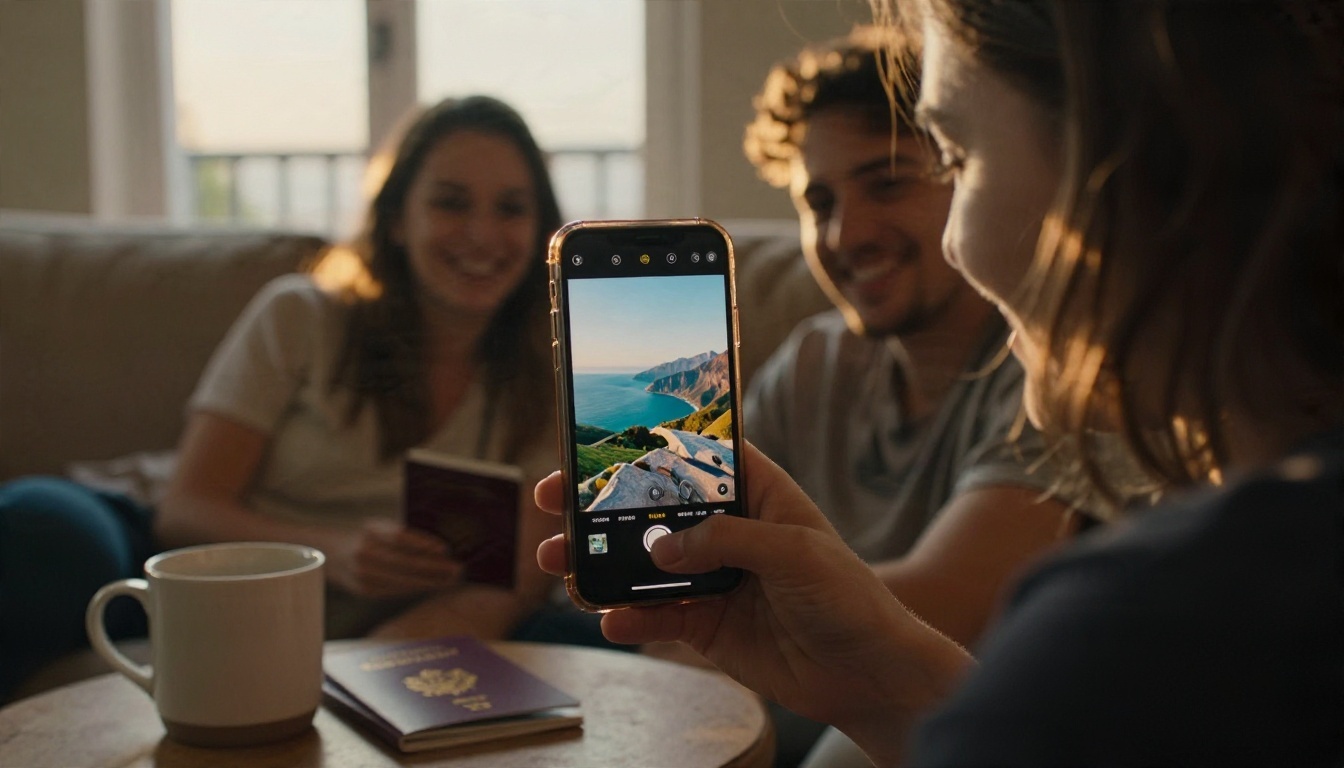
- Honeymoon or road trip: Add short captions and a few video clips, then send the album the day you land.
- School or sports season: The Yearbook Flipbook Maker is a natural fit for teams and classes.
- Freelance photographers: A branded album with a Digital Portfolio Creator feels more professional than a gallery link.
- Newborn's first year: Update the PDF every few months and republish at the same link.
💡 Hybrid idea: Finish the digital album first, share it, collect feedback, and only then choose which pages deserve a print run.
Pick Yours Today
Here is the short version. Keep Shutterfly or switch to another print-first service if you want a physical gift and do not mind paying per copy. Choose a digital flipbook if you want to publish fast, share widely, edit freely, and pay nothing for shipping.
A simple rule of thumb:
- One recipient, a gift: print.
- Many recipients, any occasion: digital.
- Both: build digital first, print the favorites.
Ready to try the digital route? Create your account on Flipbooks AI, upload your first PDF, and see your photos turn into a page-turning album with no watermarks. Compare the pricing plans when you want unlimited flipbooks, password protection or analytics, or browse the full list of tools and templates to find the right layout. If you already know you want more, jump straight to plans after sign-up.



