You have 2,000 photos on your phone, a birthday or wedding coming up, and no idea which website will turn that pile into something people actually want to hold, flip through and share. The honest answer is that the best site for making photo books depends on what you want at the end: a printed object on a shelf, a digital book that opens on any phone, or both. This breakdown compares the main options on free templates, page layouts, pricing and online sharing, and shows how a digital route through Flipbooks AI fits next to traditional print services.
💡 Quick answer: If you want a physical book, pick a print-first retailer. If you want something you can send to 50 relatives in one link, with no printing delay and no shipping fee, build a digital photo book. Many people do both, and that is the cheapest way to get the best result.
What Makes a Site the Best
Most "top 10" lists rank sites by brand recognition. That is a poor way to choose. A better method is to test each site against four things you will feel every time you use it.
Layout Freedom
A good photo book site lets you move, crop and resize photos without fighting the editor. Rigid templates that force every photo into a square box lead to boring books. Look for sites that offer:
- Drag and drop photo boxes with snap guides
- Full-bleed pages where a photo runs to the edge
- Multiple photos per spread with adjustable gutters
- Text boxes with real font choices, not just three presets
- Auto-fill that you can undo, so you start fast but still control the result
Print Quality or Online Reach
This is the fork in the road. Print labs compete on paper weight, binding and color accuracy. Digital platforms compete on speed, sharing and cost. A site that is excellent at one is often average at the other, so be clear about your goal before you compare prices.
⚠️ Watch out: Many sites show a gorgeous 8x8 mockup on the product page. Order a cheap sample, or check the print-size specs, before you commit to a 100-page hardback.
Site Types Ranked
Instead of naming a dozen brands whose prices change every month, it is more useful to rank the types of sites. Each type has predictable strengths and weaknesses.
| Rank | Site Type | Best For | Free Templates | Online Sharing | Typical Weakness |
|---|
| 1 | Digital flipbook platform | Fast sharing, family albums, portfolios | Yes, plus your own PDF design | Link, embed, password | No printed copy |
| 2 | Print-first retail site | Gifts, weddings, milestone albums | Yes, large library | Basic share link | Shipping cost and wait time |
| 3 | Drugstore and kiosk services | Last-minute prints | Limited | Rare | Fewer design options |
| 4 | Design-tool apps | Custom layouts and styling | Large, often partly paid | Export only | Learning curve for beginners |
Print-First Retail Sites
These are the sites most people think of first. You upload photos, choose a size and cover finish, and the site prints and ships a bound book. Their template libraries are usually large, and the editors are friendly. The trade-off is cost: the base price looks low, but page count, paper upgrades and shipping add up quickly.
Best for: wedding albums, grandparent gifts, yearbooks of a single trip.
Drugstore and Kiosk Services
Fast and convenient, but the editors are basic. You get fewer layouts, fewer fonts and little control over spreads. They work well when you need a simple 20-page book by Friday.
Best for: quick gifts, kids' school projects, simple holiday albums.
Digital Flipbook Platforms
A digital photo book is a page-turning version of your album that opens in a browser. You design the pages in any tool you like, export a PDF, and a platform such as Flipbooks AI turns it into a realistic flipbook with page-turn effects. There is no printing, no waiting and no shipping fee. You can also add music, video clips and links, which a paper book cannot do.
Best for: sharing with large families, travel albums, photography portfolios, and any album that you update often.
Free Templates Worth Using
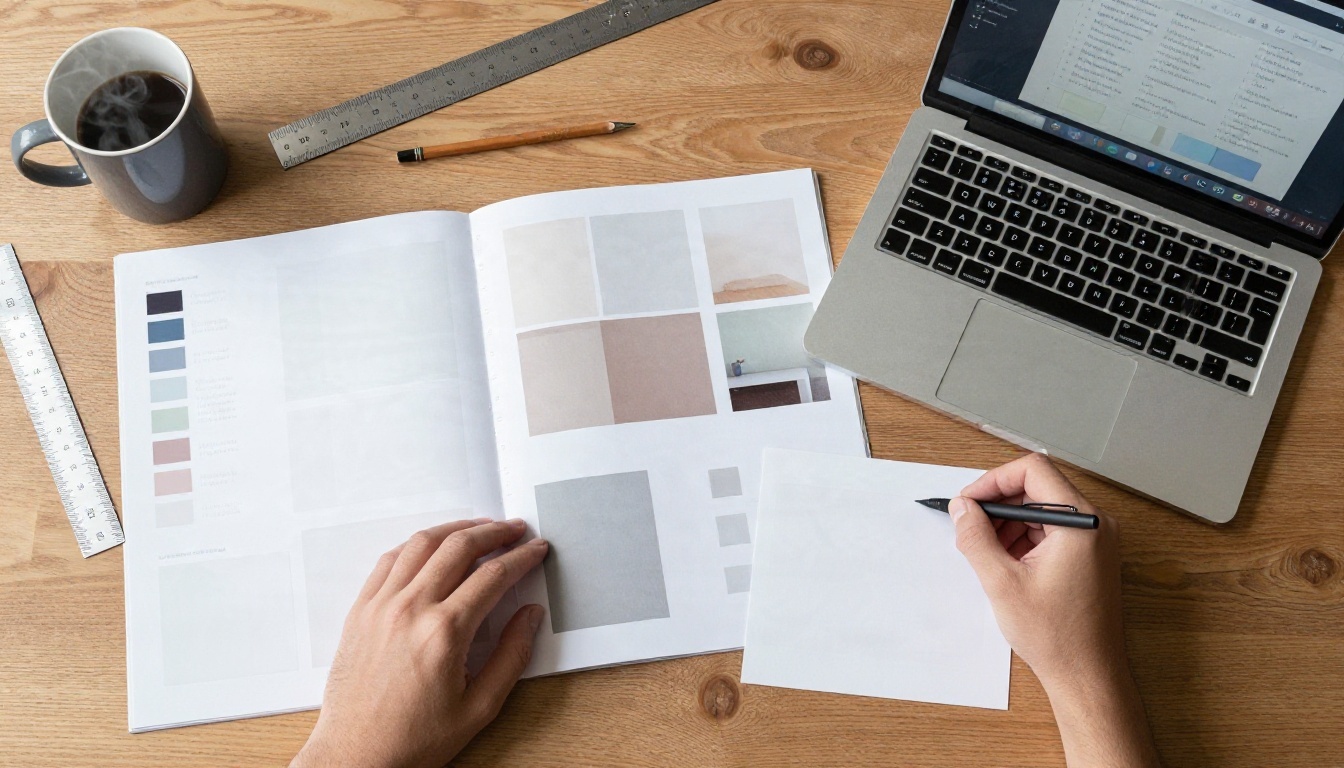
"Free templates" can mean very different things. Some sites give you a few dozen layouts and then lock the good ones behind a subscription. Others let you start from any blank PDF. Before you pick a site, check three things: whether the templates are truly free to export, whether they include bleed margins, and whether you can edit every element.
Match the Template to the Story
The template should serve the photos, not the other way around. Here is a simple way to choose.
| Story Type | Best Template Style | Photos Per Page | Text Amount |
|---|
| Wedding | Clean white, one large hero photo | 1 to 3 | Very little |
| Travel | Mixed grid with a map page | 3 to 6 | Short captions |
| Baby's first year | Month by month, soft colors | 2 to 4 | Date and a short note |
| Family history | Scrapbook with scanned documents | 2 to 5 | Longer stories |
| Portfolio | Minimal, large images | 1 to 2 | Project titles only |
✅ Best practice: Pick one template family and stick with it for the whole book. Mixing five styles makes a book feel like a collage of unrelated pages.
If you design in a free tool and export to PDF, you are never locked in. That is the main reason many designers prefer the PDF-first route: your layout belongs to you, and you can send it to a printer or turn it into a flipbook.
Page Layouts That Look Pro
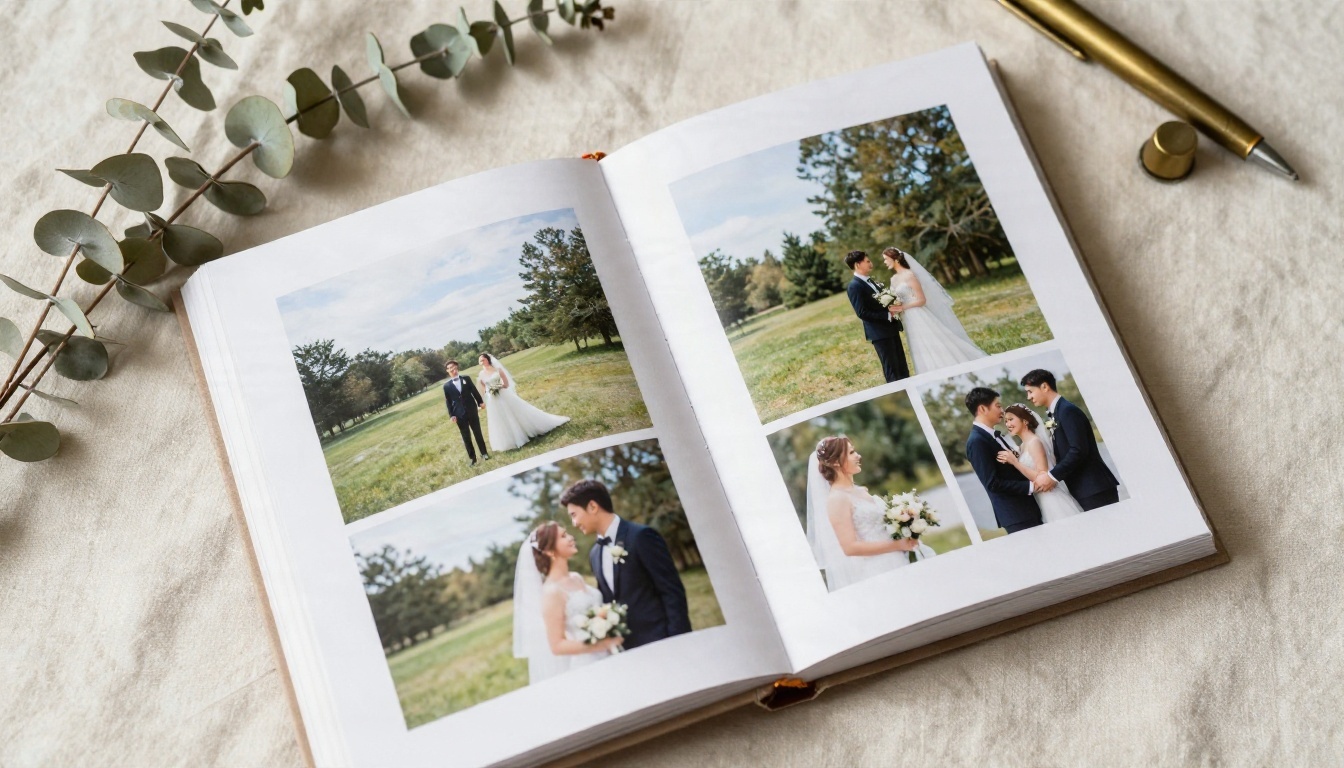
Layout is where amateur books and professional books separate. You do not need design training. You need a few repeatable rules.
Spread Rules That Work
- Lead with a hero photo. Each spread gets one dominant image and a few supporting ones.
- Keep margins consistent. At least 0.5 inch on all sides for anything that is not full-bleed.
- Use the gutter wisely. Never place a face across the center fold.
- Repeat a grid. Two or three layout patterns repeated through the book feel intentional.
- Leave white space. Empty space makes the photos feel more valuable.
- Place text last. Add captions only after the photos are final.
Three Common Mistakes
- Too many photos per page. Six small photos rarely beat one great photo and two supporting ones.
- Low-resolution images. A photo that looks fine on a phone can look soft on a printed 12x12 page. Aim for roughly 300 DPI at the printed size.
- Inconsistent color. If half your photos are warm and half are cool, edit them before you place them.
💡 Pro tip: Sequence your photos in a folder first. Name them 001, 002, 003 and so on. Most editors auto-fill in file order, which saves an hour of dragging.
The Real Cost of Photo Books
Pricing is where most people get surprised. The headline price covers a small base book, usually with a minimum page count. Everything else is extra.
| Cost Factor | Print-First Retail | Kiosk Service | Digital Flipbook |
|---|
| Base book | Low to medium | Low | None |
| Extra pages | Charged per page | Charged per page | No page fee |
| Paper and finish upgrades | Often 20 to 50% more | Limited options | Not applicable |
| Shipping | Added at checkout | Pickup or shipping | None |
| Reprints for relatives | Full price each | Full price each | Free, share the link |
| Updating the book | New order | New order | Replace the file |
Prices vary by size, page count and season, so treat the table as a comparison of how costs are structured, not as a quote.
Hidden Fees to Watch
- Shipping and handling that appears only at the last checkout step
- Subscription templates that look free until you export
- Watermarks on drafts or free tiers
- Page-count minimums that force you to pad a book
- Rush production charges around holidays
With a digital route, those costs mostly vanish. Flipbooks AI has no watermarks, and paid plans add things like unlimited flipbooks, analytics and lead capture. You can compare the plans on the pricing page.
How to Build One Online
If your goal is a shareable photo book, this is the fastest path. The same process works for a wedding album, a baby book, a trip diary or a digital portfolio.
Prepare Your PDF
- Choose a free design tool you already like and set the page size, for example 8.5 x 8.5 inches or A4 landscape.
- Place your photos using one of the layout patterns above.
- Add short captions and dates.
- Export the book as a PDF at high quality.
💡 Export spreads as single pages if your editor allows it. The flipbook will then pair the pages automatically.
Upload and Convert
- Go to Flipbooks AI and create an account.
- Click to create a new flipbook and upload your PDF. The PDF to Flipbook Converter turns each page into a realistic page-turning view.
- Wait a few moments while the pages convert. You will see a live preview right away.
Customize the Look
Once the book is open in the editor, you can adjust how it looks and feels:
- Branding: add a logo, a title and a background color that matches your theme
- Page effects: choose how pages turn, from a soft curl to a quick slide
- Multimedia: embed videos and audio, such as a wedding song or a voice message
- Mobile layout: the flipbook is mobile-responsive, so it reads well on a phone
💡 A short audio clip or a video of the event on the last page turns a photo book into something people watch twice.
Share and Track
- Choose how to share: a direct link, an embed code for a website, or a password-protected link for private family albums.
- Send the link by message or email.
- For business or portfolio use, the Professional plan adds analytics and lead generation, so you see who opened the book and capture contact details. See the plans for details.
- Need a copy for offline viewing? Use the offline download option so guests can view it without a connection.
Sharing Online Without Headaches
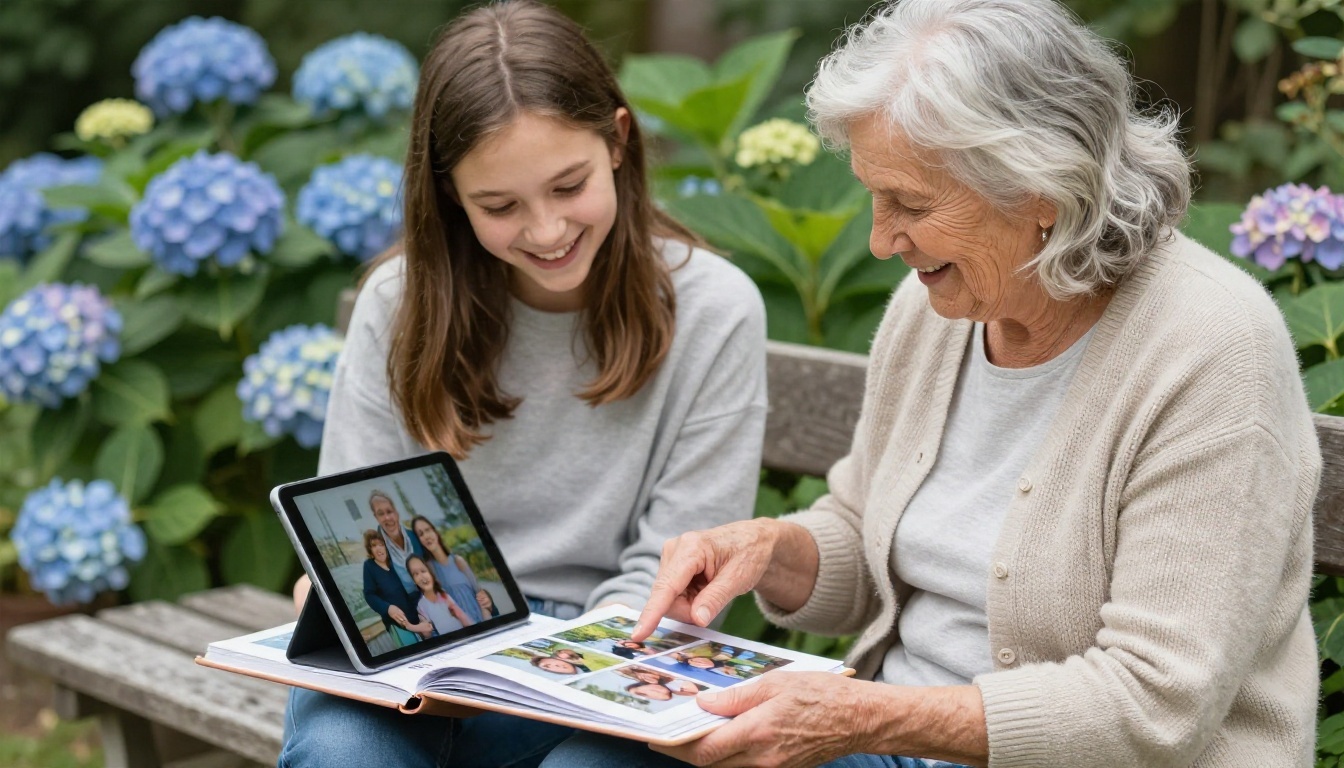
Sharing is the hidden strength of digital photo books. A printed book can only be in one place. A link can be in 100 inboxes at once.
Link, Embed, or Password
| Sharing Method | Best For | Privacy Level | Effort |
|---|
| Direct link | Family and friends | Medium | Very low |
| Password-protected link | Private albums, kids' photos | High | Low |
| Website embed | Portfolios, blogs, wedding sites | Public | Low |
| Offline download | Travel, poor connection | Depends on who gets the file | Low |
| Printed copy | Gifts and keepsakes | High | High |
If you run a small photo business, the Embed Flipbook on Website tool lets you place the book straight into a page, so clients flip through proofs without leaving your site.
⚠️ Privacy note: Photos of children and private events deserve a password. Never post a public link to an album you would not show a stranger.
Real-World Examples
- A wedding photographer sends the couple a password-protected flipbook the day after the event, then orders a printed copy of the favorites from a print lab.
- A travel blogger embeds a 30-page trip book on a blog post and updates it whenever new photos arrive.
- A family builds one yearly book, shares the link with relatives abroad, and prints only two copies for the grandparents.
- A school class collects photos from a field trip into a digital yearbook with the Yearbook Flipbook Maker.
Ready to Make Yours?
Here is the short version of the whole comparison:
- Want a printed keepsake? Choose a print-first retailer, and check shipping before you commit.
- Want to share fast, spend little and update often? Build a digital photo book.
- Want the best value? Design once in a free tool, export a PDF, share it as a flipbook, and print one or two copies of the best version.
A good photo book is mostly about your editing choices: fewer photos per page, a consistent template, and a clear order. The site you pick should simply stay out of your way.
Ready to create your first photo book? Get started for free on Flipbooks AI, browse all flipbook tools to find a template that fits your story, or compare the pricing plans to choose what works for you.



