You paid a photographer for eight hours of work, and now you have 600 edited photos sitting in a folder that nobody opens. That is the real problem a wedding album maker solves. The right tool turns a pile of files into a story your family can flip through on a phone, a laptop or a printed page. Tools like Flipbooks AI turn a simple PDF into a page-turning album with a realistic curl, music and a private link, while other makers focus on print, templates or gallery delivery.
This ranking compares the main types of online wedding album makers for 2027: what is genuinely free, what the paid plans cost, and which design features are worth caring about. Prices below are typical ranges, not quotes, so always confirm current numbers on each provider's site before you commit.
What Makes a Wedding Album Great Online
Before comparing tools, it helps to decide what you actually want to end up with. A wedding album is not one product. It is at least three, and each has a different best tool.
Three Types of Online Albums
- Digital flipbook albums: A PDF or image set converted into a page-turning web experience. Shared by link, viewable on any device, no printing required.
- Print-first album builders: Design in a browser, then order a physical lay-flat book. The online editor exists to sell the print.
- Gallery delivery platforms: Photographer-focused tools for proofing and downloads. Great for choosing photos, weaker for storytelling.
Who Each Type Suits
| Album type | Best for | Main strength | Main limit |
|---|
| Digital flipbook | Couples sharing with distant family | Instant sharing, no shipping | No physical keepsake by itself |
| Print-first builder | Couples who want a heirloom | Tactile finish and paper choices | Cost climbs with every page |
| Gallery platform | Photographers delivering proofs | Fast client selection | Limited layout and design control |
Most couples end up wanting two things: a digital version everyone can open today, and a printed one for the shelf. The smartest approach is to design once, share digitally first, and print later if budget allows.
Free Options: What You Really Get
Free is a powerful word in this category, and it is also the most misleading one. Nearly every maker offers a free tier. Very few offer a free tier you would actually want to hand to your grandmother.
Typical Free Tier Limits
Across the market, free plans tend to share the same restrictions. Expect some combination of the following:
- A visible watermark or banner on every page or at the end of the album.
- Page or photo caps, often somewhere between 10 and 30 pages.
- Lower export resolution, which makes close-ups of lace and florals look soft.
- Limited sharing, such as public links only with no password.
- Short storage windows, where albums disappear after a trial period.
A watermark on a wedding album is the dealbreaker for most people. It sits on the memory you want to preserve. When you compare free plans, check the watermark policy first, then the page limit, then everything else.
Hidden Costs to Watch
⚠️ A free editor that charges only at checkout is not free. Many print-first builders let you design for hours, then reveal that exporting a digital file or removing branding requires a paid tier.
- Export fees: Some tools charge to download your own finished design.
- Shipping and tax: A printed album that looks cheap at the cart can nearly double at checkout.
- Auto-renewal: Monthly plans bought for one project keep billing after the wedding photos are done.
- Storage expiry: Cheap plans may delete albums after a period of inactivity.
If you only need a digital album, a no-watermark plan is usually the better value than a "free" print builder. Browse the Wedding Album Flipbook tool to see how a digital-first workflow looks in practice.
Pricing Compared Side by Side
Pricing in this space follows three models: monthly subscription, one-time purchase per album, and pay-per-print. Here is how they typically compare.
| Pricing model | Typical range | Best when | Watch out for |
|---|
| Free tier | $0 | Testing a layout | Watermarks, page caps |
| Monthly subscription | Roughly $8 to $30 per month | Photographers with many clients | Billing continues after you finish |
| One-time album fee | Roughly $15 to $60 per album | A single wedding | Fewer updates after purchase |
| Printed lay-flat album | Roughly $80 to $400 and up | Heirloom keepsakes | Page count, paper and shipping |
| Gallery delivery plan | Roughly $10 to $40 per month | Proofing and downloads | Weak layout control |
These ranges shift every year, so treat them as a planning tool. The point is the structure: digital albums are cheap and fast, print is expensive and slow, and subscriptions favor people who build many albums.
Subscription vs One-Time Cost
A couple building one album should lean toward a short subscription they cancel right after, or a one-time fee. Set a calendar reminder the day you subscribe. A photographer building 20 or more albums a year should look for unlimited flipbooks on a flat plan, because per-album fees add up quickly. Flipbooks AI pricing places unlimited flipbooks at the Standard plan and above, with no watermarks on any tier.
Print Costs Hide in the Details
Printed albums are priced by size, page count, cover material and paper. A 12 by 12 inch lay-flat album with 30 pages costs far less than the same design at 60 pages with a leather finish. Two habits keep costs down:
- Order a small proof copy first to check color and cropping.
- Use full-bleed spreads only for your strongest 10 to 15 photos. Let simpler layouts carry the rest.
Design Features That Matter
Templates are everywhere. Genuinely good design control is rare. These are the features that separate a forgettable album from one people reopen.
Page Turn and Layout Control
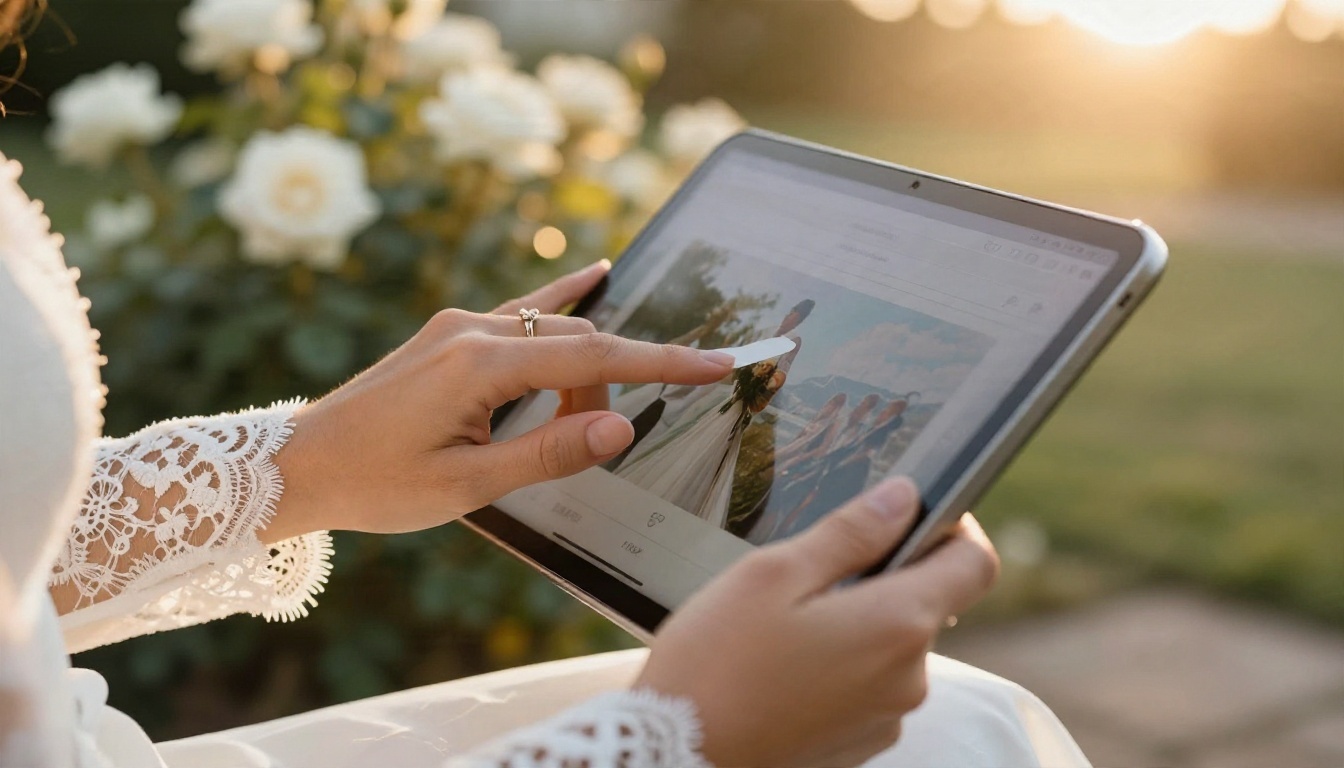
A realistic page-turn effect is the difference between a slideshow and an album. It signals that the pages belong together, and it gives viewers the familiar rhythm of flipping through a printed book. Look for these layout abilities:
- Single pages and two-page spreads
- Full-bleed photos with no forced borders
- Adjustable page order after upload
- Zoom for close-up details like rings and place settings
Music, Video and Audio
A wedding is not silent. The best online makers let you embed a first-dance track, a short ceremony clip or a recorded toast. Flipbooks AI supports embedded videos and audio, so a single page can play the vows while the photos sit beside it. Keep embedded clips under a minute so the album stays quick to load.
Mobile and Sharing Performance
Most relatives will open your album on a phone, so mobile-responsive design is not optional. Test it yourself before you send anything. Open the link on a phone, turn the screen sideways, and check that text, buttons and photos still fit.
| Feature | Why it matters | Priority |
|---|
| No watermark | Protects the look of the album | Essential |
| Page-turn effect | Feels like a real book | High |
| Mobile responsive | Relatives use phones | Essential |
| Password protection | Keeps photos private | High |
| Embedded audio/video | Adds ceremony and toasts | Medium |
| Offline download | Works without Wi-Fi | Medium |
| Analytics | Shows who opened it | Low for couples, high for pros |
💡 Pro tip: Put your three strongest photos on the first three pages. Most viewers decide within seconds whether to keep flipping.
Build a Wedding Album in Minutes
If a digital flipbook sounds right, here is how to create one with Flipbooks AI. The whole process takes around 15 minutes once your photos are chosen.

Step 1: Prepare and Upload
- Design your pages in any layout tool you already like, then export a PDF. Aim for consistent page sizes and high-resolution photos.
- Create a free account on Flipbooks AI.
- Choose to upload a PDF and drop in your file. The PDF to Flipbook Converter turns each page into a flippable page automatically.
- Check the page order in the preview and fix anything out of sequence.
Step 2: Customize the Look
Next, make it feel like your wedding rather than a generic template.
- Branding: Add your names and wedding date, or a photographer's logo.
- Colors: Match the background to your palette. Soft ivory and sage work well with most photography.
- Page effects: Adjust the page-turn style and speed.
- Multimedia: Attach your first-dance audio or a short ceremony video to specific pages.
In the editor you will see a live preview of the album on the right. Open it on both desktop and mobile view before moving on.
Step 3: Share With Care
Choose how people will see it:
- Direct link: The fastest way. Paste it into a family group chat.
- Embed code: Add the album to a wedding website using the Embed Flipbook on Website tool.
- Password protection: Turn it on if the album includes private moments.
- Offline download: Let relatives save it for places with poor connections.
Photographers on the Professional plan also get analytics and lead generation, so you can see which clients opened their albums and capture contact details for referrals. See plans and features to compare tiers.
✅ Best practice: Send the link and the password in two separate messages. It takes ten seconds and prevents the album from drifting beyond the people you invited.
Real Wedding Scenarios
Different people need different tools. These three examples show how the choices play out.
A Couple Sharing Overseas
Maya and Daniel married in Lisbon, but most of their family lives in three other countries. A printed album would cost a fortune to ship and take weeks. Instead, they exported a 40-page PDF, converted it into a flipbook, and sent one link. Their relatives opened it the same day, and they ordered one printed copy for themselves later.
A Photographer Delivering Albums
A wedding photographer with 25 weddings a year needs consistency and speed. A flat plan with unlimited flipbooks and no watermarks means each client gets a branded, private album within days. Analytics show which couples opened it, which makes follow-up for referrals natural instead of awkward. Photographers can also pair albums with the Photography Portfolio tool to show prospects sample work.
A Planner Presenting Concepts
Planners often need to present vendors, mood boards and seating ideas before the wedding. The same flipbook approach works for pre-wedding decks, and the Event Program Maker turns a ceremony schedule into a shareable digital program for guests.
How to Pick Your Maker
Run each candidate through the same short checklist. It saves you from buying something that looks nice in the demo and frustrates you by Tuesday.
| Question | Good answer | Red flag |
|---|
| Is there a watermark? | None on any plan | Watermark until you pay |
| Can I share by link? | Yes, with a password option | Account required to view |
| Does it work on phones? | Fully responsive | Pinch and scroll required |
| What is the cancel policy? | Cancel anytime online | Contact support to cancel |
| Can I download my work? | Yes, in standard formats | Locked into the platform |
Three Common Mistakes
- Choosing by template count. A hundred templates matter less than whether you can control your own layout.
- Ignoring the print route. Even if you start digital, check whether the file you make can be sent to a printer later.
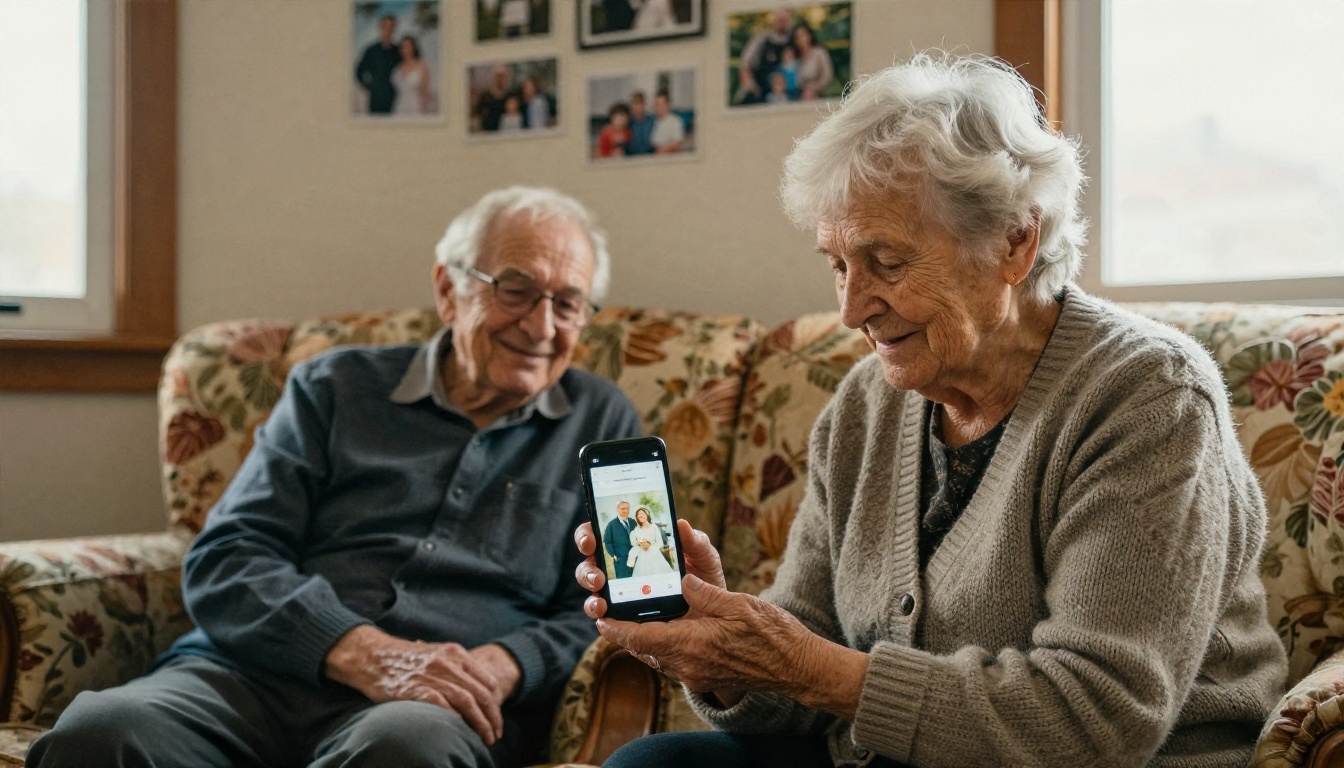
- Forgetting the audience. If grandparents will view it, test the link on an older phone with a slow connection.
A Simple Ranking Summary
| Rank | Best for | Why |
|---|
| 1 | Digital sharing with no watermark | Flipbook platforms with page-turn, audio and private links |
| 2 | Heirloom printing | Print-first builders with lay-flat options |
| 3 | Photographer proofing | Gallery delivery platforms |
| 4 | Quick free experiments | Free tiers with limits |
Start Your Album Today
The best wedding album maker online is the one that matches how your family will actually view the photos. If most of them will open a link on their phones, a no-watermark digital flipbook is hard to beat. If you want something to hold, make the digital version first and print only your favorite spreads.
Ready to build yours? Get started on Flipbooks AI, try the Wedding Album Flipbook tool, or browse all flipbook tools. When you are ready to compare tiers, view the plans and pick the one that suits your photos, your guests and your budget.



