Pick the wrong bifold brochure size and you find out at the worst moment: when a box of 2,000 prints arrives and the panels will not fit the rack, the envelope or the layout you spent a week polishing. A bifold is the simplest folded format there is, one sheet and one crease, yet the numbers behind it trip up even experienced designers. This article sets out the standard dimensions, the layout rules that prevent expensive reprints, and the printing choices that decide how your brochure looks and feels. You will also see how to turn the finished PDF into an online page-turning version with Flipbooks AI, so the same design works on paper and on screen.
Standard Bifold Brochure Sizes
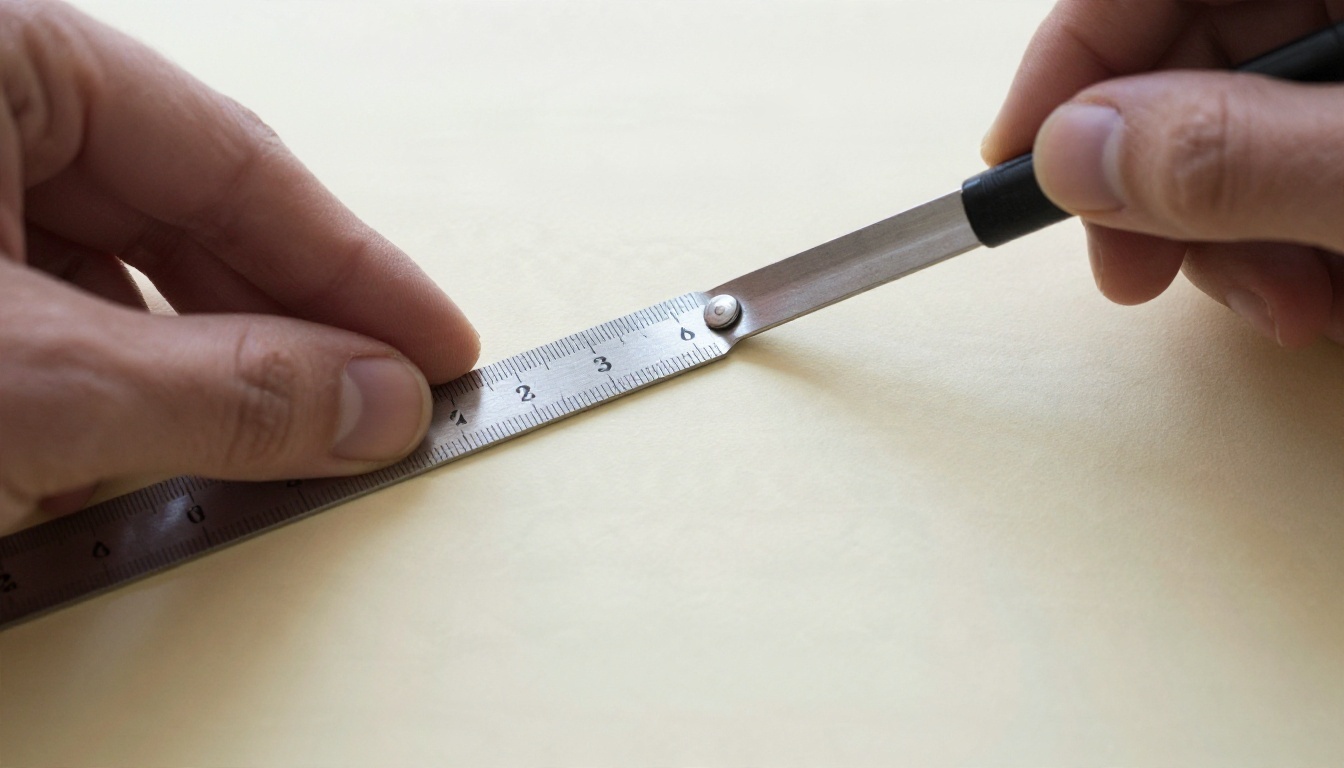
A bifold brochure is a single sheet folded once down the middle. That gives you four panels: a front panel, two inside panels that open as a spread, and a back panel. The size people quote is usually the finished (folded) size, but printers ask for the flat size, which is the full sheet before folding. Mixing the two up is the most common ordering error.
US Sizes in Inches
In North America, most bifolds are built from letter, legal or tabloid sheets. The table below lists the sizes that nearly every printer stocks.
| Format | Flat Size (in) | Folded Size (in) | Typical Use |
|---|
| Half-letter | 8.5 x 5.5 | 4.25 x 5.5 | Invitations, small price lists |
| Letter | 11 x 8.5 | 5.5 x 8.5 | Company overviews, menus, event programs |
| Legal | 14 x 8.5 | 7 x 8.5 | Longer product sheets, real estate details |
| Tabloid | 17 x 11 | 8.5 x 11 | Portfolios, premium catalogs, maps |
| Square | 12 x 6 | 6 x 6 | Boutique offers, lookbooks |
The letter bifold at 11 x 8.5 inches flat is the workhorse. It folds to 5.5 x 8.5 inches, fits standard brochure racks and slides into a number 10 envelope when folded again, though most people mail it in a 6 x 9 inch envelope instead.
International A-Series Sizes
Outside North America the A-series rules. Every size is exactly half of the one above it, which makes scaling a design very predictable.
| Format | Flat Size (mm) | Folded Size (mm) | Typical Use |
|---|
| A6 bifold | 210 x 148 | 105 x 148 | Flyers, vouchers, small guides to a venue |
| A5 bifold | 297 x 210 | 148 x 210 | Handouts, restaurant menus, service sheets |
| A4 bifold | 420 x 297 | 210 x 297 | Corporate brochures, annual summaries |
| A3 bifold | 594 x 420 | 297 x 420 | Large presentations, posters that fold |
An A4 sheet folded in half gives an A5 brochure, and that is by far the most popular international bifold. If your audience is global, design at A4 flat and check how it prints on letter paper, because the two ratios differ slightly.
Flat Size vs Folded Size
Think of it this way: the folded size is what your reader holds, the flat size is what the printer feeds into the press. Always send the printer both numbers in writing. A spec such as "Letter bifold, 11 x 8.5 in flat, 5.5 x 8.5 in folded, fold on the short edge" leaves no room for interpretation.
💡 Pro tip: Fold direction matters. A bifold with a vertical spine and portrait panels opens like a book. One with a horizontal spine opens like a calendar. State the orientation explicitly, because both can share the same flat dimensions.
How to Pick the Right Size
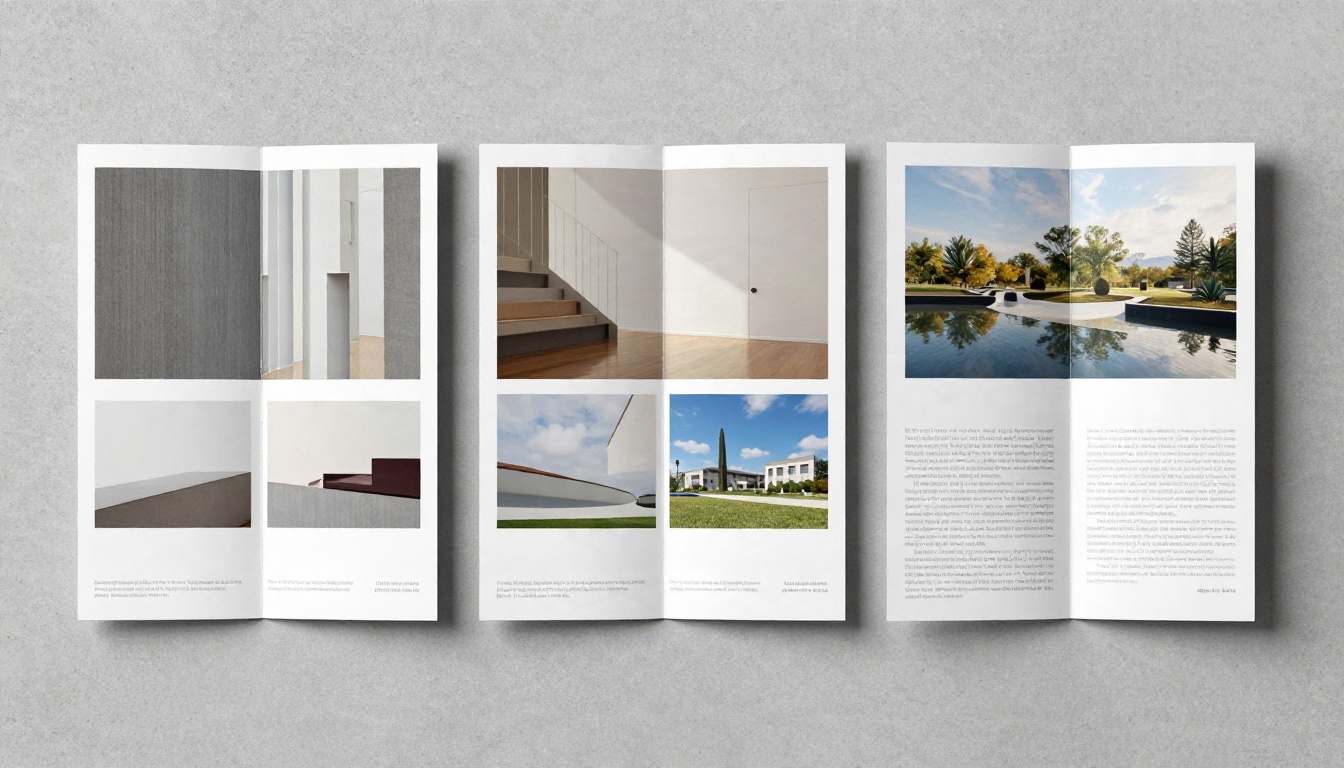
Size is a design decision, not just a printing one. Start from what the brochure needs to do and where it will live, then work backward to the sheet.
Match Size to Purpose
Ask three questions before you choose:
- How much content do you have? Four panels at 5.5 x 8.5 inches hold roughly 250 to 350 words plus images without crowding.
- How will people receive it? Handed over at a counter, tucked in a bag, mailed or placed in a rack?
- How premium should it feel? Larger sheets and heavier paper signal quality, small ones signal convenience.
| Scenario | Recommended Size | Why It Works |
|---|
| Hotel front desk | Letter bifold (5.5 x 8.5 in folded) | Fits standard racks, room for a map and amenities |
| Real estate open house | Legal bifold (7 x 8.5 in folded) | Wider panels for photos and floor plans |
| Trade show handout | A5 or letter bifold | Light, easy to carry, simple to scan |
| Restaurant takeaway menu | Half-letter bifold | Fits in a bag, quick to read |
| Product launch kit | Tabloid bifold (8.5 x 11 in folded) | Large images, premium presence |
Check Mailing and Rack Limits
Before approving a size, test it against the places it has to fit.
- Brochure racks are typically 4 inches wide per slot, so a folded width above 4.25 inches may not sit properly in a standard display.
- Envelopes need about 0.25 inch of clearance on each side. A 5.5 x 8.5 inch folded piece fits a 6 x 9 inch envelope with room to spare.
- Postage rises with size and weight, so ask your mailing service about thresholds before you choose a heavy paper stock.
Layout Tips for Four Panels
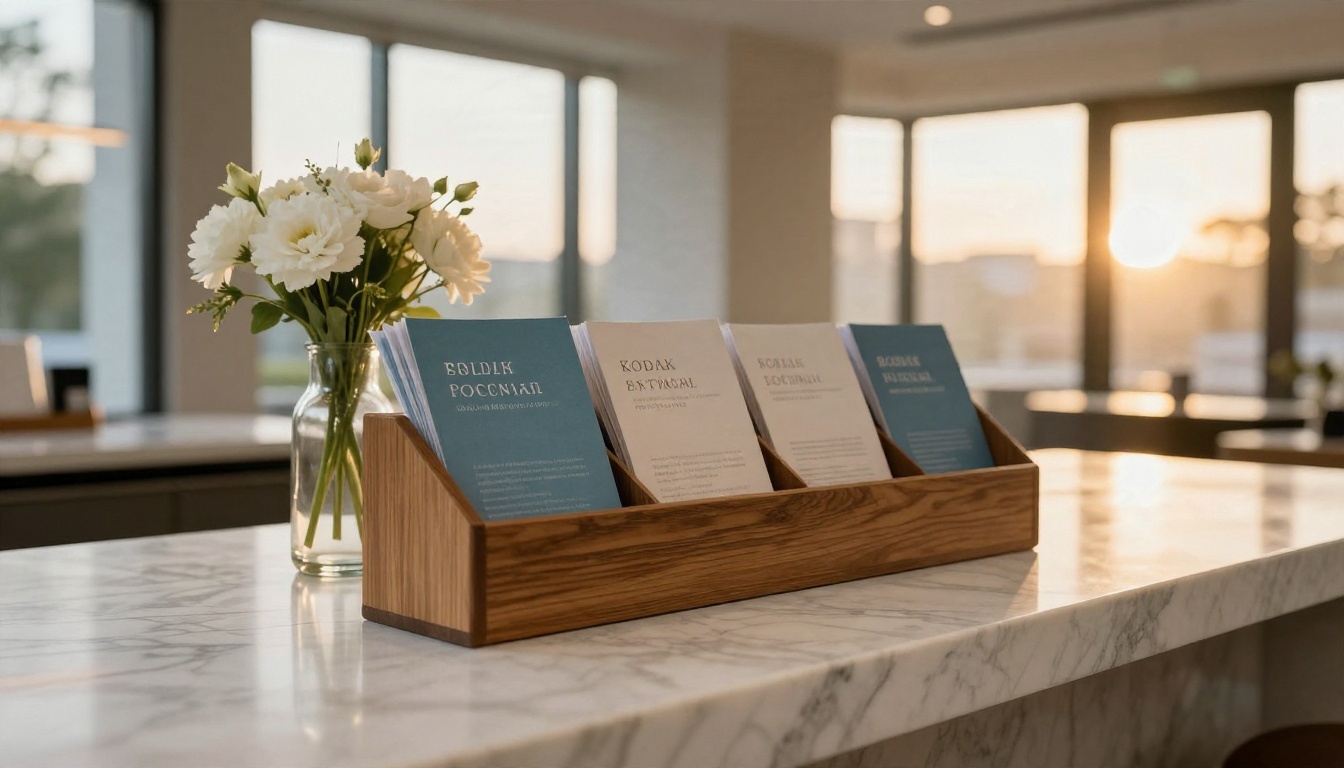
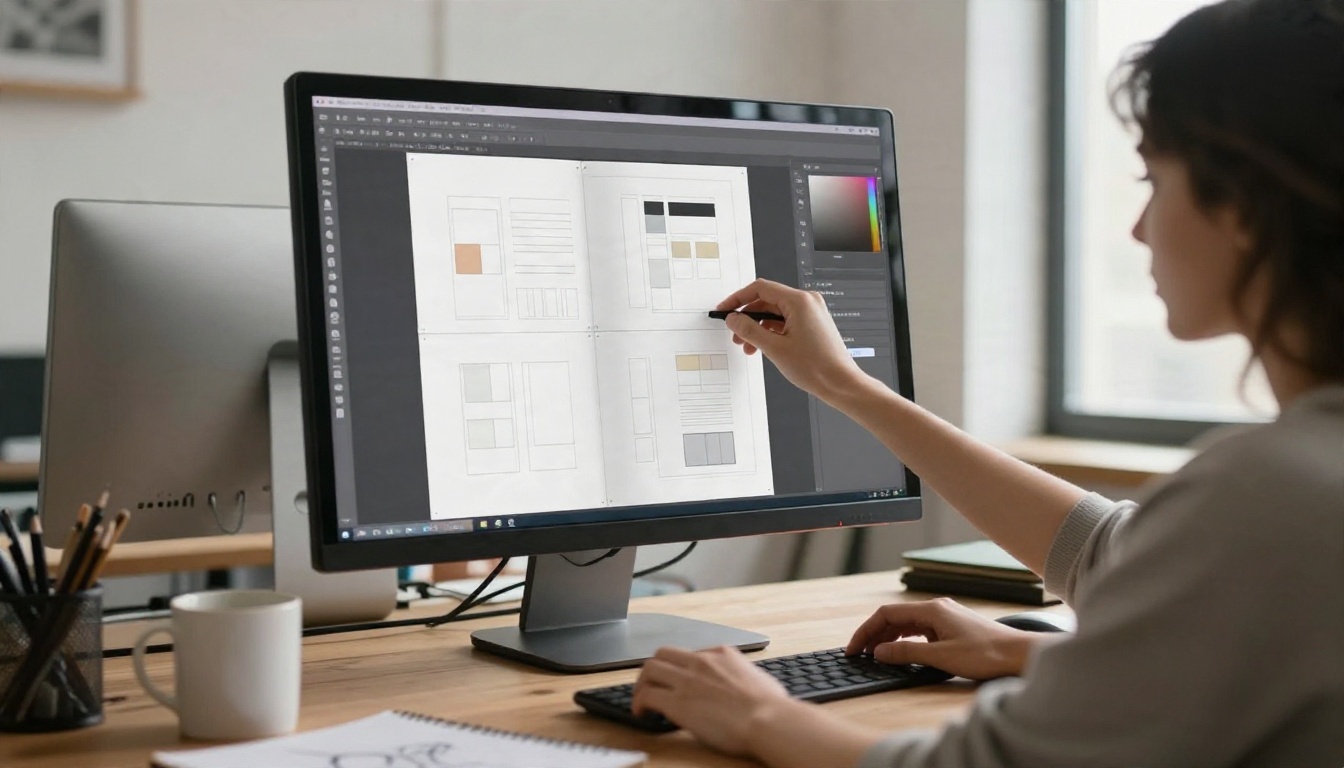
Good layout begins with the geometry. Once the size is fixed, build a template with the fold line, bleed and safe zone marked, and design inside it.
Set Bleed and Safe Margins
Printers cannot print to the very edge of a sheet. They print on a larger sheet and trim it down, which is why you need bleed.
| Setting | Standard Value | What It Does |
|---|
| Bleed | 0.125 in (3 mm) beyond trim on every side | Stops white slivers if the cut shifts |
| Safe margin | 0.25 in (6 mm) inside trim | Keeps text and logos from being clipped |
| Fold safe zone | 0.125 in (3 mm) each side of the crease | Avoids text crawling into the spine |
| Image resolution | 300 ppi at final size | Keeps photos sharp in print |
So a letter bifold with bleed becomes a document of 11.25 x 8.75 inches. Extend backgrounds and photos to the bleed edge, and keep every important word inside the safe margin.
Plan the Panel Order
A bifold reads in a fixed sequence, and readers follow it. Plan it on purpose:
- Front panel: one strong image, the brand name and a single promise. This panel has about three seconds to earn a second look.
- Inside spread: the story, offer or product details. Treat the two inside panels as one wide canvas, and let a headline or image run across the fold if it suits the design.
- Back panel: contact details, a map, a QR code and a clear next step.
Type, Images and White Space
Brochures fail more often from crowding than from dull design.
- Use no more than two typefaces, one for headlines and one for body text.
- Set body copy at 9 to 11 points for print, and never below 8 points for fine print.
- Keep line lengths around 40 to 60 characters per line, which suits a panel 5.5 inches wide.
- Leave generous white space. An empty margin is not wasted room, it is what makes the rest legible.
✅ Best practice: Squint at your layout from an arm's length. If you cannot tell which element comes first, second and third, the hierarchy is too flat.
Keep the Fold Clear
The crease swallows a few millimeters of paper, and the spine can crack ink on heavy stock. Do not place faces, product details or phone numbers directly on the fold. If an image must cross the spine, choose one with soft detail at the center, such as sky, water or a wall.

⚠️ Warning: Text that crosses the center fold by even 2 mm will look misaligned after folding, because machine folding can drift by up to 1 mm in either direction.
Printing Options That Matter
Once the file is ready, three decisions shape the final piece: the printing method, the paper and the finish.
Digital vs Offset Printing
| Factor | Digital Printing | Offset Printing |
|---|
| Best quantity | 1 to 500 copies | 1,000 copies and up |
| Setup cost | Very low | Higher (plates and press setup) |
| Cost per piece | Steady | Drops sharply as volume grows |
| Turnaround | Often 1 to 3 days | Usually 5 to 10 days |
| Color accuracy | Very good | Excellent, with spot color options |
| Personalization | Possible (variable data) | Not practical |
For a small local run or a design you expect to revise, digital is the sensible choice. For a large launch where every cent per piece counts, offset wins.
Paper Weight and Finish
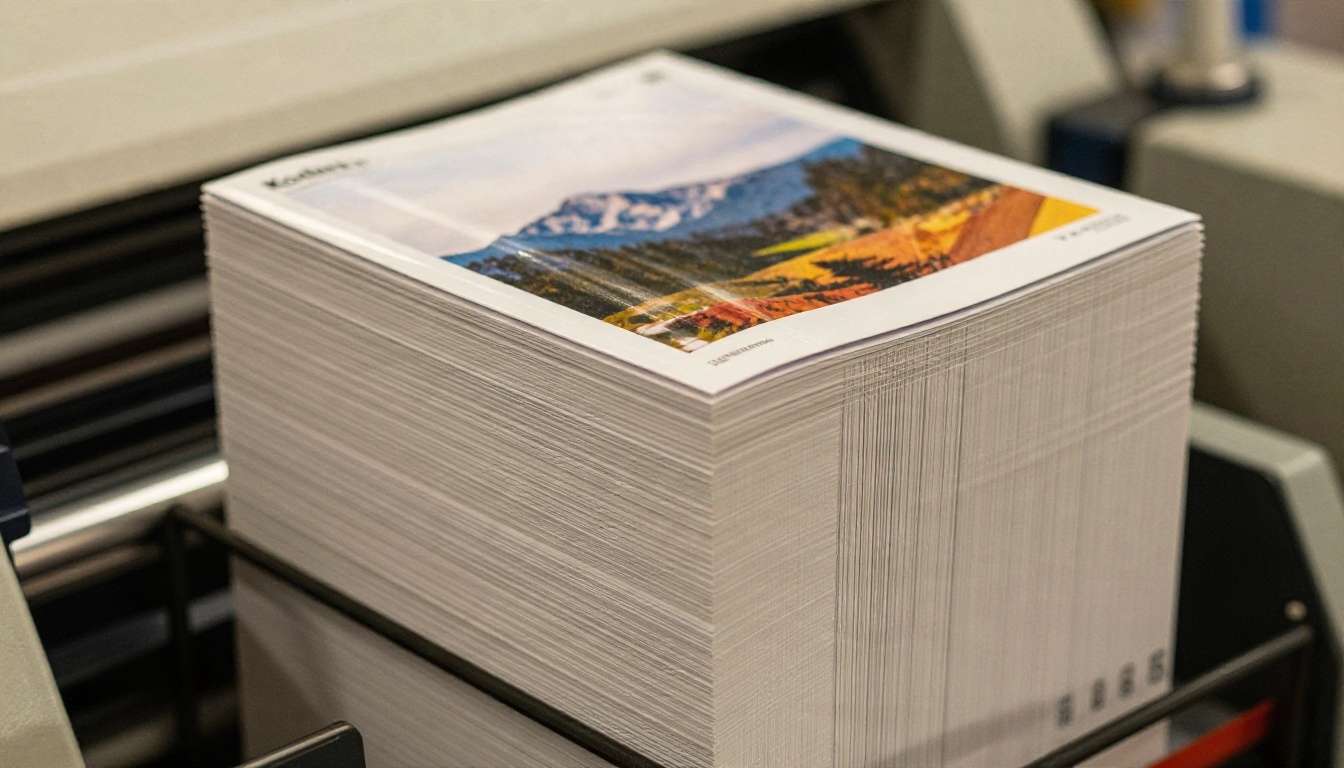
Paper changes how people judge your brand before they read a word. Heavier stock feels expensive, lighter stock folds more easily.
| Paper Option | Weight | Feel | Best For |
|---|
| Standard text paper | 100 lb / 150 gsm | Light, flexible | Handouts, event programs |
| Heavy text paper | 120 lb / 180 gsm | Sturdy, smooth | Corporate brochures |
| Card stock | 14 pt / 300 gsm | Stiff, premium | Menus, invitations, luxury offers |
Finishes are just as important:
- Gloss: vivid color, great for photography, shows fingerprints.
- Matte: calm, modern, easy to read under bright lights.
- Silk (satin): a balance between the two, a safe pick for most projects.
- Soft-touch lamination: a velvet feel that people notice and remember.
- Spot UV: a glossy highlight on a logo or headline, for contrast.
Scoring and Folding
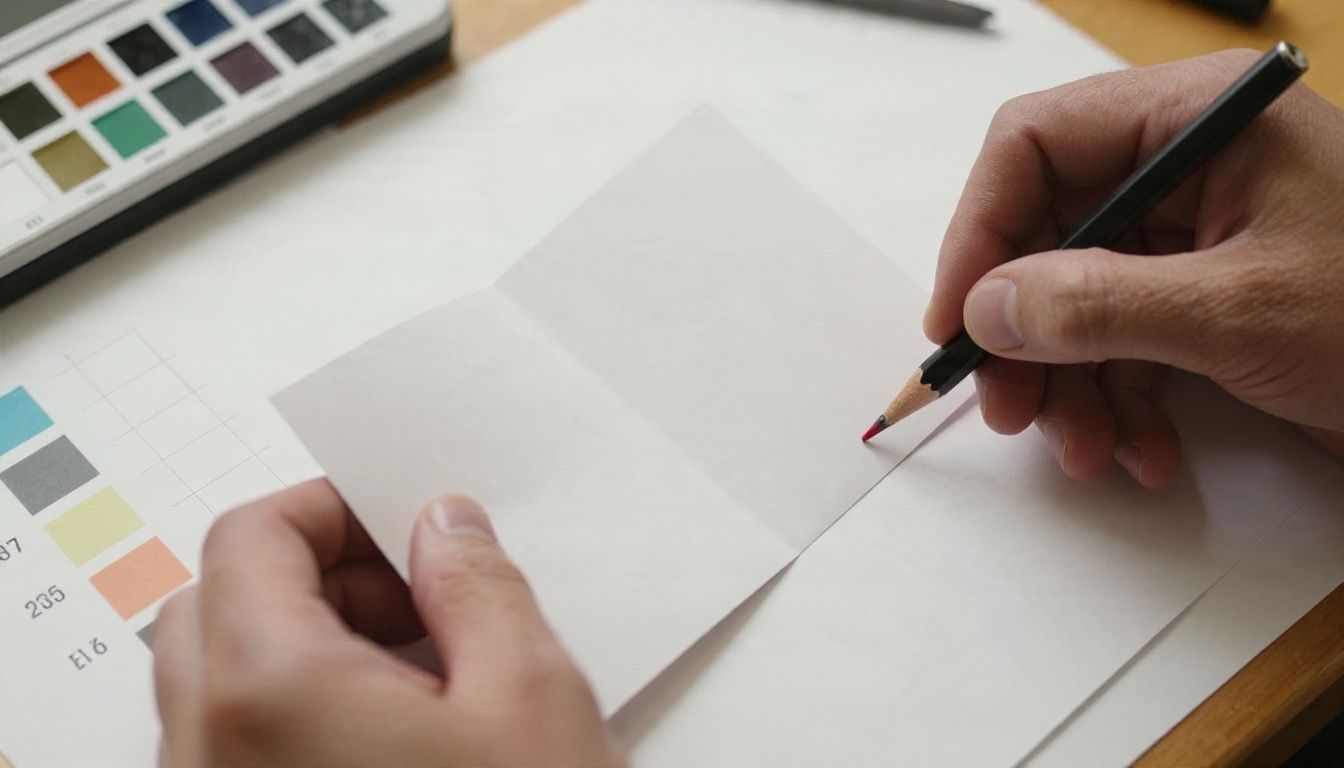
Any paper heavier than about 100 lb text should be scored before folding. Scoring presses a channel into the sheet so the fold is clean and the ink does not crack. Ask your printer whether scoring is included, since some budget services charge extra or skip it. Also confirm that folding runs with the paper grain, which gives a smoother crease.
Prepare Your Files Step by Step
Follow this order and most printer rejections disappear.
- Create the document at flat size plus bleed. For a letter bifold, that is 11.25 x 8.75 inches.
- Mark the center fold with a non-printing line at 5.5 inches.
- Place a safe margin 0.25 inch inside the trim on all sides.
- Build the panels in the order front, inside left, inside right, back, and check the imposition with your printer.
- Convert text to outlines or embed fonts so nothing changes at the press.
- Use CMYK color for print. RGB screens show brighter colors than ink can reproduce.
- Export a PDF with crop marks and bleed, at 300 ppi.
- Order a proof, digital or physical, and check the fold, the trim and the color before approving the full run.
💡 Pro tip: Print your PDF at 100% on a home printer, trim it and fold it. Five minutes with scissors will reveal crowded panels and awkward text breaks that no screen preview shows.
Common Mistakes to Avoid
- Ordering by folded size only. Send flat and folded dimensions together.
- Skipping bleed. One thin white edge ruins a full-color design.
- Pushing text into the fold. Keep a gap on both sides of the crease.
- Low-resolution images. A web photo at 72 ppi looks soft and blurry in print.
- Too much copy. If a panel feels like a wall of text, cut it in half.
- No call to action. Every brochure needs one clear next step, such as a phone number, a QR code or a web address.
How to Create a Digital Bifold with Flipbooks AI
Print reaches people in the room. A digital version reaches everyone else, and it costs nothing per copy. With Flipbooks AI, you can turn the same print-ready PDF into a page-turning online brochure in a few minutes. The PDF to Flipbook Converter does the heavy lifting, and the Brochure Flipbook Maker is tuned for exactly this format.
Upload and Convert
- Go to Flipbooks AI and create an account.
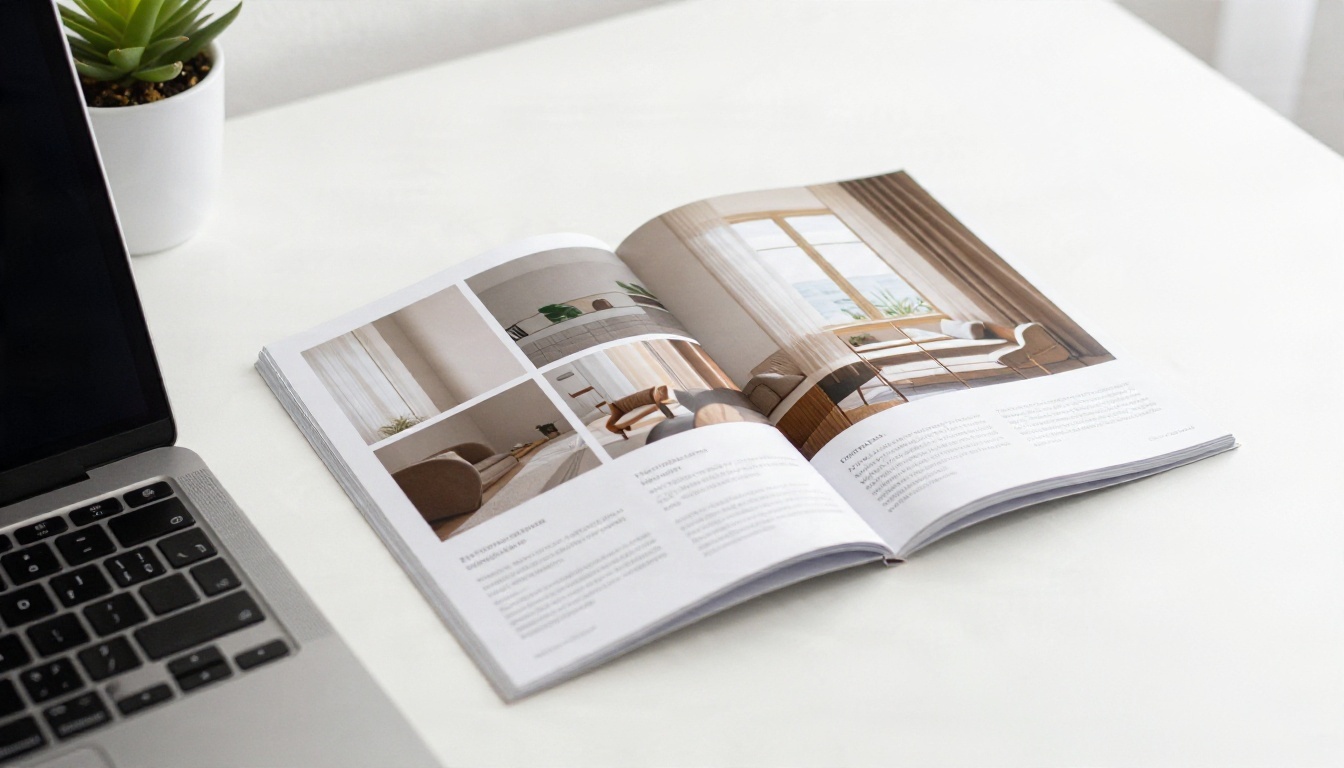
- Click to create a new flipbook and upload your PDF. Use the spread version, with inside panels side by side, so the flipbook opens like the real thing.
- Wait a few moments while the PDF is converted into realistic turning pages. Text stays sharp and links stay clickable.
Customize the Look
- Add your custom branding: logo, colors and background.
- Choose page effects such as the turning animation and shadow depth.
- Embed videos and audio on the inside spread to bring a product to life.
- Preview on desktop and phone, since the layout is mobile-responsive by default.
Industry-specific tools are also available, such as the Hotel Brochure Designer, the Real Estate Brochure Creator and the Online Brochure Designer.
Share and Track
- Copy a direct link for email and social posts.
- Use an embed code to place the flipbook on your site with the Embed Flipbook on Website tool.
- Add password protection when the brochure is meant for clients only.
- Allow offline downloads for people who want to read without a connection.
- On the Professional plan, switch on analytics and lead generation to see who opened your brochure and capture contact details. See the pricing plans for the full feature list.
| Feature | Print Bifold | Flipbooks AI Version |
|---|
| Cost per copy | Ink, paper, folding | None |
| Update after launch | Reprint needed | Replace the PDF instantly |
| Reach | Local, in person | Anywhere, by link or embed |
| Multimedia | None | Video and audio |
| Tracking | Hard to measure | Views and leads (Professional plan) |
| Watermarks | Not applicable | No watermarks, ever |
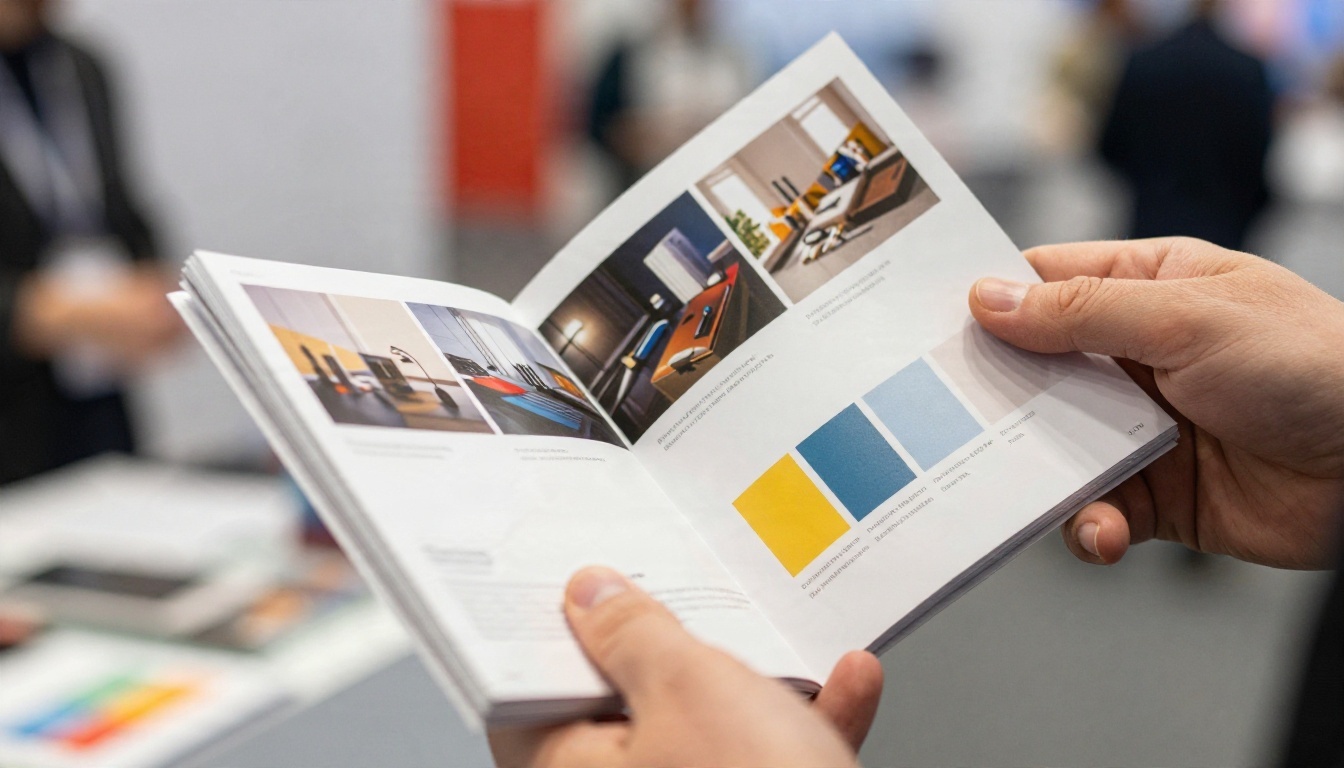
✅ Best practice: Print a small batch for events and meetings, and put the flipbook link or a QR code on the back panel. Visitors can then read the digital version, share it and come back later.
Ready to Publish Your Brochure?
You now have the numbers that matter: a letter bifold is 11 x 8.5 inches flat and 5.5 x 8.5 inches folded, an A4 bifold folds to A5, bleed is 0.125 inch, margins are 0.25 inch, and heavy paper wants scoring. Set those once in your template and every project goes smoother.
When the design is final, create your free account on Flipbooks AI and publish an online version in minutes. Browse all the flipbook tools to find the one that fits your industry, or compare the pricing plans to see which one suits your volume and your goals.



