You have a message to share, a budget to respect and one sheet of paper to work with. The only real question is how many times to fold it. A bifold gives you room to breathe. A trifold gives you a built in story with a beginning, a middle and a reveal. This article compares both formats on the things that decide the outcome: panel sizes, layout flow, printing costs, paper choices and free templates. We also show how to turn the finished file into a digital version with Flipbooks AI, so the same design works on a table and on a phone.
Bifold vs Trifold at a Glance
A bifold brochure is one sheet folded once, which creates four panels: front, inside left, inside right and back. A trifold brochure is one sheet folded twice, which creates six panels: three on the outside and three on the inside. Same paper, different pacing.
Quick Comparison Table
| Feature | Bifold Brochure | Trifold Brochure |
|---|
| Folds | 1 | 2 |
| Panels | 4 | 6 |
| Common folded size (US) | 5.5 x 8.5 in | 3.67 x 8.5 in |
| Common flat size (US) | 11 x 8.5 in | 11 x 8.5 in |
| Best for | Menus, lookbooks, portfolios, product highlights | Service lists, tours, event info, price tiers |
| Reading style | Open and read like a small book | Reveal one panel at a time |
| Design freedom | Large spreads, big photos | Short blocks, strong hierarchy |
| Pocket and mailer friendly | Moderate | Excellent |
| Typical cost per piece | Slightly lower | Slightly higher |
Which One Fits Your Message
Pick a bifold when you have one strong idea and one great image. The inside spread works like a mini poster, and the cleaner structure keeps the reader focused.
Pick a trifold when you have three or four distinct points that you want the reader to meet in order. Think of a spa with services, pricing and booking details, or a tour operator with itinerary, highlights and contact info.
💡 Pro tip: Count your content blocks before choosing a fold. Two to three blocks fit a bifold. Four to six blocks fit a trifold. If you have seven or more, you need a booklet or a digital catalog, not a folded sheet.
Panel Sizes That Actually Work
Panel size is where most first time designers lose hours. The panels are not always equal, and a file that ignores this will show text creeping into the fold.
Bifold Panel Dimensions
Bifold math is friendly. Each panel is exactly half of the flat sheet, so there is no inner flap to worry about.
| Paper Format | Flat Size | Folded Size | Panel Width |
|---|
| US Letter | 11 x 8.5 in | 5.5 x 8.5 in | 5.5 in |
| Tabloid | 17 x 11 in | 8.5 x 11 in | 8.5 in |
| A4 | 297 x 210 mm | 148.5 x 210 mm | 148.5 mm |
| A3 | 420 x 297 mm | 210 x 297 mm | 210 mm |
| Square | 12 x 6 in | 6 x 6 in | 6 in |

Trifold Panel Dimensions
The trifold is trickier because the inner flap must be slightly narrower than the other two panels. If every panel were identical, the flap would buckle against the fold and refuse to close flat. Printers solve this by trimming the flap about 1/16 to 1/8 inch.
| Paper Format | Flat Size | Outer Panels | Inner Flap |
|---|
| US Letter (C fold) | 11 x 8.5 in | 3.6875 in and 3.6875 in | 3.625 in |
| A4 (C fold) | 297 x 210 mm | 100 mm and 100 mm | 97 mm |
| Legal | 14 x 8.5 in | 4.67 in each, flap 4.58 in | 4.58 in |
| Z fold, US Letter | 11 x 8.5 in | 3.67 in each | 3.67 in |
⚠️ Warning: A Z fold (accordion) uses equal panels, while a C fold (letter fold) needs a narrower inner flap. Ask your printer which fold your template follows before you export.
Bleed, Margins and Safe Zones
These three numbers protect your design from the paper cutter:
- Bleed: 0.125 in (3 mm) on every outside edge. Extend backgrounds and photos into it.
- Trim line: The final cut edge of the brochure.
- Safe zone: Keep text and logos at least 0.25 in (6 mm) inside the trim line.
- Fold margin: Leave 0.125 in (3 mm) on both sides of each fold for text that must stay readable.
- Resolution: 300 dpi for photos, CMYK color mode, fonts outlined or embedded.
Layout Rules for Each Fold
Good layout is mostly about what the reader sees first and what they see after each motion of the hand.
Bifold Layout Flow
The reading order is simple and works like a greeting card:
- Front panel: Headline, one image, brand mark.
- Inside spread: The story. Use the two panels as one wide canvas for a photo and a short paragraph.
- Back panel: Contact details, map, QR code and a call to action.
Keep a strong horizontal rhythm across the spread. Avoid placing faces or key numbers on the center crease, since the fold will slice through them.
Trifold Layout Flow
The trifold has a more complex path, and each panel has a job.
| Panel | Position | Best Content |
|---|
| Front cover panel | Outside right | Headline, hero image, short promise |
| Inner flap | Outside left (seen first when opened) | Teaser, offer or the main benefit |
| Back panel | Outside center | Contact info, address, QR code |
| Three inside panels | Inside, left to right | Story in three steps, services, pricing |
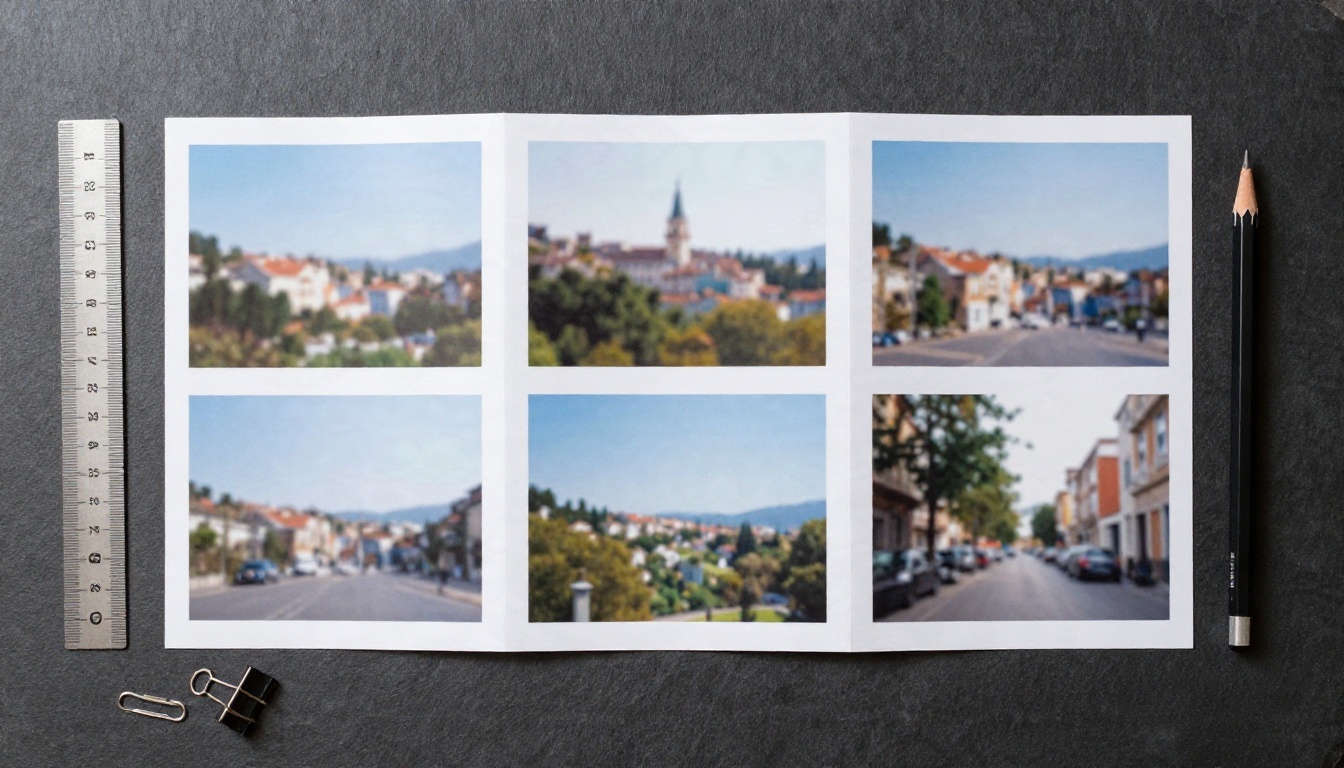
The front panel and the inner flap do the heaviest lifting. Studies of print behavior in retail settings consistently show that readers spend most of their time on the first panel they see, so give it your best image and your shortest sentence.
Three Common Layout Mistakes
- Text too close to the fold. Words disappear into the crease. Keep the fold margin clear.
- Equal panels in a C fold. The flap bulges and the brochure will not close neatly.
- Too many fonts. Two typefaces and three sizes are enough for any brochure. Use bold for hierarchy, not extra families.
✅ Best practice: Print a draft on regular office paper, fold it by hand and read it as a stranger would. You will spot panel order mistakes in thirty seconds.
Printing Costs and Paper Choices
The fold changes more than the layout. It changes the price, the stock and the finish you should pick.
Paper Stock and Finish
| Paper Weight | Feel | Best Use |
|---|
| 100 lb (150 gsm) gloss text | Light, flexible | Trifolds for mail and handouts |
| 100 lb matte or silk text | Soft, premium | Bifolds with photography |
| 80 lb cardstock | Stiff, durable | Display racks and menus |
| Uncoated 100 lb | Natural, writable | Boutique brands, wellness, events |
A heavier stock makes a crisp bifold, but a very thick sheet can crack along a trifold fold. When in doubt, ask for scored folds, which press a groove into the paper so it bends cleanly.
Cost Comparison
Prices vary by printer, region and run length, so treat these numbers as ballpark figures for a full color, double sided, 100 lb stock job on US Letter paper.
| Quantity | Bifold (each) | Trifold (each) |
|---|
| 100 | $0.75 to $1.20 | $0.85 to $1.35 |
| 500 | $0.30 to $0.55 | $0.35 to $0.65 |
| 1,000 | $0.18 to $0.38 | $0.22 to $0.45 |
| 5,000 | $0.09 to $0.20 | $0.11 to $0.24 |
The gap is small, but it adds up on large runs. Digital printing suits short runs, while offset printing wins above a few thousand pieces.
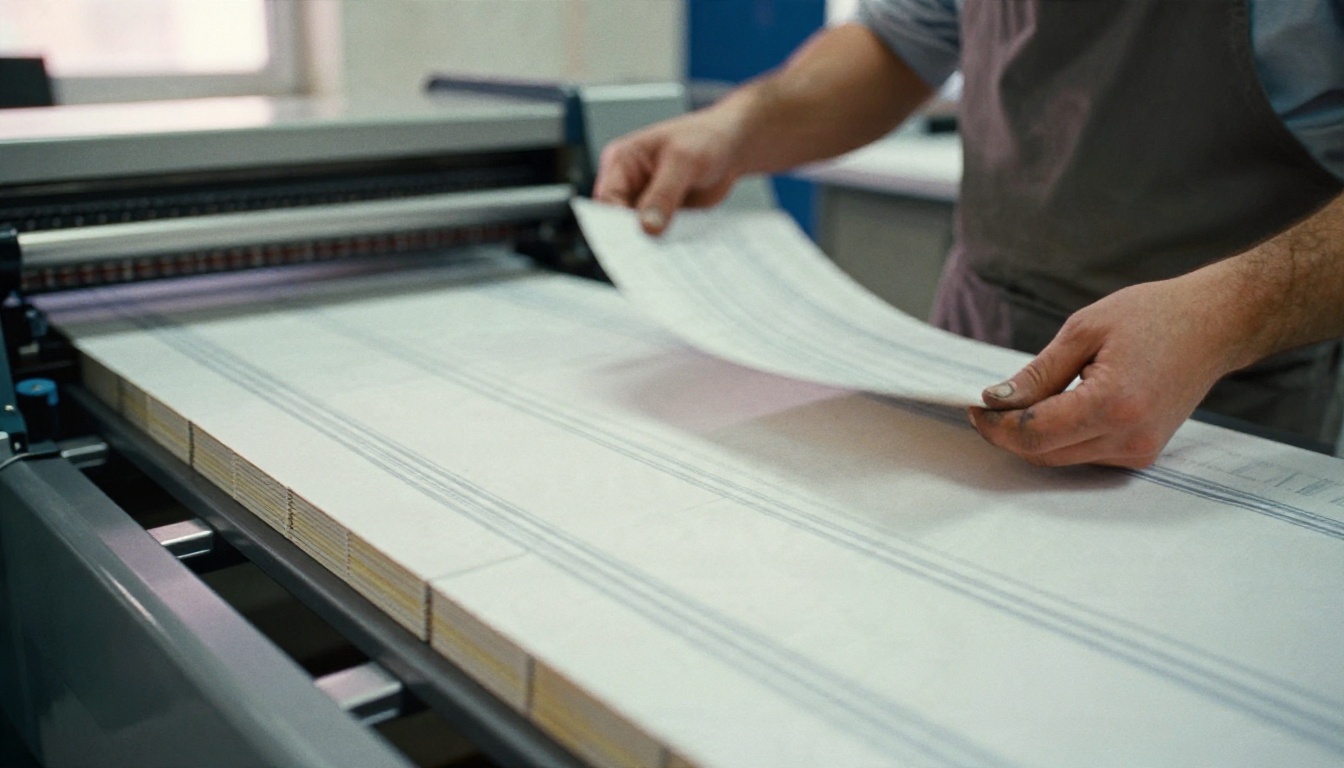
💡 Pro tip: Request a physical proof before approving a full run. A screen proof cannot show how ink sits on paper or whether a flap closes properly.
Free Template Options
A template saves you from doing the panel math yourself. Just make sure it matches your fold and your paper format.
Where to Find Templates
| Source | Format | Best For |
|---|
| Printer websites | PDF, AI, INDD with fold lines | Accurate dimensions |
| Canva | Editable online | Fast visual layouts |
| Microsoft Word and Google Docs | DOCX, Google Docs | Quick text heavy designs |
| Adobe InDesign and Illustrator | INDD, AI | Full control over bleed |
| Online Brochure Designer | Browser based | Brochures that become flipbooks |
Printer templates are the safest because they come with pre drawn bleed, trim and fold lines for that exact machine.
How to Customize One Fast
- Lock the fold lines. Put them on a separate layer and hide it before export.
- Replace placeholder photos. Use high resolution images with the same orientation.
- Swap in your colors. Set two brand colors and one neutral.
- Shorten every paragraph. Trifold panels hold about 40 to 60 words comfortably.
- Export a print PDF and a web PDF. One in CMYK with bleed, one lighter in RGB for sharing.
That second PDF is the bridge to a digital version, which is where the next section picks up.
Make a Digital Brochure with Flipbooks AI
Printed brochures end up in drawers. A digital copy lives in an email thread, a QR code and a website link. The Brochure Flipbook Maker turns your PDF into a page turning flipbook that opens on any device.

Step by Step Tutorial
- Sign up. Create a free account on Flipbooks AI. No watermarks are added to your flipbooks, ever.
- Upload your PDF. Drag the web version of your brochure into the dashboard. The PDF to Flipbook Converter splits each panel or spread into a page and keeps the text sharp.
- Customize the look. Add your logo, set brand colors, pick a page flip effect and choose a background. Screenshot description: a live preview sits on the right, so each change appears instantly.
- Add multimedia. Embed a video tour, background audio or clickable links on a button panel.
- Share it. Copy the direct link, generate a QR code for the printed back panel, or paste the embed code into your site using the Embed Flipbook on Website tool. Turn on password protection if the brochure is for clients only.
- Track results. On the Professional plan you get analytics, lead generation forms and offline downloads. See the pricing plans for details.
✅ Best practice: Print your QR code on the back panel of both formats. The paper brochure gets people curious, and the flipbook gives them the full story without carrying anything.
Printed vs Digital Brochure
| Aspect | Printed | Flipbooks AI Digital Version |
|---|
| Reach | Local, hand to hand | Global, one link |
| Updates | Reprint needed | Edit once, update everywhere |
| Media | Images only | Video, audio, links |
| Tracking | Hard to measure | Views and lead data (Professional plan) |
| Mobile friendly | Pocket size | Responsive on every screen |
| Cost per share | Per copy | Near zero |
Real World Use Cases
Here is how different businesses tend to pick a fold.
- Hotels: A bifold with a full spread photo of the lobby and rooms, plus a QR code to a hotel brochure with a virtual tour.
- Real estate agents: A trifold with the front panel for the hero shot, the inside for floor plan and features, and the flap for price. Pair it with a real estate brochure online for open houses.
- Car dealers: A bifold for each model, with specs on the left and a wide exterior shot on the right. The automotive brochure generator handles larger lineups.
- Clinics and spas: A trifold with services, treatment prices and booking info arranged panel by panel.
- Nonprofits: A bifold with one emotional image and one clear donation request.
⚠️ Warning: Do not cram a trifold with every service you offer. White space makes the six panels feel intentional. Crowded panels make the brochure feel like a flyer that lost its way.
Quick Decision Checklist
- Do you have a single hero image? Bifold.
- Do you need a sequence of steps or tiers? Trifold.
- Will it be mailed in a standard envelope? Trifold.
- Will it sit on a table or rack? Bifold.
- Do you need to reprint often? Keep it digital and link it with a QR code.
Pick Your Fold and Start
Both formats earn their place. The bifold is the confident, image first choice with fewer decisions and a slightly lower print bill. The trifold is the storyteller, ideal when your content falls into clear steps and needs to fit a pocket or a mailer.
Whichever you pick, check the panel math, respect the bleed and safe zones, and test a folded draft before you print thousands of copies. Then give your brochure a second life online.
Ready to turn your design into a flipbook? Get started for free on Flipbooks AI, browse all flipbook tools for brochure specific templates, or compare pricing plans to find the one that fits your team.



