A single birthday party can produce 200 photos in one afternoon, and most of them end up buried in a camera roll that nobody scrolls back to. A good birthday album maker fixes that. It takes the blurry candle shots, the cake smears and the group hugs, and turns them into something people actually open again. With Flipbooks AI, you can convert a simple PDF into a page turning online album, share it with one link, and skip the printing bill.
This article walks through free online templates, 12 photo page ideas you can copy, a clear tutorial, and the easiest ways to share your finished album. It works for a first birthday, a surprise 40th, or a grandparent's 80th.
Why Build a Birthday Album Online
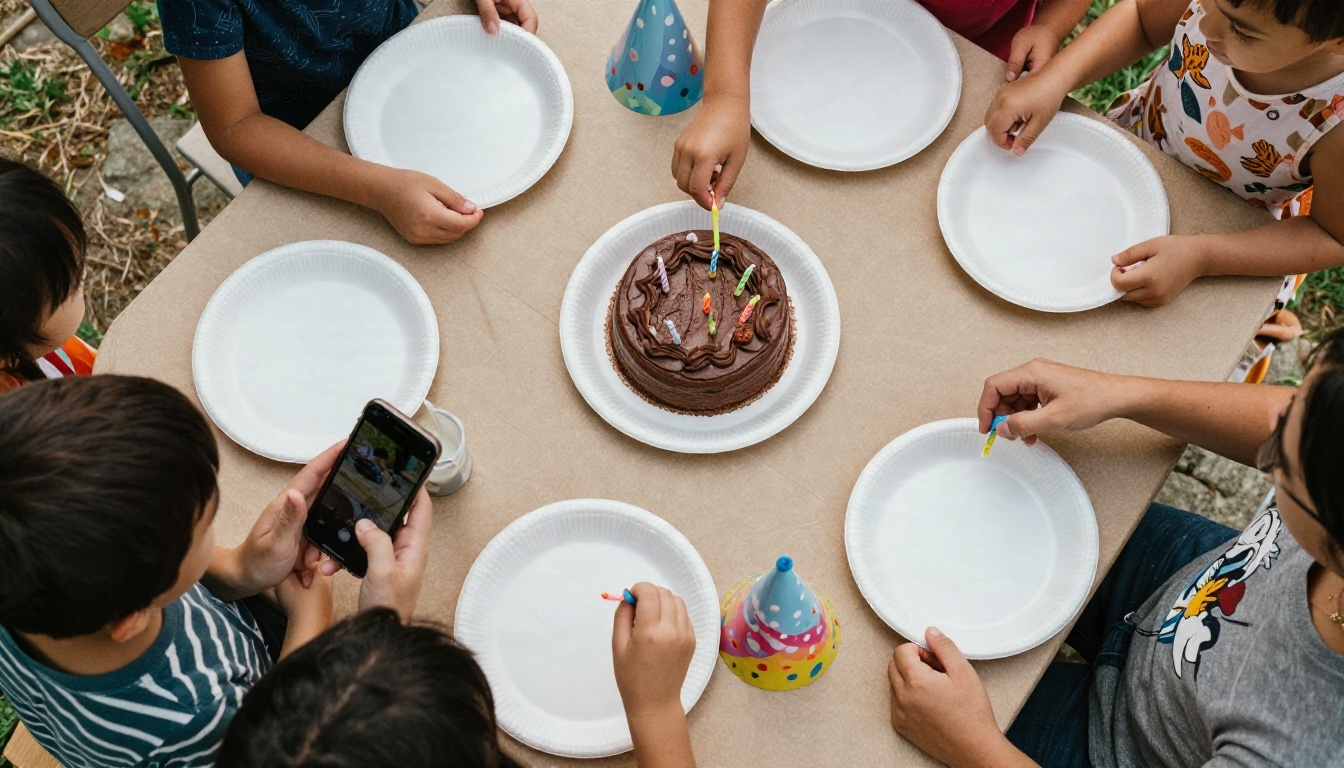
Photos Deserve More Than a Camera Roll
Phones are great at capturing and terrible at remembering. A birthday album gives your pictures an order, a story and an ending. Someone can flip through it on a phone, a tablet or a laptop, and the pages look the same on all three.
An online album also has real practical advantages over a printed one:
- Zero shipping time. Finish it on Friday, send it on Saturday morning.
- Easy fixes. Spot a typo in a caption? Update the PDF and re-upload.
- No weight or storage. Aunt Maria in another country opens it as easily as your neighbor does.
- Sound and video. You can attach a short clip of the candle moment or the "Happy Birthday" song.
Who Makes These Albums
Birthday albums are not just for parents of toddlers. Here are the most common real-world cases:
| Who | Typical Album | What They Usually Include |
|---|
| New parents | First birthday, monthly photos | Milestones, smash cake, family portraits |
| Partners | Surprise gift | Shared trips, inside jokes, handwritten notes |
| Friends | Group tribute | One page per guest, funny quotes |
| Adult children | Gift for a parent | Old scans next to recent photos |
| Teachers | Class birthday keepsake | Drawings, group photos, wishes |
💡 Pro tip: If the album is a gift, start collecting photos from other people two weeks early. Group chats are full of pictures you never saw.
Free Birthday Album Templates That Work
You do not need a design degree. A template gives you grids, margins and fonts that already look balanced, so you only drop in pictures. Most free template libraries, including the ones in Canva, Google Slides, PowerPoint and Adobe Express, can export to PDF. That PDF is exactly what a flipbook converter needs.
Layouts by Age and Occasion
Different birthdays call for different moods. Use this as a starting point:
| Occasion | Best Layout Style | Color Palette | Page Count |
|---|
| First birthday | Large single photo with a short caption | Soft pastels, cream | 12 to 20 |
| Kids party (3 to 10) | Collage grids with stickers | Bright primary colors | 16 to 24 |
| Teen birthday | Magazine style, bold text | Black, white, one accent | 12 to 18 |
| 30th to 50th | Timeline, then then-and-now | Warm neutrals, gold | 20 to 30 |
| 60th and beyond | Full page portraits, memory quotes | Sepia, deep green | 20 to 40 |
| Surprise tribute | One guest per page | Mixed, matches the person | 15 to 30 |
Pick a Style Before Photos
Decide on a mood first. It saves hours. A clean, minimal album uses lots of white space and one font. A scrapbook album uses paper textures, tape, doodles and layered pictures. A magazine album uses headlines and pull quotes.
Then stick with it. Two fonts and three colors is a safe limit. When every page looks like it belongs to the same family, the album feels intentional even if the photos are casual.
12 Photo Page Ideas to Steal
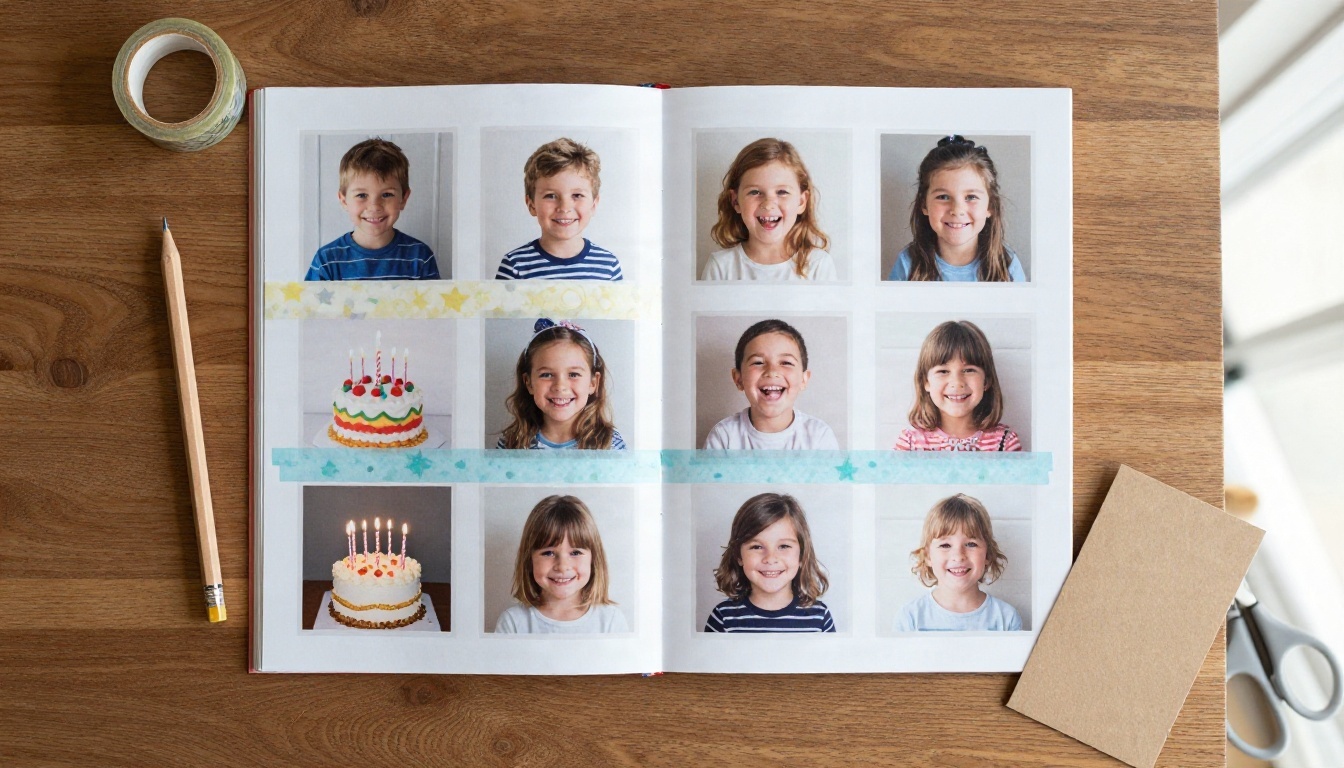
Blank pages are what stop most people. Here are twelve ideas, grouped so you can build an album in a logical order.
Opening Pages
- Title spread. One strong photo of the birthday person, their name, and the age in large type.
- The numbers page. Age, date, location, number of guests, flavor of cake. It reads like a quick fact sheet.
- Getting ready. Balloons being inflated, decorations going up, someone testing the candles.
Middle Pages
- The cake moment. Give it a full page. Candles, the wish face, the blow, the first slice.
- Guest portraits. A grid of everyone who came, with first names as captions.
- Candid collage. Six to nine small pictures of laughing, eating and dancing.
- Gift reactions. Pair each present with the face of the person opening it.
- Games and activities. Piñata, karaoke, backyard races. Action shots work well in a sequence of three.
Closing Pages
- Then and now. Place a photo from last year beside this year's. It is the page people linger on.
- Messages from guests. Type or photograph handwritten wishes.
- Favorite quote. A funny line someone said during the party, set in large text.
- Thank you page. One last group photo and a short note.
✅ Best practice: Alternate between busy collage pages and calm single photo pages. Rhythm keeps readers turning.
Captions That Sound Human
Short wins. "Mia, 4:12 pm, right before the frosting disaster" is better than "Birthday celebration moment." Add a time, a funny detail or a quote. Captions are the difference between a photo dump and a story.
How to Create a Birthday Album with Flipbooks AI
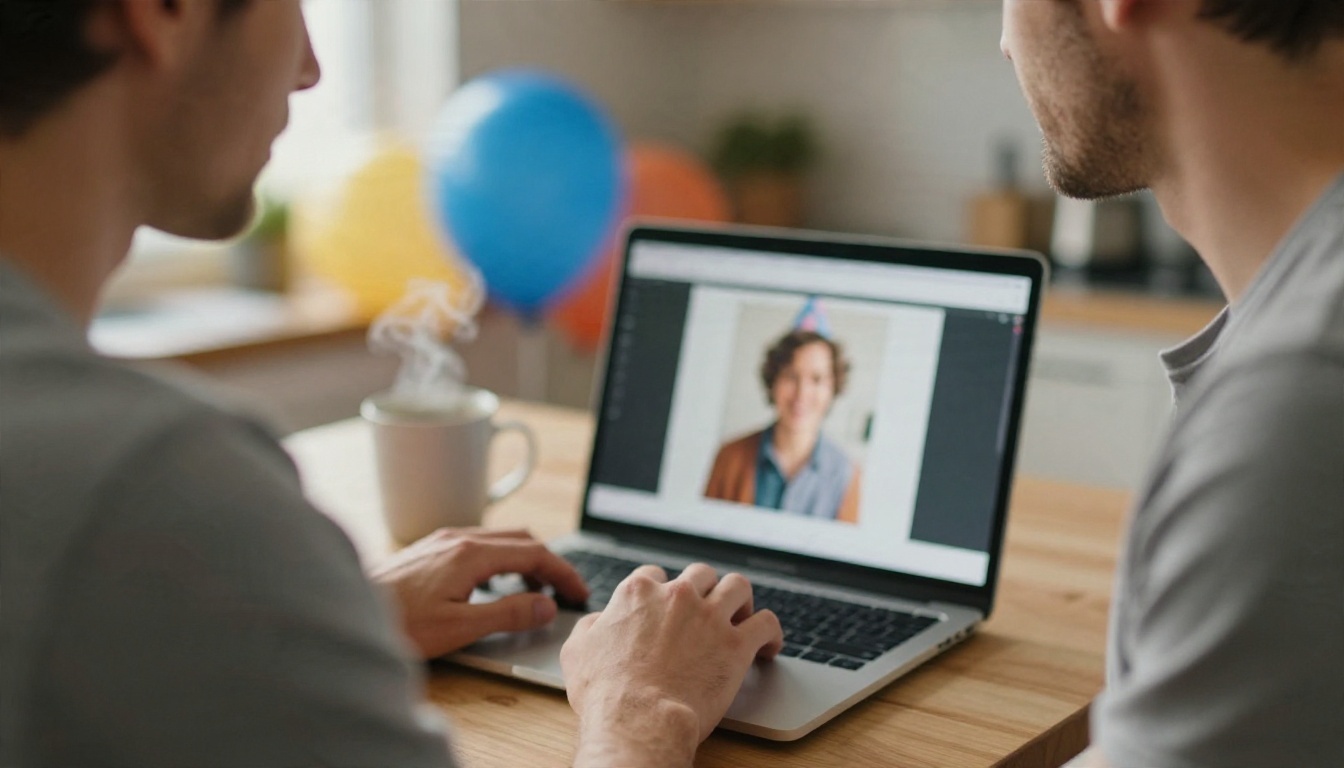
Once your pages are designed, turning them into a flipbook takes a few minutes. Here is the full process.
Step 1: Get Your Account Ready
Head to Flipbooks AI and create an account. You can start without paying, and you can compare pricing plans later if you need more flipbooks or extra features. Every flipbook is published without watermarks, which matters for a personal gift.
Step 2: Export and Upload Your PDF
Export your design from Canva, Slides, PowerPoint or any photo book tool as a PDF. Use these settings:
- Size: Square or landscape pages look best on screens.
- Quality: High resolution, but keep the file reasonable so it opens quickly on mobile.
- Order: Check page order before exporting. Re-ordering later means another upload.
Then upload the file using the PDF to Flipbook Converter. The platform turns each PDF page into a flipbook page with a realistic page curl.
💡 If you want a more polished album with a wedding style feel, take a look at the Wedding Album Flipbook tool. The same layout works well for milestone birthdays.
Step 3: Customize the Look
After conversion, adjust the viewer so it matches the party theme:
- Branding and colors. Change the background color to match your palette. Add a custom logo or a small name tag if you like.
- Page effects. Choose the page turning style and sound.
- Multimedia. Embed a short video of the candle blowing, or add background audio such as the birthday person's favorite song.
- Mobile view. Flipbooks are mobile responsive, so check the album on your phone before sharing.
Step 4: Choose How to Share
You have three main options:
- Direct link. Paste it in WhatsApp, email or a group chat.
- Embed code. Put the album on a family blog or event page. The Embed Flipbook on Website tool shows how.
- Password protection. Keep the album private. This is the sensible choice for children's photos.
Step 5: Extra Features for Bigger Projects
If you are building albums for a business, such as a party planning studio or a photography service, the Professional plan adds analytics and lead generation, so you can see who opened the album and collect contact details. Offline downloads are also available, which helps when relatives have poor internet at a family gathering. The Standard plan and above allow unlimited flipbooks.
Not every tool does the same job. Some design pages, others turn them into a shareable online book. Many people combine one of each.
| Tool Type | Best For | Free Option | Sharing Experience |
|---|
| Template editors (Canva, Slides) | Designing pages | Yes, with limits | Share a PDF or image |
| Phone photo book apps | Quick albums from the camera roll | Usually partial | Often tied to printing |
| Cloud photo albums | Dumping lots of pictures | Yes | Grid view, no page turns |
| Flipbook platforms | Page turning, polished sharing | Free to start | Single link, embed, password |
The advantage of a flipbook is that it feels like a book. A cloud album is a folder. A flipbook has a beginning, a middle and an end, with a page turn between each.
⚠️ Watch out: Some free tools place a large logo on every page. Check for watermarks before spending an hour designing.
Related Tools Worth a Look
Depending on your project, other templates in the tools directory might fit better:
Easy Sharing That Actually Works
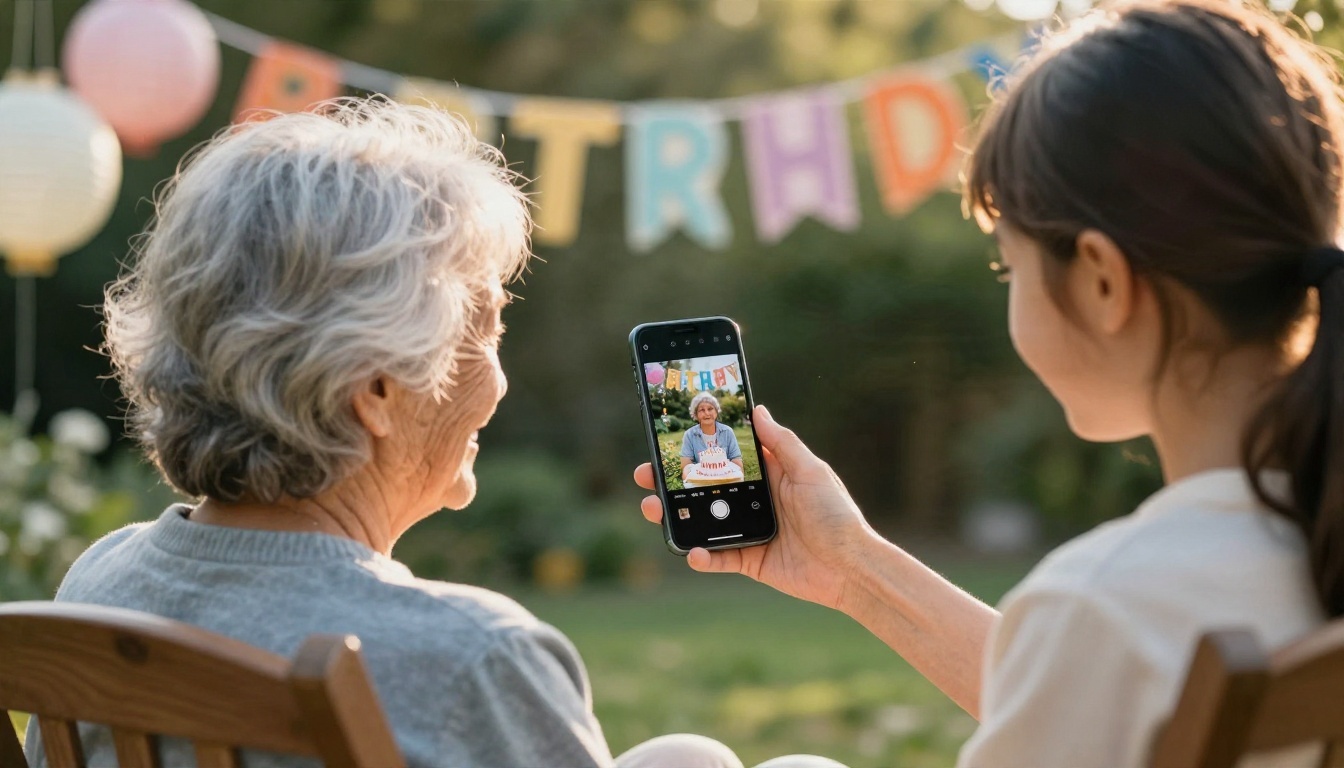
An album nobody opens is just a file. Think about who will receive it and how comfortable they are with technology.
Match the Method to the Audience
| Audience | Best Method | Why It Works |
|---|
| Grandparents | Direct link by message | One tap, no login |
| Party guests | Link in a thank you text | Arrives while the memory is fresh |
| Extended family abroad | Email with password | Private, easy to forward |
| Friends on social media | Short preview and link | Curious viewers click through |
| Event page visitors | Embedded album | Lives permanently on the page |
Privacy for Kids' Photos
If children appear in the pictures, be careful. Use password protection, share only with people you know, and avoid public posts with full names and school details. A simple password such as the child's nickname plus the party year is easy to remember and not easy to guess.
✅ Best practice: Send the link and the password in two separate messages.
Timing the Release
Send it two to three days after the party. It is long enough to finish a clean edit, short enough that everyone remembers the day. For a surprise gift, schedule the delivery to arrive on the morning of the birthday.
Common Mistakes to Avoid
Using Too Many Photos
Fifty near identical cake shots are exhausting. Pick the best three and delete the rest. A strong 20 page album beats a tiring 80 page one.
Ignoring Page Order
Chronological order is the safe default: arrival, decorations, cake, games, goodbye. Break the rule only if you have a good reason, such as opening with a stand out portrait.
Forgetting to Test on a Phone
Most relatives will open your album on a phone. Text that looks perfect on your laptop can shrink to nothing. Use font sizes of at least 18 points for captions, and test before you send.
Skipping the Proofread
Check names, ages and dates. Nothing breaks the mood like a misspelled name on the title page.
A Simple Checklist Before You Publish
Run through this list one last time:
- Title page shows the name, age and date
- Pages follow a clear order
- Captions are short and funny or warm
- Fonts and colors are consistent
- Resolution is high enough but the PDF is not enormous
- Multimedia is attached, if you want it
- A password is set for private albums
- You tested the link on both phone and laptop
Make Yours This Weekend
You already have the photos. A template, a PDF and a few minutes of setup are all that stand between you and an album people will reopen on every birthday to come.
Ready to build one? Get started for free on Flipbooks AI, browse all tools and templates to find the right layout, or compare pricing plans if you plan to make albums regularly. Your next birthday party deserves better than a camera roll.



