A birthday text takes four seconds to send and four seconds to forget. A birthday card flipbook is different: the person opens it, turns the pages one by one, sees the photos you picked, reads the notes you wrote, and maybe hears your voice. This post shows you how to build one for free with Flipbooks AI, which templates fit which person, and the best ways to send it so it actually gets opened.
You don't need design skills. If you can make a PDF in any app (Canva, Google Slides, PowerPoint, even Word), you can have a page-turning card ready in about ten minutes.
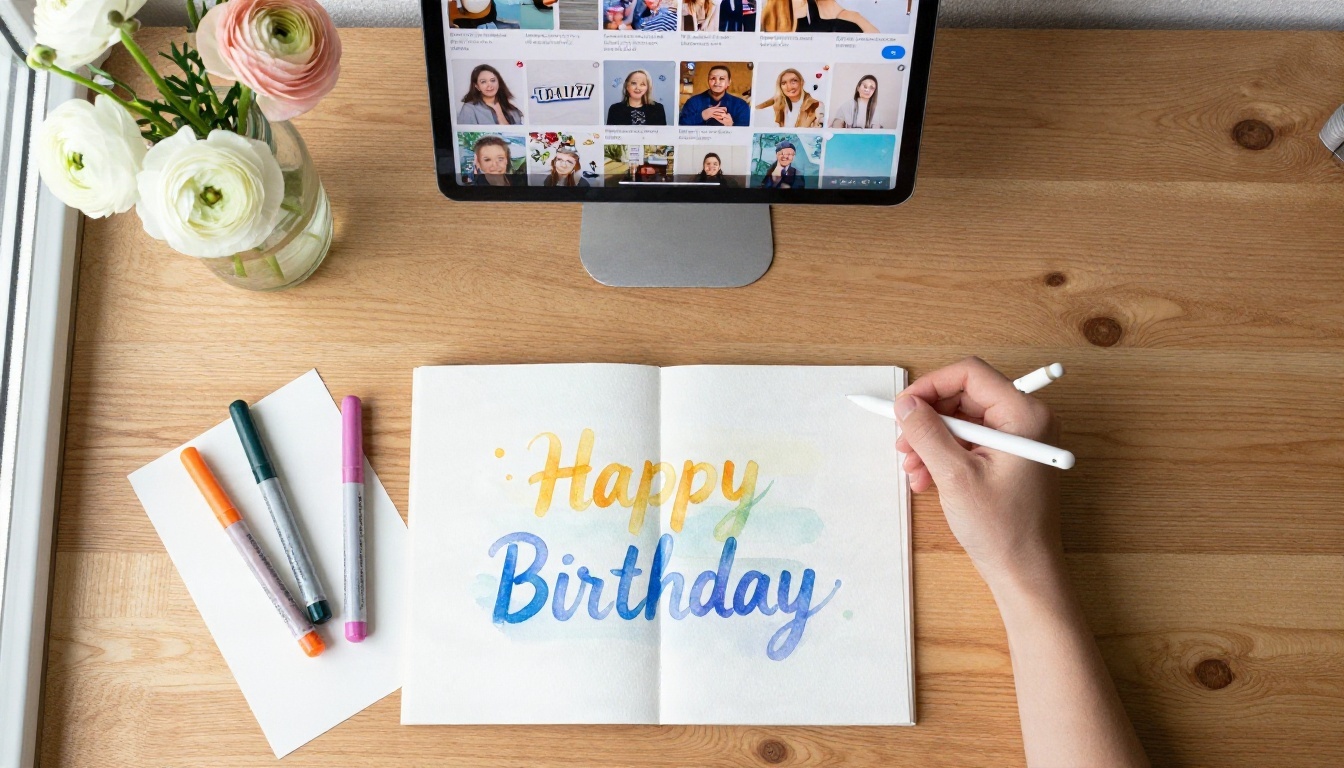
Why Send a Flipbook Card
It Feels Like Holding Paper
A flipbook keeps the ritual of a paper card. The recipient taps or swipes, the page curls, and the next spread appears. That small motion slows people down. They read each page instead of scrolling past it, which is exactly what you want from a birthday message.
Where Static Images Fall Short
A single JPG e-card gives you one canvas. Once you have ten friends who each want to write something, or twelve photos from the past year, a single image gets crowded fast. A flipbook gives every contributor a page and every memory a spread.
| Feature | Static e-card image | Birthday card flipbook |
|---|
| Number of pages | 1 | As many as you need |
| Multiple contributors | Hard to arrange | One page each |
| Photo gallery | Cramped collage | Full page per photo |
| Audio or video message | Not possible | Can be embedded |
| Password protection | No | Yes |
| Works on phone and desktop | Usually | Yes, mobile responsive |
| Can be printed | Low resolution | Keep your original PDF |
💡 Pro tip: Keep the original PDF. If the birthday person turns out to love the card, you can print it as a keepsake later.
What Makes a Great Birthday Flipbook
Page Count and Pacing
Most good birthday flipbooks land between 6 and 14 pages. Fewer than six feels thin. More than fifteen and the last pages never get read. A reliable structure looks like this:
- Page 1: The front, with a big photo or bold greeting.
- Page 2: A short personal note from you.
- Pages 3 to 5: Photos with one line each.
- Pages 6 to 10: Messages from friends or family.
- Final page: A wish, an inside joke, or a promise (dinner, a trip, a hug).
Photos, Audio and Video
Photos carry the emotion. Pick pictures with faces in them rather than landscapes, and use a mix of old and new. If you want sound, Flipbooks AI lets you embed audio and video, so a 20 second voice note from a grandparent can sit right next to their written message.
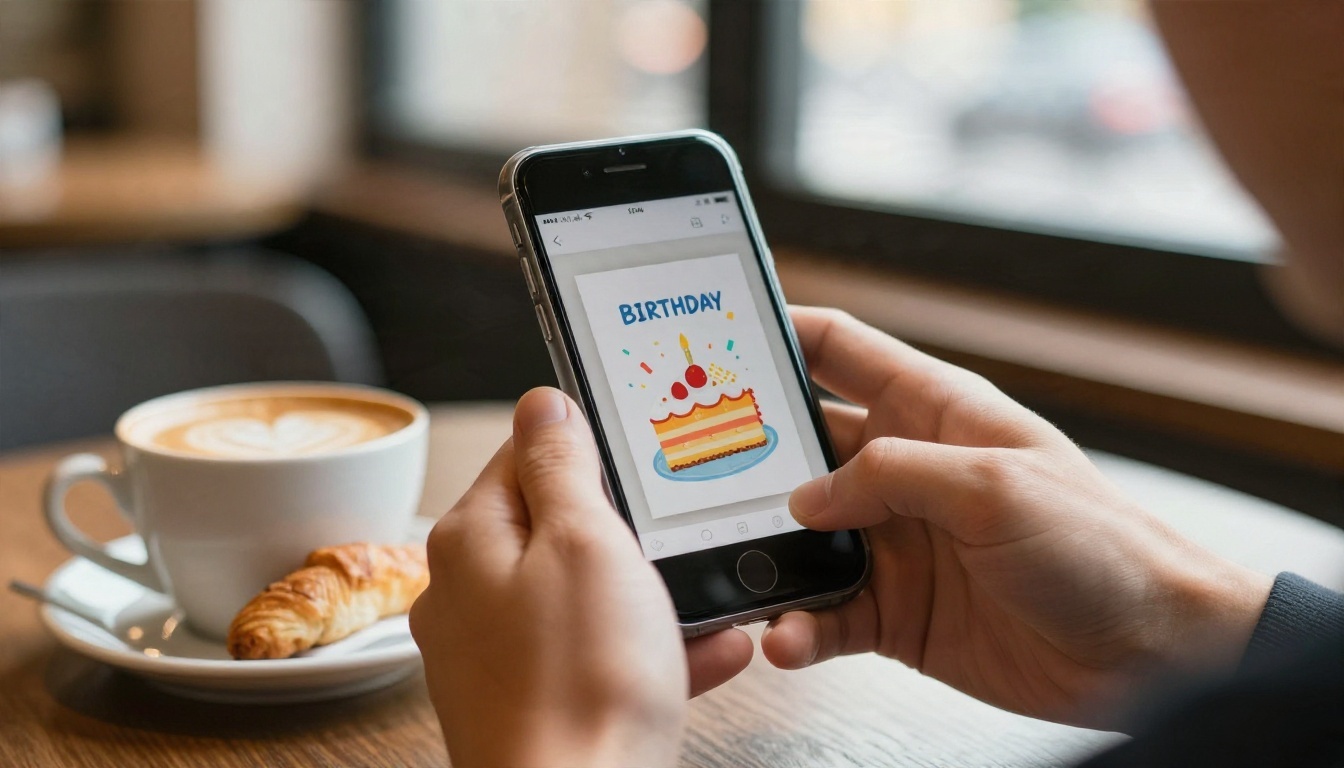
⚠️ Watch out: Most people open birthday cards on their phone. Use large text (at least 24 pt in your source file) and keep one idea per page.
Free Templates and Layout Ideas
Templates by Recipient
You can start from any layout you like in your design app, export to PDF, and upload. These are the layouts that work best, depending on who the card is for.
| Recipient | Layout idea | Tone | Suggested pages |
|---|
| Partner | Photo timeline of the year together | Romantic | 8 to 12 |
| Parent or grandparent | Big type, family photos, voice note | Warm | 6 to 8 |
| Best friend | Inside jokes, meme style captions | Funny | 8 to 10 |
| Child | Bright colors, drawings, a mini story | Playful | 5 to 8 |
| Coworker | Group messages, one page per teammate | Friendly | 10 to 14 |
| Long distance friend | Photo diary of what you would do together | Sentimental | 6 to 10 |
Where to Design the Pages
Any tool that exports PDF will work. Here is how the popular options compare for this job.
| Design tool | Cost | Best for | Export to PDF |
|---|
| Canva | Free tier available | Quick card templates | Yes |
| Google Slides | Free | Group cards with shared editing | Yes |
| PowerPoint | Paid or trial | Custom layouts | Yes |
| Word or Pages | Included on many devices | Simple text cards | Yes |
| Scanned handmade pages | Free if you own a scanner | Hand drawn cards | Yes |
💡 Google Slides is a great pick for team cards. Share the file, give each person a slide, then export the whole deck as one PDF.
Sizing Your Pages
Pick one page size and keep it. A square (1:1) or a portrait ratio (4:5) looks good on phones. Landscape pages work better on desktop, but they shrink on a small screen. If you aren't sure, go square.
How to Create a Birthday Card Flipbook
This part is the practical tutorial. The whole thing takes roughly ten minutes if your pages are ready.
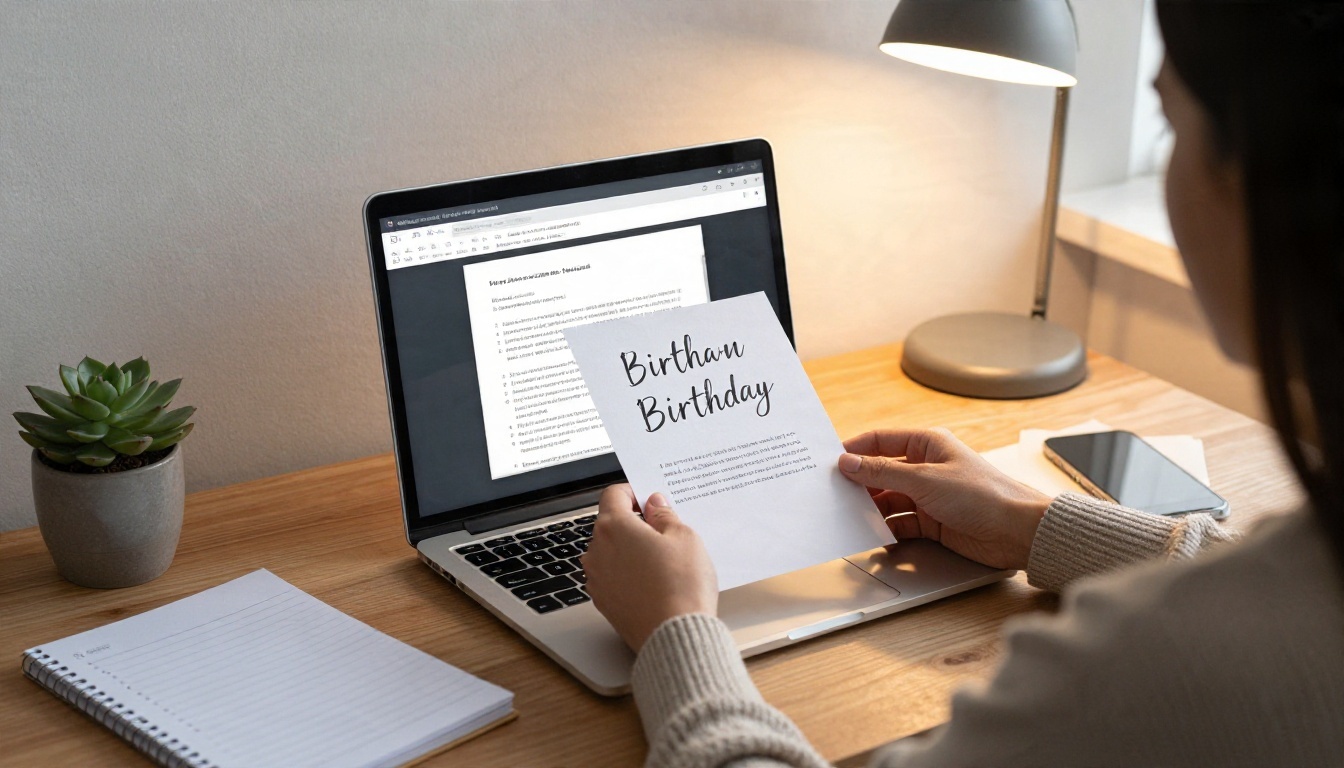
Step 1: Open the Platform
Go to Flipbooks AI and create an account. Check the pricing page to see exactly what the free option includes, since limits can change over time. One thing doesn't change: no watermarks, ever, so your card looks like yours.
Step 2: Upload Your PDF
Drag your PDF into the upload area. The PDF to Flipbook Converter turns each PDF page into a flipbook page, keeping your fonts and images sharp. A 10 page file usually converts in moments.
Step 3: Customize the Look
After conversion you can adjust the details:
- Background color: pick a soft shade that complements the card, like warm cream or pastel blue.
- Page effects: choose the turn animation and sound so it feels like real paper.
- Branding: add a small logo or custom name if the card is from a team or company.
- Multimedia: drop in a video or audio clip on the page where it makes sense.
Step 4: Add the Personal Touches
Place a voice note on the final page. Link a playlist on page two. If it is a group card, add a video montage as the last spread. These are the details people remember.
Step 5: Publish and Share
Hit publish, copy the link, and pick how to deliver it (more on that below). You can also use the Digital Catalog Maker layout approach if you want a gallery style card with many photos, or the Interactive E-Book Publisher when your card turns into a mini story.
Extras for Pro Users
On the Professional plan you get analytics, which show you whether the card was opened and how far people read. Offline downloads let the recipient keep a copy without an internet connection. Compare plans if you want those options. Unlimited flipbooks are available on the Standard plan and above, which suits anyone who makes cards for a whole team or family every year.
Ways to Share It

Direct Link
The simplest method. Paste the link into a text, a WhatsApp message, or a direct message. Send it at the moment you want them to open it, ideally in the morning on the birthday.
Email With a Subject Line That Works
Email suits older relatives and coworkers. Use a clear subject line such as "Open this for your birthday" and put the link in the first line. Avoid attaching a big PDF, because the link is faster and looks nicer.
QR Code on a Gift
Generate a QR code from your flipbook link and print it on a gift tag or tuck it inside a physical card. The recipient scans it and the digital flipbook opens on their phone. It is a good way to combine a real present with a personal message.
Embed on a Page
Planning a party page or a family website? Use the Embed Flipbook on Website tool to place the card straight onto the page with an embed code. Everyone who visits sees it without leaving.
| Sharing method | Best for | Effort | Privacy level |
|---|
| Direct link | Friends and family | Very low | Anyone with the link |
| Email | Coworkers, relatives | Low | Anyone with the link |
| QR code | Gifts, printed invites | Medium | Anyone who scans it |
| Embed code | Party pages, blogs | Medium | Public page |
| Password protected link | Surprise cards, private photos | Low | Only people with the password |
Password Protection for Private Photos
If the card includes personal photos, turn on password protection. Send the link in one message and the password in another, or make the password something only the birthday person would guess, like the name of their first pet.
✅ Best practice: Never use a birthday date as the password. It is too easy to guess and often public on social media.
Real Birthday Scenarios
A Surprise for Grandma, Across the Country
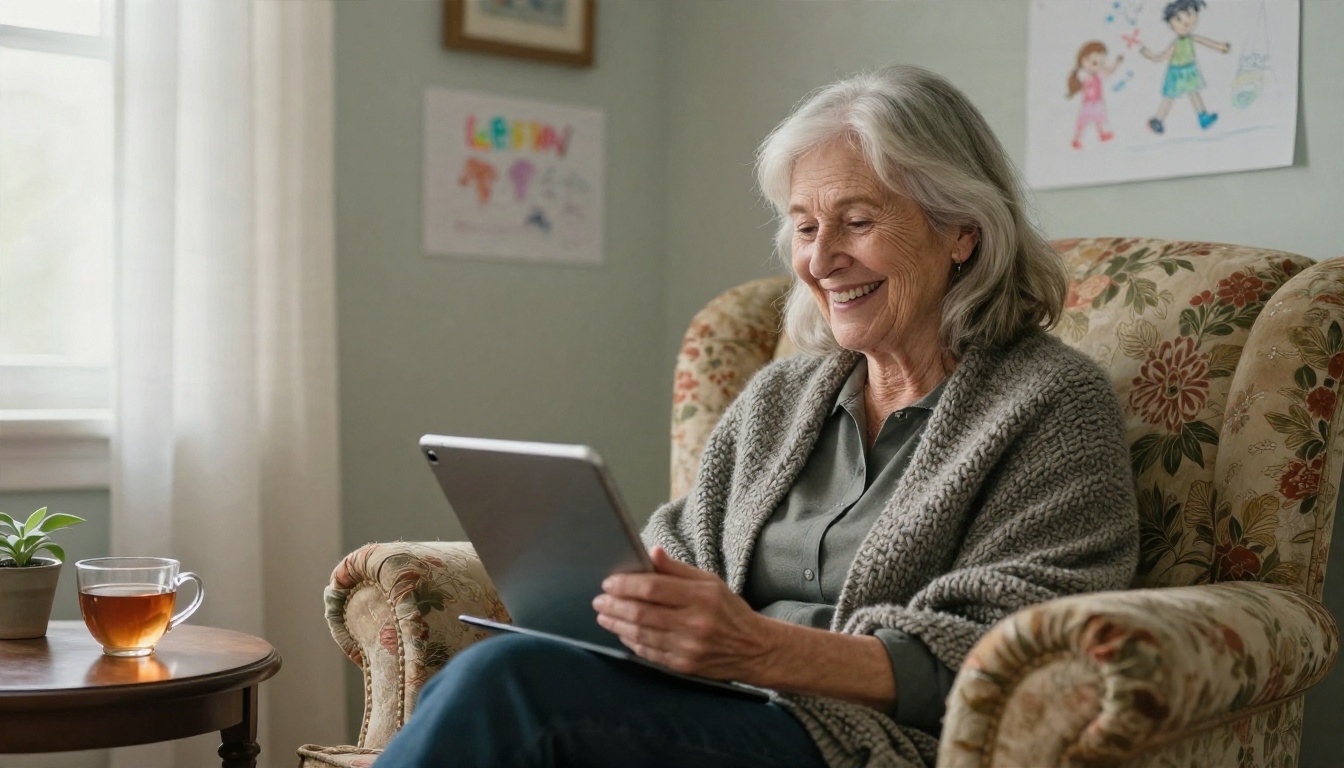
A granddaughter collects eight short photos from the family, records a short message from each cousin, and builds a 9 page flipbook with large type. She sends the link in an email titled "Open this when you have a cup of tea." Grandma opens it on her tablet, turns each page at her own pace, and calls the whole family that evening.
An Office Card That People Sign
An office manager sets up a shared Google Slides deck with one slide per teammate. Everyone adds a photo and a line. On the day, she exports to PDF, converts it, and posts the link to the team chat. For a quieter option, the link goes by email with a password.
A Brunch With a Tablet Card
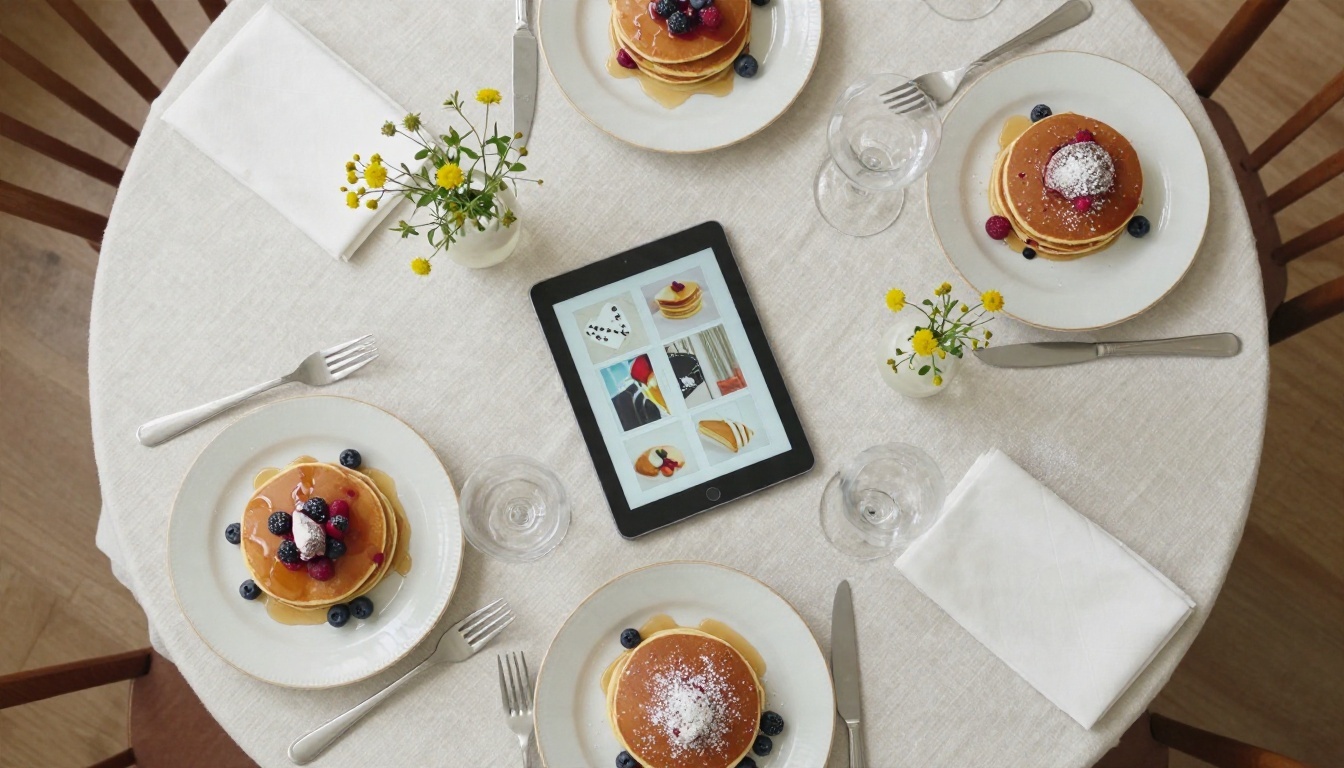
A host props a tablet on the brunch table with the card open. Guests flip through it while the cake arrives. Friends at the table add reactions in real time, and the birthday person gets to read the card with everybody around them.
A Kid's Card With Voice Notes
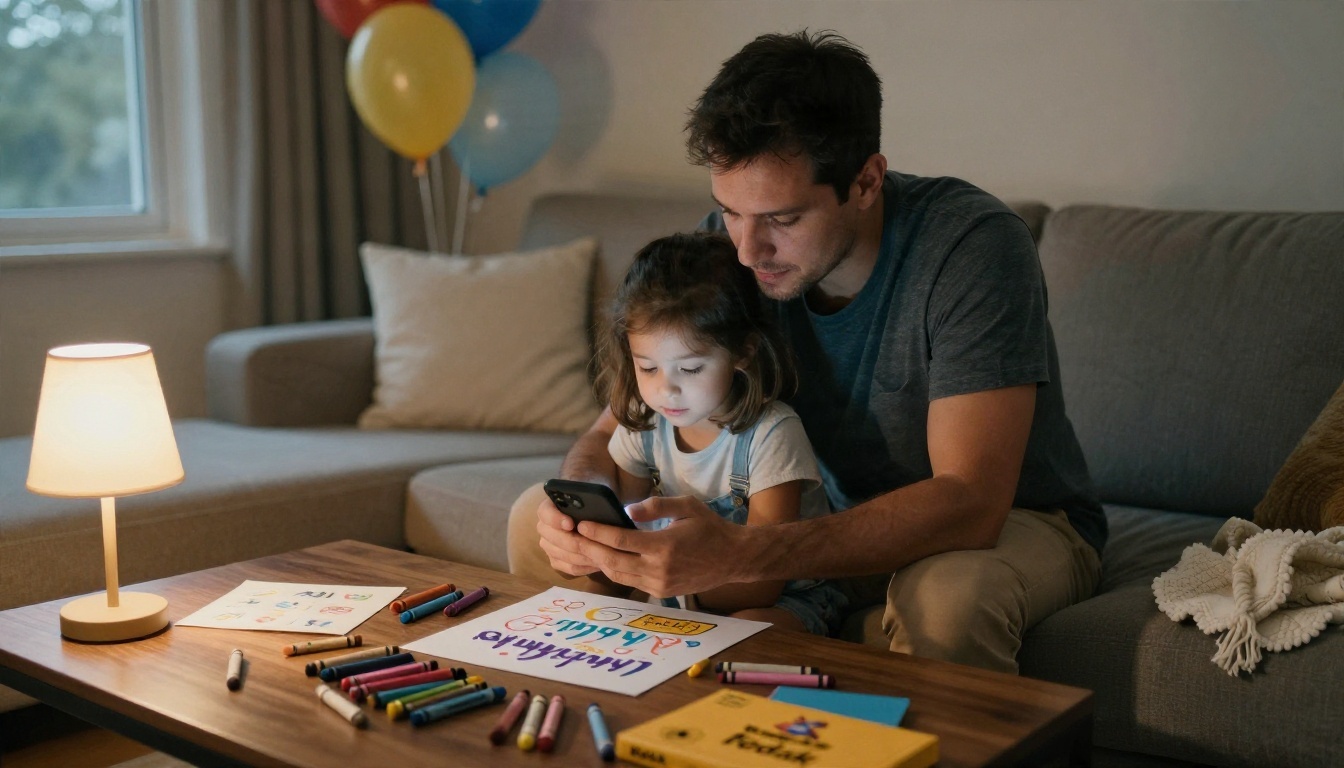
A parent and child sit together to record a short message and scan a few crayon drawings. The drawings become pages, the voice note sits on the last page, and the card goes to the grandparents. It takes thirty minutes, and it will be the one they save.
Common Mistakes to Avoid
Too Many Pages
Past 15 pages, people lose interest. Pick your best photos and your warmest messages, and cut the rest.
Tiny Text
Text that looks fine on a laptop becomes unreadable on a phone. Use big headings and short sentences.
Low Resolution Photos
A blurry photo looks worse on a large screen than a small one. Use originals when you can, and avoid screenshots of photos from social apps.
Sending It Too Early
A card that arrives three days before the birthday loses its punch. Schedule the message, or save the link until the morning.
| Mistake | What happens | Easy fix |
|---|
| Text below 20 pt | Unreadable on phones | Use 24 pt or larger |
| 20 plus pages | Final pages are skipped | Trim to 6 to 14 |
| Compressed photos | Pixelated spreads | Export at high quality |
| Open link for private photos | Anyone can view | Turn on a password |
| No final call to action | Card ends flat | Add a wish or a plan |
Send Your Card Today
You already have what you need: a few photos, a few lines you mean, and a PDF export. Everything else takes minutes.
Ready to make yours? Create a free account on Flipbooks AI and upload your first card. Browse all the flipbook tools if you also want to make a Wedding Album Flipbook or a Recipe Book Flipbook for the same family. When you need analytics, offline downloads or unlimited flipbooks, compare the plans and pick the one that suits you.
The best birthday message is the one that sounds like you. A flipbook just gives it room to breathe.



