A prospect emails you on Monday, asks for a quote, and by Friday they have hired someone else. It happens to bookkeepers all the time, and the reason is rarely price. The winner simply sent a clear, good-looking proposal faster. A solid bookkeeping proposal tool closes that gap, and you do not need to spend money to get one. This article walks through free options, a template you can copy today, and the best ways to send the finished proposal online. If you want a polished, page-turning version without any design work, Flipbooks AI turns a plain PDF into a shareable online proposal in minutes.
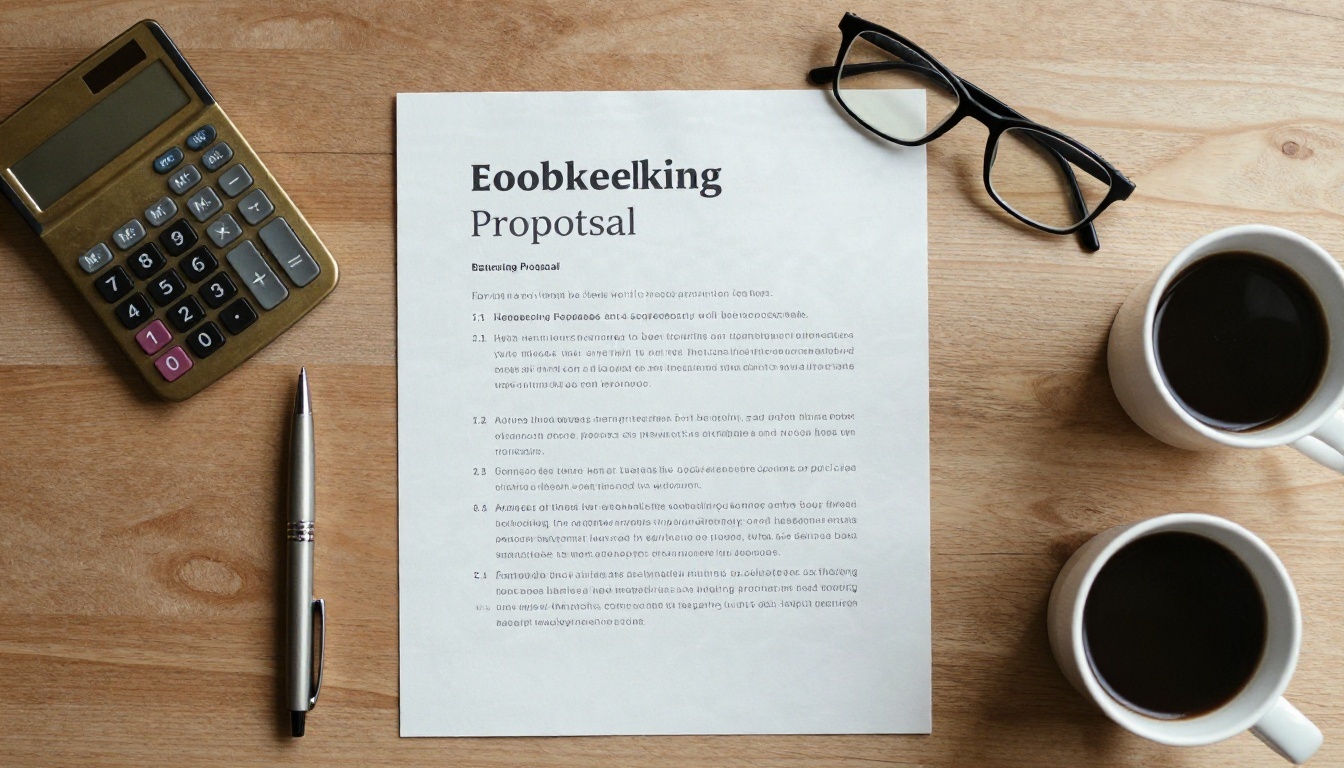
What a Bookkeeping Proposal Needs
Before you pick software, decide what the document must do. A proposal is not a brochure and it is not an invoice. It answers three questions a nervous business owner has: What exactly will you do? What will it cost? What happens next?
The Seven Sections That Matter
Most winning proposals share the same skeleton. You can rearrange it, but try not to drop any part.
- Cover page with your name, the client name and the date.
- Short summary of the client's situation in their own words.
- Scope of work listing every recurring task.
- Pricing in a simple table.
- Timeline for onboarding and the first month-end close.
- About you, including credentials and software you use.
- Next steps with one clear action, such as signing or booking a call.
💡 Pro tip: Write the summary section first. When the client sees their own problems described accurately ("receipts in a shoebox, no monthly reports"), trust goes up before they reach the price.
Scope Before Price
Pricing without scope invites haggling. If you list "monthly bookkeeping" as one line, the client assumes it includes payroll, sales tax filings and cleanup of last year. Spell out what is in, and what costs extra.
| Task | Included in base fee | Billed separately |
|---|
| Bank and card reconciliation | Yes | No |
| Monthly profit and loss report | Yes | No |
| Accounts payable and receivable | Yes | No |
| Payroll processing | No | Yes |
| Sales tax filings | No | Yes |
| Catch-up work for prior months | No | Yes, one-time fee |
| Year-end handoff to the tax preparer | Yes | No |
Free is a real option here. Your first ten proposals do not need a paid subscription. They need clarity. Here is how the common choices stack up.

Word Processors and Canva
Google Docs, Microsoft Word and Canva are the default starting point. They cost nothing at the basic level, and thousands of proposal templates already exist for each. You control every word and every number.
The catch is the output. You usually export a PDF, attach it to an email, and hope. You cannot see whether it was opened, the file size can get stuck in spam filters, and the layout may shift on a phone.
Dedicated Proposal Software
Tools such as PandaDoc, Proposify, Better Proposals and HoneyBook offer proposal builders with e-signatures and tracking. Most advertise a free trial or a limited free tier, and the features you get without paying change often, so check each site before you commit.
These tools shine when you send many proposals and need contracts, payments and signatures in one place. For a solo bookkeeper sending two or three a month, they can be more machinery than you need.
Where PDFs Fall Short
A PDF is fine for printing. Online, it is a flat file. It has no page-turn feel, no tracking, no way to update it after sending, and no protection once it is forwarded. That is why many practices convert the PDF into an online flipbook, which keeps the same content but adds a link, a clean mobile view and control over who can open it.
| Option | Cost to start | Tracking | Best for | Main drawback |
|---|
| Google Docs or Word | Free | None | Writing the first draft | Plain PDF output |
| Canva | Free tier | Limited | Designed layouts | Export is still a static file |
| Dedicated proposal software | Free trial or limited tier | Yes | High volume with e-signing | Monthly cost grows |
| PDF converted to a flipbook | Low | Yes, on higher plans | Clean online delivery | Needs a finished PDF first |

Free Template Structure You Can Copy
You can build this in any word processor in under an hour. Use plain headings, generous white space and a single accent color. Fancy design matters less than a clear layout.
A Sample Pricing Table
Three tiers work better than one price. Clients rarely choose the cheapest, and the middle option anchors the decision. Adjust the numbers to your market. These figures are only an illustration.
| Package | Monthly scope | Reports delivered | Example monthly fee |
|---|
| Essentials | Reconciliation and categorizing | Profit and loss | $250 |
| Standard | Essentials plus payables and receivables | Profit and loss, balance sheet | $450 |
| Plus | Standard plus payroll and sales tax | Full reporting pack and a quarterly call | $750 |
Add a one-line note under the table: "Cleanup of earlier months is quoted separately after I review your files." That single sentence prevents the most common scope argument.
Wording That Sets Boundaries
Good wording is friendly and specific. Here are phrases worth borrowing:
- "Books are closed by the 10th of each month, provided I receive bank access and receipts by the 3rd."
- "Fees are billed on the 1st and due within 7 days."
- "Either of us can end the arrangement with 30 days' written notice."
- "This proposal is valid for 14 days."
⚠️ Warning: A proposal is not a legal contract unless it includes terms both sides sign. If you work with larger clients, add a signature block or send a separate service agreement, and ask a local professional to review your standard wording.

How to Create a Bookkeeping Proposal with Flipbooks AI
If your draft lives in Google Docs, Word or Canva, the fastest upgrade is to export it as a PDF and turn it into an online flipbook. The PDF to Flipbook Converter handles the conversion, and the output opens in any browser with no download. Free proposal tools stop at a file. This step gives you a link.
Step 1: Create Your Account and Upload
- Go to Flipbooks AI and create an account.
- Click to create a new flipbook and upload your proposal PDF.
- Wait a few seconds while the pages convert. Each page of your PDF becomes a page of the flipbook, and the text stays sharp.
💡 Screenshot description: After upload you see a preview with your cover page on the right and page thumbnails along the bottom. Click any thumbnail to jump to that page.
Step 2: Match It to Your Brand
Open the customization panel and set the details that make the proposal look like yours:
- Custom branding: add your logo and choose colors that match your website.
- Page effects: pick the page-turn style and speed.
- Multimedia: embed a 60 second video introduction or an audio note so the prospect hears your voice. This can set you apart from a typical attachment.
- Layout: the viewer is mobile-responsive, so it reads well on a phone, where many owners open email first.
There are no watermarks, so the proposal looks like it came from your business and no one else.
Step 3: Choose Who Can Open It
Proposals contain pricing and client details, so access matters. Set a password and share it in a separate message. This keeps the document private if the link is forwarded.
For sharing, you get three options:
| Sharing option | How it works | Use it when |
|---|
| Direct link | Paste into email, text or chat | You want the quickest delivery |
| Embed code | Place on a web page | You run a private client portal or landing page |
| Offline download | Prospect saves a copy | The client wants to print or review on a plane |
Step 4: Add Tracking on the Professional Plan
On the Professional plan you get analytics and lead generation tools. You can see how many people opened the proposal and how far they read, which tells you when a call is worth making. Compare pricing plans to see which tier matches your volume. Standard plans and above include unlimited flipbooks, which suits practices that send a new proposal for every lead.

How to Send It Online
Getting the proposal in front of the client matters as much as writing it. Here is how the main methods compare.
Email With a Link, Not an Attachment
Attachments get blocked, flagged or lost in crowded inboxes. A link loads instantly, shows the same layout on every device, and lets you update the proposal later if the scope changes. Keep the email short:
Subject: Your bookkeeping proposal, ready to view
Hi Maria, thank you for the call on Tuesday. Here is the proposal we talked about: [link]. The password is in my next message. I am free Thursday at 10 if you want to go through it together.
Embed It on a Private Page
If you work with clients over many months, add the flipbook to a hidden page on your site. Use the Embed Flipbook on Website tool to get the code. Prospects can return to the same URL, and you can swap in a new version without sending new links.
Follow Up at the Right Moment
Do not wait a week and hope. With tracking, send a message within a day of the first open. Something like: "Saw you had a chance to look at the pricing page. Any questions I can answer?" Keep it light and useful.
| Delivery method | Speed | Tracking | Updates after sending | Best for |
|---|
| PDF attachment | Fast | None | No, must resend | One-off, small files |
| Link to flipbook | Fast | Yes, on higher plans | Yes | Most proposals |
| Embedded page | Medium | Yes | Yes | Ongoing clients and portals |
| Printed copy | Slow | None | No | In-person meetings |

Real Examples From Small Practices
Here are three realistic scenarios to show how the same proposal can be shaped for different clients.
- A bakery owner with one location needs simple reconciliation and monthly reports. Offer the Essentials package, keep the proposal to four pages, and add a short video walkthrough of what a monthly report looks like.
- A freelance designer wants quarterly tax set-aside numbers. Lead with the Standard package and highlight your planning call each quarter.
- A three-person construction firm needs payroll and job costing. Use the Plus package, add a case study page, and share the proposal behind a password because it includes payroll details.
If you also publish a rate sheet, build it with the Digital Price List Generator. If you pitch to larger prospects, the Sales Presentation tool can turn a slide deck into a page-turning presentation. You can browse the full library of flipbook tools for more formats.

Mistakes That Lose Clients
Even a good template can fail if you slip on the basics. These are the errors that show up again and again.
- Sending a generic document. Swap in the client's name, industry and software in the first paragraph.
- Hiding the price. Owners hate guessing. Show the number clearly and explain what it includes.
- Too many pages. Aim for five to eight. Long proposals feel like work.
- No deadline. A validity date creates a gentle reason to decide.
- No next step. End with one action: book a call, reply "yes", or sign.
✅ Best practice: Read the proposal on your phone before you send it. If the tables are hard to read or the text is tiny, simplify the layout.
| Mistake | What it costs you | Quick fix |
|---|
| Vague scope | Disputes over extra work | List inclusions and exclusions |
| Attachment only | Lost or ignored emails | Send a link |
| No follow-up | Prospects go cold | Message within a day of the first open |
| Single price option | Client compares you to cheaper bids | Offer three packages |

Send Your First Proposal Today
You have everything you need. Write the draft in a free word processor using the seven-section structure, set three clear packages, then turn the PDF into an online flipbook so the client gets a clean link instead of a heavy attachment.
Ready to try it? Get started for free on Flipbooks AI, upload your PDF and send your first link before the end of the day. If you plan to send proposals regularly, compare pricing plans for unlimited flipbooks, analytics and lead generation, or sign in and go straight to pricing. You can also look through the tools directory for report, price list and presentation formats that pair well with your proposal.

A fast, clear proposal makes the decision easy for the client. The next time a lead asks for a quote, you will be the one who replies first.



