Most people searching for booklet maker software want one of two things: a quick way to turn a pile of pages into something that looks professional, or a way to stop paying a designer for every small update. Both goals are realistic today. You can build a booklet in a browser tab, print it at home, or publish it as a digital flipbook with a tool like Flipbooks AI and skip paper entirely.
The trouble is the choice. There are free desktop programs, browser-based editors, template marketplaces and paid design suites, and they all promise the same result. This article sorts them by what they actually do well, what they cost, and where they quietly fall short.
What Booklet Maker Software Actually Does
A booklet maker takes your pages and arranges them so they print, fold and staple in the right order. Better ones also give you a layout editor, ready-made templates, image handling and an export that a print shop will accept without complaints.
Booklet, Brochure or Flipbook?
These words get mixed up constantly, so here is the short version.
| Format | Typical Size | Pages | Best For |
|---|
| Booklet | A5, A4, Letter folded | 8 to 48 | Event programs, manuals, lookbooks |
| Brochure | Tri-fold or bi-fold | 2 to 6 panels | Quick sales handouts |
| Flipbook | Screen based | Any length | Online sharing with page-turn effect |
| Catalog | A4 or Letter | 16 to 200+ | Product ranges and price lists |
A booklet is bound along one edge, usually with staples in the fold. A brochure is folded but not bound. A flipbook is a digital version of either, and it reads on a phone as easily as on a desktop. If you are weighing print against screen, the Brochure Flipbook Maker shows how the same layout behaves in both.
Who Uses Booklets Today
Booklets are far from dead. Small teams rely on them because they are cheap, quick and easy to hand to someone.
- Restaurants print short menus and wine lists
- Schools produce handbooks, newsletters and yearbooks
- Real estate agents package listings into neighborhood booklets
- Event organizers need programs with schedules and maps
- Nonprofits assemble impact summaries for donors
- Trainers hand out workbooks and quick-reference manuals
💡 Pro tip: Before you pick any software, write down who will hold the booklet and where. A booklet read on a phone in a taxi needs larger text than one read at a desk.
Free Booklet Maker Options That Work
Free does not have to mean bad. The catch is usually time: you give up money, but you spend more minutes on setup, fonts and page order.
Free Desktop Programs
Scribus is the best known open source layout program. It handles bleed, color profiles and PDF export properly, which makes it a favorite for people who plan to print professionally. The interface feels dated and the first hour is awkward, but the output quality is real.
LibreOffice Writer and Microsoft Word both include a book fold or "booklet" page setting. You choose the paper size, set the page layout to book fold, and the program reorders pages for double-sided printing. It is the fastest route for text-heavy booklets such as manuals or order-of-service programs.
Google Docs can produce a simple booklet, though it lacks a native fold setting. Most people export a PDF and use a free imposition utility to reorder the pages.
Free Online Booklet Makers
Browser tools remove installation and give you drag-and-drop layouts. Most follow the same model: free to design, limited to export, with a paid tier for high-resolution PDFs or removal of branding.
| Tool Type | Cost to Design | Typical Limit | Good For |
|---|
| Template-based editors | Free | Watermark or low-resolution export | Quick social or classroom booklets |
| Word processors | Free or one-time | Manual fold settings | Text-heavy manuals |
| Open source layout apps | Free | Steeper setup | Print-ready accuracy |
| Flipbook platforms | Free trial, then plans | Plan-based feature access | Digital sharing and tracking |
⚠️ Watch for watermarks. A "free" export with a logo stamped across page one is not usable for clients. Check the export preview before you invest an evening in the design.
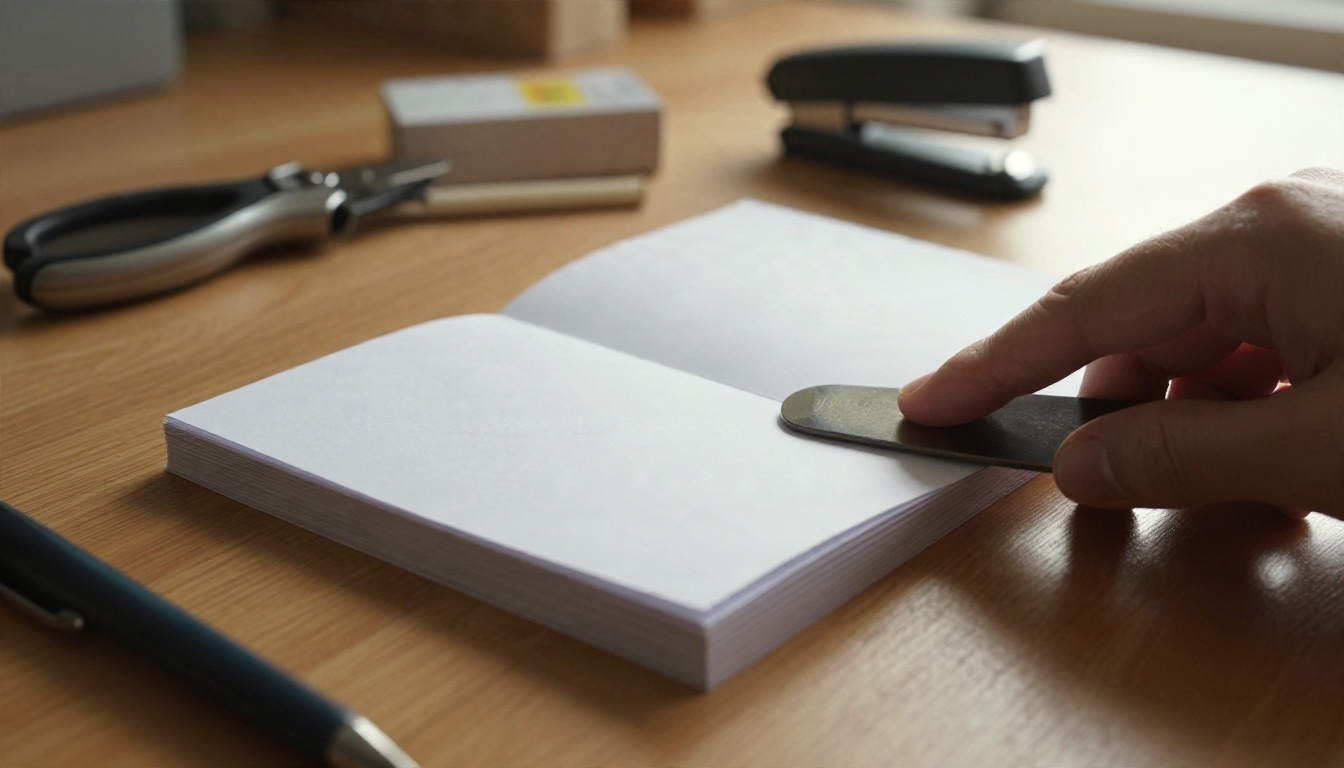
Online software has the edge when you work with other people. Comments, shared links and automatic saving remove the "final_v7_REAL.pdf" problem.
What to Check Before You Choose
Run every candidate through the same short checklist.
- Page size control. Can you set A5, A4, Letter or a custom trim?
- Bleed and margins. Does the export include bleed marks for professional printing?
- Export formats. PDF is mandatory. Direct sharing links are a bonus.
- Image quality. Does the tool compress your photos on upload?
- Fonts. Can you upload your brand typefaces?
- Collaboration. Can a colleague comment without a paid seat?
- Digital output. Can the booklet become a web page or flipbook without redoing the layout?
The last point matters more every year. A booklet that exists only as a print file is stuck. A booklet that also lives as a link can be emailed, embedded and tracked. The PDF to Flipbook Converter handles exactly that handoff: you upload the PDF you already made, and it becomes a page-turning flipbook.
Print First or Screen First?
Decide this early, because it changes your design choices.
| Decision | Print First | Screen First |
|---|
| Color mode | CMYK | RGB |
| Resolution | 300 DPI images | 150 DPI is usually enough |
| Margins | Wider, with bleed | Tighter, edge to edge |
| Links | Not clickable | Clickable buttons and URLs |
| Video and audio | Impossible | Easy to embed |
| Updates | Reprint required | Edit and republish |
Many teams do both. They design once, print a small batch for in-person events, and publish the same file online for everyone else.

Booklet Templates That Save Hours
A good template removes a hundred tiny decisions. Margins, grid, heading sizes, caption styles and image frames are already set, so you only add content.
Page Counts and Sizes
Saddle-stitched booklets (folded sheets stapled in the middle) need a page count divisible by four. Every sheet of paper folded once gives you four pages: front and back of two panels.
| Sheets of Paper | Total Booklet Pages | Typical Use |
|---|
| 2 | 8 | Short event program |
| 3 | 12 | Menu or price list |
| 4 | 16 | Product lookbook |
| 6 | 24 | Training workbook |
| 8 | 32 | Annual summary |
| 12 | 48 | Detailed manual |
Go past roughly 48 pages and the center spread starts to creep outward, which is why printers switch to perfect binding for thicker documents.
Template Categories Worth Having
Look for a library that matches your actual use, not a long list of random designs.
- Event programs with schedule grids and speaker pages
- Menus with price columns and dish photography
- Product catalogs with repeatable item layouts
- Training manuals with step panels and checklists
- Photography portfolios with full-bleed image pages
- Newsletters with column structure
If you need a niche layout, specialized pages can save the setup entirely. The Restaurant Menu Creator, Event Program Maker and Product Catalog generator each start from a layout built for that single job.
✅ Best practice: Duplicate a template before editing it. Keep the original untouched so you can start fresh on the next project.
Imposition in Plain English
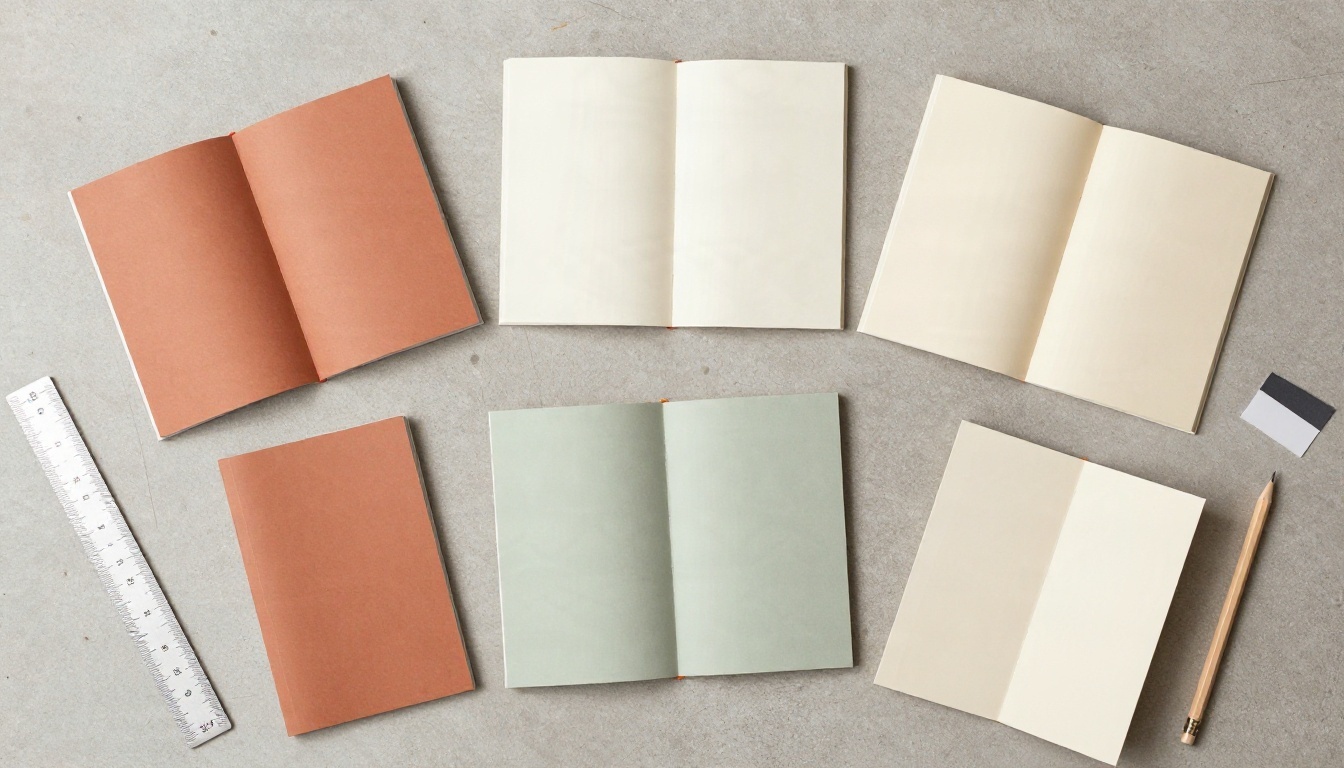
Imposition is the step that places pages on a sheet so that, once folded, they read in order. For a 8-page booklet the sheet carries pages 8 and 1 on one side, and 2 and 7 on the other, with pages 6, 3, 4 and 5 on the second sheet side. You rarely need to calculate this yourself. Word's book fold, Scribus and print shop software do it for you. What you must do is give them a PDF in reading order, one page per PDF page.
Pricing: What You Really Pay
The software price is only one line on the bill. Print, paper and your own time usually cost more.
Software Cost Ranges
Prices shift often, so treat these as typical ranges and check each vendor before buying.
| Software Type | Typical Cost | Billing |
|---|
| Open source layout | Free | None |
| Word processor booklet setting | Free to a few dollars monthly | Subscription or bundled |
| Template-based online editor | Free tier, paid tier at a modest monthly fee | Monthly or annual |
| Professional layout suite | Roughly 20 to 60 dollars monthly | Subscription |
| One-time layout license | Single payment, varies | One time |
| Flipbook platform | Plans by feature tier | Monthly or annual |
For digital publishing specifically, Flipbooks AI pricing is plan based: the Standard plan removes limits on how many flipbooks you create, and the Professional plan adds analytics and lead generation. There are no watermarks on any plan.
Hidden Costs of Printing
If you print, add these to your budget.
- Paper weight. Heavier stock feels premium but costs more per sheet
- Color versus black and white. Full color can multiply the per-page price
- Finish. Matte, gloss or soft-touch lamination all carry an upcharge
- Small runs. Digital printing is cheap for 50 copies, but not for 5,000
- Shipping. Boxes of paper are heavy
A 16-page color booklet printed in a short run can cost several times more per copy than the same file shared digitally. That is why many small teams now print only what they hand out in person.
💡 Quick math: If a booklet changes every season, a digital version pays for itself on the first update. No reprint, no waste, no storage boxes in the hallway.
How to Create a Digital Booklet with Flipbooks AI
If your booklet will live on a screen, the quickest path is converting a finished PDF. Here is the full process on Flipbooks AI.
Step by Step
- Create your account. Sign up here and open your dashboard.
- Upload your PDF. Drag in the booklet you built in Word, Scribus or any layout app. The conversion splits it into individual pages automatically.
- Check the page order. Preview the flip effect and confirm that spreads sit side by side the way you intended.
- Customize the look. Add your logo, set brand colors, choose a background and adjust the page-turn effect.
- Add multimedia. Embed videos, audio clips and clickable links directly on the pages.
- Set sharing rules. Copy a direct link, grab an embed code, or add password protection for private content.
- Publish. Your flipbook is live and mobile responsive at once.
Sharing and Embedding Options
| Option | How It Works | Best Use |
|---|
| Direct link | One URL you paste anywhere | Email, chat, social posts |
| Embed code | Snippet placed on your site | Product and landing pages |
| Password access | Visitors enter a code | Internal manuals, client files |
| Offline download | Readers save a copy | Trade shows, travel |
To place the booklet inside a page, follow the steps on the Embed Flipbook on Website tool page. Teams with training content may prefer the Training Manual Flipbook layout.
Analytics and Lead Capture
On the Professional plan you can see which pages readers spend time on, how many people opened the booklet and where they dropped off. You can also gate a flipbook behind an email form, which turns a simple price list into a lead source. Compare tiers on the pricing page before deciding.
A Real-World Example
A boutique owner designs a 12-page seasonal lookbook in Word, exports a PDF and prints 40 copies for in-store customers. The same PDF goes into a flipbook, the link goes into the newsletter, and a QR code on the shop counter points to it. Customers who never visit the shop still see the collection, and the owner reads page analytics to learn which items drew attention.

3 Common Mistakes to Avoid
Even good software cannot rescue a poorly planned booklet.
Mistake 1: Wrong Page Count
A 10-page file cannot be saddle-stitched cleanly. Add blank or notes pages until the total hits a multiple of four. Plan it early, so the extra pages carry real content instead of obvious filler.
Mistake 2: Low-Resolution Images
Photos pulled from a website look sharp on screen and blurry on paper. For print, aim for 300 DPI at final size. For digital flipbooks, high-quality JPEGs keep file sizes manageable while looking crisp.
Mistake 3: Ignoring the Fold
Text too close to the center gutter disappears into the staples. Keep at least 10 to 15 mm of inner margin, and never place a face or an important number across the fold line.
⚠️ Always print a test copy. One sheet from your home printer reveals margin, order and readability issues in two minutes.
Here is the short decision path:
- Tight budget, text-heavy, print only: Word or LibreOffice with the book fold setting
- Precise print output: Scribus or a professional layout suite
- Fast visual design: a template-based online editor, with a check on watermark and export limits
- Digital sharing, tracking and updates: a flipbook platform
Many projects need two of those at once, and that is fine. Build the layout in whichever tool you find comfortable, export a clean PDF, then turn it into something readers can open anywhere.
Ready to publish your first booklet online? Create your free account on Flipbooks AI, browse the full list of flipbook tools and templates, or compare pricing plans to see which tier fits your project.



