You do not need a design degree, a pricey software license, or a weekend of tutorials to put a sharp brochure in front of customers. A free template, a browser tab, and a publishing tool are enough. This article shows how to pick a layout, edit it online, and turn it into a page-turning link with Flipbooks AI, so your brochure works on phones, in email, and on your website without a single download.
If you have ever opened a blank document, stared at it, and closed it again, templates are the fix. They give you the structure (columns, image frames, spacing, type sizes) so you can focus on the only part that really matters: what you want to say.
Why Online Brochure Templates Win
The Old Way Costs Too Much
Not long ago, a brochure meant one of three paths. You hired a designer and waited two weeks. You bought desktop publishing software and spent a month learning it. Or you wrestled a word processor into doing something it was never built for, and ended up with images jumping across pages.
Every path had the same hidden cost: time between idea and published piece. For a small business, that gap often meant the brochure never got made at all.
What Browser Editing Changes
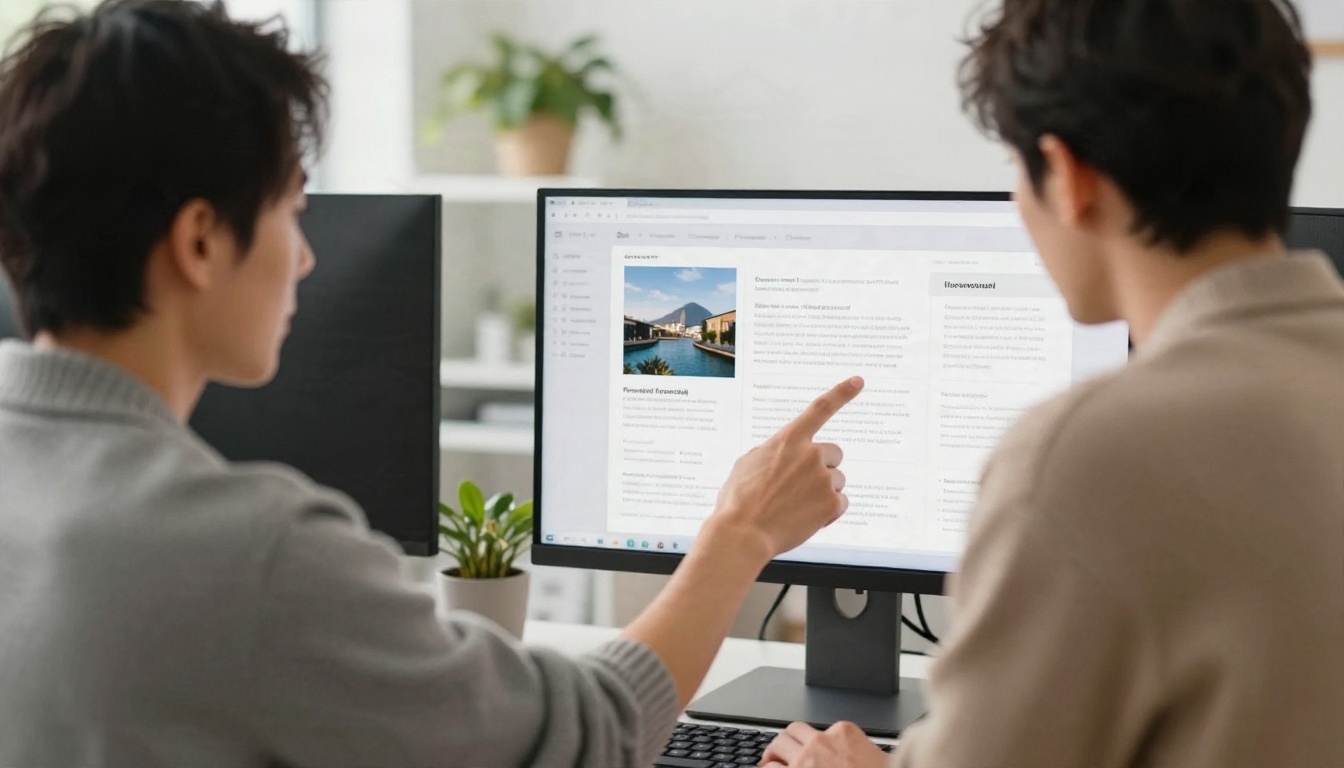
Online editors removed the install, the license, and most of the learning curve. You open a link, choose a layout, drag in your photos, retype the headings, and export. The template handles alignment and proportion. You handle the message.
Here is what that looks like in practice:
- No installation. Works on a laptop, a tablet, or a borrowed computer.
- No version chaos. The file lives online, so there is no "brochure_final_v7_REAL.docx".
- Instant previews. You see the finished spread while you edit.
- Easy updates. Prices change? Open it, fix the line, republish.

What a Good Template Includes
Not every free layout deserves your time. A strong template makes good decisions for you before you type a word.
Layout Formats That Work
Pick the format based on where the brochure will be read, not on what looks fancy.
| Format | Best For | Typical Pages | Reading Style |
|---|
| Bi-fold | Service overviews, menus, event programs | 4 panels | Quick, front to back |
| Tri-fold | Product ranges, travel offers, clinics | 6 panels | Scannable, panel by panel |
| Z-fold | Sales pitches, step-by-step stories | 6 panels | Reveals content in sequence |
| Multi-page booklet | Property portfolios, capability decks | 8 to 24 pages | Slow, detailed |
| Single sheet | Flyers, promos, quick announcements | 1 to 2 sides | Glanced at in seconds |
💡 Pro tip: If your brochure will be read mostly on a screen, a multi-page booklet in landscape or square format usually reads better than a folded layout that was designed for a printer.
Fonts, Colors, and Spacing
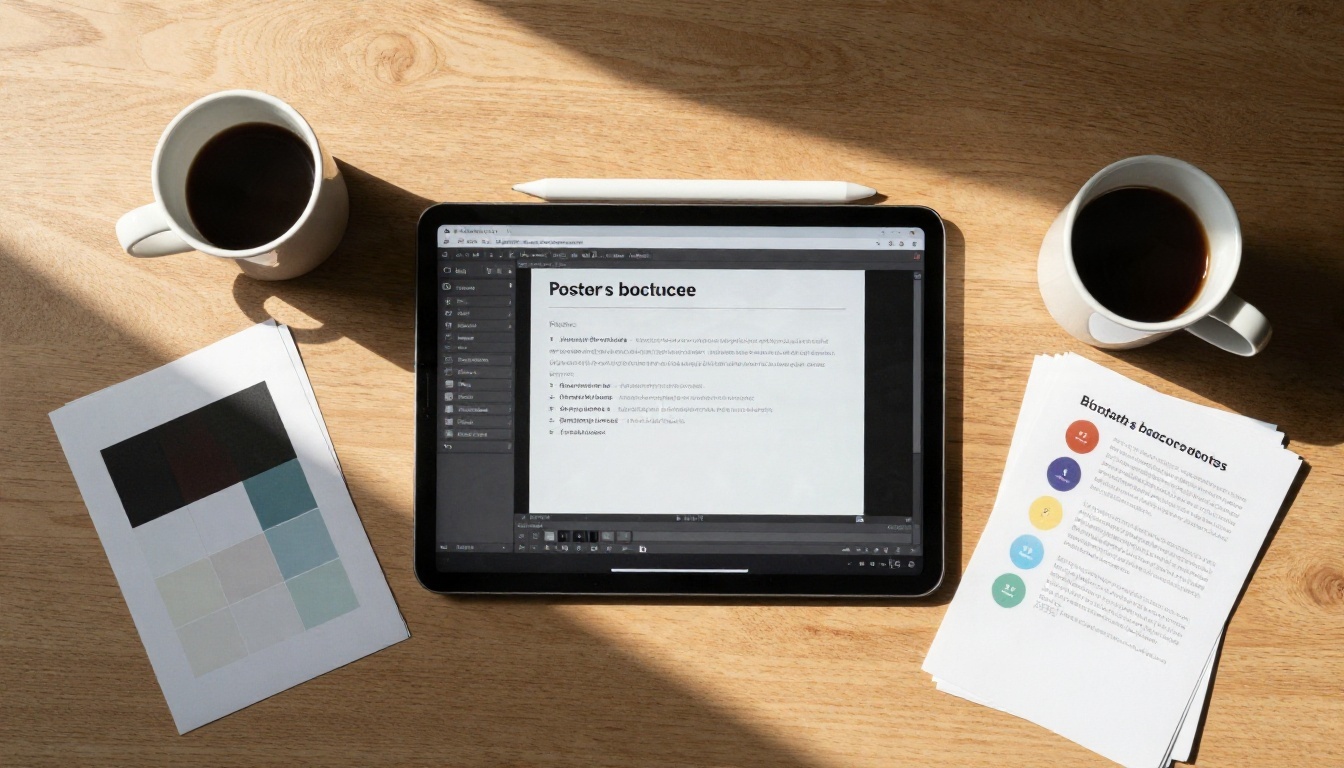
Look for templates that limit themselves. The best ones use two fonts at most, a palette of three or four colors, and generous white space. Crowded templates look busy the moment you add real content, because real content is always longer than the placeholder text.
Check these before you commit:
- Image frames that crop gracefully, so a portrait photo does not get squashed.
- Heading hierarchy with clear differences between title, subhead, and body.
- Editable color styles, so you can swap in your brand color once and have it change everywhere.
- Safe margins so nothing important sits too close to an edge.
Free Template Picks by Industry
The same grid does not suit every business. Here is how different teams tend to use layouts, along with the matching tool on Flipbooks AI.
Real Estate and Hotels
Property and hospitality brochures sell a feeling before they sell a fact. Large photography, short captions, and a clean details panel at the end work better than dense paragraphs.
A real estate agent can build a listing brochure with a hero photo, a floor plan page, and a neighborhood map, then send one link to every buyer. The Real Estate Brochure Creator is built for exactly that flow. Hotels can do the same with room types, amenities, and seasonal offers using the Hotel Brochure Designer.

Restaurants and Local Shops
Local businesses need brochures that are cheap to update. A café can change its seasonal specials every month. A boutique can swap new arrivals into a lookbook in an afternoon. The Restaurant Menu Creator and the Digital Catalog Maker fit these cases well.
Non-Profits and Events
Community groups often have strong stories and tiny budgets. A three-panel brochure with a mission statement, a few photos from recent work, and a clear way to donate or volunteer does a lot of work. For conferences and fundraisers, the Event Program Maker keeps schedules and speaker bios in one shareable link.
Here is a quick matching table:
How to Create a Brochure with Flipbooks AI
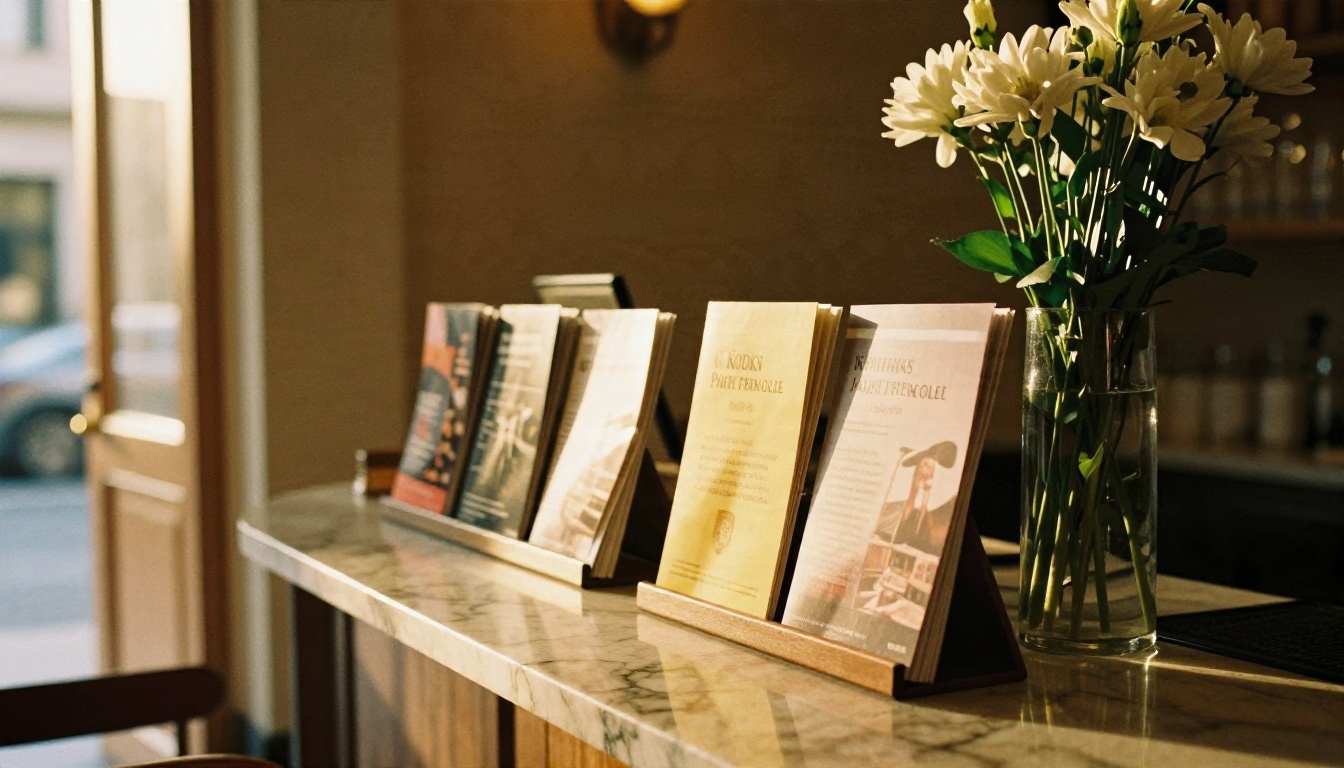
Here is the honest division of labor. A design editor (any browser-based one, or even a word processor) gives you the template and layout. Flipbooks AI is the publisher: it takes the finished PDF and turns it into an interactive, page-turning brochure with a shareable link. Together, they replace desktop software entirely.
Step 1: Sign Up and Upload
- Go to Flipbooks AI and create an account.
- Build your layout in a free online template editor and export it as a PDF.
- Open the PDF to Flipbook Converter or the Brochure Flipbook Maker and drop your PDF in.
- Wait a few moments while each page is converted into a flippable spread.
You should see a preview with realistic page turns, much like opening a physical brochure.
✅ Best practice: Export your PDF at the final page size and keep fonts embedded. Upload quality in means display quality out.
Step 2: Customize the Look
Once your flipbook is open in the editor, tune the presentation:
- Custom branding: add your logo, choose background colors, and match the viewer to your site.
- Page effects: adjust the page-turn style and speed.
- Multimedia: embed a short video tour or an audio greeting on specific pages.
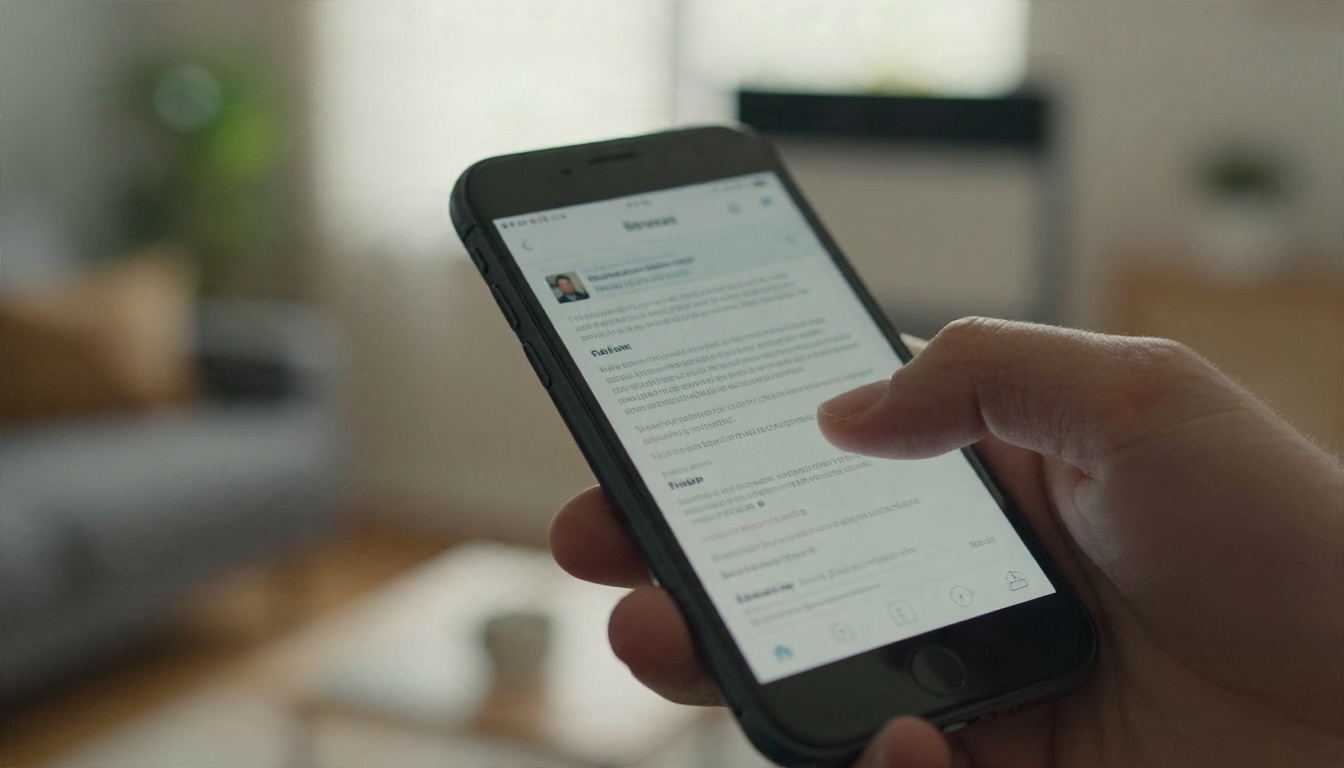
- Mobile-responsive display: the flipbook adapts automatically, so no separate mobile version is required.
And one point worth stating plainly: there are no watermarks, ever, so your brochure looks like yours.
Step 3: Share, Embed, and Protect
You have several ways to put the brochure in front of people:
| Sharing Option | How It Works | Best Use |
|---|
| Direct link | Copy a URL and paste it anywhere | Email, WhatsApp, social bios |
| Embed code | Paste a snippet into your site | Landing pages, product pages |
| Password protection | Require a password to open | Client proposals, private offers |
| Offline download | Let viewers save a copy | Trade shows, low-signal venues |
For website placement, the Embed Flipbook on Website tool walks through the snippet in a minute or two.
⚠️ Watch out: If a brochure contains pricing for a specific client, switch on password protection before you send the link. A public link can be forwarded by anyone.
Step 4: Professional Plan Extras
If your brochure is part of a sales process, the Professional plan adds:
- Analytics: see how many people opened the brochure and which pages held attention.
- Lead generation: ask for a name and email before the brochure opens.
- Unlimited flipbooks are available from the Standard plan and above, so you can publish a separate brochure per product line or per property.
Where to Find Free Layouts
Free layouts come from several places, and each has trade-offs. Here is how they stack up when your goal is a brochure that gets shared online.
| Source | Cost | Skill Needed | Output | Online Sharing |
|---|
| Desktop publishing software | Paid license | High | Print-ready PDF | Needs extra step |
| Word processor templates | Often free | Low | PDF or document | Basic attachment |
| Browser design editors | Free tiers | Low to medium | PDF, image | Limited viewer |
| Browser editor + flipbook publisher | Free layout, paid publishing tiers | Low | Interactive flipbook | Link, embed, password, analytics |
The last row is the setup this article recommends: a free layout for the design, then a publisher for the experience. You keep the flexibility of templates and gain a brochure that feels like a real publication.
💡 Pro tip: Before you pick a template, open it and replace the placeholder text with your real headline and real photo. If it still looks good, keep it. If it falls apart, move on.
Mistakes That Ruin Brochures
Even with a perfect template, a few habits can sink a brochure. These are the ones that show up most often.
Too Much Text Per Panel
A brochure is not a manual. Aim for one idea per panel. If a section runs past roughly 60 words, split it or cut it.
Weak or Missing Calls to Action
Every brochure needs one clear next step: call, book, visit, scan, or reply. Put it on the last panel, and repeat a short version on the first.
Low-Resolution Photos
Blurry images undermine trust fast. Use photos at least 1500 pixels wide for full-page frames, and keep real people and real places over generic stock whenever you can.
Ignoring the Phone Screen
More brochures are read on phones than on tables now. Test your layout at small size. If the body text is hard to read on a phone, increase it before exporting.
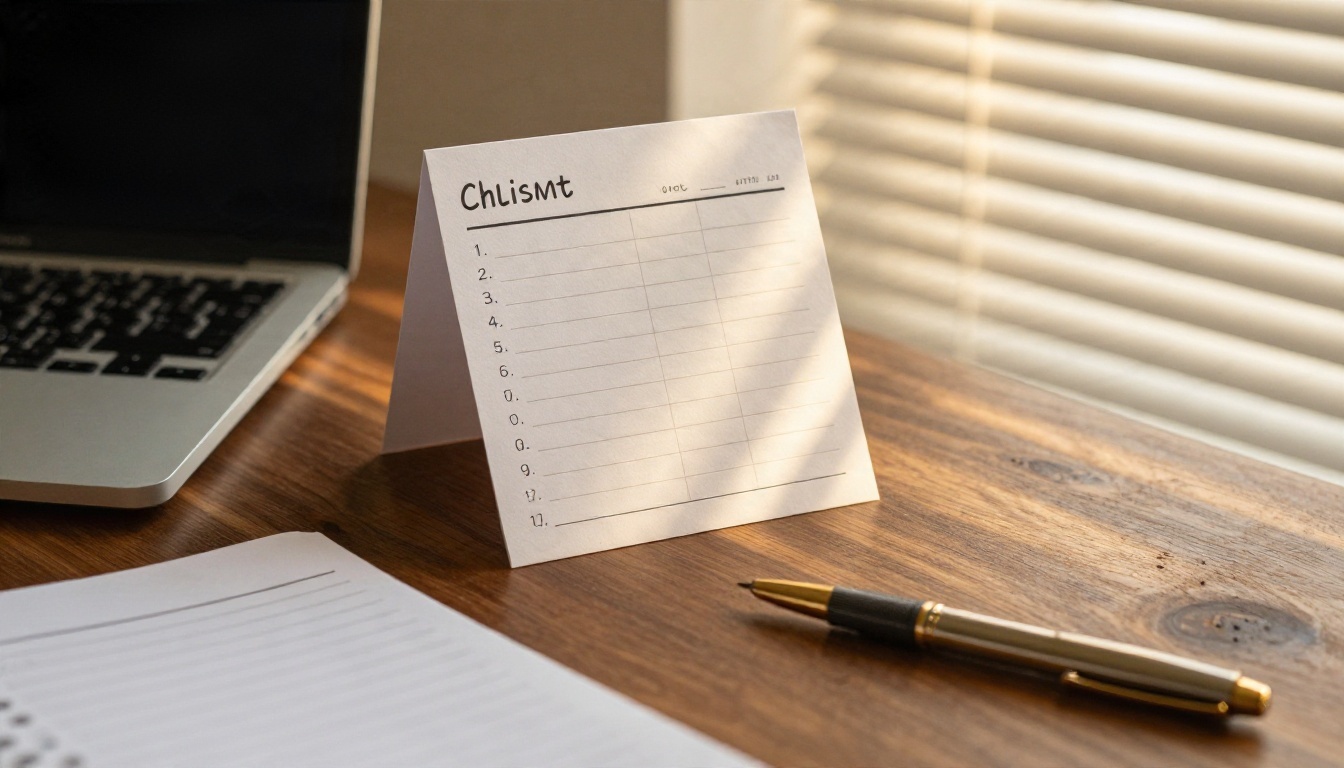
Quick self-check before publishing:
Print Versus Digital Brochures
You do not have to choose forever. Many teams print a small batch for events and rely on the digital link for everything else.
| Factor | Printed Brochure | Digital Flipbook |
|---|
| Per-copy cost | Paid on every copy | Same cost for 1 or 10,000 viewers |
| Updates | Reprint needed | Edit and republish |
| Reach | Physical handoff only | Anyone with the link |
| Tracking | None | Analytics on the Professional plan |
| Rich media | Not possible | Video and audio can be embedded |
| Shelf life | Fades, gets lost | Always one click away |
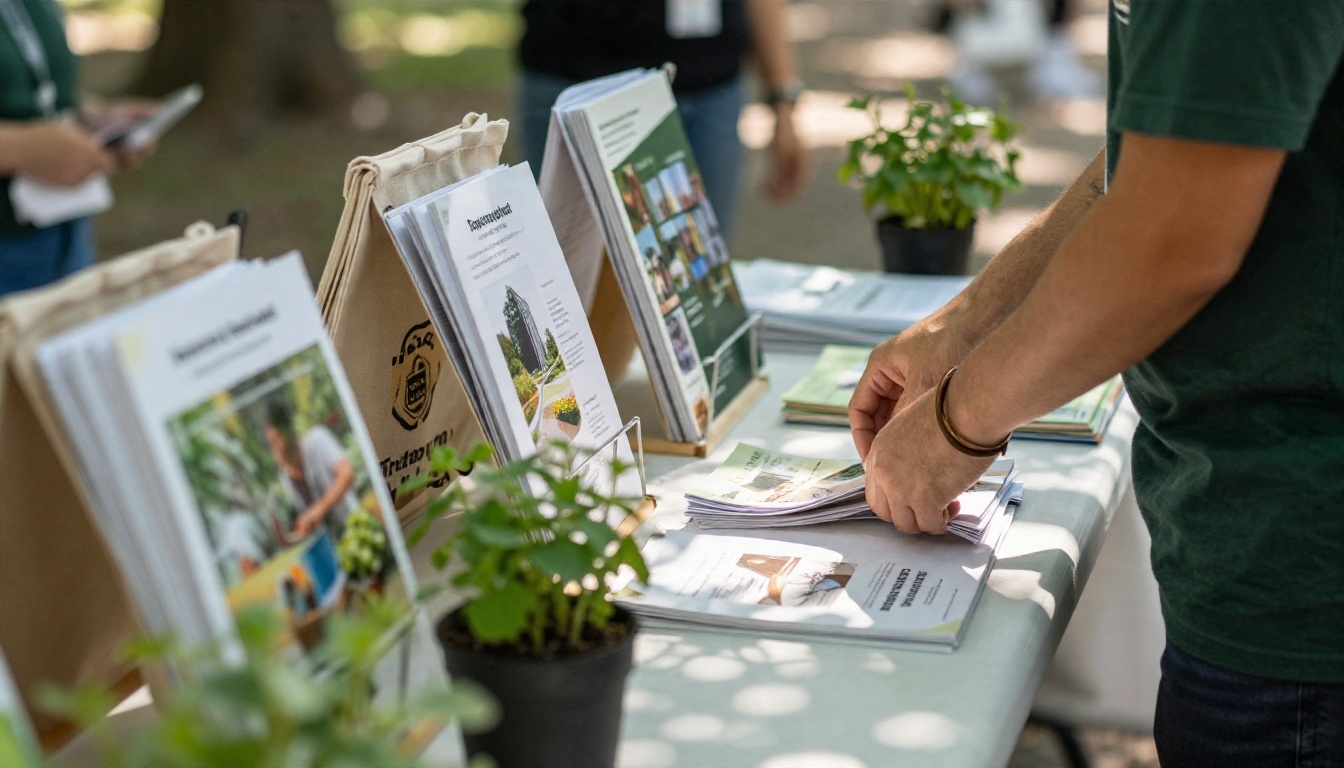
A practical hybrid: print a short run for trade shows or front desks, and add a small QR code that points to the digital version. Visitors get something to hold, and you get something you can keep current.
Ready to Publish Yours?
You now have the whole workflow: choose a layout that suits your industry, edit it in the browser, export a clean PDF, and publish it as an interactive brochure that opens on any device.
Here is where to go next:
A good brochure is not about the software you own. It is about a clear message, a clean layout, and a link people can open in two seconds. Pick a template today, publish it this afternoon, and update it whenever your business changes. When you want to go further, upgrade your plan and let the analytics tell you which pages work.



