Most catalogues fail before the first product is placed. The page size is wrong, the template fights the photography, or the finished PDF is too heavy for anyone to open on a phone. This article fixes all three. You will see which layout sizes suit which job, where to find free online templates that look professional, and how real catalogues are structured. Then you can publish the result as a flipbook with Flipbooks AI, so customers flip through it on any screen without downloading anything.
Pick Your Catalogue Goal First
Before you open a template, decide what the catalogue has to do. A catalogue that sells 40 sneakers is a different object from one that lists 4,000 bolts. The goal drives the page count, the grid and the size.
Who Reads It
Write down the reader in one sentence. A boutique owner reordering stock on a tablet needs fast scanning, SKU codes and clear prices. A homeowner choosing a sofa needs big lifestyle photos and room to dream. Wholesale buyers want density. Retail shoppers want atmosphere.
💡 Pro tip: Ask yourself what the reader should do after page one. If the answer is "order", put an order contact on every spread. If the answer is "visit the store", put the address in the footer.
Print, Digital or Both
Most brands now ship both versions. A printed catalogue works for trade shows and showrooms. A digital one wins on speed, updates and reach, because you can fix a price at 9am and customers see it at 9:05. If you plan both, design once at print quality, export a PDF, and convert it. The PDF to Flipbook Converter handles that last step.
Layout Sizes That Actually Work
Size is the decision people rush, and it is the hardest one to undo. Pick a format that your printer stocks, that fits a standard envelope, and that reads well on a laptop screen.
| Format | Size (mm) | Size (inches) | Best for |
|---|
| A4 Portrait | 210 x 297 | 8.27 x 11.69 | Product ranges, wholesale, technical items |
| US Letter Portrait | 216 x 279 | 8.5 x 11 | North American retail and B2B |
| A5 Portrait | 148 x 210 | 5.83 x 8.27 | Compact lookbooks, mailers, boutique lists |
| Square | 210 x 210 | 8.27 x 8.27 | Design, homeware, lifestyle brands |
| A4 Landscape | 297 x 210 | 11.69 x 8.27 | Furniture, travel, wide photography |
| Tabloid | 279 x 432 | 11 x 17 | Large format showpieces and price boards |
Portrait vs Landscape vs Square
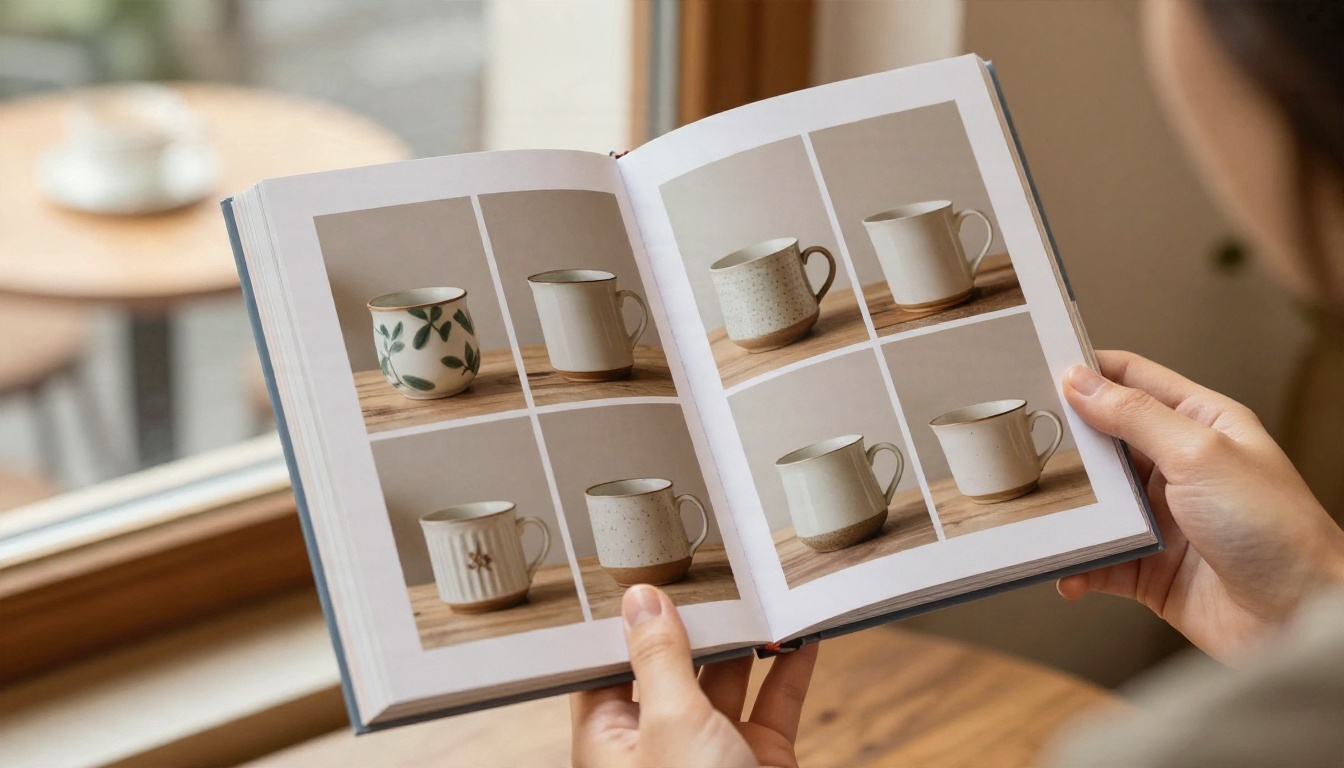
Portrait is the default because it matches how people hold a phone and how products are listed top to bottom. Landscape gives wide scenes, such as a furnished living room, the breathing space they deserve. Square feels editorial and works nicely when your photography is already shot on a 1:1 crop, but it can waste paper and feel awkward on narrow screens.
Margins, Bleed and Safe Zones
Even if you only publish online, set these up properly so a print version stays possible:
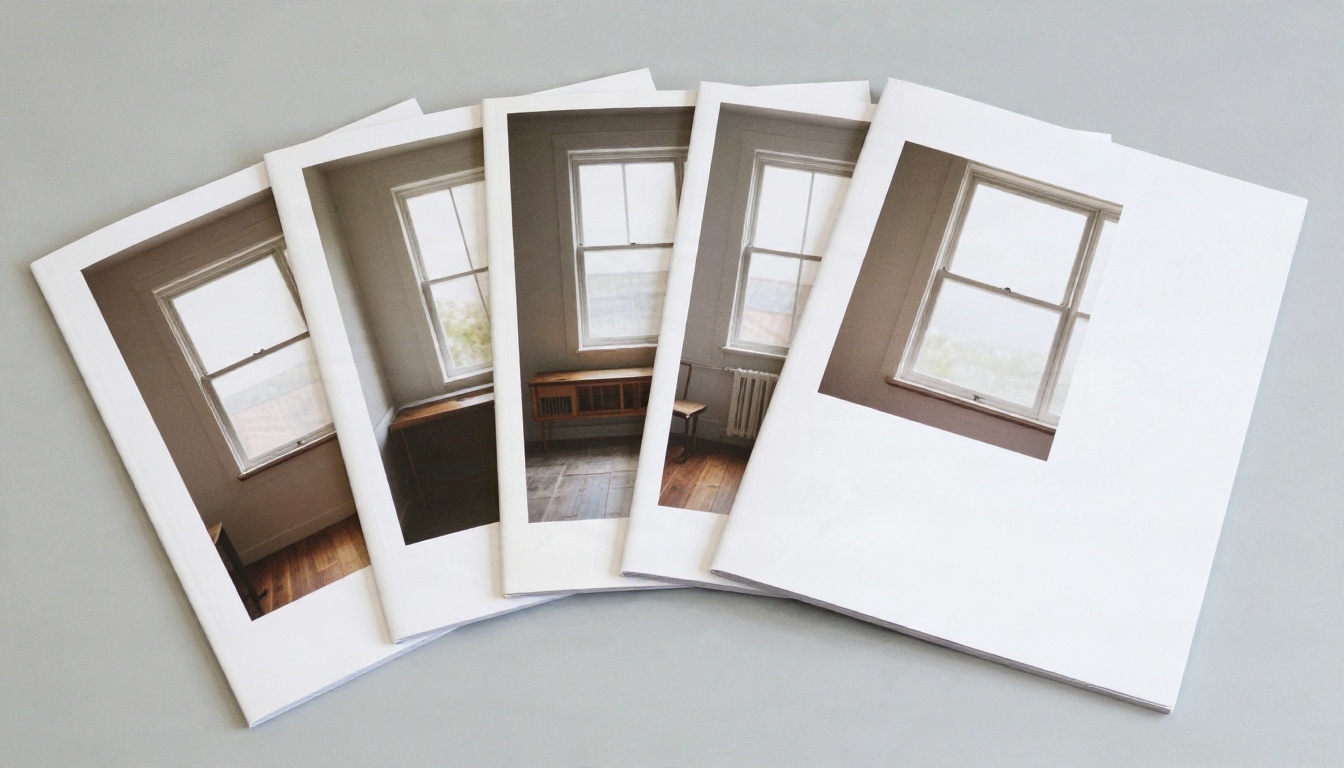
- Bleed: 3 mm (0.125 in) of extra image beyond the trim line, so no white slivers appear after cutting.
- Safe zone: keep text and logos at least 10 mm from the trim edge.
- Gutter: add 5 to 8 mm on the inner edge of facing pages so the binding does not swallow your content.
- Resolution: 300 dpi for print images, 150 dpi is enough if the catalogue will only live on screens.
⚠️ Warning: Do not stretch a small photo to fill a big grid cell. Blurry product images cost more sales than any layout mistake.
Free Online Templates Worth Using
A good template saves you roughly a day of grid work. The best free ones give you master pages, paragraph styles and a colour palette you can swap in a minute. Look for templates in formats you can edit freely, then export to PDF.
Templates by Industry
Different products need different page logic. Use this table to choose a starting structure.
| Catalogue type | Layout pattern | Images per page | Typical page count |
|---|
| Fashion lookbook | Full-bleed hero plus small detail crops | 1 to 3 | 20 to 40 |
| Furniture and decor | Room scene plus product callouts | 2 to 4 | 24 to 60 |
| General product catalogue | 2 x 3 or 3 x 3 grid | 6 to 9 | 16 to 80 |
| Wholesale price list | Dense table with thumbnails | 10 to 20 | 8 to 100 |
| Gift or seasonal catalogue | Themed spreads with bundles | 3 to 6 | 12 to 24 |
If your industry is clear, you can also jump straight into a purpose-built tool: the Product Catalogue Generator, the Fashion Catalog Creator or the Furniture Catalog Maker.
What a Good Template Includes
Check for these before you commit:
- Master pages for covers, section openers, product grids and a back page.
- Editable colour swatches, so you rebrand once and every page updates.
- Paragraph and character styles for headings, product names, prices and captions.
- Image placeholders with fixed aspect ratios, so photos line up automatically.
- A table of contents page with room for clickable links once you publish digitally.
Catalogue Examples by Industry
Seeing a structure helps more than any rule. These three patterns cover most small business needs.
Fashion and Swimwear
Fashion catalogues lean on mood. Open with a full-page hero, then alternate between a wide scene and a grid of three or four close-ups with sizes and prices underneath. Seasonal swimwear brands usually shoot on location, use warm light and keep text minimal so the product and the setting do the selling. Close each section with a bundle spread, for example a swimsuit plus a wrap plus sandals, to raise the average basket.

A real-world case: a small swimwear label with 60 styles splits its catalogue into three collections of 20, gives each a two-page opener and puts every size chart on the final spread. Customers can flip straight to the chart instead of hunting for it. The Interactive Lookbook Designer suits this style well.
Furniture and Homeware
Furniture buyers need context. Show the sofa in a living room first, then give the same product a clean cut-out with dimensions, fabric options and lead time. Landscape A4 or square pages work best, because wide rooms need wide frames.

- Put dimensions and materials in a consistent spot on every page.
- Add a fabric swatch page near the back.
- Link each product to its web page when you publish digitally.
Wholesale Price Lists
Trade catalogues are about speed. Use a table layout with a small thumbnail, SKU, pack size, wholesale price and minimum order. Keep one product family per page. For frequently changing prices, a Digital Price List Generator means you update a single file instead of reprinting 500 copies.
How to Create a Catalogue with Flipbooks AI
Once your pages are finished in any design tool, Flipbooks AI turns the PDF into a page-turning, mobile-responsive flipbook with no watermarks, ever. The Digital Catalog Maker and the Catalog Flipbook Creator follow the same flow.

Upload Your PDF
- Go to Flipbooks AI and create an account.
- Click New Flipbook and drag your catalogue PDF into the upload area.
- Wait a few seconds while the pages convert. Your screen shows a live preview with a realistic page-turn animation.
- Check that fonts, images and bleed areas look right on every page.
Customize Branding and Effects
- Add your logo, pick background colours and choose a page-flip style and sound.
- Insert clickable hotspots on products that link to your online shop.
- Embed videos or audio on pages where a short demonstration sells better than a photo.
- Preview on a phone, because that is where most of your readers will open it.
✅ Best practice: Add a link from each product image to its shop page. The catalogue then works as a storefront and not just a brochure.
Share, Embed and Protect
| Sharing option | Best use | Notes |
|---|
| Direct link | Email, WhatsApp, social bios | Fastest way to send a catalogue |
| Embed code | Your website or shop page | See Embed Flipbook on Website |
| Password protection | Wholesale and dealer price lists | Keeps trade pricing private |
| Offline download | Trade shows with weak Wi-Fi | Readers keep a copy on their device |
Pro Features: Analytics and Leads
On the Professional plan you get analytics that show which pages readers open, how long they stay and where they drop off, plus lead generation forms that collect an email before the catalogue opens. Compare options on the pricing page. The Standard plan and above also include unlimited flipbooks, handy if you publish a catalogue per season.

Print vs Digital Catalogue Compared
| Factor | Printed catalogue | Digital flipbook |
|---|
| Upfront cost | High, per copy | Low, one file |
| Update a price | Reprint | Replace the file in minutes |
| Reach | Limited by postage | Anyone with a link |
| Tracking | Almost none | Page views, time on page, leads |
| Interactivity | None | Links, video, audio, forms |
| Tactile impact | Excellent | Depends on screen |
| Shelf life | Years in a drawer | Always current |
The honest answer for most brands is both. Print a small run for showrooms and events, and let the digital version do the daily selling.
Common Mistakes to Avoid
- Too many fonts. Two is plenty: one for headings, one for body text.
- Inconsistent grids. If one page has three columns and the next has two for no reason, the catalogue feels amateur.
- Tiny prices. Readers should find the price in under two seconds.
- No clear order path. Add a phone number, shop link or QR code to every spread.
- Huge files. Compress images before export. Aim for a PDF under 30 MB so it loads quickly on mobile data.
- Skipping the proofread. Print one spread at actual size and read it aloud. Typos hide in plain sight on a screen.
💡 A three-step check before launch: open the file on a phone, test every link, and ask one person outside your team to find a specific product in under 20 seconds.
Publish Your Catalogue Today
You now have what you need: a goal, a page size, a template with real structure, and a path from PDF to shareable flipbook. Pick one product range, build 8 to 12 pages, and publish a first version. You can always extend it later.
Ready to go? Get started for free on Flipbooks AI, browse all flipbook tools to find the closest match to your industry, or compare pricing plans when you are ready for analytics and lead capture.



