A printed brochure gets folded, stuffed in a bag, and forgotten. An interactive one gets opened on a phone, flipped through, clicked, and forwarded to a colleague. If you want to build an interactive brochure that people actually open, you don't need a design degree or a four-figure software license. You need a good layout, a few smart interactive elements, and an online maker that turns a PDF into a page-turning experience. In this article you'll find template formats that work, free tools and their real limits, brochure examples by industry, and a numbered tutorial using Flipbooks AI.
💡 Quick answer: Design your brochure as a PDF (or start from a template), upload it to an online brochure maker, add links, video and forms, then share one link or embed it on your site. The whole process can take under an hour.
What Makes a Brochure Interactive
An interactive brochure is a digital brochure that reacts to the reader. Pages turn like paper, links open products or booking pages, videos play inside the layout, and the creator can see which pages got attention. It behaves like a small website but feels like a brochure.
Print vs PDF vs Flipbook
Most people compare only two formats: print and PDF. The third option, a flipbook, sits between them and fixes the weak spots of both.
| Feature | Printed Brochure | Plain PDF | Interactive Flipbook |
|---|
| Cost per copy | High, rises with volume | Almost zero | Almost zero |
| Page-turn feel | Yes | No, scrolling only | Yes, with page effects |
| Clickable links | No | Basic | Yes, with buttons and hotspots |
| Video and audio | No | Rarely works | Embedded inside pages |
| Mobile friendly | No | Needs pinching and zooming | Responsive layout |
| Update after sharing | Reprint | Resend a new file | Same link, new content |
| Reader tracking | None | None | Page views and leads |
The last two rows decide it for most teams. A printed brochure with a wrong price is trash. A flipbook with a wrong price takes two minutes to fix, and every shared link updates itself.
Elements Worth Adding
You don't need all of these. Pick the ones your reader will use:
- Clickable buttons on the cover and last page, such as "Book now" or "Request a quote"
- Embedded video, ideal for property tours, product demos and behind-the-scenes clips
- Audio for welcome messages or podcast-style intros
- Internal links from a table of contents to the right page
- Lead forms so interested readers can leave an email before continuing (Professional plan)
- Password protection for price lists and partner-only material
Brochure Templates That Work
Templates save hours, but only if the format suits your content. A tri-fold layout works for a three-point story. It fails if you have forty products.
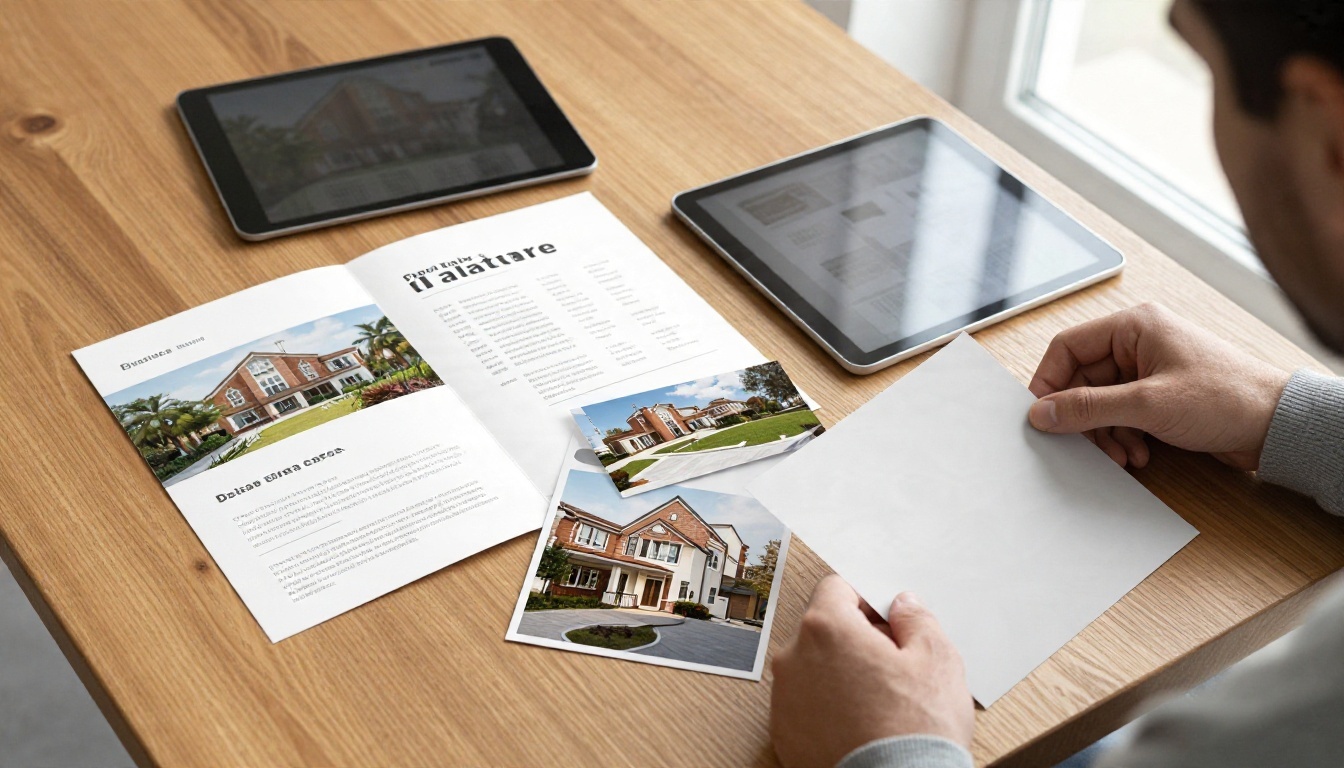
Tri-Fold, Bi-Fold and Square Layouts
| Template Format | Best For | Typical Page Count | Watch Out For |
|---|
| Tri-fold | Services, travel, events | 6 panels | Text crammed into narrow columns |
| Bi-fold | Real estate, product intros | 4 panels | Weak first impression if the front panel is cluttered |
| Square | Boutique brands, lifestyle | 8 to 16 pages | Needs strong photography |
| Multi-page booklet | Catalogs, hotels, automotive | 12 to 40 pages | Needs a clickable contents page |
| Single-page long scroll | Quick promotions | 1 | Limited page-turn effect |
For a digital-first brochure, page orientation matters too. Landscape pages look great on desktop, while portrait pages feel natural on a phone. If most of your readers arrive from social media or WhatsApp, choose portrait.
Templates by Industry
Start from the structure that matches your sector, then replace photos and copy:
- Hotels and resorts: hero photo, room types, amenities, local attractions, booking button. See the Hotel Brochure Designer.
- Real estate: property highlights, floor plans, neighborhood map, agent contact. Try the Real Estate Brochure Creator.
- Automotive: model gallery, trim comparison, specs table, test-drive link. The Automotive Brochure Generator fits here.
- Retail and wholesale: product grids with price links, which overlaps with the Digital Catalog Maker.
- Events: schedule, speakers, venue map. Use the Event Program Maker.
✅ Best practice: Keep one idea per page. If a page needs more than 60 words of body text, split it.
"Free" covers a lot of ground. Some tools are free forever with limits, others are free for seven days and then ask for a card. Know which one you're signing up for.
What Free Plans Usually Limit
| Limitation | How It Hurts | What to Look For |
|---|
| Watermarks | Makes a business brochure look amateur | A tool that never adds a watermark |
| Page caps | Blocks multi-page booklets | At least 20 to 30 pages |
| Public-only sharing | Exposes private pricing | Password protection |
| No embed code | Keeps readers off your own site | Embed option for websites |
| No analytics | You can't tell what worked | Page views and click tracking |
| Export locked | You can't share offline | PDF or offline download option |
Flipbooks AI is built around a simple promise: no watermarks, ever. You can browse the tools directory to see which brochure and catalog formats fit your project, and check the pricing plans for what each tier adds.
Pick a Tool in Five Minutes
Run through this checklist before you commit to any online brochure maker:
- Can I upload my own PDF, or am I forced into the editor's templates?
- Does the output look good on a phone without zooming?
- Can I add video and audio inside pages?
- Is there a way to protect private brochures with a password?
- Can I embed the brochure on my own website?
- Do I get analytics, even basic ones?
If you answer "no" to three or more, keep looking.
⚠️ Warning: Some free brochure makers hold your content hostage. Check whether you can download or re-upload your files before building anything large.
Real Brochure Examples
Seeing how other businesses use interactive brochures is the quickest way to find ideas for your own.
Hotel Brochure With Booking Links
A boutique hotel can build a 12-page brochure: lobby and rooms on pages 1 to 5, dining and spa on pages 6 to 8, local attractions on pages 9 to 11, and a booking button on page 12. Front-desk staff share the link by message or QR code, and guests can flip through while still in the lobby.

The big win is the QR code on a small card. It replaces a stack of paper that goes out of date every season.
Real Estate and Automotive
A real estate agent can send a bi-fold property brochure with an embedded walkthrough video, floor plan, and a "Book a viewing" button. When the listing sells, the agent swaps the brochure for the next property, but the same link keeps working on the agency's website.
An automotive dealer can use a 20-page model brochure with a trim comparison table, a link to the configurator, and a test-drive form. Because prices and offers change monthly, a digital version prevents the classic problem of printed brochures promising last quarter's deal.
Retail and Event Brochures
| Use Case | Interactive Elements | Result |
|---|
| Boutique product brochure | Buy buttons on each product page | Shorter path from page to checkout |
| Wedding venue brochure | Photo gallery, pricing request form | Qualified inquiries instead of cold emails |
| Conference program | Clickable schedule, speaker links | Fewer "where is this room?" questions |
| Wholesale price brochure | Password protection, PDF download | Private pricing stays with approved buyers |
| Local tourism brochure | Embedded map, video clips | Longer reading time on mobile |
How to Create a Brochure with Flipbooks AI
This tutorial uses the Brochure Flipbook Maker workflow, but the same steps apply to the Online Brochure Designer. Ready to follow along? Create an account first, which takes less than a minute.
Upload and Convert
- Design your brochure in any tool you already use (Canva, InDesign, Word, Google Slides) and export it as a PDF. Use high-resolution images, since flipbook pages are viewed full-screen.
- Log in to Flipbooks AI and click the button to create a new flipbook.
- Upload your PDF. The PDF to Flipbook Converter splits each page, keeps your fonts and images sharp, and builds the page-turn animation automatically.
- Preview the result. Click through each page on desktop and phone view. Check that no text is cut off near the fold.
💡 Pro tip: Export your PDF in single-page order, not as printer spreads. Spreads confuse the page-turn effect.
Customize the Look
Next, make the brochure feel like your brand and not like a generic viewer.
- Upload your logo and set it as the viewer's brand mark.
- Choose a background color that matches your palette. Neutral shades like warm cream or soft gray make photos stand out.
- Pick a page effect. Soft page curl feels natural, while a flat slide suits modern corporate brochures.
- Add multimedia. Drop video clips onto a page, or attach audio for a welcome message. Videos from your library or hosted links both work.
- Place links and buttons. Draw a hotspot over a product photo or a "Book now" label and add the destination URL.
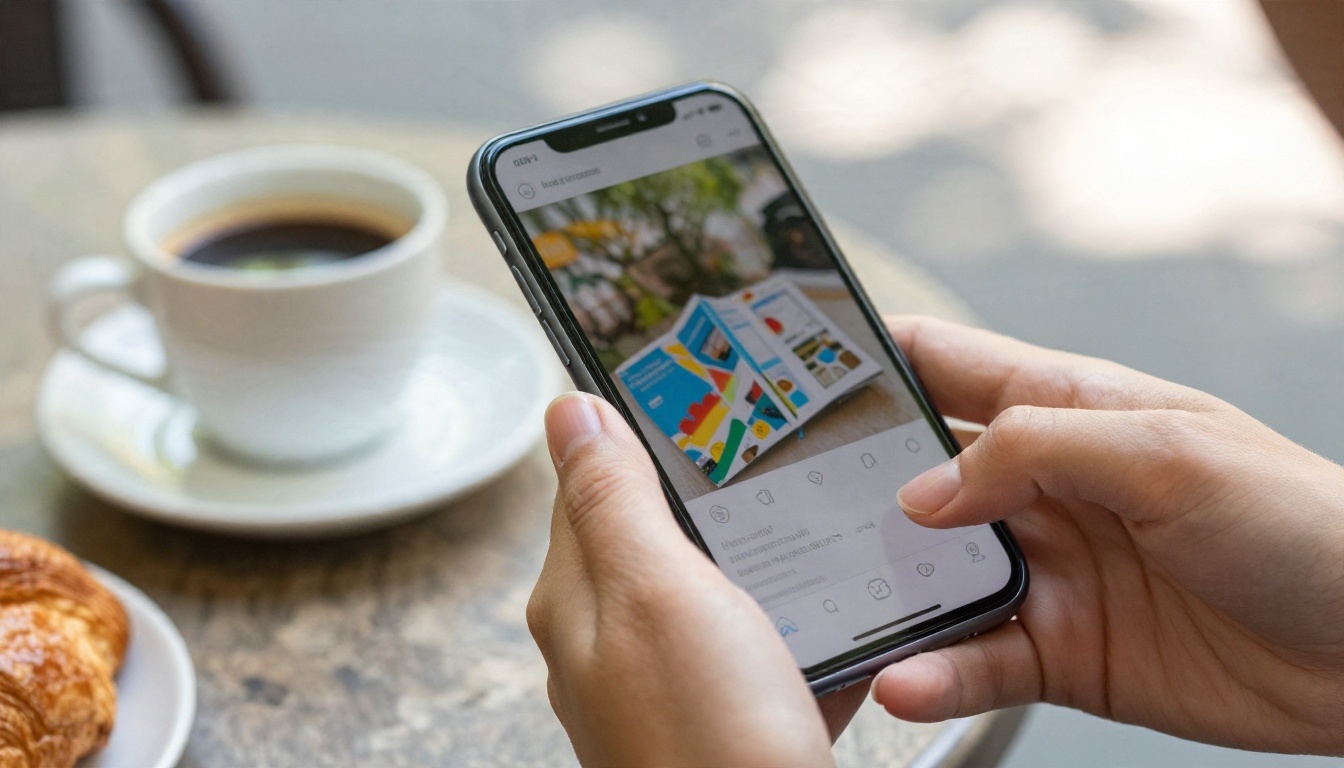
Because the viewer is mobile-responsive, the brochure automatically adapts to small screens. Readers on a phone see a single page at a time, while desktop readers see the classic two-page spread.
Share and Embed
You have four main ways to get the brochure in front of people:
| Sharing Option | Best For | Notes |
|---|
| Direct link | Email, chat apps, social bios | Fastest to set up |
| QR code | Print materials, reception desks, events | Link it on a card or poster |
| Embed code | Your own website or landing page | See how to embed a flipbook on your website |
| Password-protected link | Price lists, partner brochures, internal use | Share the password separately |
If you want readers to keep a copy, enable offline downloads so they can save the brochure to their device.
Track Results With Pro Features
The Professional plan adds the features that turn a brochure into a lead tool:
- Analytics: see which pages get the most views and where readers stop
- Lead generation: place a form on a page so readers share their contact details
- Link tracking: find out which buttons get clicked

Say your analytics show that readers consistently drop off on page 6, where you placed a long pricing table. You can move it to the end, shorten it, or replace it with a "Request pricing" button. Then you update the flipbook in place, and the shared link keeps working.
| Plan Level | What You Get | Good For |
|---|
| Free trial | Try the maker with no watermarks | Testing one brochure |
| Standard | Unlimited flipbooks, password protection, embeds | Small businesses and freelancers |
| Professional | Everything in Standard plus analytics and lead generation | Agencies, sales teams, marketers |
Plan details change over time, so check the pricing page for the current numbers.
Mistakes That Hurt Brochures
I've seen the same few errors sink otherwise good brochures. Avoid them and you're already ahead of most competitors.
- Uploading a low-resolution PDF. Blurry photos look worse on a big monitor than on paper. Export at 150 DPI or higher.
- Too much text. Dense paragraphs work in print because readers are patient. On a phone, they scroll away.
- No call to action. Every brochure needs one clear next step: book, call, buy, or download. Put it on the first and last page.
- Forgetting mobile testing. Open the finished brochure on your own phone before you send it anywhere.
- Hiding private content on a public link. If the brochure includes wholesale prices, turn on password protection.
- Never checking analytics. Review views and clicks every two weeks. Small edits based on real behavior beat guesses.
✅ Best practice: Keep a "version name" in your title, such as "Spring Offers 2027". When you update the brochure, you'll know what the readers saw.
Quick Pre-Launch Checklist
- Cover page has a strong photo and a short headline
- Every product or service page has a clickable button
- Contact details appear on the last page and in a link
- Video files play on both desktop and phone
- The brochure loads in under three seconds on mobile data
- A QR code is ready for print materials
Build Yours Today
An interactive brochure isn't a design project, it's a sales tool that happens to look good. Start with a clear template, keep the copy short, add the buttons readers actually need, and use analytics to improve it every few weeks.
Ready to build yours? Get started for free on Flipbooks AI, upload a PDF, and have a shareable brochure live before your coffee gets cold. Browse all tools and templates to find the right layout for hotels, real estate, retail or events, and compare pricing plans when you're ready for analytics and lead generation.



