A buyer walks into your design studio, falls in love with the model home, and then asks the one question that stalls the whole sale: "What does that cost if I want it in my house?" If the answer lives in a dusty binder, a scattered email thread or a salesperson's memory, you lose momentum and margin. A clear builder upgrades price list fixes that. It puts every option, price and deadline in one place, and when you publish it as an interactive flipbook with Flipbooks AI, buyers can browse it on their phone at midnight and arrive at the studio ready to decide.
This article gives you a working template, three pricing tiers, filled in examples, and a simple process for sharing the list online.
Why Builders Need an Upgrades Price List
Upgrades are where a lot of builder profit hides. Base prices get compared across communities, but options such as flooring, cabinetry, lighting and outdoor space are chosen after the buyer is emotionally committed. That is exactly why they need to be organized, transparent and easy to review.

What goes wrong without one
- Sales staff quote different prices for the same option.
- Buyers feel surprised at the design appointment and walk back selections.
- Trade partners receive vague change orders.
- Spreadsheets get emailed around and outdated versions stay in circulation.
What a good list delivers
- Consistency: one price per option, one version of the truth.
- Speed: buyers pre-select before the studio visit, so appointments are shorter.
- Higher attach rates: visual options sell better than text rows.
- Fewer disputes: the signed selections match the published list.
💡 Pro tip: Version your list with a date and a revision number on the first page. When prices change, you can prove which edition a buyer saw.
The Builder Upgrades Price List Template
Start with a structure that works for every community. Group upgrades by room or system, give each a short code, and always show the base item that the upgrade replaces. Buyers understand an upgrade far better when they see what is included at no extra cost.
Core columns every list needs
| Column | Purpose | Example entry |
|---|
| Option code | Fast reference for sales and trades | K-104 |
| Category | Keeps the list scannable | Kitchen |
| Description | What the buyer actually gets | Quartz countertops, 3 cm, eased edge |
| Included standard | Shows the baseline | Laminate countertops |
| Upgrade price | Delta over the standard | $3,850 |
| Selection deadline | Protects the build schedule | Before drywall |
| Notes | Limits, lead times, exclusions | Not available on lot 14 to 22 |
Suggested sections
- Structural options (extra bedroom, bump outs, ceiling height)
- Kitchen (countertops, cabinetry, appliances, backsplash)
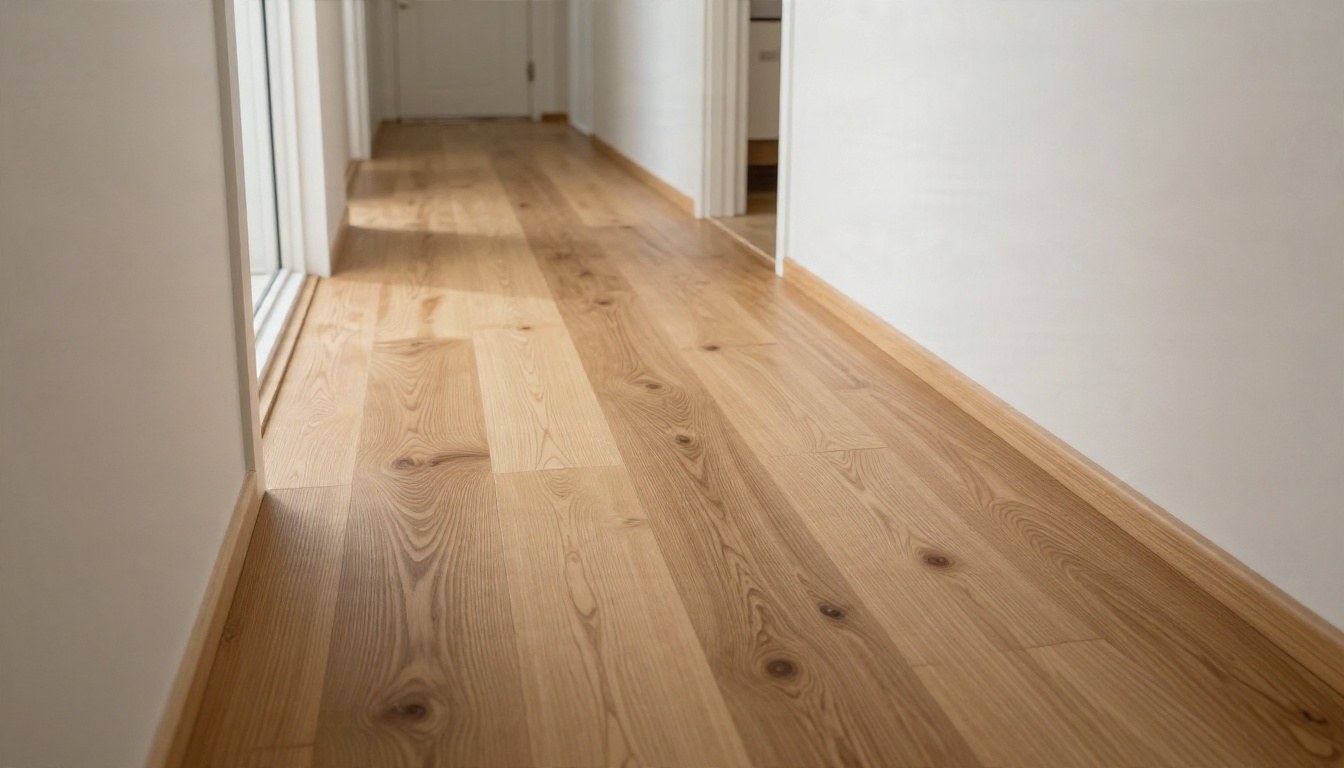
- Flooring (hardwood, tile, carpet grades)
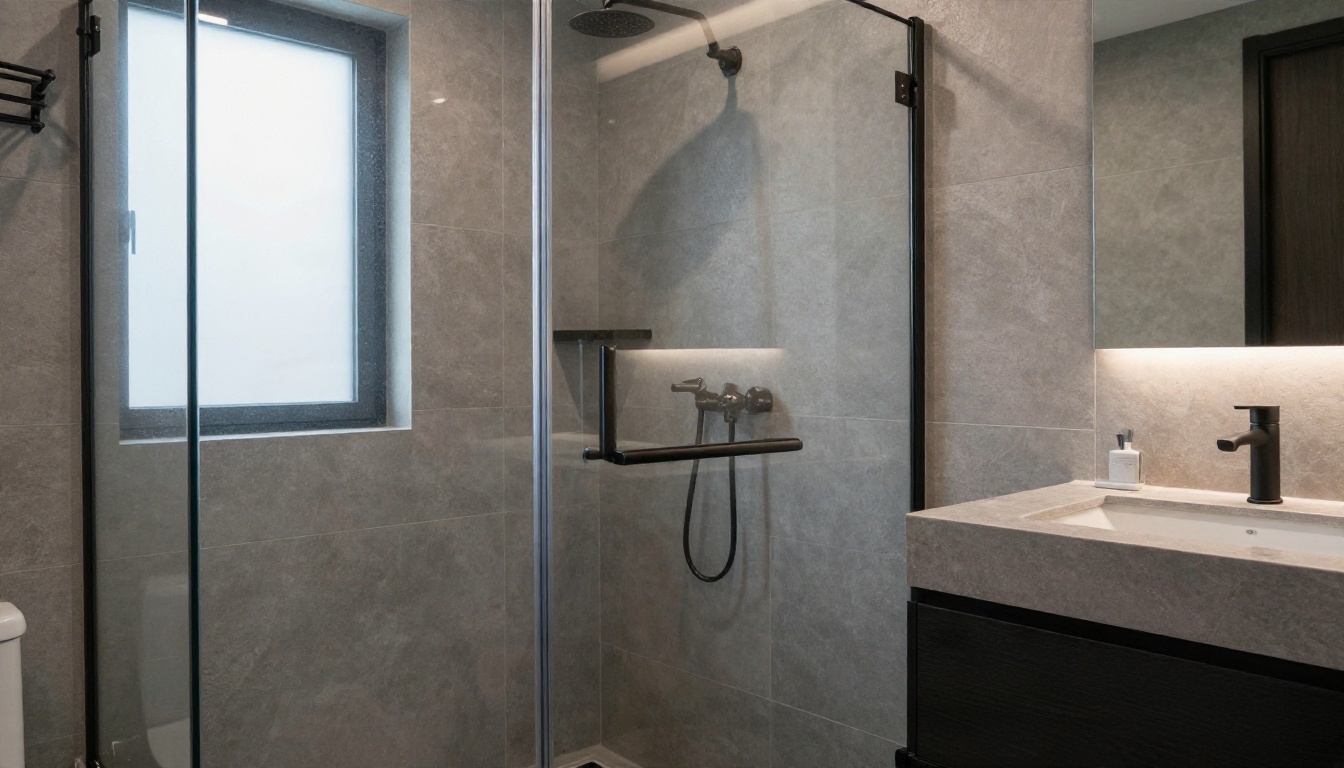
- Bathrooms (shower systems, vanities, fixtures)
- Electrical and smart home (lighting, outlets, security)
- Exterior and outdoor living (elevations, patios, landscaping)
- Energy and comfort (insulation, windows, HVAC zones)

⚠️ Warning: Never list a price as "TBD" or "ask your consultant" unless the option is truly custom. Missing numbers make buyers assume the worst.
Pricing Tiers That Sell
Instead of dumping 200 line items on a buyer, bundle them. Tiers reduce decision fatigue and give your team a natural way to upsell without pressure.
| Tier | Typical buyer | Included upgrades | Price range |
|---|
| Essentials | First time buyers on a tight budget | Upgraded paint palette, LED lighting package, luxury vinyl plank in main areas | $4,000 to $9,000 |
| Signature | Move up buyers who want a polished look | Quartz counters, soft close cabinetry, tile backsplash, hardwood in living areas, smart thermostat | $18,000 to $32,000 |
| Premier | Buyers who want a showpiece | Waterfall island, spa shower, whole home flooring upgrade, outdoor kitchen rough in, upgraded elevation | $45,000 to $85,000 |
How to price each tier
Take your real cost, add your target margin, and then round to a clean number. Bundles should be priced 5 to 10 percent lower than the sum of individual options. That small discount makes the tier feel like a deal while still protecting profit.
A la carte options still matter
Keep individual options available inside each tier. Some buyers want the Signature kitchen but not the Signature flooring, and a rigid package will lose them.
Builder Upgrades Price List Examples
Here are three filled in examples you can adapt. Prices are illustrative, so replace them with your own costs and local labor rates.
Kitchen upgrades example
| Code | Option | Standard | Upgrade price |
|---|
| K-101 | Quartz countertops | Laminate | $3,850 |
| K-102 | Shaker cabinets with soft close | Flat panel | $2,400 |
| K-103 | Ceramic tile backsplash | Painted wall | $1,150 |
| K-104 | Stainless appliance package | Basic white | $4,200 |
| K-105 | Kitchen island extension | Standard island | $2,950 |
Bathroom upgrades example
| Code | Option | Standard | Upgrade price |
|---|
| B-201 | Frameless glass shower | Tub shower combo | $3,600 |
| B-202 | Large format porcelain tile | Cultured marble | $2,750 |
| B-203 | Double vanity with undermount sinks | Single vanity | $1,900 |
| B-204 | Heated floor in primary bath | None | $1,450 |
Outdoor and exterior example
| Code | Option | Standard | Upgrade price |
|---|
| E-301 | Covered rear patio, 12 by 16 ft | Concrete slab | $9,800 |
| E-302 | Outdoor kitchen rough in | None | $3,200 |
| E-303 | Stone veneer front elevation | Siding only | $6,400 |
| E-304 | Irrigation and sod package | Seed only | $2,100 |
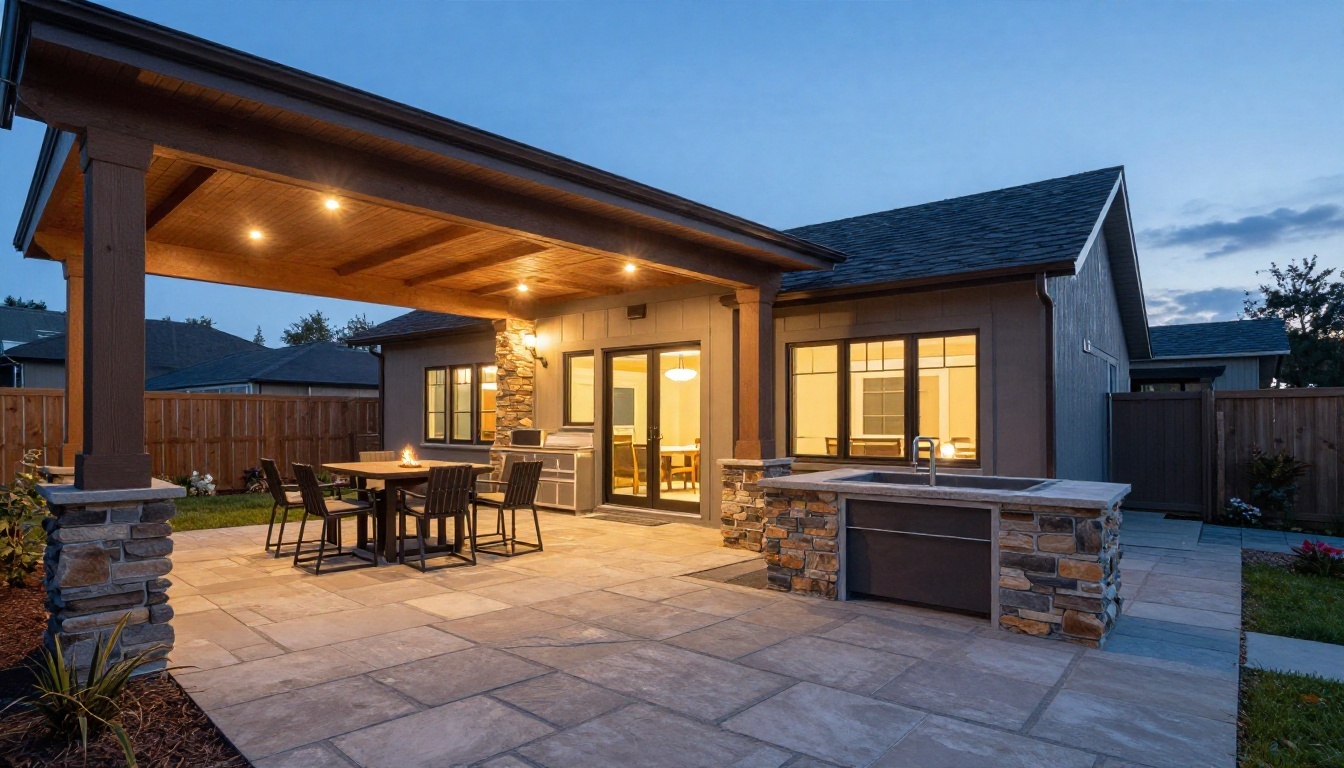
✅ Best practice: Pair each row with a photo. Buyers choose a $3,850 countertop faster when they can see the stone, not just read the word "quartz."
Why a Flipbook Beats a PDF or Binder
A static PDF works, but it behaves like a spreadsheet. A flipbook feels like a design magazine. Pages turn, photos load beautifully, and the layout adapts to mobile screens. Since a lot of buyers browse on their phones during evenings and weekends, that difference is real.
| Format | Visual appeal | Mobile friendly | Easy to update | Trackable |
|---|
| Printed binder | High in person | No | Slow and costly | No |
| Emailed spreadsheet | Low | Poor | Medium | No |
| Plain PDF attachment | Medium | Fair | Medium | Limited |
| Interactive flipbook | High | Yes | Fast | Yes, with analytics |
A flipbook also gives you a single link. When pricing changes, you replace the file and every buyer sees the current version, which solves the stale spreadsheet problem for good.

How to Create a Builder Upgrades Flipbook with Flipbooks AI
You can turn your finished price list into an interactive publication in a few minutes. If you want a faster start, the Digital Price List Generator and the Real Estate Brochure Creator are built for exactly this kind of document.
- Open your account. Go to Flipbooks AI and create an account. Setup takes about a minute.
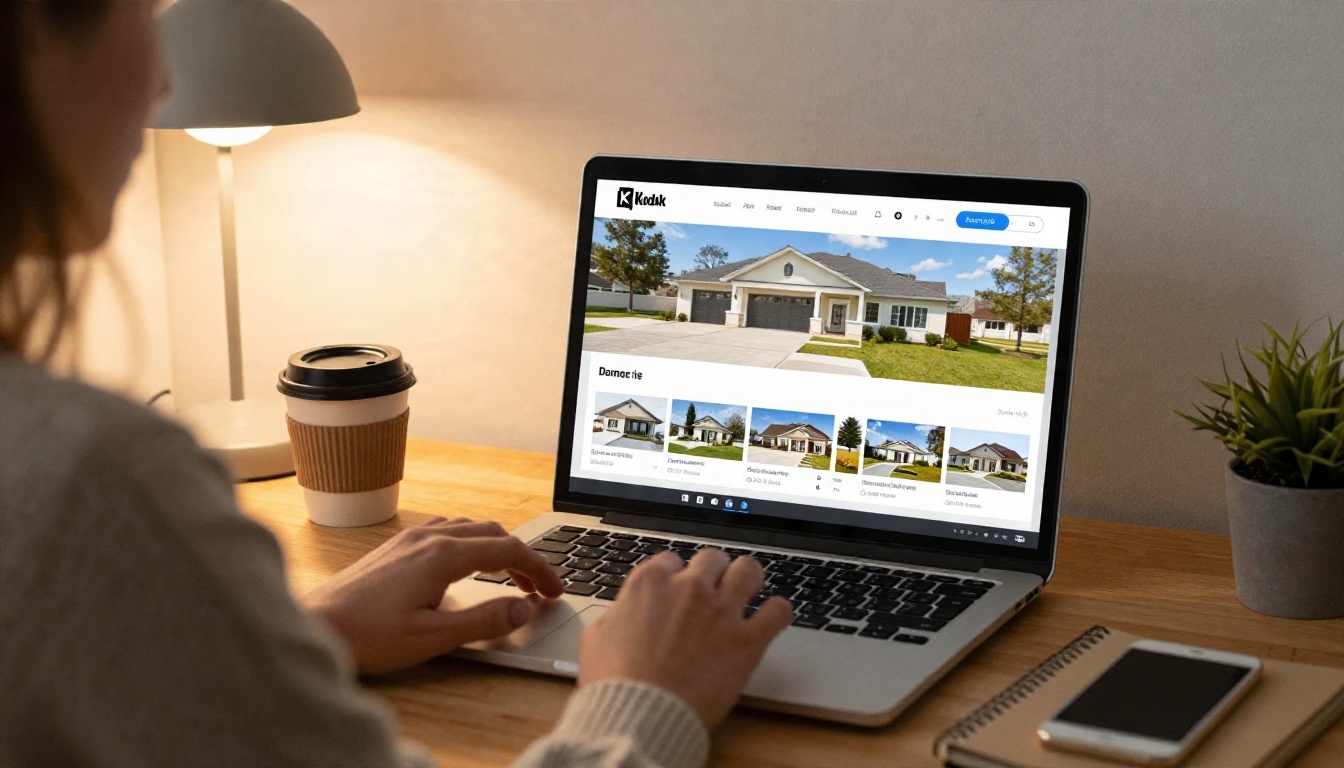
- Upload your PDF. Export your price list from Word, InDesign, Canva or Excel, then upload it. The PDF to Flipbook Converter turns each page into a turnable spread automatically.
- Apply your branding. Add your logo, set brand colors, choose a page flip effect and pick a clean background. Everything is watermark free.
- Add multimedia. Embed a short walkthrough video of your model home or an audio note from your design consultant. Add links from each option to a larger gallery.
- Set privacy. For a specific community or buyer, apply password protection so only approved clients can open it.
- Publish and share. Copy the direct link, or use the embed code to place the list on your community page. The Embed Flipbook on Website tool shows the steps.
- Turn on analytics. On the Professional plan you can see which pages buyers open most, how long they stay, and capture leads before they download the list.
💡 Pro tip: Enable offline downloads for buyers who visit job sites with poor signal. They can still review options on the spot.
Compare pricing plans to see which tier of features fits your volume. Standard and above include unlimited flipbooks, and lead generation with analytics comes with the Professional plan.
Online Sharing Options That Work
How you distribute the list matters as much as how it looks. Match the method to the buyer's stage.
| Sharing method | Best for | Setup time | Notes |
|---|
| Direct link in email | Active prospects | 1 minute | Add to your signature block |
| Embed on community page | Website visitors | 10 minutes | Updates automatically on edit |
| QR code in the sales center | Walk in traffic | 5 minutes | Print on table tents and signage |
| Password protected link | Under contract buyers | 2 minutes | Keeps pricing private |
| Social post or ad | Lead capture | 15 minutes | Gate with a lead form |
A simple sharing sequence
- Before the first visit: send the Essentials and Signature tier pages only.
- After contract signing: send the full list with a password and a selection deadline.
- Two weeks before drywall: send a reminder with the link and highlight remaining options.
Realtors and trade partners can also be added to the distribution so everyone works from the same version.

Real World Use Cases
A regional production builder
A builder with six communities keeps one master list per community. Each is a separate flipbook with its own link. When lumber and quartz costs shift, the team replaces the files on Monday morning, and every buyer link updates right away.
A custom home builder
A small custom firm builds a premium flipbook with allowance ranges, photo galleries and short supplier videos. Clients receive a password protected link, and the owner uses analytics to see which pages they revisit before the design meeting.
A real estate team representing buyers
Agents who work with new construction can publish a comparison flipbook of upgrade lists from several builders. It becomes a useful lead magnet, and visitors leave their email to download it.
A renovation contractor
The same layout works for kitchen and bath remodels. Replace "standard" with "existing" and present three finish levels. For more ideas, browse the full list of flipbook tools.
Five Mistakes to Avoid
| Mistake | Why it hurts | Fix |
|---|
| No photos | Buyers cannot visualize the choice | Add one image per major option |
| Outdated pricing | Creates disputes at closing | Date every version and replace the link file |
| Too many line items | Decision fatigue | Bundle into three tiers |
| Hidden deadlines | Delays the build schedule | Show deadlines next to each category |
| Unprotected private pricing | Competitors copy your margins | Use password protection |

⚠️ Warning: Always add a short disclaimer that prices are subject to change before contract and that availability depends on lot and stage of construction. Have your legal advisor review the wording.
A quick pre publish checklist
- Every price matches your latest cost sheet.
- Every option has a code that your trades recognize.
- Deadlines match your production schedule.
- Images are sharp and show the actual product.
- The footer includes your contact details and revision date.
- The link opens correctly on both iPhone and Android.
Ready to Publish Yours?
You already have the template, the tiers and the examples. The last step is turning them into something buyers actually want to open. Create your first flipbook for free, upload your price list, and share a single link with every prospect. If you need more room for communities, analytics or lead capture, compare plans here and pick the one that fits your team.



