A customer walks into your cafe, glances at the menu for eight seconds, and decides whether to order the large oat latte or just a drip coffee. That tiny window is where your cafe menu with prices earns its keep. A cluttered page costs you the upsell. A clean one quietly sells the pastry before anyone asks. This article gives you a free template structure, a sample layout with real price points, and PDF examples you can copy, then shows how to turn that file into a shareable digital menu with Flipbooks AI.
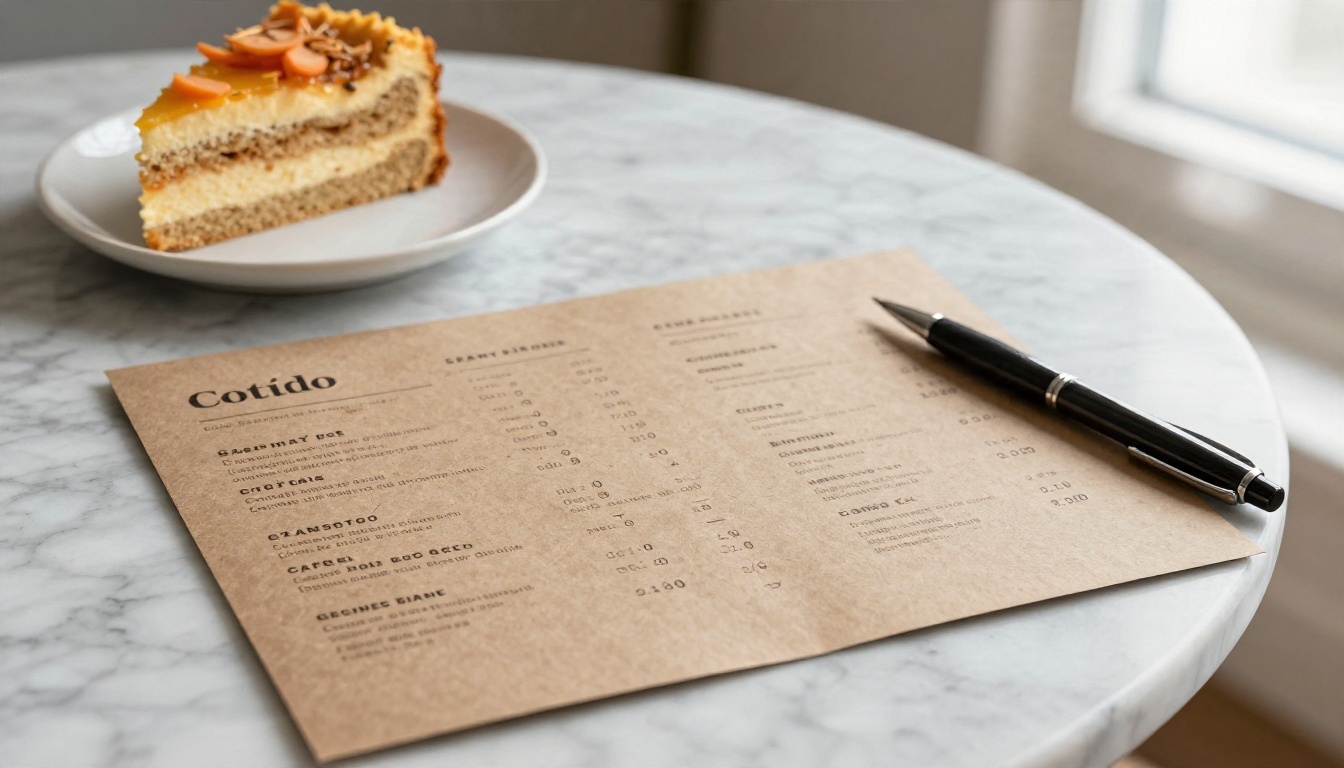
Before you open a design tool, decide what the menu has to do. A cafe menu is not a restaurant menu. Orders are fast, items are cheap, and most guests already know what a flat white is. So the job is speed, clarity and a gentle nudge toward higher margin items.
The Five Sections That Work
Almost every successful cafe menu fits into five blocks. Keep them in this order, because guests scan from top left to bottom right.
- Hot coffee: espresso, americano, cappuccino, latte, flat white
- Cold drinks: iced latte, cold brew, lemonade, smoothies
- Tea and other drinks: chai, matcha, hot chocolate
- Food: breakfast items, sandwiches, toasts, bowls
- Bakery and sweets: croissants, muffins, cakes, cookies
💡 Pro tip: Put your highest margin drinks at the top of the coffee section and in the top right corner of the page. Those are the two spots eyes land first.
How to Format Prices
Price formatting changes how much people feel they are spending. Research from hospitality studies keeps pointing the same way: guests spend slightly more when the dollar sign is gone and the numbers are not lined up in a neat column.
| Price Style | Example | Best For |
|---|
| Currency symbol with decimals | $4.50 | Quick service counters |
| Plain number, no symbol | 4.5 | Upscale specialty cafes |
| Whole numbers only | 5 | Brunch spots, simple menus |
| Size based pricing | S 3.5 / L 4.5 | Drinks with two or three sizes |
Pick one style and use it on every line. Mixing formats looks careless.
You do not need a designer to get a good result. You need a layout that matches how your cafe operates. Here are three templates that cover most situations, and you can rebuild any of them in a free design app or a word processor.
Template One: Single Page Classic
One A4 or Letter page, two columns. Drinks on the left, food and bakery on the right. A small logo sits at the top and a short line about milk alternatives sits at the bottom. This is the best starting point for a counter service cafe with fewer than 40 items.
Template Two: Bifold Brunch Menu
Two panels when opened. The left panel holds breakfast and brunch plates, the right panel holds drinks and sweets. Because there is more room, you can add short descriptions such as "sourdough, smashed avocado, poached egg, chili flakes." Table service cafes love this format.
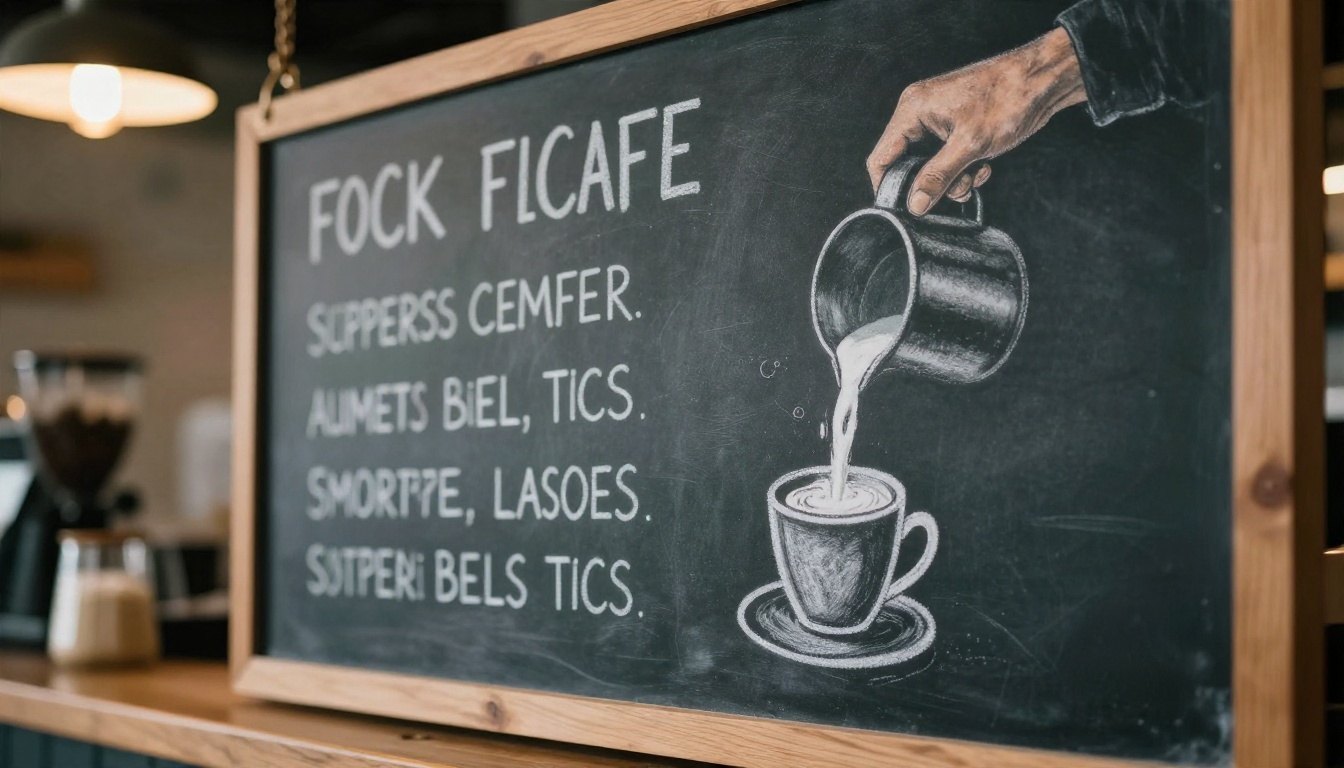
Template Three: Drinks Only Board
A tall, narrow layout with large type, often printed on a poster or mounted behind the counter. Skip descriptions and focus on names, sizes and prices. It pairs well with a small paper menu for food.
| Template | Pages | Items | Descriptions | Ideal Cafe Type |
|---|
| Single page classic | 1 | 25 to 40 | Short or none | Counter service |
| Bifold brunch | 2 | 35 to 60 | Medium | Table service |
| Drinks only board | 1 | 15 to 25 | None | Espresso bar, kiosk |
| Multi page flipbook | 4 to 8 | 50+ | Full | Large cafe with seasonal items |
✅ Best practice: Limit each section to 7 items or fewer. Studies on choice overload show customers decide faster and are happier with their order.
Numbers make a template real. The sample below uses mid market prices common in the United States and Europe. Adjust them to your rent, your ingredient costs and your neighborhood.
Sample Drinks Section
| Drink | Small | Large |
|---|
| Espresso | $3.00 | n/a |
| Americano | $3.50 | $4.25 |
| Cappuccino | $4.25 | $5.00 |
| Latte | $4.50 | $5.25 |
| Flat white | $4.50 | n/a |
| Iced latte | $5.00 | $5.75 |
| Cold brew | $4.75 | $5.50 |
| Matcha latte | $5.25 | $6.00 |
| Hot chocolate | $4.25 | $5.00 |
Milk alternatives (oat, almond, soy): add $0.75.
Sample Food and Bakery Section
| Item | Price |
|---|
| Butter croissant | $3.75 |
| Almond croissant | $4.50 |
| Blueberry muffin | $3.50 |
| Slice of carrot cake | $5.50 |
| Avocado toast | $9.50 |
| Egg and cheese bagel | $7.25 |
| Turkey and brie sandwich | $9.75 |
| Granola and yogurt bowl | $7.50 |
Pricing Drinks for Margin
Coffee is a high margin product. A latte often costs under $1.20 in ingredients and cup, so the real battleground is labor and rent. A few simple habits help:
- Keep the size gap between small and large around $0.75, which nudges guests toward the larger cup.
- Charge a fixed fee for milk alternatives rather than hiding it in each drink.
- Add one seasonal special at a slightly higher price to anchor the rest of the menu.
Pricing Food Without Scaring Guests
Food carries higher cost of goods, usually 28 to 35 percent. Bundle where you can. A "coffee and croissant" deal at $6.50 beats two separate items at $8.25 in perceived value, yet protects your margin because the pastry is cheap to make.
PDF Examples and Print Specs
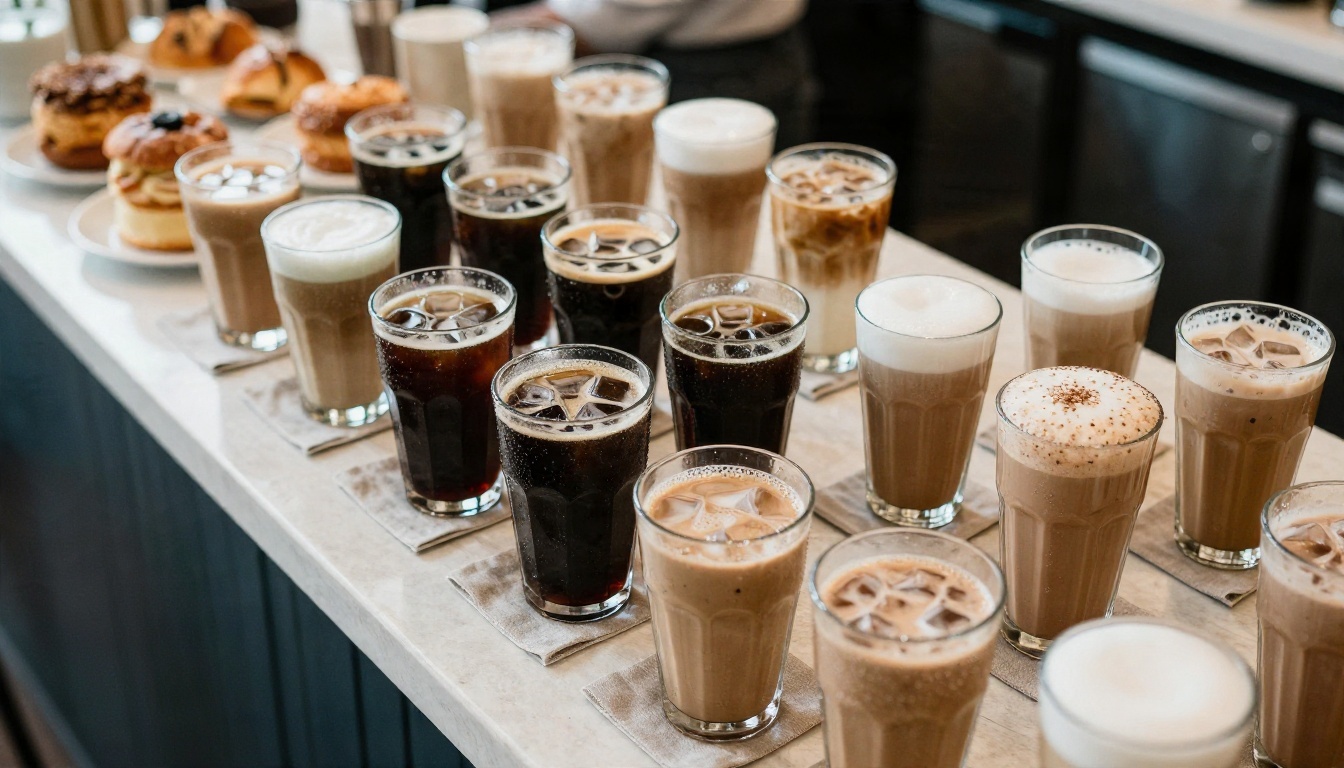
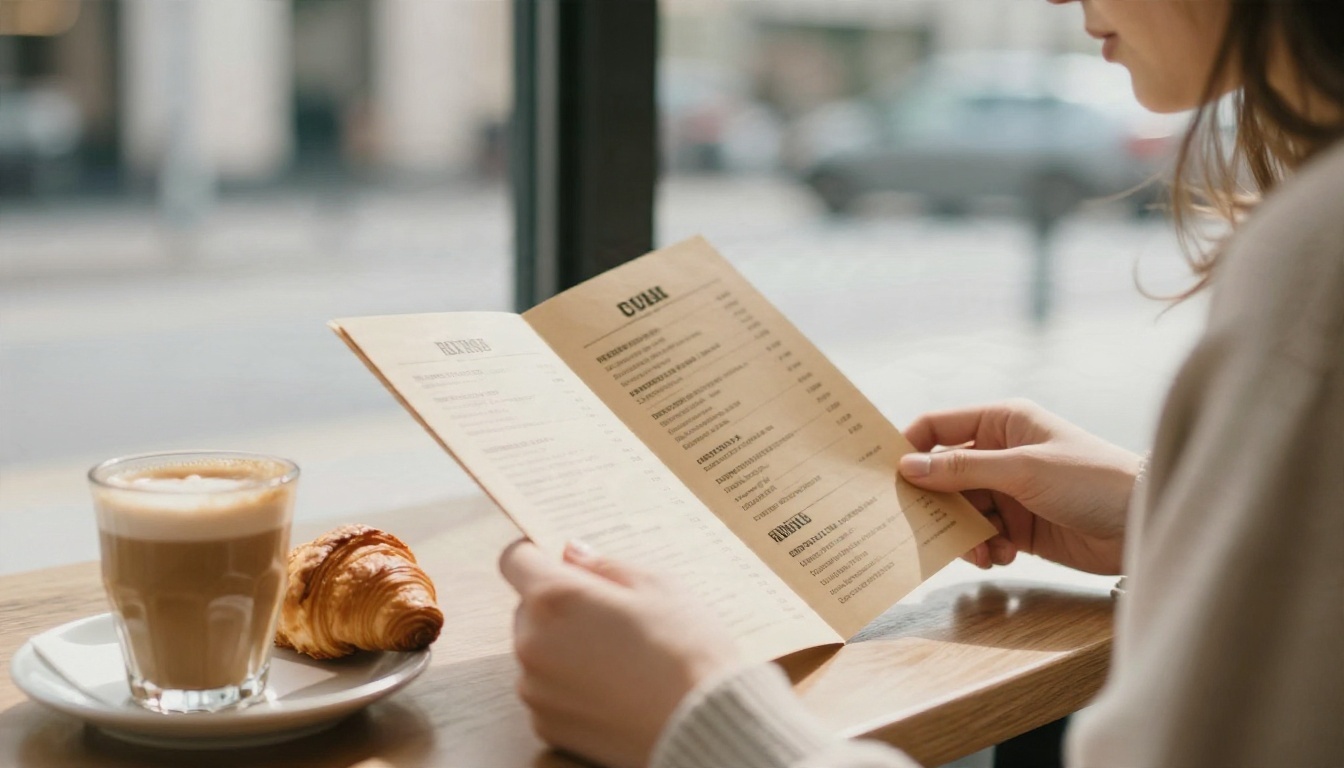
A PDF is still the most reliable format for a cafe menu. It looks identical on every device, prints cleanly, and is the file format Flipbooks AI uses to build an interactive version.
Page Size and Bleed
Choose the size before you design, not after. Resizing later breaks alignment.
| Format | Size | Bleed | Use |
|---|
| Letter | 8.5 x 11 in | 0.125 in | US counter menu |
| A4 | 210 x 297 mm | 3 mm | Europe and international |
| Half page | 5.5 x 8.5 in | 0.125 in | Table card |
| Bifold, open | 17 x 11 in | 0.125 in | Brunch menu |
| Mobile friendly | 1080 x 1920 px | none | Screen only version |
Export at 300 dpi for print and 150 dpi for screen. Smaller files load faster when guests scan a code on weak cafe Wi-Fi.
Fonts and Colors
Use two fonts at most: one for headings, one for body text. Pair a friendly serif with a clean sans serif. Keep body text at 10 to 12 points on paper, and make prices the same size as item names so they never look like fine print.
⚠️ Warning: Light gray text on cream paper looks elegant on screen and unreadable in a dim cafe. Test your print at the lowest light level in your room.
For color, stay with three tones: a background, a text color and one accent. Warm cream, espresso brown and sage green is a palette that suits almost any cafe.
What a Good PDF Example Looks Like
A strong example has a clear top line with the cafe name, a visible price column aligned to the right edge, plenty of white space between sections, and a footer for allergy notes and Wi-Fi details. Three PDF files make a handy starter pack: a drinks board, a food and bakery page, and a seasonal insert you can swap each quarter.
Once your PDF is ready, you can publish it as a page turning flipbook that works on phones, tablets and desktops. The Restaurant Menu Creator and the Menu Flipbook Designer are built for exactly this job.

Step by Step Tutorial
- Create your account. Head to Flipbooks AI and sign up. You will land on a dashboard with an upload button in the top corner.
- Upload your PDF. Drag your menu file into the upload area. The platform converts each page into a flipbook spread in seconds, and the text stays sharp when guests zoom in.
- Customize the look. Add your logo, choose a background color that matches your branding, and pick a page turning effect. A soft curl feels cozy for a cafe, while a simple slide feels modern.
- Add extras. Embed a short video of your barista pouring latte art, or add audio for a gentle background track. Link your Instagram or ordering page right from the menu.
- Set your sharing options. Copy the direct link, grab the embed code for your website, or download a QR code for tables. Password protection is handy for a staff only version or a private catering menu.
- Publish and test. Open the link on your own phone, then on a friend's phone with a weaker connection. Check that prices are readable without zooming.
💡 Pro tip: Update a price in your PDF, upload the new file, and the same link and QR code keep working. You never need to reprint table stickers.
Features Worth Using
- No watermarks, ever, so your menu looks like your brand and nobody else's
- Mobile responsive design that adapts to any screen
- Custom branding with your colors, logo and background
- Offline downloads for guests who want to save the menu
- Unlimited flipbooks on the Standard plan and above, which helps if you run several locations
- Analytics and lead generation on the Professional plan, useful for seeing which pages guests open most and collecting emails for a loyalty list
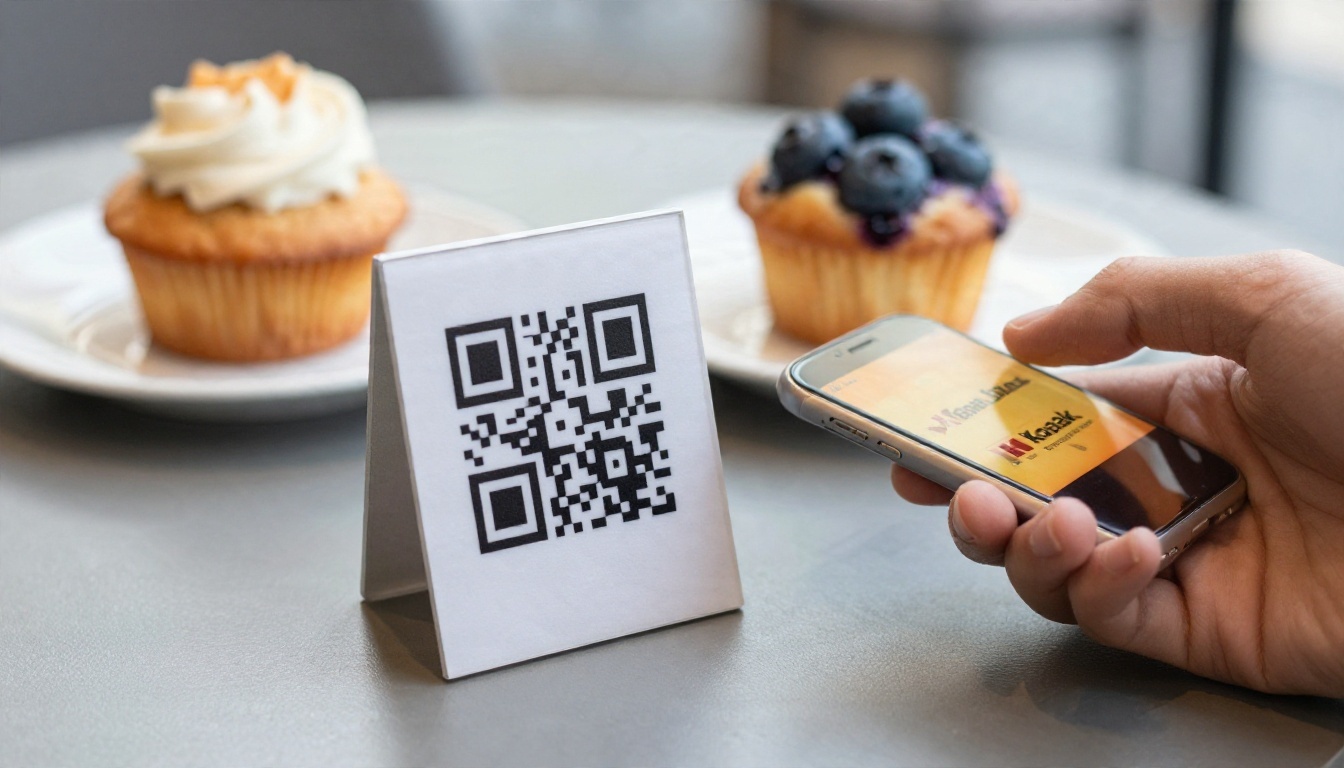
Each format has a place. Most cafes end up using two or three together.
| Feature | Printed Menu | Plain PDF | Flipbook with QR Code |
|---|
| Works without a phone | Yes | No | No |
| Instant price updates | No | Partly | Yes |
| Page turning feel | Yes | No | Yes |
| Embedded video and audio | No | No | Yes |
| Viewing analytics | No | No | Yes (Professional) |
| Shareable by link | No | Yes | Yes |
| Cost to change | Reprint | Re-send file | Re-upload file |
A Real World Scenario
Picture a small cafe that changes its pastry lineup every week. With a printed menu, that means a weekly trip to the print shop. With a flipbook, the owner edits one page in the PDF on Sunday night, uploads it, and the QR codes on every table show the new version on Monday morning. The only paper menu left is a small laminated card at the register.
Where Else the Menu Can Live
A menu is useful far beyond the dining room. Place the link in your Google Business profile, your Instagram bio and your delivery app description. If you also sell packaged goods, a Digital Price List Generator works well for wholesale coffee beans and catering platters. For a seasonal drinks book with photos and stories, try the Recipe Book Flipbook tool.
Even a good template fails if the details are off. These are the problems that show up again and again.
- Too many items. A menu with 80 lines slows every order. Cut anything that sells fewer than five times a week.
- Hidden prices. Guests dislike hunting for numbers. Align prices in one column and keep the type size readable.
- Outdated information. A crossed out price or a sold out item looks sloppy. A digital version solves this in minutes.
⚠️ Warning: Always list major allergens such as nuts, dairy, gluten and eggs. In many regions this is a legal requirement, and it builds trust either way.
A Quick Checklist Before You Publish
- Every price is correct and uses the same format
- Spelling of drink names is consistent
- Milk alternative surcharge is visible
- Logo, address and opening hours are on the page
- The PDF file is under 10 MB so it loads fast
- The QR code has been scanned from at least two different phones
You now have the structure, the sample prices and the PDF specs. The last step is putting them in front of customers.
A good cafe menu with prices is simple, honest and easy to update. Build it once, keep it fresh, and let the coffee do the talking.



