Yes, a brochure can have 6 pages, and you have almost certainly held one. The classic tri-fold is a single sheet printed on both sides and folded twice, which gives you six panels. The catch is the word "pages." Printers count panels, designers count spreads, and readers count whatever they see when they open it. This article sorts out the confusion: which folds produce six, which sizes work, what to tell your printer, and how to publish the same six panels as a digital flipbook with Flipbooks AI.
The Short Answer
A 6-page brochure is not only possible, it is one of the most common formats in print. Hotels, clinics, real estate agents and event organizers use it because it holds a clear story: a front panel, an opening reveal, three inside panels and a back panel with contact details.
Pages vs. panels
In the print trade, a page is one side of a sheet in a bound document, like a booklet. A panel is one section of a folded sheet. A tri-fold has two sides and three panels per side, so it has six panels. Most people call that a "6-page brochure," and printers will understand you as long as you also state the fold type and the flat size.
💡 Pro tip: When you request a quote, write "6-panel tri-fold, 8.5 x 11 in flat, letter fold" instead of "6 pages." That one line removes most of the back and forth.
When 6 is not possible
If you want a stitched booklet (staples along the spine), six pages will not work. Booklets are built from sheets folded in half, and each sheet adds four pages. That means page counts jump from 4 to 8 to 12. A booklet with 6 pages would leave two blank sides, so printers will ask you to go to 8 or drop to 4.
| Format | Can it have exactly 6 pages? | What to do instead |
|---|
| Tri-fold (letter fold) | Yes, 6 panels | Use as is |
| Z-fold / accordion | Yes, 6 panels | Use as is |
| Roll fold | Yes, 6 panels | Use as is |
| Half-fold card | No, gives 4 | Add an insert or move to 8 |
| Saddle-stitched booklet | No, multiples of 4 | Use 4 or 8 pages |
| Perfect-bound book | Not practical | Needs many more pages |
| Digital flipbook | Yes, any count | Upload a 6-page PDF |
Six-Panel Fold Types
Three folds dominate the 6-panel category. They use the same sheet and the same panel count, but the reading experience is very different.
Tri-fold (letter fold)
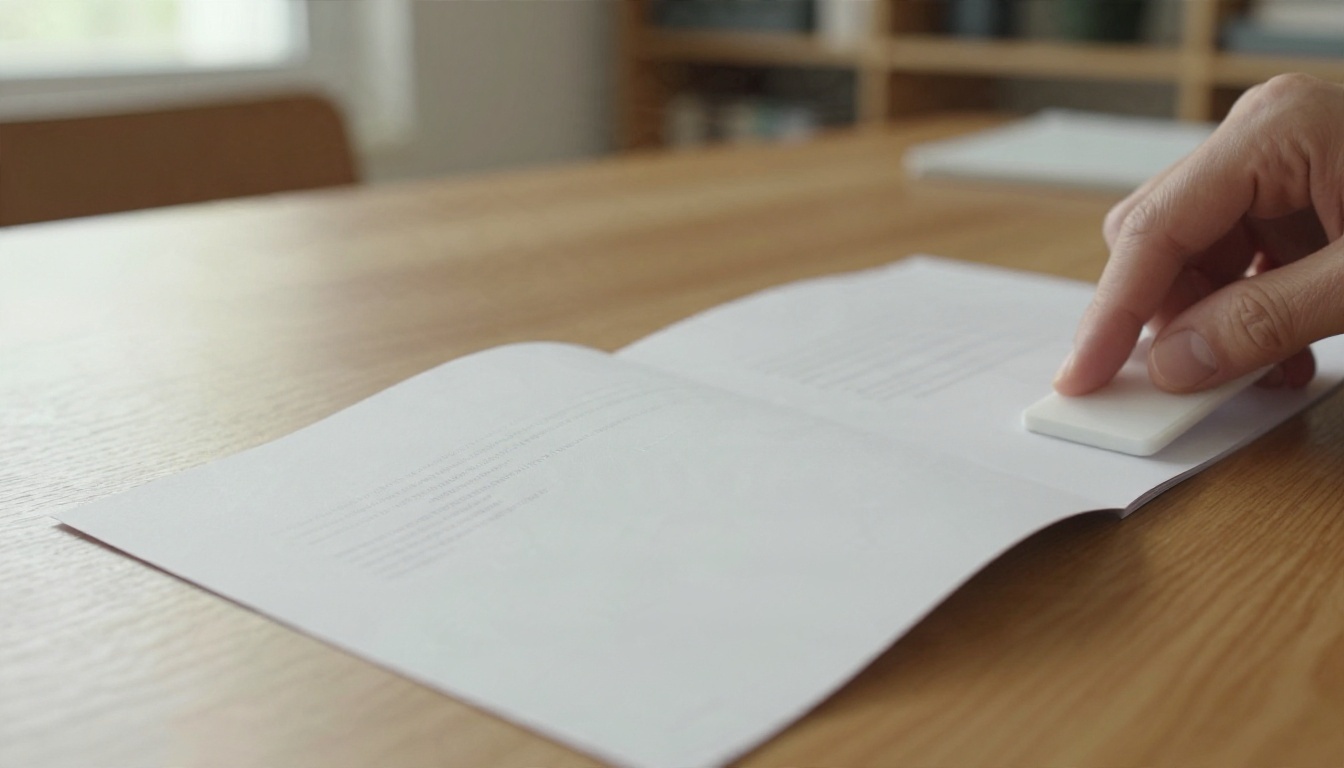
Also called a C-fold, this is the one most people picture. The sheet is folded in thirds, with one panel tucked inside the other two, like a business letter. It opens in stages: front panel first, then the flap, then the full inside spread. That staged reveal is a gift for storytelling. Use the front panel for a promise, the flap for a hook and the inside spread for details.
Z-fold
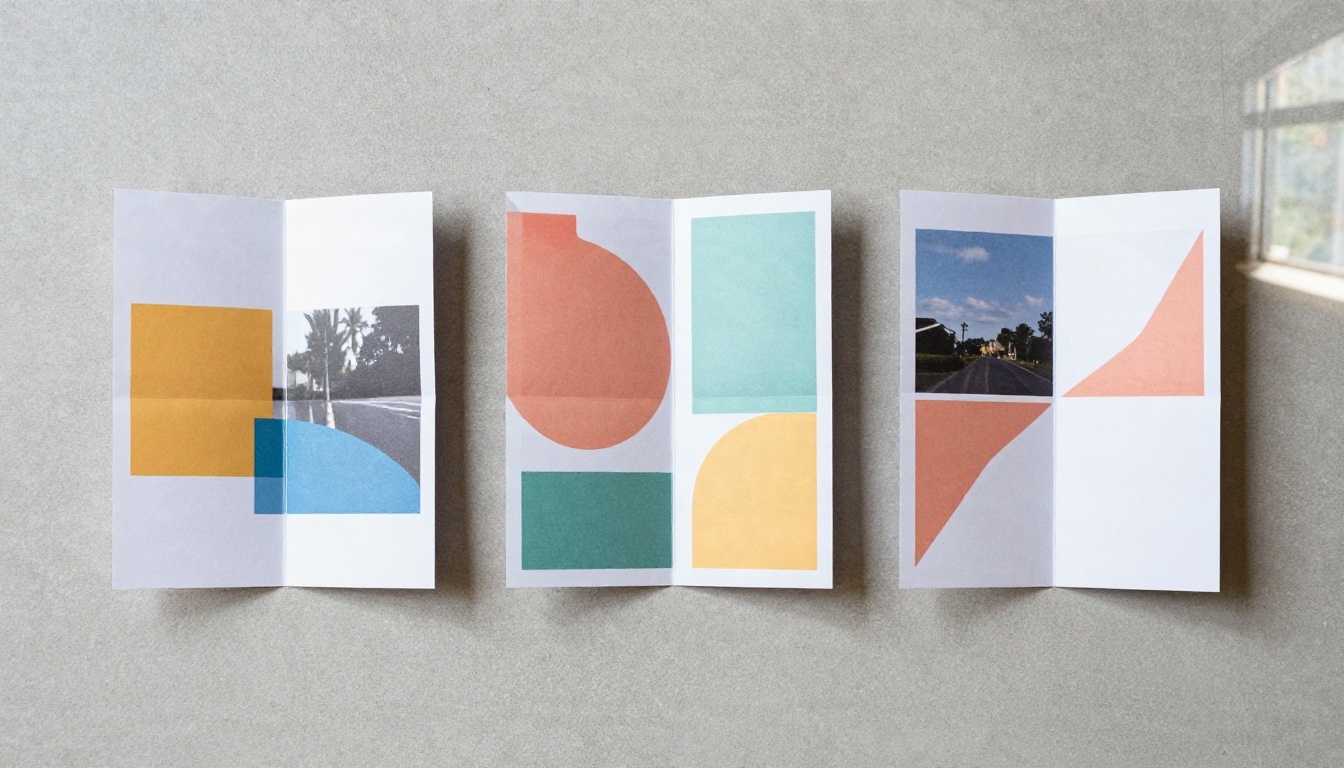
A Z-fold folds the sheet like an accordion in a zigzag shape. When opened, all three inside panels appear at once as one wide surface. It is ideal for timelines, maps, process diagrams and panoramic photography because nothing interrupts the artwork except two creases.
Roll fold and accordion variations
A roll fold (sometimes called a barrel fold) wraps panels inward in a spiral, so each panel is slightly narrower than the last. It feels premium and works for products that unfold in steps. An accordion fold with six panels is a longer, narrower strip, popular for menus and trail maps. A gate fold, by contrast, usually has four panels, so treat it as a different format unless your printer confirms a six-panel version.
| Fold | Panels | Best for | Watch out for |
|---|
| Letter fold (C-fold) | 6 | Services, hotels, clinics | Inside flap must be narrower |
| Z-fold | 6 | Timelines, maps, panoramas | Text crossing creases |
| Roll fold | 6 | Premium product stories | Needs graduated panel widths |
| Accordion (6-panel) | 6 | Menus, itineraries | Long, narrow format |
| Gate fold | 4 | Dramatic reveals | Not a 6-panel layout |
Standard Sizes for 6 Panels
The flat sheet size decides everything else. Pick it first, then divide it into panels.
US sizes
The default is US Letter, 8.5 x 11 inches, printed in landscape and folded to roughly 3.67 x 8.5 inches. If you want more room per panel, 11 x 17 inches (tabloid) folds down to about 5.67 x 11 inches, which feels more like a magazine insert. Legal size, 8.5 x 14 inches, gives a tall, slim tri-fold that fits a standard rack display.
A4 and DL sizes
Outside North America, the standard is A4 (210 x 297 mm) folded into three panels of about 99 mm each. The folded result is the familiar DL size, roughly 99 x 210 mm, which fits neatly into a DL envelope. A3 sheets work for large six-panel folds when you need big imagery.
| Flat size | Folded size (approx.) | Panel width (approx.) | Typical use |
|---|
| US Letter 8.5 x 11 in | 3.67 x 8.5 in | 3.67 in | General purpose |
| Legal 8.5 x 14 in | 4.67 x 8.5 in | 4.67 in | Rack displays |
| Tabloid 11 x 17 in | 5.67 x 11 in | 5.67 in | Premium, image-led |
| A4 297 x 210 mm | 99 x 210 mm (DL) | 99 mm | Standard international |
| A3 420 x 297 mm | 140 x 297 mm | 140 mm | Large formats |
Bleed, safe zones and fold allowances
Three details trip up first-time designers:
- Bleed: extend backgrounds and photos about 0.125 in (3 mm) beyond the trim edge so no white slivers appear after cutting.
- Safe zone: keep text at least 0.25 in (6 mm) inside the trim line, and farther from folds.
- Fold allowance: on a letter fold, the inside flap is made about 1/16 to 1/8 in narrower than the others, so it tucks in without buckling. Ask your printer for their template and use it.
⚠️ Warning: Do not divide a letter-fold sheet into three perfectly equal panels. The flap will bulge, and the fold will fight the paper every time.
Printing a 6-Page Brochure
Printing is where a tidy file turns into a physical object, so a few decisions are worth making deliberately.
Paper stock and weight
For a brochure that is handled often, choose 100 lb text weight (about 150 gsm) or heavier. Lighter paper, around 80 lb (120 gsm), feels flimsy in a rack. Heavier stock above roughly 130 lb should be scored before folding, otherwise the toner or ink can crack along the crease.
- Gloss: vivid photography, but fingerprints show.
- Matte: calm, premium, easy to read under bright lights.
- Silk: a middle path with soft shine and good color.
- Uncoated: natural, writable, great for wellness and craft brands.
Digital vs. offset printing
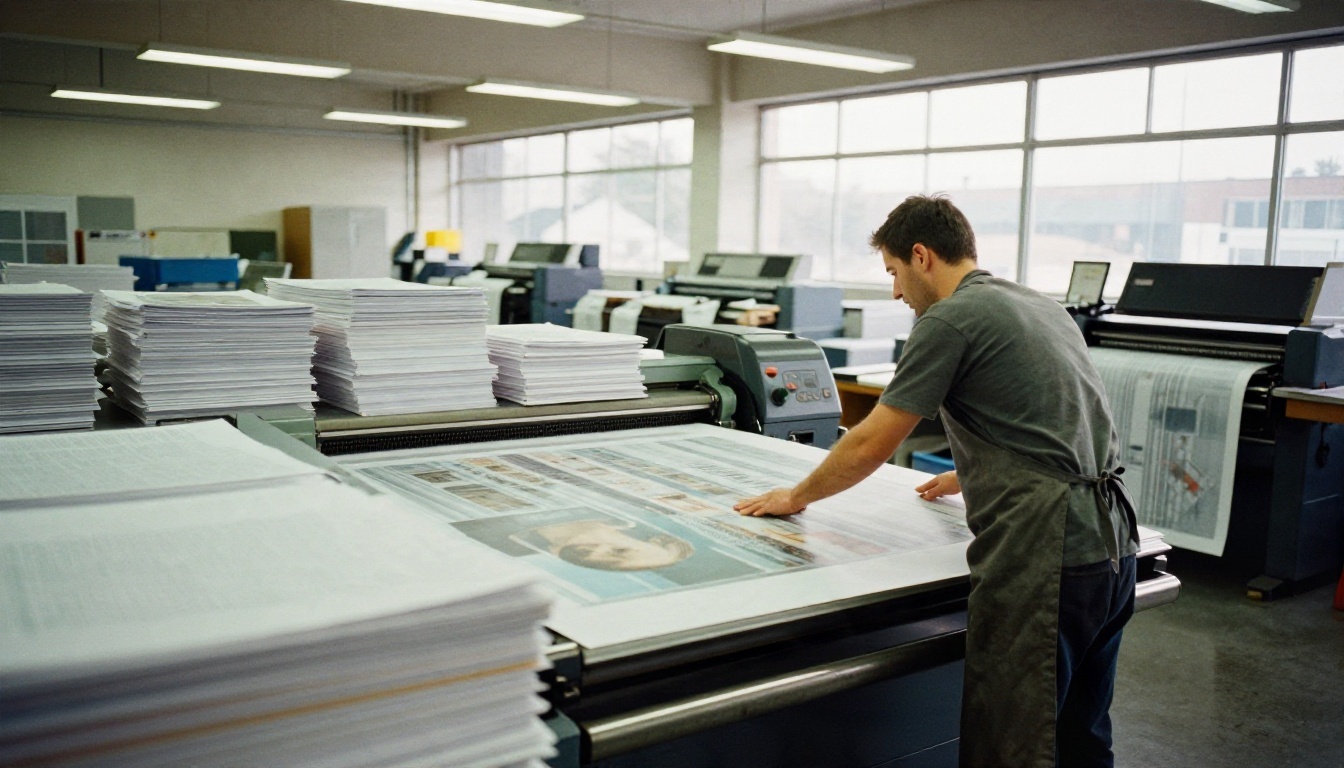
Digital printing has no setup plates, so it suits short runs, personalization and fast turnarounds. Offset printing has higher setup costs but a lower price per piece at large quantities, with excellent color consistency. As a rule of thumb, digital wins for small and medium runs, and offset starts making sense when you order in the thousands. Always compare quotes at your actual quantity.
| Factor | Digital printing | Offset printing |
|---|
| Setup cost | Low | Higher |
| Best quantity | Dozens to a few thousand | Thousands and up |
| Turnaround | Fast, often days | Longer |
| Color consistency | Good | Excellent |
| Personalization | Easy | Not practical |
| Cost per piece at scale | Stays higher | Drops sharply |
What a printer needs from you
Send a print-ready PDF with fonts embedded, images at 300 dpi, CMYK color, bleed included and crop marks if requested. Export the outside spread and inside spread as two pages, and label them clearly. If you send single panels instead, the printer may need to reassemble them, which invites errors.
✅ Best practice: Ask for a physical proof or a folded white dummy before printing a large run. A five-minute test fold catches panel order mistakes that a screen never will.
Layout Tips for Six Panels
A good six-panel layout is less about decoration and more about order.
Get the panel order right
On a letter fold, the outside spread reads left to right as inside flap, back panel, front panel. The inside spread is three panels in a row. Many first prints come back with the flap upside down or the back panel in the wrong place, simply because the designer arranged panels in reading order instead of fold order.
- Print your layout on plain paper at actual size.
- Fold it exactly as the final piece will fold.
- Number each panel in pencil in the order a reader sees them.
- Check that no headline, face or phone number sits on a crease.
- Rearrange until the reveal feels natural.
A simple story structure
| Panel | Role | What to put there |
|---|
| Front panel | Promise | Bold image, short headline, logo |
| Inside flap | Hook | One strong benefit or offer |
| Inside left | Problem or context | Who it is for, why it matters |
| Inside center | Solution | Main service, product or feature |
| Inside right | Proof | Testimonials, results, pricing hint |
| Back panel | Action | Contact details, map, QR code |
Typography and spacing
Body text between 9 and 11 pt reads comfortably on a narrow panel. Keep line lengths short, use generous margins and avoid long paragraphs. A clear visual hierarchy, one headline size, one subhead size and one body size, keeps a small surface from feeling crowded.
Digital Options for 6 Pages
Printing is only half the story. A six-panel brochure also works well on screen, and it can reach people your rack never will.
PDF vs. flipbook
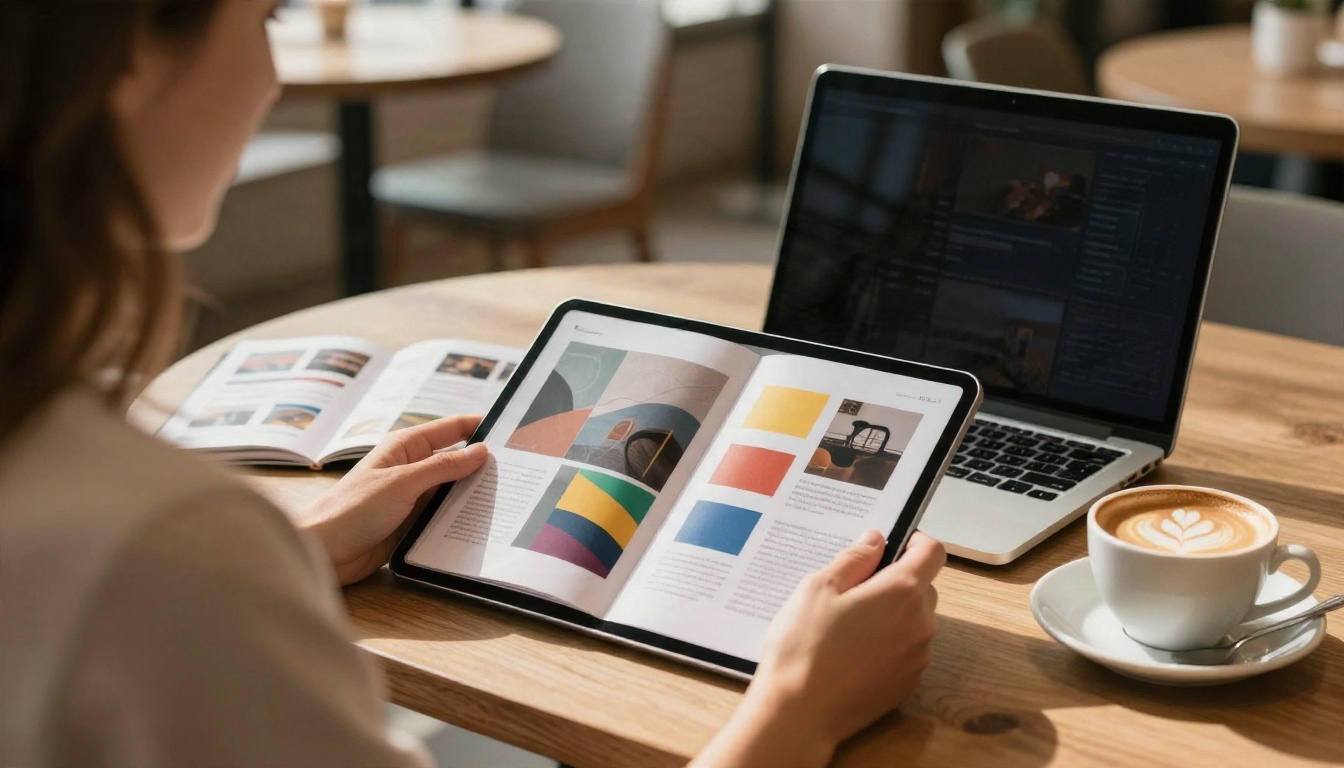
A plain PDF works, but it is awkward on phones: readers pinch, zoom and scroll sideways. A flipbook keeps the page-turning feel, loads in the browser, adapts to mobile screens and can be shared with a single link. Six pages are also a natural fit: page 1 stands alone as the front, pages 2 and 3 form a spread, pages 4 and 5 form another, and page 6 closes as the back.
| Feature | Print brochure | PDF download | Flipbook |
|---|
| Reaches readers instantly | No | Yes | Yes |
| Mobile friendly | Not applicable | Poor | Strong |
| Page-turning feel | Physical | None | Yes |
| Embeddable on a website | No | Limited | Yes |
| Can include video or audio | No | Rarely | Yes |
| Reader analytics | No | Basic downloads | Detailed (Professional plan) |
| Update after publishing | Reprint | Re-send file | Replace file, same link |
Real-world examples
- A boutique hotel prints 500 tri-folds for the front desk and shares the flipbook with booking inquiries. A hotel brochure designer helps keep photos and room details consistent in both formats.
- A real estate agent hands out a six-panel listing sheet at open houses, then emails the digital version to buyers who could not attend. The real estate brochure creator fits that workflow.
- A clinic keeps a patient brochure in the waiting room and embeds the flipbook on its appointments page.
- A car dealership prints a model overview and links a digital edition from each vehicle listing through the automotive brochure generator.
How to Create a 6-Page Flipbook with Flipbooks AI
If you already have a print-ready design, turning it into an online brochure takes a few minutes. Here is the full path, from file to sharing.
Step 1: Prepare your PDF
Export your brochure as a single PDF with six pages in reading order: front, inside flap, three inside panels, back. Unlike the print file, this version should not contain bleed or crop marks. If you only have the print spreads, split them into individual panels first.
Step 2: Upload and convert
Go to Flipbooks AI, create an account and upload your file. The PDF to Flipbook Converter turns each page into a flippable page with realistic turning animation. For brochure-specific layouts, the Brochure Flipbook Maker is a good starting point, and the Online Brochure Designer helps if you still need to build the layout.
Step 3: Customize the look
Add your logo, brand colors and background, choose a page effect and set the viewing style. You can also embed videos and audio into panels, for example a short walkthrough on the inside center panel. The result is mobile-responsive by default and carries no watermarks.
Step 4: Share it
- Copy a direct link for email and social posts.
- Use the embed code to place it on your website.
- Turn on password protection for private brochures, such as partner pricing.
- Enable offline downloads so readers can save a copy.
- Print the link as a QR code on the back panel of your physical brochure, so the print piece points to the digital one.
Step 5: Track what happens
On the Professional plan, you get analytics and lead generation, so you can see how many people opened the brochure, which pages held attention and who left their details. Compare options on the pricing page. Unlimited flipbooks are available from the Standard plan and above.
💡 Pro tip: Put the QR code on the back panel and a short URL under it. People who prefer typing still have a path, and your printed brochure turns into a trackable doorway to the digital version.
| Plan feature | Why it matters for a brochure |
|---|
| Custom branding | Keeps the flipbook consistent with the printed piece |
| Password protection | Safe for partner or client-only brochures |
| Embedded video and audio | Adds a demo or welcome message |
| Analytics | Shows which panels readers reach |
| Lead generation | Collects contact details from interested readers |
| Offline downloads | Lets people keep a copy on a phone or laptop |
Common Mistakes to Avoid
Even experienced designers repeat a few errors with six-panel brochures. Check this list before you export.
- Text on creases: a headline split by a fold is hard to read and looks careless.
- Equal panels on a letter fold: the flap needs to be slightly narrower.
- Low-resolution photos: 72 dpi images look soft in print, so use 300 dpi.
- Too much copy: six panels invite short messages, not essays.
- No call to action: every brochure should end with one clear next step.
- Forgetting the digital version: if the brochure lives only on paper, it stops working the moment it is out of stock.
Ready to Publish Yours?
A brochure can have 6 pages, and the six-panel fold is a practical, proven choice: it fits a pocket, tells a story in stages and prints affordably at nearly any quantity. Choose your fold, set your size with a printer template, protect your text from the creases, and prepare a clean PDF.
When the print run is on its way, give the same content a second life online. Create your first flipbook on Flipbooks AI, browse all available flipbook tools, or compare pricing plans to find the one that fits your brochure project.



