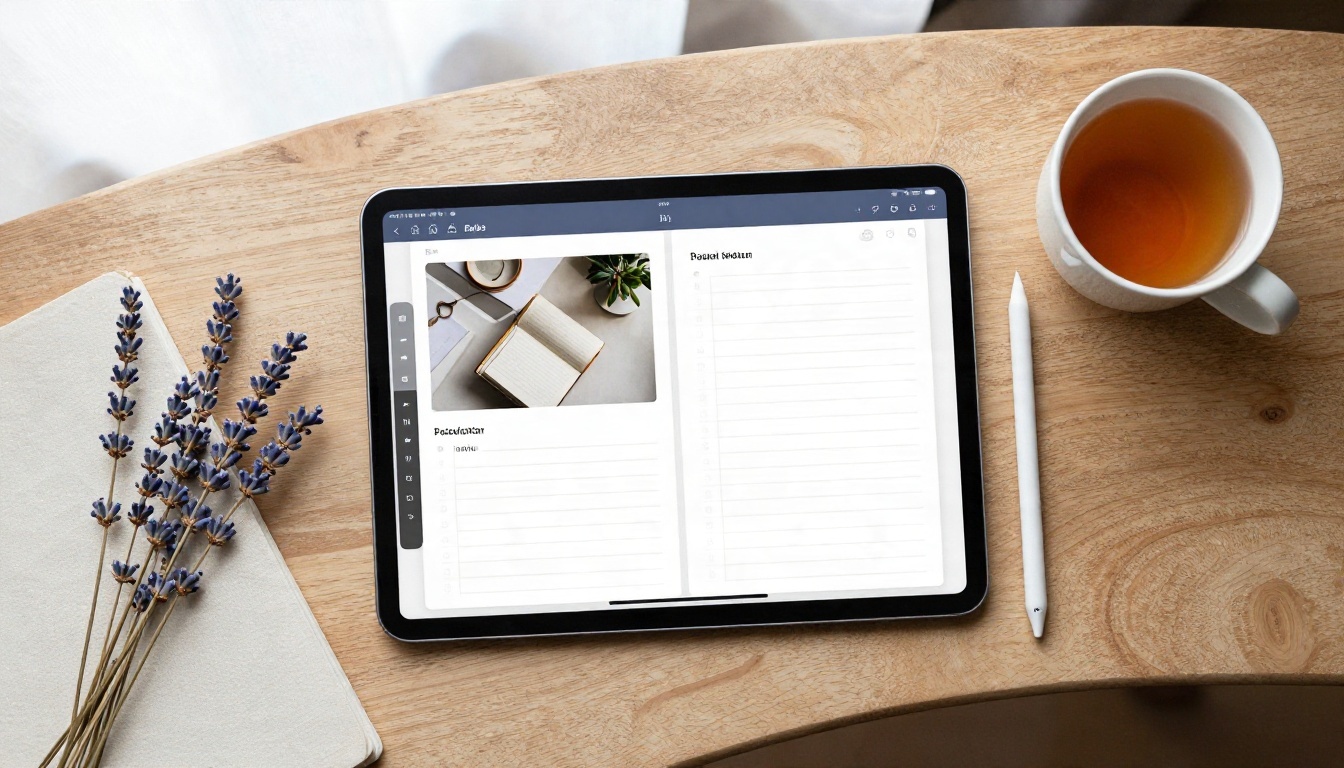
You spent a weekend building a gorgeous digital planner, and now you want to put it where the buyers already are. Amazon is the obvious first thought. So, can you sell digital planners on Amazon? The honest answer is "sort of, but not the way most people expect." Amazon will not let you list a plain downloadable PDF in its main marketplace, yet it offers workarounds through KDP. Etsy, Gumroad and your own site are often better fits. This article shows what works, what it costs, and how to present your planner with a polished preview built in Flipbooks AI.
The Short Answer
Here is the situation in one paragraph. Amazon's retail marketplace is built for physical goods and Kindle content. A downloadable PDF planner with tabs, links and fillable pages does not fit neatly into either category. That is why sellers split into two camps: those who print their planners as paperbacks through KDP, and those who sell the digital file through platforms designed for downloads.
What Amazon Allows
Amazon lets you sell planner-style products in these formats:
- Paperback or hardcover planners printed on demand through Kindle Direct Publishing (KDP).
- Kindle eBooks that contain planner pages, though the experience is limited.
- Physical planners that you ship yourself through Amazon's seller programs.
What Amazon Blocks
Amazon does not support these approaches in the standard store:
- Listing a raw PDF or PNG bundle as an instant download.
- Selling a file that depends on a PDF reader, such as GoodNotes or Notability, to work properly.
- Delivering a link to a Google Drive or Dropbox folder after purchase.
⚠️ Policies change often. Always check the current KDP content rules and Amazon seller terms before you build a product around them.
Selling Planners Through KDP
KDP is the closest thing Amazon has to a home for planners. It works well if you are happy to turn your design into a printed product.
Paperback Planners
Printed planners are known as low-content books because the pages are mostly structure, not text. Think weekly spreads, habit trackers, budget logs and gratitude journals. The process looks like this:
- Design your interior pages at the exact trim size you choose.
- Create the front and back artwork using the template KDP generates for your page count.
- Upload the interior and artwork files, then preview them in the online previewer.
- Set your price, pick your marketplaces and publish.
Amazon prints each copy only when someone orders, so you carry no inventory. The tradeoff is that your planner is no longer a clickable, reusable file. It is a printed book with a printed price.
Kindle eBook Planners
You can upload a planner as a Kindle eBook, but expect friction. Most Kindle devices and apps are not made for writing on pages, and hyperlinked tab navigation behaves differently than it does in a PDF. Reviewers often complain when buyers expect a fillable planner and receive a reading file. If you go this route, state plainly in the description that it is not a fillable PDF.
Royalties at a Glance
| Format | Typical royalty structure | Inventory needed | Best for |
|---|
| Paperback (KDP) | About 60% of list price minus printing cost | None | Printed planners, journals, trackers |
| Hardcover (KDP) | About 60% of list price minus printing cost | None | Premium gift planners |
| Kindle eBook | 35% or 70% depending on price and territory | None | Short workbooks and printable sample packs |
| Physical seller account | You set price, Amazon takes referral and fulfillment fees | Yes | Brands shipping their own stock |
💡 Printing cost rises with page count and trim size. Run the royalty calculator in KDP before you commit to a 400 page planner at a low price.
Why Etsy Fits Digital Planners
If your product is the file itself, Etsy is where buyers already search for it. Shoppers type "digital planner," "GoodNotes planner" or "ADHD weekly planner" and expect to download instantly after paying.

Fees to Expect
Etsy's fee structure has several moving parts. At the time of writing, sellers typically face:
- A small listing fee per item, renewed every four months or when it sells.
- A transaction fee on the sale price, plus shipping if you charge it.
- A payment processing fee that varies by country.
- Optional ads that carry their own cost.
Because digital items never run out, the listing fee is a minor cost compared to the traffic you get. Check Etsy's fee page for current numbers, since they change.
Listing Setup That Converts
A strong Etsy listing for a digital planner usually includes:
- Ten photos, mixing device mockups, close-ups of pages and lifestyle shots.
- A first photo that shows the planner on a tablet, clearly and without clutter.
- A description that names compatible apps, file type and what the buyer receives.
- A short "how to import" section so buyers do not ask support questions.
- Tags that match real search phrases, such as "undated planner" or "student planner."
✅ Add a preview link in your description or in the delivered file. Buyers trust a planner they can flip through before buying. You can build one in minutes with the PDF to Flipbook Converter.
Other Places to Sell
Etsy and KDP get the attention, but several other channels deserve a look, especially if you want to keep more of every sale.

Gumroad and Payhip
These creator platforms handle file delivery, payment and tax collection for you. Setup takes an afternoon. Fees are usually either a flat percentage of each sale or a monthly subscription, so compare them against your expected volume. They work best when you already have an audience on Instagram, Pinterest, YouTube or a newsletter.
Your Own Online Shop
Running your own store on a platform such as Shopify or WooCommerce gives you full control over branding, bundles, discounts and customer emails. The downside is that nobody finds you by accident. You supply the traffic.
A branded shop pairs nicely with an embedded preview. The Embed Flipbook on Website tool lets visitors page through sample spreads right on your product page.
Marketplaces and Bundles
Smaller marketplaces, template stores and bundle sites also accept planner files. Some pay per download, others take a commission. They suit sellers who want extra reach without managing another storefront.
Platform Comparison
| Platform | Sells digital files | Built-in traffic | Setup effort | Control over branding |
|---|
| Amazon KDP | Print and Kindle only | Very high | Medium | Low |
| Etsy | Yes, instant download | High | Low | Medium |
| Gumroad | Yes | Low, bring your own | Low | Medium |
| Payhip | Yes | Low, bring your own | Low | Medium |
| Own shop | Yes | None at first | High | Full |
Build a Preview with Flipbooks AI
Buyers hesitate on digital products because they cannot touch them. A flipbook preview solves that. It shows the actual page layout, the typography and the tab design before anyone pays. With Flipbooks AI, you can turn a sample of your planner into a page-turning preview and share it anywhere.

How to Create a Planner Preview
Follow these steps:
- Export a sample PDF. Pick six to ten pages that show your best layouts: a yearly overview, a monthly spread, a weekly page, a daily page and a tracker. Leave out the pages you want buyers to pay for.
- Open Flipbooks AI. Create an account and start a new flipbook.
- Upload the PDF. The platform converts each page into a flipbook with realistic page-turn effects. No watermarks appear, ever.
- Customize the look. Add your logo, adjust background colors to match your brand and choose the page effects that suit your style.
- Add multimedia. Embed a short video that shows how to import the planner into a tablet app, or add audio for a welcome message.
- Publish and copy the link. Use the direct link in your Etsy description, Instagram bio or email signature.
Browse the Interactive E-Book Publisher if you also sell workbooks or companion guides to your planners.
Sharing and Protecting Your Preview
| Sharing option | Best use | Notes |
|---|
| Direct link | Etsy listing, social bio, email | Fastest way to share |
| Embed code | Product page on your own shop | Pages turn inside your site |
| Password protection | Buyer-only bonus planner pages | Gives paying customers extra content |
| Offline download | Bundles and customer thank-you pages | Lets buyers keep a copy |
💡 Password protection is useful for a "thank you" flipbook. Deliver a private link with bonus layouts after the sale, and buyers feel they got more than they paid for.
Track What Buyers Actually Read
On the Professional plan, analytics show which pages get the most views and how long visitors stay. If nobody reaches page eight, your preview may be too long, or your best layout is hidden too deep. Lead generation forms can also collect emails from people who are not ready to buy yet. See the pricing plans to compare what each tier includes.

What Sells Best
Not every planner earns equally. Some niches have devoted buyers, while others are crowded with free alternatives.
Niches With Steady Demand
- ADHD and neurodivergent planners with flexible layouts and low-pressure design.
- Student and academic planners timed for back-to-school and exam seasons.
- Budget and finance planners with debt trackers and savings challenges.
- Small business planners for content calendars, orders and client notes.
- Wellness and habit planners covering sleep, water, mood and workouts.
- Wedding and event planners with timelines, vendor lists and checklists.
Pricing Your Planner
| Product type | Typical price range | Notes |
|---|
| Single undated planner | Low to mid single digits | Strong volume, low margin |
| Dated annual planner | Mid single digits to low teens | Sells best in Q4 |
| Bundle with stickers and templates | Low to mid teens | Higher perceived value |
| Niche professional planner | Mid teens and up | Works when the audience has a clear need |
Prices vary by market and season, so check what comparable listings charge before you settle on yours.

Common Mistakes to Avoid
Many planner shops stall for the same handful of reasons.
Mistake 1: Using Copyrighted Assets
Fonts, clipart and stickers all have licenses. Some forbid resale inside digital products. Read the commercial terms before you build, or you risk a takedown.
Mistake 2: Ignoring App Compatibility
A planner built for GoodNotes may not behave the same in Notability or on Android. Test it, then list the supported apps clearly. Vague listings produce refunds and bad reviews.
Mistake 3: Skipping the Preview
Buyers who cannot see inside will move on. A short flipbook sample, a few clear mockups and a walkthrough video lift trust more than any adjective in your title.
⚠️ Never promise "Amazon bestseller" status or earnings in your listing. Platforms penalize misleading claims, and buyers notice.
A Simple Launch Plan
- Build one focused planner for one audience.
- Create a flipbook preview and test the link on a phone.
- List it on Etsy with ten photos and clear app instructions.
- Offer a printed version through KDP for buyers who prefer paper.
- Add a Gumroad or own-shop listing to keep higher margins from your own audience.
- Review views, sales and questions after thirty days, then adjust.
This sequence lets each channel support the others. Etsy brings search traffic, KDP captures print buyers, and your own shop builds a customer list you actually own.
Ready to Sell Your Planner?
So, can you sell digital planners on Amazon? You can sell printed planners and Kindle versions through KDP, but downloadable files belong on Etsy, Gumroad, Payhip or your own shop. The strongest sellers use several channels together and give buyers a clear preview before they pay.
Ready to build yours? Get started for free on Flipbooks AI and turn your planner sample into a flipbook in minutes. Browse all flipbook tools for catalogs, portfolios and e-books, or compare pricing plans to see which tier fits your shop. When you are ready for analytics and lead capture, upgrade through your account.



