Somebody just typed "car brochure request" into a search bar, and what they want is simple: a clean, honest look at a car before they walk into a showroom. Maybe they want a PDF on the train. Maybe they want a printed copy to leave on the kitchen table. And if you run a dealership, that single request is one of the warmest leads you will ever get. This article covers both sides: how shoppers can request free online brochures, what good PDF examples look like, and how dealers can turn a plain download into a tracked, shareable experience with Flipbooks AI.
What a Car Brochure Request Really Is
A car brochure request is a small act of trust. The buyer is saying, "Show me the details, and I will decide the rest." Whether the request arrives through a web form, a QR code on a window sticker, or a quick chat message, the brochure is usually the first piece of branded material a shopper reads in full.

Why Buyers Still Ask for Brochures
Reviews and videos are great, but they skip the part many buyers care about most: side-by-side numbers. A brochure puts trims, engines, dimensions, colors, and packages in one place. People use them to:
- Compare trims without clicking through ten configurator screens
- Share a model with a partner or family member who is not online
- Check specs such as towing capacity, cargo volume, and fuel economy
- Keep a reference for the day they finally visit the dealership
💡 Pro tip: Shoppers who request a brochure are usually in the middle of the funnel. They are past "what SUV should I buy" and into "which SUV, which trim, which dealer."
Three Ways to Request One
Every request lands in one of three buckets. Each has strengths and weak spots.
| Request method | Speed | Best for | Typical weakness |
|---|
| Online form on a brand or dealer site | Instant PDF or email within minutes | Shoppers comparing several models | Form fields can feel long |
| Printed copy mailed or picked up | 3 to 10 days by mail, same day in store | Buyers who like paper | Slow, costly to ship |
| QR code or text request | Under 30 seconds | In-person visits and ads | Needs a good mobile page |
Where to Get Free Online Car Brochures
Most free brochures come from three places. Knowing which to use saves a lot of scrolling.
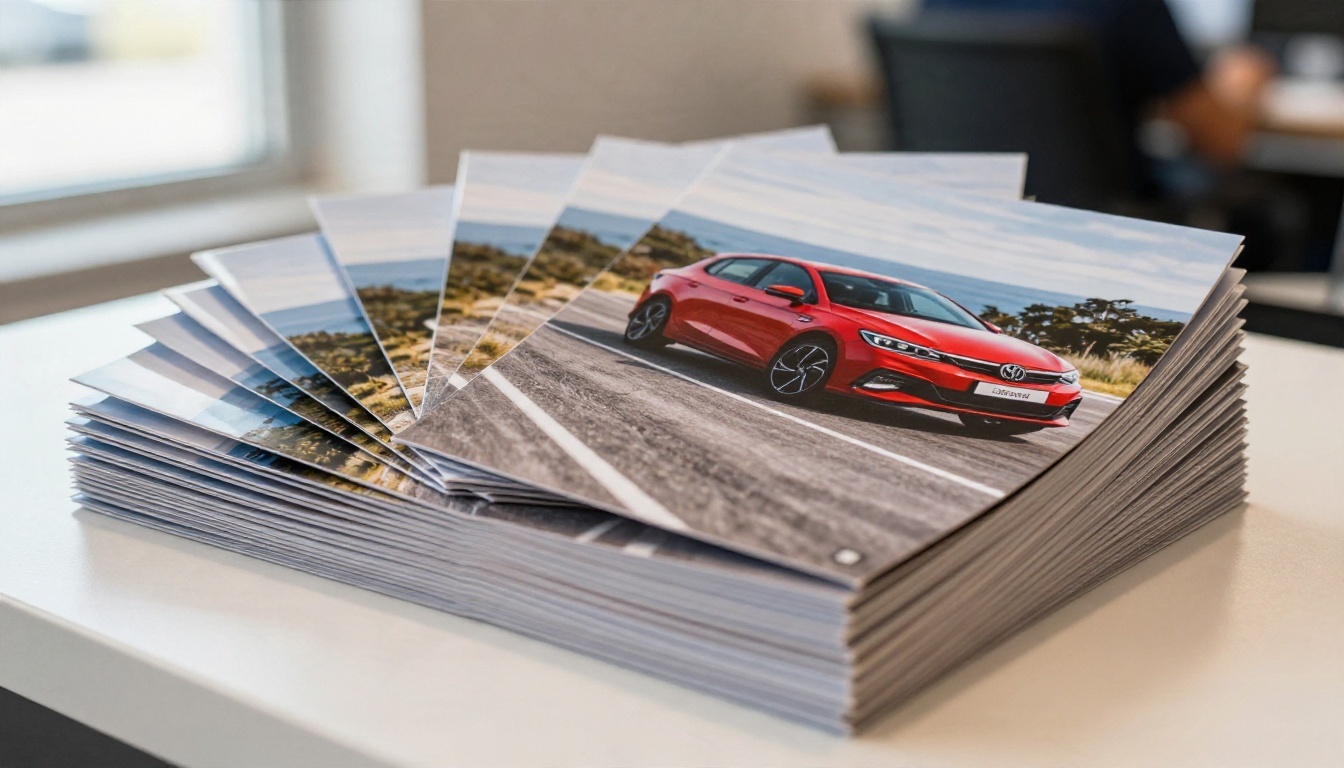
Manufacturer Websites
Brand sites usually have a "Brochures" or "Downloads" section on each model page. You get the official, current-year PDF, with accurate trim names and pricing notes. The catch is that the file is often large, and some brands ask you to fill in a form with your postcode and phone number first.
Dealer Websites and Showrooms
Local dealers often publish the same brochures with their own contact details on the last page. Many also offer a mailed copy or an in-store pickup. If you plan to buy locally, requesting from the dealer connects you to a salesperson who already knows the stock on the lot.
Third-Party Listing Sites
Some review and classified sites host archived brochures, including older model years. These are handy for used-car research, for example checking what options a 2019 trim originally included. Treat the pricing in them as history, not a quote.
| Source | Accuracy | Model years available | Registration needed |
|---|
| Manufacturer site | Highest, current year | Current and last year | Sometimes |
| Local dealer site | High, may add local offers | Current | Often |
| Third-party archive | Varies | Many past years | Rarely |
⚠️ Warning: Only use brochures from official or clearly credited sources. Edited PDFs floating around forums can carry outdated prices or wrong specs.
PDF Examples Worth Copying
If you are building brochures instead of reading them, study the best ones. Great car brochures are not crowded. They are paced like a short film: an emotional opener, a few clear proof points, then the practical details.
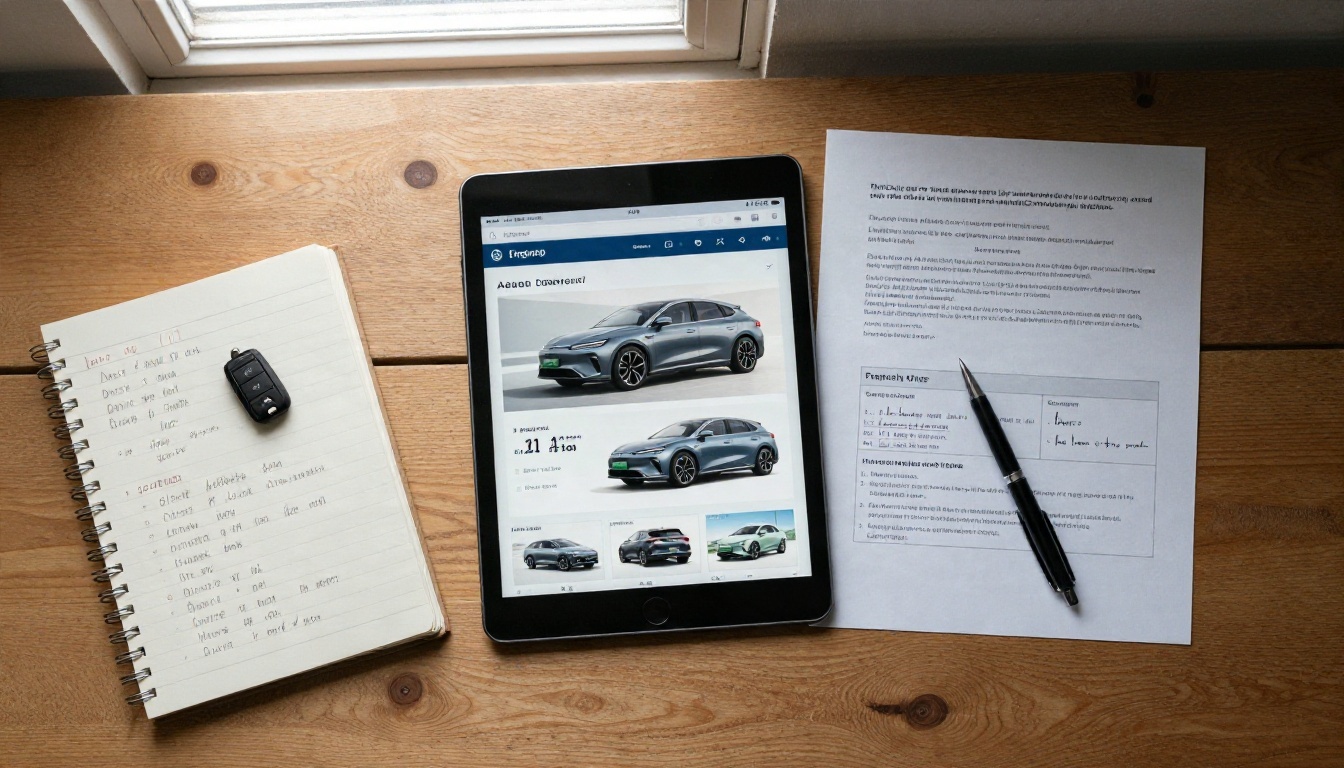
Anatomy of a Strong Car Brochure
Here is the page order that tends to work, whether you have 8 pages or 28.
| Page | Purpose | What to include |
|---|
| 1 | Hook | One full-bleed hero photo, model name, one short line |
| 2 to 3 | Story | Design and driving feel, two or three lifestyle photos |
| 4 to 5 | Features | Safety, tech, comfort, with icons and short captions |
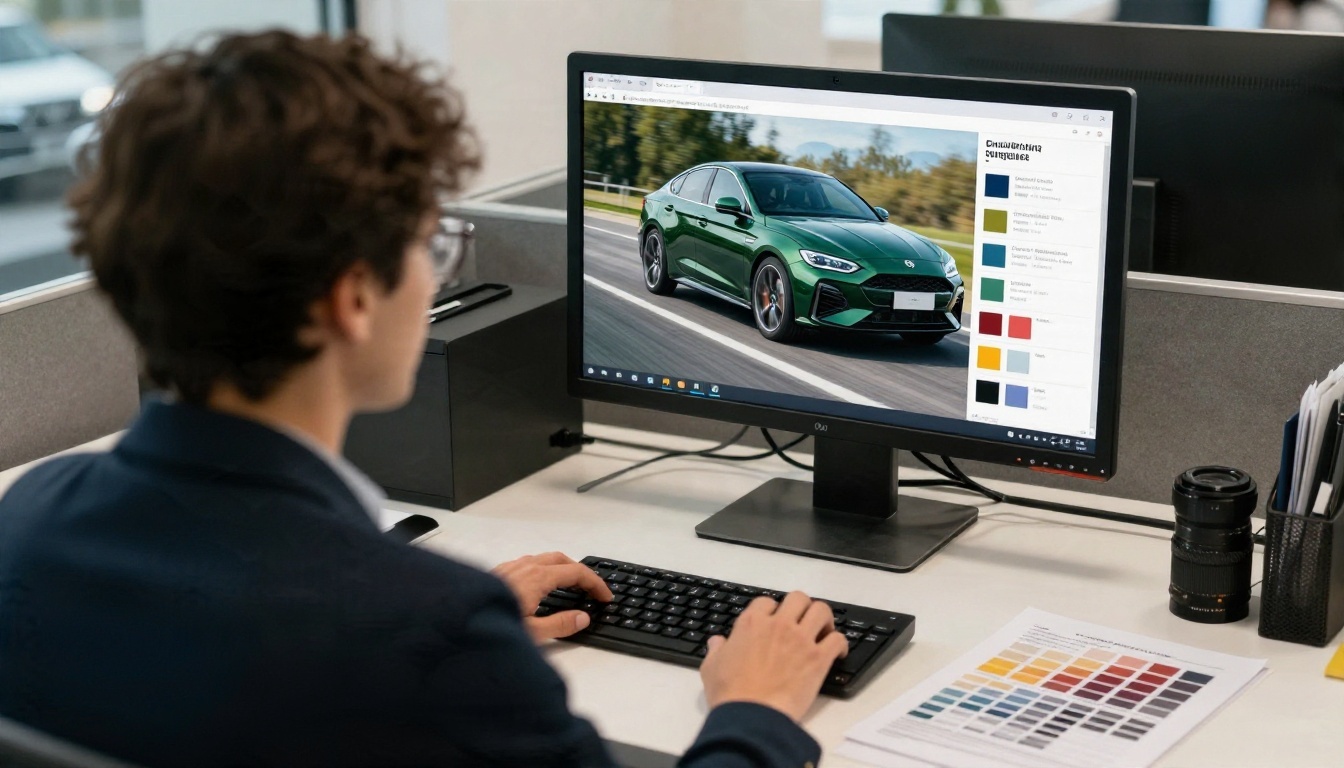
| 6 to 7 | Trims | A side-by-side trim table and color swatches |
| 8 to 9 | Specs | Engine, dimensions, cargo, warranty |
| Last | Action | Test drive link, dealer contact, financing note |
Spec Tables That Buyers Read
Specification tables are the most screenshotted part of any brochure. Keep them tight: one row per attribute, one column per trim, and no more than eight rows per page.
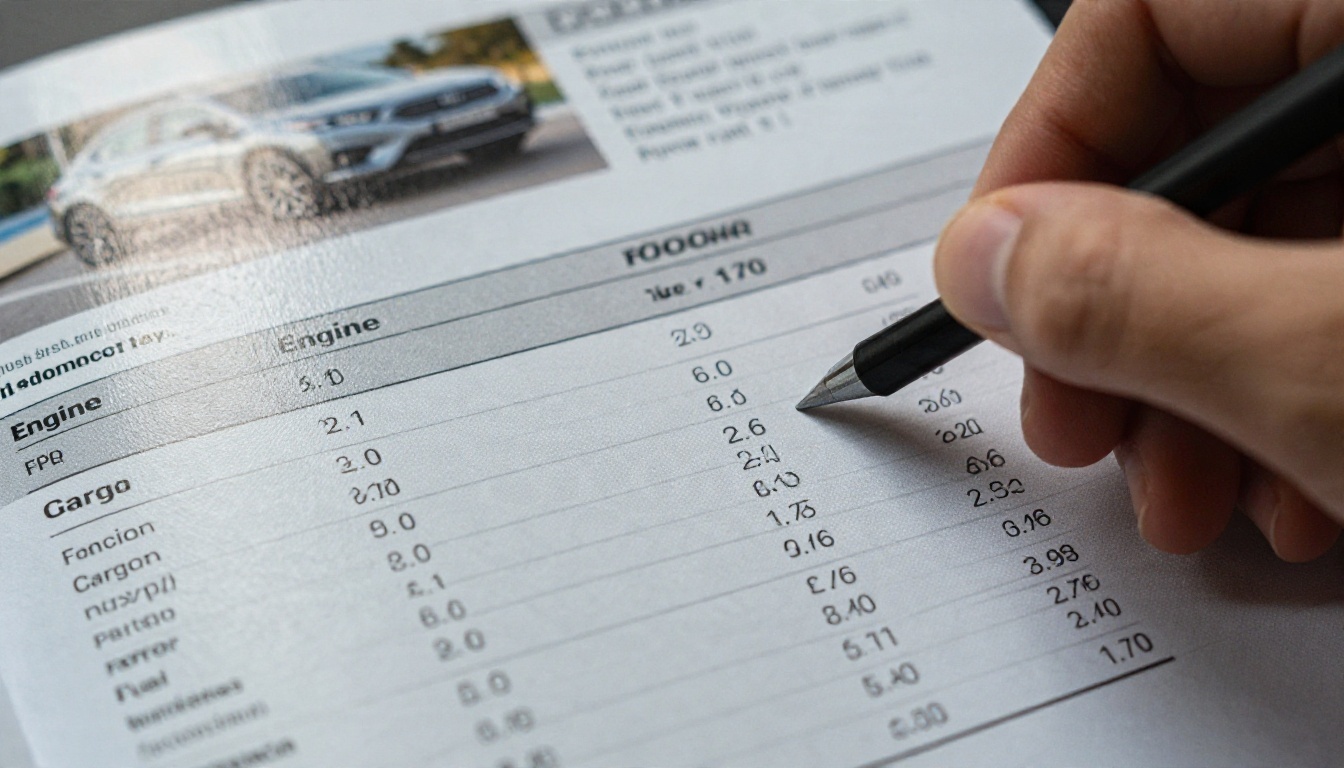
A few habits separate good tables from clutter:
- Lead with what people compare most: power, efficiency, cargo, price starting point.
- Use units consistently. Do not switch between liters and gallons mid-table.
- Bold the standout trim so the eye lands there first.
- Add a footnote for anything that depends on options or market.
✅ Best practice: One strong photo per page beats four small ones. White space makes a car look more expensive.
How Dealers Use Brochure Requests
For a dealer, a brochure request is a lead with a built-in topic. You already know which model the person likes. The challenge is following up fast without sounding like a script.
Turning a Request Into a Lead
A smart dealer workflow looks like this:
- The shopper requests the brochure for a specific model.
- The dealer sends a link to the brochure within minutes, not days.
- A salesperson sees which pages the shopper opened.
- A personal message follows, referencing what they looked at: "I noticed you checked the hybrid trim. Want me to hold one for a test drive?"
That third step is where a plain PDF falls short. Email attachments give you no signal. You do not know if the file was opened, forwarded, or ignored.
Follow-Up Timing
Speed matters more than polish. Here is a rough rhythm that dealerships use:
- Within 5 minutes: send the brochure link with a one-line greeting
- Within 24 hours: a short message that answers one likely question, such as financing or availability
- Day 3: an invite to a test drive, with a calendar link
- Day 7: a gentle check-in with a new offer or fresh photos
Real-World Scenarios
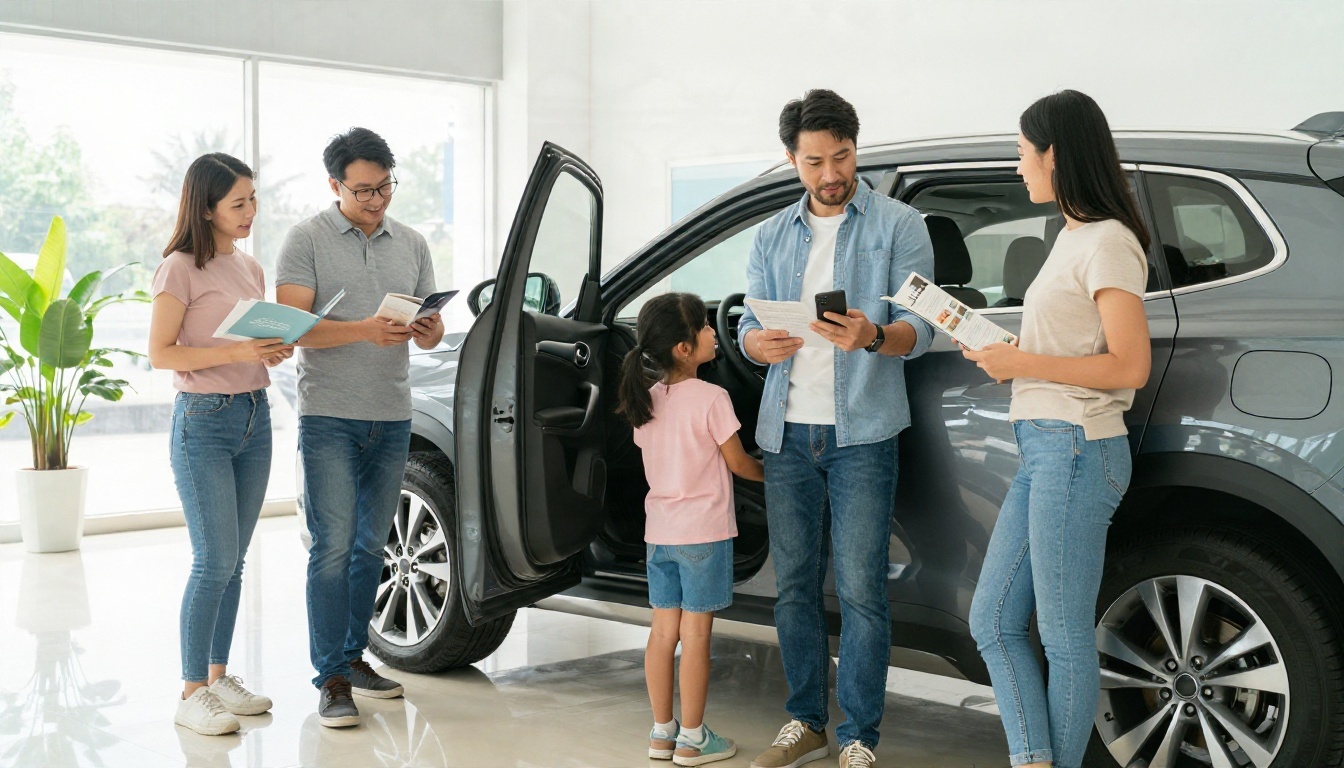
A family dealership puts a QR code on every windshield sticker. Visitors scan it after hours, read the brochure on their phone, and request a test drive for the next morning.
A used-car lot builds a monthly "Featured Arrivals" brochure with 12 vehicles. It is sent to everyone who requested a brochure in the past 90 days.
A motorcycle and powersports shop sends model brochures to riders who downloaded a spec sheet from a social ad, then follows up with an event invitation.
PDF or Flipbook: What Works Better
A PDF is reliable. It opens anywhere and prints well. But on a phone, a PDF means pinching, zooming, and scrolling past tiny text. A flipbook keeps the same pages but presents them like a real brochure: you tap or swipe and the page turns.
| Feature | Plain PDF | Flipbook from Flipbooks AI |
|---|
| Mobile reading | Pinch and zoom | Mobile-responsive, page-turn effect |
| Link to share | Attachment or file link | Short link or embed on your site |
| Tracking | None | Analytics on views and pages (Professional plan) |
| Lead capture | Not possible | Lead generation forms (Professional plan) |
| Branding | Static | Custom colors, logo, no watermarks |
| Video and audio | Rarely supported | Embed videos and audio |
| Private offers | Hard to restrict | Password protection |
| Offline use | Download the file | Offline downloads available |
The point is not to replace the PDF. Keep it as a download option and add the flipbook as the main experience. Buyers who like paper can still print the file. Everyone else gets a smoother read.
How to Create a Car Brochure Flipbook with Flipbooks AI
If your dealership already has a PDF, you are minutes away from a shareable, trackable brochure. The Automotive Brochure Generator is built for exactly this, and the PDF to Flipbook Converter works for any file you already have.
Step 1: Sign Up
Head to Flipbooks AI and create an account. Your dashboard shows a clean list of projects and a big upload button.
Step 2: Upload Your PDF
Drag your brochure PDF into the upload area. The platform converts each page into a flipbook spread, and you will see a preview in seconds. High-resolution photos stay sharp, so the hero shot on page one still looks great on a large monitor.
💡 Pro tip: Export your PDF at 150 to 300 DPI from your design tool. Higher than that adds file size without a visible gain on screens.
Step 3: Customize the Look
Open the design panel and set:
- Branding: your logo, brand colors, and background
- Page effects: the turn speed and sound
- Multimedia: a 20-second walkaround video on the trims page, or an engine-sound audio clip on the performance page
- Links: buttons that point to the test-drive form, inventory page, or financing calculator
Nothing is watermarked. Your brochure looks like yours, not ours.
Step 4: Choose How to Share
You have three main options:
- Direct link: best for emails, texts, and social bios
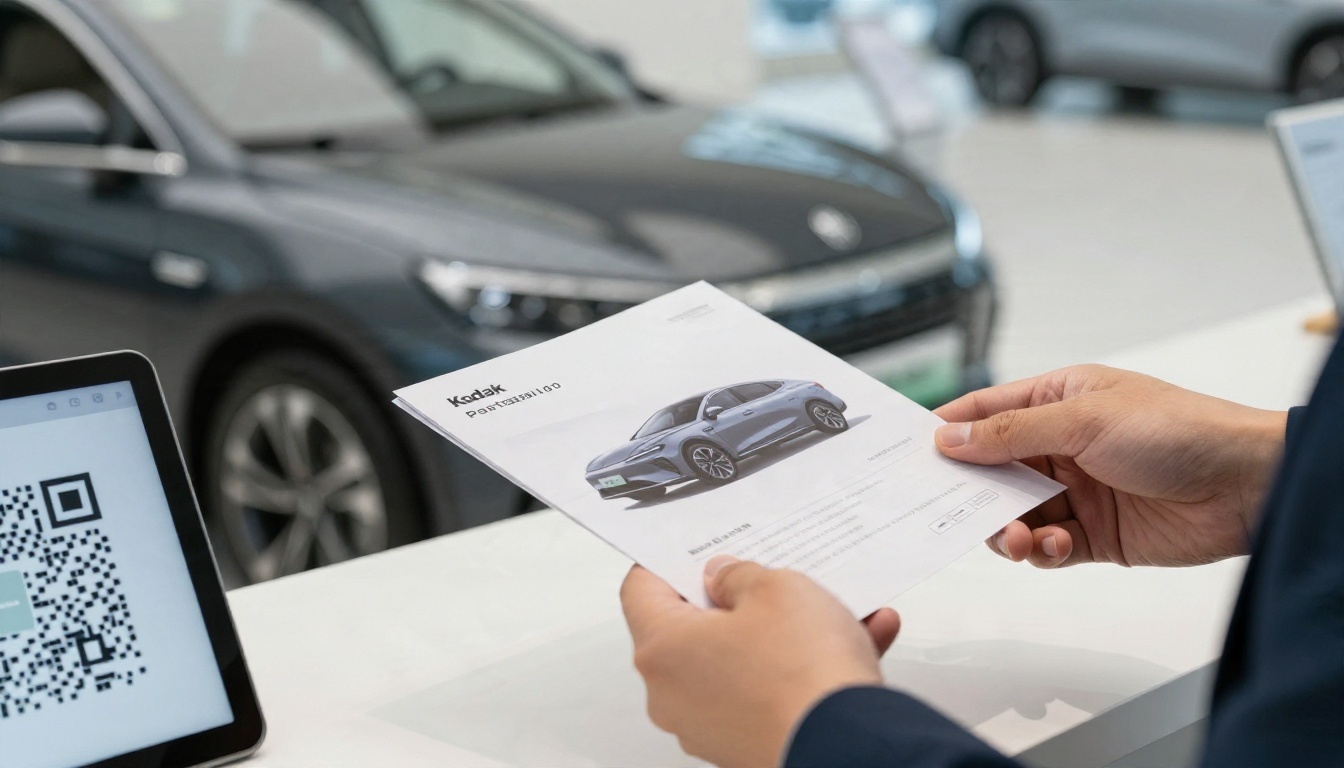
- QR code: print it on windshield stickers, ads, and showroom signs
- Embed code: place the brochure inside a model page using the Embed Flipbook on Website tool
For limited offers or dealer-only price sheets, switch on password protection so only the right audience can open them.
Step 5: Turn On Pro Features
On the Professional plan, you can see how many people opened your brochure, which pages they spent time on, and add a lead form that asks for a name and email before a specific page. Offline downloads let visitors save the brochure for later. Standard plans and above include unlimited flipbooks, so you can publish one per model, one per trim, and one per seasonal offer.
Common Mistakes to Avoid
Even good dealers trip on the same few things. Check this list before you publish.
- Huge files. A 60 MB PDF will not open on a weak mobile connection. Compress images first.
- Out-of-date pricing. If prices change monthly, put them on one replaceable page, not scattered throughout.
- No next step. Every brochure needs a final page with a clear action: book a test drive, call, or request a quote.
- Forms that ask too much. Name, email, and model of interest is plenty for a first request. Phone number can be optional.
- Silence after the download. A brochure without a follow-up is just a file. Use view data to time your message.
- Tiny text on mobile. Test every page on a phone before you share it.
⚠️ Heads up: If your brochure mentions financing, include the required legal notes in your market. A short footer on the last page is usually enough, but check your local rules.
Ready to Send Your Own?
Shoppers want fast, free access to clear brochures. Dealers want to know who is reading and when to reach out. A flipbook gives both sides what they need without extra work.
If you have a PDF ready, create your account on Flipbooks AI and publish your first car brochure today. Browse all flipbook tools to find the right layout for your inventory, or compare pricing plans to see which one adds analytics and lead capture. When you are ready to go live, start from the account page and pick a plan that matches your showroom.
The next brochure request is already on its way. Make sure it lands on a page worth turning.



