You have a folder of product photos, a launch date, and one question: should this be a catalog or a brochure? Pick wrong and a buyer who wanted a full price list gets a glossy teaser, or a first-time visitor gets 80 pages when they only wanted a two-minute pitch. This article lays out the real differences, shows examples from different industries, compares print, PDF and flipbook formats, and tells you exactly when each one wins. Along the way you will see how Flipbooks AI turns either document into a page-turning online publication in a few minutes.
The Short Answer
If you only have ten seconds, here it is: a catalog is a reference, a brochure is a pitch. A catalog helps someone who already knows what they want to find it, compare it and order it. A brochure helps someone who is still deciding whether you are worth their attention.
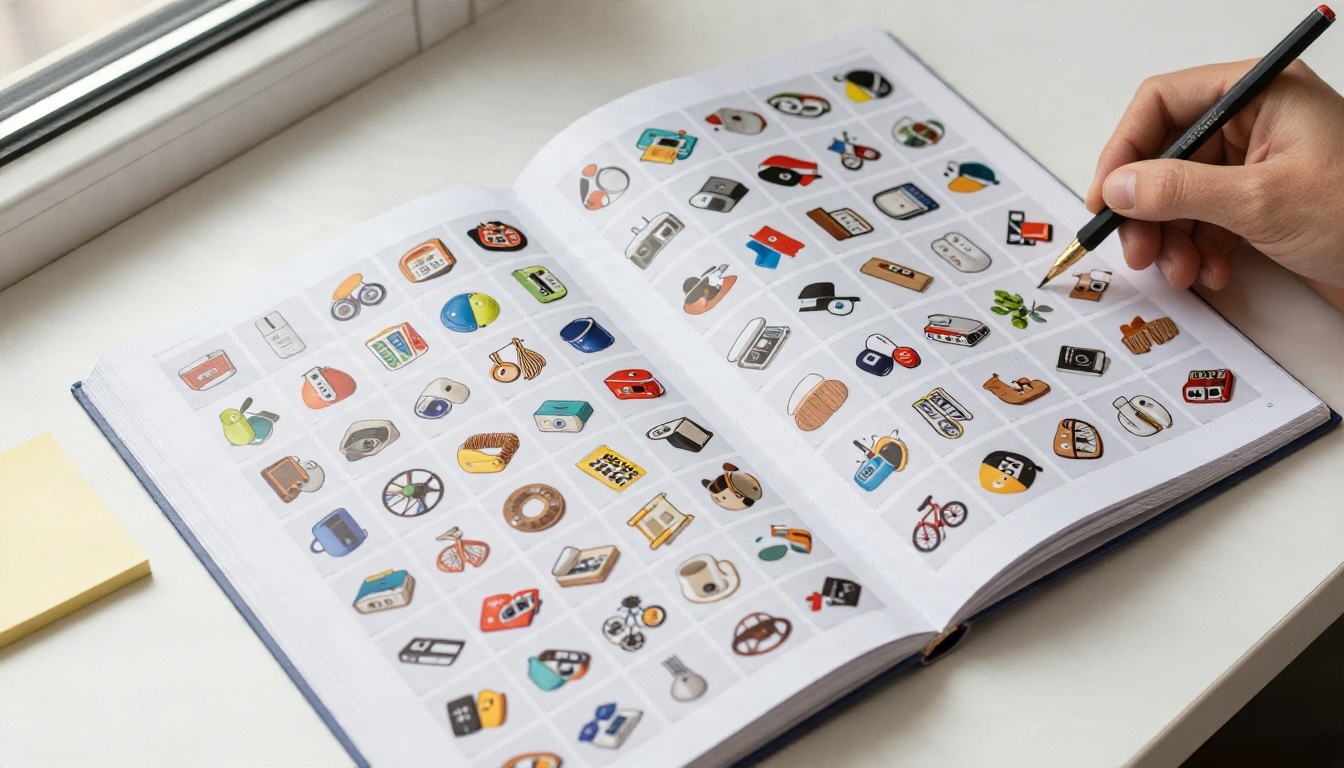
A Catalog Sells Range
A catalog is a structured collection of products or services. It usually has an index, SKUs or item codes, prices or price tiers, specifications, and many small photographs. People rarely read it from page one to the end. They scan, flip to a section, and compare. Think of a furniture supplier with 400 items or a wholesaler with seasonal collections.
A Brochure Sells One Idea
A brochure is a short, designed piece, usually 2 to 12 pages, built around a single message: a hotel stay, a clinic, a new car model, a property for sale. It leans on big photography, short copy and a clear call to action. It is read in order, top to bottom, and it should be finished in a few minutes.
💡 Quick test: if the reader will search your document, it is a catalog. If the reader will read it, it is a brochure.
Catalog vs Brochure Side by Side
The table below puts the practical differences in one place. Use it as a checklist before you open any design tool.
| Feature | Catalog | Brochure |
|---|
| Main goal | Help buyers find, compare and order | Persuade and start a conversation |
| Typical length | 20 to 300+ pages | 2 to 12 pages |
| Reading style | Scan, search, jump to sections | Linear, start to finish |
| Content density | High: specs, codes, prices | Low: big images, short copy |
| Shelf life | One season to one year | Weeks to a few years |
| Update frequency | Often (prices, stock, new items) | Rarely |
| Audience stage | Ready to buy or reorder | Awareness and consideration |
| Best call to action | "Order", "Request a quote" | "Book a visit", "Call us" |
| Production cost in print | High (pages, binding) | Low to moderate |
Why the Difference Matters
Mixing the two is the most common reason marketing materials underperform. A brochure stuffed with 60 products becomes a confusing catalog. A catalog with a lifestyle story on every page becomes slow, expensive and hard to scan. Decide the job first, then choose the format.
Real Examples of Each
Abstract definitions only go so far. Here is how different industries use each piece in practice.
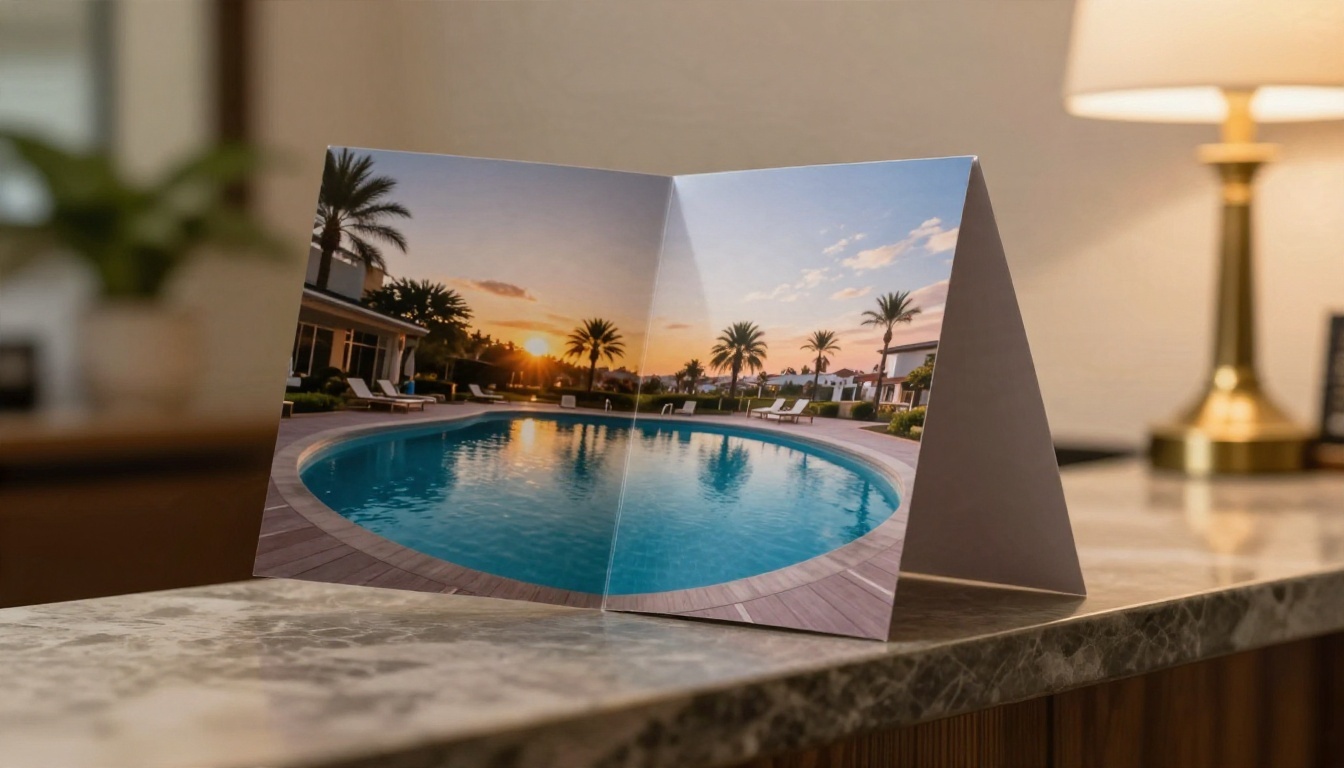
Brochure Examples
- Hotels: a tri-fold with room types, a pool photograph, a spa teaser and a booking line. A Hotel Brochure is a textbook example of one idea, one stay.
- Real estate: a single property presented across 6 to 8 pages with floor plans and neighborhood highlights. The Real Estate Brochure tool suits this exactly.
- Clinics and services: a short document explaining treatments, team and opening hours.
- Software and agencies: a capabilities brochure with three case studies and a contact page.
- Car dealers: one model, trims, colors and an engine table, as in an Automotive Brochure.
Catalog Examples
- Furniture makers: hundreds of items grouped by room, with dimensions, finishes and codes. See the Furniture Catalog option.
- Fashion brands: seasonal collections with sizes, fabrics and wholesale pricing, similar to a Fashion Catalog.
- Industrial suppliers: parts, tolerances and ordering codes across many pages.
- Wholesalers and distributors: multi-category listings with tiered prices.
- Restaurants and spas: menus are catalogs in disguise, since customers scan and choose.
✅ Best practice: when a buyer asks for "your catalog" and you hand over a brochure, you lose a sale. When a stranger asks "what do you do?" and you send a 120-page catalog, you lose the stranger.
Print is no longer the default. Most buyers will first meet your document on a phone, in an email or on a website. These are the formats you will realistically choose between.

Print
Print still wins for trade shows, hotel lobbies, showrooms and premium first impressions. A well-made brochure feels like a gift. The downsides are cost per copy, reprint delays and zero tracking.
Static PDF
A PDF is easy to make and easy to attach. It is also heavy on mobile, awkward to zoom, impossible to track properly and instantly out of date once you update a price. Many catalogs sent as PDF end up forgotten in downloads folders.
Digital Flipbook
A flipbook keeps the familiar page layout but lives online. It loads fast, adapts to phones, supports clickable links and embedded video, and can be updated without resending anything. This is the format that keeps the feel of print and the benefits of a web page. You can turn a PDF into one with the PDF to Flipbook Converter.
Interactive Web Page
A fully custom web page works for large product databases with filters and carts. It also takes the most time and budget. For most small and mid-sized teams, a flipbook gives 90% of the result at a fraction of the effort.
| Format | Cost | Mobile friendly | Easy to update | Trackable | Best for |
|---|
| Print | High per copy | Not applicable | No | No | Events, lobbies, premium gifts |
| Static PDF | Very low | Poor | No | Limited | Quick email attachments |
| Flipbook | Low | Excellent | Yes | Yes (with analytics) | Catalogs and brochures online |
| Custom web page | High | Excellent | Yes | Yes | Large databases, e-commerce |
When to Use Each
Now to the decision. Match the document to the situation, not to habit.

Pick a Catalog When
- Your customers reorder or compare items regularly.
- You sell wholesale or to trade buyers who need codes and tiers.
- You have more than 15 to 20 products that cannot be summarized in a story.
- Prices or stock change often and you need to update quickly.
- Sales reps need one reference document they can send after a call.
Pick a Brochure When
- You are introducing a new company, service, property or single product.
- The reader needs to feel something before they will care about details.
- You have a short window to make an impression, such as a trade show conversation.
- Your offer fits on a handful of pages with a single call to action.
- You want something people will actually finish reading.
Use Both Together
Many strong sales flows use both. The brochure opens the door, the catalog closes the deal. A furniture studio, for example, can send a 6-page brochure with its design philosophy and a link to the full catalog inside it. A hotel can send the brochure to travelers and a separate menu catalog to event planners.

| Situation | Best choice | Why |
|---|
| Introducing a new service to cold leads | Brochure | Short, visual, easy to finish |
| Sending a price list to existing buyers | Catalog | Fast to scan and reorder |
| Trade show handout | Brochure (print) plus QR link to catalog | Light to carry, depth on demand |
| Selling real estate listings | Brochure | One property, one story |
| Wholesale seasonal collection | Catalog | Many items, codes and tiers |
| Email follow-up after a sales call | Both | Pitch first, reference second |
⚠️ Watch out: a brochure that tries to list everything and a catalog with no index are both signs the format was chosen too quickly.
How to Create Either with Flipbooks AI
Whichever you choose, the process online is nearly the same. Here is the workflow in Flipbooks AI, which works for a brochure, a catalog or both.

Step by Step
- Create your account. Sign up on Flipbooks AI and open your dashboard. No watermarks are added to your publications, ever.
- Upload your PDF. Design the layout in any tool you like, export it as PDF, and upload it. Conversion into a page-turning flipbook takes moments. If you start from scratch, the Digital Catalog Maker and Online Brochure Designer are good entry points.
- Pick the right starting tool. For a product range use the Product Catalog tool or the Catalog Flipbook Creator. For a short pitch use the Brochure Flipbook Maker.
- Customize the look. Add your logo, set brand colors, choose a background and select page-turn effects. Keep it subtle: the content should lead.
- Add multimedia. Embed a product video, a short audio intro or clickable hotspots on key items. Videos work especially well on brochure covers and hero pages.
- Optimize for mobile. Flipbooks are mobile-responsive by default, so check the preview on your phone before publishing.
- Share it. Copy a direct link, paste it into an email or QR code, or use the Embed Flipbook on Website tool to place it on a page. For private price lists, turn on password protection.
- Measure and follow up. On the Professional plan you get analytics, lead capture forms and offline downloads, so you can see which pages buyers read and who requested a quote. Compare options on the pricing page.
💡 Pro tip: publish your brochure as a short flipbook and add a button on the last page that links to the full catalog. One click takes a curious reader to the details.
What You Get on Each Plan
| Capability | Standard | Professional |
|---|
| Unlimited flipbooks | Yes | Yes |
| No watermarks | Yes | Yes |
| Password protection | Yes | Yes |
| Embed on your site | Yes | Yes |
| Analytics and lead generation | No | Yes |
| Offline downloads | No | Yes |
See the current details on the plans page, since features can be updated over time.
Practical Scenarios
Seeing the choice applied helps more than a list of rules. Here are three short stories.

The Ceramics Studio
A small studio sells 60 pieces wholesale to cafes and gift shops. Buyers email asking for "the latest range". A catalog flipbook with item codes, dimensions and three price tiers answers every question. A short brochure with the studio's story and a studio visit invitation handles first contact.
The Boutique Hotel
A 24-room hotel wants more direct bookings. The brochure is the star: room photography, a seasonal offer, a map and a booking link. The catalog equivalent is a separate flipbook of event packages for wedding planners, password-protected and updated each season.
The Real Estate Agent
An agent with a dozen listings should not build a catalog. Each property gets its own brochure flipbook, with a shared link and a QR code on the yard sign. Analytics show which listing buyers opened and how long they stayed on the floor plan page.
Common Mistakes to Avoid
Even with the right format, a few habits quietly weaken the result.
Mistake 1: One Document for Every Audience
A document that tries to serve cold leads and loyal buyers satisfies neither. Create two versions with a clear link between them.
Mistake 2: Print-Only Thinking
Designing a brochure only for A4 paper means tiny text on phones. Use larger type, generous margins and clear images so it reads well at any size.
Mistake 3: No Next Step
Every brochure needs one action: call, book, scan or request. Every catalog needs a way to order or ask for a quote. A document without a next step is just decoration.
Mistake 4: Outdated Information
An old price in a PDF that is already in 200 inboxes cannot be corrected. A hosted flipbook can be updated in one place, and every link shows the latest version.
✅ Checklist before publishing: clear goal, correct length, one call to action, mobile preview checked, links tested, password set if the content is private.
Pick Yours and Publish Today
Choose a catalog when buyers need to compare, search and order. Choose a brochure when you need to introduce, persuade and start a conversation. Use both when your sales flow has a first impression and a closing step. Then publish them in a format people will actually open: a mobile-friendly flipbook beats a heavy PDF and costs far less than reprinting.
Ready to build yours? Create your free account on Flipbooks AI and upload your first PDF. Browse all flipbook tools and templates to find the closest match for your industry, or compare pricing plans when you are ready for analytics, lead generation and offline downloads.



