You ask for a quote on 1,000 catalogs, get a number that looks fine, and then the real bills arrive: proofs, freight, postage, a reprint because the price list changed in March. Catalog printing costs are rarely just the line on the quote. This article breaks down what you pay per page, per copy and per project, shows how paper and binding move the total, and compares print with digital alternatives such as the flipbook catalogs you can build on Flipbooks AI.
All prices below are realistic market ranges for 2026 in US dollars. Your own quotes will vary by region, printer and timing, so use the numbers as a budgeting baseline rather than a promise.
What Drives Catalog Printing Costs
Every quote is built from the same handful of variables. Change one and the price shifts, sometimes by a lot.
Page count and trim size
Pages are the most obvious driver. A 16-page catalog uses four sheets of paper folded together, while a 96-page catalog uses far more paper, more press time and more binding work. Trim size matters just as much. A standard 8.5 x 11 inch catalog wastes little paper on most presses, but an unusual square format can push you onto a larger sheet and add 10 to 20 percent.
💡 Pro tip: Page counts should be multiples of four for saddle-stitched books and multiples of eight when you can manage it. A 38-page catalog is billed like a 40-page catalog, so you pay for two blank pages.
Print run and printing method
Two methods dominate. Digital printing has almost no setup cost, so it suits runs under about 300 copies. Offset printing has higher setup (plates, press calibration) but a much lower cost per copy, so it wins once you pass roughly 500 copies.
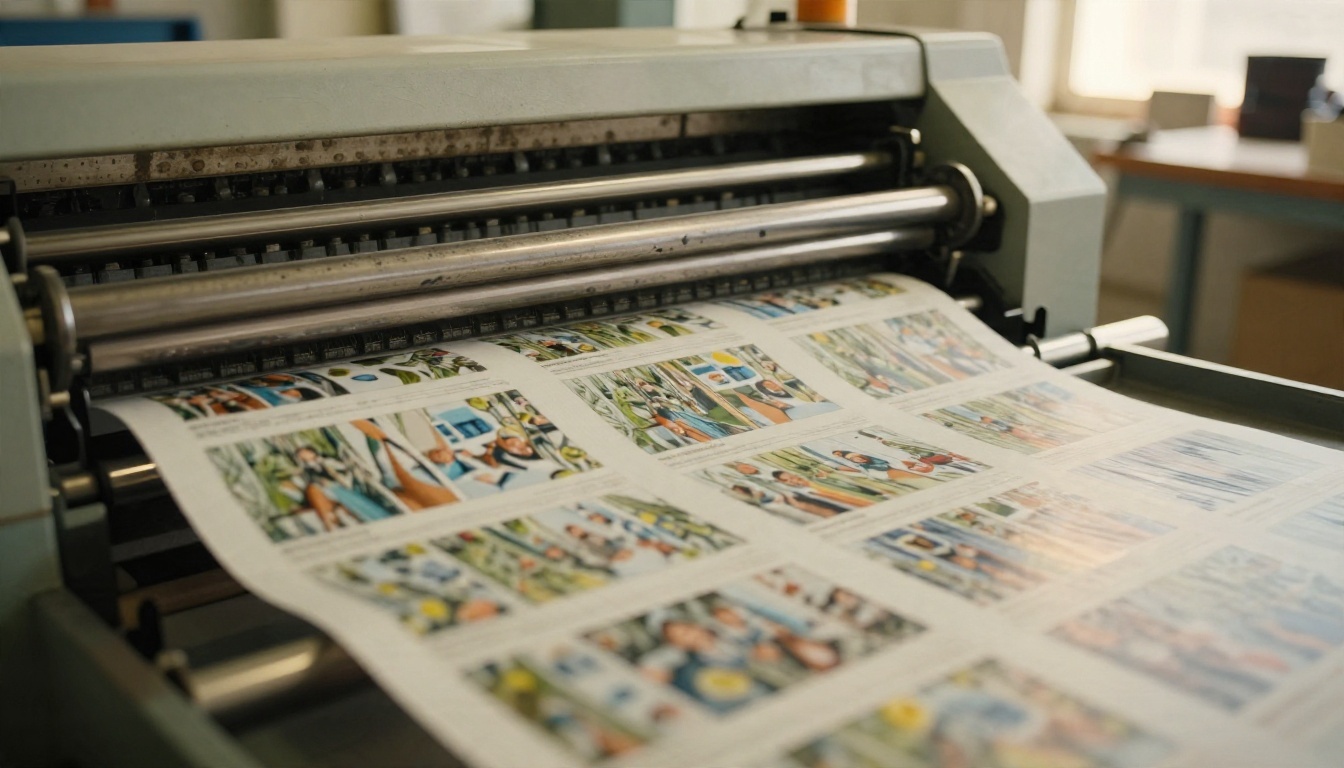
The practical effect is a steep curve. Doubling the quantity rarely doubles the price. On offset runs, going from 500 to 1,000 copies often raises the total by only 40 to 60 percent.
Color, finishes and extras
Full color on both sides is standard for catalogs, so it is rarely a surcharge. Extras are where totals creep up:
- Aqueous or UV coating, which protects pages and adds sheen
- Spot UV or foil on the outer sheet
- Die-cut shapes, fold-outs and gatefolds
- Tabbed dividers or inserted order forms
- Poly-bagging for mailing
Each extra can add 5 to 25 percent to the base price, so decide which ones actually help a buyer.
Prices per Page: Real Numbers
Per-page pricing is the cleanest way to compare quotes, because it removes the noise of different page counts. Divide the printing total by the number of pages and the number of copies.
Short runs under 250 copies
At small quantities, setup and handling dominate. Expect $0.12 to $0.35 per page per copy with digital printing. A 32-page catalog at 100 copies therefore lands around $4 to $11 per copy, or $400 to $1,100 total.
Mid and large runs
Offset economics kick in here. At 1,000 copies expect $0.04 to $0.10 per page per copy, and at 5,000 copies it can fall to $0.025 to $0.06.
| Catalog Size (8.5 x 11) | 100 copies (digital) | 500 copies | 1,000 copies (offset) | 5,000 copies (offset) |
|---|
| 16 pages, saddle-stitched | $2.10 to $4.50 each | $0.95 to $1.60 each | $0.70 to $1.10 each | $0.40 to $0.65 each |
| 32 pages, saddle-stitched | $4.00 to $8.50 each | $1.60 to $2.60 each | $1.20 to $1.90 each | $0.75 to $1.20 each |
| 48 pages, perfect-bound | $7.00 to $14.00 each | $2.60 to $4.10 each | $2.00 to $3.20 each | $1.30 to $2.00 each |
| 96 pages, perfect-bound | $12.00 to $22.00 each | $4.80 to $7.50 each | $3.80 to $5.80 each | $2.40 to $3.80 each |
These are estimates for full color, mid-weight gloss or matte paper and standard turnaround. Rush jobs usually add 15 to 30 percent.
Worked example: a 48-page catalog
Here is how a realistic budget looks for a boutique home goods brand printing 1,000 copies of a 48-page perfect-bound catalog:
| Cost Item | Amount |
|---|
| Printing at $2.90 per copy | $2,900 |
| Layout and design | $900 |
| Hard-copy proof | $120 |
| Freight to your warehouse | $380 |
| Mailing 1,000 copies at about $1.30 | $1,300 |
| Total | $5,600 |
That is $5.60 per copy, almost double the print-only price. This gap between the quote and the real spend is the main reason budgets break.
⚠️ Warning: Compare quotes on the same specification: same trim size, paper weight, finish, binding and quantity. A cheap quote that quietly assumes thinner paper is not cheap.
Paper Options and Their Price Impact
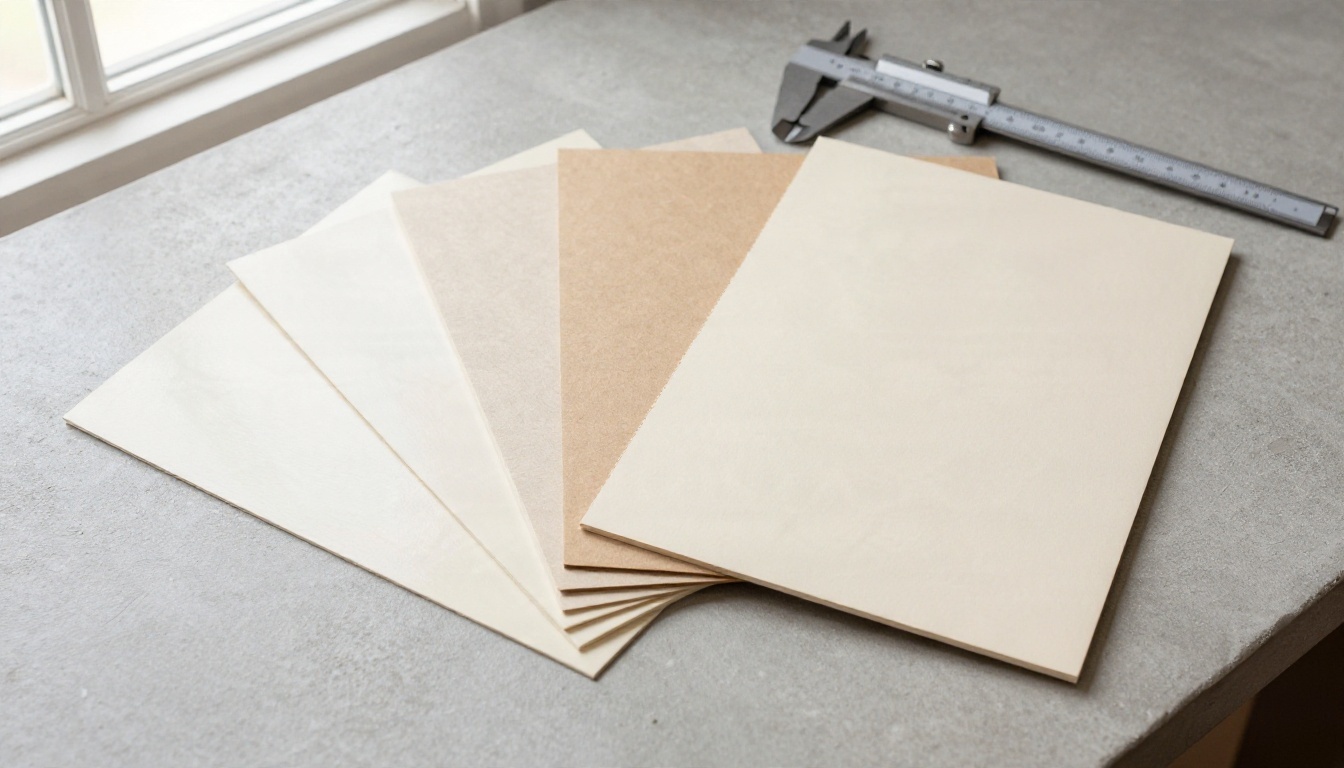
Paper typically accounts for 30 to 45 percent of a catalog's printing cost, so it is the best place to make smart savings.
Weight and finish
Paper weight is measured in GSM (grams per square meter) or pounds. A thin sheet feels cheap and shows ink through the page, while a heavy sheet feels premium but costs more and raises postage.
| Paper Option | Typical Weight | Feel and Look | Cost Impact |
|---|
| Uncoated offset | 80 to 100 GSM | Natural, writable, soft colors | Lowest |
| Matte coated | 115 to 150 GSM | Smooth, low glare, elegant | Low to medium |
| Gloss coated | 115 to 170 GSM | Vivid color, strong contrast | Medium |
| Silk (satin) coated | 130 to 170 GSM | Between matte and gloss | Medium |
| Recycled uncoated | 90 to 120 GSM | Earthy, slightly muted color | Medium |
| Heavy card for outer sheets | 250 to 350 GSM | Rigid, premium first impression | High |
A simple rule: use gloss or silk when photography sells the product (fashion, food, furniture), and uncoated or matte when readers will write on pages or when the tone is natural and understated.
Binding choices
Binding changes both appearance and price. It also limits your page count.

| Binding | Best Page Range | Look | Relative Cost |
|---|
| Saddle stitch (staples) | 8 to 64 pages | Simple, lightweight | $ |
| Perfect bound (glued spine) | 48 to 300 pages | Polished, shelf-ready, printable spine | $$ |
| Wire-o or spiral | 24 to 200 pages | Lies flat, practical for order books | $$$ |
| Sewn or thread-bound | 64 to 400 pages | Durable, high-end | $$$$ |
Budget-friendly combinations
You do not need to compromise the whole catalog. Try one of these:
- Heavier stock for the outer sheets only, lighter paper inside. You get a premium first touch while the bulk of the book stays cheap.
- Matte inside pages at 115 GSM, which cuts paper cost and postage weight.
- Fewer pages with stronger photography. Removing eight weak pages saves more than any paper change.
- A standard size that fits the printer's sheet with minimal waste.
Hidden Costs Nobody Mentions
The printing line is only part of the invoice. Plan for the rest before you approve anything.
Design, proofs and revisions
Layout for a 48-page catalog commonly costs $600 to $2,500, depending on whether a designer builds the template from scratch. Add $60 to $150 for a physical proof, and keep a reserve for corrections. Fixing a wrong price after the press run starts means paying for new plates.

Shipping, storage and postage
Catalogs are heavy. A pallet of 1,000 mid-size catalogs can weigh more than 600 pounds, so freight and storage are real line items.
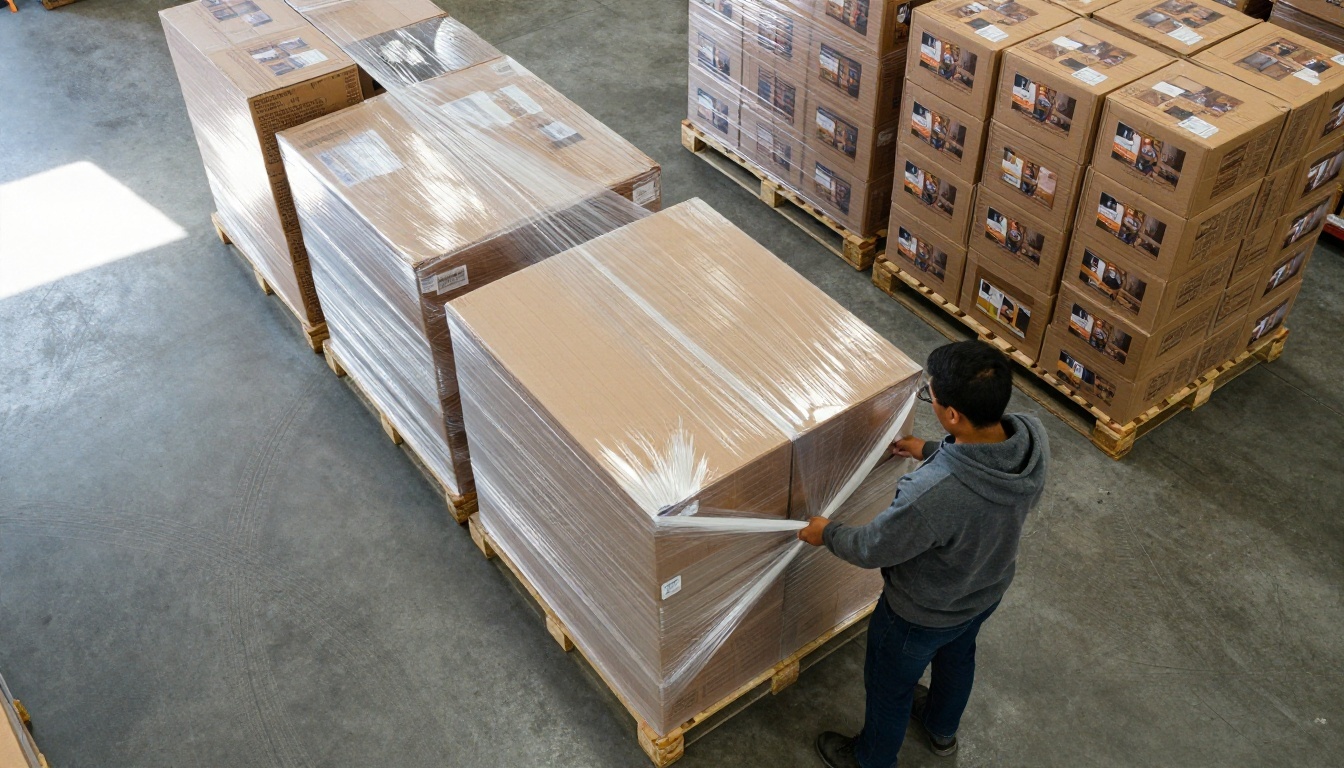
Postage is the quiet budget killer. Mailing a catalog commonly costs $0.80 to $2.50 per piece, which can match or exceed the printing cost per copy.
| Hidden Cost | Typical Range | How to Reduce It |
|---|
| Design and layout | $600 to $2,500 | Reuse a master template each season |
| Hard-copy proof | $60 to $150 | Approve a PDF proof for minor changes |
| Freight | $150 to $600 | Print closer to your distribution point |
| Postage | $0.80 to $2.50 per copy | Lighter paper, targeted mailing lists |
| Storage | $50 to $200 per month | Order smaller runs more often |
| Outdated stock | Up to 100% of a run | Keep prices on a separate digital sheet |
✅ Best practice: Before you print, ask whether anything in the catalog will change within six months. Prices, availability and promotions are the usual culprits. Anything that changes quickly belongs in a digital version.
Digital Alternatives Worth Considering
A digital catalog replaces paper, freight and postage with a link. The cost shifts from per-copy to a flat subscription, so the more people you reach, the cheaper each view becomes.

Flipbooks vs plain PDFs
A PDF is the cheapest digital option, but it is also the dullest. Readers must download it, pinch and zoom, and you cannot see whether anyone opened it. A flipbook turns the same PDF into a page-turning experience that works in any browser.
| Feature | Printed Catalog | Plain PDF | Flipbook Catalog |
|---|
| Cost per additional reader | $1 to $6 | Near zero | Near zero |
| Updating prices | Reprint required | Re-send file | Replace file, same link |
| Page-turn experience | Physical | None | Realistic page effects |
| Video and audio | No | No | Yes |
| Reading analytics | No | Limited | Yes (Professional plan) |
| Works on mobile | Not applicable | Awkward zooming | Responsive |
| Password protection | No | Basic | Yes |
| Delivery time | Days or weeks | Instant | Instant |
Print and digital together
You rarely need to choose one. A common approach is a short print run for trade shows and top-tier customers, plus a digital flipbook for everyone else. A fashion label might print 300 copies of a lookbook and publish the same file online, which lets them keep the printed run small and still reach thousands of buyers. The Fashion Catalog and Furniture Catalog tools are built for exactly that kind of split.

Digital Catalog with Flipbooks AI
If you already have a print-ready PDF, you are minutes away from a shareable digital catalog. Here is the process.
- Open your account. Go to Flipbooks AI and create an account. You will land on the dashboard with an upload button in the center.
- Upload your PDF. Drag the catalog file into the upload area. The platform converts each page into a flipbook spread automatically using the PDF to Flipbook Converter. A progress bar shows the conversion, which usually takes less than a minute for a 48-page file.
- Pick the right starting point. For product ranges, use the Product Catalog or Digital Catalog Maker. If you want a quick preview first, the Catalog Flipbook Creator is the fastest route.
- Add your branding. In the customization panel, set your logo, brand colors and background. Choose a page-turn effect and pick a soft shadow or a clean flat look. No watermarks appear on your flipbook, ever.
- Add multimedia. Drop product videos or audio clips onto the pages where they matter. A furniture catalog can show a short video of a table being assembled right beside the product photo.
- Share it. Copy the direct link for email and social posts, or use the embed code to place it on your site (the Embed Flipbook on Website page explains the options). For wholesale buyers, switch on password protection so only approved customers can open it.
- Add pro features. On the Professional plan you get analytics showing which pages people read, lead generation forms that capture emails before the catalog opens, and offline downloads. Compare options on the pricing page.

💡 Pro tip: Export your layout from your design software at the same page size as the printed version. That way a single file feeds both the print run and the flipbook, and you never maintain two catalogs.
Unlimited flipbooks are available from the Standard plan upward, so you can publish a separate catalog for each season, region or customer group without paying per project. If you sell price lists separately, the Digital Price List Generator keeps changing numbers away from your main catalog.
Print or Digital: Which Wins?
The answer depends on how many people need the catalog, how often it changes and who those people are.
Decision checklist
Choose print first if:
- Your buyers expect a physical book (luxury goods, interiors, trade fairs)
- The catalog stays valid for 12 months or more
- You mail to a small, high-value list
Choose digital first if:
- Prices, stock or ranges change every few weeks
- You need to reach hundreds or thousands of leads cheaply
- You want data on what people actually read
- You sell internationally, where postage is expensive
Real-world scenarios
Here is how the same 48-page catalog performs over a year for a business that updates quarterly.
| Scenario | Annual Cost | Notes |
|---|
| Four print runs of 1,000 copies | About $22,400 | $5,600 each, including design, freight and mailing |
| Four short print runs of 250 copies, mailed to top accounts | About $8,000 | Lower volume, still updated quarterly |
| One 250-copy print run plus quarterly digital updates | About $3,500 | Print for events, digital for everyone else |
| Digital flipbook only | Design cost plus a subscription | No printing, freight or postage |
Even with conservative numbers, the hybrid and digital-only approaches cut spend sharply. The gap grows every time a price changes, because digital updates cost a few minutes of work instead of a new press run.
⚠️ Warning: Do not print a full-year supply of a catalog that contains seasonal prices. Leftover stock has zero resale value and costs money to store and recycle.
Next Steps for Your Catalog
Start by collecting three quotes with identical specifications, then calculate the all-in cost per copy, not just the printing line. Add design, proofs, freight and postage. Next, decide which parts of your catalog change often and move those to a digital version.
When you are ready to test the digital route, get started for free on Flipbooks AI and convert your existing PDF in a few minutes. Browse all available flipbook tools to find the format that suits your range, and compare pricing plans to see which features fit your sales process. A smaller print run, a smarter paper choice and a live digital catalog will usually beat a single large print order on both cost and flexibility.



