You spent weeks on that catalogue. The photography is sharp, the prices are right, and the layout finally looks the way you pictured it. Then you export a PDF, attach it to an email, and watch it get ignored because it is 48 MB and opens as a flat wall of tiny pages on a phone. A catalogue maker AI fixes exactly that gap. Upload the file you already have, and a tool like Flipbooks AI turns it into a page-turning online catalogue with a shareable link, no design software and no watermark.
This article walks through how the conversion works, who benefits most, a step-by-step tutorial, and the small mistakes that make good catalogues underperform. If you only want the tool, jump straight to the PDF to Flipbook Converter and try it with one of your own files.
Why Printed Catalogues Hold You Back
Printed catalogues still have a place, but they carry baggage that most small and mid-sized businesses feel every season. The problem is rarely quality. It is speed, cost and reach.
The Real Cost of Print Runs
A print run is a bet. You guess how many copies you will need, pay for them upfront, and hope your prices and stock do not change before the boxes are empty. If one product is discontinued or one price is wrong, the whole batch is outdated on day one.
Then there is shipping. Posting a heavy catalogue to 300 trade customers costs more than the printing in many cases, and you never find out which ones were opened.
Why PDFs Alone Fall Short
Most teams switch to PDF as the cheap alternative. It solves the printing bill but creates new friction:
- Large file sizes that bounce from inboxes or take forever on mobile data.
- Pinch-and-zoom reading that makes product details painful to see on a phone.
- No tracking, so you cannot tell whether anyone got past page two.
- Static pages with no way to hear, watch or click through to a product.
💡 Pro tip: If your PDF is the only version customers ever see, you are probably losing orders at the "download and open" step, not at the pricing page.
Print vs PDF vs Flipbook
| Feature | Printed Catalogue | Plain PDF | Flipbook Catalogue |
|---|
| Upfront cost | High | Low | Low |
| Update after publishing | Reprint | Re-send file | Replace and keep the same link |
| Works well on mobile | No | Poor | Yes, responsive |
| Reader tracking | None | None | Analytics available |
| Clickable products and video | No | Limited | Yes |
| Page-turning feel | Yes | No | Yes |
A flipbook keeps the part people like about print, the turning page, and removes the parts that slow you down.
What a Catalogue Maker AI Actually Does
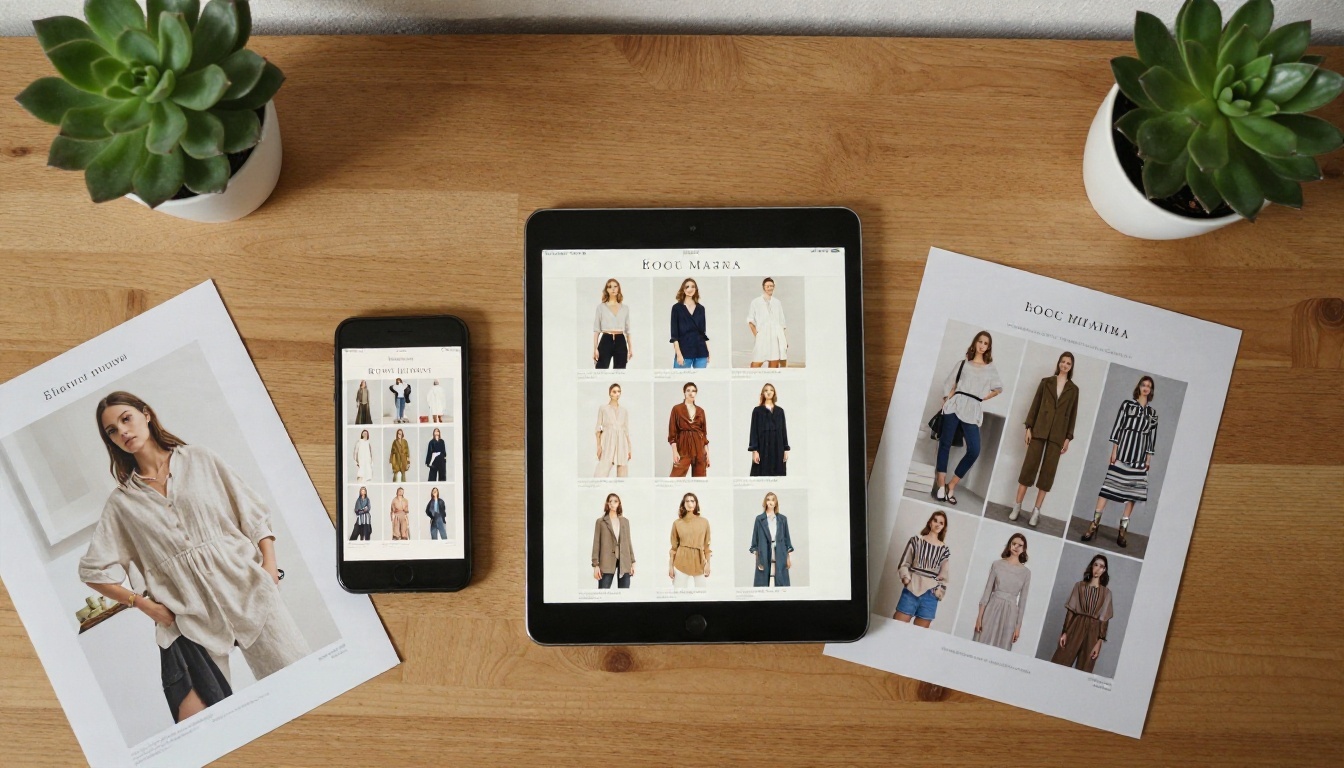
The phrase sounds bigger than the job. A catalogue maker AI takes a finished PDF, reads its pages, and rebuilds them as a lightweight, interactive online publication. You are not redesigning anything. You are changing how the design is delivered.
From Static PDF to Page-Turning
When you upload a file, the tool splits it into individual page images, optimises them for fast loading, and wraps them in a viewer with realistic page-flip effects. Readers can zoom, jump to a page from a thumbnail strip, and view it in full screen. On a phone, the layout adapts so nobody has to pinch to read a price.
Your original design stays intact, whether it came from InDesign, Canva, Word or a supplier's template.
One Link, Every Device
The result is a single URL. It opens in any browser on desktop, tablet or mobile, with no app and no download. You can paste it in an email, a WhatsApp message, a QR code on packaging, or embed it on your own site with the Embed Flipbook on Website tool.
Who Gets the Most Value
| Business Type | Typical Catalogue | Best Benefit |
|---|
| Furniture retailer | Seasonal collection | Large room photos load fast on mobile |
| Fashion brand | Lookbook and line sheets | Page-turning feel matches the brand |
| Wholesaler | Product range with SKUs | Easy updates when prices change |
| Restaurant or cafe | Menu and catering packs | One link on every table QR code |
| Manufacturer | Technical product sheets | Trade buyers get the latest version |
Looking for a more specific starting point? The Product Catalog Generator and Digital Catalog Maker are built for exactly these cases.
How to Create a Flipbook Catalogue
This is the full workflow, from file to published link. Most people finish it in under ten minutes, including the time spent choosing a colour.
Step 1: Open the Tool and Upload
- Go to Flipbooks AI and create an account. The signup takes a minute.
- Click the upload button on your dashboard, or drag your PDF straight onto the page.
- Wait while the conversion runs. A typical catalogue of 40 to 80 pages finishes in well under a minute.
- Check the preview. Flip through every page to confirm the order, resolution and spreads look right.
✅ Best practice: Export your PDF at 150 to 200 DPI. Higher than that only makes the file heavy without a visible gain on screen.
Step 2: Customise the Look

Your catalogue should feel like your brand, not like a generic viewer. In the customisation panel you can:
- Add your logo and set a background colour that matches your palette.
- Pick page effects, such as the speed and shadow of the page turn.
- Choose the toolbar layout, thumbnails and sound options.
- Set a custom domain or branded link so the URL looks professional.
There is no Flipbooks AI watermark on your pages. What your customers see is your brand and nothing else.
Step 3: Add Links, Video and Audio
A flat PDF cannot do this, and it is where flipbooks pull ahead. Add clickable hotspots on product photos so a buyer can jump to your shop page, a checkout link or a WhatsApp chat. Drop a short video on a hero page to show a product in use, or add audio for a brand story.
A few ideas that work well:
- Link every product photo to its product page.
- Add a 20-second video to your best-selling collection spread.
- Place an "Order now" link on the last page and on every fifth page.
Step 4: Share, Embed or Protect

Once you are happy, you have several ways to distribute it:
| Sharing Option | Best For | Notes |
|---|
| Direct link | Email, social, messaging | Fastest option, works everywhere |
| Embed code | Your website or shop | Keeps visitors on your own pages |
| QR code | Packaging, shelves, events | Links offline buyers to the online version |
| Password protection | Wholesale and private price lists | Only people with the password can open it |
| Offline download | Trade shows, poor connectivity | Gives readers a copy to keep |
⚠️ Warning: If your catalogue includes wholesale pricing, use password protection. A public link can be forwarded to anyone.
Step 5: Track What Happens Next
On the Professional plan you get analytics and lead generation. You can see how many people opened your catalogue, which pages held attention, and where they left. You can also place a form before the catalogue opens, so you collect an email address in exchange for access. See the pricing plans for exactly what each level includes.
Free Features Worth Using First
You can start free and see your own catalogue converted before you decide whether to pay for anything. That matters, because the only way to judge a tool is to run your real file through it.
What to Test on Day One
Do not test with a sample document. Use the catalogue you actually plan to send. Then check three things:
- Image sharpness on a phone and on a large monitor.
- Load speed when you open the link on mobile data instead of Wi-Fi.
- Page order and links, especially if you used internal links in the original PDF.
Features and Why They Matter
| Feature | What It Does | Why It Helps You |
|---|
| No watermarks | Removes third-party branding from pages | Your catalogue looks professional |
| Unlimited flipbooks (Standard plan and above) | No cap on how many you publish | One for each season or product line |
| Password protection | Restricts who can view | Safe for wholesale pricing |
| Analytics (Professional plan) | Shows views and drop-off pages | Tells you which products draw interest |
| Lead generation (Professional plan) | Collects contact details | Turns readers into a mailing list |
| Offline downloads | Lets readers save a copy | Useful for trade fairs and field sales |
| Video and audio | Embeds media in pages | Shows products in motion |
| Mobile-responsive design | Adapts to every screen | Most readers arrive on a phone |
| Custom branding | Logo, colours and domain | Looks like your own site |
💡 Pro tip: Start on a free account with your most important catalogue. If you need more flipbooks or analytics later, upgrade through your account without having to rebuild anything.
Real Examples by Industry

Abstract benefits are easy to ignore. Here is how three kinds of business actually use a flipbook catalogue.
Furniture Showrooms
A small showroom has 60 pieces and a new collection every quarter. Instead of printing 500 copies, the owner exports one PDF, converts it, and prints a QR code on a card at the till. Visitors scan, browse on the sofa in the shop, and send the link to a partner. When a price changes, the owner replaces the file and the same link updates. The Furniture Catalog Maker is made for this workflow.
Fashion Labels and Lookbooks
A fashion brand needs the catalogue to feel editorial. The page-turning effect and full-screen viewing suit a lookbook far better than a scrolling PDF. Buyers get a link in their inbox, flip through the season, and click a garment to see sizes and wholesale terms. The Fashion Catalog Creator and Interactive Lookbook Designer both start from a PDF.
Wholesalers and Distributors
A distributor with 1,200 SKUs sends a price list to dozens of trade customers every month. A password-protected flipbook means only approved buyers can open it, and the sales team can see who actually looked at it before a follow-up call. The Digital Price List Generator handles this case.
Mistakes That Quietly Cost You Orders

The conversion is easy. The catalogue itself is where things go wrong. These are the mistakes that show up most often once analytics are switched on.
Oversized Source Files
A 200 MB PDF gives you a slow viewer, no matter how smart the tool is. Compress images before export. Most catalogues look identical at a fraction of the size.
Tiny Text on Mobile
Product descriptions set at 7 point look fine on A4 paper and unreadable on a phone. Before you publish, open the link on your own phone and try to read a price at arm's length. If you cannot, increase the type size in the source file.
No Call to Action
A catalogue without a next step is a magazine. Every spread should offer one clear action: a link, a button, a phone number or a QR code. Place the strongest one on the last page, because that is where interested readers end up.
Forgetting to Check Analytics
If most people leave at page 6, something on page 6 is wrong. Maybe it is a confusing layout, a heavy image or a price that startles. Check where readers drop off and fix that spread first.
⚠️ Warning: Do not update prices in the PDF and forget to replace the flipbook. Old links keep showing the old file until you swap it.
Checklist Before You Publish

Run through this list with a colleague. A second pair of eyes catches the typo you stopped seeing weeks ago.
- Cover page shows your logo, season and a clear title.
- Page order matches the table of contents.
- Prices and SKUs have been checked against your current stock list.
- Links go to live product pages and not to drafts.
- Contact details appear on the first and last page.
- Colours and logo match your website.
- Password is set if the content is for trade customers only.
- Mobile test done on at least one iPhone and one Android phone.
- QR code printed and scanned from a realistic distance.
Choosing the Right Tool for the Job
Not every document is a product catalogue. If your PDF is another type of publication, a specific tool will give you a better starting point:
You can browse every option in the tools directory.
Make Your First Catalogue Today
You do not need a designer, a developer or a print budget. You need the PDF you already have and about ten minutes. Upload it, set your colours, add a few links, and send one URL to everyone who matters.
Ready to see your own catalogue as a flipbook? Create your free account on Flipbooks AI and convert your first PDF now. If you want analytics, lead capture and unlimited flipbooks, compare the pricing plans and pick the level that fits how often you publish.



