You have ten minutes, a half-formed idea, and a blank page. So you open ChatGPT and type "create a brochure for my business." What comes back is a tidy wall of text with headings, no layout, and no pictures. It is useful, but it is not a brochure yet. This article shows how to close that gap: the prompts that produce copy you can actually use, the free tools that handle layout, and the last step most people skip, turning the finished PDF into a page-turning flipbook with Flipbooks AI.
Can ChatGPT Really Create a Brochure?
Short answer: it can write one, outline one, and help you plan one. It cannot, on its own, hand you a polished, print-ready design in every case. Depending on your plan and the tools switched on in your account, it may also generate images or export a simple document, but the results vary, so treat those as a bonus rather than the plan.
What It Does Well
ChatGPT is strong at the thinking part of a brochure. It can:
- Draft headlines, subheads and body copy in a tone you specify
- Organize your offer into a tri-fold, bi-fold or multi-page structure
- Rewrite the same message for different audiences
- Suggest calls to action, taglines and short testimonials templates
- Trim long text to fit small panels
Where It Falls Short
- It does not know your brand colors or fonts unless you tell it
- Layout, spacing and image placement usually need a design tool
- Facts, prices and claims must be checked by you, every time
- Generated images can contain odd details or garbled lettering
⚠️ Never publish unchecked numbers. ChatGPT can sound confident while being wrong about dates, prices and specifications. Paste in your real data and verify the output line by line.
| Task | ChatGPT alone | Needs another tool |
|---|
| Headlines and body copy | Strong | No |
| Folding structure and panel order | Strong | No |
| Brand colors and fonts | Only as a suggestion | Yes, a design tool |
| Print-ready layout with bleed | Limited | Yes |
| Photography and icons | Varies by plan | Yes, stock or your own |
| Interactive page-turning version | No | Yes, a flipbook platform |
Prompts That Produce Usable Brochure Copy
The difference between a bland reply and a sharp one is almost always the prompt. Vague in, vague out.
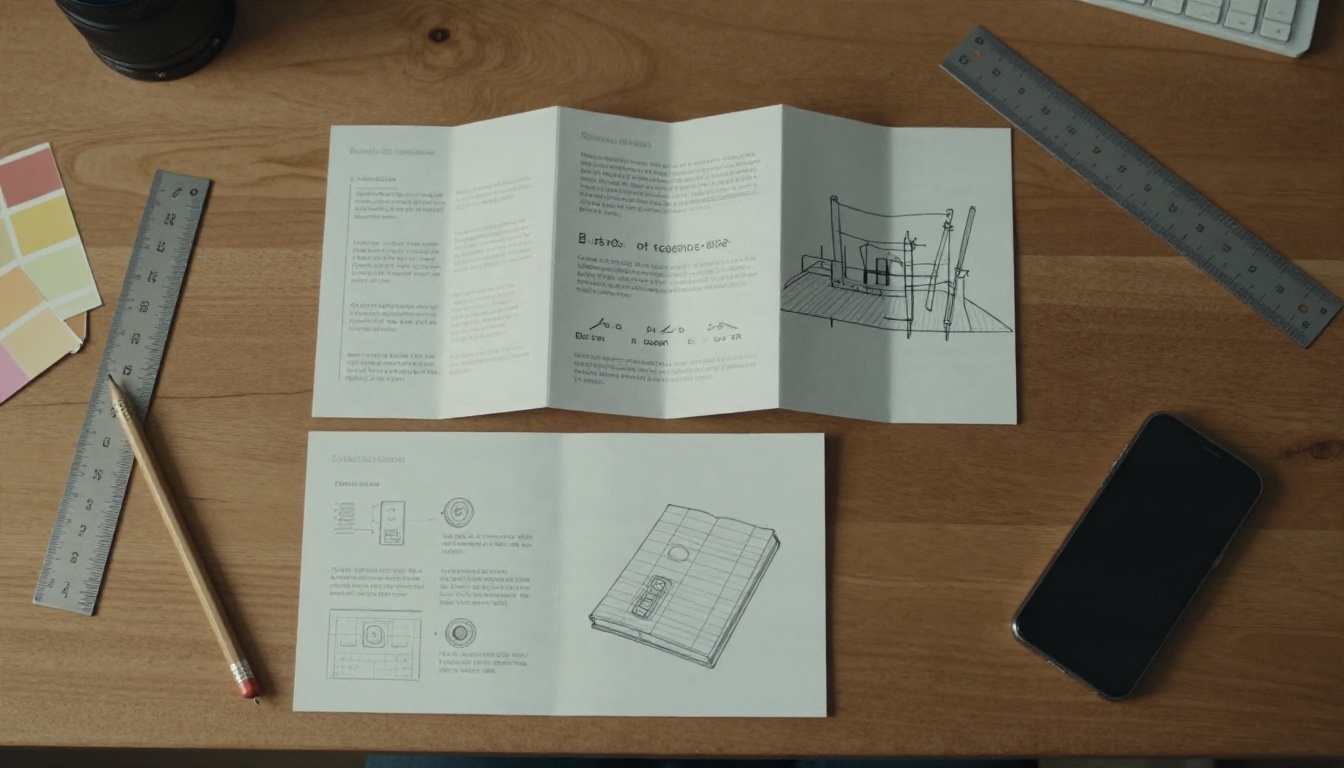
The Base Prompt Formula
Give ChatGPT six things and the first draft improves immediately:
- Role: "Act as a senior brochure copywriter."
- Business: what you sell and who buys it
- Format: tri-fold, A5 bi-fold, 8 pages, and the number of panels
- Tone: warm, premium, playful, technical
- Must-include facts: prices, address, opening hours, awards
- Output shape: "Give me panel-by-panel copy with headings and a 12-word limit per subhead."
Here is the formula in action:
Act as a senior brochure copywriter. I run a boutique yoga studio in Lisbon for beginners aged 25 to 45. Create a tri-fold brochure with six panels: front, inside left, inside center, inside right, back panel and contact panel. Tone: calm, friendly, no jargon. Include our intro offer of three classes for a fixed price I will add later as [PRICE]. Output panel by panel, with a heading, two to three short sentences, and one call to action per panel.
Notice the placeholder. Leaving [PRICE] in brackets keeps the model from inventing a number.
Five Prompts to Paste Today
| Goal | Prompt to paste |
|---|
| Full tri-fold draft | "Write panel-by-panel copy for a tri-fold brochure for [business]. Audience: [audience]. Tone: [tone]. Keep each panel under 60 words." |
| Stronger headline | "Give me 10 headline options for the front panel of a brochure for [business]. Mix benefit-led, curiosity-led and direct styles." |
| Shorter text | "Cut this panel to 40 words without losing the main benefit: [paste text]." |
| Customer proof | "Draft three placeholder testimonial formats I can fill with real quotes from customers. Do not invent names or results." |
| Product list | "Turn this spec sheet into a scannable two-column table with benefits in plain language: [paste data]." |
Prompts for Layout and Images
If you want ChatGPT to think visually, ask for a wireframe in words:
- "Describe a layout for each panel, including where the image goes, headline size and white space."
- "Suggest a three-color palette and two font pairings that suit a calm wellness brand, with hex codes."
- "Write alt text and image briefs for six photos I should shoot or source."
💡 Pro tip: Ask for two versions in one request, one short and one long. You will often take the short headline and the long body copy, and you save a round of back and forth.
Free Options for Layout and Design
Once the words are right, they need a home. Several tools offer free plans that are enough for a clean brochure. Free plans and limits change, so check the current terms before you commit to a workflow.
Free Tool Comparison
| Tool | Best for | Strength | Watch out for |
|---|
| Canva (free tier) | Fast, template-led designs | Huge template library, easy drag and drop | Some assets are locked behind paid plans |
| Adobe Express (free tier) | Brand-consistent layouts | Clean templates, quick resizing | Premium content is limited on free plans |
| Google Slides or Docs | Simple, shareable drafts | Real-time collaboration, no install | Print bleed settings are basic |
| Microsoft Word | Text-heavy brochures | Familiar, built-in brochure templates | Fine layout control can be fiddly |
| LibreOffice Draw | Offline, no-account work | Free and flexible, exports to PDF | Interface feels dated |
Putting ChatGPT Copy Into a Layout
- Paste each panel's copy into its own text box so you can edit freely.
- Set your brand colors and two fonts once, then reuse them.
- Add real photos before decorative graphics. Photos carry trust.
- Leave at least 10 percent of every panel empty. White space is a design choice, not wasted room.
- Check margins against your printer's specification if you plan to print.
From Prompt to PDF in Six Steps
Here is the workflow in one pass.
- Brief ChatGPT with the six-part formula above.
- Edit the draft by hand and replace every placeholder with real facts.
- Pick a free template that matches your panel count.
- Paste and style the copy, then add photos.
- Proofread aloud. Your ear catches what your eye skips.
- Export as PDF at high quality, with text kept sharp.
That PDF is your master file for print. It is also the raw material for something far more useful on screen.
Why Turn the PDF Into a Flipbook
A PDF is fine for printing, but it is a flat file. Readers pinch, zoom and scroll sideways on a phone, and most give up fast. A flipbook turns the same file into a page-turning experience that works on any device, with a shareable link and no download required.
| Feature | Printed brochure | Plain PDF | Flipbook |
|---|
| Works on mobile | No | Awkward | Yes, responsive |
| Shareable by link | No | Needs attachment | Yes |
| Embeds on a website | No | Hard | Yes |
| Add video or audio | No | No | Yes |
| Track who reads it | No | No | Yes, on higher plans |
| Update after sharing | Reprint | Resend | Replace the file, keep the link |
| Cost per extra reader | Printing and postage | Free | Free |
For a closer look at the format, the Brochure Flipbook Maker and the Online Brochure Designer show what the finished result looks like.
Create a Brochure Flipbook with Flipbooks AI
This is the step that turns your ChatGPT draft into something people will actually flip through. The whole process takes a few minutes.
Upload Your PDF
- Go to Flipbooks AI and create an account.
- Click to start a new flipbook and drop in your exported PDF.
- The PDF to Flipbook Converter turns each page into a flippable spread automatically.
- Check that fonts, images and fold order look right in the preview.
Customize the Look
- Add your logo and brand colors so the viewer feels like your own site
- Choose a page-turn effect and background that suit the mood
- Drop in video or audio, such as a welcome message or a product demo
- Confirm that the layout reads well on a phone, because the design is mobile-responsive
✅ Best practice: Keep the first page strong. It is your front panel, and it decides whether anyone turns the next one.
Share It Everywhere

- Direct link: send it by email, chat or social media
- Embed code: place it on your site with the Embed Flipbook on Website tool
- QR code: print it on table cards, shop windows or business cards
- Password protection: keep private offers and partner price lists restricted
- Offline downloads: let readers save a copy for later
There are no watermarks on your flipbooks, so the result stays clean and professional.
Pro Features Worth Knowing

| Plan level | What you get | Best for |
|---|
| Standard | Unlimited flipbooks, custom branding, embeds, password protection | Freelancers and small teams |
| Professional | Everything in Standard plus analytics and lead generation | Sales and marketing teams |
With the Professional plan you can see which pages get read and capture contact details before a reader opens the brochure. Compare the options on the pricing page to find the right fit.
Real Examples and Common Mistakes
A Hotel Brochure
A boutique hotel asks ChatGPT for room descriptions, a neighborhood section and a short list of amenities. The manager edits the copy, adds her own photos, and exports a PDF. Guests receive a flipbook link in their booking confirmation, so they can browse before they arrive. The Hotel Brochure Designer is built for exactly this type of project.
A Real Estate Brochure
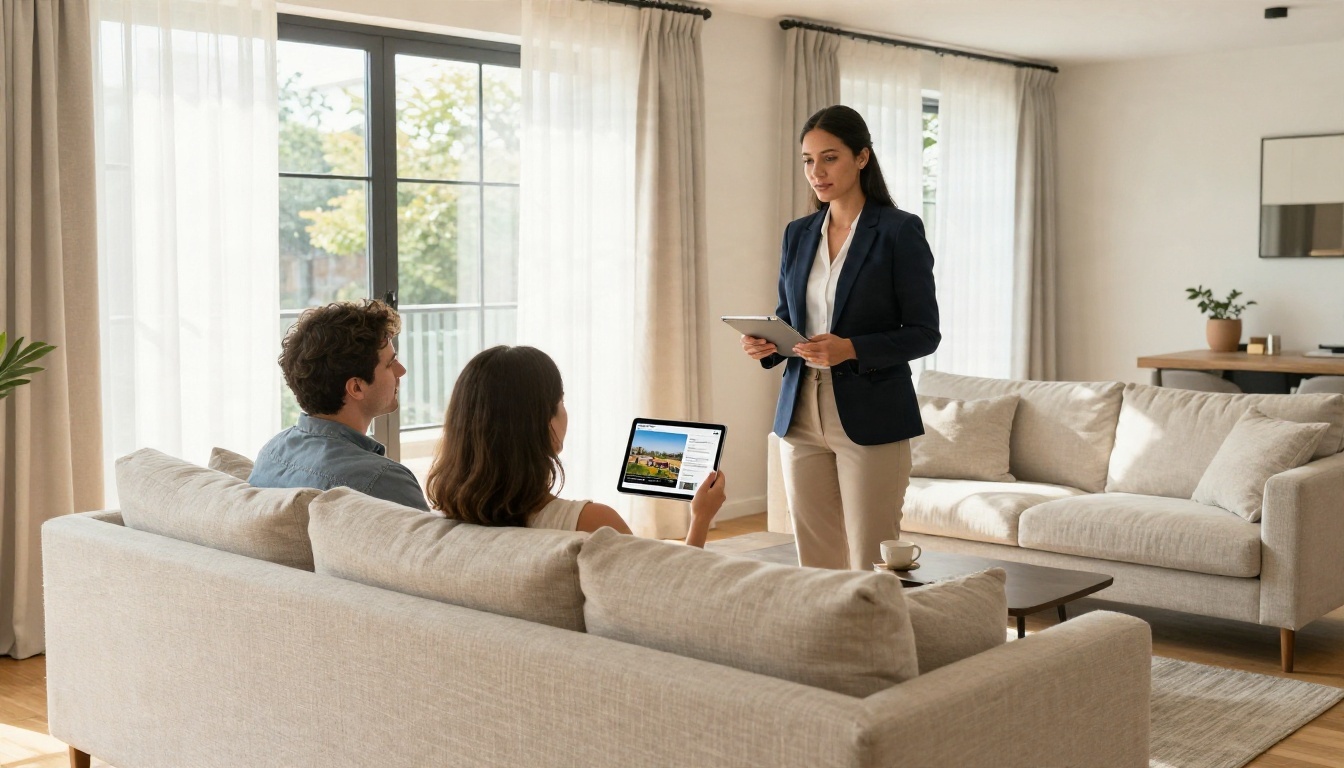
An agent uses ChatGPT to turn a spec sheet into plain-language highlights for each property, then reviews every figure against the listing. The brochure becomes a flipbook that buyers can open on a tablet during a viewing. See the Real Estate Brochure Creator for a ready-made starting point.
A Restaurant Brochure
A restaurant owner asks for a short story about the kitchen, a seasonal highlights page and an events panel. The result sits behind a QR code on each table. The Restaurant Menu Creator works the same way if you want a digital menu alongside it.
4 Mistakes to Avoid
- Publishing the first draft. ChatGPT output is a start, not a finish.
- Letting it invent facts. Use placeholders and fill them yourself.
- Skipping the phone test. Most readers will open your brochure on a small screen.
- Sending a heavy PDF by email. A link to a flipbook loads faster and never bounces.
💡 Quick check: If your brochure sounds like every other brochure, add one detail only you could write, such as a customer story, a founder note or a local fact.
Publish Your Brochure Today
You now have a clear path: brief ChatGPT well, edit the draft, lay it out in a free design tool, export a PDF, and turn it into a flipbook anyone can open with one tap.
Your next brochure does not have to sit in a drawer or a download folder. Put it where people can flip through it right now.



