A menu is the one document every guest reads, and it is also the one most owners overpay for. Between design fees, print runs and the reprint you need when the salmon goes up two dollars, the bill adds up quickly. The good news: a cheap editor for restaurant menus exists at almost every budget level, including free. This article compares the options, shows what each one really costs, and explains how to share the finished menu online using a tool like Flipbooks AI.
Whether you run a food truck, a corner café or a 120-seat dining room, the goal is the same. You want a menu that looks professional, can be edited in minutes, and reaches guests on their phones before they sit down.
Most owners start with a simple plan: design it once, print it, done. Then reality arrives. Ingredients change, seasonal dishes rotate, a supplier raises prices, an allergen note has to be added. Every one of those changes means touching the file again.
The Hidden Print Bill
A single printed menu run is rarely the whole expense. Consider what sits behind the sticker price:
- Design time, either yours or a freelancer's
- Paper stock and lamination, which wear out within weeks in a busy room
- Reprints for every price or dish change
- Storage and sorting of old versions that still circulate on tables
- Delivery app listings that need a separate, matching file
💡 Pro tip: Keep a master file you never print directly. Make small edits there, export a PDF, and only then decide whether to print, publish or both.
When a PDF Falls Short
A plain PDF is a decent start, but it has real limits. On a phone it forces pinching and scrolling sideways. It cannot track who opened it. It cannot be updated without re-sending a new link. And it feels flat compared with a menu you can flip through like a real booklet.
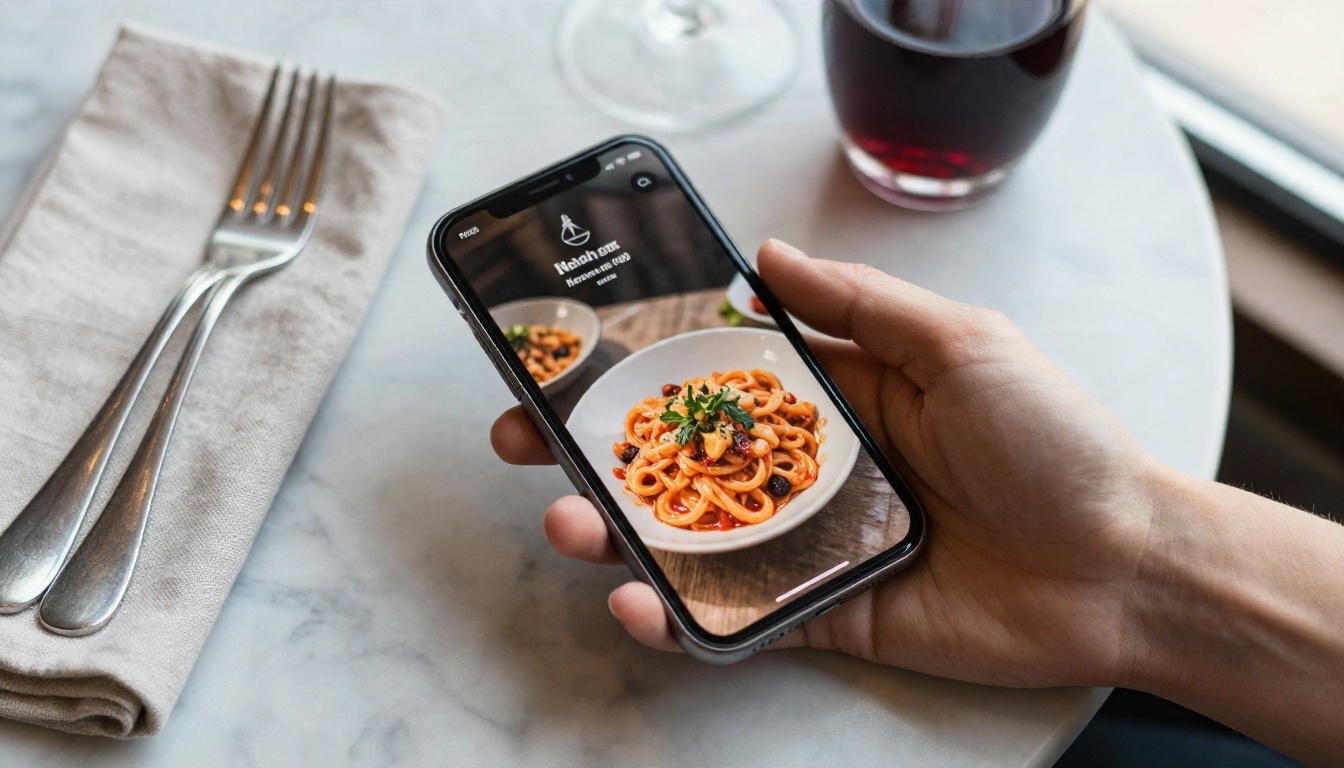
That gap is where a flipbook comes in. A flipbook turns your PDF into a page-turning online menu that loads in the browser, works on any screen, and updates at the same link when you swap the file.
Free Options That Actually Work
You can build a decent menu without spending anything. The trade-off is usually time, or limits on export quality and sharing.
Word Processors and Slides
Google Docs, Microsoft Word and presentation software are the fallback of countless small kitchens. They are familiar, they export to PDF, and they handle text well.
Strengths: zero learning curve, easy price edits, simple two-column layouts.
Weaknesses: photos can shift unexpectedly, typography choices feel limited, and the result often looks like a document instead of a menu.
For a first draft, they are perfectly fine. Set the page size to A4 or Letter, use one or two fonts, and keep generous margins.
Free Design Apps
Browser-based design apps offer drag-and-drop layouts with menu templates already sized for print and screen. Many include a free tier with a limited template library, and some lock premium photos or fonts behind a paid plan.
What to check before you commit:
- Can you export a high-resolution PDF on the free tier?
- Are fonts and images licensed for commercial use?
- Is there a watermark on the downloaded file?
- Can you duplicate a design to make a seasonal version?
Free Tiers and Their Limits
Free tiers exist so you will eventually upgrade, and that is fine, as long as you know the ceiling. The usual limits are the number of projects, export resolution, branding removal and sharing features. If you create an account on Flipbooks AI, review the pricing page first so you know exactly what each plan includes before you publish a menu guests will see.
⚠️ Warning: A watermark on your menu looks like an ad for someone else's product. Check that your final export is clean before it goes on a table or a website.
Templates Worth Your Time
A good template saves hours, but only if it matches your venue. A fine-dining template with long descriptions will look cramped for a taco counter, and a bold street-food layout will feel wrong in a wine bar.
Layouts by Restaurant Type
| Venue Type | Best Layout | Page Count | Photo Use |
|---|
| Café or bakery | Single page, large item names | 1 to 2 | Hero shot per section |
| Casual restaurant | Two columns, sections by course | 3 to 6 | A few signature dishes |
| Fine dining | Minimal text, generous white space | 2 to 4 | Rare, high quality |
| Food truck | Big prices, short list | 1 | One strong image |
| Bar and lounge | Drinks first, small plates after | 4 to 8 | Cocktail close-ups |
Notice how page count drives the format choice. A single-page menu is fine as a static image. Once you pass three or four pages, a flipbook becomes much more pleasant to read on a phone.
Fonts, Colors and Photos
Three rules keep a budget menu looking expensive:
- Two fonts at most. One for headings, one for descriptions.
- Two or three colors. Pull them from your logo or your dining room walls.
- Real photos or none. Blurry stock images cheapen a dish faster than no image at all.
A smartphone photo taken near a window, from slightly above the plate, beats most stock libraries. Natural light and a clean background are all you need.
The Real Cost of Each Route
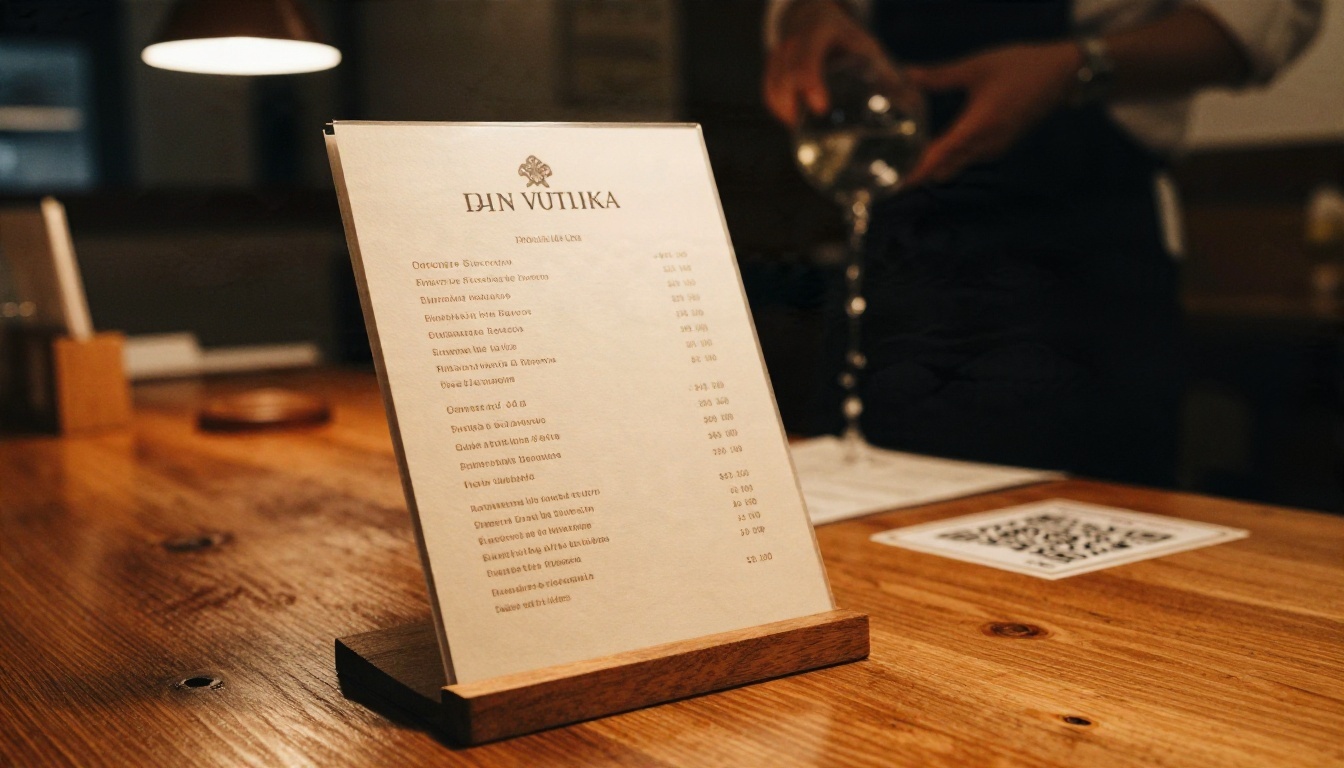
The word "cheap" means different things at different stages. Here is a side-by-side look at the typical routes owners take.
Price Comparison
| Route | Upfront Cost | Update Cost | Online Sharing | Best For |
|---|
| Word or Docs file | Free | Free, but manual | PDF only | Very small menus |
| Free design app | Free to low | Free to low | Download or basic link | Quick one-off designs |
| Freelance designer | Medium to high | Fee per revision | PDF only | Brand launches |
| Print shop service | Medium | Full reprint | None | Dine-in only venues |
| Flipbook platform | Low subscription | Free, swap the file | Link, QR, embed | Frequent updates |
The pattern is clear. The cheapest option on day one is rarely the cheapest over twelve months. If you change your menu four times a year, a freelancer or print shop charges you four times. A flipbook subscription charges you once per month, and every update is a file swap.
✅ Best practice: Count your menu updates per year, multiply by the cost of each reprint, and compare that total with a monthly plan. For most restaurants the subscription wins quickly.
For the latest plan details, including which features are on which tier, visit the Flipbooks AI pricing page. Standard plans and above offer unlimited flipbooks, which suits a restaurant with separate lunch, dinner, drinks and dessert menus.
This section walks through the full process with Flipbooks AI. If you prefer a dedicated starting point, the Restaurant Menu Creator and the Menu Flipbook Designer are built for exactly this job.

Upload the PDF
- Design your menu in any free tool and export it as a PDF.
- Go to Flipbooks AI and create an account.
- Choose to create a new flipbook and upload your PDF.
- Wait a few seconds while the file converts into turnable pages.
The PDF to Flipbook Converter handles the conversion, and your original layout, fonts and images carry over. If a page looks off, fix it in your source file and upload again.
Brand It
Once the pages appear, customize the look so the menu feels like your restaurant:
- Custom branding: add your logo and choose a background color that matches your walls or signage
- Page effects: pick a soft page-turn animation that suits your style
- Multimedia: embed a short video of the kitchen or a song from your venue's playlist as audio
- Mobile layout: preview on a phone, since that is where most guests will see it
No watermarks are added to your menu, which keeps the presentation clean.
Share It
Sharing is where an online menu earns its keep. You get several routes:
- Direct link for Instagram bio, Google Business Profile and delivery apps
- Embed code to place the menu on your website with the Embed Flipbook on Website tool
- Password protection for private menus, such as a tasting event or a corporate booking
- Offline download so guests or staff can save a copy
💡 Pro tip: Create a separate flipbook for private events. Protect it with a password and send the link only to the people booking the room.
Pro Features
On the Professional plan you also get analytics and lead generation. For a restaurant, this means you can see how many people opened the menu, which pages held attention and whether a new dessert page gets any views. You can also collect email addresses before a guest reaches the last page, which is handy for a newsletter or a loyalty offer. See the plan comparison to pick the tier that fits.
A beautiful menu that nobody can find does not help. Put it where guests already look.
QR Codes on Tables
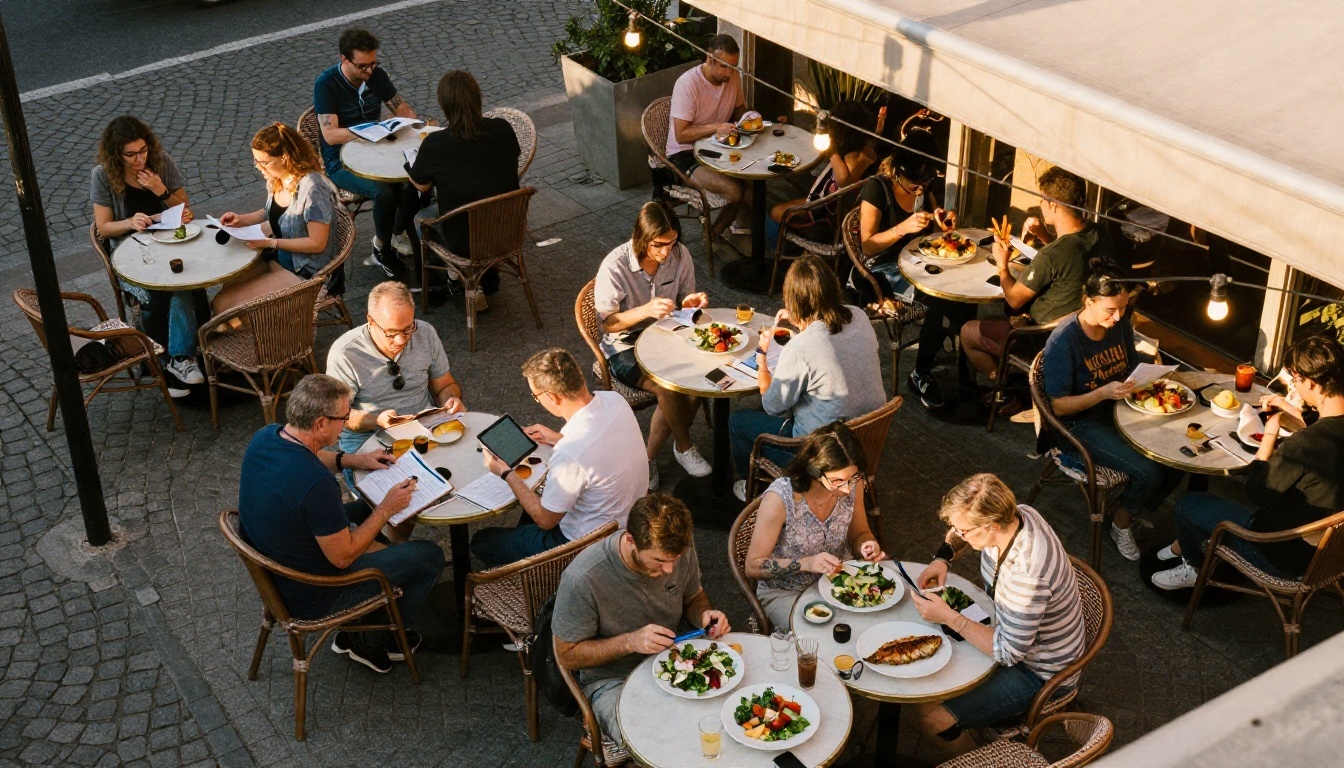
A QR code on a table card, window sticker or receipt takes guests straight to the flipbook. Because the link stays the same, you never have to reprint the code when the menu changes. Only the file behind it changes.
A few points that save headaches:
- Print the code at least 3 cm wide so older phones scan it quickly
- Add a short line such as "Scan for today's menu"
- Keep one printed backup menu for guests who prefer paper
- Test the code from a real table, in real lighting
Website Embed
Embedding the flipbook on your own site keeps visitors on your domain, which helps with search visibility and keeps your branding consistent. Paste the embed code into a page called "Menu", and your site displays the same page-turning booklet guests see after a scan.
Social and Delivery Links
Add the direct link to your Instagram bio, Facebook page and Google Business listing. Use it in WhatsApp replies when someone asks "what do you serve?" and in email signatures. One link, updated in one place, keeps every channel accurate.
| Channel | Best Format | Update Effort |
|---|
| Table QR code | Flipbook link | Swap file once |
| Website | Embedded flipbook | Automatic |
| Instagram bio | Direct link | Automatic |
| Delivery apps | PDF or link | Depends on platform |
| Private events | Password protected link | Swap file once |
A Real-World Example
Picture a family trattoria with a weekly special page. The owner designs the full menu in a free design app and exports a PDF. Each Monday, they edit only the specials page, export again, and replace the file in their flipbook. The QR codes on the tables, the website embed and the Instagram link all show the new version within moments. No reprints, no designer invoice, no stack of outdated paper menus.
A bar that runs a happy hour can do the same with a short drinks flipbook. And a café can keep seasonal drinks on a separate page and retire them with a quick file update when the season ends. For spa restaurants or hotel lounges, the Spa & Wellness Menu tool offers a suitable starting point, and the Digital Price List Generator works well for simple lists.
Three Mistakes That Cost Money
Even a cheap workflow has traps. These are the ones that show up most often.
- Paying for design before testing the menu. Run your list for a month, see which dishes sell, then invest in layout. Trimming 40 items to 22 often improves both speed and margins.
- Ignoring mobile. If the text is too small on a phone, guests will ask staff for help. Test on a small screen before you publish anything.
- Forgetting allergens and prices. Wrong information is a legal and reputational risk. Review every page after each edit.
⚠️ Warning: Always check allergen notes with your kitchen team before publishing an updated menu. A digital file makes edits easy, which also makes errors easy to publish.
Other habits that pay off:
- Name your files with dates, such as
dinner-menu-2026-11.pdf
- Keep a folder with every past version
- Review pricing every quarter
- Photograph new dishes the same week they launch
Start Cheap, Stay Flexible
You do not need a big budget to put a sharp-looking menu in front of guests. Start with a free tool for the layout, export a clean PDF, and publish it as a flipbook so every update is a quick file swap instead of a print order. As volume grows, move up to plans with unlimited flipbooks, analytics and lead capture.
Ready to publish your first menu? Get started for free on Flipbooks AI, then review the pricing plans to pick the tier that matches your venue. Browse the full set of flipbook tools for menus, price lists, brochures and more, or go directly to the Restaurant Menu Creator. When you are ready to compare tiers and step up, use the upgrade path and keep your menu fresh all year.



