You uploaded one PDF to Issuu, liked how it looked, and then the pricing page showed up. If that sounds familiar, you are probably hunting for a cheaper alternative to Issuu that still gives you a polished page-turning reader, a clean embed for your website, and no branding you did not ask for. This article compares what you pay, what the free options really give you, and how to publish a flipbook on your own site in about ten minutes with Flipbooks AI.
💡 Quick answer: If you mainly need to turn PDFs into embeddable flipbooks for your own website, a dedicated flipbook maker with a flat plan and no watermarks will almost always cost less than a publishing platform built around public discovery.
Why People Leave Issuu
Issuu is a well known publishing platform, and for magazines that want to be found inside its own marketplace, it makes sense. The trouble starts when your goal is different. Most small businesses do not want readers browsing a stranger's magazine next to their catalog. They want their own brochure, on their own page, under their own brand.
The Price Jump Problem
Free accounts on Issuu come with tight limits, and the paid tiers that remove them are priced for publishers rather than for a bakery with a single menu. Plans have historically ranged from the low double digits per month up to several hundred dollars for the top tiers, usually with the best rate tied to annual billing. Always check the current numbers on their pricing page, because they change.
The pattern that frustrates people is simple: the feature you need (a clean embed, no ads, downloads, analytics) sits one tier above the plan you wanted to buy.
Embeds You Do Not Fully Control
Embedding is where a lot of owners get stuck. On lower plans, embedded readers can carry platform branding, related content or links that lead visitors away from your site. For a store trying to convert browsers into buyers, every outbound link is a leak.
Here are the complaints that come up most often:
- Branding on embeds that competes with your own
- Feature gating, where downloads, analytics or link control need a higher plan
- Per-publication limits on lower tiers
- Paying for audience discovery you never planned to use
- Annual billing pressure to get a decent monthly rate
Issuu vs Flipbooks AI at a Glance

Before the details, here is the short version. The table below reflects how each platform is generally positioned. Plan names and limits can change, so confirm on each pricing page before you buy.
| Feature | Issuu (typical) | Flipbooks AI |
|---|
| Core purpose | Publishing and discovery platform | PDF to flipbook for your own channels |
| Watermarks | Branding on free and lower tiers | No watermarks, ever |
| Unlimited flipbooks | Limited by plan | Yes, on the Standard plan and above |
| Website embed | Available, controls depend on plan | Built in, clean embed code |
| Password protection | Higher tiers | Included for private content |
| Analytics and lead capture | Higher tiers | Professional plan |
| Offline downloads | Plan dependent | Supported |
| Video and audio inside pages | Limited | Supported |
| Mobile responsive | Yes | Yes |
The real difference is philosophy. One is built so you get discovered on its marketplace. The other is built so your flipbook lives where your customers already are.
What Cheaper Really Means
A lower sticker price is nice, but the true cost includes the features you end up needing. Let me break it down.
What You Pay Beyond the Plan
Add up the following when you compare any two tools:
- Monthly or annual fee for the plan that actually removes branding
- Limits on publications, which force an upgrade as your catalog library grows
- Missing features such as password protection or analytics you must buy separately
- Time cost of rebuilding a flipbook if you switch later
- Opportunity cost of visitors leaving through outbound links
Match the Plan to Your Real Needs
Most small teams fall into one of three buckets. Be honest about which one is you.
| Your situation | What you need | Plan type to look for |
|---|
| One menu or one brochure | A clean embed, no watermark | Entry level paid plan |
| Several catalogs, seasonal updates | Unlimited flipbooks, custom branding | Standard plan |
| Sales team, lead tracking | Analytics, lead generation, downloads | Professional plan |
⚠️ Watch out: Paying for a top tier "just in case" is the most common way to overspend. Start with what you use this quarter. You can always upgrade later.
Free Options Worth Trying

Free is tempting, and sometimes it is the right call. The trick is knowing what you give up.
Free Tiers From Big Platforms
Free accounts on large publishing platforms usually let you upload a limited number of documents. The catch is typically visible branding, restrictions on embedding, or ads and suggested content around your publication. That is fine for a portfolio you share with friends. It is a weaker fit for a customer facing catalog.
Free Trials and Entry Plans
A trial or a low entry plan often beats a permanent free tier, because you test the real product instead of a stripped down version. You can check the page-turn effect, the embed behavior and the mobile layout before spending anything. Check the Flipbooks AI pricing page for what is currently available to try.
The Hidden Cost of Free
| Free tier trait | Why it matters for a business |
|---|
| Visible watermark or logo | Looks unprofessional on a sales document |
| Ads or suggested reads | Sends buyers to competitors |
| Document caps | You hit the wall right when you grow |
| No password option | Unsafe for price lists and internal files |
| No analytics | You cannot tell which pages convert |
💡 Rule of thumb: If the flipbook represents your brand to paying customers, use a plan with no watermark. If it is a personal project, a free tier is fine.
How to Create a Flipbook with Flipbooks AI
This tutorial uses the PDF to Flipbook Converter. You do not need design skills, only a finished PDF.
Step 1: Create Your Account
Head to Flipbooks AI and create an account. Signup takes under a minute, and you land on a dashboard where all your publications live.
Step 2: Upload Your PDF
- Click Create new flipbook from the dashboard.
- Drag your PDF into the upload area, or pick it from your computer.
- Wait a few seconds while the file converts into pages. A typical brochure finishes almost instantly. A large catalog with hundreds of high resolution images may take a bit longer.
- Preview the result. You will see a realistic page curl as you flip.
✅ Best practice: Export your PDF at around 150 DPI for screens. Heavier files load slower on mobile, and visitors will not wait.
Step 3: Customize the Look
This is where the flipbook starts to feel like yours rather than a generic reader.
- Branding: Add your logo and choose a background color that matches your site
- Page effects: Pick the flip animation and speed you like
- Multimedia: Drop in video and audio on specific pages, such as a product demo on page four
- Links: Turn product names or buttons into clickable links to your store
For specific document types, try the dedicated tools: the Product Catalog Generator, the Restaurant Menu Creator, or the Digital Portfolio Creator.
Step 4: Share and Protect
Once you are happy, you have several ways to publish:
| Sharing option | Best for |
|---|
| Direct link | Email campaigns, social posts, messaging apps |
| Embed code | Your website, blog, landing pages |
| Password protection | Wholesale price lists, client proposals, internal documents |
| Offline download | Trade shows, readers with poor connections |
Step 5: Use the Professional Extras
If you need to know who is reading, the Professional plan adds analytics and lead generation. You can see which pages get attention and collect an email address before a visitor reads the full document. For a sales catalog, that is the difference between a pretty PDF and a lead machine.
Embed on Your Website
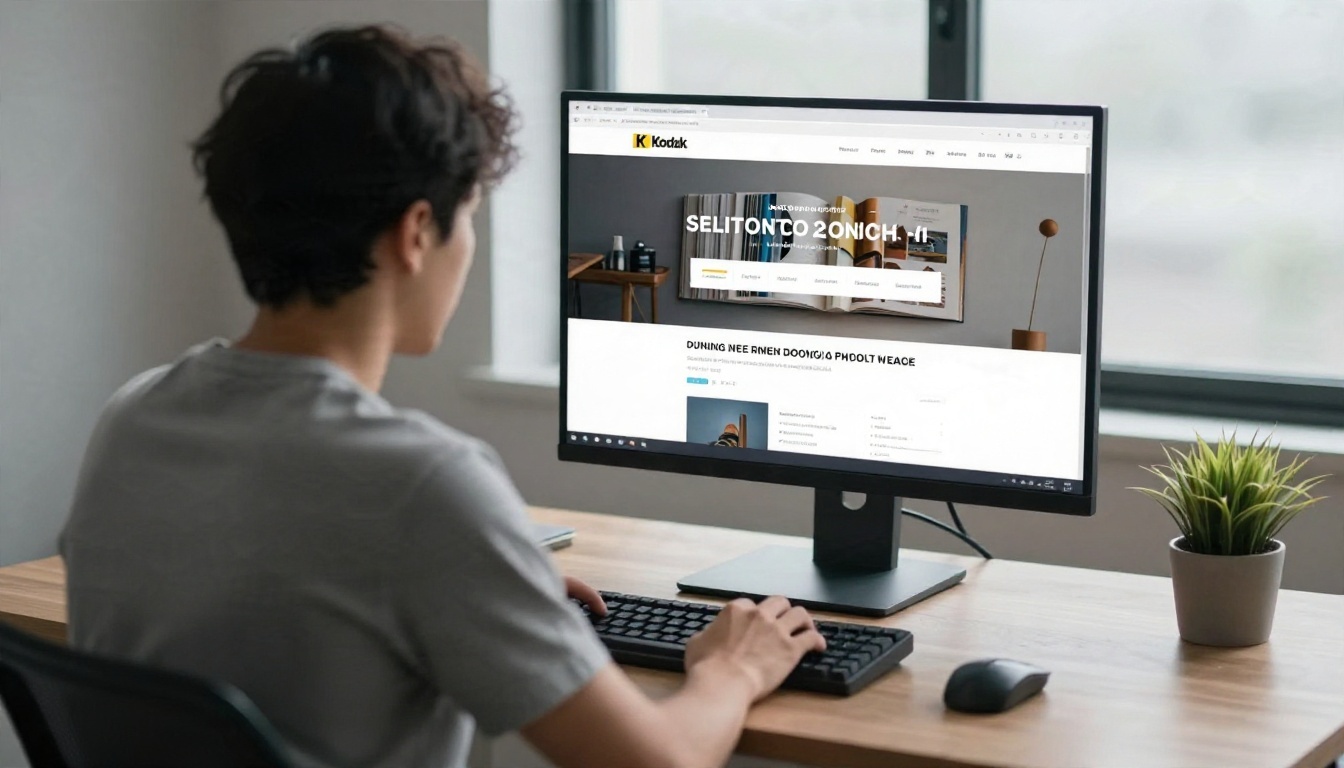
Embedding is the main reason most people look for an Issuu replacement, so let me spell it out. The Embed Flipbook on Website tool is built for exactly this.
Copy the Embed Code
- Open your flipbook in the dashboard.
- Click Share, then choose Embed.
- Pick a size. Full width works best for most layouts.
- Copy the generated snippet. It is a short piece of HTML.
- Paste it into your page where you want the flipbook to appear.
💡 Pro tip: Use a responsive width (100 percent) with a fixed aspect ratio so the reader scales smoothly from desktop to phone.
Where to Paste It
| Platform | Where the code goes |
|---|
| WordPress | Custom HTML block in the block editor |
| Wix | Embed a Site widget, then paste HTML |
| Squarespace | Code block on the page |
| Shopify | Custom liquid or HTML section on a page |
| Webflow | Embed element dropped onto the canvas |
| Plain HTML | Paste directly into the page body |
Keep It Fast and Mobile Friendly
An embedded flipbook is only useful if it loads. A few habits help:
- Place it below the fold or behind a button on image heavy pages
- Compress images in your source PDF before uploading
- Test on a real phone, not just a resized browser window
- Add a text summary above the embed so search engines understand the page
Because the reader is mobile responsive, visitors can swipe through pages on a phone just as they would flip them on a desktop.
Who Saves the Most

Switching makes the biggest financial sense when a few of the situations below match yours.
Restaurants and Cafes
A cafe can update a seasonal menu, re-export the PDF, and swap the flipbook in minutes. With a menu flipbook embedded on the homepage, there is no more paying a print shop every time prices change.
Retail and Wholesale
A boutique with a spring lookbook can embed it on a product category page and share the same link in newsletters. Add a password and the wholesale price list stays private. The Interactive Lookbook Designer is a fast way to start.
Real Estate and Hospitality
Agents benefit from listing brochures that load instantly on a phone while the buyer is standing in front of the property. A Real Estate Brochure Creator keeps layouts consistent across every listing.
Agencies and Freelancers
Designers often send proposals as PDFs that nobody opens. A flipbook with a link, a password and analytics shows you exactly when a client looked at page six, which makes follow up much easier.
| Use case | Typical document | Feature that saves money |
|---|
| Restaurant | Menu | Fast updates, no reprinting |
| Boutique | Lookbook | Embeds with no outbound links |
| Wholesaler | Price list | Password protection |
| Realtor | Listing brochure | Mobile responsive reader |
| Agency | Client proposal | Analytics and lead capture |
| Nonprofit | Annual report | Unlimited flipbooks |
Mistakes That Cost You Money
Even with a cheaper tool, you can waste cash. Watch for these.
- Buying annual before testing. Run one real flipbook first.
- Ignoring file size. Huge PDFs frustrate mobile visitors, and visitors who leave do not buy.
- Skipping the preview. A broken link on page two looks worse than no flipbook at all.
- Using a free tier for client facing work. The watermark undermines the polish you worked on.
- Forgetting to update the embed. If the link stays the same, you can usually replace the document and keep the page as is.
✅ Best practice: Keep one master PDF per publication, name it with a version number, and re-upload whenever prices or details change.
Pick a Plan and Publish Today
If your main needs are a clean flipbook, a reliable embed and a bill you can predict, switching is straightforward. Your PDFs stay as they are, and the flipbook is a new layer on top.
Here is a simple way to decide:
Ready to stop overpaying? Get started for free on Flipbooks AI and have your first embedded flipbook live before your coffee gets cold.



