You have 2,000 photos on your phone, a birthday coming up, and a budget that makes a $60 photo book feel like a bad joke. Good news: you almost never need to pay that much. A decent printed photo book can cost less than a sandwich lunch, and a digital version can cost nothing at all. This article breaks down what the cheapest online photo book really costs once shipping and extras are added, which "free" offers are genuine, and when a page-turning digital album from Flipbooks AI is the smarter buy.
💡 Quick answer: Small paperback books in the 20 to 30 page range are the cheapest print option. If nobody needs to hold it, a digital flipbook beats every printed price because there is no printing or postage.
What a Cheap Photo Book Costs
Sticker prices are misleading. A book advertised at $9.99 can land at $22 after shipping, tax, and a few "recommended" upgrades. To compare fairly, always look at the final checkout total, not the headline number.
Typical Price Ranges
Prices change constantly and vary by country, so treat the table below as a rough map rather than a quote.
| Format | Typical Size | Pages | Approx. Price Range | Best For |
|---|
| Mini paperback | 5x5 in | 20 | $5 to $12 | Gifts, stocking fillers |
| Standard paperback | 8x8 in | 20 to 40 | $10 to $25 | Trips, family albums |
| Large paperback | 8x11 in | 20 to 40 | $18 to $35 | Portfolios, events |
| Standard hardback | 8x8 in | 20 to 40 | $25 to $50 | Weddings, keepsakes |
| Layflat premium | 10x10 in | 20 to 60 | $45 to $120 | Photography showcases |
| Digital flipbook | Any screen | Unlimited | $0 to a few dollars per month | Sharing, archiving |
The gap is huge. Moving from a layflat premium book to a small paperback saves 80 percent or more, and moving to digital removes the print bill entirely.
Where Hidden Fees Hide
Most budget shoppers get caught by the same handful of add-ons. Watch for these before you press "pay":
- Shipping: Often $4 to $10, and sometimes more than the book itself.
- Extra pages: The base price usually includes 20 pages. Every additional page adds a few cents or a few dollars.
- Paper upgrades: Premium or silk paper can double the cost.
- Dust jackets and gift boxes: Pre-ticked options at checkout.
- Rush production: Tempting when a deadline looms, painful on the bill.
- Sales tax and import duties: Especially if the printer ships from another country.
⚠️ Warning: Some services show a very low price for a 20-page book, then lock you out of the cheapest tier once you add a 21st page. Count your pages before you start designing.
Free Options That Actually Exist
Truly free printed photo books are rare, but there are legitimate ways to pay very little or nothing. Here is what works and what to avoid.
Free Trials and Promo Codes
Many online printers offer a first-order discount or a free-book promotion where you pay only shipping. These are real, but read the terms:
- The "free" book is usually the smallest size and lowest page count.
- Shipping and tax still apply.
- Some offers auto-enroll you in a subscription, so check the checkout screen and cancel before the next billing cycle.
- Codes often expire within days, so finish your layout first and then buy.
Signing up for a printer's email list typically gets a welcome code. Use a separate email address if you dislike promotional mail.
Print Shop Shortcuts
You can build a photo book without a dedicated photo book service at all:
- Print photos at a drugstore or warehouse club for around 10 to 30 cents each.
- Glue or tape them into an inexpensive blank album or sketchbook.
- Add captions with a pen. The handmade look is part of the charm.
For a 40-photo album, this can cost under $12 total. It takes an evening of work instead of a few clicks, but the result feels personal.
Zero-Cost Digital Albums
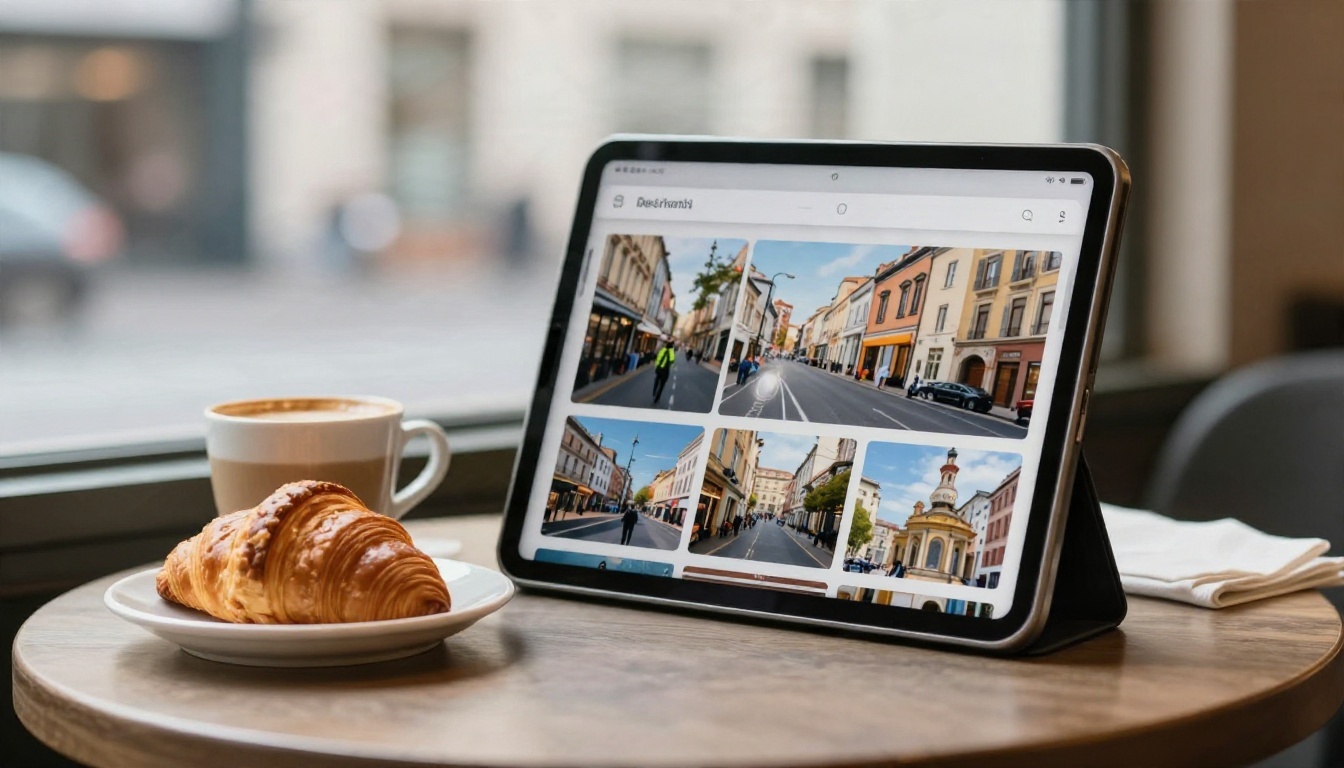
If the goal is simply to look through your photos together, a digital album costs nothing. Cloud galleries, slideshow apps, and flipbook tools all let you present pictures in order with captions. A flipbook goes one step further: it mimics real page turning, works on phones, and can be shared with a single link.
How to Cut Any Photo Book Bill
Even if you choose print, a few habits will shave the total considerably.
Page Count Math
Pricing is built around base page counts. Stay at or below the base (usually 20 pages) and you avoid per-page charges. A few practical rules:
- Use full spreads for your best photos and group smaller shots on collage pages.
- Cull ruthlessly. Three similar sunset shots can become one strong sunset shot.
- Skip blank pages unless they serve a purpose.
Timing Your Order
Photo book sales follow a calendar. Discounts tend to appear around:
- Black Friday and Cyber Monday (late November)
- Mother's Day and Father's Day
- Back-to-school season
- End-of-year holiday gift pushes
Since today is mid-November, the best deals of the year are probably a week or two away. Build the book now, save the project, and wait for the sale email.
Format and Paper Choices
| Cost Lever | Cheaper Choice | Pricier Choice | Typical Saving |
|---|
| Binding | Paperback | Hardback or layflat | 30 to 60% |
| Size | 5x5 or 6x6 in | 11x14 in | 50% or more |
| Paper | Standard matte | Premium silk or lustre | 20 to 40% |
| Shipping | Standard post | Express | $5 to $15 |
| Extras | None | Gift box, jacket | $5 to $20 |
✅ Best practice: Order one small test copy before committing to ten gift copies. Colors on screen rarely match paper exactly, and a bad batch is expensive to fix.
Digital Alternatives Worth Trying
Printing makes sense for a wedding or a grandparent who does not use a tablet. For almost everything else, digital is cheaper, faster, and easier to share. A photo flipbook is a page-turning online album built from a PDF, and it fits the "cheap but still special" brief nicely.
Print vs Flipbook Side by Side
| Factor | Printed Photo Book | Digital Flipbook |
|---|
| Upfront cost | $10 to $50+ | Free to low monthly fee |
| Shipping | Yes, plus waiting time | None, instant link |
| Copies for family | Pay per copy | Unlimited viewers |
| Editing after finishing | Reorder required | Replace the PDF anytime |
| Works on phones | No | Yes, mobile-responsive |
| Physical keepsake | Yes | No |
| Password protection | No | Yes |
| Risk of lost or damaged copy | Yes | No |
The biggest saving appears when you need many copies. Sending a printed book to eight relatives can cost over $100. A single flipbook link reaches all of them in seconds.
💡 Pro tip: Do both. Print one small paperback for the shelf and share the flipbook with everyone else. You get the tactile keepsake without paying for ten copies.
How to Create a Photo Flipbook with Flipbooks AI
If the digital route sounds right, here is a practical walkthrough. You can build the whole thing in an afternoon, and Flipbooks AI never adds watermarks to your pages.
Build the Layout as a PDF
You do not need special software. Any of these will produce a PDF:
- A presentation tool, with one photo or collage per slide
- A free design editor with photo book templates
- A word processor, with one photo per page and a caption underneath
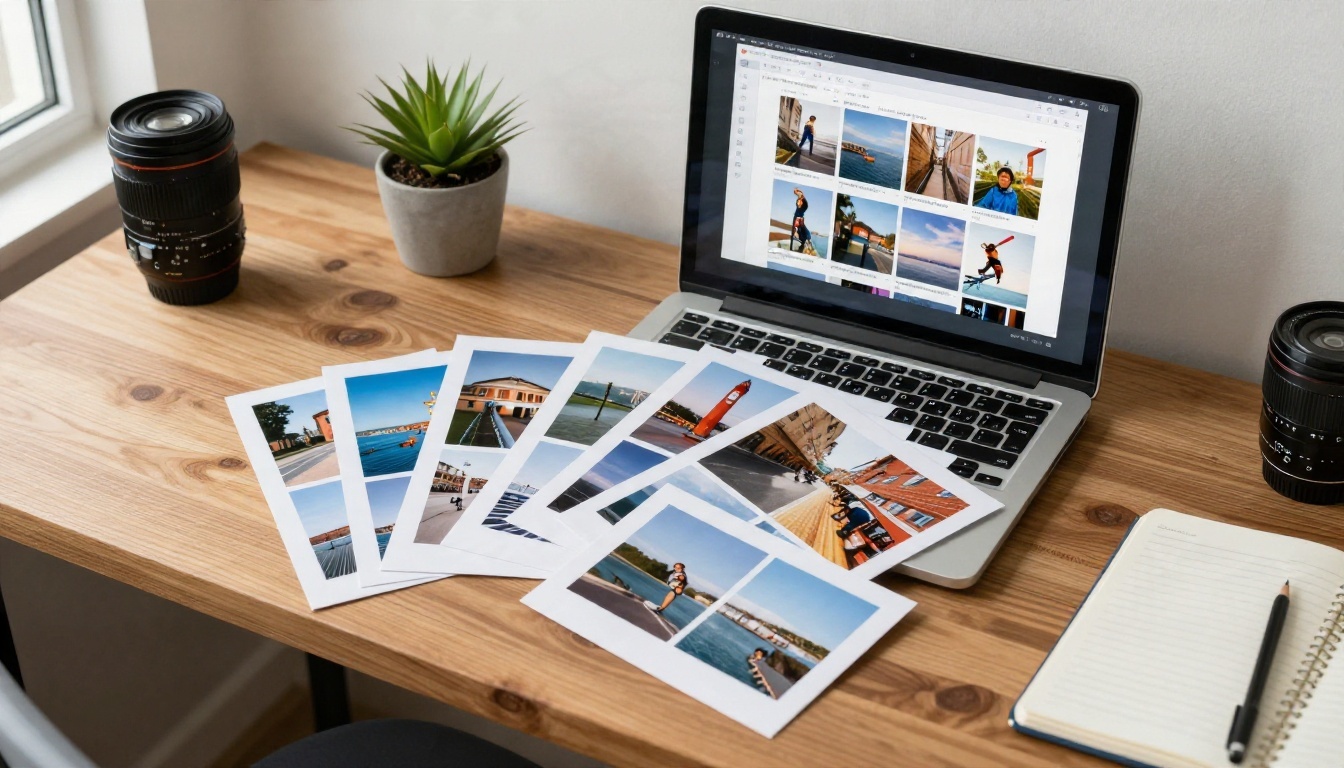
Set the page size to landscape or square, keep margins consistent, and export at high quality. Aim for 20 to 40 pages so the flipbook loads fast.
Upload and Convert
- Go to Flipbooks AI and create an account.
- Click the upload button and select your PDF.
- Wait a few seconds while the PDF is converted into a page-turning flipbook.
- Flip through the preview to check order and image quality.
The PDF to Flipbook Converter handles this step directly. For album-style projects, the Digital Portfolio Creator and Wedding Album Flipbook pages show layouts that suit photo-heavy content.
Customize and Share
Once your flipbook loads, personalize it:
- Branding and colors: Match the background to your photo palette.
- Page effects: Choose realistic page curl and sound.
- Multimedia: Embed video clips and audio, such as a voice message or a favorite song.
- Sharing: Copy a direct link, or use an embed code to place the album on a family website. You can also embed the flipbook on any website.
- Privacy: Add a password so only invited people can open it.
Analytics and Lead Capture
Personal albums rarely need statistics, but if you sell prints or run a photography business, the Professional plan adds analytics and lead generation so you can see who opened your portfolio and collect contact details. You can also allow offline downloads for guests with poor reception. See the pricing plans to compare what each tier includes.
Real-World Scenarios
Different needs call for different choices. Here are three common situations with the cheapest sensible answer.
Three Budget Scenarios
| Situation | Cheapest Sensible Choice | Why |
|---|
| Holiday album for yourself | Small paperback, 20 pages, ordered during a sale | Low cost and tactile |
| Gift for eight relatives | One flipbook link, plus one printed copy for the host | Avoids eight print orders |
| Photographer sharing proofs | Password-protected flipbook | No printing, easy client review |
| Wedding keepsake | Hardback print plus flipbook for guests | Formal object plus wide sharing |
| School trip memories | Free digital album via link | Parents view it instantly |
A real example: Maria returned from a 10-day trip to Portugal with 600 photos. She selected 32, built a PDF in a slide editor, and uploaded it as a flipbook that same evening. Her parents, siblings, and two friends viewed it on their phones. She then ordered a single 8x8 paperback during a Black Friday sale for roughly $15 as her own keepsake. Total spend: a fraction of what eight printed copies would have cost.
⚠️ Heads up: If you promise a printed book as a gift, order at least two weeks ahead. Sale periods slow production and shipping.
Which Option Fits You
Use this short checklist to decide in under a minute.
- Does the recipient need something to hold? If yes, choose a small paperback during a sale.
- Do many people need to see it? If yes, choose a flipbook.
- Is the budget under $10? Use a flipbook, or print photos locally and glue them into an album.
- Do you want to update it later? A flipbook lets you swap the PDF anytime.
- Is privacy a concern? Use a password-protected flipbook.
The cheapest online photo book is rarely the one with the lowest advertised price. It is the one that matches how you will actually share and enjoy the photos.
Ready to Skip the Print Bill?
Printing will always have a cost, but sharing your memories does not have to. Start with a small test: pick 20 of your favorite photos, export them as a PDF, and see how they look as a flipbook.
Your photos deserve to be seen, and your wallet deserves a break.



