A new patient walks into your waiting room with a sore lower back and a lot of questions. Who is the doctor? What happens at the first visit? How much will it cost? A good brochure answers all three before anyone has to ask. The trouble is that most clinics either hand out a dated tri-fold nobody reads, or skip the brochure entirely. A well-built chiropractic brochure package fixes both problems, and with a tool like Flipbooks AI you can now offer the same package in print and on screen.
This article breaks down what belongs in a package, which templates fit which type of practice, what you should expect to pay, and how to turn your PDF into a digital flipbook that patients can open from a text message or a QR code.
What a Chiropractic Brochure Package Includes
A package is not a single brochure. It is a small set of matching pieces that work together, so a patient sees the same colors, photos and tone at every touchpoint. Think of it as a toolkit for the front desk, the treatment room and the inbox.
The Core Printed Pieces
Most clinics get the best return from four printed items:
- New patient brochure: a tri-fold or bi-fold explaining your approach, your team and the first visit.
- Service sheet: a single page listing adjustments, soft tissue work, rehab exercises and any add-ons.
- Wellness plan card: a small handout outlining visit frequency options in plain language.
- Referral card: a pocket-sized piece patients can pass to a friend or coworker.
Keep every piece in one visual family: same fonts, same two or three brand colors, same style of photography.
The Digital Add-Ons
The digital side of the package is where clinics are quietly gaining ground. Instead of a PDF that sits in an inbox, you can publish a page-turning flipbook that loads on any phone, never gets lost in a drawer and can be updated whenever your hours or fees change.
| Package Component | Format | Typical Use | Update Speed |
|---|
| New patient brochure | Print and flipbook | Waiting room, welcome email | Slow in print, instant online |
| Service and fee sheet | Print and flipbook | Front desk, website | Slow in print, instant online |
| Wellness plan booklet | Flipbook | Post-visit follow up | Instant |
| Referral card | Print with QR code | Handed out at checkout | Link can be redirected |
| Exercise handout | PDF and flipbook | Home care between visits | Instant |
💡 Pro tip: Put one QR code on every printed piece that points to the same flipbook. You can change the destination later without reprinting a single card.
Brochure Templates That Fit Clinics
Templates save weeks of design time. The goal is not to find the prettiest one but the one that matches how your patients actually read. Three layouts cover nearly every practice.
Tri-Fold New Patient Brochure
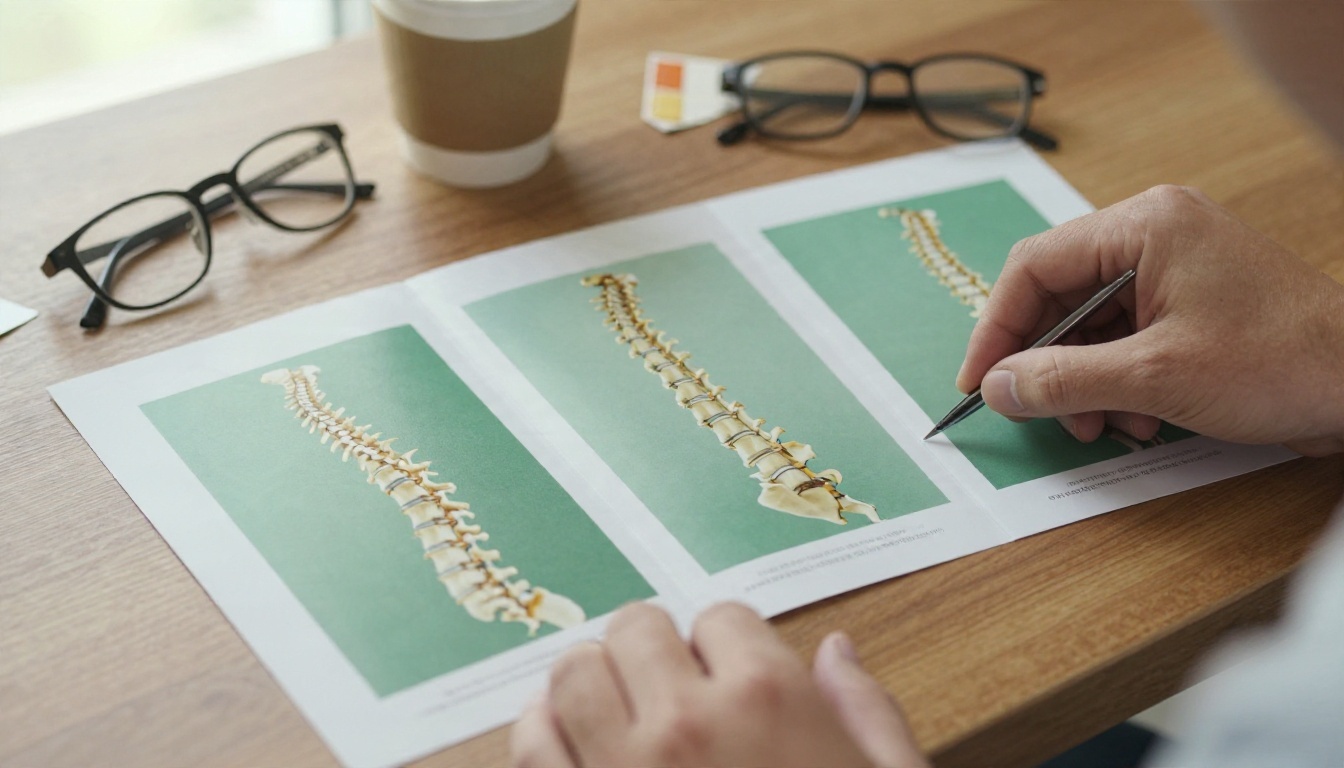
The classic. Six panels give you room for a welcome message, a short doctor bio, a plain-language description of what an adjustment feels like, a few conditions you commonly see, and a clear call to book. It fits in a standard brochure rack and in a coat pocket.
Single-Page Service Sheet
A one-page layout with a short list of services and starting fees. It suits clinics that get many price questions on the phone. If you also sell supplements, braces or pillows, a Digital Price List Generator keeps the numbers current without a reprint.
Multi-Page Wellness Booklet
Eight to sixteen pages that walk through posture habits, desk ergonomics, stretches and what a care plan looks like. This is the best format for flipbook conversion because the page-turn feel suits longer reading. The Brochure Flipbook Maker turns it into an interactive version in a few minutes.
| Template | Pages | Best For | Print Cost | Digital Fit |
|---|
| Tri-fold | 6 panels | New patients, community events | Low | Good |
| Single-page sheet | 1 to 2 | Fees, service lists | Very low | Good |
| Wellness booklet | 8 to 16 | Care plans, education | Medium | Excellent |
| Referral card | 1 | Word-of-mouth growth | Very low | QR code link |
Real Examples for Common Clinic Types
Different practices need different messages. Here are three scenarios and how each might shape its package.

Family Chiropractic Practice
A neighborhood clinic wants warmth and trust. Its tri-fold features a friendly team photo, a short story about why the doctor chose this career, and a simple section titled "What to expect at visit one." The wellness booklet includes stretches for parents and teens, and the referral card offers a small thank-you for patients who recommend a friend.
Sports and Injury Clinic
This practice talks to runners, lifters and weekend athletes. Action photography, a short list of common overuse problems and a clear mention of working alongside physical therapists set the tone. The digital version can embed a short video demonstrating a warm-up routine, something a printed page cannot do.
Prenatal and Pediatric Focus
Here the brochure needs extra reassurance. Parents want to know about training, gentle methods and communication with other providers. Plain language beats jargon. A flipbook with a downloadable intake form saves time at the front desk, since families can complete paperwork at home.
⚠️ Compliance note: Avoid promising cures or guaranteed results, and get written permission before using patient photos or testimonials. Rules differ by state and country, so check with your licensing board or a compliance advisor before printing.
What a Package Really Costs
Pricing varies widely, so treat the numbers below as ballpark ranges rather than quotes. They reflect what small clinics commonly report paying in the United States.

Printing Costs
Offset or digital printing gets cheaper per piece as quantity rises. For 500 full-color tri-fold brochures on quality paper, expect roughly $150 to $400. Heavier stock, special coatings and rush delivery push the price up. Booklets cost more because of extra pages and binding.
Design Costs
You have three paths:
- DIY with a template: little to no cost beyond your time, and a good option if you have a clear brand already.
- Freelance designer: often $150 to $600 for a tri-fold, more for a full package.
- Agency: frequently $800 to $2,500 or more for a coordinated set with photography.
Digital Costs
Turning your PDF into a flipbook is far cheaper than reprinting. On Flipbooks AI there are no watermarks, and the Standard plan and above allow unlimited flipbooks, so you can publish a separate booklet for each service line without watching a counter. Analytics and lead capture sit on the Professional plan.
| Cost Item | Low End | Typical | Notes |
|---|
| 500 tri-fold prints | $150 | $250 | Reorder every 6 to 12 months |
| Template customization | $0 | $100 | DIY with your own photos |
| Freelance design | $150 | $400 | Includes one revision round |
| Professional photography | $300 | $900 | Reusable across all pieces |
| Digital flipbook hosting | Plan based | Plan based | See pricing plans |
💡 Budget move: Spend on photography first. A great photo of you and your team lifts every piece in the package, print or digital.
Build a Digital Brochure in Minutes
Here is how to create a chiropractic flipbook with Flipbooks AI, from finished PDF to shareable link. If you want a fast start, create an account and follow along.
Upload and Convert
- Export your brochure as a PDF from your design tool. Keep images at print resolution for a sharp result.
- Open the PDF to Flipbook Converter or the Online Brochure Designer and upload the file.
- Wait a few moments while each page converts into a flipbook spread with realistic page-turning effects.
Customize and Share
- Add your clinic logo, pick brand colors and choose a background that matches your waiting room palette.
- Embed a short welcome video or an audio message from the doctor on the relevant page. Both are supported.
- Turn on password protection if the flipbook holds patient-only material such as a care plan or home exercise program.
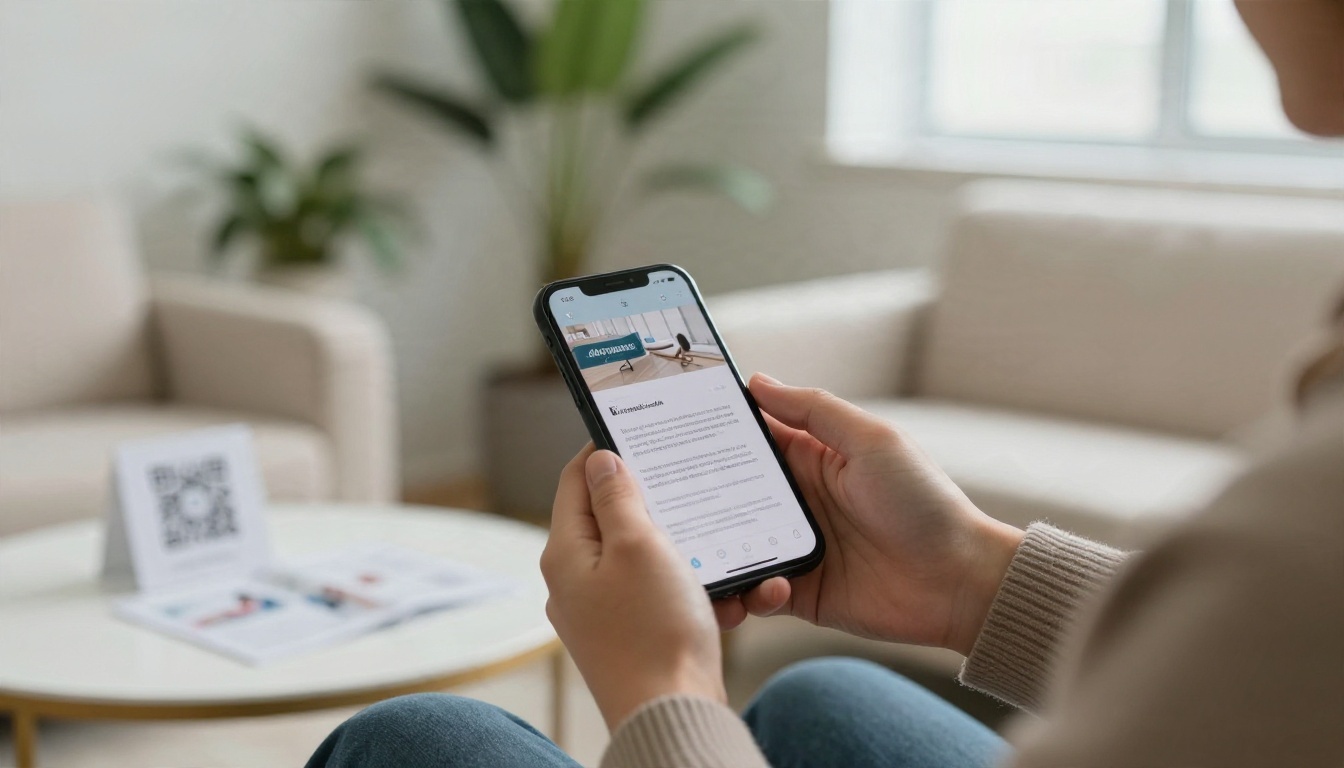
- Share it three ways: a direct link for text messages, an embed code for your website, and a QR code printed on your referral card.
- Allow offline downloads for patients who want a copy on their phone.
Track What Patients Read
On the Professional plan you get analytics showing which pages people open and how long they stay, plus lead capture so interested readers can leave contact details. If nobody reaches your fee page, move it forward. If everyone lingers on the stretching section, expand it.
| Feature | Why a Clinic Cares | Plan |
|---|
| No watermarks | Looks professional to patients | All plans |
| Mobile-responsive design | Opens cleanly on any phone | All plans |
| Custom branding | Matches your printed set | All plans |
| Password protection | Keeps care plans private | Paid plans |
| Unlimited flipbooks | One booklet per service line | Standard and above |
| Analytics and lead capture | See what patients read | Professional |
Print or Digital: Which Wins?
Neither. They solve different problems, and the strongest packages use both.
| Factor | Print | Digital Flipbook |
|---|
| First impression in the waiting room | Strong | Moderate |
| Reach beyond the clinic | Limited | Unlimited |
| Cost to fix a typo | Reprint | Free, instant |
| Includes video and audio | No | Yes |
| Tracks reader behavior | No | Yes, on Professional |
| Works at community events | Excellent | Good with QR codes |
A Hybrid Setup That Works
Hand patients a short printed tri-fold at the front desk. Print a QR code on the back that opens the full wellness booklet. After the first visit, send the same link by email or text with a short note from the doctor. Patients get something tangible in the room and something searchable on their phone, and you pay for printing only once.
Other pieces can follow the same path. A Spa and Wellness Menu layout works well for clinics that offer massage or recovery add-ons, and a Training Manual Flipbook is handy for onboarding new front desk staff.
Three Mistakes That Waste Budget
Most clinics make the same errors. Avoid these and your package works harder.
- Cramming everything in: a brochure with twelve topics gets read for nine seconds. Pick three messages and repeat them.
- Using stock photos that feel generic: patients can spot a model who has never seen a treatment table. Use your own team and space.
- Skipping the next step: every piece needs a single, obvious action, such as "Book your first visit" with a phone number and a QR code.
A quick checklist before you print or publish:
- Does the doctor's name and photo appear on the first page?
- Are hours, address and phone number correct?
- Is there a plain-language description of the first visit?
- Do all pieces share the same colors and fonts?
- Does every printed piece point to the same flipbook link?
✅ Best practice: Read the final draft aloud. If a sentence sounds like a medical textbook, rewrite it the way you would explain it to a neighbor.
Ready to Launch Your Package
A strong chiropractic brochure package is simple: a tri-fold for new patients, a service sheet, a wellness booklet and a referral card, all matching, all linked to one digital flipbook. Start with the template that suits your practice, invest in good photography, and keep your fees and hours current online where changes cost nothing.
When you are ready, get started for free on Flipbooks AI, browse all flipbook tools to find the right layout, or compare pricing plans to see which one fits your clinic. Your next new patient is already searching. Give them a brochure worth opening.



