A patient leaves your adjustment room, folds a stretching sheet into a pocket, and by Thursday it is at the bottom of a gym bag. By next week, the home program you spent ten minutes explaining is gone. This is the quiet leak in most chiropractic practices: great in-room care, followed by educational material that never gets used. Turning those sheets into flipbooks fixes it. With Flipbooks AI, a PDF becomes a page-turning booklet that opens on any phone, can't be lost in a bag, and can be shared with a link or a QR code. This article shows which materials to convert first, how to offer them as digital downloads, and how to build them step by step.
Why Paper Handouts Fail Patients
Paper feels professional, but it has a short shelf life. Most chiropractic handouts are photocopies of photocopies, with fading diagrams and a font nobody has updated since the clinic opened. They also can't answer the question patients ask most: "Wait, how did she tell me to do that one again?"
The Photocopy Problem
Every printed sheet costs ink, paper, toner and staff time. Worse, it freezes your information. If you change a stretching progression or update your cancellation policy, old copies are still floating around in patients' homes. A flipbook has one master version. Update the source PDF and everyone who opens the link sees the current pages.
What Patients Actually Do
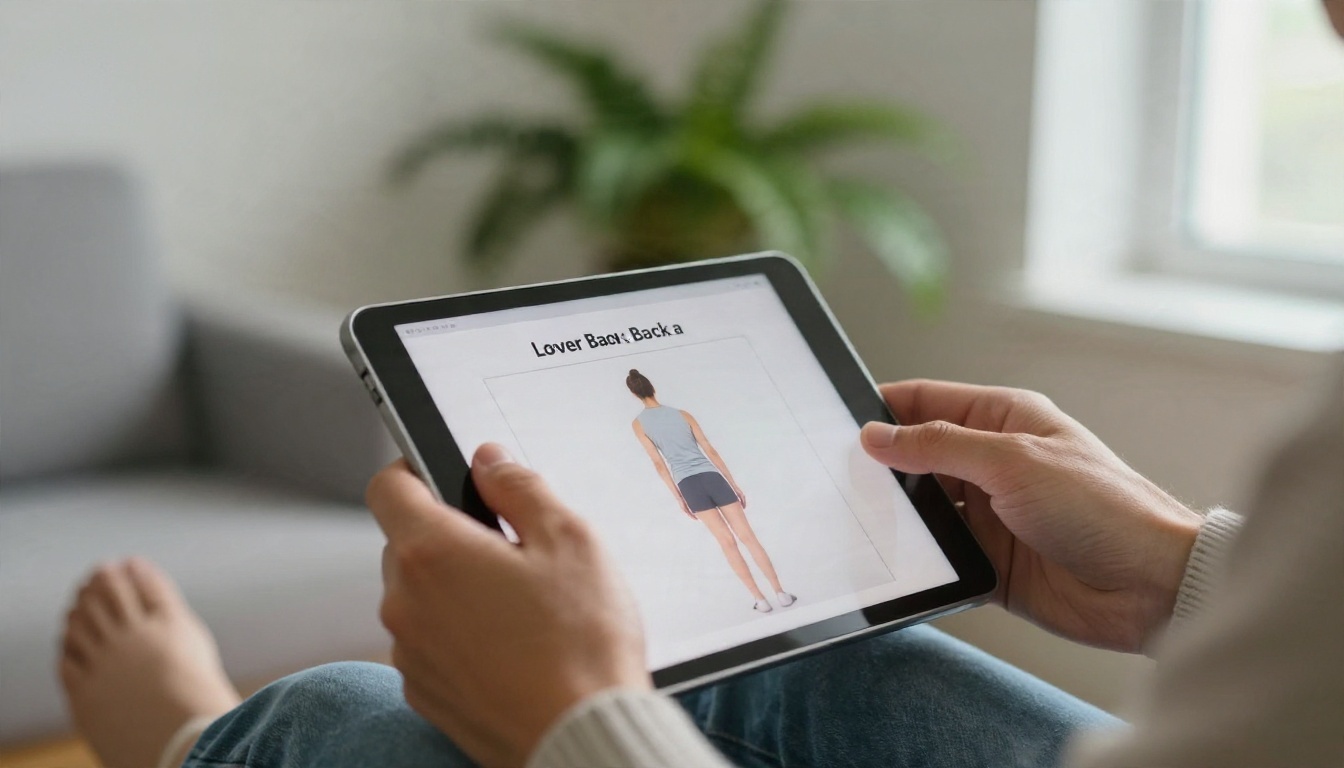
Patients rarely keep paper, but they almost always keep their phone. Think about how people really look up an exercise at home: on the floor, on a mat, phone propped against a water bottle. A mobile-friendly booklet fits that moment. A folded A4 sheet doesn't.
Common paper handout problems:
- Lost or damaged within days of the visit
- No way to update after printing
- Impossible to track whether anyone read them
- Black-and-white diagrams that blur on cheap copiers
- No video or audio to show movement quality
💡 Pro tip: Ask your next five new patients where their last handout ended up. The answers (car glovebox, recycling, "I think my husband has it") are the best argument you'll have for going digital.
Three Packets Worth Converting
Don't convert everything at once. Start with the three document types that touch the most patients and generate the most repeat questions.

Patient Education Handouts
These explain conditions and care plans in plain language: what a subluxation-focused or mobilization-focused approach means in your clinic, what to expect after a first adjustment, how disc irritation typically resolves, and when to call. A flipbook lets you stack them in one booklet instead of handing over five loose sheets. Patients flip to the page that applies to them.
Exercise and Stretching Programs
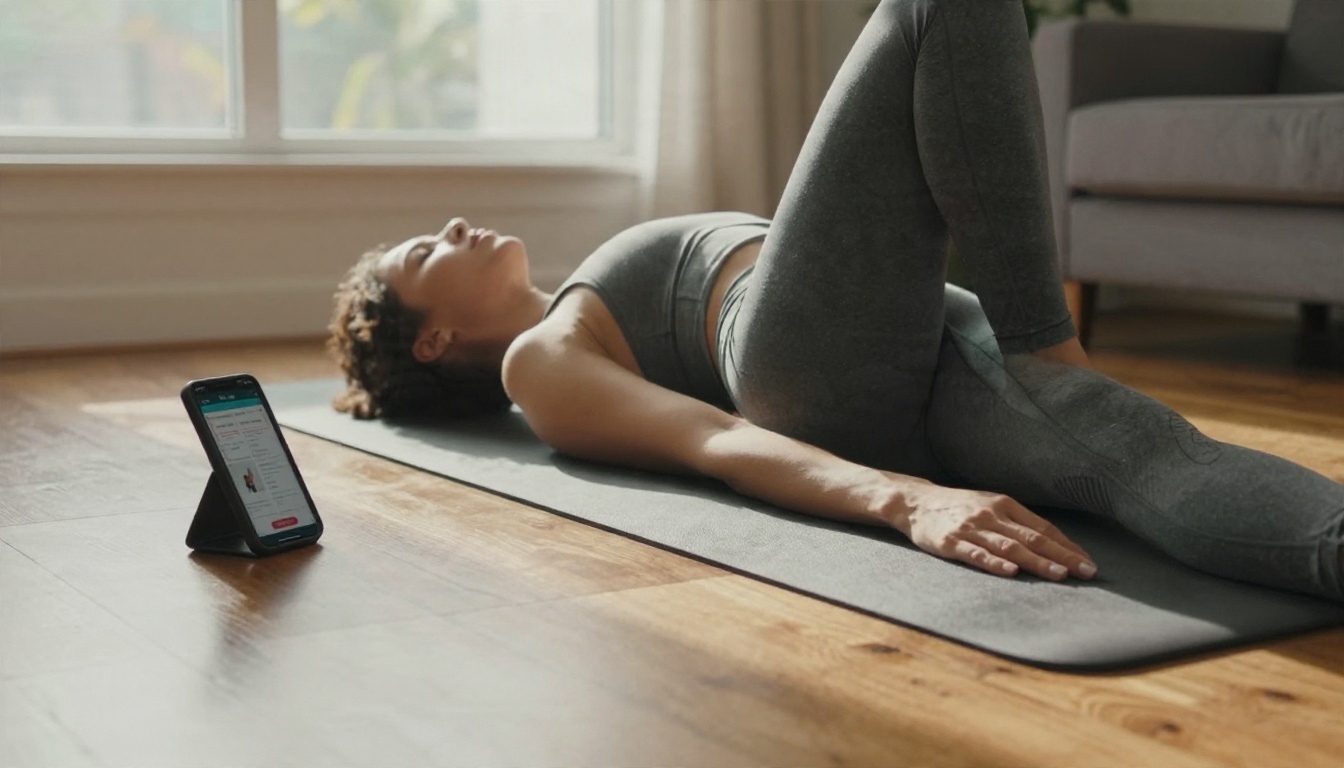
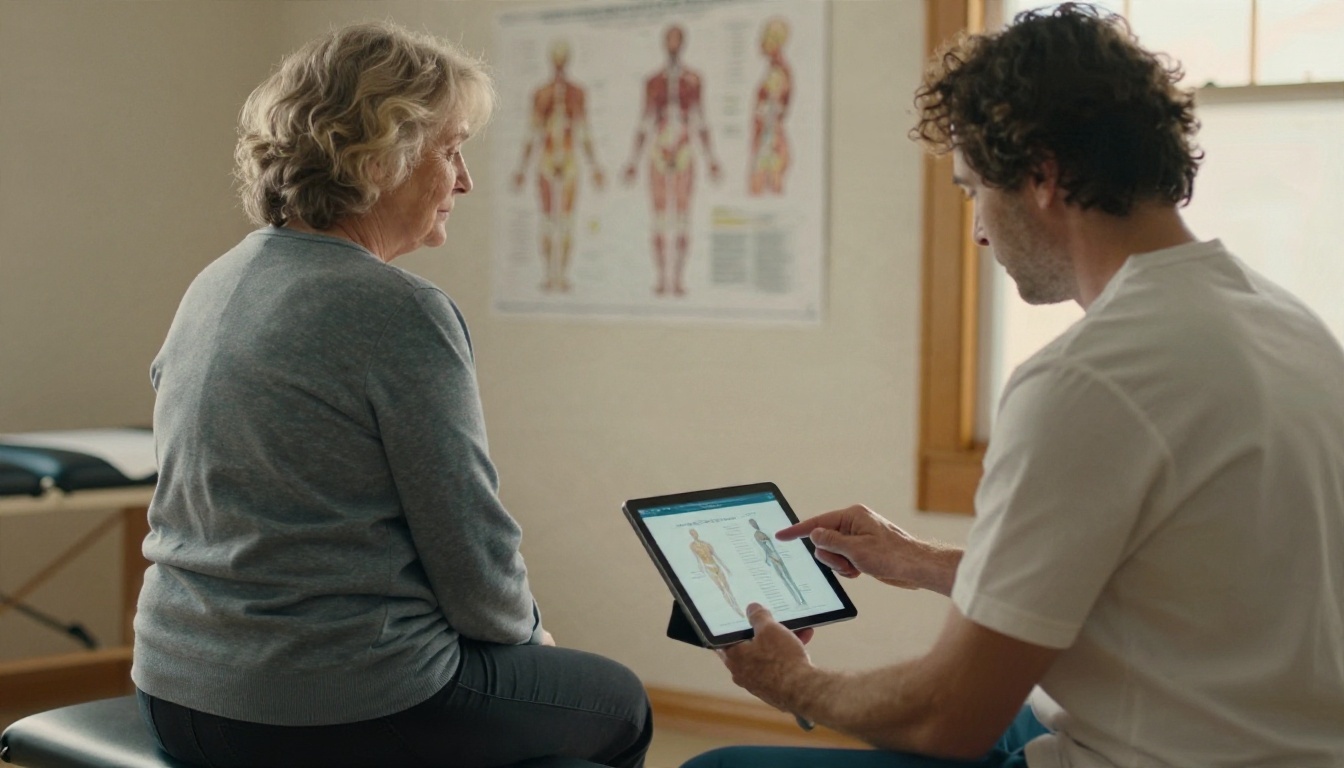
This is where flipbooks beat paper by the widest margin. A home program with photos of each position, rep counts, and a short embedded video clip for the trickiest movements is far more useful than stick figures on a sheet. You can also build separate booklets by region: lumbar, cervical, thoracic, hip, and shoulder.
New Patient Intake Packets
Intake packets include your welcome letter, office policies, what to wear, how billing works, and the history forms themselves. The informational pages work beautifully as a flipbook sent before the first visit. Patients arrive knowing where to park, what the visit includes and how long it takes. (See the privacy section below for how to handle the forms that collect personal health information.)
| Packet Type | Typical Pages | Best Delivery | Update Frequency | Main Benefit |
|---|
| Patient education handouts | 6 to 12 | Link in follow-up text or email | Yearly | Fewer repeat questions |
| Exercise programs by body region | 8 to 20 | QR code on a card and in the portal | Every few months | Better home adherence |
| New patient welcome packet | 6 to 10 | Email link before visit 1 | When policies change | Shorter check-in time |
| Post-adjustment care sheet | 2 to 4 | Text message right after the visit | Rarely | Clear expectations |
| Ergonomics for desk workers | 8 to 14 | Website download and corporate outreach | Yearly | New patient leads |
Selling and Sharing Digital Downloads
"Digital downloads" can mean two very different things in a chiropractic business. Some clinics give booklets away as part of care. Others package them as products for people who aren't patients at all. Both approaches work, and they can coexist.
Free Downloads That Build Trust
A free "Desk Posture Reset" booklet on your website is a low-risk way to meet local people before they have a pain problem. Gate it with an email address and you've started a newsletter list. Your existing patients benefit too, since they can send the link to a spouse or coworker without any awkward sales pitch.
Paid Downloads for Wider Reach
Chiropractors with a strong following, whether in a niche like pregnancy care, pediatric wellness, or sports recovery, can sell specialized booklets to people outside their area. A 12-week mobility program or a pregnancy comfort routine is a classic example. Price it as a one-time product, and each sale is pure margin after the initial build.
| Model | Who It Serves | Revenue | Effort | Risk |
|---|
| Included with care | Current patients | Indirect (retention) | Low | Very low |
| Free with email signup | Local prospects | Indirect (new leads) | Low | Low |
| One-time paid download | Online audience | Direct | Medium | Medium |
| Bundle with an adjustment package | Patients on a care plan | Direct (higher plan value) | Medium | Low |
| Corporate wellness packet | Local employers | Direct (flat fee) | Higher | Medium |
⚠️ Warning: Anything you sell publicly should be written as general educational content, not individualized medical advice. Add a short note that readers should talk to a licensed provider before starting a new program, and check your state board's rules on health claims.
How to Create a Chiropractic Flipbook with Flipbooks AI
Here is the full process, from a Word or Canva file to a link patients can open. You don't need design skills, and nothing here requires a developer.
Step 1: Prepare Your PDF
Write or update your handout in whichever tool you already use: Word, Google Docs, Canva or InDesign. Export it as a PDF. Keep photos at a decent resolution, use large readable type (at least 12 pt for body text), and put one exercise per page. Short pages read better on phones.
Step 2: Upload and Convert
Go to Flipbooks AI and create an account. Then open the PDF to Flipbook Converter, upload your file, and the platform turns each page into a flippable spread with a realistic page-turn effect. For a long program, the E-Book Flipbook Generator is a natural fit. Training-style material, such as a staff onboarding manual, works well with the Training Manual Flipbook tool.
Step 3: Customize the Look
Match the booklet to your clinic so it feels like part of your brand:
- Add your logo and pick colors that match your signage and website.
- Choose a page-flip style and background.
- Embed a short video or audio clip on the exercise pages that need movement demonstration.
- Add links to your booking page, your phone number, and your contact form.
- Preview on a phone before you publish. Most of your readers will use one.
Flipbooks produced on the platform carry no watermarks, so patients see your brand and not somebody else's. The design is mobile-responsive, which matters because a booklet that needs pinch-and-zoom will be abandoned fast.
Step 4: Share It Where Patients Look
You have several delivery options:
- Direct link sent by text or email after each visit
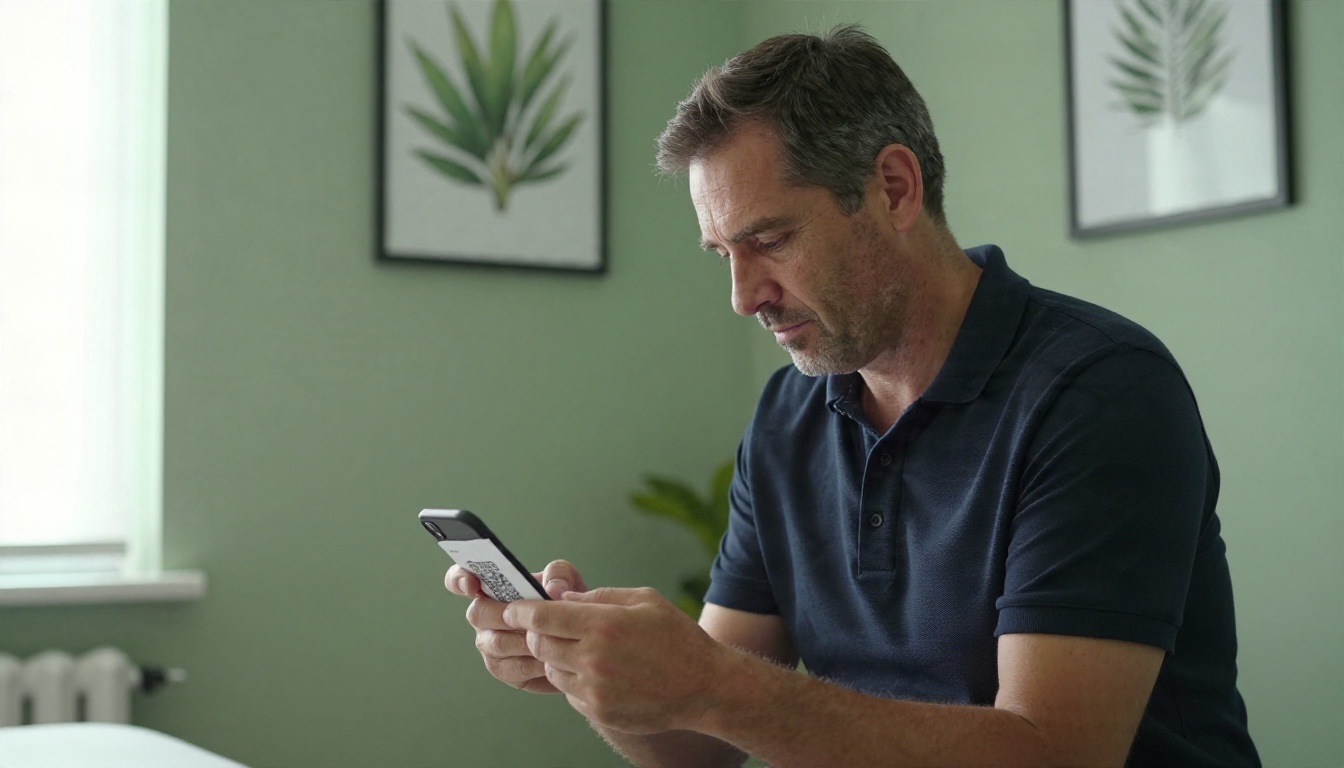
- QR code printed on a small card at the front desk or in each treatment room
- Embed code to place the booklet on your website, using the Embed Flipbook on Website tool
- Password protection for packets meant only for current patients or paid customers
✅ Best practice: Use a different QR code in each room. Put the lumbar program in the room where you treat most low back cases, and the neck-and-shoulder program near the desk-worker cases. Patients scan while the explanation is still fresh.
Step 5: Use the Pro Features
On the Professional plan, you get analytics that show how many people opened each booklet and how far they read. Lead generation lets you request an email address before someone opens a free download. Offline downloads help patients who are heading to a cabin or a flight and still want their stretching routine. Unlimited flipbooks come with the Standard plan and above, so you can keep a separate booklet for each body region without worrying about caps.

| Feature | What It Does for a Clinic | Plan Level |
|---|
| PDF to flipbook conversion | Turns handouts into page-turning booklets | All plans |
| No watermarks | Keeps your branding clean | All plans |
| Password protection | Limits access to patients or buyers | See pricing |
| Embedded video and audio | Demonstrates exercise form | See pricing |
| Analytics | Shows which booklets get read | Professional |
| Lead generation | Collects emails for free downloads | Professional |
| Unlimited flipbooks | One booklet per condition or region | Standard and above |
Keep Intake Packets Privacy-Safe
This is the part you shouldn't skip. A flipbook is a reading format. It is not a secure form-collection system, and it should not be used to gather protected health information.
What Belongs in the Flipbook
- Welcome letter and clinic introduction
- Office hours, parking, and directions
- Billing and insurance explanations
- Cancellation and late policy
- What to expect at the first visit
- Blank sample of what you will ask during intake
What Belongs in Your Secure System
- Completed health history questionnaires
- Insurance details and ID numbers
- Signed consent forms
- Any patient-specific notes or imaging
The simple rule: the flipbook teaches, your practice management software collects. Link from the last page of the intake flipbook to your HIPAA-compliant form tool or patient portal. That gives patients one friendly, branded onboarding flow while the sensitive data goes where it should. If you're unsure about your obligations, check with your compliance advisor or state association.
⚠️ Warning: Don't put names, diagnoses, or individualized care plans inside a shared flipbook link. If a booklet is personalized for one patient, send it through your secure portal instead.
Real Clinic Scenarios
Examples make the idea concrete. These are three common setups, built with the steps above.
The Family Practice with a Busy Front Desk
A four-chair family clinic prints roughly 300 sheets per month. The owner converts the welcome packet and three exercise programs to flipbooks, then prints a QR card for each treatment room. The front desk stops stapling packets. New patients get the welcome flipbook by email two days before their visit and arrive better prepared. Check-in questions drop because the answers are already in the booklet.
The Sports Chiropractor with an Audience
A chiropractor who treats runners builds a 10-page "Marathon Mobility" booklet with embedded video demonstrations. It's free with an email address on the clinic website. Analytics show which pages get read to the end, so she knows which drills people finish and which ones they skip. The top three drills become a social media series, and the email list becomes a source of consult bookings.
The Wellness Clinic Offering Corporate Packets
A wellness clinic sells a "Desk Worker Reset" flipbook to local employers for a flat fee. HR departments share the link in their staff newsletters. Each page carries the clinic's branding and a booking link. Newsletter-style updates can be built with the Newsletter Flipbook Publisher, while a menu of services, such as a spa-style list of therapies, fits the Spa and Wellness Menu Creator.

Mistakes That Waste the Effort
Most failed digital handout projects share the same few problems.
- Too much text per page. If a page needs scrolling on a phone, split it.
- Stock-looking photos. Use your own staff, your own room, and real patients who've agreed to appear. It builds trust that generic images can't.
- No call to action. Every booklet should end with one clear next step: book a follow-up, call the office, or sign up for a newsletter.
- Never updating. Put a quarterly reminder on your calendar to review each booklet.
- Skipping the test. Open every flipbook on an older phone with a slow connection before you share it.
| Mistake | Quick Fix |
|---|
| Pages too dense | One idea or exercise per page |
| Tiny diagrams | Crop photos tightly, increase size |
| No contact path | Add a booking link on the last page |
| Outdated advice | Review each booklet every quarter |
| One giant booklet | Split by body region or condition |
Ready to Publish Your First Packet?
Pick one handout this week. The most-requested one is a good choice, usually the low back program or the new patient welcome letter. Export it as a PDF, upload it, add your branding, and send the link to the next patient you see. Within a month you'll know whether the booklet is being opened, and you'll have a template for every one that follows.
Create your free account on Flipbooks AI and convert your first PDF in minutes. Browse all flipbook tools to find formats for price lists, newsletters and e-books, or check the pricing plans to see which tier adds analytics and lead capture for your clinic. When you're ready to compare plans and upgrade, the account page with pricing takes you straight there.



