Every November the same thing happens. Parents scribble toy names on the back of an envelope, grandparents text "what does she want this year?", and a toy shop owner tries to squeeze fifty products into a single email. A tidy, page-turning gift booklet fixes all of it. With Flipbooks AI you can turn a simple PDF into an online flipbook that opens on any phone, looks like a real printed catalogue, and takes an afternoon to build instead of a week.
This article walks through the whole process: which template fits which audience, how to lay out each page so kids and adults both enjoy it, which free options are worth your time, and how to share the finished booklet online without it getting lost in a group chat.
Why a Gift Booklet Beats a Plain List
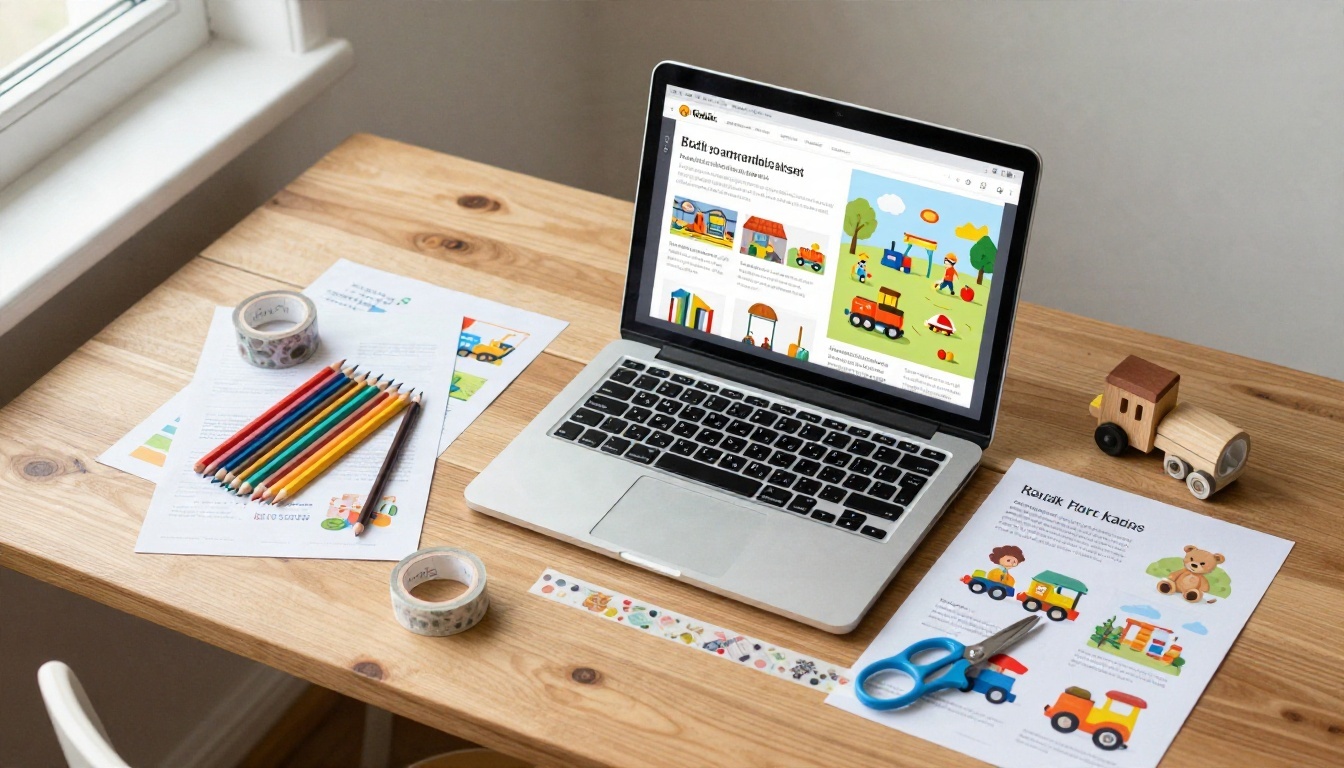
A bullet list of toys is forgettable. A booklet with big photos, short descriptions and clear prices is something people flip through, forward and save. That difference matters whether you are a parent, a teacher or a retailer.
Three groups usually build these booklets:
- Families who want one shared wish list for grandparents, aunts, uncles and friends.
- Small shops and online sellers who want a seasonal catalogue that sells without a hard pitch.
- Schools and clubs that send a wish list or fundraising gift catalogue home to parents.
What Searchers Actually Want
People searching for a kids Christmas gift booklet usually want four things: a ready template to start from, layout ideas that look good without design skills, free options so they can test before spending, and a simple way to share the result online. The rest of this article follows that order.
Pick One Clear Purpose
Before you open any tool, decide what the booklet is for. A wish list for relatives needs names, ages and "where to buy" links. A shop catalogue needs prices, stock notes and an order contact. A school fundraiser needs a deadline and a clear way to order. Mixing purposes creates cluttered pages, so choose one.
💡 Pro tip: Write one sentence at the top of your planning document: "This booklet helps ___ choose ___ for ___ by ___." If you cannot finish the sentence, the layout will wander.
Template Ideas by Age Group
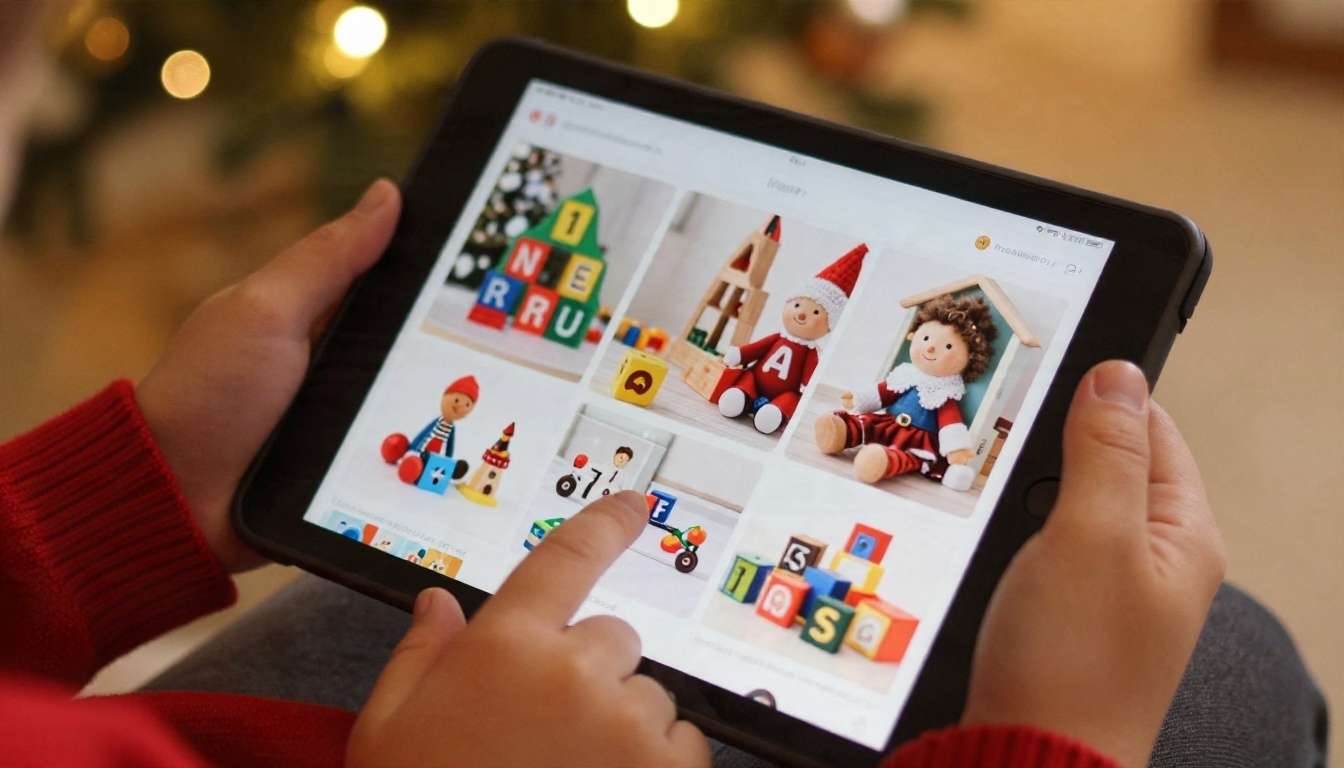
Children's tastes shift fast, so the best booklets are sorted by age rather than by product type. Grown-ups scanning for a six-year-old do not want to wade through baby rattles.
| Age group | Best page style | Typical content | Tone |
|---|
| 0 to 2 years | One large photo per page | Soft toys, stacking cups, board books | Calm, safe, simple |
| 3 to 5 years | Two or three items per page | Wooden trains, dress-up sets, puzzles | Playful, bright |
| 6 to 8 years | Grid of four to six items | Building kits, craft sets, picture books | Energetic, colourful |
| 9 to 12 years | Feature spread plus small grid | Board games, science kits, sports gear | Confident, less cutesy |
| Teens | Minimal text, lifestyle photos | Headphones, journals, hobby gear | Clean, modern |
Template 1: The Family Wish List
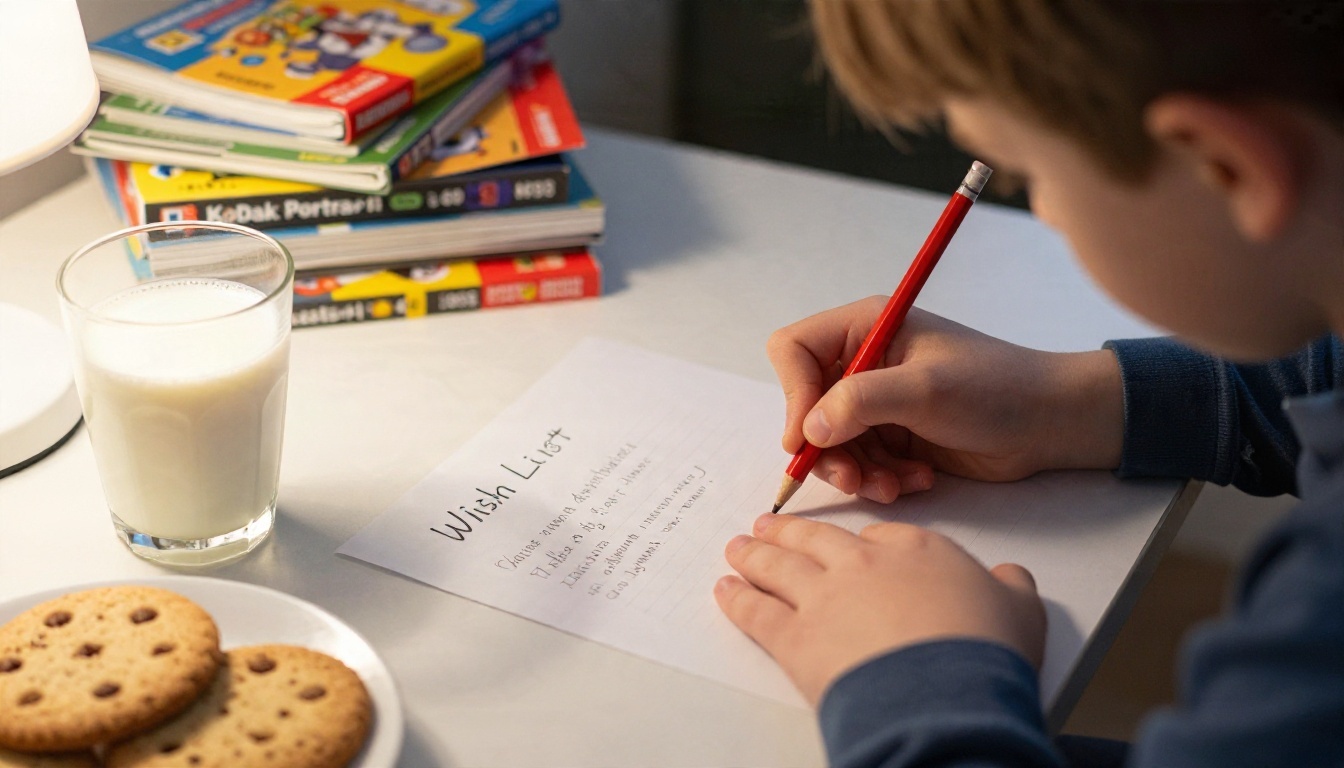
This is the simplest option. Give each child a spread: one page with their photo and favourite things, one page with five to eight gift ideas. Add size notes, preferred colours and a "please avoid" line so nobody buys a fourth dinosaur costume.
Template 2: The Shop Catalogue
A retail booklet works best with a short intro page, one page per age group, then a "last minute stocking fillers" page near the end. If you sell online, a Digital Catalog Maker flow lets you keep prices and product links tidy on every page.
Template 3: The School Fundraiser
Schools often sell gift wrap, books or handmade crafts. Keep the template to eight pages: a welcome from the teacher, four product pages, an order page and a deadline page. The School Newsletter Creator is a handy starting point for this style.
Layout Ideas That Actually Work
A good layout is mostly restraint. Kids' products are already loud, so the page around them should be calm enough to let the photos do the talking.
Start With a Strong Opening Spread
Your first page sets the mood. Use one warm, real photograph, a short headline and a line saying who the booklet is for. Avoid a crowded collage on page one. People decide in about three seconds whether to keep reading.
Grid or Feature Pages
Use a grid when you want people to compare many items quickly. Use a feature page when one product deserves a story, such as the best-selling toy of the season.
| Layout | Items per page | Best for | Watch out for |
|---|
| Single feature | 1 | Hero toys, bundles | Too many in a row feels slow |
| Two-up | 2 | Side-by-side comparisons | Needs matching photo sizes |
| Four-grid | 4 | Stocking fillers, budget picks | Text can get tiny on phones |
| Six-grid | 6 | Wish lists, quick browsing | Only works with very short captions |
| Story spread | 1 plus text | Handmade or local products | Keep text under 60 words |
Colour and Type Choices
Stick to a palette of two main colours and one accent. Classic Christmas red and forest green work, but cream, navy and gold look more grown-up and photograph well beside bright toys. Choose one friendly headline font and one plain, readable body font. Anything smaller than 12 pt in your PDF will be hard to read on a phone.
⚠️ Warning: Most readers will open your booklet on a phone. Preview every page at phone size before you share it. If you have to pinch to read a price, the layout needs more white space.
Photos That Make Toys Look Real
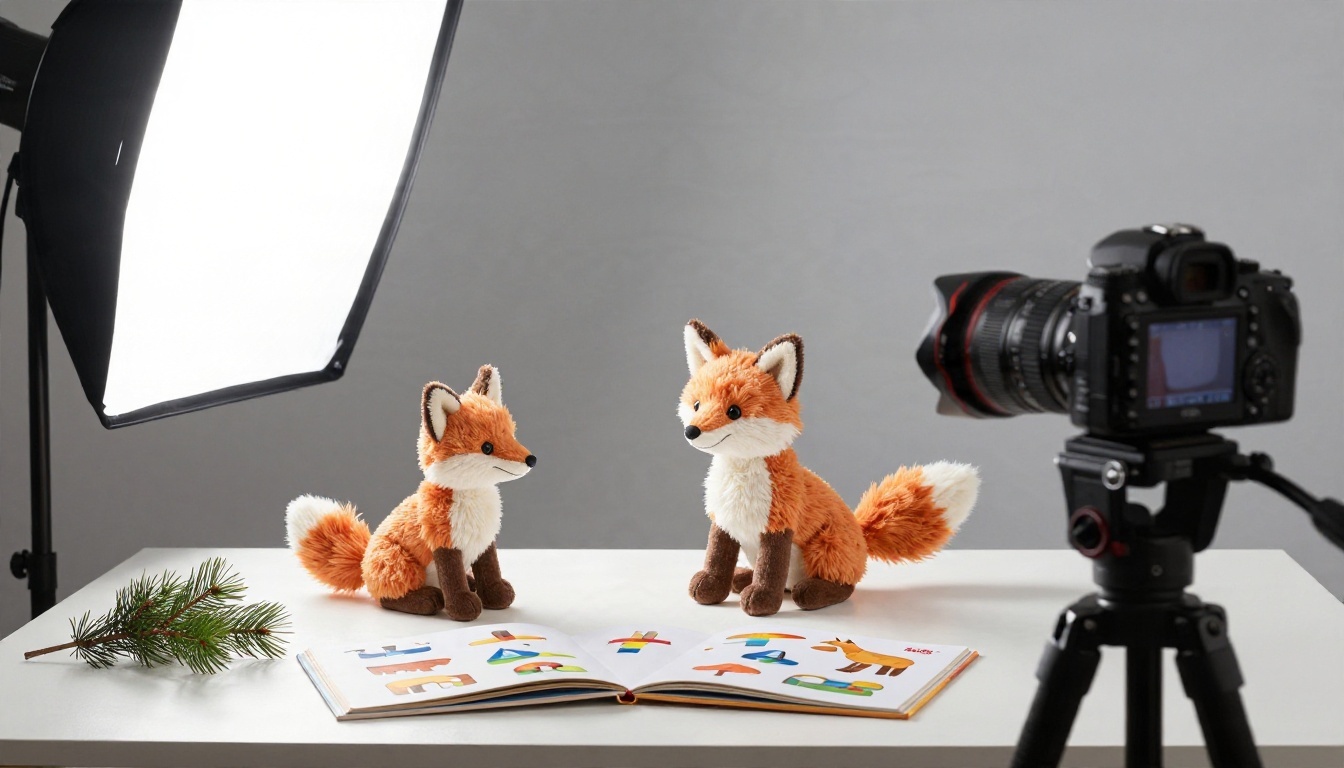
Real photos beat stock images. Natural window light, a plain table and a few pine sprigs give you a polished look with a phone camera. Shoot every product from the same angle and distance so the grid looks consistent.
Free Options Worth Using
You do not need a budget to build a good booklet. The workflow below costs nothing to try: design the pages in a free tool, export a PDF, then convert it to a flipbook.
| Step | What you need | Free route | When to upgrade |
|---|
| Page design | A layout tool | Free design apps, slide software, word processors | When you need brand fonts or print-ready bleed |
| Photos | Product images | Your phone camera, natural light | When you need studio consistency |
| Conversion | PDF to flipbook | Try Flipbooks AI free | When you need unlimited flipbooks or analytics |
| Hosting | A shareable link | Link or embed from your flipbook | When you need password protection |
| Sharing | Messaging, email | WhatsApp, email, social posts | When you want lead capture |
Free Design Starting Points
Slide software is surprisingly good for booklets. Set the slide size to portrait or A5, add a photo and a caption, duplicate the slide, and export as PDF. Word processors work too if you keep the layout simple and use tables for grids.
Where Free Runs Out
Free tools are great for a one-off family list. They get limiting when you want custom branding, tracking of who opened the booklet, or a private link for a school community. That is the point where a paid plan earns its keep. You can compare pricing plans when you reach it.
✅ Best practice: Build your first version entirely with free tools. Only pay once you know the booklet works and people are opening it.
How to Create a Christmas Gift Flipbook with Flipbooks AI
This tutorial assumes you already have a PDF of your booklet. If you only have photos and text, build a quick eight to twelve page PDF in any free design app first.

Step 1: Create Your Account
Head to Flipbooks AI and create an account. It takes a minute, and you can start with a simple test booklet before committing to anything.
Step 2: Upload and Convert Your PDF
- Click the upload button on your dashboard.
- Drag in your PDF. The PDF to Flipbook Converter turns each page into a flippable spread.
- Wait a few seconds while the conversion finishes.
- Flip through the preview and check that every page is sharp and in the right order.
💡 Pro tip: Export your PDF at a moderate resolution. Very large files take longer to load for grandparents on slow connections.
Step 3: Customize the Look
This is where the booklet starts to feel like yours.
- Branding: Add your logo, shop name or family name to the viewer.
- Colours: Match the background to your palette so the flipbook feels like part of the same design.
- Page effects: Choose the page-turn style and sound if you want that tactile feel.
- Multimedia: Embed a short audio greeting or a video clip of a toy in action. Kids love it, and it gives parents a better sense of the product.
Flipbooks AI never adds watermarks, so the finished booklet looks clean whichever plan you choose.
Step 4: Set Up Sharing
- Direct link: Copy the link and paste it into email or a messaging app.
- Embed code: Paste the embed snippet into your website so the booklet appears on a page, which is handy for shops. The Embed Flipbook on Website tool explains how.
- Password protection: Lock the booklet if it contains children's photos or personal details, and share the password only with people you trust.
Step 5: Use the Pro Features
On the Professional plan you can add analytics to see which pages get viewed most and lead generation to collect emails before readers reach certain pages. Offline downloads let relatives save the booklet and browse without a connection, which is useful on a long drive to the grandparents' house. Standard plans and above also give you unlimited flipbooks, so you can make one booklet per age group or per child.
Online Sharing Without the Chaos
The best booklet in the world fails if nobody can open it. Think about who is receiving it and what device they will use.

| Sharing method | Best audience | Privacy level | Effort |
|---|
| Direct link in a chat | Close family | Low (anyone with link) | Very low |
| Password-protected link | Extended family, school parents | High | Low |
| Embed on website | Shop customers | Public | Medium |
| Email newsletter | Customer lists | Medium | Medium |
| QR code on printed flyer | In-store and school visitors | Public | Medium |
| Offline download | Travellers, slow connections | High | Low |
Share With Relatives
For family lists, a password-protected link is the safest choice. Send it in one message with a short note: "Open on your phone, tap the arrows, and reply with what you plan to buy so we avoid doubles." Even better, add a column or page where people can mark items as taken.
Share With Customers
Shops should embed the booklet on a dedicated holiday page and link to it from the homepage, social profiles and email signature. A Product Catalog flipbook also works well when you want shoppers to click straight from a page to a product listing.
Share Through Schools and Clubs
A school can email a private link to parents and print a QR code on the paper newsletter for families without email. Offline downloads help if some families have limited data.
⚠️ Warning: If your booklet includes photos of children, always get permission and use password protection. Do not post names, ages and addresses together in public.
Real-World Examples
A Neighbourhood Toy Shop
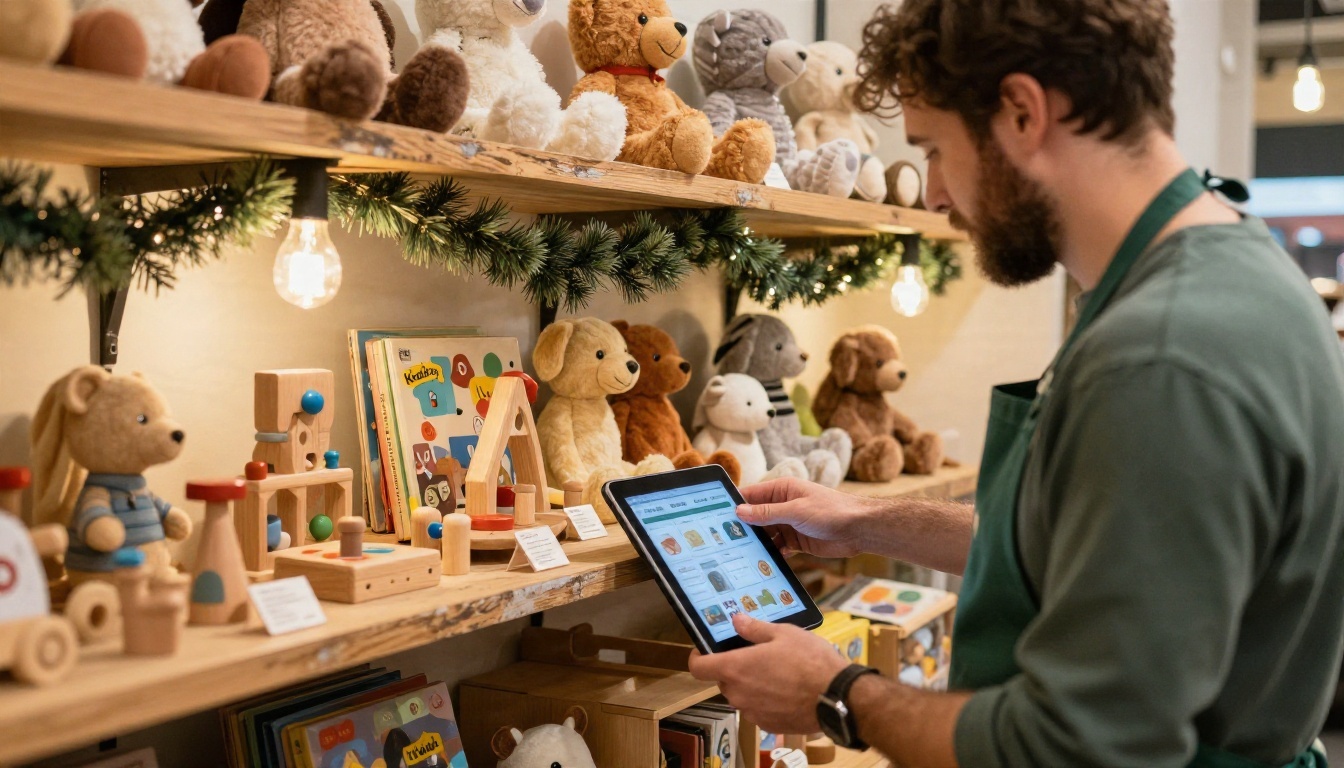
A small toy shop builds a twelve-page booklet with one page per age group, a "stocking fillers under a small budget" spread and a final page with opening hours. They embed it on their website, share a link in their newsletter and print a QR code for the shop window. Customers browse at home, then walk in with a short list, which saves staff time during the busy weeks.
A Primary School Class
A teacher gathers wish-list ideas from children, lets each child draw a favourite toy, scans the drawings and combines them into a booklet. Parents receive a private link. The class sees their drawings on the big screen, and families get a handy reference for gift ideas without sharing personal addresses.

A Family With Three Generations
One parent builds a booklet with a spread for each child. Grandparents get the link by message, aunts and uncles get the password-protected version, and everyone sees updates when the PDF is replaced. No more twelve separate texts with conflicting lists.
Flipbooks AI has dedicated tools for several formats. Here is how they fit a holiday project.
You can browse every option in the flipbook tools directory.
Mistakes to Avoid
Most weak booklets fail for the same few reasons. Check your draft against this list before sharing.
- Too many items per page. If every toy is the same size, none stand out. Limit grids to six.
- No age labels. Adults shopping for a stranger's child need guidance. Label every section.
- Tiny text. Prices and sizes should be readable without zooming.
- No order path. Add a clear line such as "Message us to reserve" or a link to the product page.
- Sharing too late. Gifts sell and ship out early. Release the booklet in early November, not the week before Christmas.
- Ignoring privacy. Use passwords for family lists and avoid personal details.
✅ Best practice: Send a short reminder two weeks before your deadline, with the same link. A reused link means you can update pages without confusing anyone.
Make Your Booklet Before the Rush
A good kids Christmas booklet does not need a design degree. It needs a clear purpose, age-based sections, calm layouts, a few honest photos and a link people can open without friction.
Ready to build yours? Get started for free on Flipbooks AI, upload your PDF and share your first flipbook in minutes. Browse the full set of tools and templates to find the format that fits, or compare pricing plans when you are ready for analytics, lead generation and unlimited flipbooks.



