Every December, thousands of great family photos sit in a camera roll, buried between screenshots and grocery lists. A Christmas photo album fixes that. It gives the best moments of the season a single home, a clear order, and a reason to be opened again next year. With a tool like Flipbooks AI, you can turn a simple PDF of your photos into a page-turning digital album in a few minutes, then share it with a link instead of mailing a heavy parcel.
This article walks through the ideas that work: print versus digital, themes that give your album a story, layouts you can copy for free, a step by step build, and gift tips for the people who matter most. Grab a mug of cocoa and open your photo library.
Why a Christmas Album Still Matters
Photos are easy to take and hard to find later. An album forces a small, pleasant act of choosing. You pick twenty or thirty frames out of hundreds, and in doing so you decide what the season was really about.
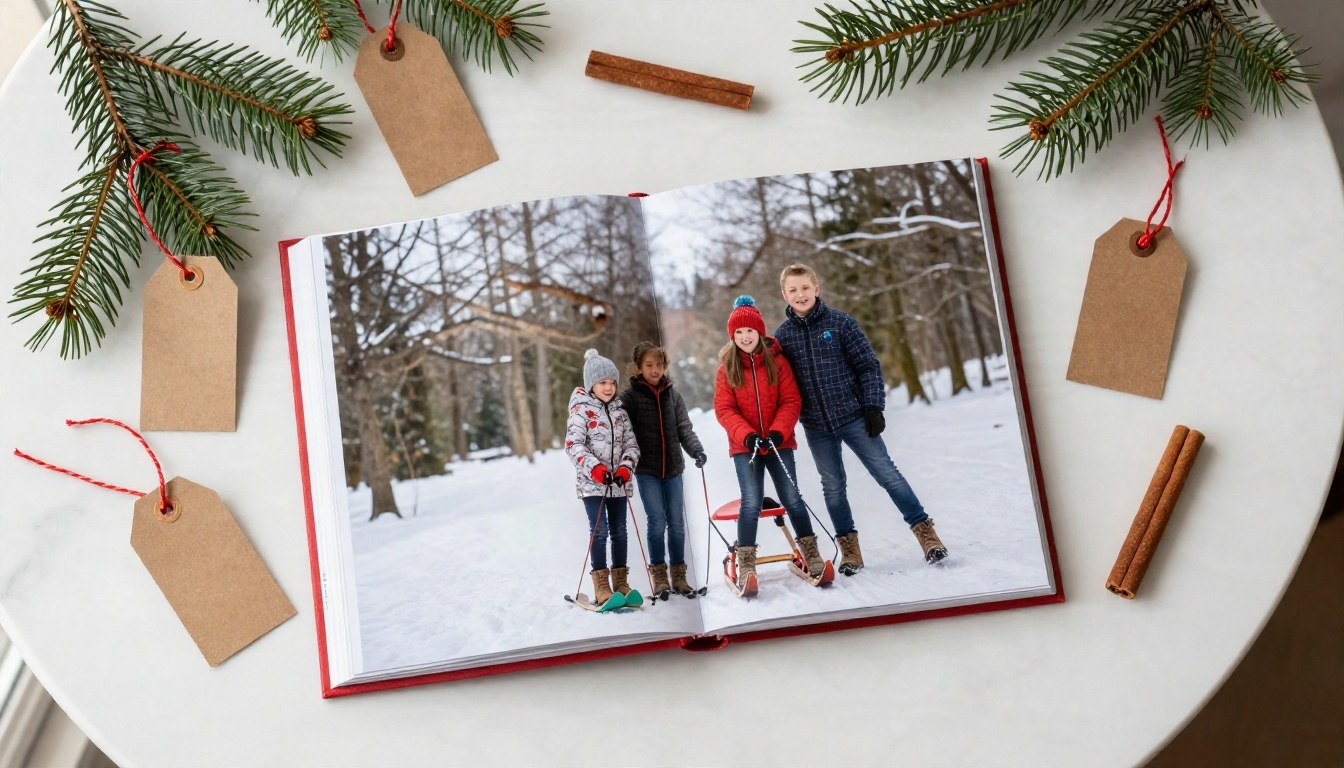
Print, Digital or Both?
There is no wrong answer, only a different fit for each family. Here is how the formats compare in everyday use.
| Format | Best For | Main Strength | Main Weakness |
|---|
| Printed album | Coffee table, grandparents | Tactile, no battery needed | Costly to copy and mail |
| Digital flipbook | Relatives far away | Shareable with one link | Needs a screen |
| Hybrid (print + QR code) | Gifts | Physical keepsake with video inside | Slightly more setup |
| Photo slideshow | Quick family screening | Fast to build | No page-by-page feel |
💡 Pro tip: If you only have an evening, build the digital version first. You can always print the same PDF later.
What Makes an Album Worth Reopening
The albums people keep returning to share three things:
- A clear story arc, from the first tree to the last wrapping paper
- Short captions with names, places and one funny detail
- Breathing room, meaning one strong photo per page beats six small ones
Digital Flipbook Ideas That Feel Alive
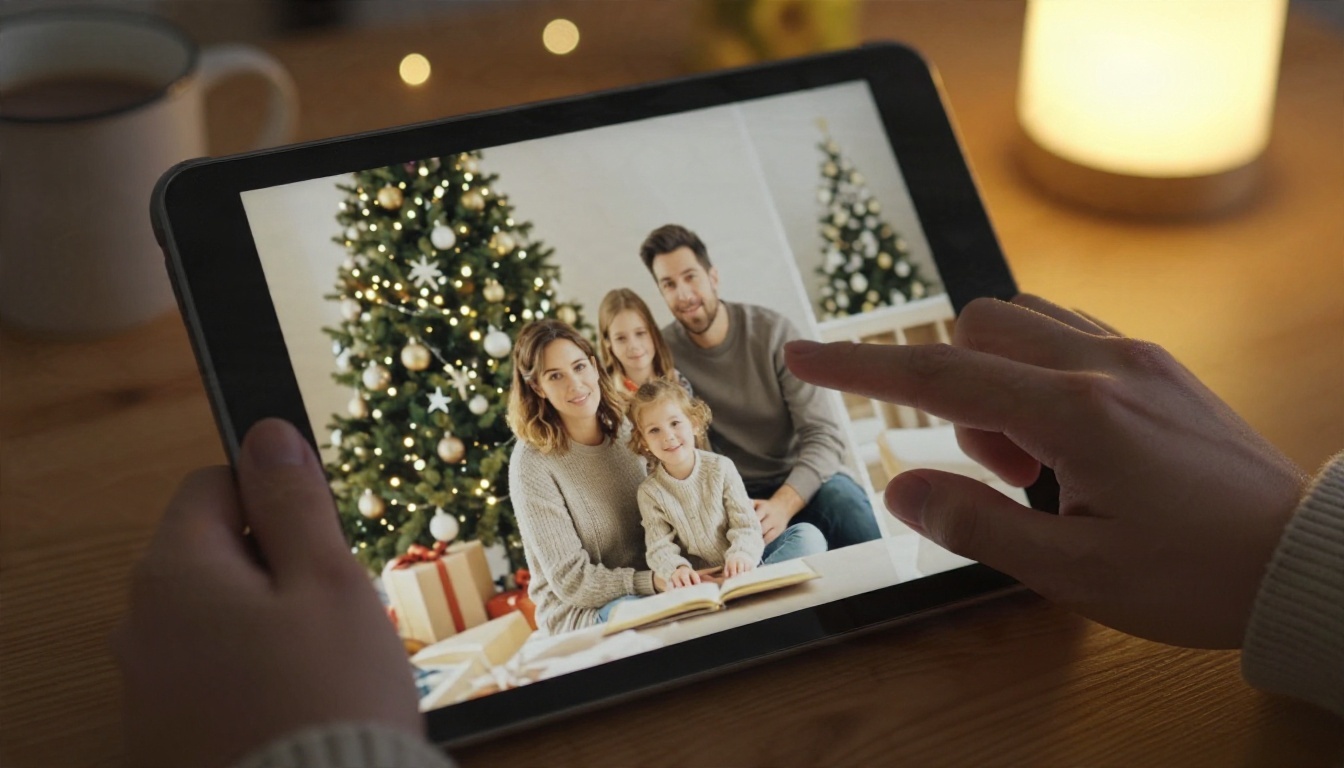
A flipbook is a PDF that behaves like a real book. Pages curl, the reader flips with a swipe or click, and the whole thing opens in a browser with no download needed. For a holiday album, that is a perfect match.
Page Turns That Delight Kids
Children love the page curl. It turns passive scrolling into something closer to opening a present. Because the layout is mobile-responsive, the same album works on a phone at grandma's house and on a laptop at the office.
Add Sound and Short Clips
Some of the best Christmas moments are not still frames. Think of the first note of a carol, a toddler shrieking at a stocking, or the sleigh bell your uncle insists on ringing. With a flipbook, you can embed videos and audio next to the photos they belong to. A single 15 second clip beside a portrait does more than a paragraph of text.
Make It a Yearly Series
Name each edition by year and keep the same cover style. After five Decembers you have a visual diary of how the kids grew, how the tree changed and which cookie recipe survived. The Recipe Book Flipbook tool pairs nicely with this if you want a baking chapter in the same file.
Family Themes Worth Building Around
A theme stops an album from becoming a random pile. Pick one thread and let every page pull on it. Here are the ones that consistently work.
| Theme | Photo Ideas | Mood | Suggested Pages |
|---|
| Three Generations | Grandparents, parents, kids side by side | Warm, nostalgic | 16 to 20 |
| Snow Day Adventures | Sledding, snowmen, red cheeks | Playful | 12 to 16 |
| Kitchen Chaos | Baking, icing fights, finished cookies | Funny, cozy | 10 to 14 |
| The Year in Review | One photo per month, ending in December | Reflective | 14 to 18 |
| Pets at Christmas | Dogs in antlers, cats in wrapping paper | Lighthearted | 8 to 12 |
| Traveling for the Holidays | Airports, road trips, new places | Adventurous | 12 to 20 |
The Three Generations Album
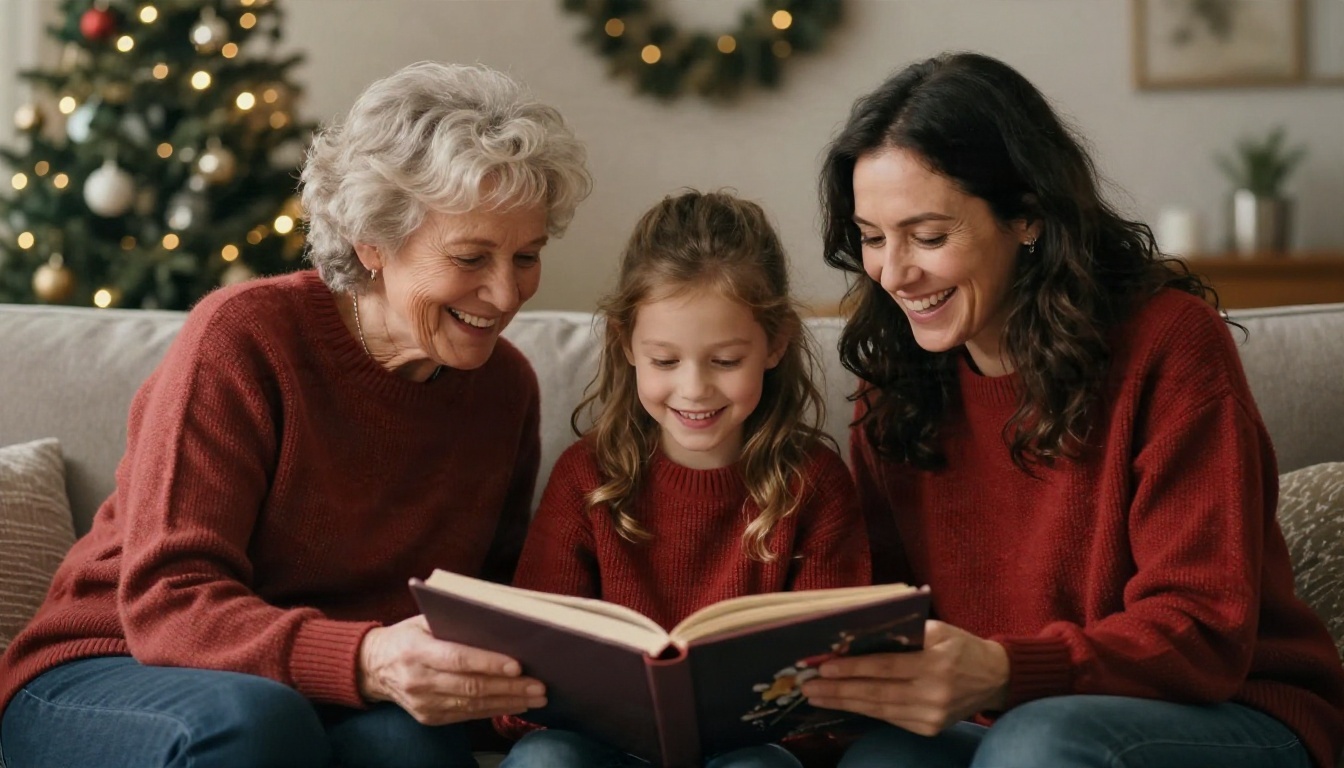
Gather photos of grandparents, parents and children doing the same activity: opening a gift, carving a roast, standing in front of the tree. Place them in matching pairs across a spread. Readers instantly see the family resemblance and the passing of traditions.
The Snow Day Album
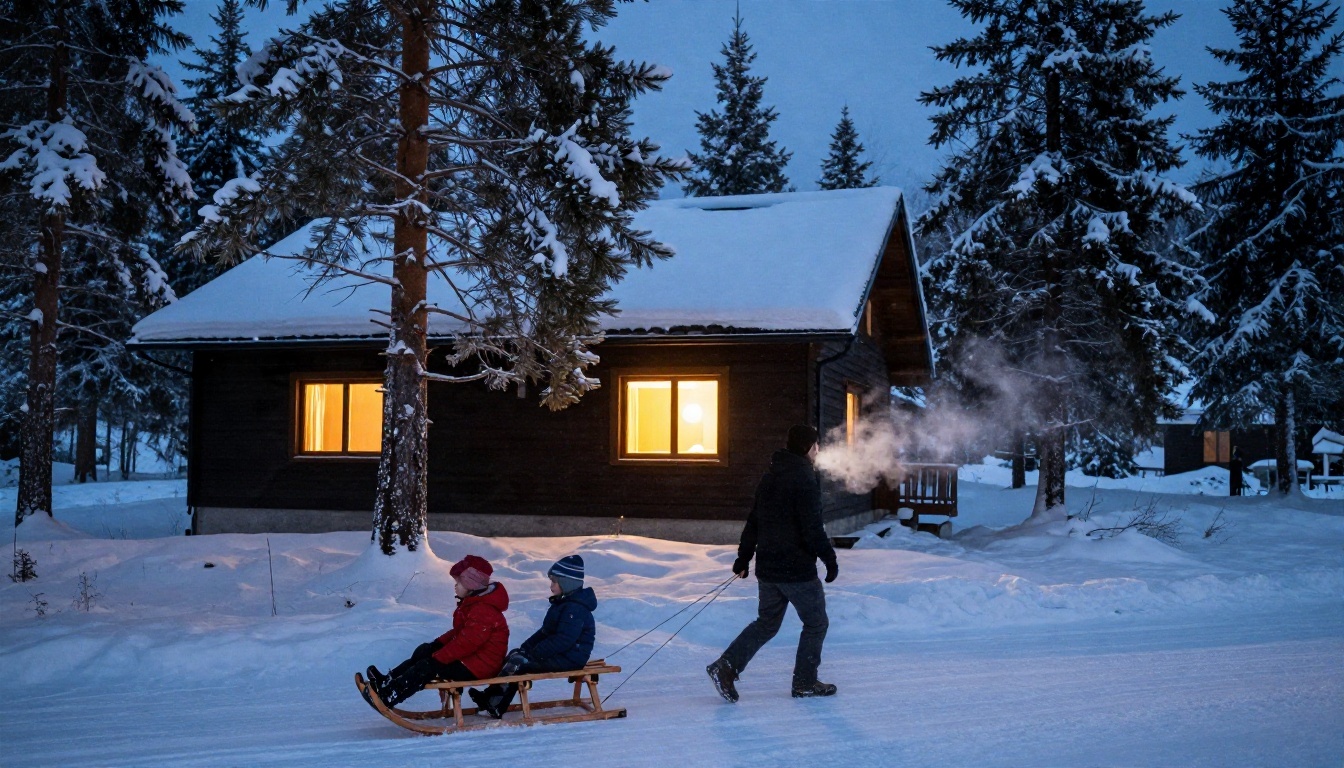
Outdoor winter photos have strong natural color: blue shadows, warm window glow, bright scarves. Group them by activity and add a short caption about who fell over first.
The Kitchen Chaos Album
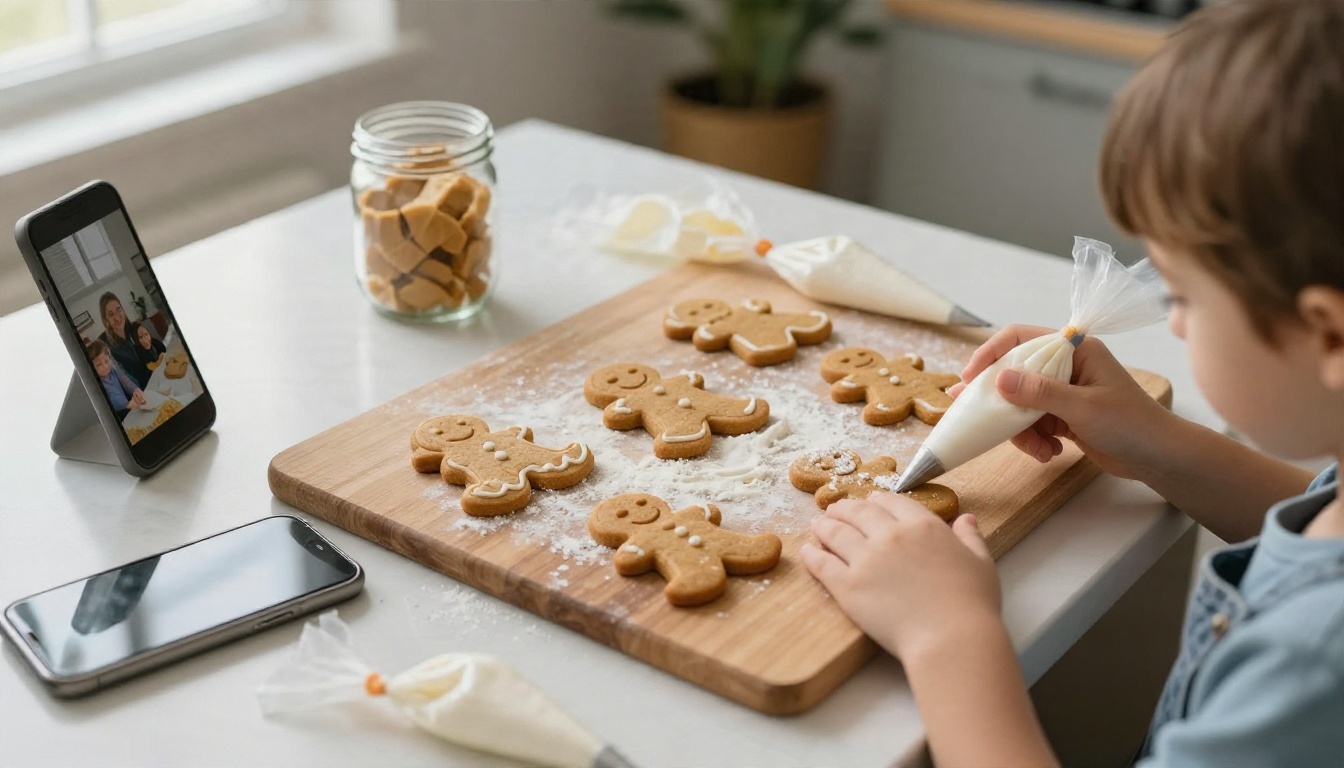
Holiday baking produces the most honest photos of the year. Flour on noses, uneven icing, a gingerbread house that collapsed. Let these imperfect shots lead, then end with the finished plate.
✅ Best practice: Put one portrait of every person present into the album, even if they hate being photographed. Years later it will be the page everyone looks at first.
The Year in Review Album
Pick one image from each month and add a single sentence. January's first snow, March's school play, July's beach, then slow down in December with a full spread. It is the easiest theme to build because the calendar does the sorting for you.
Free Templates You Can Copy Today
You do not need a design degree or a paid layout kit. These page structures are free to copy, and they work in any editor that exports a PDF, including Canva, Google Slides, PowerPoint and Pages.
Five Spread Layouts
| Layout | Structure | Use It For |
|---|
| The Hero | One full-bleed photo, tiny caption in a corner | Your best shot of the year |
| The Pair | Two equal photos with a shared caption | Then and now comparisons |
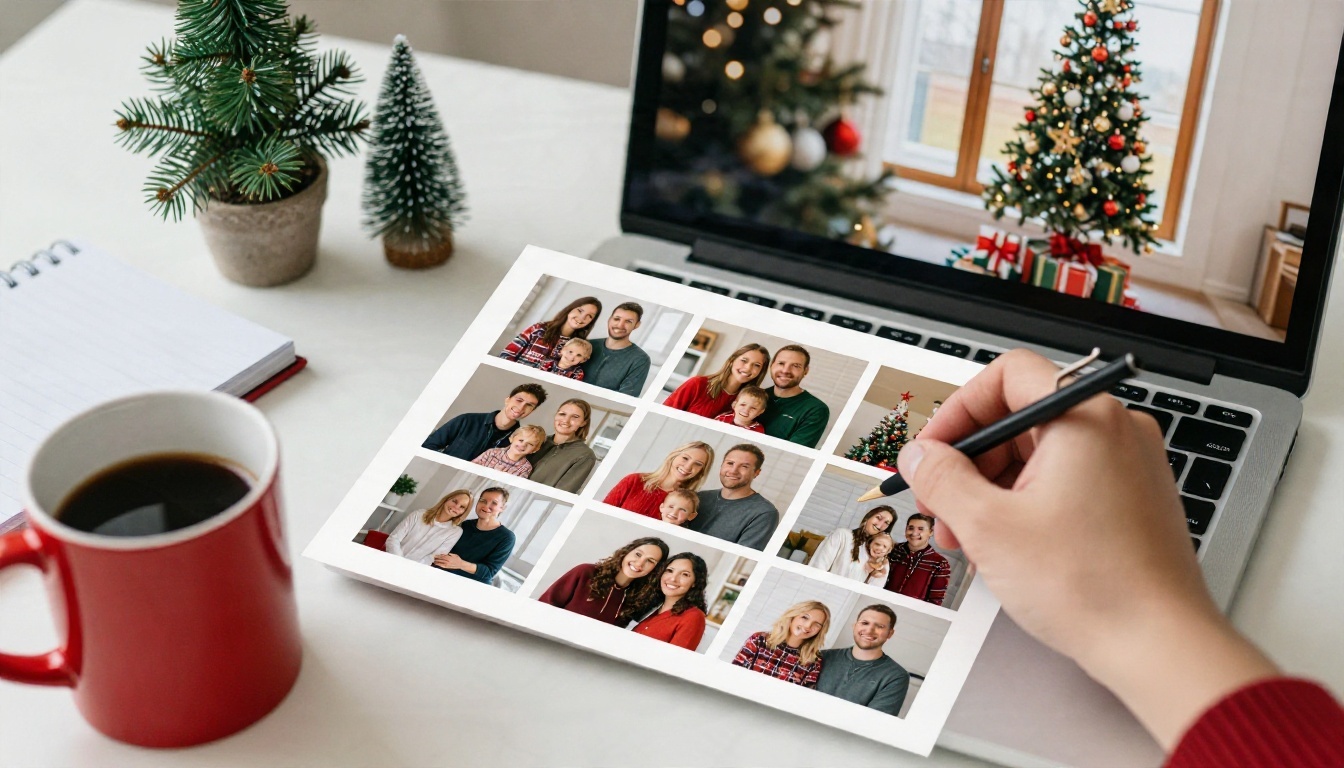
| The Grid of Four | Four square photos, generous white gaps | Cookie decorating, gift opening sequences |
| The Timeline | Three photos in a row with times written under each | Christmas morning, hour by hour |
| The Quote Page | Solid color background with one family quote | Pacing, a pause between chapters |
Set your page size to landscape 11 x 8.5 inches (or A4 landscape) so photos from most phones fit without awkward cropping.
Caption Formulas That Work
Short captions are easier to write and nicer to read. Borrow one of these patterns:
- Who + what + where: "Mia and Dad, hanging the last ornament, hallway."
- The quote: "'I think the dog ate the angel.' Uncle Tom, 7:42 a.m."
- The number: "37 cookies. 4 survived."
- The year marker: "Christmas 2026: the year of the very tall tree."
A Simple Color Palette
Stick to two or three colors so the pages feel designed. Deep evergreen, warm cream and a muted red give you a classic look that stays out of the way of the photos. Avoid heavy borders and busy snowflake backgrounds, which compete with faces.
How to Create a Christmas Album with Flipbooks AI
Once your pages are ready as a PDF, the conversion takes minutes. This is the process from a blank screen to a shareable link.
- Open the platform. Go to Flipbooks AI and create a free account.
- Upload your PDF. Drag your album file into the uploader. The PDF to Flipbook Converter turns each page into a flippable spread and keeps the photo quality sharp.
- Preview the page turns. Click through the album as if you were the recipient. Check that no caption is cut off and that spreads are paired in the right order.
- Customize the look. Change the background color to a deep green or cream, add custom branding such as a family name, and choose the page effect that suits you.
- Add multimedia. Place a short video or an audio clip next to the matching photo. Keep clips under 30 seconds.
- Publish and share. Copy the direct link, or use the embed option if your family keeps a shared website.
💡 Prefer a ready-made structure? Browse all flipbook tools, including the Wedding Album Flipbook and the Photography Portfolio, which both adapt well to holiday albums.
Privacy for Family Photos
Children's pictures deserve care. Turn on password protection so only the people you choose can open the album, and share the password in a separate message from the link. There are no watermarks, so the album looks like yours, not an advertisement.

Extra Features Worth Knowing
| Feature | What It Does | Plan |
|---|
| Unlimited flipbooks | Build one album per year, per branch of the family | Standard and above |
| Offline downloads | Lets relatives with poor reception save a copy | Available per plan |
| Analytics | Shows how many people opened the album | Professional |
| Lead generation | Collects emails, useful if you sell holiday photo sessions | Professional |
If you are a photographer sharing seasonal mini-session galleries with clients, the analytics and lead tools on the Professional plan are worth a look. Check the pricing plans to see what fits your use.
Gift Tips That Actually Land
Albums make strong gifts because they are personal and impossible to buy in a shop. The trick is matching the format to the person.

Who Gets Which Format
| Recipient | Best Format | Why It Works |
|---|
| Grandparents | Printed album with a QR code to the flipbook | They hold the book, then watch the videos |
| Parents | Year in Review flipbook | A summary of a busy year they missed |
| Siblings abroad | Password-protected digital link | Instant delivery, no shipping delay |
| Close friends | Short 10 page flipbook, private link | Lower pressure, easy to share back |
| Your partner | Printed hardcover plus a hidden audio page | A private message at the end |
The QR Code Trick
Print your flipbook link as a QR code on a small card and tuck it under the ribbon or inside the back cover. The recipient gets something to unwrap and something to scan. Test the code on two different phones before wrapping.
A Realistic Budget
- Digital only: the cost of a plan, or nothing if you stay within a free tier
- Digital plus small print: add the price of a printed copy, usually modest at a local print shop
- Premium hardcover: best saved for milestone years, such as a first Christmas as parents
Mistakes to Avoid
Even a lovely idea can fall flat. Watch for these.
⚠️ Too many photos. An album with 120 images feels like homework. Aim for 20 to 30 strong pages.
- Starting too late. Printing and shipping slow down after mid-December. Build the digital version in November.
- Low resolution files. Photos pulled from a messaging app are compressed. Use originals when possible.
- Forgetting a test run. Open the link on a phone and a laptop before sending it.
- Unlabeled faces. Future you will not remember which cousin is which. Name everyone.
- Sharing a public link. For family albums, always set a password.
Make This Year's Album Today
You already have the photos. What you need now is a theme, a handful of layouts and a link to send. Choose one theme from the table above, copy two or three of the free page structures, and export a PDF. Then get started for free on Flipbooks AI and watch your pages turn into a real flipbook.
Looking for more formats, from recipe books to newsletters? Browse the full set of tools and templates. When you are ready to share beyond your inner circle or track who opens the album, compare pricing plans and pick what works for you. Your family will thank you the next time the tree goes up.



