Every December the same thing happens. You scroll through gift lists, add three scented candles to a cart, and then remember that the best present you ever received was a handful of printed photos in a shoebox. A Christmas photo book gift fixes that problem. It turns the 4,000 pictures buried on your phone into something a person can hold, flip through and keep for decades. And with Flipbooks AI you can also send a digital page-turning version the same minute you finish it, so the gift lands on time even if the printed copy is still in the mail.
This article walks through what to put in the book, 12 ideas that work for different people, real layouts you can copy, a free online workflow from first photo to shared link, and the mistakes that ruin most holiday photo books.
Why a Photo Book Beats Most Gifts
Most gifts get used, then forgotten. A photo book gets revisited. People pull it off the shelf at Christmas, at birthdays, on sad days, on slow Sunday afternoons. That repeat value is hard to match with a sweater or a gadget.
The Emotional Math
Think about what you actually give when you hand over a photo book:
- Time: hours of sorting, choosing and arranging that the receiver can feel on every page.
- Memory: moments they may have forgotten, or never saw from your angle.
- Proof of attention: you noticed the small things, like the dog asleep on the stairs or the burnt pancakes.
💡 Pro tip: Add one photo the receiver has never seen. A candid shot taken from across the room usually gets the biggest reaction.
Print, Digital or Both?
You do not have to pick one format. Here is how the options compare:
| Format | Best for | Delivery speed | Sharing with relatives | Risk |
|---|
| Printed book only | Shelf-worthy keepsake | Slow, shipping dependent | One copy, one household | Late delivery |
| Digital flipbook only | Last-minute gifts, far-away family | Instant | Unlimited, one link | Feels less physical |
| Both together | Most Christmas gifts | Instant plus later | Everyone gets a copy | Slightly more work |
The "both" route is what I recommend. Send the link on Christmas morning, and let the printed copy arrive as a second present in January. Nobody minds a gift that keeps arriving.
12 Christmas Photo Book Gift Ideas
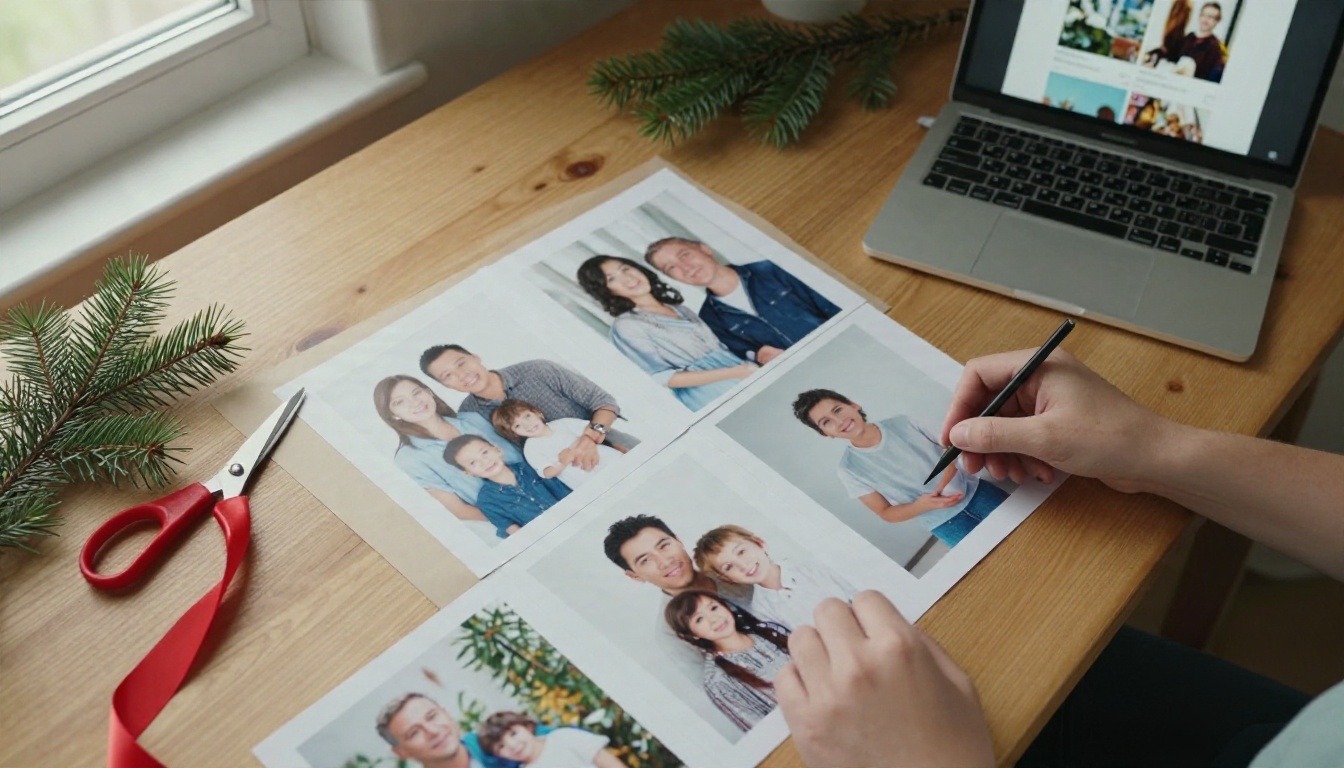
The best books have a single clear theme. "Our family photos" is a weak theme. "The year Dad learned to bake bread" is a strong one. Here are ideas sorted by who you are shopping for.
For Grandparents
- The Grandkids Year Book: one spread per month, with a short caption in each child's own words.
- Then and Now: an old black and white photo of the grandparent on the left page, a recent photo recreating it on the right.
- Recipes and Faces: their signature dishes next to photos of the people who eat them. Pair it with the Recipe Book Flipbook tool if you want the recipes to be flippable too.
For Partners
- Our Year in 52 Weeks: one favorite photo per week, with a single sentence.
- Every Place We Have Been: a travel story with map screenshots and ticket stubs. The Travel Guide Flipbook format works nicely here.
- Reasons I Love You: 30 photos, each paired with one specific reason. Keep it honest and a little funny.
For Parents
- Family Tree in Photos: start with the oldest scanned photo you can find and work forward.
- The Childhood Edition: baby photos, school photos and one embarrassing haircut per decade.
- The House Story: the home you grew up in, room by room, before it changes.
For Kids, Friends and Colleagues
- Kid Authored Adventures: the child is the hero of a short story illustrated with real photos.
- Friend Group Highlight Reel: a year of inside jokes, trips and group selfies.
- Team Year in Review: a light, funny recap for a small office, with photos from events and project wins.
Here is how these ideas stack up by effort and impact:
| Idea | Photos needed | Effort | Emotional impact | Best giving moment |
|---|
| Grandkids Year Book | 24 to 36 | Low | Very high | Christmas morning |
| Then and Now | 10 to 16 | Medium | Very high | Family dinner |
| Our Year in 52 Weeks | 52 | Medium | High | Christmas Eve |
| Reasons I Love You | 30 | Medium | Very high | Private moment |
| Family Tree in Photos | 20 to 40 | High | Very high | Large gathering |
| Friend Group Highlight Reel | 20 to 30 | Low | High | Group chat link |
| Team Year in Review | 15 to 25 | Low | Medium | Office party |
✅ Best practice: If you have under two hours, choose Grandkids Year Book or Friend Group Highlight Reel. They need the least writing and still land well.
Real Examples You Can Copy
Ideas are easy. Layouts are where people stall. These three examples are simple enough to rebuild in one evening.
Example 1: The Monthly Spread
A mother of two wanted a gift for her own parents. She made a 14 page book: a title page, 12 monthly spreads, and a final page with a family portrait. Each spread had one large photo, two small photos and a caption like "March: first lost tooth, first lost patience." Total build time was about three hours, mostly spent choosing photos.
Example 2: The Single Story
A man made a book for his wife about the one road trip where everything went wrong, from the flat tire to the motel with the broken sign. Each page had one photo and two lines. Short books like this tend to be finished, which is the point. A 12 page book that exists beats a 60 page book that never leaves your drafts folder.
Example 3: The Group Contribution
A group of six siblings each sent 8 photos and one memory about their father. One person assembled everything into a 30 page book and shared it as a link. The father got a flipbook with his children's voices in it, and each sibling could forward the link to their own kids.
| Example | Pages | Build time | Contributors | Format shared |
|---|
| Monthly Spread | 14 | About 3 hours | 1 | Link plus print |
| Single Story | 12 | About 2 hours | 1 | Link |
| Group Contribution | 30 | About 5 hours across a week | 6 | Link plus print |
How to Make One Free Online

Here is the workflow I use. The idea is simple: design your pages in any tool you already like, export a PDF, and let Flipbooks AI turn that PDF into a flipbook with real page-turning motion. You can create an account and try it before you pay for anything. Check the pricing page to see what each plan includes.
Step 1: Build Your Pages
Use whatever you are comfortable with: Google Slides, Canva, PowerPoint, Apple Pages or even a photo editing app. Follow these rules:
- Pick a single page size, such as square or landscape, and keep it for every page.
- Use a plain background. White, cream or soft green looks best against holiday photos.
- Limit each page to one to four photos.
- Keep text above 14 pt so it reads clearly on a phone.
- Export as PDF at high quality.
Step 2: Upload the PDF
Go to the PDF to Flipbook Converter, drop your PDF in, and wait a moment while it converts. Each page of your document becomes a page of the flipbook. If you are making a more polished album, the Wedding Album Flipbook and Photography Portfolio tools are close matches for photo-heavy projects.
Step 3: Customize the Look
Once the flipbook is open, adjust the details that make it feel like a gift:
- Background color: deep red, forest green or warm cream suit the season.
- Page effects: choose the page curl and sound if you want it to feel like a real book.
- Branding: add your own title or a family name rather than anything commercial.
- Multimedia: embed a short video of the kids singing or an audio message from you. Flipbooks AI supports embedded video and audio.
There are no watermarks, so the finished book looks like yours and yours alone.
Step 4: Share It Instantly
Copy the direct link, paste it into a message, or embed the flipbook on a family page using the Embed Flipbook on Website tool. If the book is private, switch on password protection so only the people you choose can open it.
Step 5: Use the Pro Features
If you are building a book for a large group, a club or a business, the Professional plan adds extras. Analytics shows you who opened the book and how long they stayed. Lead generation is useful for small businesses sending a seasonal thank-you book to customers. You can also allow offline downloads, which helps for relatives with poor internet. See plans and pricing for the details.
⚠️ Warning: Always double check the page order before you export the PDF. It is much easier to fix a page in your design tool than to reupload.
Instant Sharing Options Compared

The big advantage of a digital flipbook is speed. You can finish at 11 pm on December 23 and the gift is open in someone's hand at 11:01. Here is how the main sharing methods compare:
| Method | Setup time | Privacy | Works on phone | Best for |
|---|
| Direct link | 10 seconds | Anyone with the link | Yes | Group chats, email |
| Password protected link | 1 minute | High | Yes | Private family books |
| Embed on a website | 5 minutes | Depends on your site | Yes | Family pages, blogs |
| Offline download | 2 minutes | Medium | Yes | Relatives with weak internet |
| QR code on a card | 5 minutes | Medium | Yes | Printed Christmas cards |
Send It With the Card
Print the link as a QR code on the back of your Christmas card. Guests scan it and the book opens right in their phone browser. This is a lovely way to include extended family who would never get their own printed copy.
Share With a Group Chat
Drop the link in the family group chat on Christmas morning with a one-line message. Do not explain the whole book. Let people discover the pages themselves.
Keep It Private When Needed
Some photo books contain children, home interiors or sensitive memories. Use password protection and send the password in a separate message. It takes one extra minute and protects the people in your photos.
Timeline and Last Mile Tips
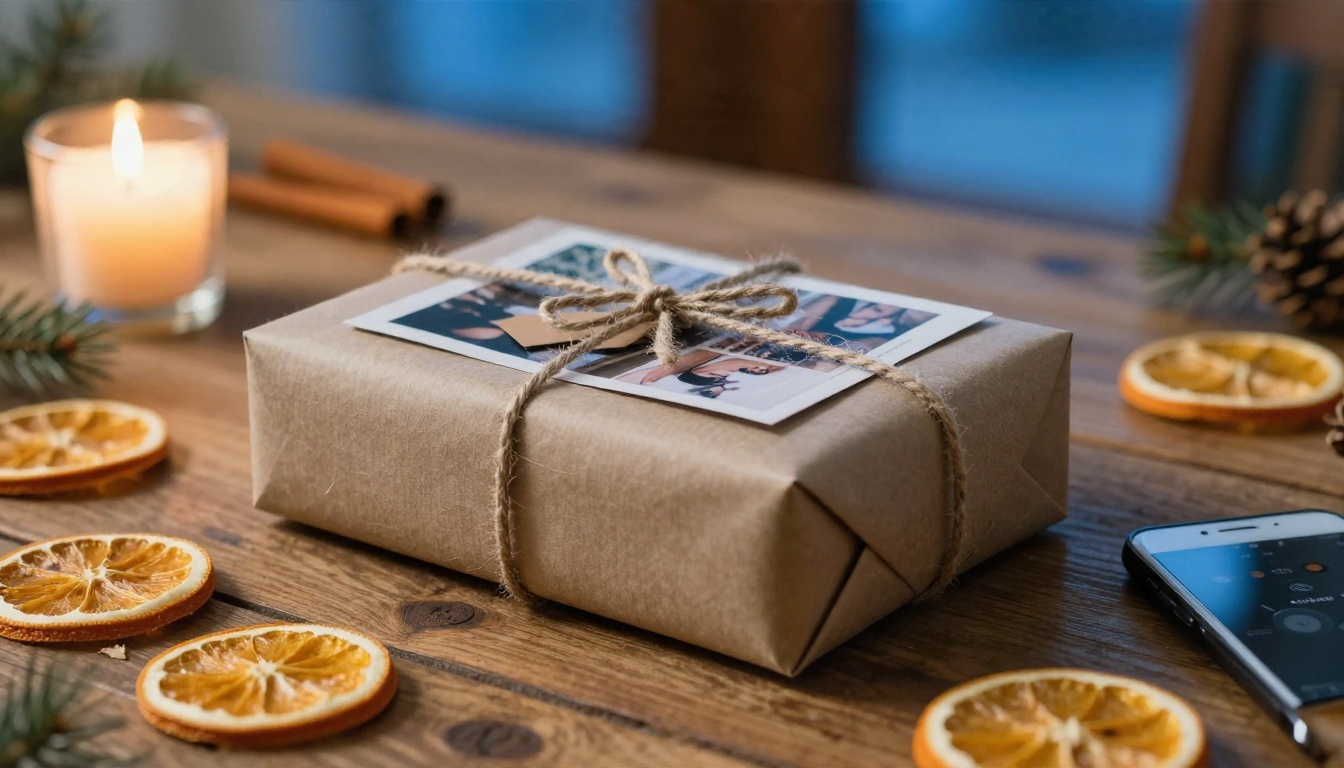
Printed books need lead time. Digital flipbooks do not. Plan like this:
| Date | Task |
|---|
| Early November | Pick the theme, gather photos into one folder |
| Mid November | Draft pages, write captions |
| Late November | Export PDF, create the flipbook, test on a phone |
| Early December | Order the printed copy, if you want one |
| December 20 to 24 | Share the digital link as a backup or main gift |
| Christmas morning | Present the book, in person or by link |
💡 Pro tip: Wrap something small, like a folded card with the QR code, and place it in a gift box. The reveal is half the fun.
Make the Handoff Feel Special
If you are giving the digital version, do not just text a link. Write a note, print the QR code on a pretty card, or sit next to the person while they open it. The medium is digital, but the moment can still be personal.
3 Mistakes That Ruin Photo Books
Most disappointing books fail for the same reasons. Avoid these:
- Too many photos per page. Four is the limit. Past that, nothing gets attention.
- Low resolution images. Photos pulled from messaging apps look soft. Use originals from your phone gallery or camera.
- No story. A random pile of pictures feels like a camera roll. A theme, even a simple one, makes it feel like a book.
Two bonus mistakes: forgetting to proofread captions, and forgetting to test the link on a phone before sending it to someone who will only open it on a phone.
Send Yours Before Christmas
A photo book is the gift people remember because it is made from their own life. You do not need design skills, a big budget or a free week. You need a theme, a folder of photos and one evening.
Ready to start? Create your free account on Flipbooks AI, upload your PDF and share the finished book with a single link. Browse all the flipbook tools to find the format that fits your project, or compare pricing plans if you are making books for a larger group. Your Christmas photo book gift can be ready tonight.



