Every December you take hundreds of photos, and by January they are buried between screenshots and grocery lists. A Christmas photo story fixes that. Instead of dumping pictures into a shared folder, you arrange them into a short narrative with a beginning, a middle and an ending, then publish it as a page-turning book that relatives can open on any phone. With a tool like Flipbooks AI, the whole process takes an evening, and the result looks like a printed album without the printing bill.
This article walks through story ideas that actually work, page layouts you can copy, free template structures, and the best ways to share the finished book online.
Why Tell a Story, Not Just Post Photos
A pile of pictures asks the viewer to do the work. A story does the work for them. When photos follow a sequence, even a so-so shot gains meaning because of where it sits.
Pick One Thread
Every strong holiday story has a single thread running through it. It might be the countdown to Christmas morning, the journey of one recipe, or the hunt for the perfect tree. Choose the thread first, then pick photos that serve it. Anything that does not fit goes into a bonus section at the back.
💡 Pro tip: Write your thread as one sentence before you open any photo app. "The year the dog ate the gingerbread house" is a better brief than "Christmas 2026 photos."
Shoot in Chapters
Think in scenes rather than snapshots. For each scene, try to capture three types of frames:
- A wide shot that shows where you are
- A medium shot that shows what is happening
- A close detail such as hands, ornaments or frosting
These three frames give you the raw material for a full page spread without needing extra photos.
Christmas Photo Story Ideas That Work
These five formats are popular because they give you a ready-made structure. Pick one, or blend two.
The 24 Hours Story
Start with the quiet of Christmas Eve and end with the last wrapped gift on Christmas night. This format works well because time provides the order for you. Pages can be labeled by clock time, such as "6 AM" or "Noon."
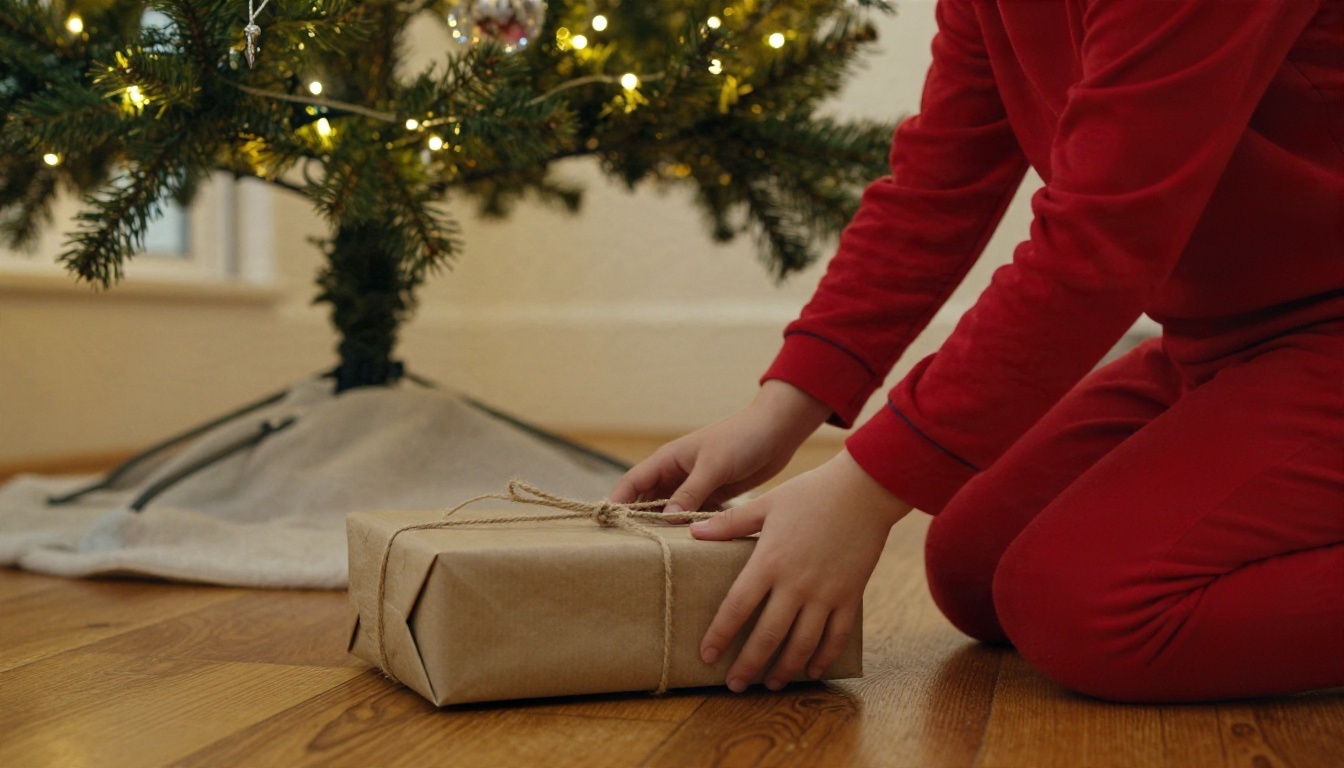
Low-angle shots like this one make children look at home in the scene. Get down to their level.
The Tree Hunt Story
Great for families who cut their own tree. The story follows the drive, the search, the argument over which tree is best, the haul home and the final decorating. It naturally includes outdoor light, which makes for beautiful opening pages.

Golden hour backlight gives a tree hunt story a warm, cinematic opening page.
The Baking Day Story
Pick one recipe and follow it from flour to first bite. Flat-lay photos taken from above work perfectly here, and you can add the recipe text beside the images. If you plan to turn this into a keepsake cookbook, the Recipe Book Flipbook tool is a natural next step.
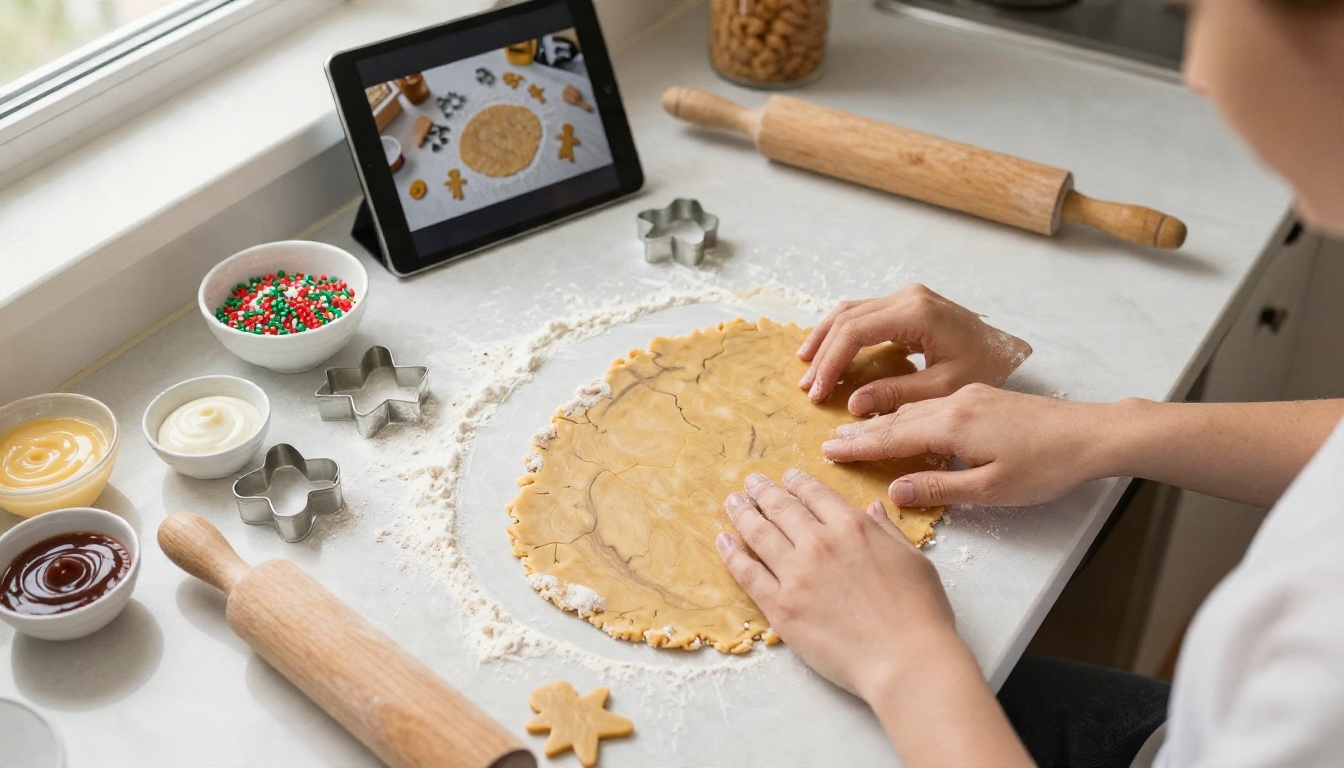
An overhead angle turns a messy counter into a tidy, graphic page.
The Letters and Lists Story
Photograph handwritten letters to Santa, wish lists, cards on the mantel and the envelope pile on the doormat. This format is wonderfully nostalgic and costs nothing to produce. Pair each handwriting photo with a portrait of its author.
The Year in Review Story
Pull one standout photo from each month, then close with December. It is the easiest story to build from an existing camera roll, and it suits families who did not plan to shoot a "project" this year.
| Story Idea | Best For | Photos Needed | Difficulty |
|---|
| 24 Hours | Families with young kids | 30 to 40 | Easy |
| Tree Hunt | Outdoor lovers | 20 to 30 | Easy |
| Baking Day | Cooks and grandparents | 25 to 35 | Medium |
| Letters and Lists | Nostalgic keepsakes | 15 to 20 | Easy |
| Year in Review | Busy households | 12 to 24 | Easy |
Layouts Worth Copying
Layout is where a photo story either sings or collapses. You do not need design training. Three patterns cover almost every situation.
The Single Hero Page
One large photo fills the page, with a short caption of ten words or fewer. Use this for your strongest image: the moment the tree lights came on, or the first look at the stockings. Hero pages create a pause, which gives the reader room to breathe.
The Grid Page
Four to six photos of equal size arranged in a tidy grid. This works for sequences, like the six stages of decorating a tree. Keep the gaps between photos even, and keep captions off the grid, placing them below.
The Filmstrip Spread
Three or four photos in a horizontal row across two pages, showing a quick burst of action. It mimics a film strip and suits fast moments such as wrapping paper flying open.
| Layout | Photos per Page | Mood | Use It When |
|---|
| Single Hero | 1 | Calm, emotional | You have one perfect shot |
| Grid | 4 to 6 | Orderly, playful | Showing a sequence |
| Filmstrip Spread | 3 to 4 | Energetic | Capturing quick action |
| Collage | 5 to 8 | Casual, scrapbook | Mixing old and new pictures |
| Text and Photo | 1 plus text | Warm, personal | Telling a family anecdote |
✅ Best practice: Alternate between busy pages and calm ones. After a grid, give the reader a hero page. The rhythm keeps people turning pages.
Free Template Structures You Can Copy
You can build a good book without buying a template pack. The structures below are simple page plans. Copy one into your own design tool or presentation software, export it as a PDF, and you are ready to publish.
The 12 Page Story
Perfect for a quick share with grandparents and cousins.
- Title page with one hero photo
- Short intro note, one paragraph
- Grid of the preparation (decorating, wrapping)
- Hero page of the tree
- Filmstrip of Christmas Eve
- Hero page of the morning light
- Filmstrip of gift opening
- Text and photo page with a funny moment
- Grid of the meal
- Hero page of the whole family
- Collage of small details
- Closing page with a thank-you line
The 20 Page Keepsake
Use the 12 page plan, then add a second grid for each major scene, an extra text page for traditions and a final spread of group portraits. This is the right size for a year-in-review story.
The 6 Page Card
A flipbook greeting card. A title, three hero photos, a message and a closing wish. It is small, quick and easy to send by link instead of a paper card.
| Template | Pages | Build Time | Best Audience |
|---|
| Card | 6 | 30 minutes | Friends and coworkers |
| Story | 12 | 1 to 2 hours | Extended family |
| Keepsake | 20 | 3 to 4 hours | Your own archive |
How to Create a Christmas Photo Story with Flipbooks AI
Once your pages are designed and exported as a PDF, turning them into an interactive book is quick. Here is the workflow.
- Sign up. Go to Flipbooks AI or create an account. You can begin without a long setup.
- Upload your PDF. Drag the file into the uploader. The PDF to Flipbook Converter turns each page into a flippable spread, keeping images sharp.
- Check page order. Flip through once on screen. Make sure your hero pages land on the right side of each spread.
- Customize the look. Pick a background color that suits the season, such as deep green or warm cream. Choose page-turn effects and sound if you like the paper-rustle feel.
- Add extras. Drop in a short video clip of the kids singing or an audio message from grandma. Embedded media is the thing a printed album cannot do.
- Publish and share. Copy the direct link, or grab the embed code for a family website.
Customize Without Overthinking
Stick to two or three colors. Add your family name or a small logo-style mark if you want a branded feel, and keep the interface clean. The book is mobile-responsive, so it adapts to phones, which is where most relatives will open it.
Share and Protect
Family photos, especially of children, deserve privacy. Turn on password protection so only people with the code can open your book. Because there are no watermarks, the finished flipbook looks like your own project, not an advertisement.
Pro Features Worth Knowing
If you are sending the story to a large group, such as a school class or a club, the Professional plan adds analytics so you can see how many people opened the book, plus lead generation tools for community projects. You can allow offline downloads for relatives with unreliable internet. See the pricing plans to compare what each level includes, and note that unlimited flipbooks come with the Standard plan and above.
💡 If you want a more polished look for a photography-heavy story, the Photography Portfolio tool offers layouts tuned for large images.
Sharing Online Without the Chaos
Email attachments bounce. Group chats compress your pictures into mush. A flipbook link avoids both problems because every viewer sees the same crisp pages.

Most relatives will open your story on a phone, so test it on one before sending.
Link, Embed or Download?
| Sharing Method | Setup | Privacy | Best For |
|---|
| Direct link | Copy and paste | Medium, or high with a password | Text messages and email |
| Embed code | Paste into a page | Depends on the site | A family blog or website embed |
| Password-protected link | Add a passcode | High | Photos of children |
| Offline download | Enable in settings | High | Grandparents with weak signal |
A Simple Sending Plan
- Day one: Send the link to your closest family in a message with a one-line teaser.
- Day three: Post a short note in the wider family group chat, with the password if needed.
- Boxing Day or New Year: Send a reminder, since many people open holiday content days later.
A real-world example: a mother in Ohio built a 12 page story of her kids' first Christmas with their new puppy. She sent one link to eleven relatives in four time zones and had replies within the hour, with no one asking her to resend a single photo.
Common Mistakes to Avoid
⚠️ Warning: Do not upload full-size camera originals into a design file without resizing. Files that are too large slow the book down on mobile.
- Too many photos. More than 40 pictures in a 12 page story feels crowded. Cut ruthlessly.
- No captions. Names and dates vanish from memory fast. Add a short line to each page now, not in five years.
- Inconsistent color. Mixed warm and cool edits make the book look disjointed. Apply the same filter or editing preset to every image.
- Forgetting the cover of the story. A clear title page tells people what they are about to read. Put your best image there.
- Skipping a phone test. Open the finished book on a small screen and check that text is readable.
If you want other ideas for family projects, browse the full set of flipbook tools, including the Wedding Album Flipbook for another milestone worth preserving.
Ready to Share Your Story?
You already have the photos. What is missing is the order, a few good layouts and a place to publish them. Choose a story idea from the list above, copy one of the 12 page template structures, and export your PDF.
Then get started for free on Flipbooks AI, upload your file, and send the link to the people who matter. If you plan to make more than one book this year, compare pricing plans and pick the level that fits. And if you want to turn the whole thing into a lasting family archive, try the Interactive E-Book Publisher next.
Your Christmas photo story is waiting in your camera roll. Give it a beginning, a middle and an ending, and it will be the thing your family reopens every December.



