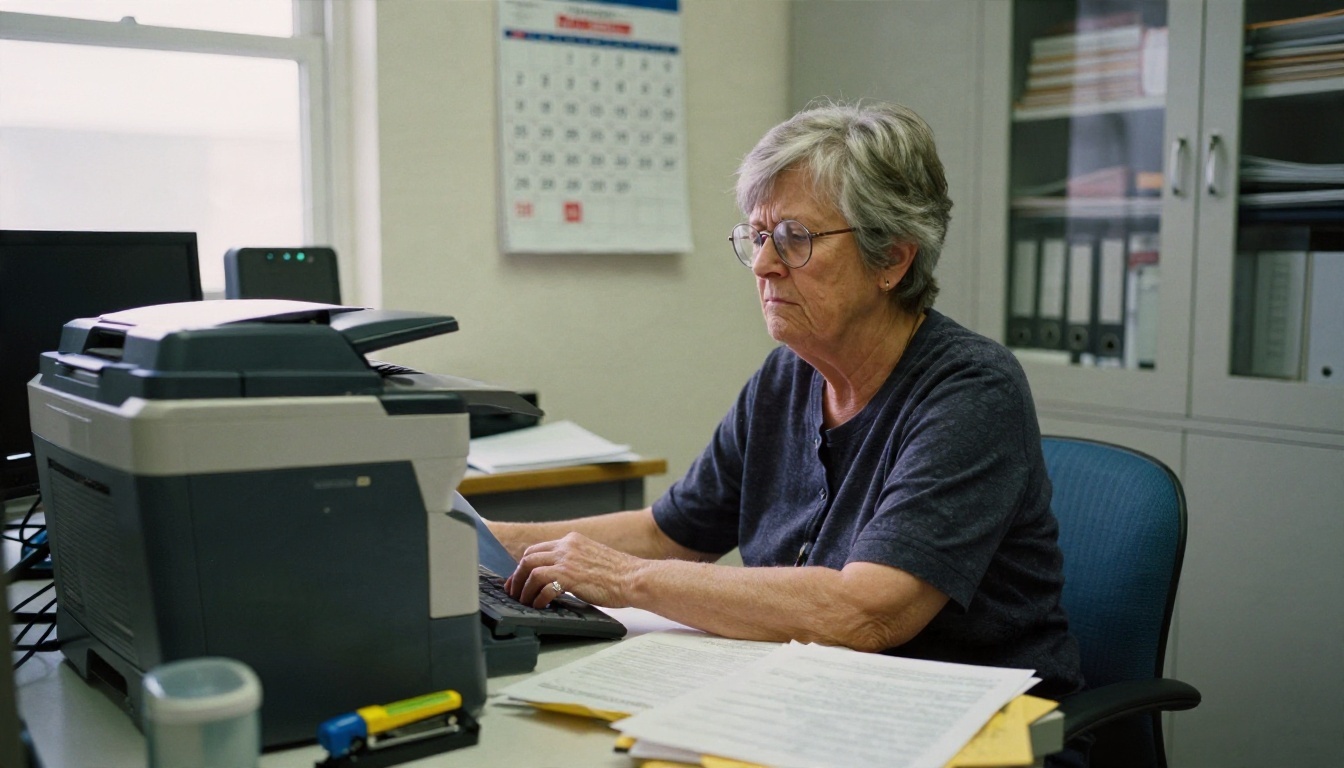
Every Saturday night, someone in your church is standing over a copier, praying it does not jam. If that sounds familiar, you are not alone, and you are not stuck with paper. Today there are plenty of church bulletin alternatives that cost little or nothing, look polished, and reach members on the devices they already carry. Tools like Flipbooks AI turn a simple PDF into a page-turning online bulletin in minutes, while free design apps and email platforms fill other needs. This article compares the real options, shows you which templates work, and walks through a full tutorial so you can publish this week.
Why Paper Bulletins Fall Short
Paper bulletins carry a lot of sentiment. Many people love holding one during the service. But the weekly routine behind them is heavier than most leaders admit.

The Hidden Weekly Cost
Add up paper, toner, copier lease, staples and volunteer hours. A church printing 200 bulletins a week can easily spend several hundred dollars a month, and that is before anyone counts the time spent folding. The bulletin is also out of date the moment a prayer request changes on Monday.
- Printing supplies: paper, ink, toner and machine repairs
- Labor: layout, proofing, printing, folding and stacking
- Waste: unused copies left in pews, then recycled
- Lag time: no way to fix a typo or update an event after printing
Who Gets Left Out
Visitors, homebound members, college students and traveling families never see the paper copy. Members who miss a Sunday miss the announcements too. A digital bulletin reaches all of them with a single link, and it can sit on your website as a permanent archive.
💡 Pro tip: Do not frame this as paper versus digital. Most churches keep a small print run for people who prefer it and publish a digital version for everyone else.
Your Main Alternatives Compared
There is no single replacement that fits every congregation. Here is how the common options stack up.
| Option | Typical cost | Best for | Weak spot |
|---|
| Free design apps (Canva, Google Docs) | Free to low | Good looking layouts | Output is a static file, not a reading experience |
| Email newsletter tools | Free tier available | Weekly reminders | Long layouts get clipped or look cramped |
| Church management software | Paid monthly plan | Large churches with staff | Cost and setup time |
| Website announcement page | Free if you have a site | Quick updates | Hard to archive or print |
| Flipbook style digital bulletin | Free to start | Polished, shareable, embeddable | Needs a PDF to start |
Free Design Tools
Apps like Canva or Google Docs are the usual starting point. They give you drag and drop layouts and plenty of church themed graphics. The catch is the export. You end up with a PDF that people have to download, pinch and zoom on a phone. That is where converting it to a flipbook solves the reading problem.
Email Newsletters
Email works well for short weekly notes: a verse, three announcements, a link. It struggles with a full order of service, a calendar, and photo pages. Many churches use email as the delivery vehicle and put the full bulletin behind a link.
Church Management Software
Platforms built for churches often include a bulletin or announcement feature. If your church already pays for one, check what it offers before buying anything else. If not, the monthly fee is hard to justify for bulletins alone.
Flipbook Style Digital Bulletins
A flipbook is a PDF that behaves like a real publication: pages turn, links work, and it fits any screen. It combines the best part of paper (the page-by-page feel) with the best part of digital (instant updates and sharing). You can also try the Newsletter Flipbook Publisher for weekly or monthly formats.
Free Online Maker Options
"Free" can mean very different things, so check the fine print before you build a month of bulletins on a tool you may outgrow.
What Free Should Include
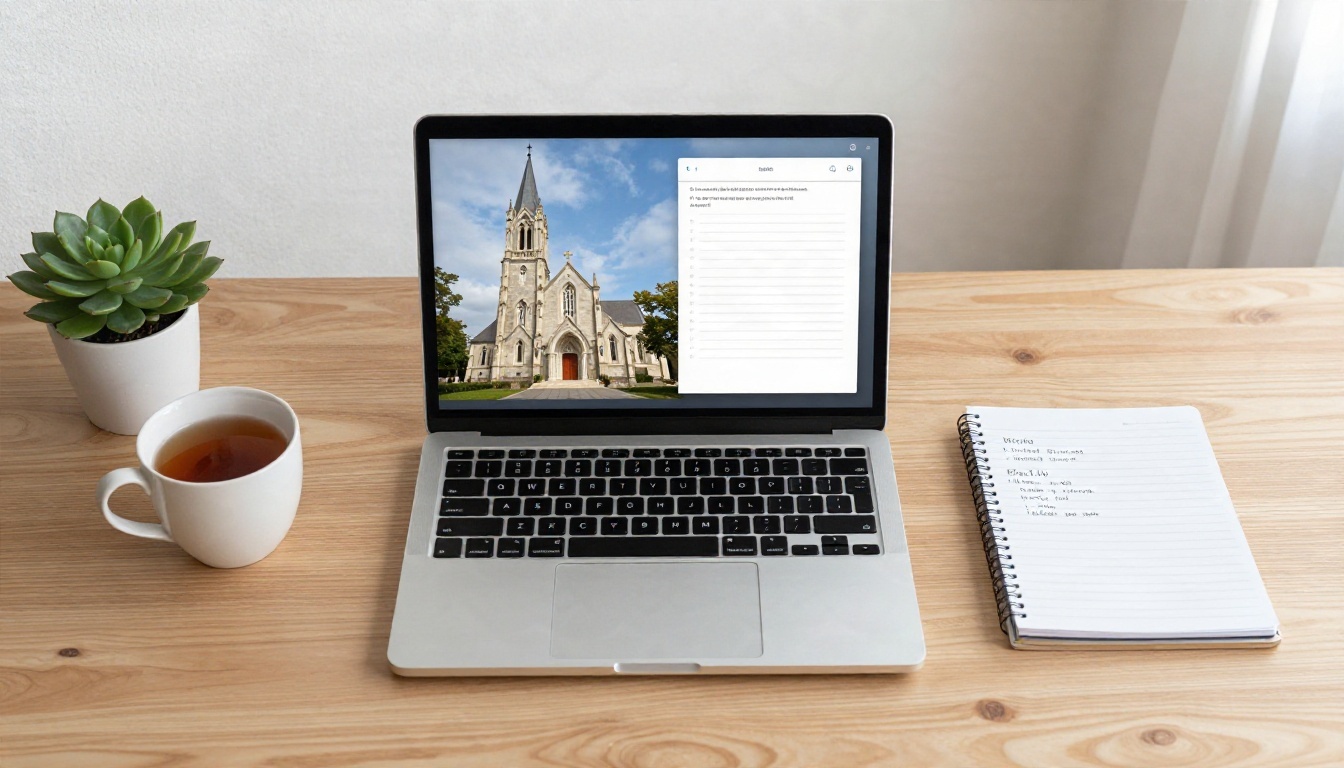
A truly useful free maker for a church should let you:
- Publish without a watermark across your pages
- Use your own church colors and logo
- Share a link or embed on your website
- Read comfortably on a phone
- Keep past bulletins available as an archive
Watch for Hidden Limits
Some tools give you a free trial that expires, add their logo to every page, or lock exports behind a paid plan. For a church, a watermark on every bulletin looks unprofessional and is hard to explain to members.
| Common limit | Why it matters for churches |
|---|
| Forced watermark | Distracts from your message and branding |
| Page or file caps | Holiday bulletins run long |
| No embed option | Cannot place the bulletin on your site |
| Expiring links | Old bulletins vanish from your archive |
| No password option | Cannot protect member only prayer lists |
⚠️ Warning: Never put private prayer requests or member contact details in a public bulletin. Use a separate, password protected edition for sensitive content.
Bulletin Templates That Work
A good template saves hours. Whether you start in Canva, Google Docs or Word, the structure matters more than the styling.

Sections Every Bulletin Needs
Keep the layout predictable so members find things fast. A reliable order looks like this:
| Page | Content | Tip |
|---|
| Front | Church name, date, sermon title, photo | One strong image, little text |
| Inside left | Order of service | Use short lines, large type |
| Inside right | Announcements | Limit to five items |
| Calendar | Week ahead and events | Put times first |
| Back | Contact info, giving link, QR code | Make the next step obvious |
Seasonal and Special Services
Christmas Eve, Easter, weddings and funerals each call for their own layout. Build one master template per occasion, save it, and reuse it every year. For printed programs at special events, the Event Program Maker is a handy starting point.
Make It Readable
Use at least 12 point text for print, and keep high contrast between text and background. Many of your members read on small screens, so avoid tiny type and crowded columns.
✅ Best practice: Write the weekly announcements in a shared document so several volunteers can contribute, then lock the layout once on Thursday.
How to Create a Bulletin with Flipbooks AI
Once you have a PDF from any design tool, turning it into a digital bulletin takes only a few minutes. Here is the full process using Flipbooks AI.

Step by Step Setup
- Create your account. Visit Flipbooks AI and sign up.
- Export your bulletin as a PDF from Canva, Google Docs, Word or your layout tool.
- Upload the PDF. Drag the file into the dashboard, or use the PDF to Flipbook Converter. Conversion takes moments, and each page becomes a turnable flipbook page.
- Check every page. Flip through on desktop and on your phone to confirm text is readable.
- Publish and copy the link. Your bulletin is now live.
Customize the Look
Add your church logo, choose colors that match your branding, and select page turning effects. You can embed a sermon video or audio recording so members can listen right from the bulletin. Everything is mobile responsive, and there are no watermarks, ever.
Share It Everywhere
You have several ways to deliver the finished bulletin:
- Direct link: paste into text messages, email and social posts
- QR code: print it on a card at the welcome table
- Embed code: place the bulletin on your site using the Embed Flipbook on Website tool
- Password protection: limit private editions to members only
Pro Plan Features
On the Professional plan you get analytics, so you can see how many people open each bulletin and which pages they read. Lead generation forms can capture visitor details for follow up, and offline downloads let members save a copy. Check the pricing plans for the right fit, and browse all flipbook tools for related formats.
| Feature | Basic use | Pro use |
|---|
| Page turning flipbook | Yes | Yes |
| Custom branding | Yes | Yes |
| Embed and share links | Yes | Yes |
| Password protection | Yes | Yes |
| Analytics | No | Yes |
| Lead generation | No | Yes |
💡 Pro tip: Keep the same link every week by updating the bulletin file instead of creating a new one. Members then bookmark one address and always see the latest edition.
Real Church Examples
Here is how different congregations put these ideas to work.
A Small Rural Congregation
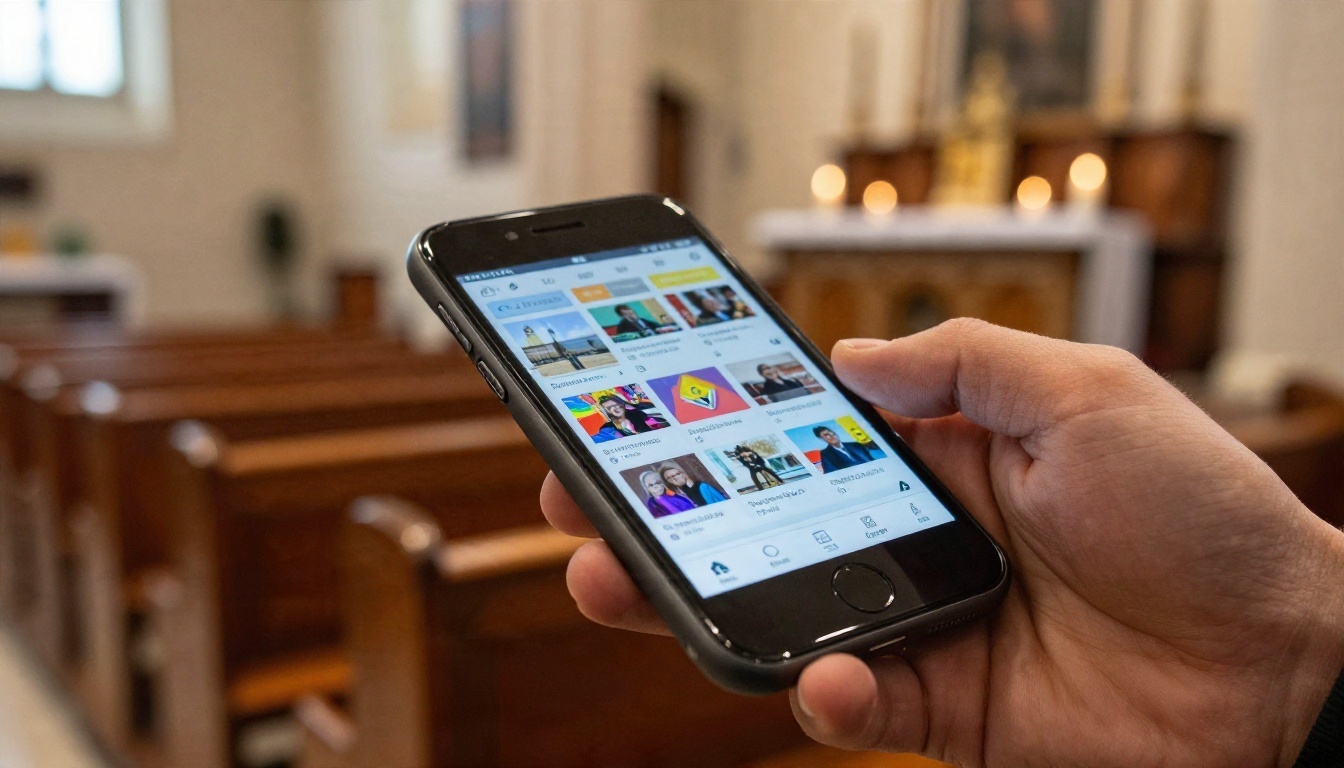
A church of 60 people had one volunteer who handled the bulletin. She moved from printing 70 copies to printing 20 and sending a link to everyone else. Printing costs fell, and members who live far away started reading it on Saturday night.
A Multi Site Church
Churches with several campuses need one source of truth. They publish a shared bulletin with a page per campus, then link to each campus page from the main site. Updates happen in one place, and every location stays in sync.
A Church With Older Members
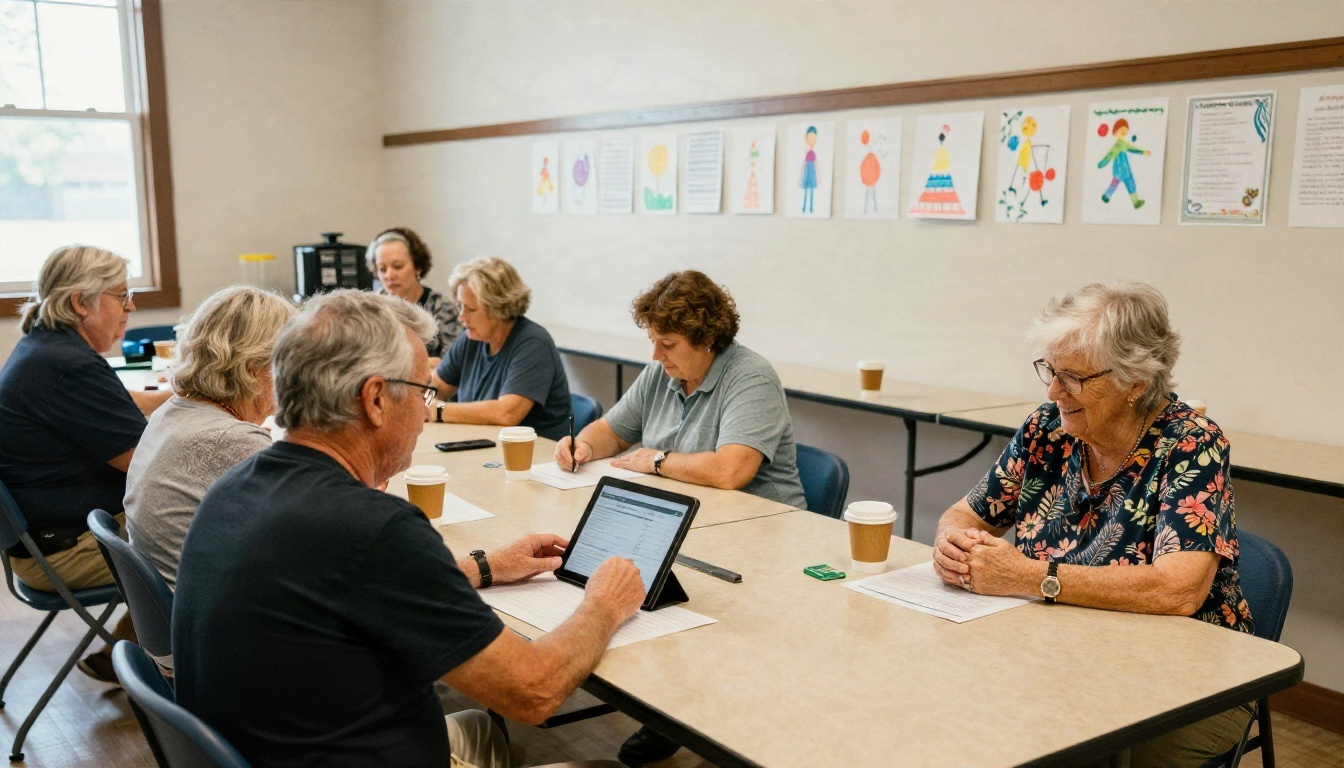
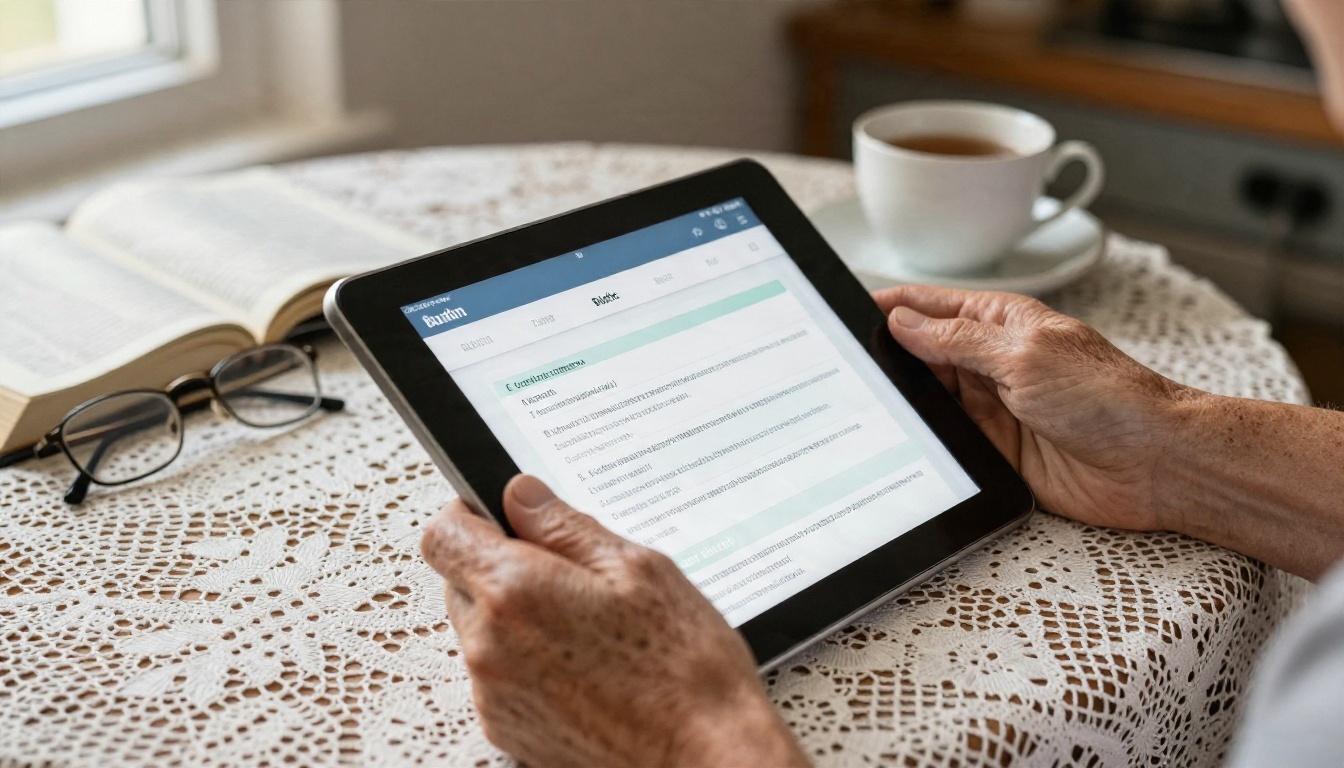
Do not assume older members dislike digital. Many enjoy zooming in on large print text on a tablet. Offer both, train a few greeters to help, and let people choose.
Mistakes to Avoid
Switching formats is easy. Switching habits takes care. Watch for these common slips.
- Going digital only overnight. Keep a small print run for the first few months.
- Overloading the front page. One image and a clear title beat ten announcements.
- Forgetting the archive. Past bulletins help new visitors see what your church is like.
- Skipping a phone test. Always check the layout on a small screen before sharing.
- Using copyrighted music and images. Check licenses for hymn lyrics and photos.
Quick Decision Table
| If your church... | Start with |
|---|
| Has no designer | A free template plus a flipbook conversion |
| Sends mostly short notes | An email newsletter with a link |
| Already pays for management software | Its built in bulletin feature |
| Wants a polished, shareable bulletin | A flipbook style digital bulletin |
| Needs a yearly report as well | The Non-Profit Annual Report tool |
Pick Your Option and Publish
You do not need a big budget or a design degree to retire the Saturday night copier scramble. Start with a template, export a PDF, and put it online. Your congregation will thank you, and your volunteers will get their evenings back.
Ready to publish your first digital bulletin? Get started for free on Flipbooks AI, browse all available tools and templates, or compare pricing plans to choose what works for your church.



